Automatic Keyboard Typer
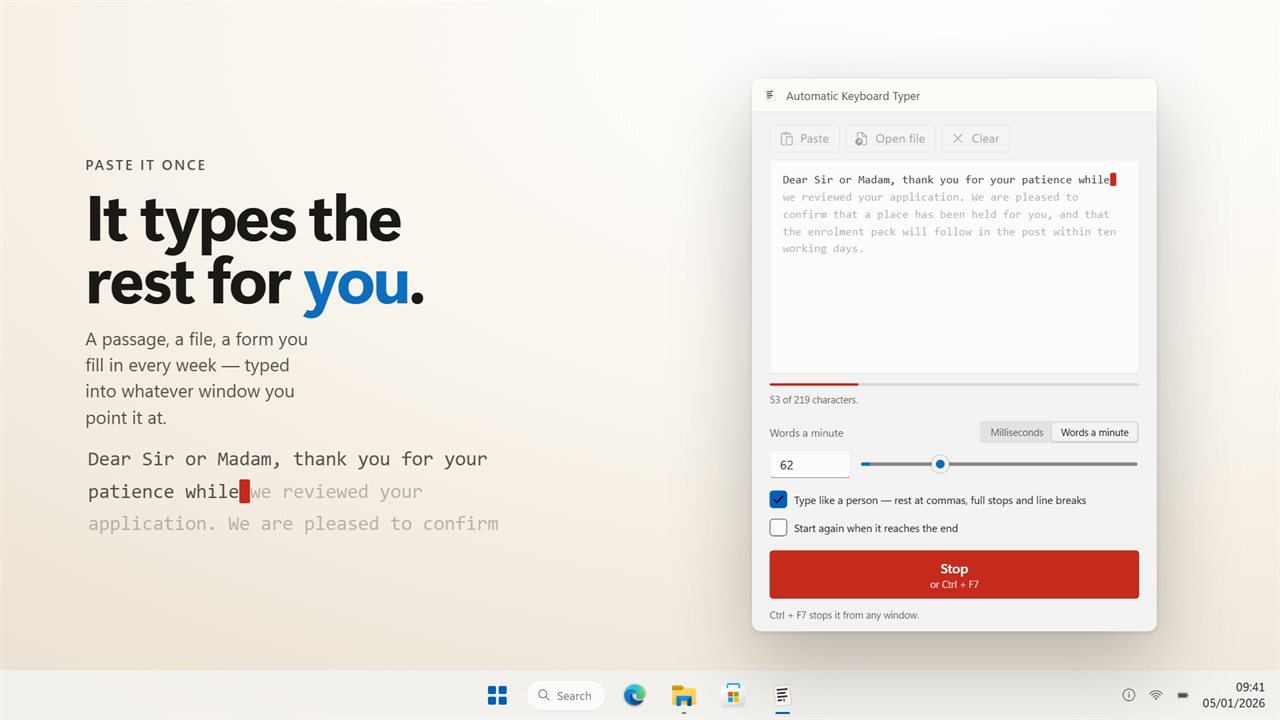
Give it some text, click into another window, and it types the whole thing out key by key, at the speed you set and with natural pauses.
Speed in the terms you think in
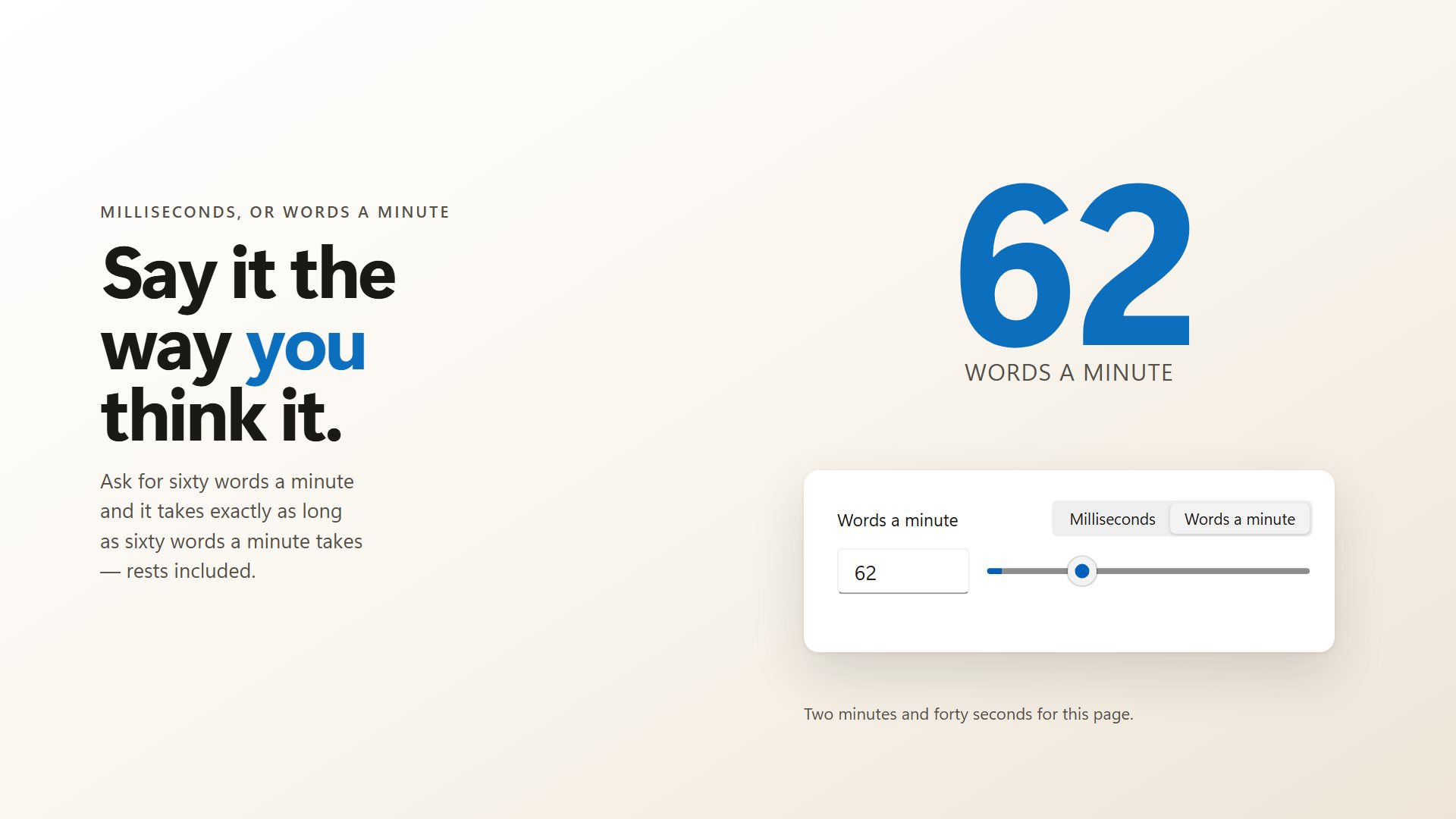
Set a gap between keystrokes, or a typing speed in words a minute. The window shows the other figure too.
Pauses where a person pauses
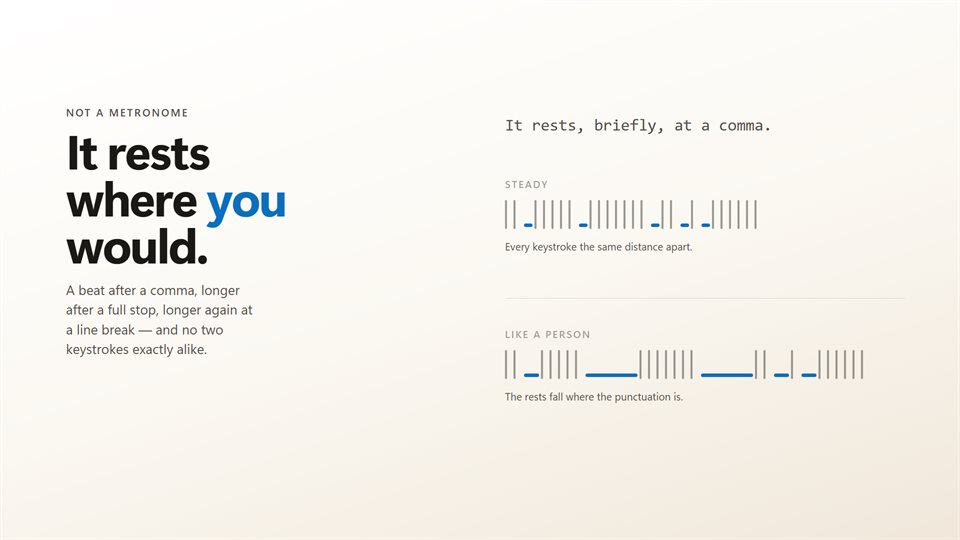
With the human rhythm on, it slows at punctuation and new lines, and no two keystrokes are evenly spaced.
Start and stop from anywhere
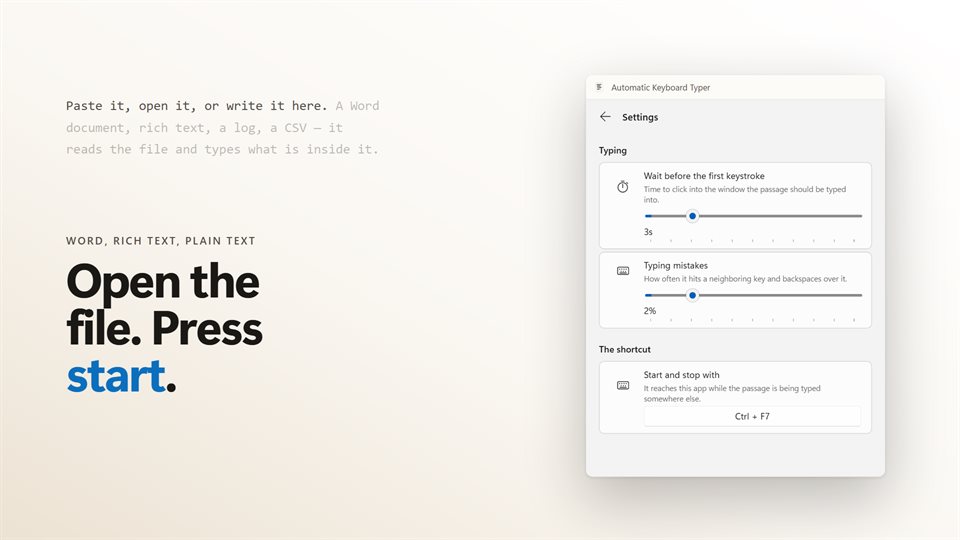
A shortcut that works inside whatever window it is typing into. Change it to any combination you like.
See it in action
Straight from the app.
Why not just paste?
Plenty of places do not accept a paste: remote desktop sessions, virtual machine consoles, some web forms, older programs and login fields. Others accept it but treat a paste differently from typing.
An auto typer gets around that by sending the text one keystroke at a time, the same way a keyboard would. To the window receiving it, it looks like someone typing.
Characters are sent as characters rather than as key positions, so accents, symbols and other alphabets arrive correctly whatever keyboard layout the PC is set to.
What people use it for
Remote desktops and VMs
Getting a long command, script or password into a console that will not take a paste.
Forms that block pasting
Filling the same text into a field that only accepts typed input.
Demos and recordings
Text that appears at a steady, natural pace on screen, without a single slip of the fingers.
Details
- Works on
- Windows 10 (1809 or later) and Windows 11
- Download
- About 2.9 MB
- Version
- 2.0.9, updated October 2026
- Price
- $2.99 once. No subscription, no in-app purchasesUS price; the Store shows yours.
- Opens
- DOCX, RTF, TXT, MD, CSV, JSON, XML and LOG
- Privacy
- Works offline. Sign-in is optional and only backs up your settings
- Category
- Utilities & tools
What's new in 2.0
- Speed as a words-a-minute target as well as milliseconds
- A human rhythm that pauses at punctuation and line breaks
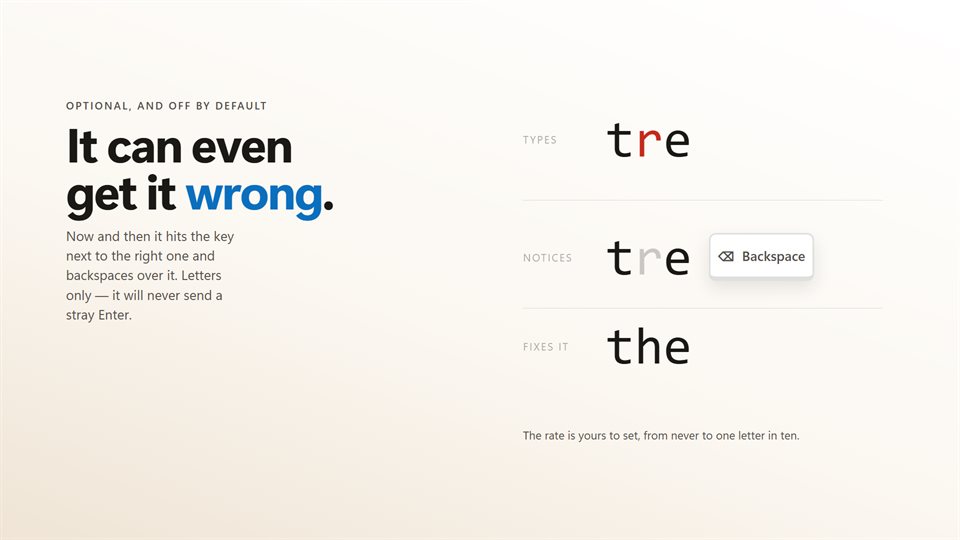
- Optional typing mistakes, corrected with a backspace
- Opens Word documents and rich text, not only plain text
- The passage shows its own progress, and a stopped run resumes where it left off
Questions
Anything else: [email protected]
How do I stop it once it starts?
Press the shortcut again, Ctrl+F7 unless you have changed it. It works from inside any window.
How do I get it typing in the right window?
It waits a few seconds before the first keystroke, three by default and adjustable up to fifteen, so you have time to click into the window.
Can the typos cause problems?
They are off unless you turn them on, up to about one letter in ten. Only letters are mistyped, so it never sends a stray Enter or Tab.
Can it type the text over and over?
Yes. Turn on repeat and it starts again from the top each time it reaches the end.
Does it need the internet or an account?
No. It works offline. An optional EvlarSoft ONE sign-in backs up your passage and settings for another PC.