Brightness Below Minimum
Takes your screen darker than its lowest brightness setting, for late nights and dark rooms, and works on monitors that have no brightness control at all.
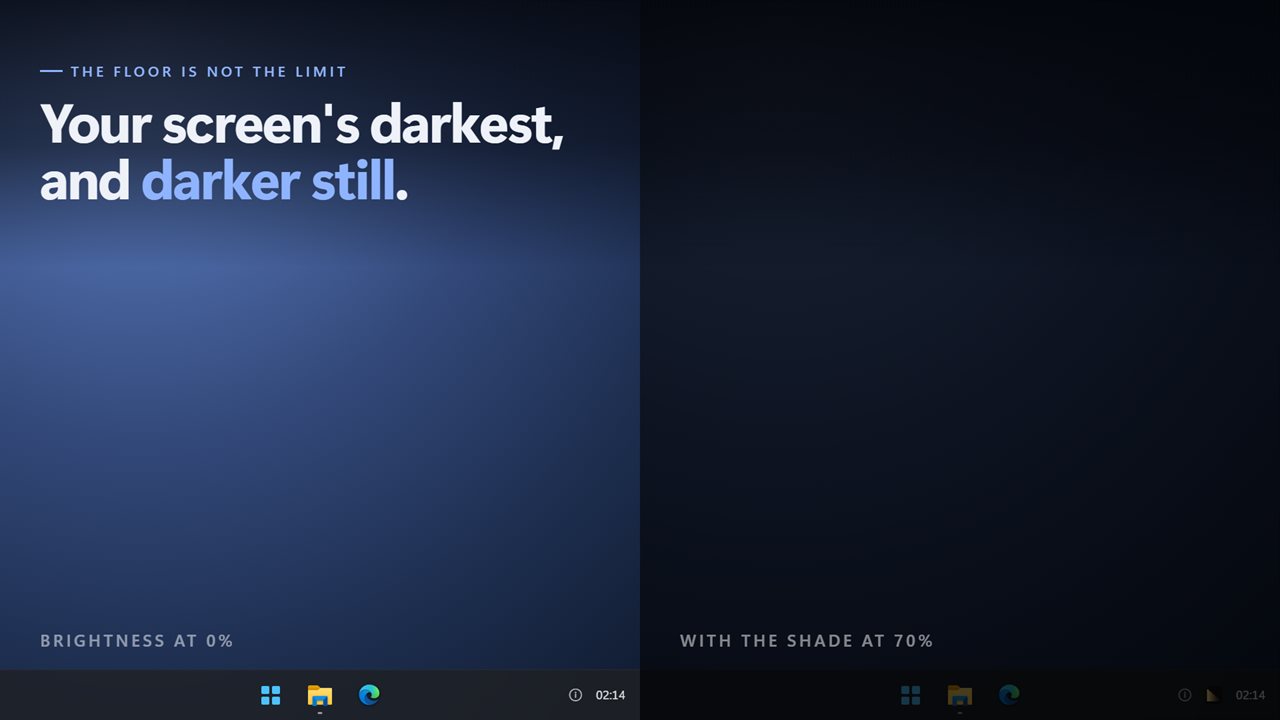
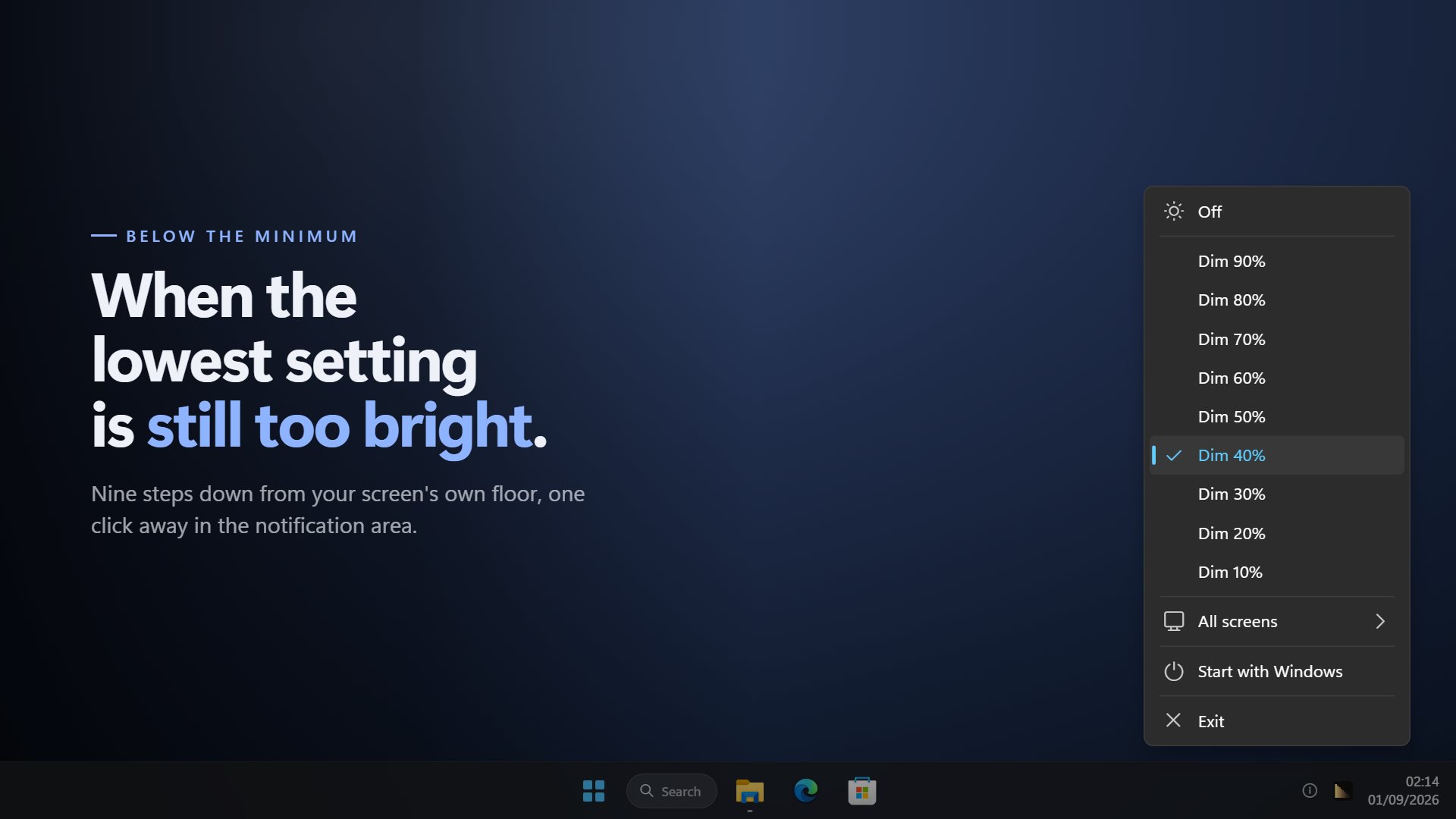
Nine levels below the floor
Each step lays a darker sheet over the screen. Even the darkest still leaves enough to find the icon that turns it off.
Any display
Nothing is asked of the hardware, so it works on desktop monitors and panels that ignore Windows' brightness slider.
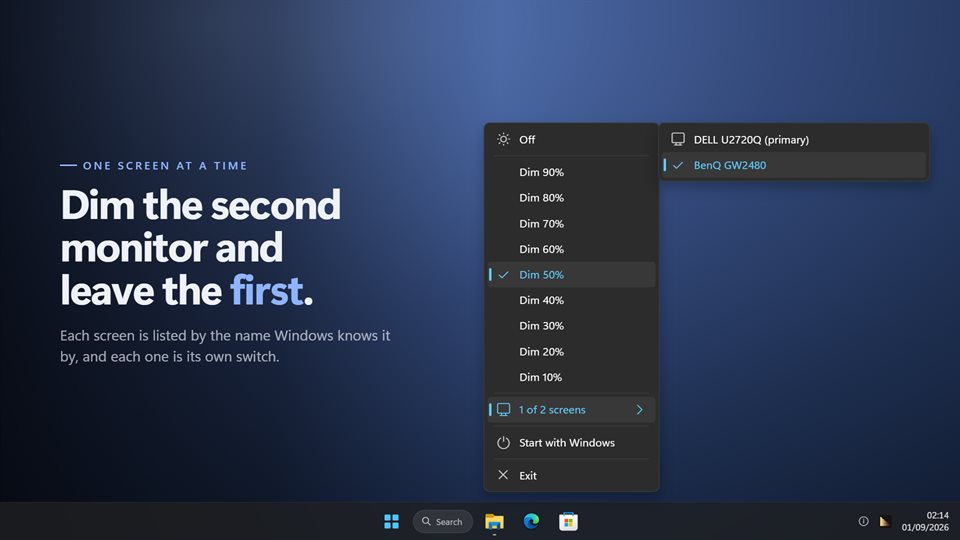
Each monitor on its own
Dim the second display and leave the main one alone. A screen plugged in later is picked up without a restart.
See it in action
From the Store listing.
Why 0% brightness can still be too bright
A display's brightness slider stops where the manufacturer decided it should. On many laptops and most office monitors, that lowest setting is still a glaring rectangle in a dark bedroom or a night shift control room.
Desktop monitors are worse: Windows often cannot change their brightness at all, and the buttons on the bezel are slow and fiddly.
Brightness Below Minimum works on top of whatever the panel is doing. It lays a see-through dark sheet over the whole screen, taskbar included, and your clicks pass straight through it, so you keep working underneath at a level that is comfortable.
What people use it for
Reading or working at night
Bringing a screen down to the level of the room, instead of the other way round.
Monitors with no brightness control
Dimming an external display that Windows offers no slider for.
A second screen in the background
Keeping a chat or a dashboard on the side monitor without it lighting up the room.
What people say
★★★★★“Exactly what it says it is. The new update is even better than I expected!”
★★★★★“Works flawlessly, especially above 50% for almost pitch darkness!”
Details
- Works on
- Windows 10 (1809 or later) and Windows 11
- Download
- About 2.5 MB
- Version
- 2.0.8, updated October 2026
- Price
- $3.99 once. No subscription, no in-app purchasesUS price; the Store shows yours.
- Privacy
- No ads; works offline, and backup is optional
- Category
- Personalization
What's new in 2.0
- Each screen switched on or off separately, listed by its real name
- Monitors connected later are dimmed too
- The shade now covers the taskbar
- Your level and screens are remembered after a restart
- A redesigned menu that matches Windows 11 in light and dark
Questions
Anything else: [email protected]
Does it change my monitor's settings?
No. It draws a dark layer over the picture and leaves the display's own brightness alone. Turn it off and everything is exactly as it was.
Can I still click things through it?
Yes. The shade lets every click through, so you use the PC normally underneath it.
Can it go completely black?
No, on purpose. The darkest level is 90%, so you can always see the icon that turns it off.
Does it work with two or three monitors?
Yes. Each one is listed by name and can be dimmed or left alone.
Can it start with Windows?
Yes, and it comes back at the level and on the screens you last chose.