HEIC and HEIF Image Converter
Turns the HEIC and HEIF photos from your iPhone into files every Windows app and website accepts. Tell it what the pictures are for, and it picks the format.
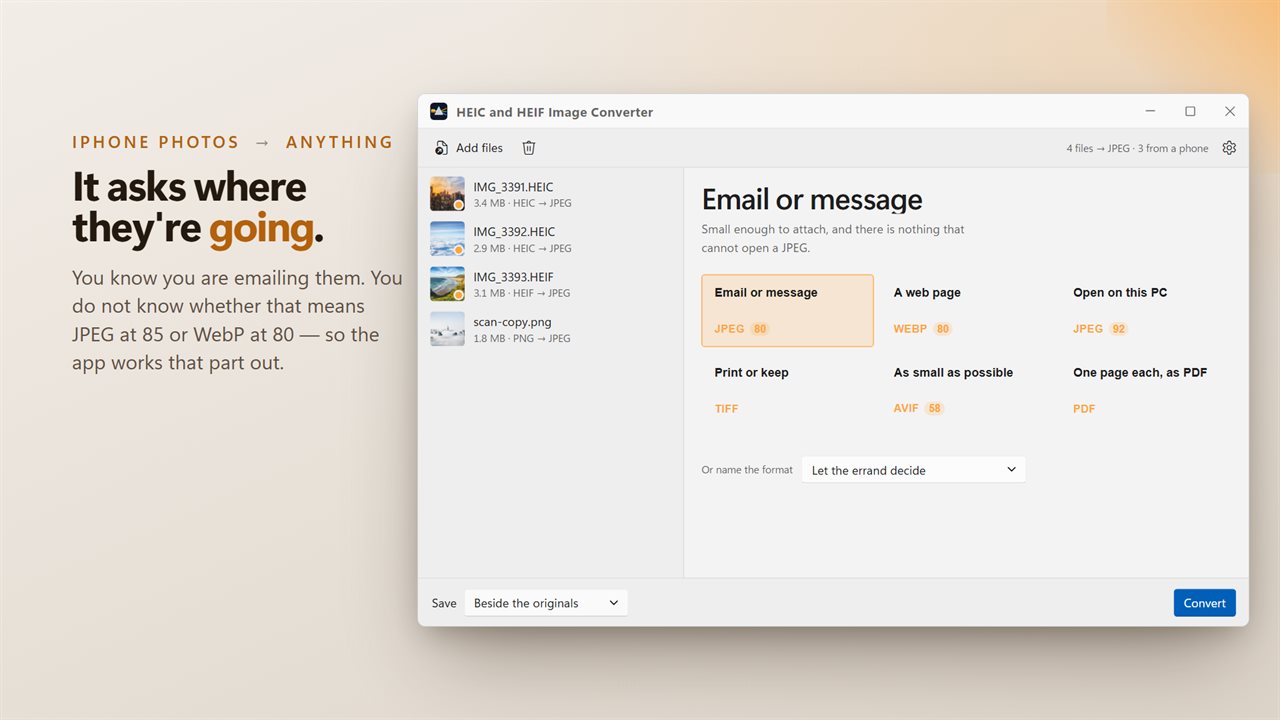
Six answers, no format menu
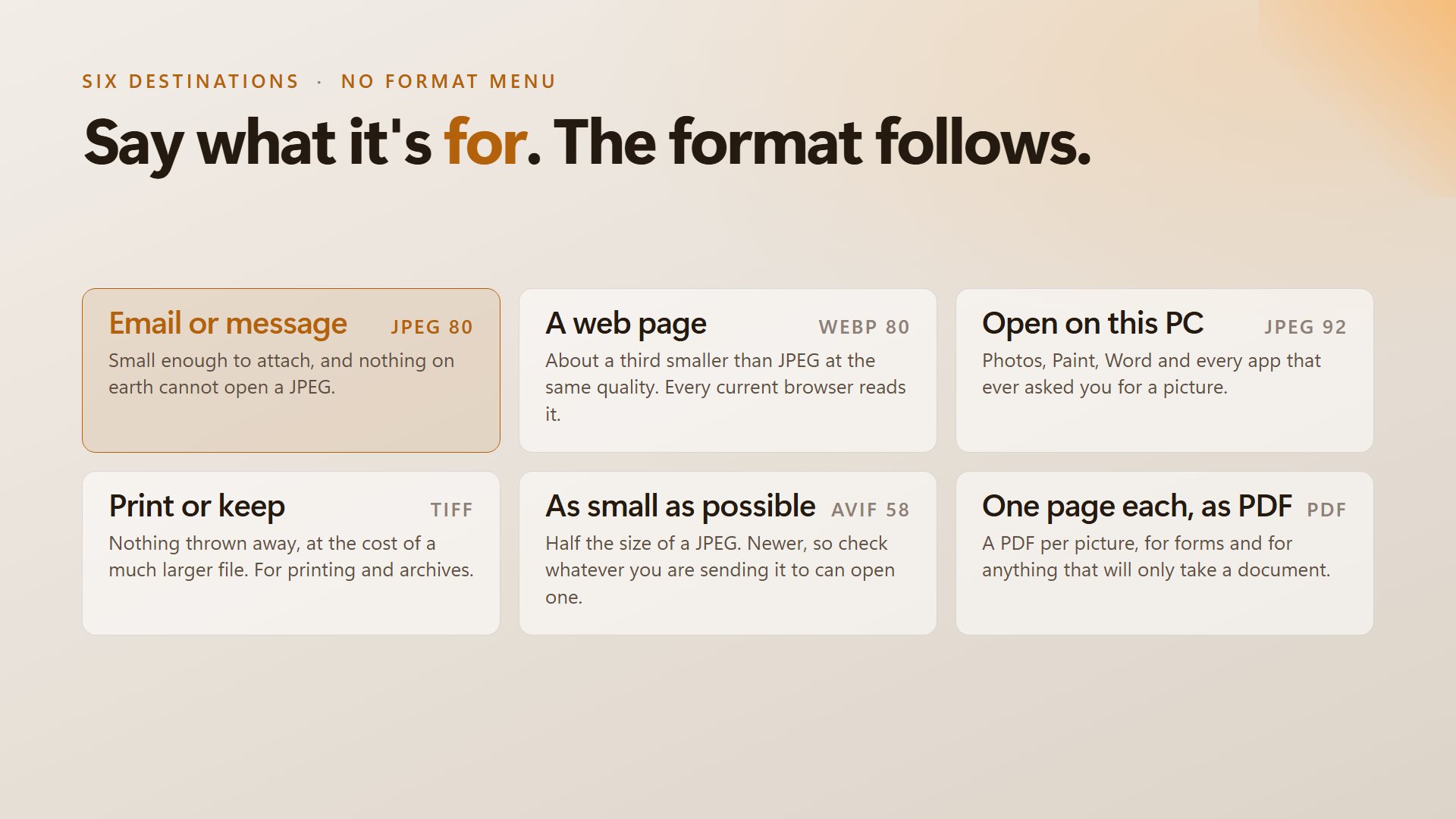
Choose what the photos are for and the right format and quality come with it. Sending them gets a light JPEG; printing gets a lossless TIFF.
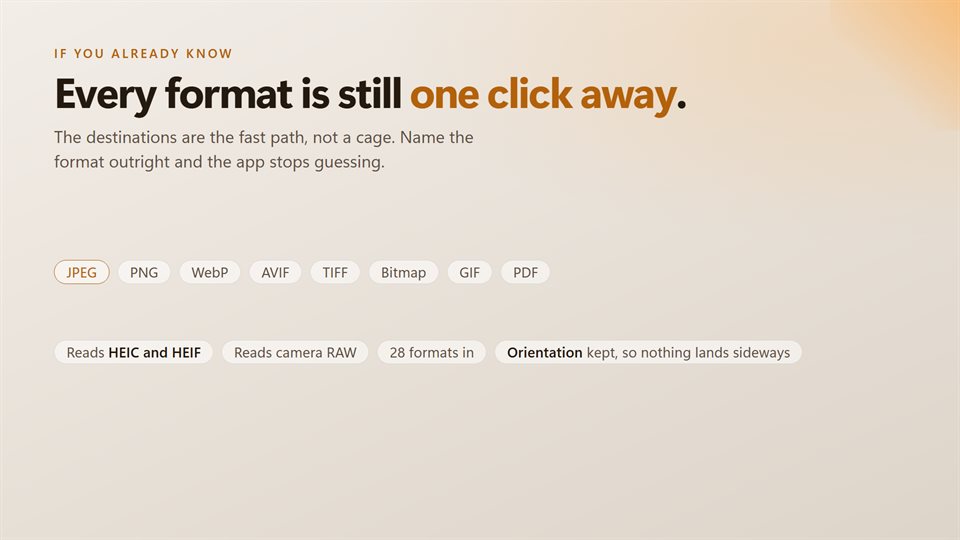
Or name the format yourself
If you already know what you need, all eight output formats are one dropdown away.
Your originals are safe
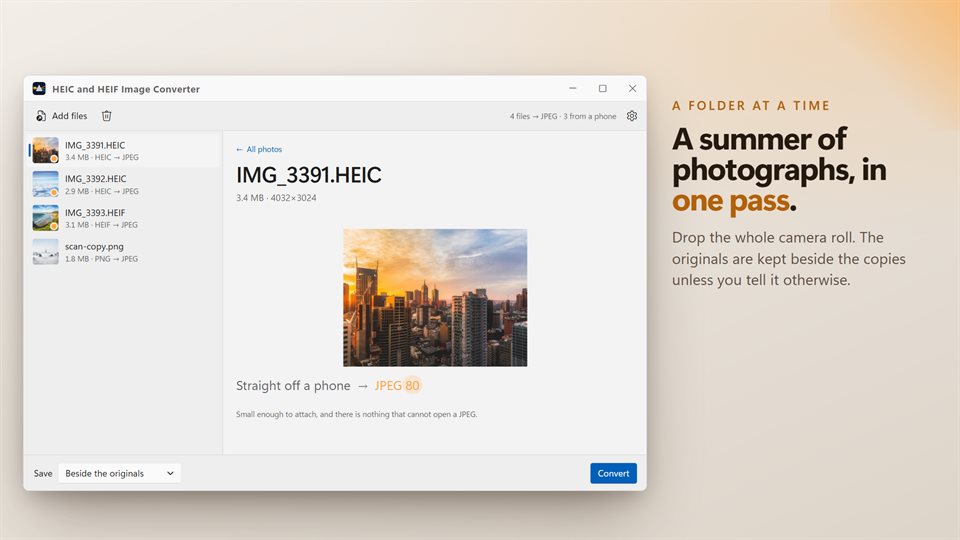
Copies are saved next to the originals unless you pick a folder. Replacing the originals only happens if you choose it.
See it in action
Straight from the app, with real photos from a phone.
Why your iPhone photos won't open
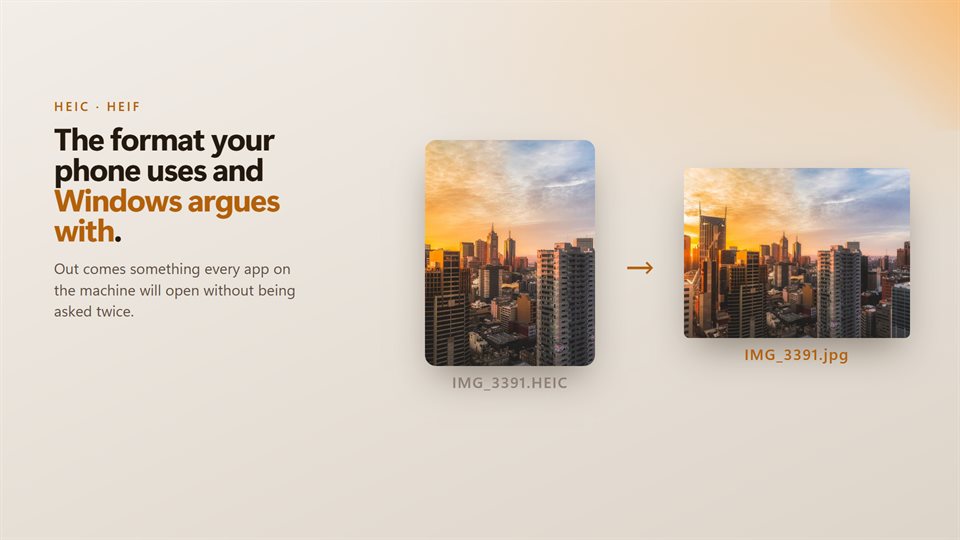
Since iOS 11, iPhones have saved photos as HEIC by default. It is a good format: about half the size of a JPEG at the same quality. The trouble starts when the photos leave the phone.
Windows needs extra extensions from the Microsoft Store before it can show HEIC files, and many websites, upload forms, older programs and print shops will not take them at all. A photo that looks fine on the phone becomes a file nobody can open.
Converting them fixes that for good. JPEG opens everywhere, WebP and AVIF are smaller for the web, and TIFF keeps every detail for printing. This app does the conversion on your PC and keeps each picture's colors and orientation as they were.
What people use it for
Emailing holiday photos
Turning a phone's camera roll into JPEGs small enough to attach and sure to open on any computer.
Filling in forms
Making a PDF of a photographed document for a site that only takes documents.
Ordering prints
Saving full-quality TIFF copies for a print shop that will not accept HEIC.
Details
- Works on
- Windows 10 (1809 or later) and Windows 11
- Download
- About 16.2 MB
- Version
- 2.0.4, updated October 2026
- Price
- $2.99 once. No subscription, no in-app purchasesUS price; the Store shows yours.
- Privacy
- No account, no upload, works offline
- Category
- Utilities & tools
What it reads and writes
- Reads HEIC and HEIF, plus JPEG, PNG, WebP, AVIF, TIFF, GIF, BMP, PSD and more
- Reads camera RAW files from Canon, Nikon, Sony, Fujifilm, Olympus, Panasonic and others
- Writes JPEG, PNG, WebP, AVIF, TIFF, Bitmap, GIF and PDF
- Keeps each photo's color profile and orientation
- Shows each file's size before and after
Questions
Anything else: [email protected]
Are my photos uploaded anywhere?
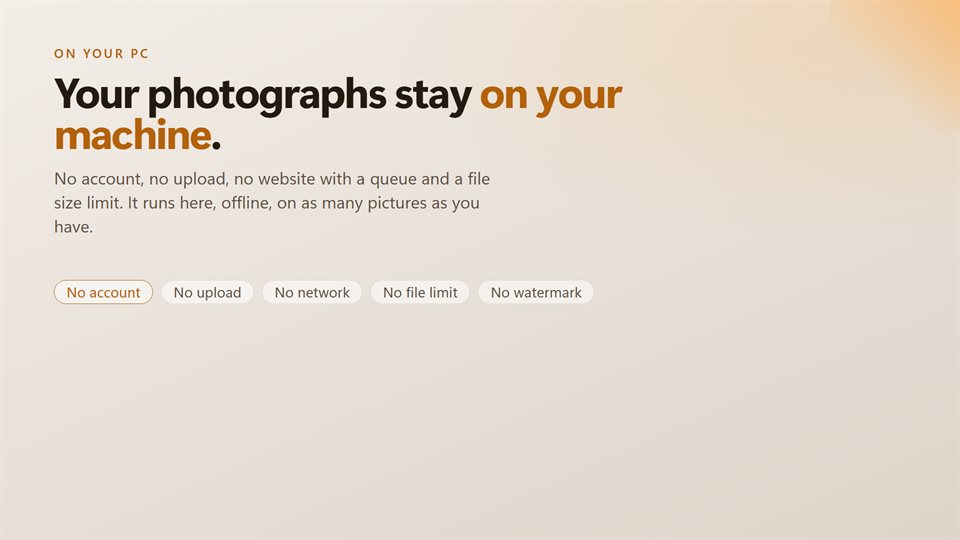
No. Everything happens on your PC, with no account, no file limit and no watermark.
Do I need Windows' HEIF extensions installed?
No. The converter reads HEIC and HEIF itself.
Will it overwrite my originals?
Only if you ask it to. By default the converted copies are saved beside the originals.
Can I convert a whole folder?
Yes. Drop the folder in, or as many photos as you like, and they convert in one run.
Will my photos come out sideways or washed out?
No. Orientation is kept, and so is the color profile phones use, so the photos look the same after converting.