Hotkey Microphone Muter
One keyboard shortcut that mutes and unmutes your microphone in every program at once, with a clear on-screen sign of which way it went.
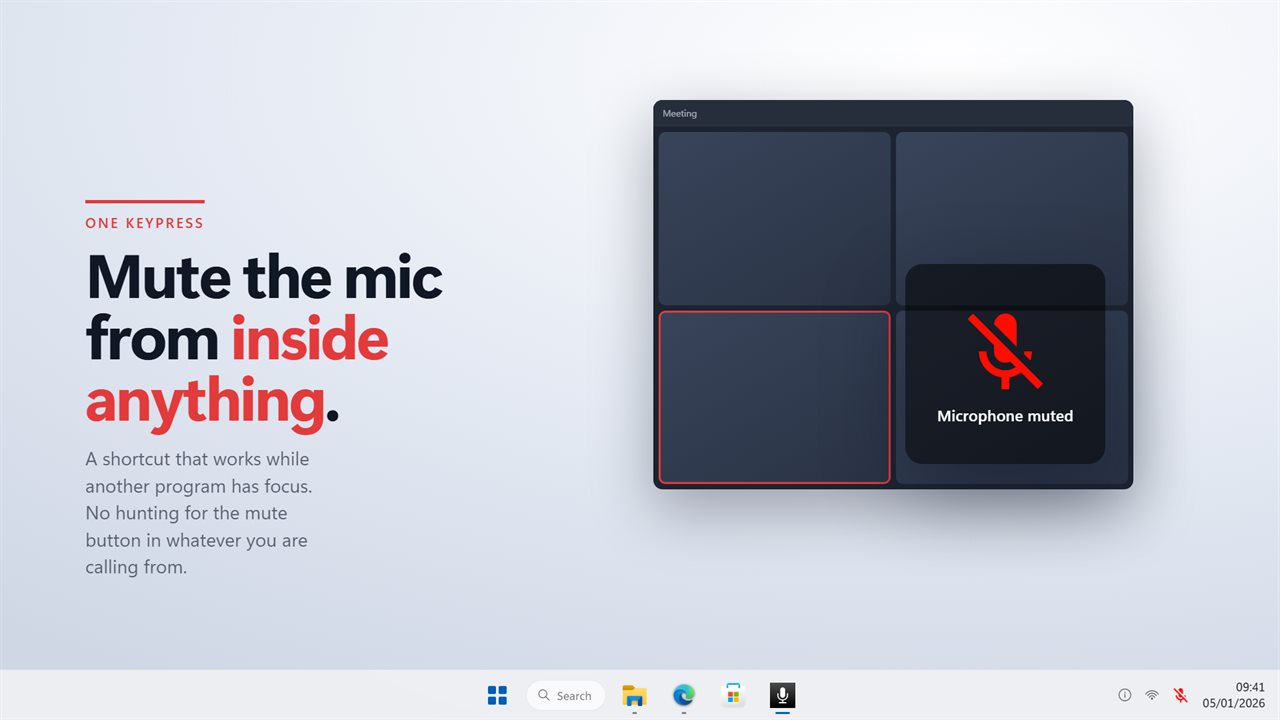
A shortcut that works anywhere
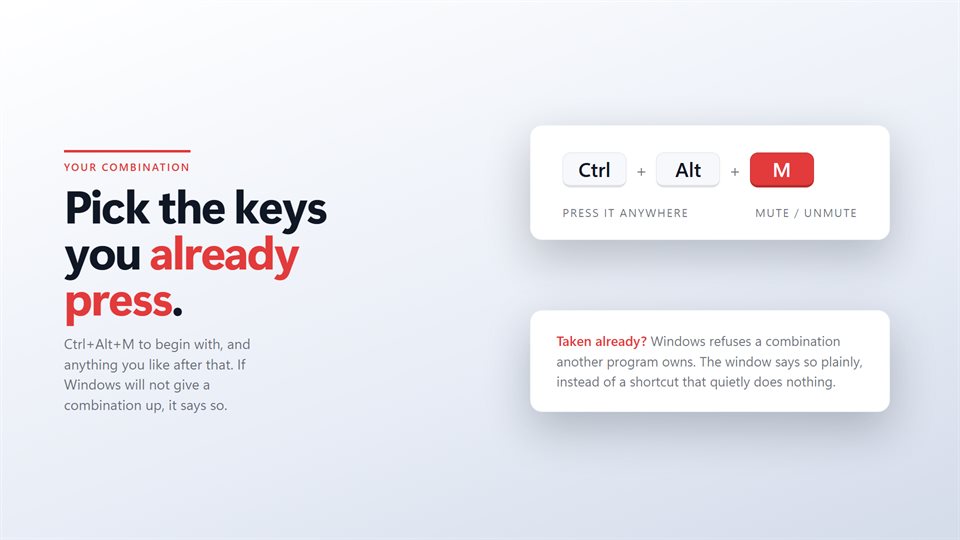
Registered with Windows, so it fires while a call, a game or a document has focus. Change it to any combination you like.
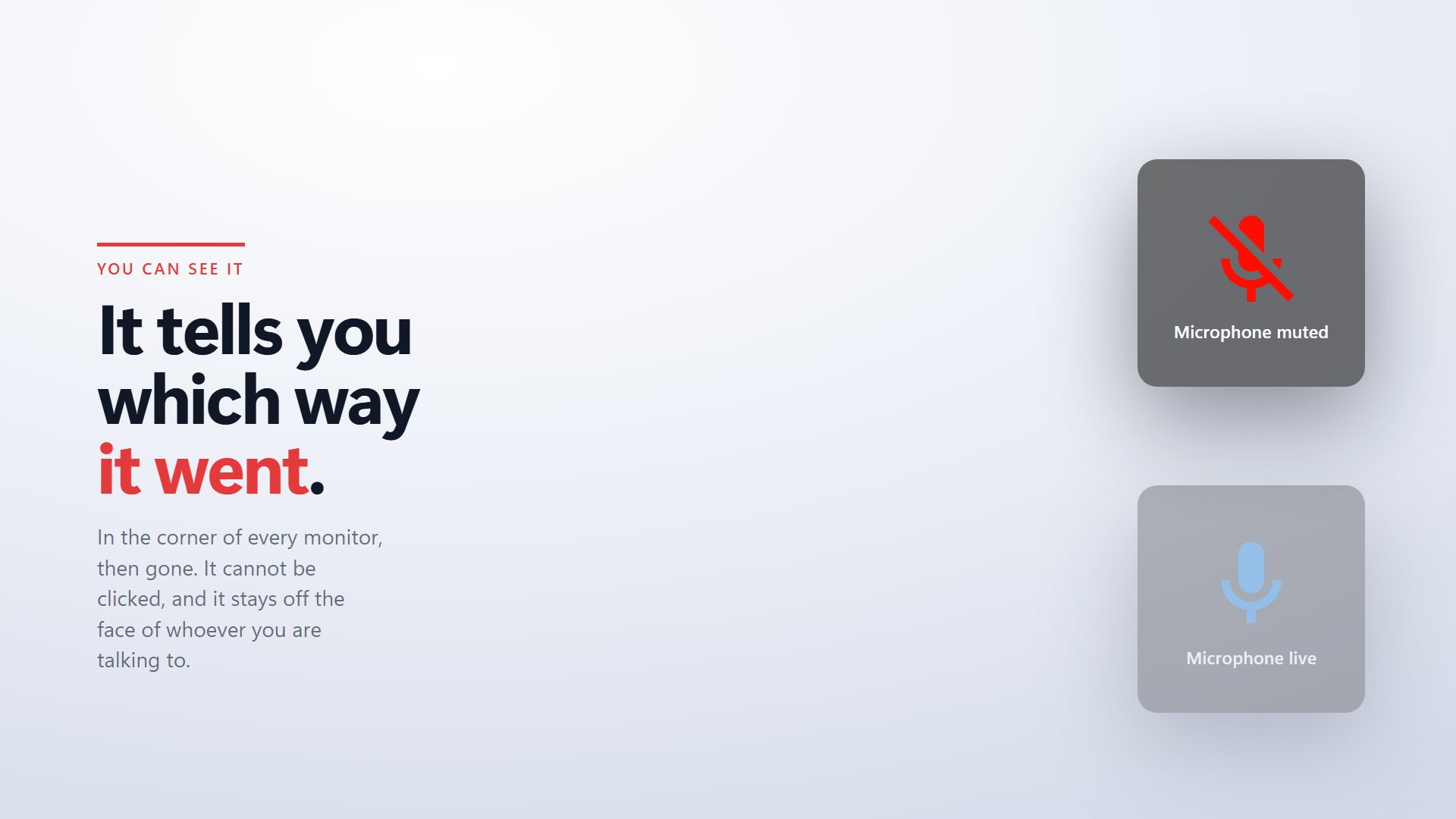
You always know which way it went
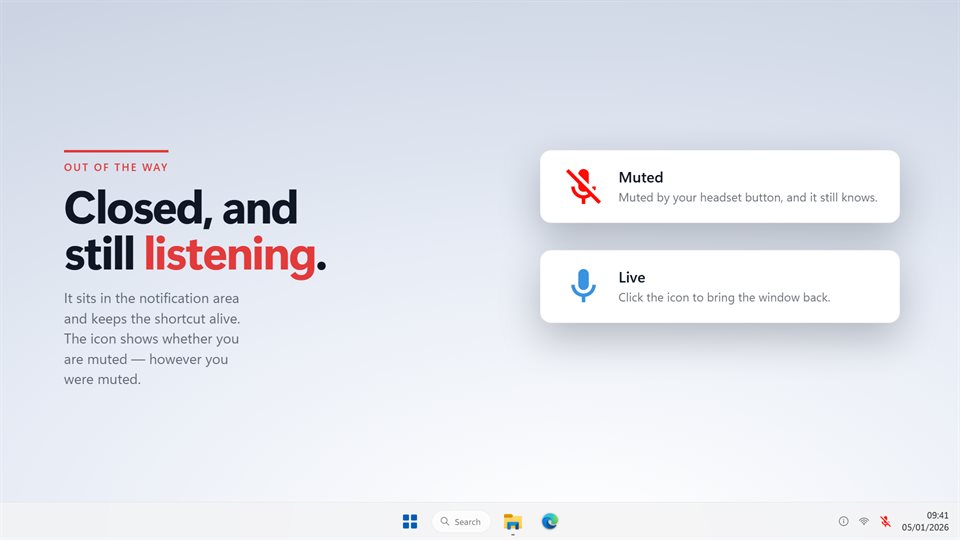
A plate appears in the corner of every monitor for a moment, and the tray icon keeps showing the state after it fades.
Or keep it closed by default
The microphone stays muted and opens only while you hold a key of its own, the way push to talk works in games.
See it in action
From the Store listing.
Why a mute key beats the mute button
Every calling app puts its mute button in a different place, and some programs that use your microphone have no button at all. When you need to cough, answer someone in the room or take a phone call, hunting for the right window is too slow.
A system-wide shortcut solves that, but only if you can trust it. That is why this one watches the microphone itself rather than its own last keypress. Mute from Teams, a headset button or a laptop key, and the tray icon and the on-screen plate follow along.
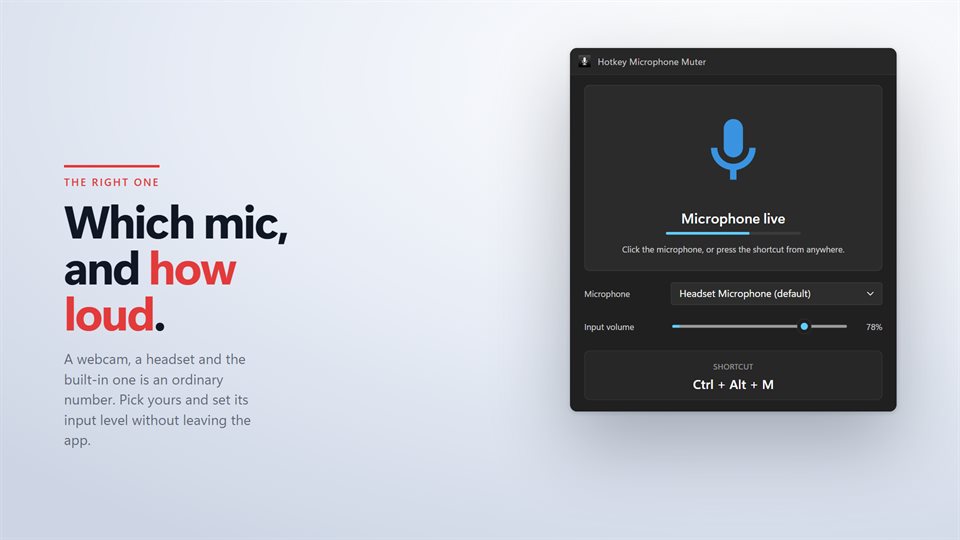
The live input level in the window answers the other half of the question: when you are unmuted, is the microphone actually hearing you?
What people use it for
Back-to-back meetings
One key that works in Zoom, Teams, Meet and whatever the next invite uses.
Gaming and streaming
Hold to talk, or a quick mute without leaving the game.
Working from home
Starting every session muted, so nothing goes out until you mean it to.
What people say
★★★★★“The new update fixed most of the problems I was facing. Excellent work, thank you!”
Details
- Works on
- Windows 10 (1809 or later) and Windows 11
- Download
- About 2.7 MB
- Version
- 2.0.6, updated October 2026
- Price
- $3.99 once. No subscription, no in-app purchasesUS price; the Store shows yours.
- Privacy
- No ads; works offline, and backup is optional
- Category
- Utilities & tools
What's new in 2.0
- Any shortcut you like, instead of a fixed Ctrl+Alt+M
- Mutes made by other apps, headsets and laptop keys are shown too
- Hold to talk, on a separate key
- A live input level and an input volume slider
- Start muted, so a session begins silent
- The on-screen plate now appears on every monitor, in the corner
Questions
Anything else: [email protected]
Does it work in Zoom, Teams and Discord?
Yes. It mutes the microphone in Windows itself, so every program using that microphone goes quiet together.
What if my shortcut is already taken?
Windows will not give a combination to two programs. The app tells you when that happens, so you can pick another.
I have more than one microphone. Which does it mute?
The one you choose in the window, whether that is a headset, a webcam or the built-in microphone.
Can I hear when it mutes?
Yes, there is an optional sound, for when you would rather not look away from the call.
Does it need an account?
No. Sign-in is only there if you want your settings backed up to another PC.