Tier List Maker Pro
Make a tier list of anything with your own pictures. Drag tiles into S to F tiers, rename and recolor the tiers, start from a folder of pictures, and export the whole board as one sharp PNG to share.
Rank anything with your own pictures.
See it in action
About Tier List Maker Pro
Tier List Maker Pro turns your own pictures, or just a list of names, into a tier list you can drag, tweak and share.
Drag to rank
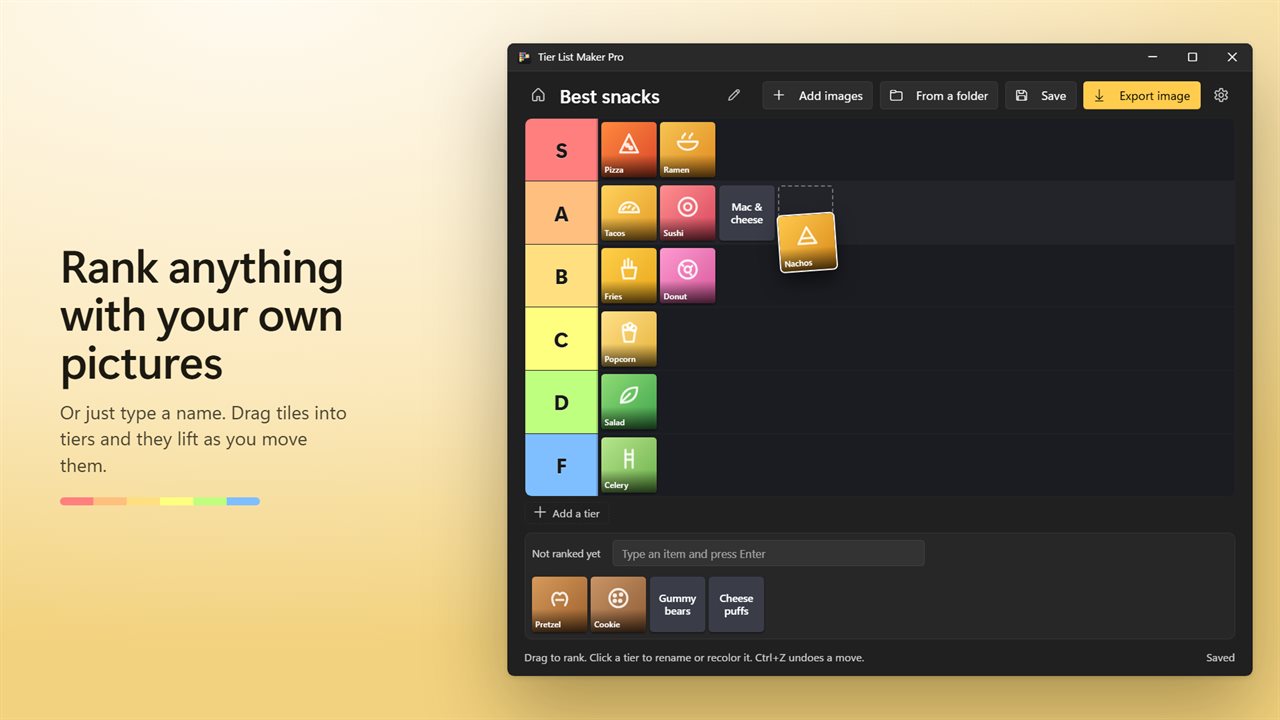
Add pictures and they wait in the tray. Drag each one into a tier. Tiles lift and tilt as you move them, and a slot shows exactly where they will land. Changed your mind? Ctrl+Z undoes a move.
Tiers your way
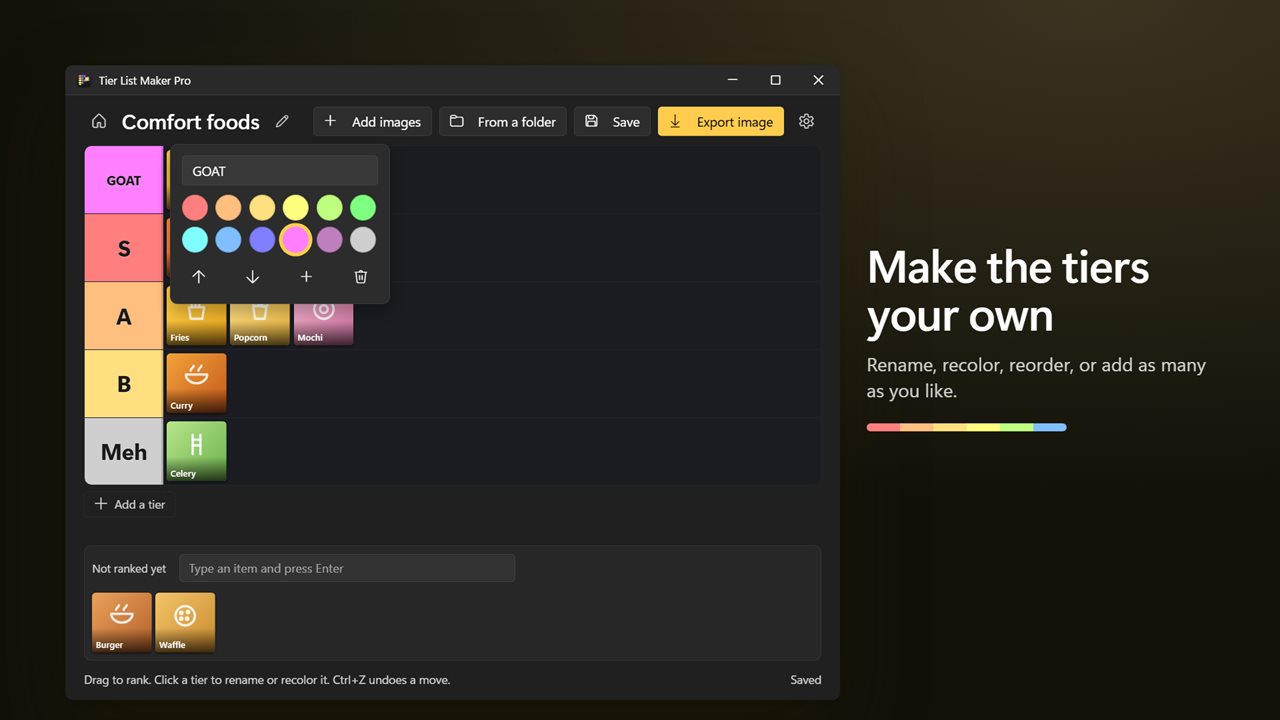
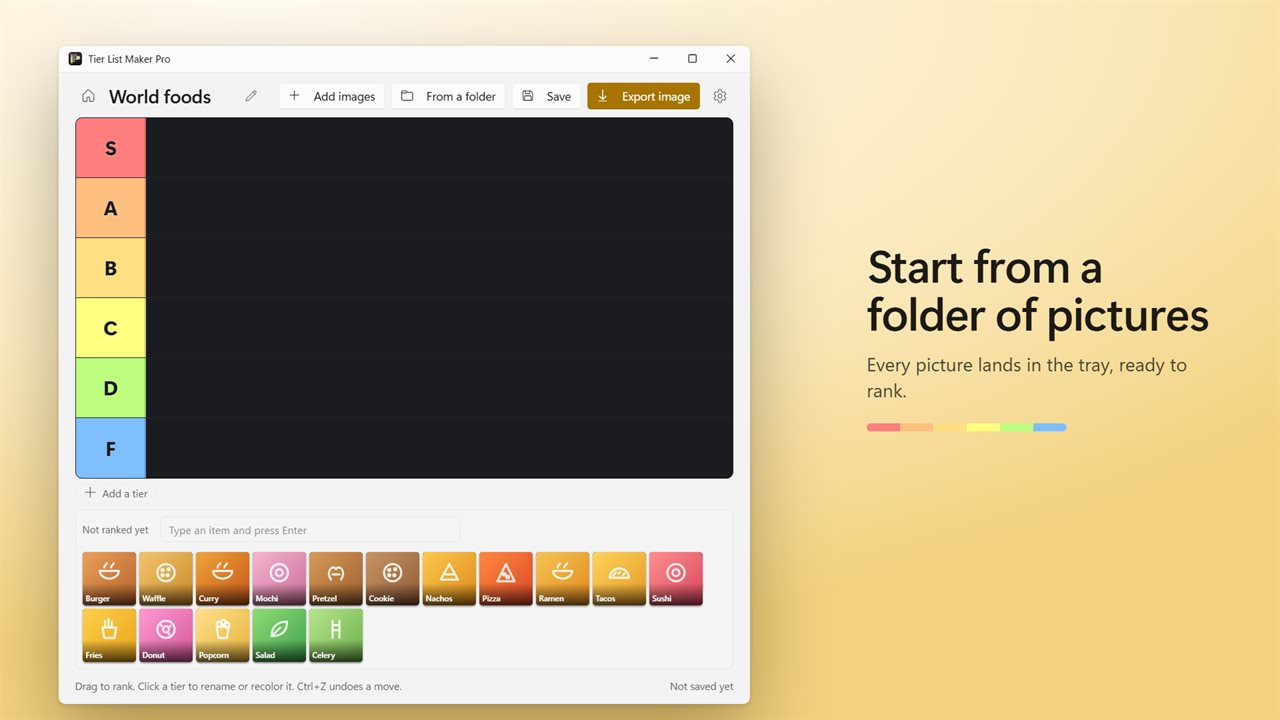
The board starts with the classic S, A, B, C, D and F rows in their familiar colors. Click a tier to rename it, pick one of 12 colors, move it up or down, add another below it, or delete it. Pictures in a deleted tier go back to the tray.
Start from a folder
Pick a folder and every picture in it lands in the tray, ready to rank. JPEG, PNG, GIF, WebP, BMP and AVIF all work.
Share it as one picture
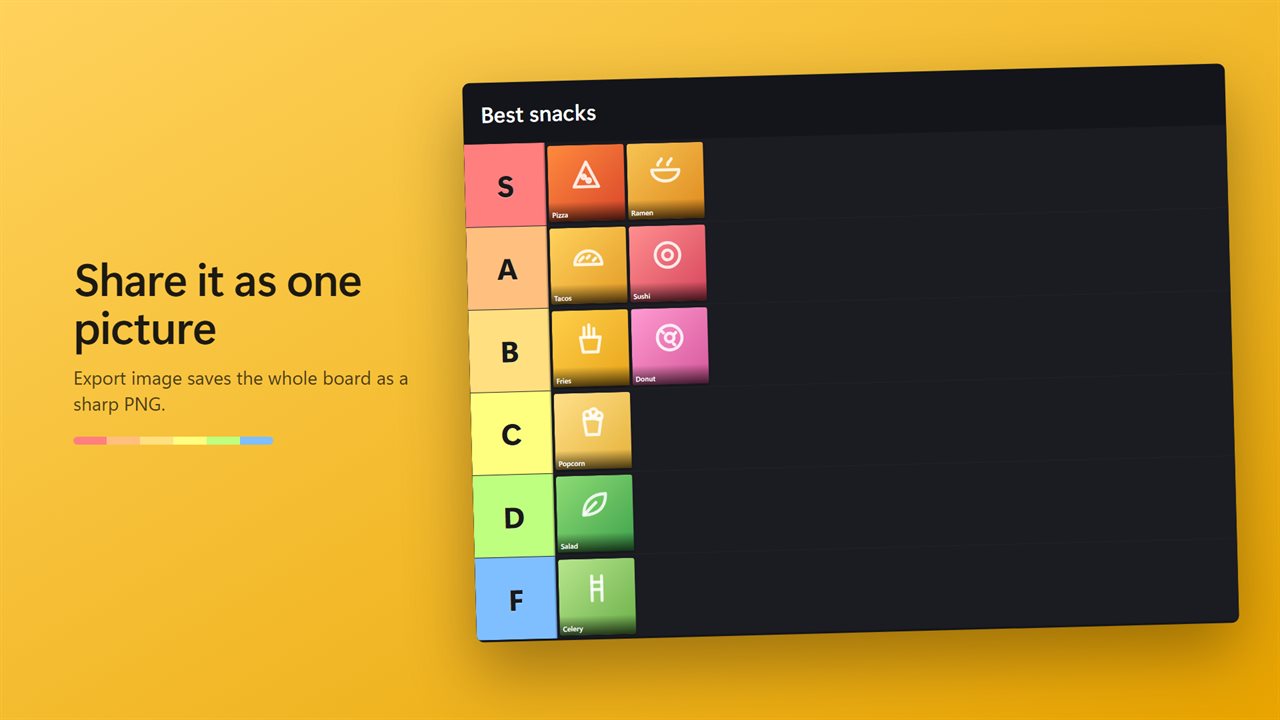
Export image saves the whole board, with its title, as one PNG. Choose standard, sharp or extra sharp, up to 3600 pixels wide.
Lists that travel
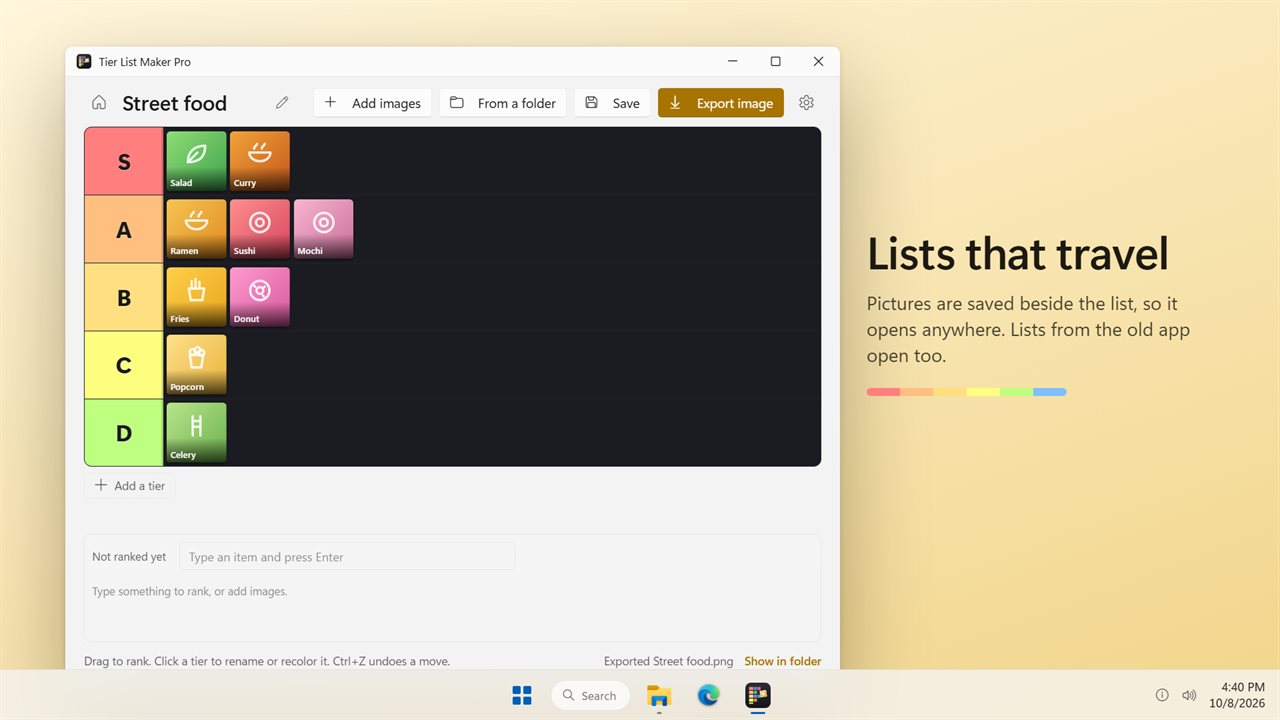
A saved list keeps a copy of its pictures in a folder beside it, so you can move it, back it up or open it on another PC. Once saved, every change is saved as you go. Lists made with the earlier version of the app open too.
Pick up where you left off
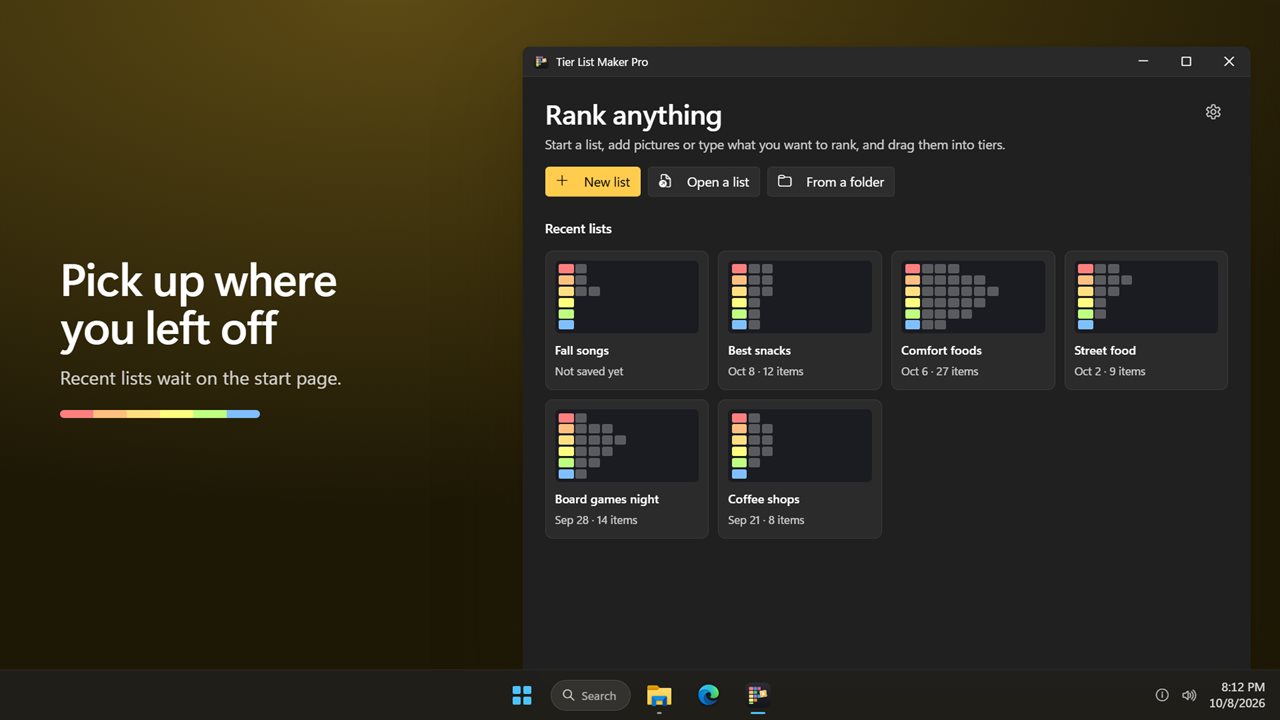
Recent lists wait on the start page, and a list you haven't saved yet is kept until you do.
Light and dark themes, or match Windows.
Features
- Rank anything with your own pictures in the classic S, A, B, C, D and F tiers
- No pictures needed: type a name and press Enter, or paste a whole list at once
- Drag tiles between tiers and the tray; they lift and tilt as you move them, with a slot showing where they land
- Click a tier to rename it, pick from 12 colors, move it up or down, add one below or delete it
- Add images one by one, or every picture in a folder at once
- Export the whole board as one PNG, up to 3600 pixels wide
- Lists save as you go once saved, and Ctrl+Z undoes a move
- Pictures are copied beside the list, so a list still opens after you move it
- Lists made with the earlier version of the app still open
- Recent lists on the start page, and an unsaved list is kept until you save it
- Move tiles with the arrow keys and remove them with Delete
- Light and dark themes, or match Windows
Details
- Works on
- Windows 10 (1809 or later) and Windows 11
- Download
- About 2.7 MB
- Version
- 2.0.2, updated October 2026
- First released
- July 2023
- Price
- $1.99 once. No subscription.
- Category
- Entertainment
What's new in 2.0.2
- New: drag tiles with a lifted tile and a slot that shows where they land
- New: export the whole board as one PNG
- New: add every picture in a folder at once
- New: lists save as you go, and Ctrl+Z undoes a move
- New: pictures are saved beside the list, so it still opens after you move it
- Your existing lists still open
Questions
Anything else? Ask us
Which versions of Windows does it run on?
Windows 10 (version 1809 or later) and Windows 11.
Is it a subscription?
No. Tier List Maker Pro is a one-time purchase of $1.99, and updates are included.
How do I get it?
EvlarSoft apps are moving to direct downloads from this site. Ask to be notified and we will email you as soon as Tier List Maker Pro is ready to download.