Webcam Motion Detector
Turns any webcam into a motion-triggered recorder. Each clip begins a few seconds before the movement, so you see what set it off.
Clips that start early
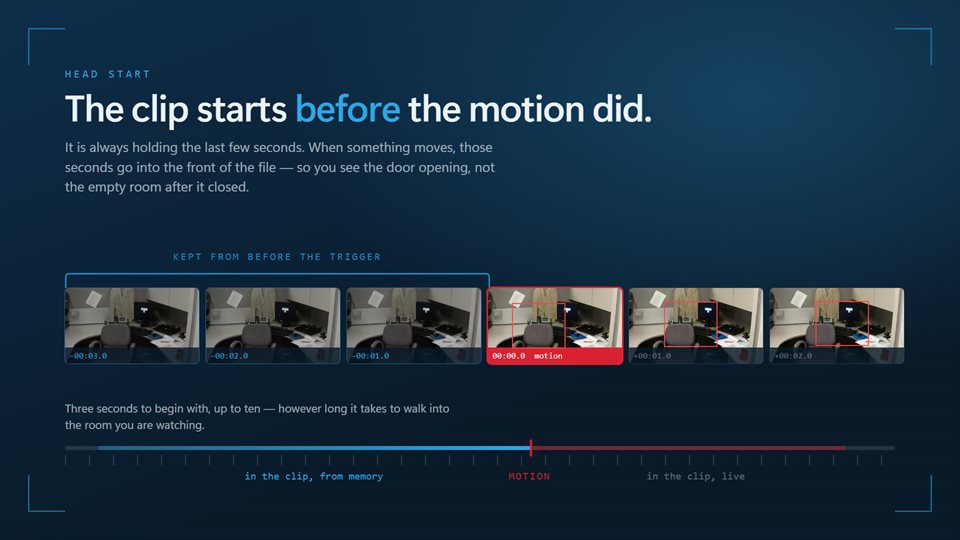
The last few seconds are always kept in memory, so a saved clip opens before the motion began rather than just after.
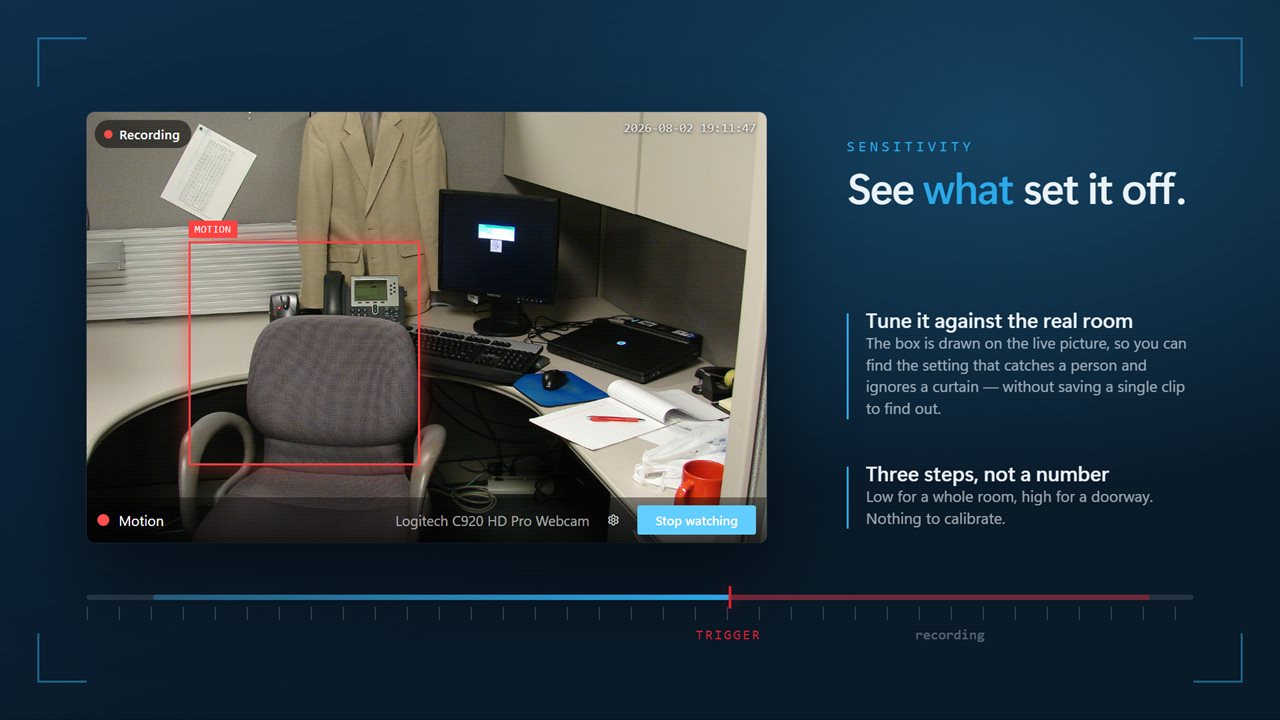
Sensitivity for the space
Low waits for something large crossing a room. High picks up a hand at the edge of a doorway.
Clips that play anywhere
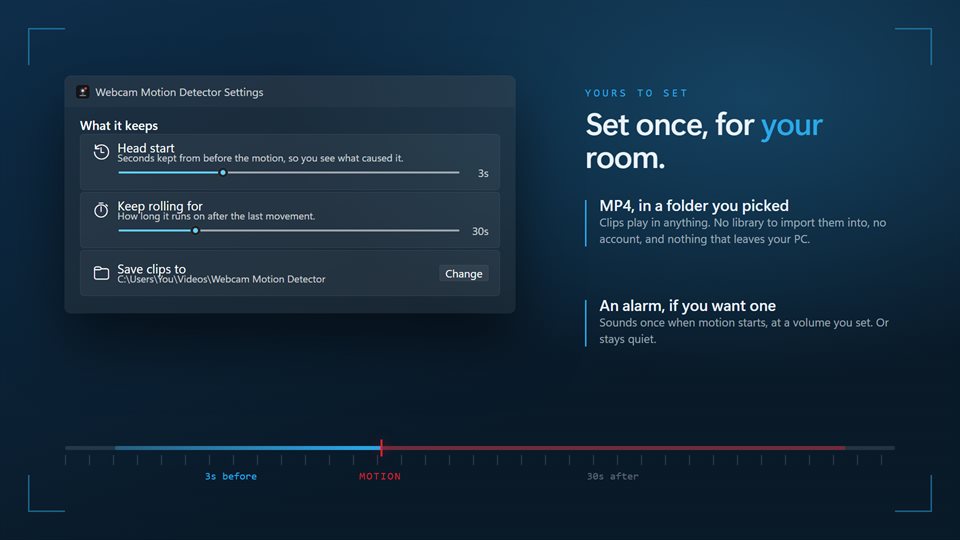
Saved as ordinary H.264 MP4 files in a folder you choose, at the camera's own resolution or a fixed 480p, 720p or 1080p.
See it in action
Screenshots from the app on Windows 11.
How a pre-motion clip works
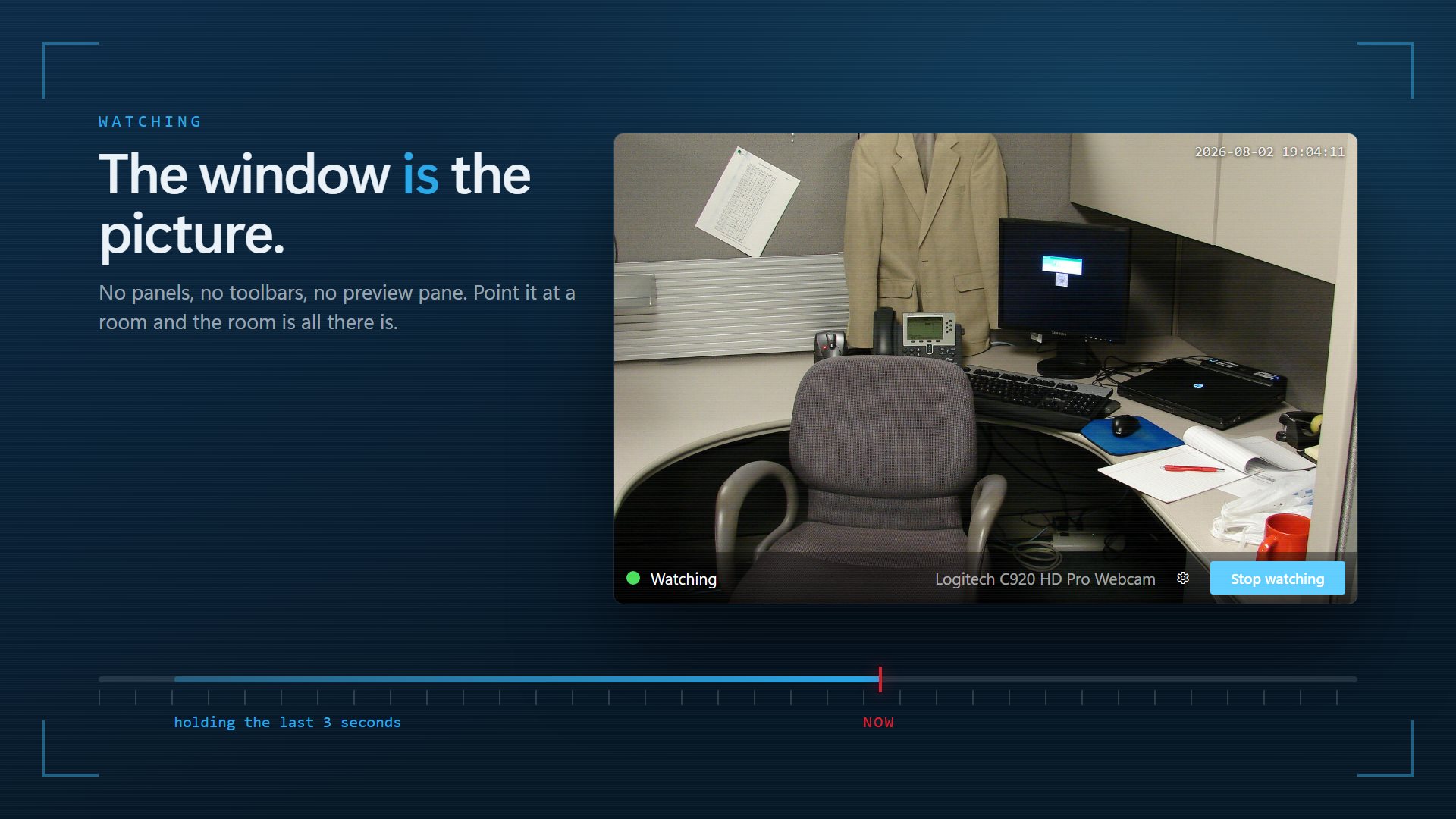
Most motion recorders start recording at the moment they notice movement, which means the clip often begins with someone already halfway across the frame. Webcam Motion Detector keeps a rolling buffer of the last few seconds at all times. When motion is detected, that buffer becomes the start of the clip.
Recording then continues for as long as there is movement, plus a run-on you choose, from 5 seconds to 2 minutes after the last change. A person who pauses and moves again within that time stays in one clip instead of three.
Motion is measured as how much of the picture changes between frames. Turn on the outline while you set it up and you can see exactly what it reacted to, then raise or lower the sensitivity until a passing shadow is ignored and a person is not.
What people use it for
Watching a room while away
Finding out who came into an office, a study or a hallway, with the moment they arrived on video.
Keeping an eye on pets
Seeing what the dog got up to, without hours of empty footage to scroll through.
A cheap doorway camera
Pointing a spare webcam at a door or window and keeping only the clips that matter.
What people say
★★★★★“i like it The best I use it every day”
Details
- Works on
- Windows 10 (1809 or later) and Windows 11
- Download
- About 2.7 MB
- Version
- 2.2.4, updated October 2026
- Price
- $1.99 once. No subscription, no in-app purchasesUS price; the Store shows yours.
- Privacy
- No account needed, no ads, clips stay on your PC
- Category
- Security
What's new in version 2
- Clips start before the motion, with a head start you set
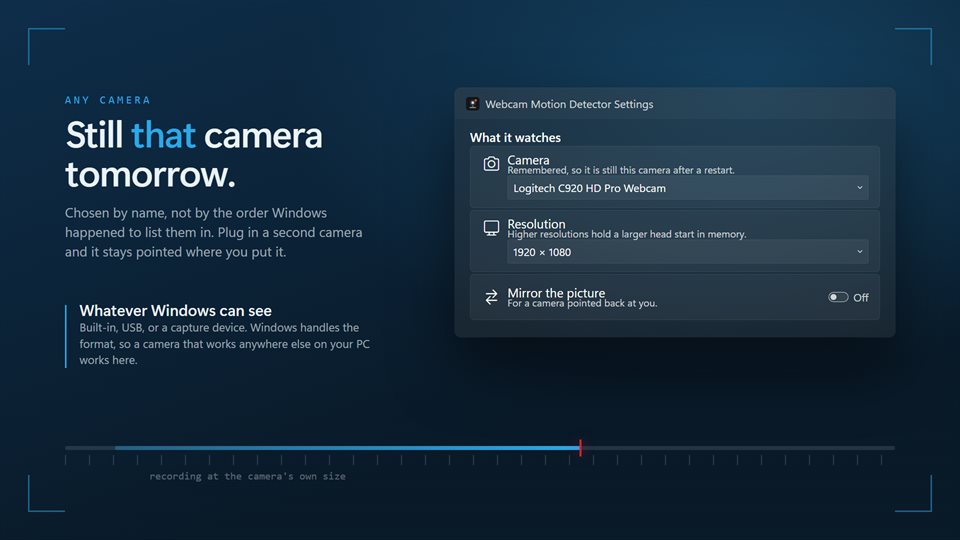
- Works with any camera Windows can see, at its own resolution
- An outline around what moved
- Remembers your camera across restarts
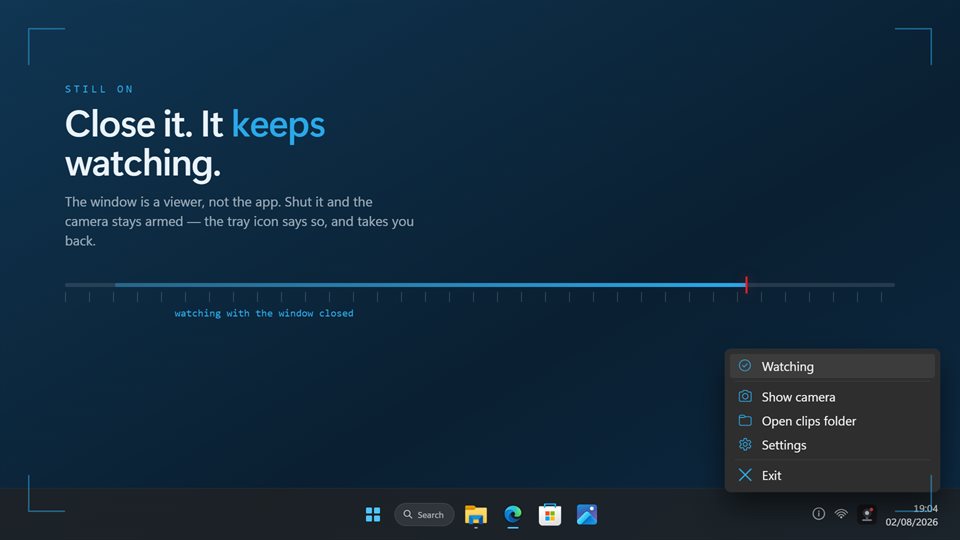
- Keeps watching from the notification area
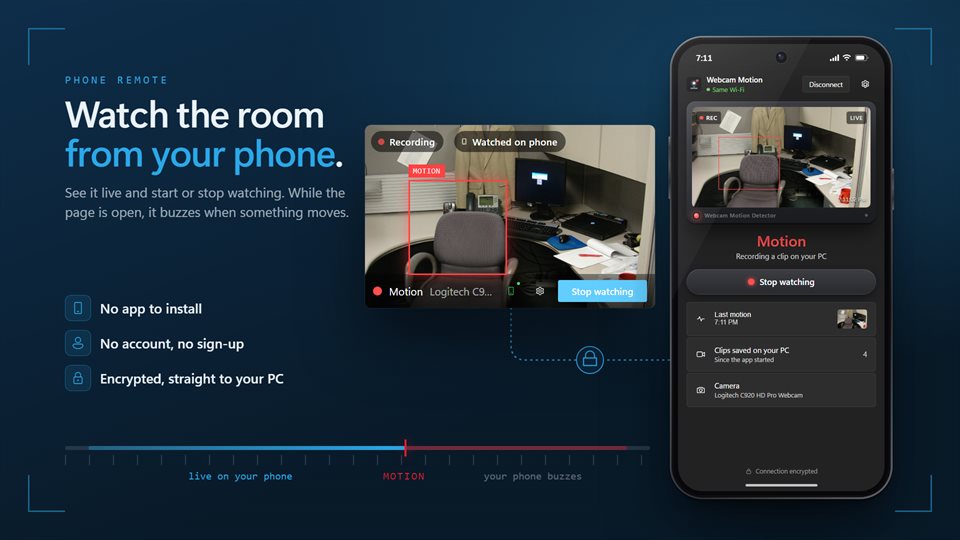
- A phone view: see the camera live, start or stop watching, and get a buzz on motion
Questions
Anything else: [email protected]
Does it record sound?
No. Clips are video only.
Where are the clips saved?
In a folder you choose, as MP4 files named by date and time or numbered in sequence.
How does the phone view work?
Pair your phone from the app and open the page it gives you. No app to install and no account. The picture goes straight from your PC to the phone over an encrypted connection, and the phone buzzes on motion while that page is open.
Will my PC go to sleep while it watches?
It keeps the PC awake while a clip is being written. Set Windows' own sleep timer if it needs to stay awake between clips.
Can it start with Windows?
Yes, and it can start watching as soon as it opens.