Batch Exif Remover
Point it at a folder and it scrubs the lot. Batch Image Exif Remover reads the batch first and tells you what is in it — how many files carry coordinates, name the camera, or record the date — then removes it and reports what came off. Anything it could not touch is named rather than quietly skipped. It edits the file around the picture instead of decoding and recompressing it, so your images come back byte-for-byte identical minus the metadata. HEIC and HEIF included. Files stay on your PC.
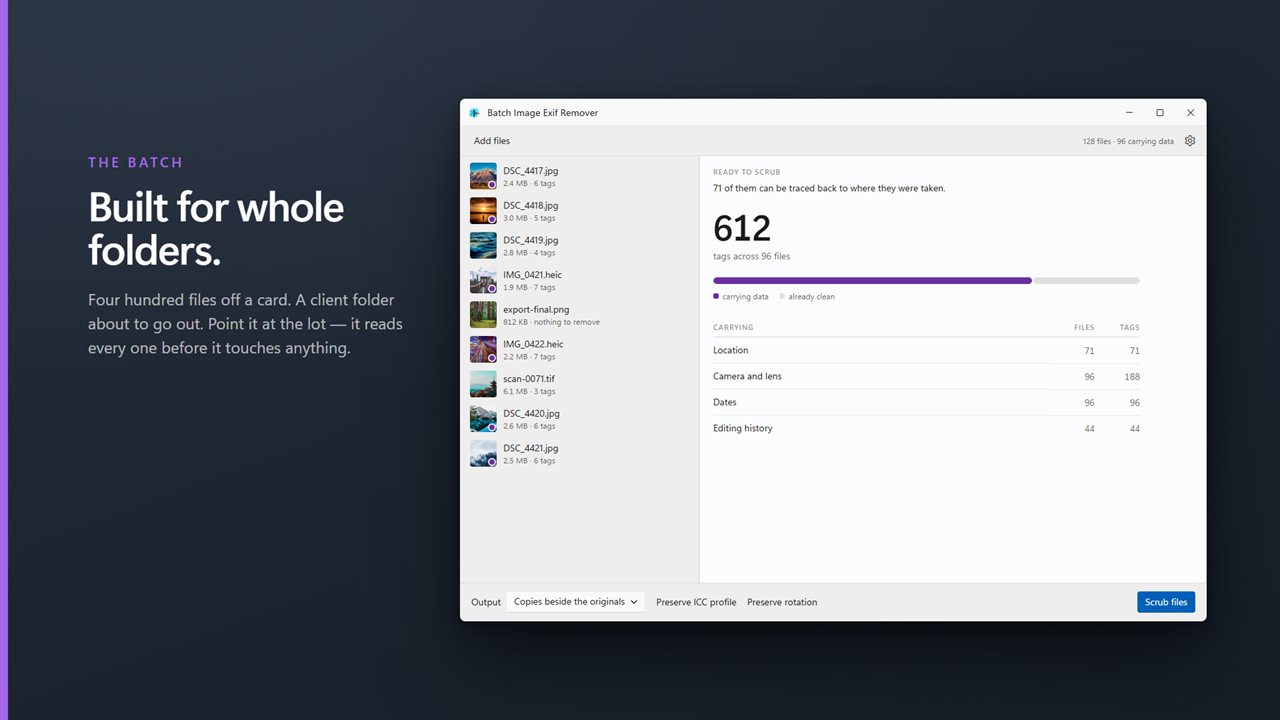
Built for whole folders. Drop in four hundred files and scrub them in one pass.
See it in action
About Batch Exif Remover
Four hundred files off a card. A client folder about to go out. A directory of product shots headed for a website. That is what this is for.
Batch Image Exif Remover is built around the batch, not around one photograph. Drop a folder in and it reads every file first, then answers the only two questions that matter at that scale: what is in this pile, and what happened when I ran it.
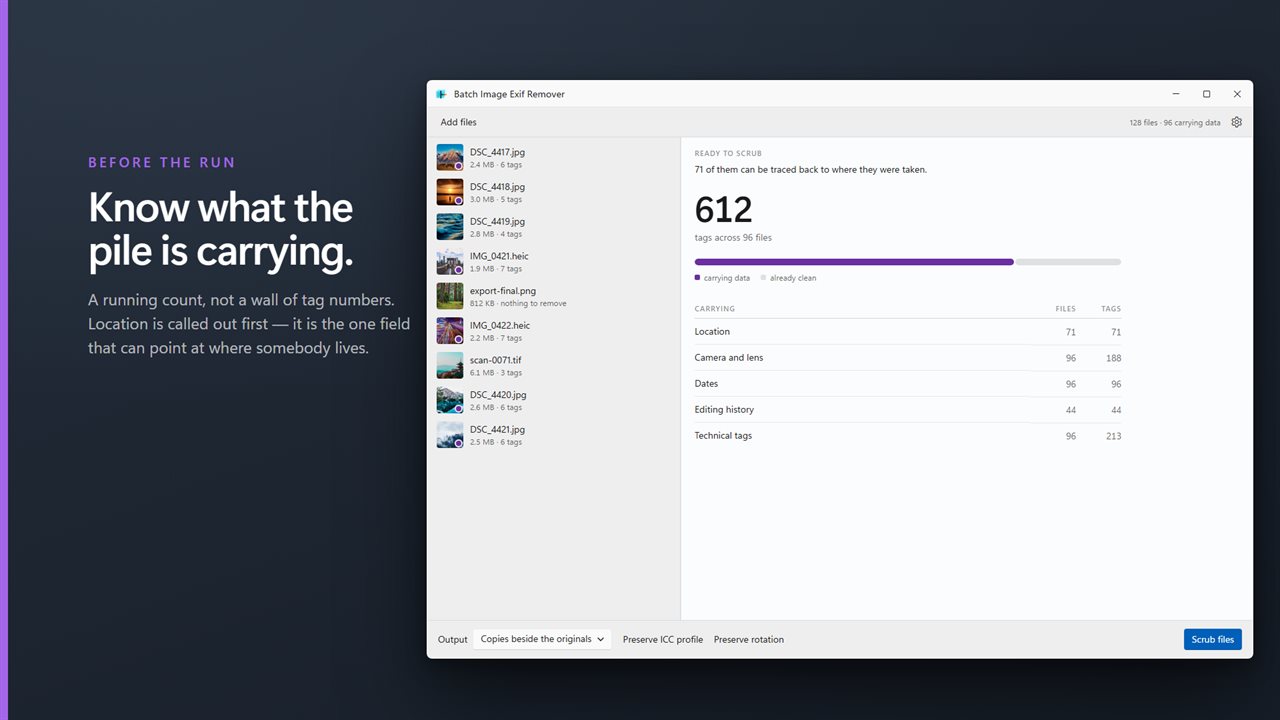
Before: what the pile is carrying
A running count, not a wall of tag numbers. How many files carry coordinates. How many name the camera and lens. How many record when they were taken, or the software that touched them. Location is called out first, because it is the one field that can point at where somebody lives.
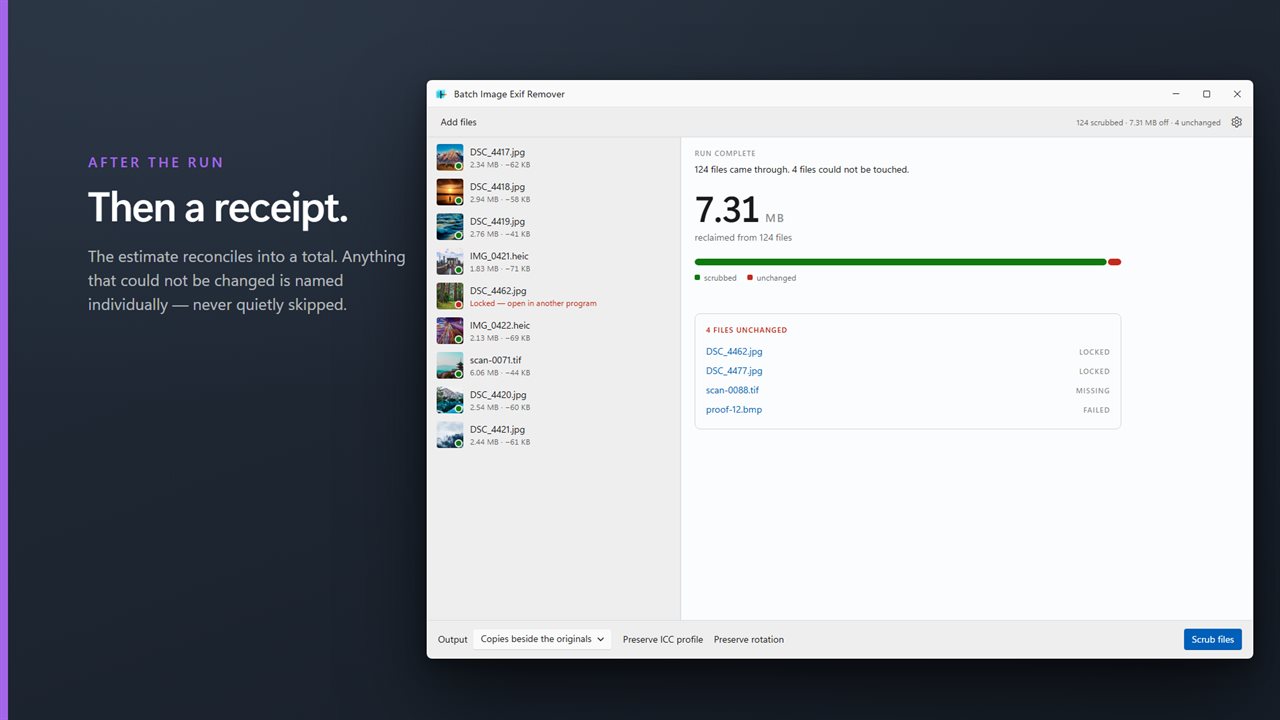
After: a receipt
The same panel reconciles. The estimate becomes a total: how much was actually reclaimed, across how many files, with anything that could not be changed named individually and marked Locked, Missing or Failed. No batch tool should tell you it finished and leave you to work out which twelve files it skipped.
Without touching the picture
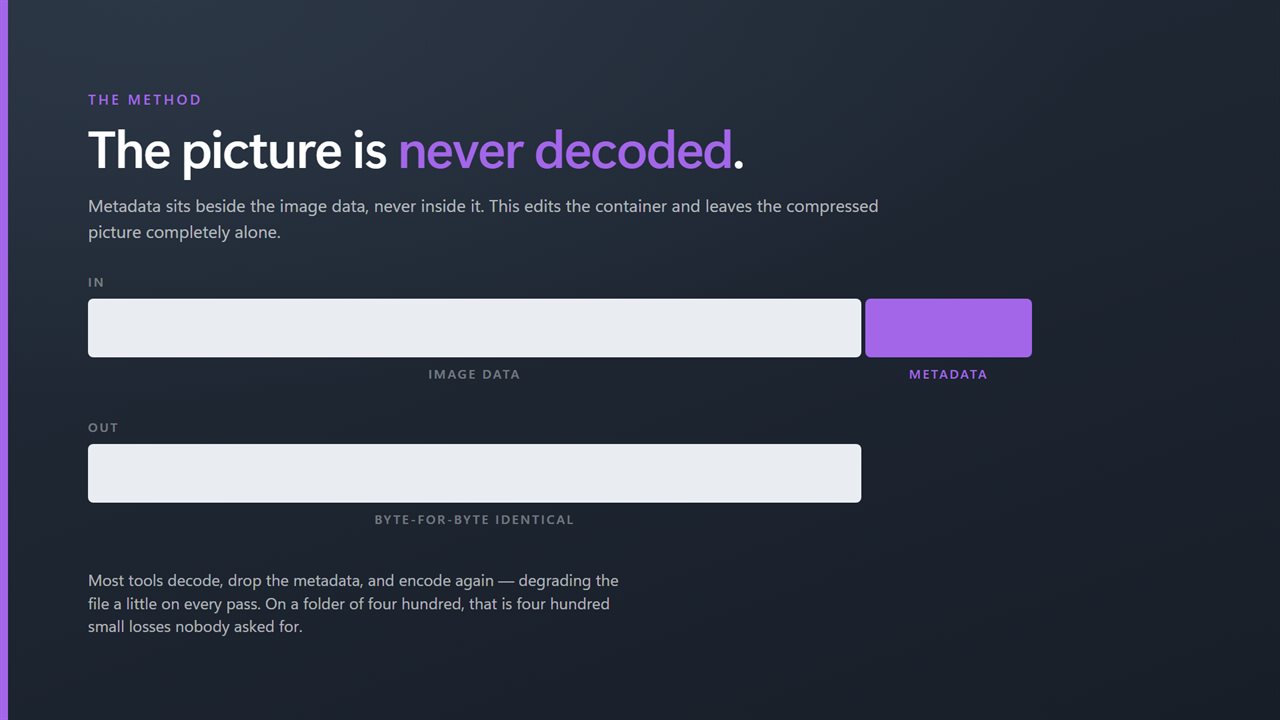
Metadata sits in the file beside the image data, never inside it. This edits the container and leaves the compressed picture completely alone, so what comes back is byte-for-byte identical apart from the parts you asked it to remove. Nothing is decoded and nothing is compressed again — run it a hundred times and the image is unchanged.
Most tools do the opposite. They decode, drop the metadata, and encode again, which quietly degrades the file on every pass. On a folder of four hundred, that is four hundred small losses you did not ask for.
Coordinates hide in three places
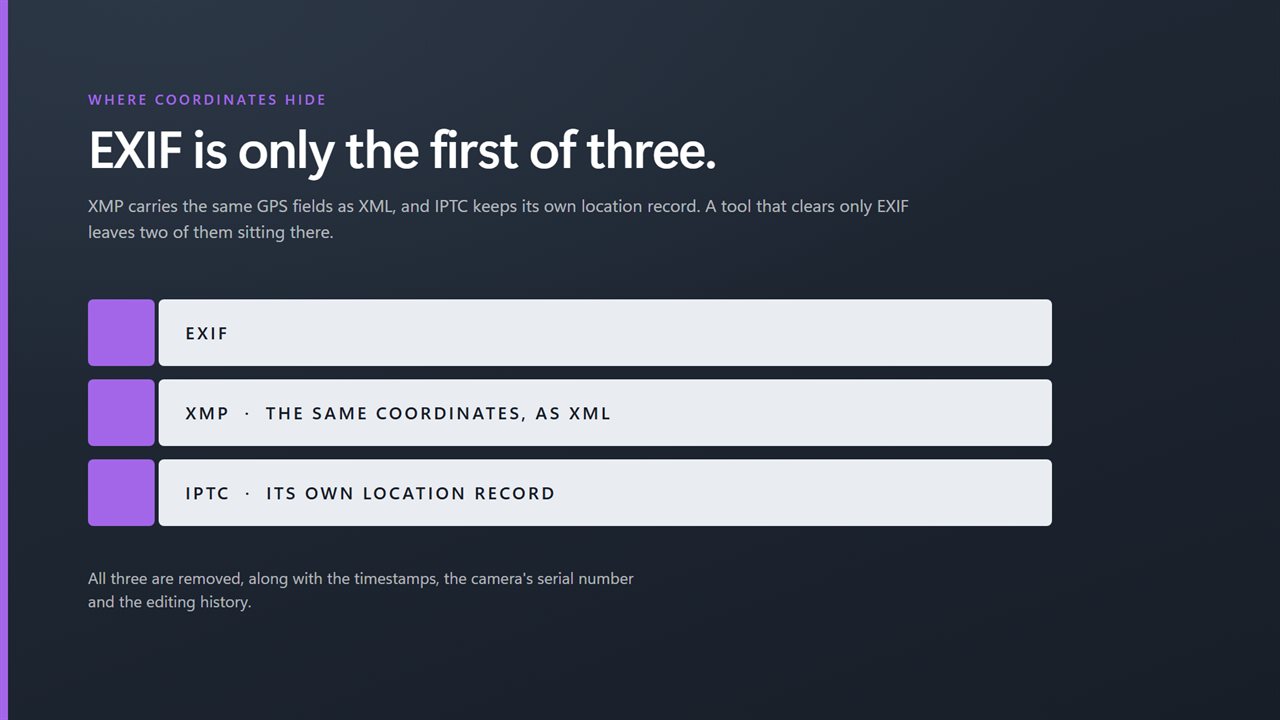
EXIF is the obvious one. XMP carries the same GPS fields as XML, and IPTC keeps its own location record. A tool that removes only EXIF leaves the other two sitting there. This takes all three, along with the timestamps and the editing history.
The formats your phone uses
HEIC and HEIF are what iPhones produce and where most location data lives now. Both are handled, plus JPEG, PNG, WebP, AVIF, TIFF, BMP and GIF.
Your choice of output
Write cleaned copies beside the originals, send them to another folder, or replace the originals in place. Keep the ICC profile so the colors still look right, and keep the rotation so portraits stay upright. Both are on by default.
On your PC, only
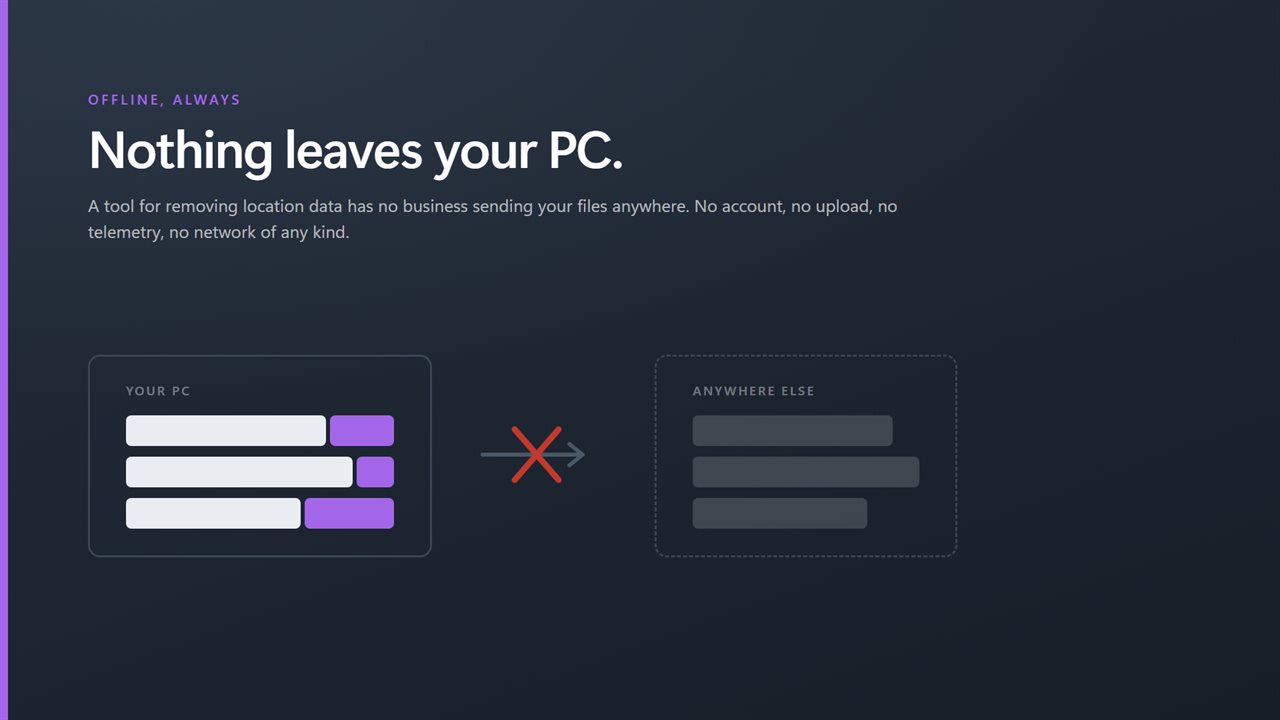
A tool for removing location data has no business sending your files anywhere. No account, no upload, no telemetry, no server processing. Drag the folder in, look at what is there, scrub it, read the receipt.
Features
- Built for whole folders — hundreds of files in a single pass
- Tells you exactly what came off: tags counted, then bytes reclaimed
- Names every file it could not change, and why — locked, missing, unreadable
- Strips EXIF, XMP and IPTC — coordinates hide in all three
- Never re-encodes: the picture comes back byte-for-byte identical
- HEIC and HEIF, the formats phones actually produce
- Also JPEG, PNG, WebP, AVIF, TIFF, BMP and GIF
- Copies beside the originals, into a folder, or in place
- Keep the ICC profile so colors stay right
- Keep the rotation so portraits stay upright
- Runs entirely on your PC — no account, no upload, no server processing
Details
- Works on
- Windows 10 (1809 or later) and Windows 11
- Download
- About 16.2 MB
- Version
- 3.0.4, updated October 2026
- First released
- October 2022
- Price
- $1.99 once. No subscription.
- Category
- Multimedia design
What's new in 3.0.4
- The icon now appears on its own in the taskbar, in Alt+Tab and in the title bar, the way it was drawn
Questions
Anything else? Ask us
Which versions of Windows does it run on?
Windows 10 (version 1809 or later) and Windows 11.
Is it a subscription?
No. Batch Exif Remover is a one-time purchase of $1.99, and updates are included.
How do I get it?
EvlarSoft apps are moving to direct downloads from this site. Ask to be notified and we will email you as soon as Batch Exif Remover is ready to download.