Batch Image Resize
Streamline your image management with Batch Image Resize. Whether you're a photographer, designer, or anyone dealing with a large image library, this application provides a practical and efficient solution for resizing images in bulk, ensuring uniformity and saving you valuable time and effort.
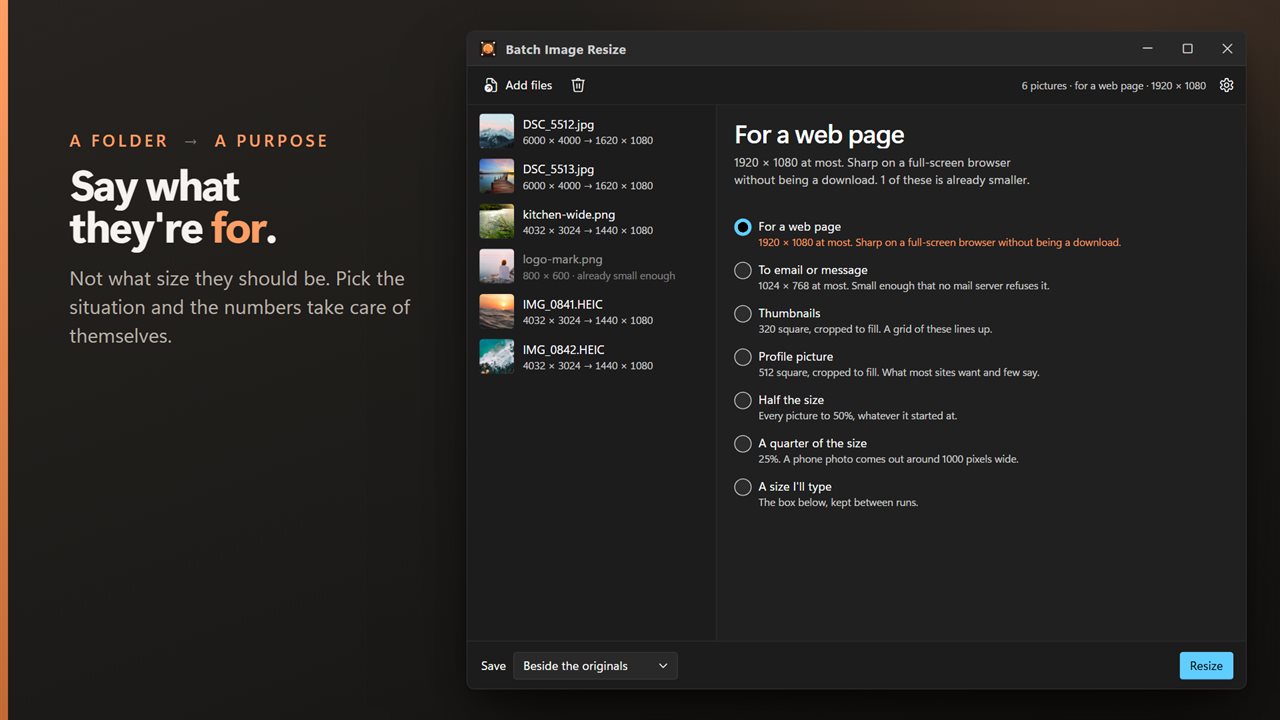
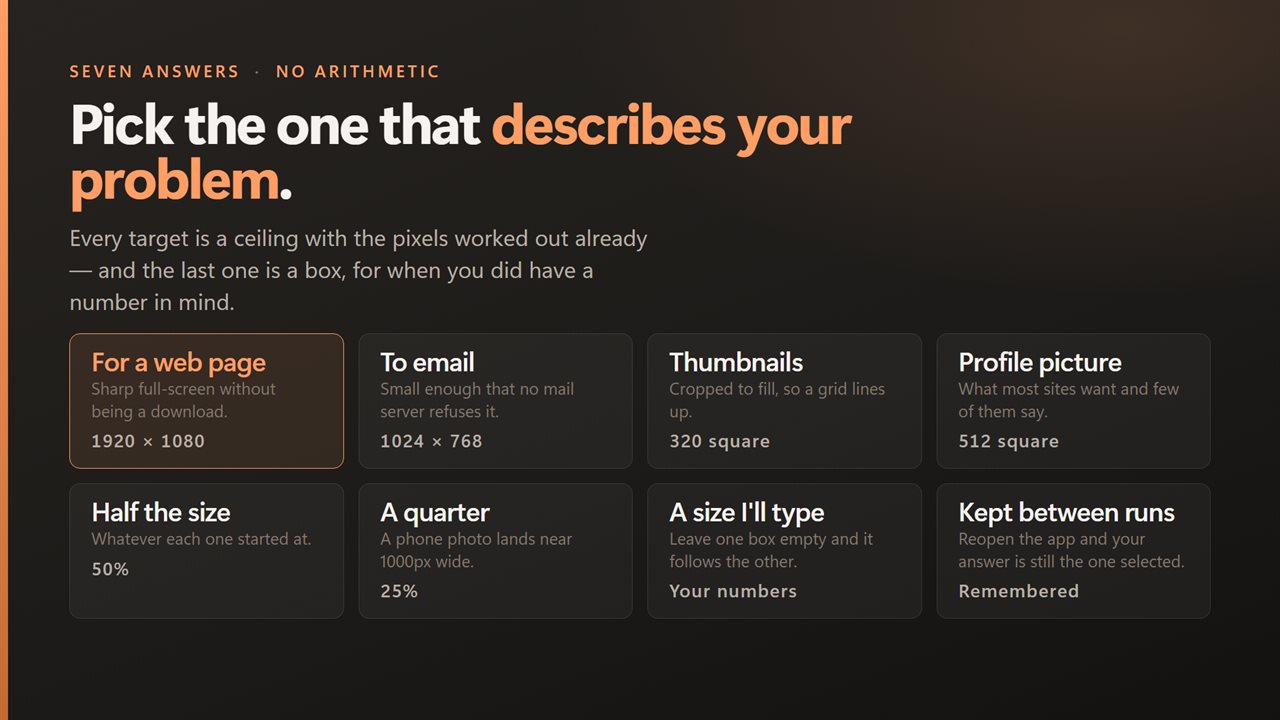
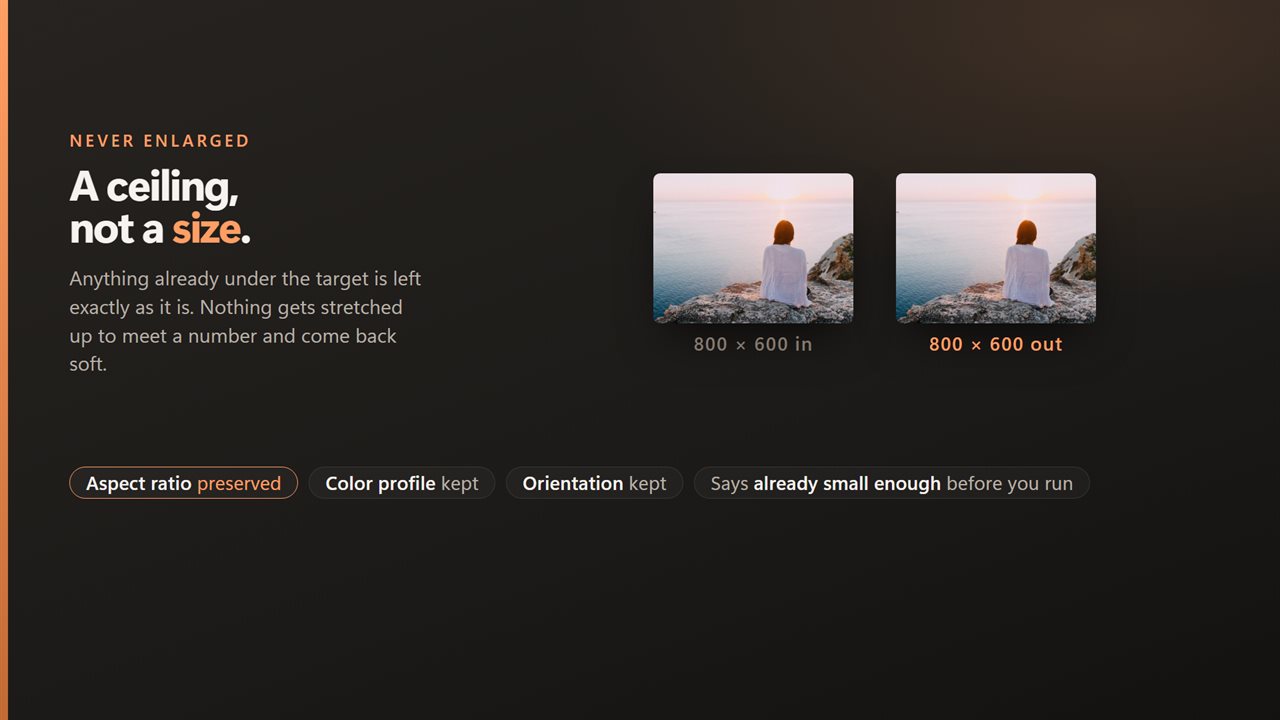
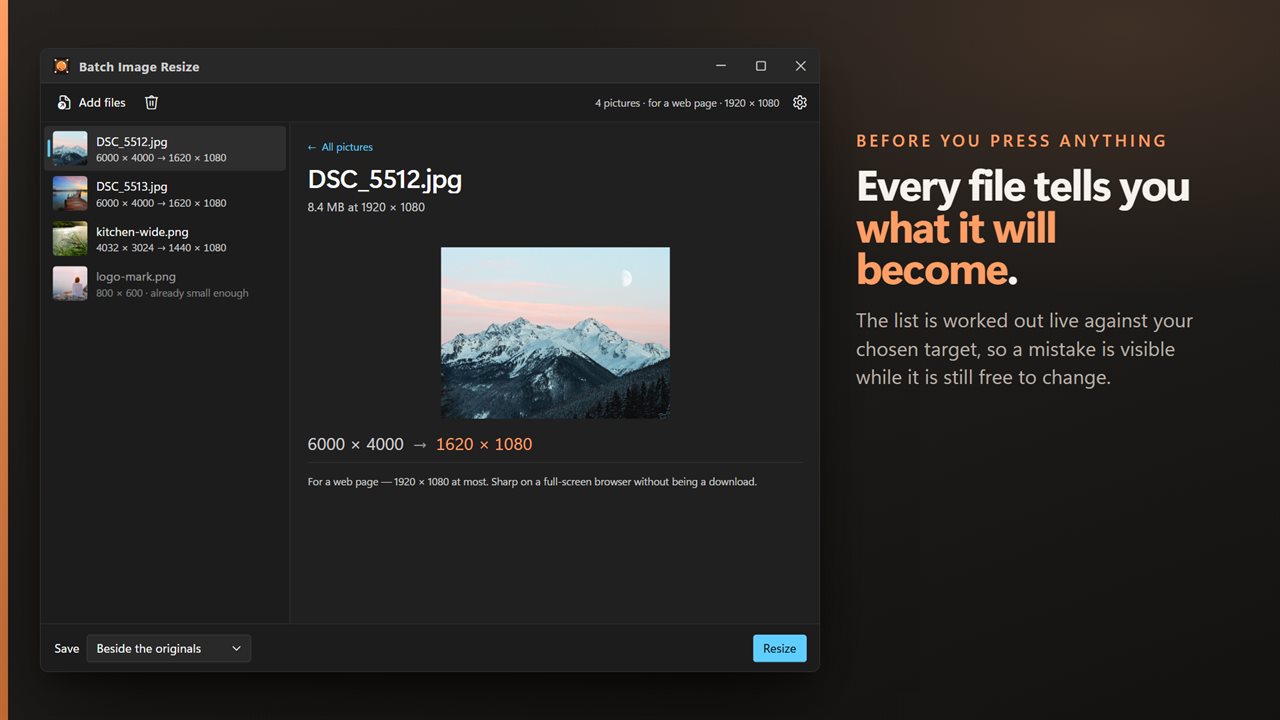
A folder in, and you just say what the pictures are for.
See it in action
About Batch Image Resize
Effortlessly manage and resize your image collection with Batch Image Resize, a versatile application designed for streamlined batch processing of images. This user-friendly tool empowers users to resize multiple images simultaneously, saving time and ensuring consistency in image dimensions. Whether you're preparing photos for a website, creating a presentation, or optimizing storage space, Batch Image Resize offers a simple and efficient solution for all your bulk image resizing needs.
Key Features:
🖼️ Bulk Image Resizing: Resize multiple images at once, eliminating the need for manual resizing and ensuring consistent dimensions across your image collection.
📏 Customizable Dimensions: Tailor image dimensions to your specifications, whether it's for web display, presentations, or any other use case.
💽 Format Compatibility: Support for a variety of image formats, including JPEG, PNG, and more, ensuring compatibility with different platforms and applications.
🔄 Batch Processing: Save time by processing large batches of images simultaneously, allowing you to focus on other tasks while the resizing operation is underway.
🔧 User-Friendly Interface: Navigate through the application effortlessly, making it easy to select, customize, and process images in bulk.
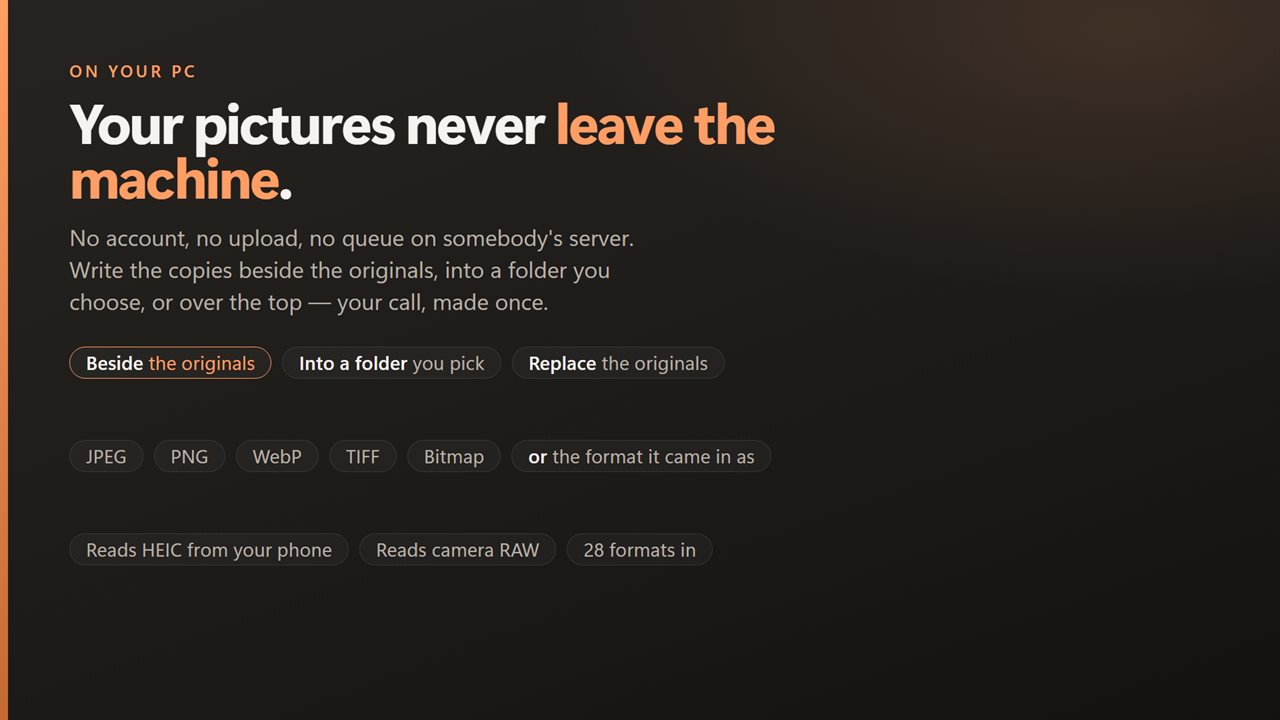
🔒 Privacy Assurance: Rest easy with a commitment to privacy – Batch Image Resize operates offline, securing your image data during the resizing process.
Streamline your image management with Batch Image Resize. Whether you're a photographer, designer, or anyone dealing with a large image library, this application provides a practical and efficient solution for resizing images in bulk, ensuring uniformity and saving you valuable time and effort.
Details
- Works on
- Windows 10 (1809 or later) and Windows 11
- Download
- About 16.3 MB
- Version
- 2.0.4, updated October 2026
- First released
- August 2022
- Price
- $1.99 once. No subscription.
- Category
- Multimedia design
What's new in 2.0.4
- Bug Fixes
- Added compress after resize
Questions
Anything else? Ask us
Which versions of Windows does it run on?
Windows 10 (version 1809 or later) and Windows 11.
Is it a subscription?
No. Batch Image Resize is a one-time purchase of $1.99, and updates are included.
How do I get it?
EvlarSoft apps are moving to direct downloads from this site. Ask to be notified and we will email you as soon as Batch Image Resize is ready to download.
More from EvlarSoft
 WebpMagic With WebpMagic, you can convert your WebP images to formats such as JPEG, PNG, GIF, BMP, and more, ensuring compatibility with a wide range of devices, software, and online platforms
 HEIFMagicEffortlessly transform your HEIF images into formats like JPEG, PNG, BMP, and more, ensuring compatibility with a wide range of devices and applications.
 Exif EraserSee what your photos give away, then take it out.