Exif Eraser
See what your photos give away, then take it out. Exif Eraser reads a whole batch and tells you in plain English what it found — the coordinates, the camera and its serial number, the dates — before it removes a thing. It edits the file around the picture rather than decoding and recompressing it, so your photograph comes back byte-for-byte identical minus the metadata. HEIC and HEIF included. Nothing leaves your PC unless you choose to send feedback.
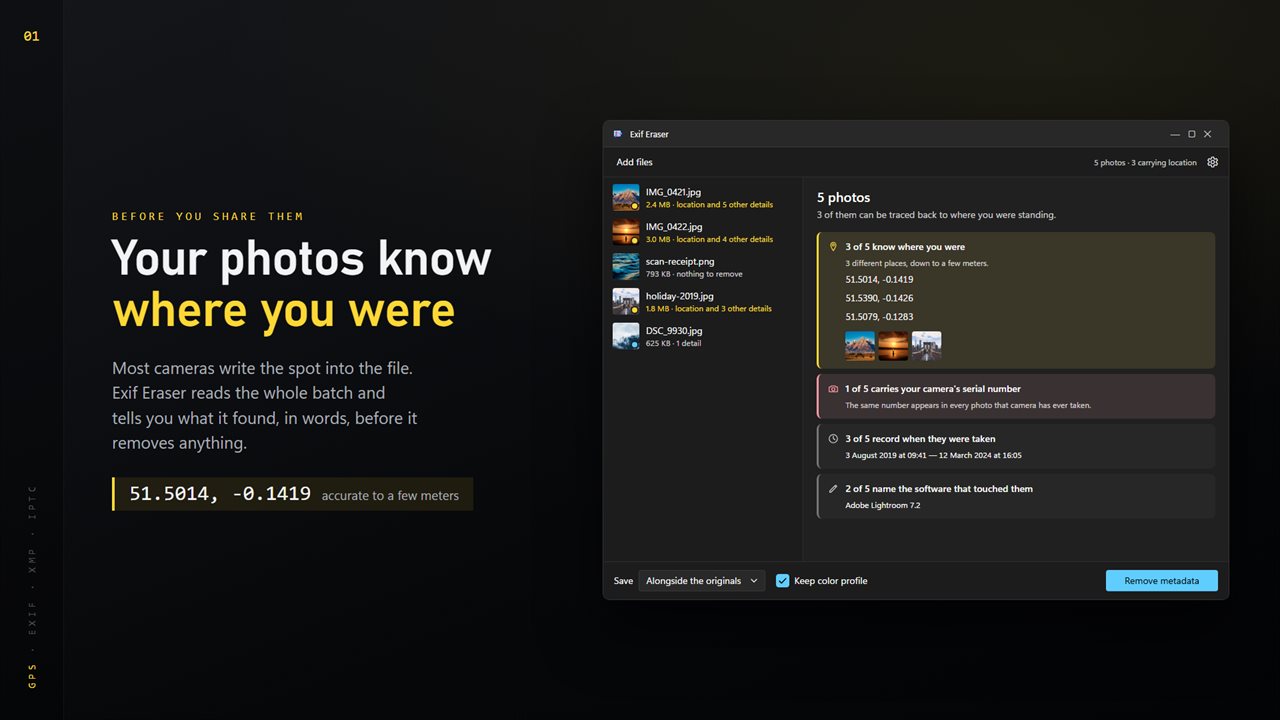
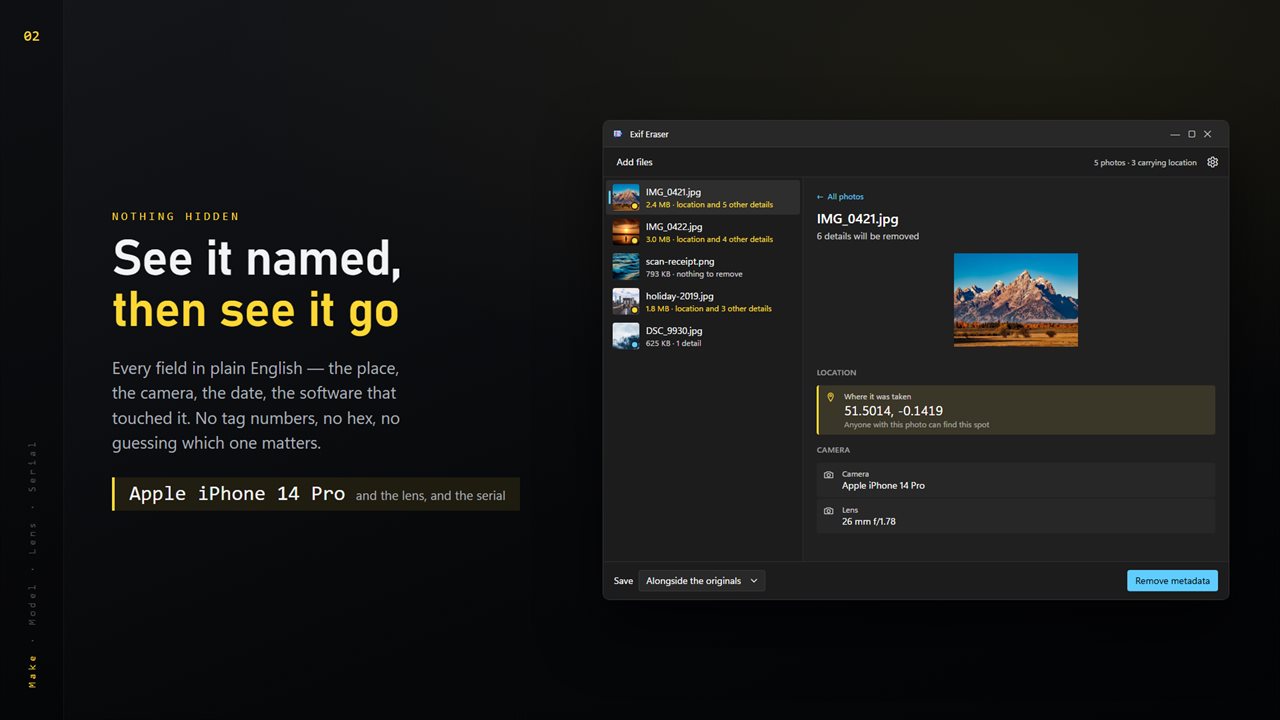
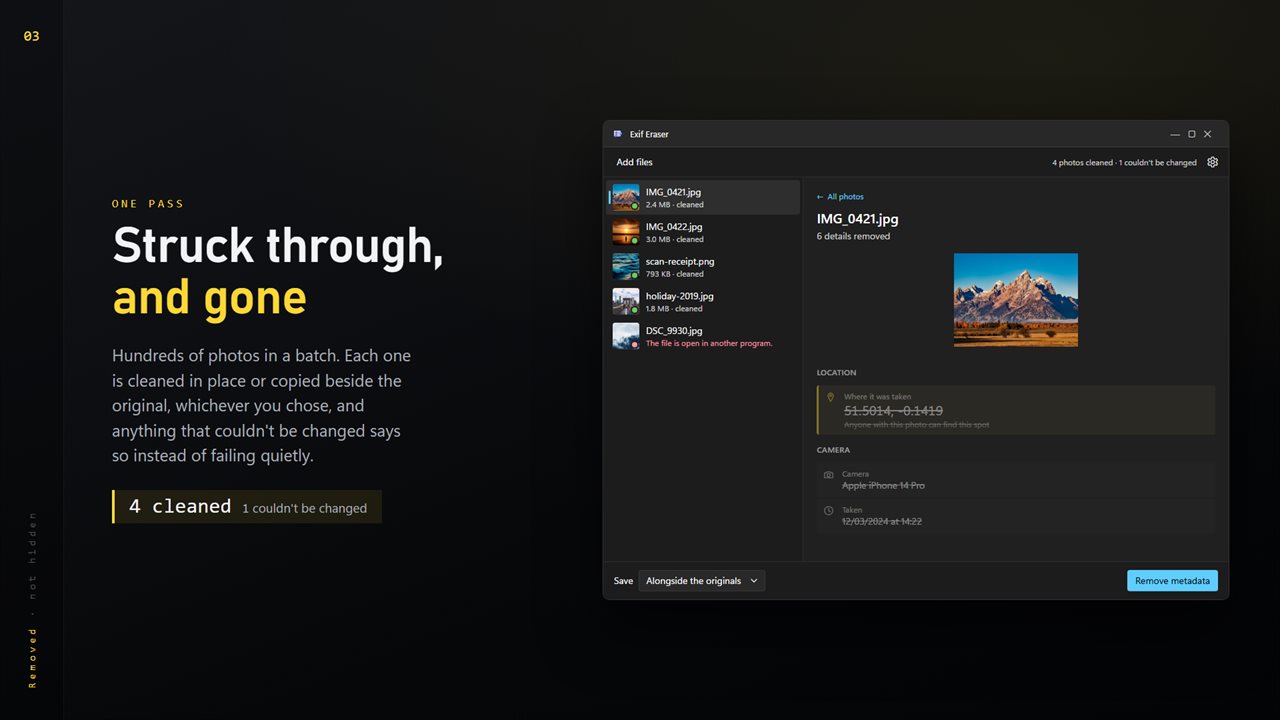
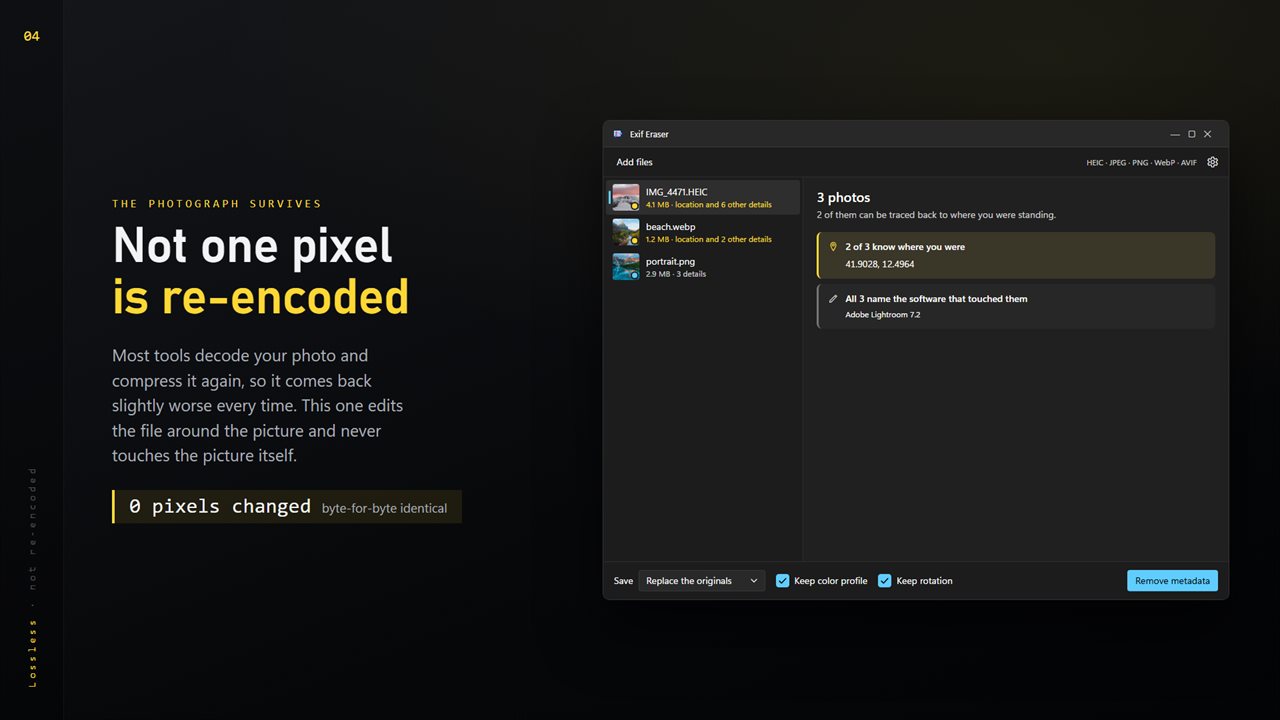
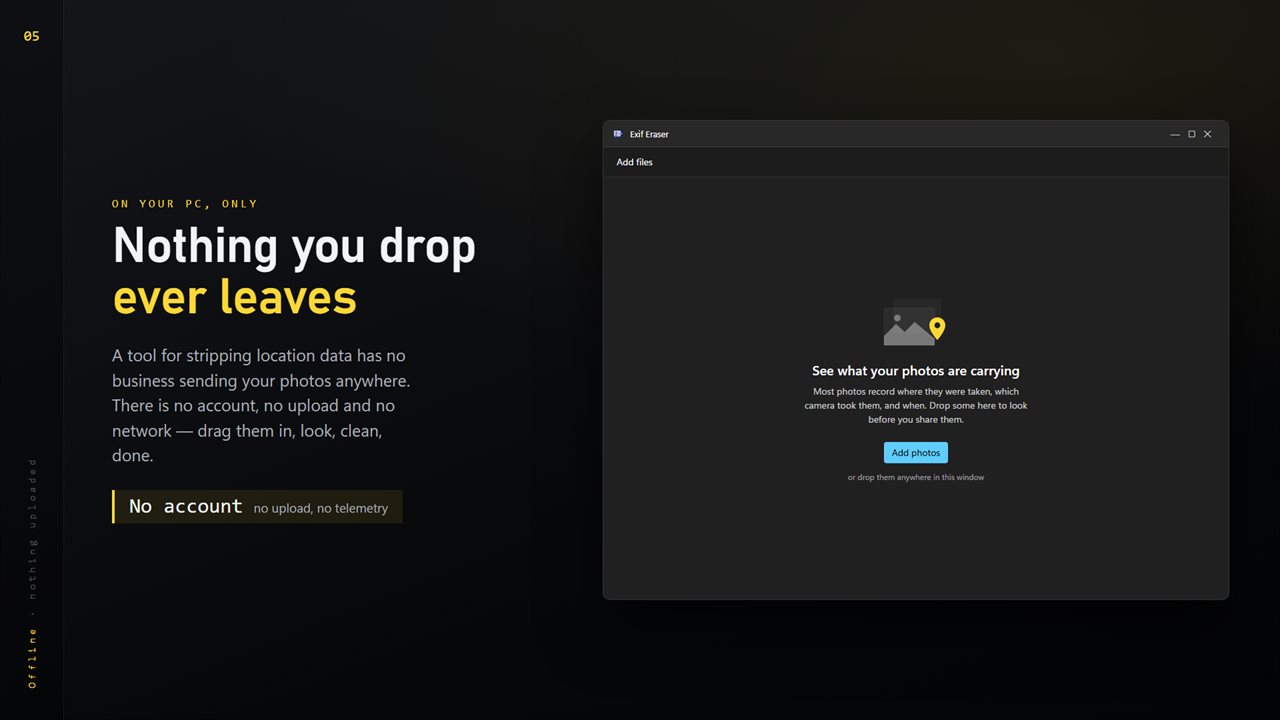
See what the whole batch gives away — location first, in plain English.
See it in action
About Exif Eraser
Most photographs quietly record where they were taken. Share one and you may be sharing your street, your workplace, or the school gate — accurate to a few meters.
Exif Eraser shows you that first.
Drop in a folder and it reads the whole set, then says what it found in words rather than tag numbers: how many photos know where you were, which camera took them, its serial number — the same one written into every photo that camera has ever taken — the dates, and the software that touched them. The location is called out first, because it is the one field that can find somebody.
Then it removes it.
Without touching the picture
Metadata sits in the file beside the image data, never inside it. Exif Eraser edits the container and leaves the compressed picture completely alone, so what comes back is byte-for-byte identical apart from the parts you asked it to remove. Nothing is decoded and nothing is compressed again — run it a hundred times and the photograph is unchanged.
Most tools do the opposite: they decode your photo, drop the metadata, and encode it again, which quietly degrades it every time.
More than EXIF
Coordinates can hide in three places. EXIF is the obvious one; XMP carries the same GPS fields in XML, and IPTC has its own location record. A tool that removes only EXIF leaves the other two behind. This one takes all three, along with the timestamps and the editing history.
The formats your phone uses
HEIC and HEIF are what iPhones produce, and they are where most location data lives now. Exif Eraser handles them, plus JPEG, PNG, WebP, AVIF and JXL.
Your choice of output
Save cleaned copies beside the originals, send them to another folder, or replace the originals in place. Keep the color profile so the photo still looks right, and keep the rotation so portraits stay upright.
On your PC, only
A tool for stripping location data has no business sending your photos anywhere. There is no account, no upload, no telemetry and no server processing. Drag them in, look at what is there, clean them, done.
Features
- Shows what your photos are carrying before it removes anything
- Reads GPS coordinates, camera, lens, serial number, dates and software
- Strips EXIF, XMP and IPTC — location hides in all three
- Never re-encodes: the photograph comes back untouched
- Works on HEIC and HEIF, the formats phones actually produce
- Also JPEG, PNG, WebP, AVIF and JXL
- Clean a whole folder in one pass
- Save beside the originals, to another folder, or replace them
- Keep the color profile and rotation if you want them
- Everything happens on your PC — no account, no upload, no server processing
Details
- Works on
- Windows 10 (1809 or later) and Windows 11
- Download
- About 16.2 MB
- Version
- 2.0.4, updated October 2026
- First released
- June 2023
- Price
- $1.99 once. No subscription.
- Category
- Utilities & tools
What's new in 2.0.4
- The icon now appears on its own in the taskbar, in Alt+Tab and in the title bar, the way it was drawn
Questions
Anything else? Ask us
Which versions of Windows does it run on?
Windows 10 (version 1809 or later) and Windows 11.
Is it a subscription?
No. Exif Eraser is a one-time purchase of $1.99, and updates are included.
How do I get it?
EvlarSoft apps are moving to direct downloads from this site. Ask to be notified and we will email you as soon as Exif Eraser is ready to download.