Duplicate File Finder
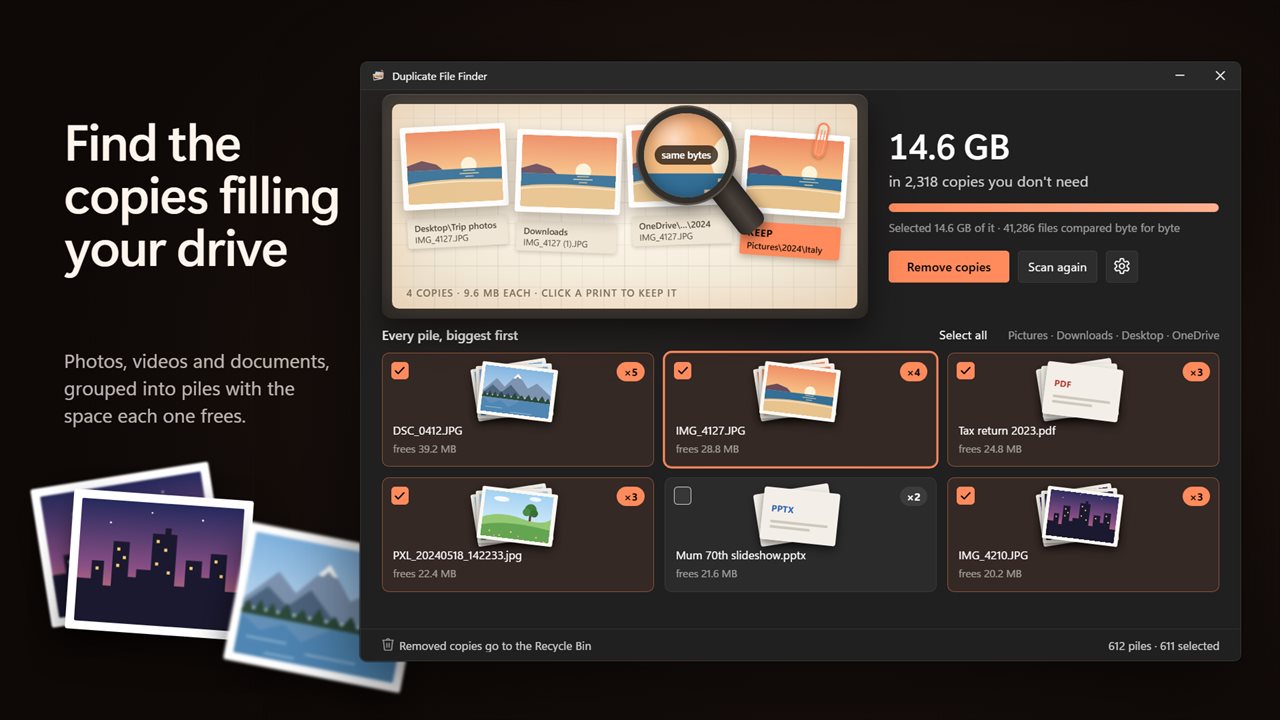
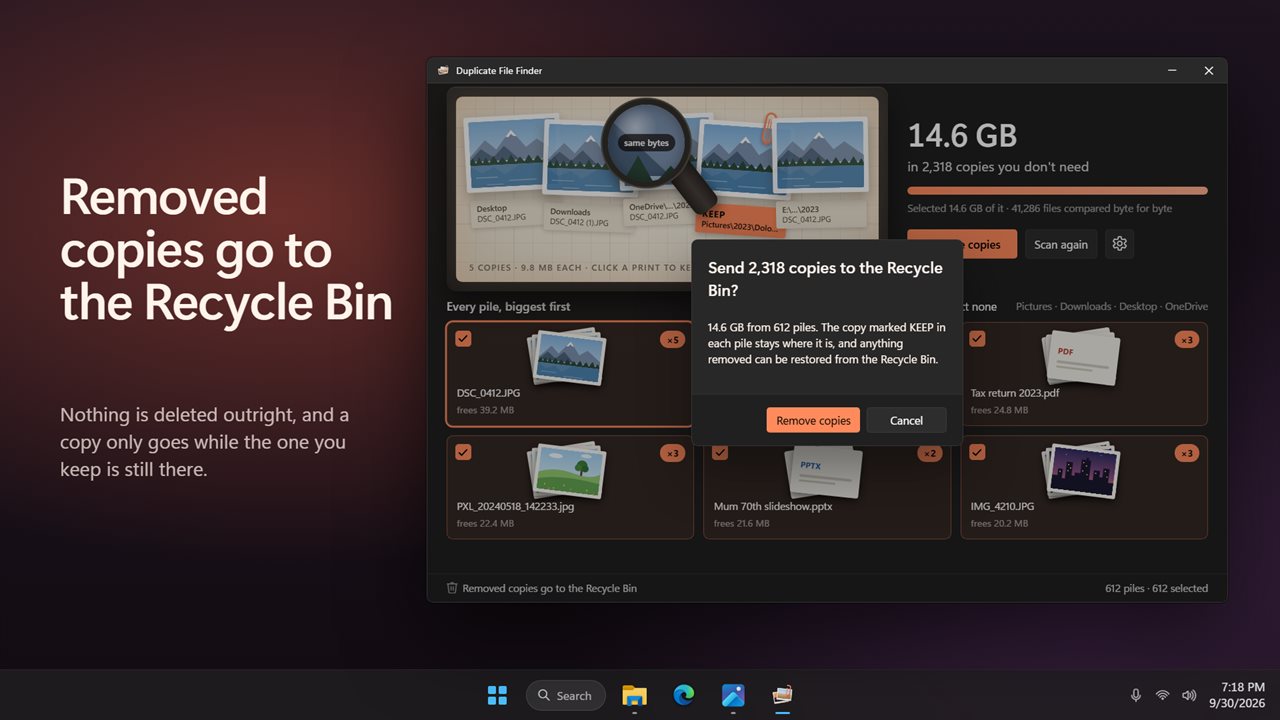
Find duplicate photos and files by what is inside them, not by their names, and free the space they waste. Copies are compared byte for byte, grouped into piles with the space each one frees, and laid out as prints so you can click the one to keep. Removed copies go to the Recycle Bin, so nothing is deleted outright.
Find the duplicate photos and files filling your drive.
See it in action
About Duplicate File Finder
Find the duplicate photos and files filling your drive, and get the space back without losing a thing.
Exact copies only
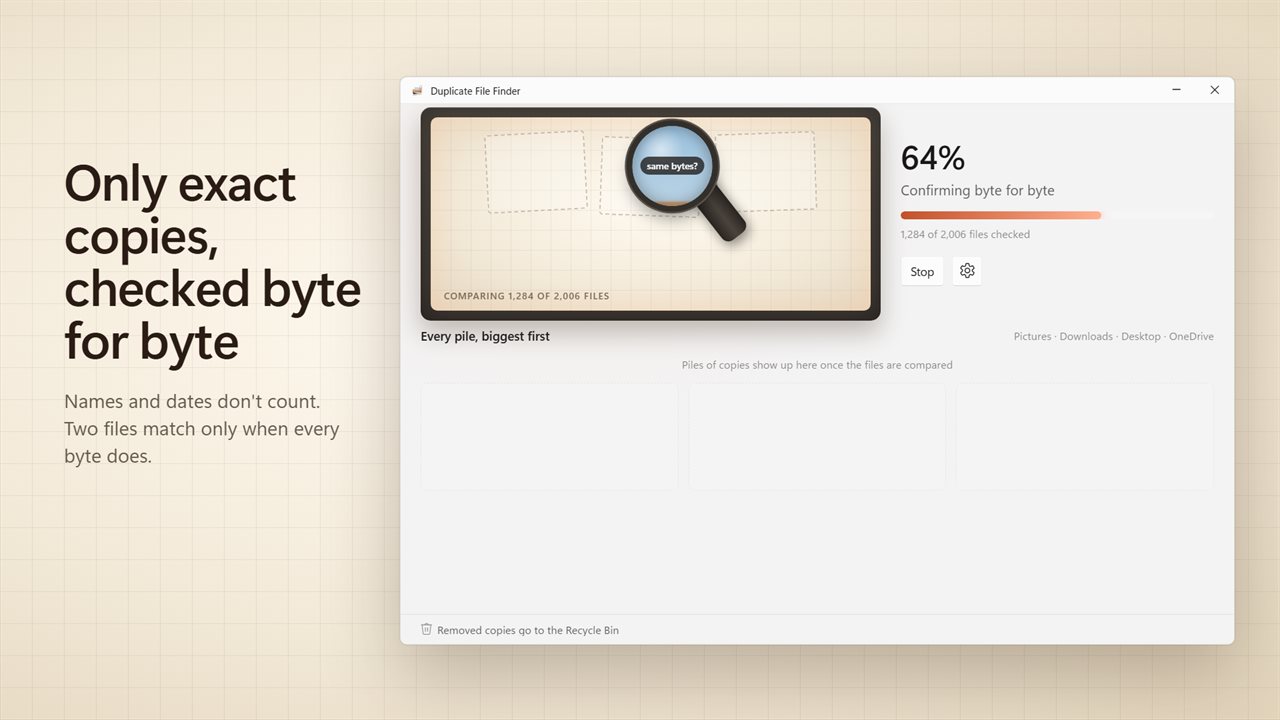
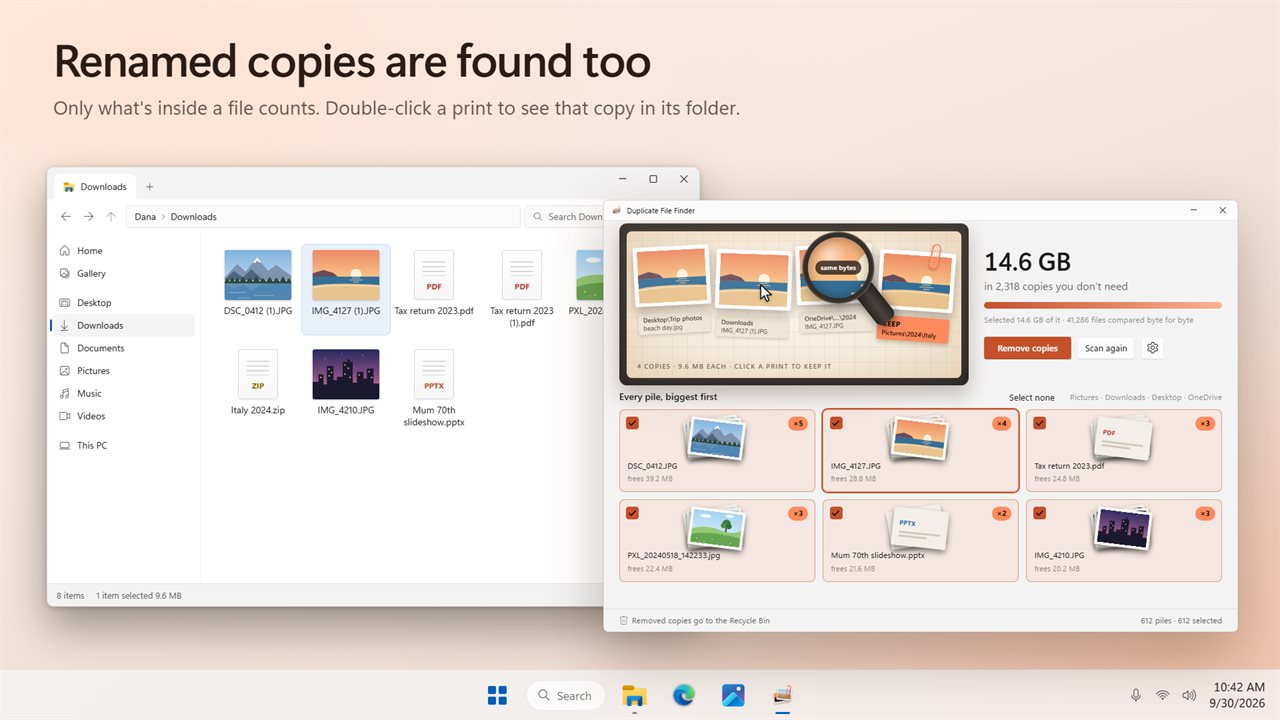
Duplicate File Finder compares files byte for byte. Two files land in the same pile only when every byte matches, whatever they are called and wherever they sit. A renamed copy like "IMG_4127 (1).JPG" is found, and two different photos that merely look alike are never mixed up. It works on every kind of file: photos, videos, music, PDFs, documents and zip files.
See what you can free
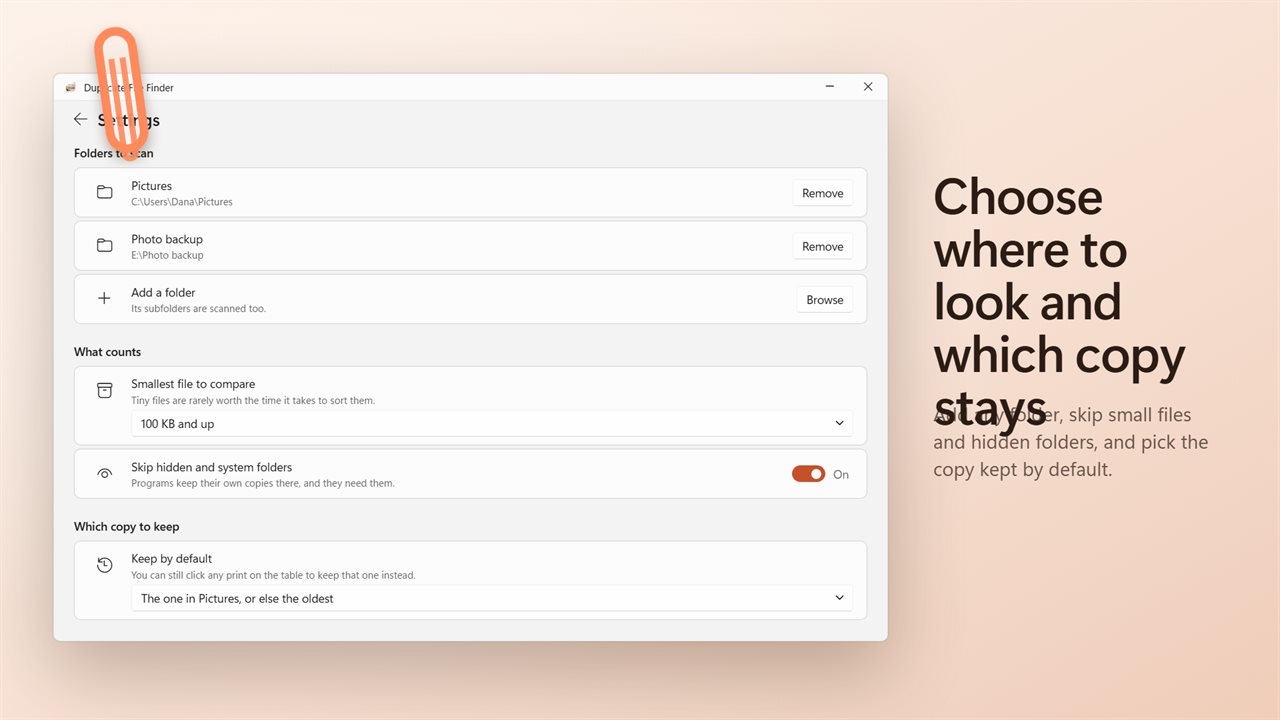
It starts with Pictures, Downloads, Desktop and OneDrive, and you can add any folder you like. Subfolders are scanned too. The copies come back as piles, biggest waste first, with the total you can free at the top and the space each pile frees on its card.
Pick the copy you keep
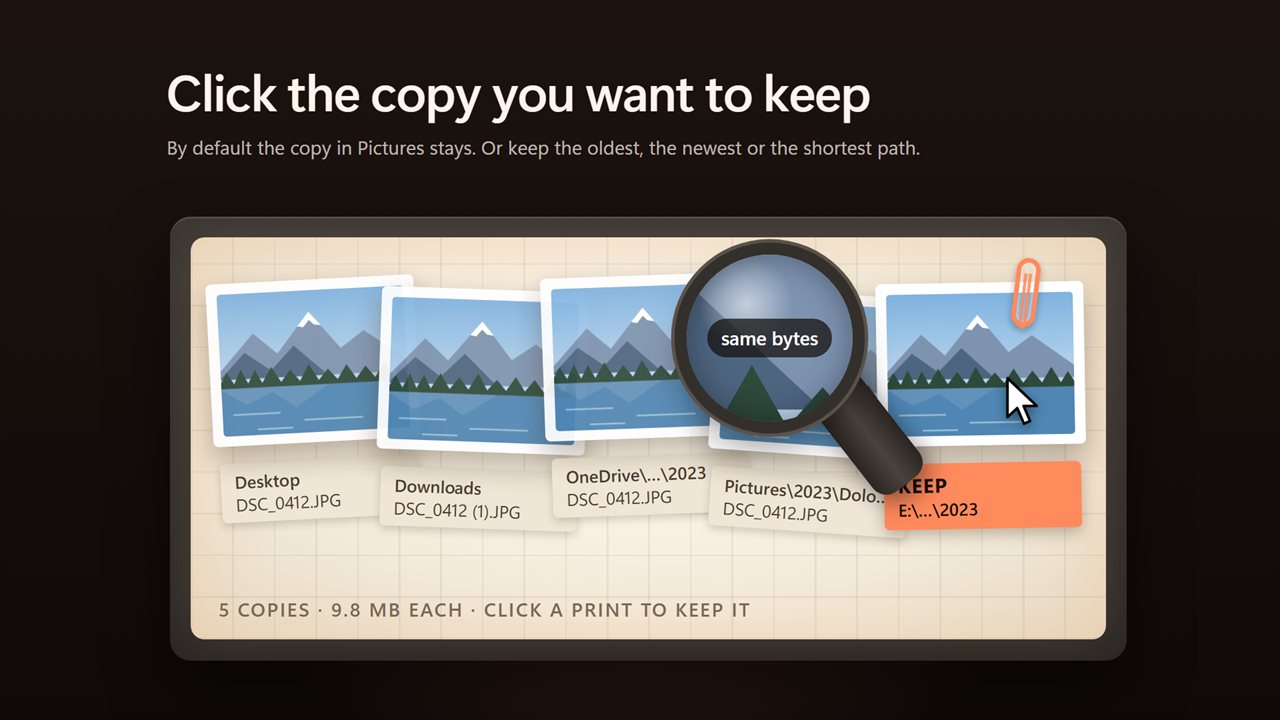
Every pile is laid out as prints on a light table, with the real picture on each photo. Click any print to keep that copy instead, and double-click one to see it in its folder. By default the copy in Pictures stays, or else the oldest. You can have it keep the oldest, the newest, or the one with the shortest path.
Nothing is deleted outright
Removed copies go to the Recycle Bin, so anything can come back. A copy is removed only while the one you keep is still there, and files another program has open are left alone. Hidden and system folders are skipped by default, since programs keep copies there that they need.
Your choice
Compare every file, or skip the small ones: 100 KB, 1 MB or 10 MB and up. Tick piles one by one, or select them all at once. Light and dark themes, or match Windows.
Features
- Finds files with exactly the same contents, whatever they are called and wherever they are
- Compares files byte for byte, so only true copies are shown, never photos that merely look alike
- Starts with Pictures, Downloads, Desktop and OneDrive, and you can add any folder. Subfolders are scanned too
- Works on every kind of file: photos, videos, music, PDFs, documents and zip files
- Copies are grouped into piles, biggest waste first, each showing the space it frees
- See the total you can free at the top, and how much of it is selected
- Each pile is laid out as prints on a light table, with the real picture on every photo
- Click any print to keep that copy instead
- Keep the copy in Pictures by default, or the oldest, the newest, or the one with the shortest path
- Double-click a print to see the file in its folder
- Tick piles one by one, or select all or none at once
- Removed copies go to the Recycle Bin. Nothing is deleted outright, so anything can come back
- A copy is removed only while the one you keep is still there
- Files another program has open are left alone, and you are told how many
- Hidden and system folders are skipped by default, since programs keep copies there that they need
- Compare every file, or only files from 100 KB, 1 MB or 10 MB up
- Stop a scan at any time
- The start screen shows what your last scan found
- Light and dark themes, or match Windows
Details
- Works on
- Windows 10 (1809 or later) and Windows 11
- Download
- About 3.7 MB
- Version
- 1.0.3, updated October 2026
- First released
- October 2026
- Price
- $1.99 once. No subscription.
- Category
- Utilities & tools
Questions
Anything else? Ask us
Which versions of Windows does it run on?
Windows 10 (version 1809 or later) and Windows 11.
Is it a subscription?
No. Duplicate File Finder is a one-time purchase of $1.99, and updates are included.
How do I get it?
EvlarSoft apps are moving to direct downloads from this site. Ask to be notified and we will email you as soon as Duplicate File Finder is ready to download.