Any File Splitter
Split any file into pieces of the size you actually need. Pick the limit you are up against — 25 MB for an email, 700 MB for a disc, 4 GB for a FAT32 drive — instead of guessing how many pieces that works out to. Drop the parts back in later and it joins them into the original, byte for byte, without being told which job it is doing. A whole batch at a time, entirely on your PC.
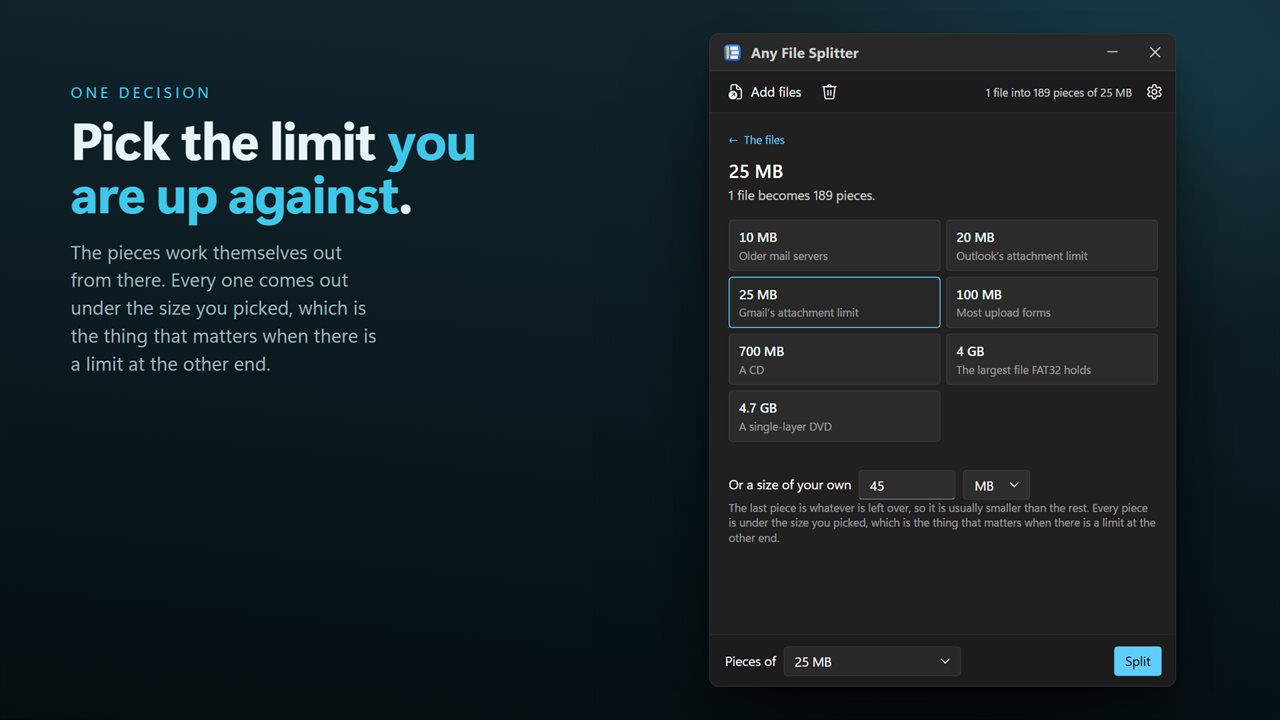
Pick the limit you are up against. The pieces work themselves out.
See it in action
About Any File Splitter
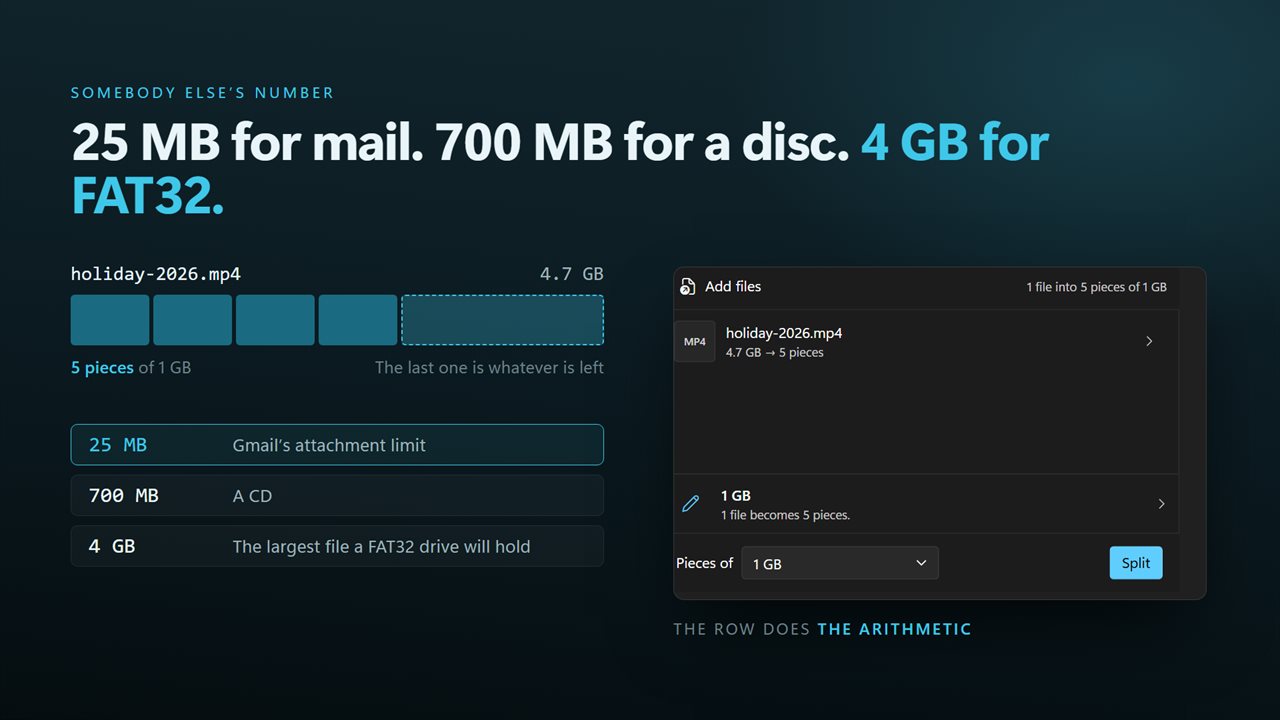
The limit is never "five pieces". It is 25 MB, because that is what the mail server accepts. Or 4 GB, because the USB stick is FAT32 and will not take a file any bigger. Or the size of a disc.
Any File Splitter asks for the size, not the count.
The limits people actually hit
Choose a mail attachment limit, a CD, a DVD, the FAT32 file-size ceiling, or type any size you like. The app works out the pieces. A 9 GB video against a 4 GB limit is three parts, and you never have to be the one who divides it.
Any file, not just documents
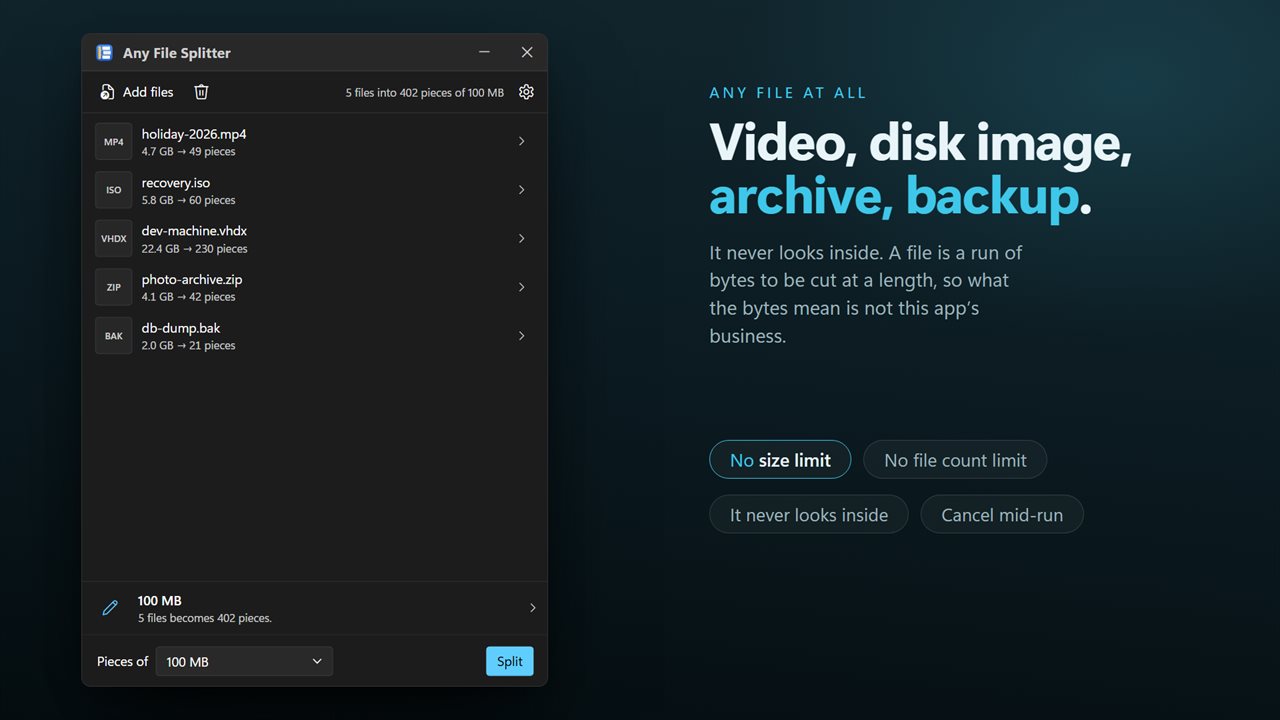
It reads bytes, so it does not care what the file is: video, disk image, virtual machine, archive, database dump, backup. Nothing is compressed, re-encoded or interpreted.
Putting it back
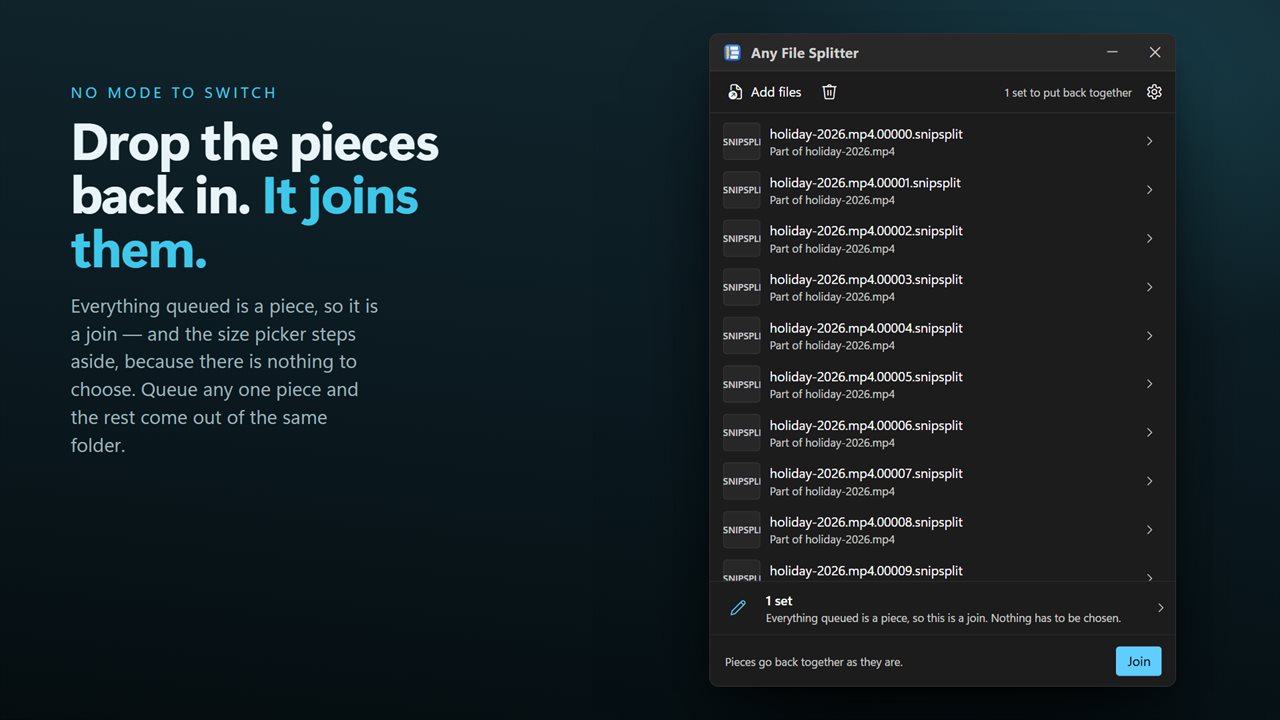
Drop the parts in and it joins them. There is no mode to switch first — parts are recognized for what they are, and the app does the job in front of it. The rebuilt file is byte for byte the original, and if a part is missing it is named before anything is written.
A whole batch
Drop in as many files as you like and they split in one pass, each against the same limit. A selection sent from Explorer's right-click menu arrives in one window, not one window per file.
Nothing happens to your original
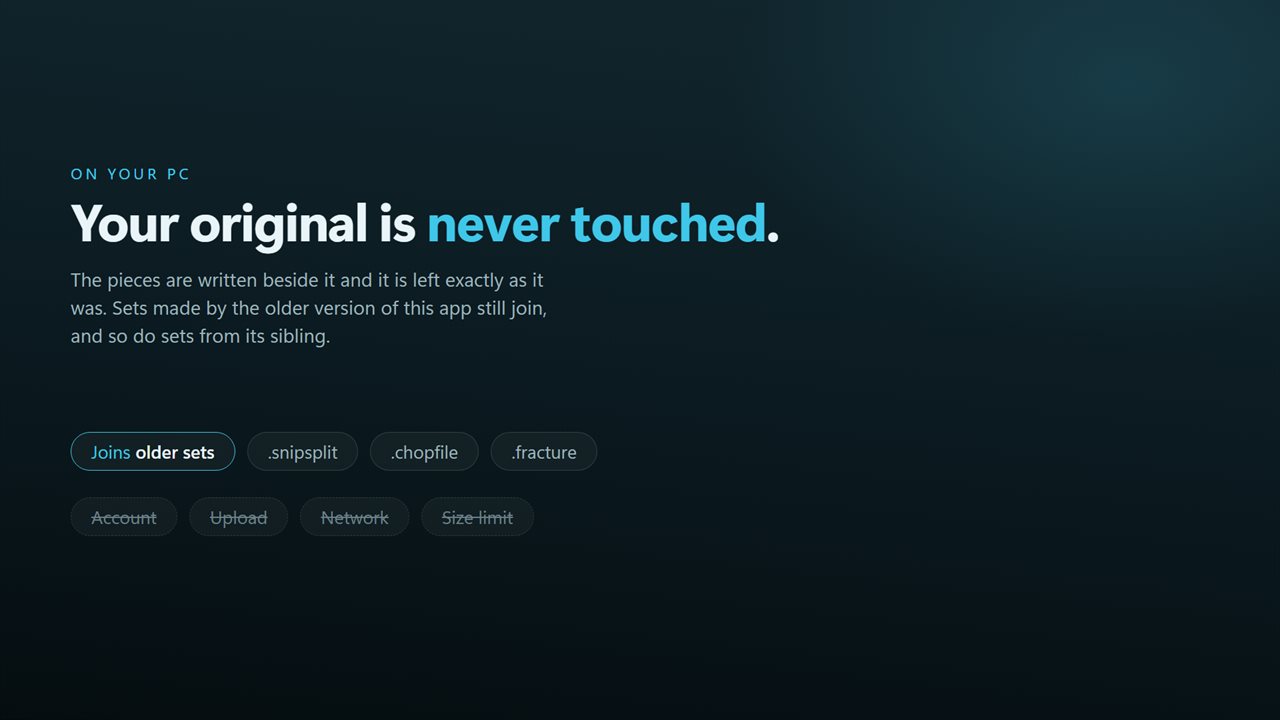
Splitting reads the file and writes new parts beside it. The original is never modified, moved or deleted, and cancelling part-way leaves no half-written pieces.
On your PC, and nowhere else
There is no account, no sign-in, no upload and no telemetry. The app has no network code in it at all and works with the connection turned off.
Features
- Split by the size you actually need — 25 MB for email, 700 MB for a CD, 4 GB for a FAT32 drive
- Pick a named limit instead of working out how many pieces that is
- Any file at all: video, disk image, archive, database, backup
- Takes a whole batch in one pass, not one file per run
- Drop the parts back in and it joins them — no mode to switch, it can tell
- Rebuilds the original byte for byte and names a part if one is missing
- The original file is never changed, moved or deleted
- Drag straight in from Explorer, or send a selection from the right-click menu
- Cancel part-way through without leaving half-written parts behind
- No account, no upload and no network use except feedback you choose to send
Details
- Works on
- Windows 10 (1809 or later) and Windows 11
- Download
- About 16.2 MB
- Version
- 2.0.6, updated October 2026
- First released
- October 2022
- Price
- $2.99 once. No subscription.
- Category
- Productivity
What's new in 2.0.6
- Split by size, which is the thing this app could not do before. Pick a mail limit, a disc, the FAT32 ceiling, or type any size — no working out the piece count yourself
- Added joining. Earlier versions could only split; drop the parts back in and the original is rebuilt byte for byte
- Now takes a whole batch instead of one file per run
- Drag and drop from Explorer, and a right-click selection of many files opens one window rather than one each
- A missing part is named before anything is written, instead of producing an incomplete file
- A redesigned interface, in light or dark, and it can follow Windows instead if you prefer
Questions
Anything else? Ask us
Which versions of Windows does it run on?
Windows 10 (version 1809 or later) and Windows 11.
Is it a subscription?
No. Any File Splitter is a one-time purchase of $2.99, and updates are included.
How do I get it?
EvlarSoft apps are moving to direct downloads from this site. Ask to be notified and we will email you as soon as Any File Splitter is ready to download.