Fast File Splitter and Joiner
Split a file, or join the parts back up, without reading anything first. Two buttons and three sizes is the whole app — no part counts to work out, no settings page, no options to get wrong. Bought once, and all of it works: no add-ons, no unlocks, nothing held back for a second purchase. Drop in a batch, press the button, and it is done. Everything happens on your PC.
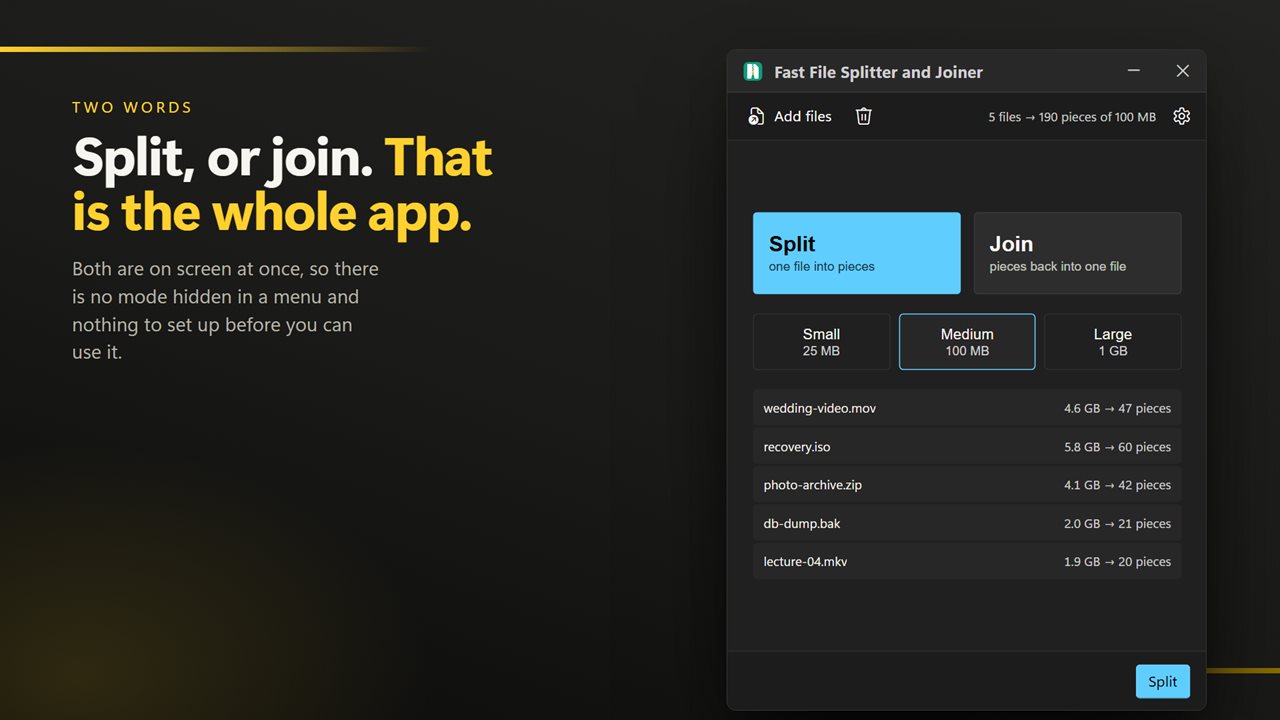
Split, or join. That is the whole app.
See it in action
About Fast File Splitter and Joiner
You have a file that will not fit somewhere, and you would like it to be in pieces. That is the whole job, and it should take about four seconds.
Two buttons
Split, or join. That is the choice. There is no settings page, no preferences, and no options to read through before the app will do anything.
Three sizes
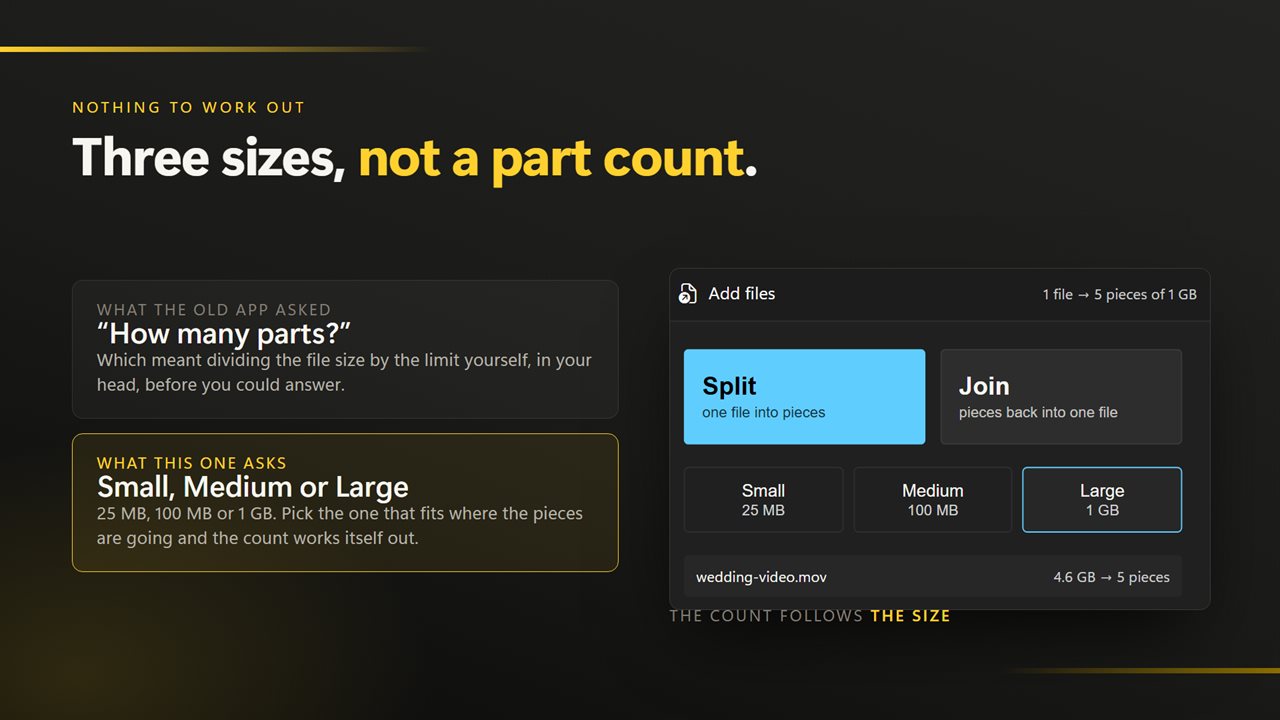
Small, medium or large. No part counts to divide out and no numbers to type — pick the one that sounds right and the pieces come out at a sensible size.
Nothing held back
Every part of this app works. There are no add-ons, no unlocks, no watermark and no piece count waiting behind a second purchase.
It still takes a batch
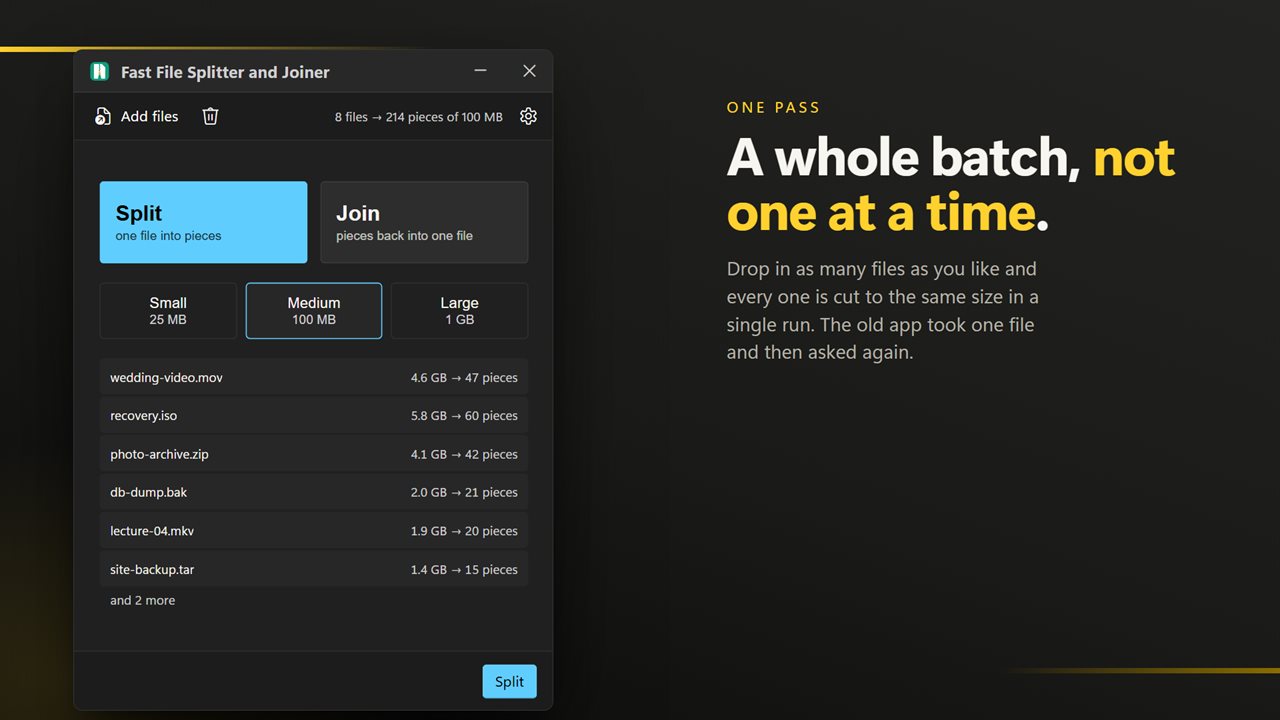
Simple does not mean one at a time. Drop in as many files as you like and they all go through in one pass, and a selection sent from Explorer's right-click menu arrives in one window rather than one per file.
Joining puts it back exactly
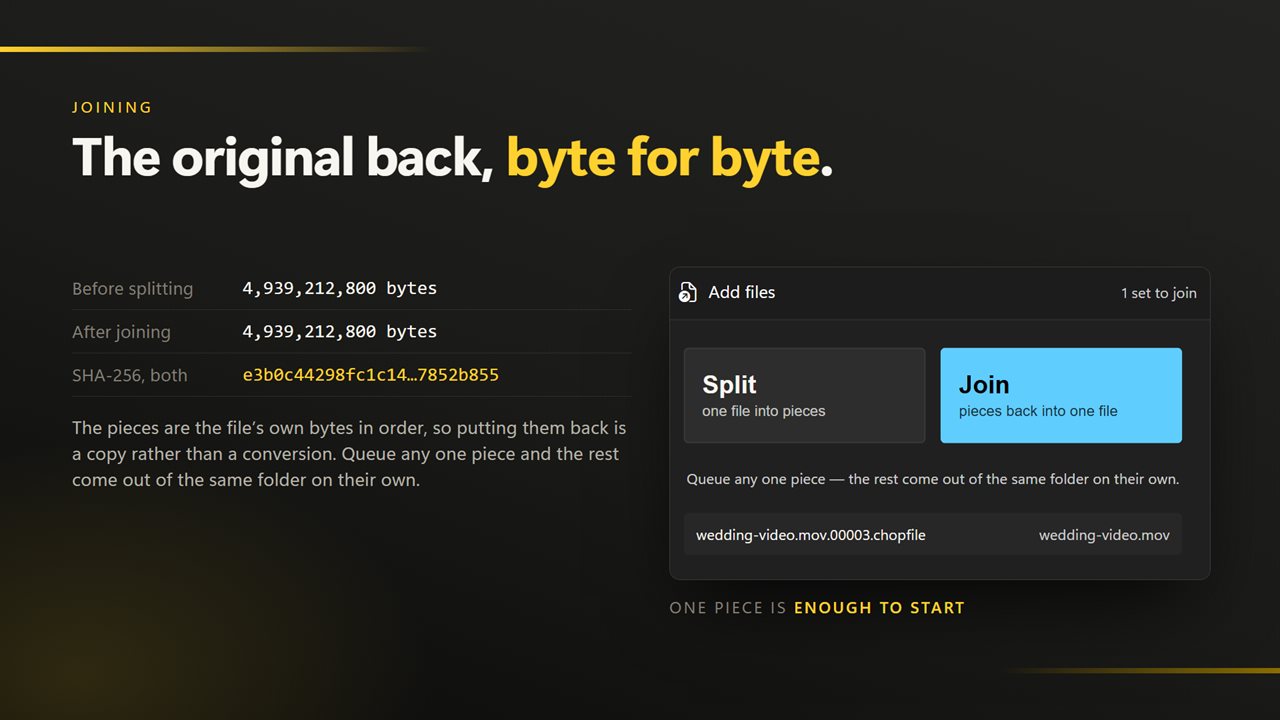
Drop the parts in and the original comes back byte for byte. If one is missing it is named before anything is written, so you never end up with a file that is quietly incomplete.
Nothing happens to your original
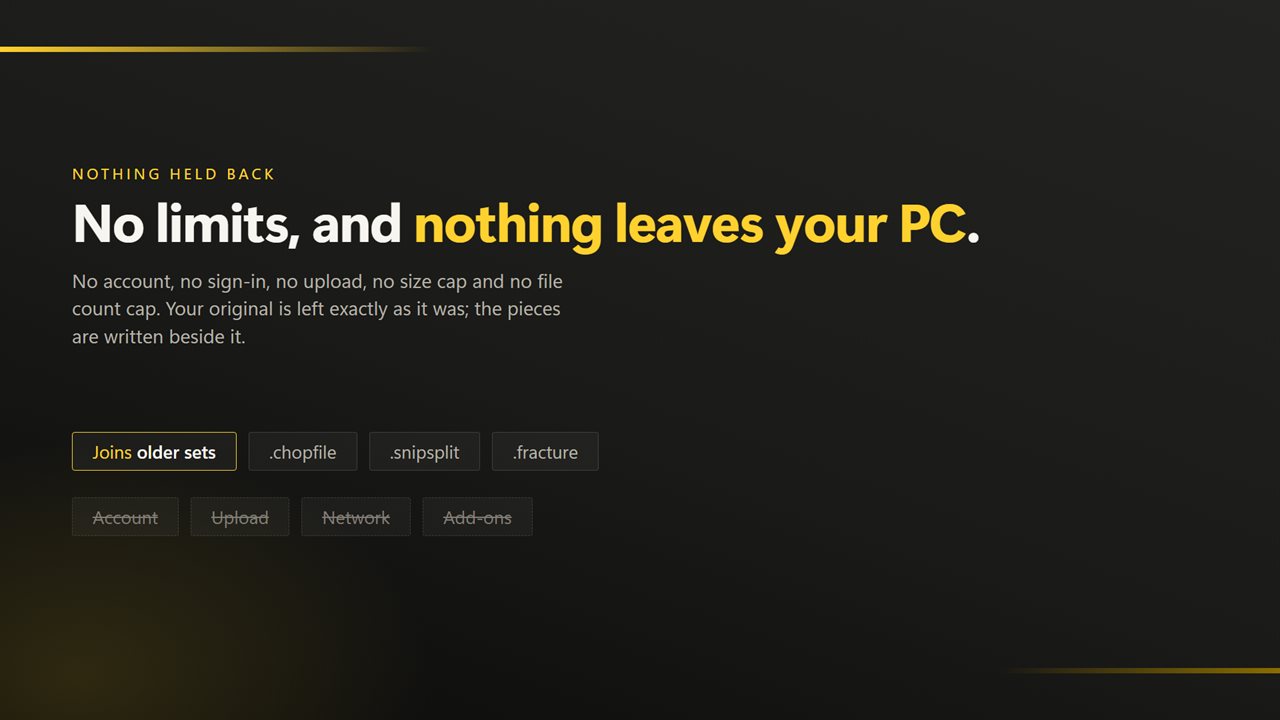
Splitting reads the file and writes new parts beside it. The original is never modified, moved or deleted, and cancelling leaves nothing half-written.
On your PC, and nowhere else
There is no account, no sign-in, no upload and no telemetry. The app has no network code in it at all and works with the connection turned off.
Features
- Two buttons: split, or join. Nothing to configure first
- Three sizes — small, medium, large — instead of a number to work out
- Bought once and all of it works: no add-ons, no unlocks, no piece count held back
- Splits and joins a whole batch in one pass
- Joining rebuilds the original byte for byte and names a missing part
- The original file is never changed, moved or deleted
- Drag straight in from Explorer, or send a selection from the right-click menu
- Cancel part-way through without leaving half-written parts behind
- Light or dark, and it can follow Windows instead
- No account, no upload and no network use except feedback you choose to send
Details
- Works on
- Windows 10 (1809 or later) and Windows 11
- Download
- About 16.3 MB
- Version
- 2.0.6, updated October 2026
- First released
- November 2022
- Price
- $2.99 once. No subscription.
- Category
- Utilities & tools
What's new in 2.0.6
- Now takes a whole batch. Earlier versions handled one file per run; drop in a folder and all of it goes through in one pass
- Three preset sizes replace typing a part count, so there is nothing to work out before pressing a button
- Drag and drop from Explorer, and a right-click selection of many files opens one window instead of one each
- A missing part is named before joining writes anything, rather than producing an incomplete file
- Progress for each file and for the batch, and a run can be cancelled cleanly
- A redesigned interface, in light or dark, and it can follow Windows instead if you prefer
Questions
Anything else? Ask us
Which versions of Windows does it run on?
Windows 10 (version 1809 or later) and Windows 11.
Is it a subscription?
No. Fast File Splitter and Joiner is a one-time purchase of $2.99, and updates are included.
How do I get it?
EvlarSoft apps are moving to direct downloads from this site. Ask to be notified and we will email you as soon as Fast File Splitter and Joiner is ready to download.