Text File Splitter
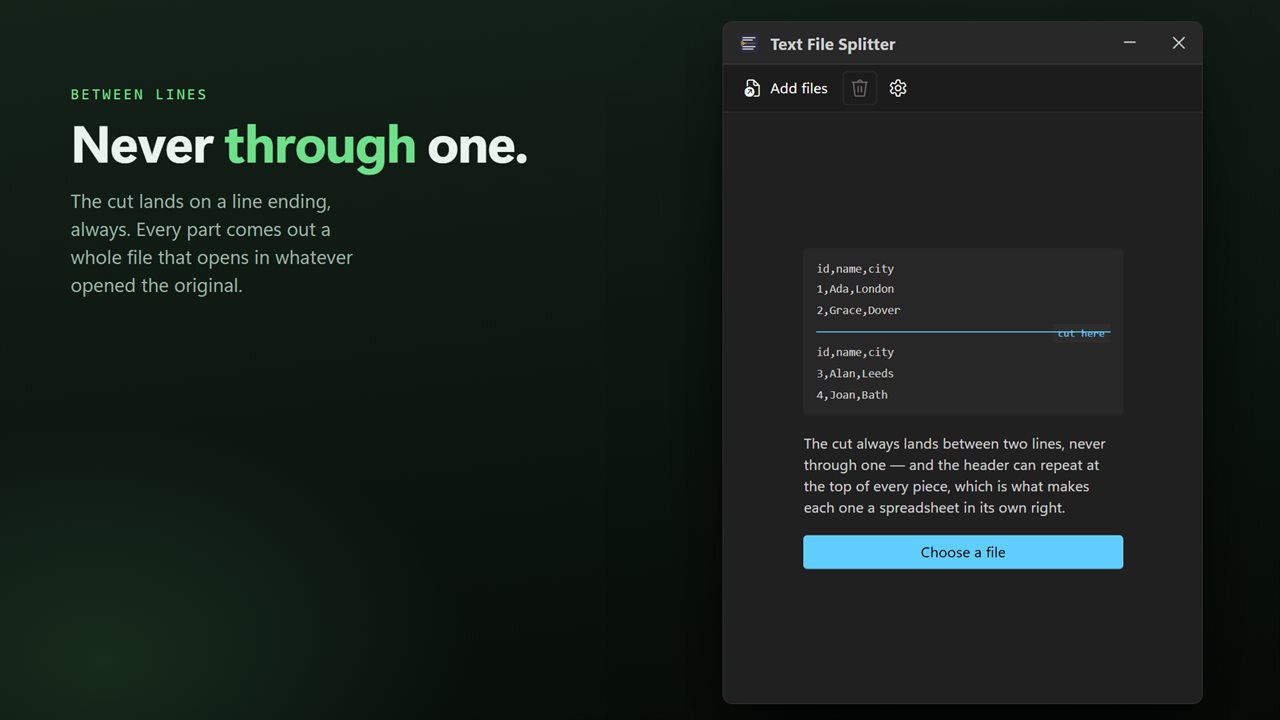
Cut a text file or a CSV into pieces that are still readable files. It splits between lines and never through one, so every part opens on its own — and it can repeat the header row at the top of each piece, which is what makes each one a spreadsheet Excel will accept. By lines per part or by number of parts. A whole batch at a time, entirely on your PC.
Cut between lines, never through one. Every part is a whole file.
See it in action
About Text File Splitter
A 2 GB log, or a CSV with four million rows that Excel refuses to open. The fix is to cut it up — but a file cut at an arbitrary byte is a file with a broken line at each end of every piece, and a spreadsheet with no column headings.
Text File Splitter cuts between lines.
Every part is a whole file
The cut always lands at the end of a line, so no row is ever sliced in half. Each part opens on its own in a text editor, a spreadsheet, or whatever reads the original.
The header on every piece
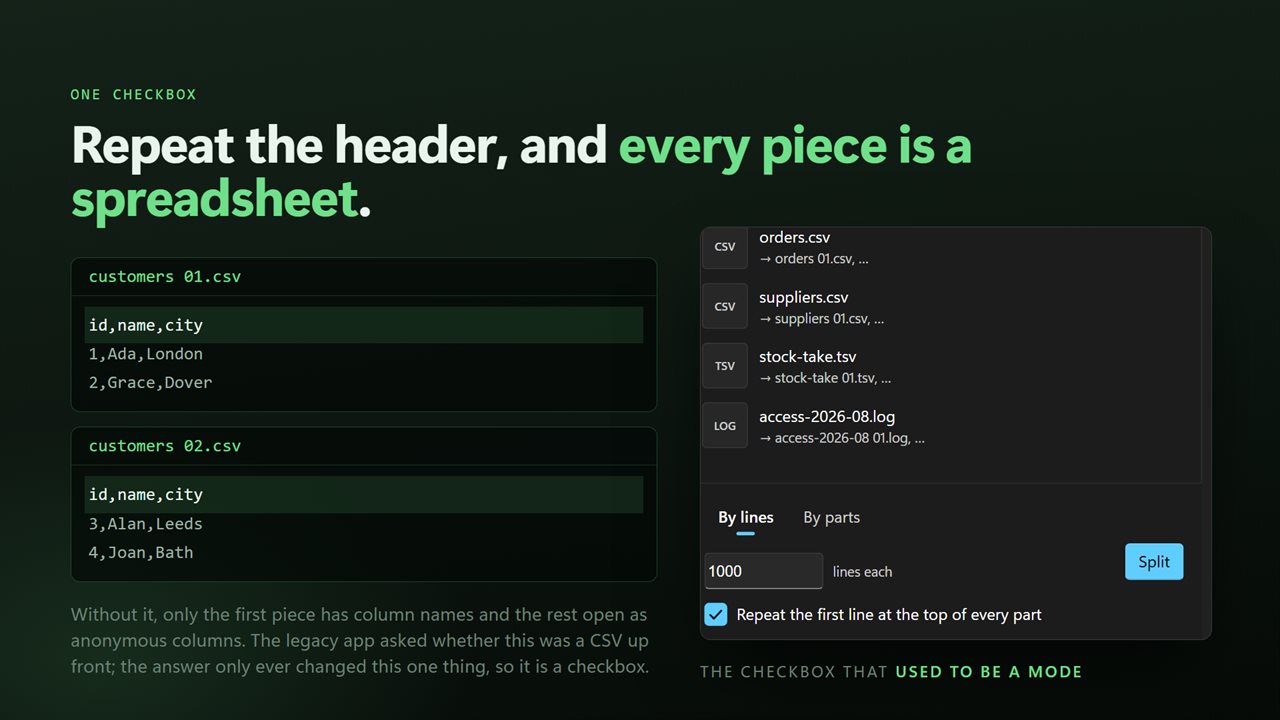
Turn on the header option and the first line of the original is repeated at the top of every part, and left out of the counting. Each piece is then a complete CSV with its own column names — which is the difference between a file Excel opens properly and a wall of unlabelled columns.
By lines, or by parts
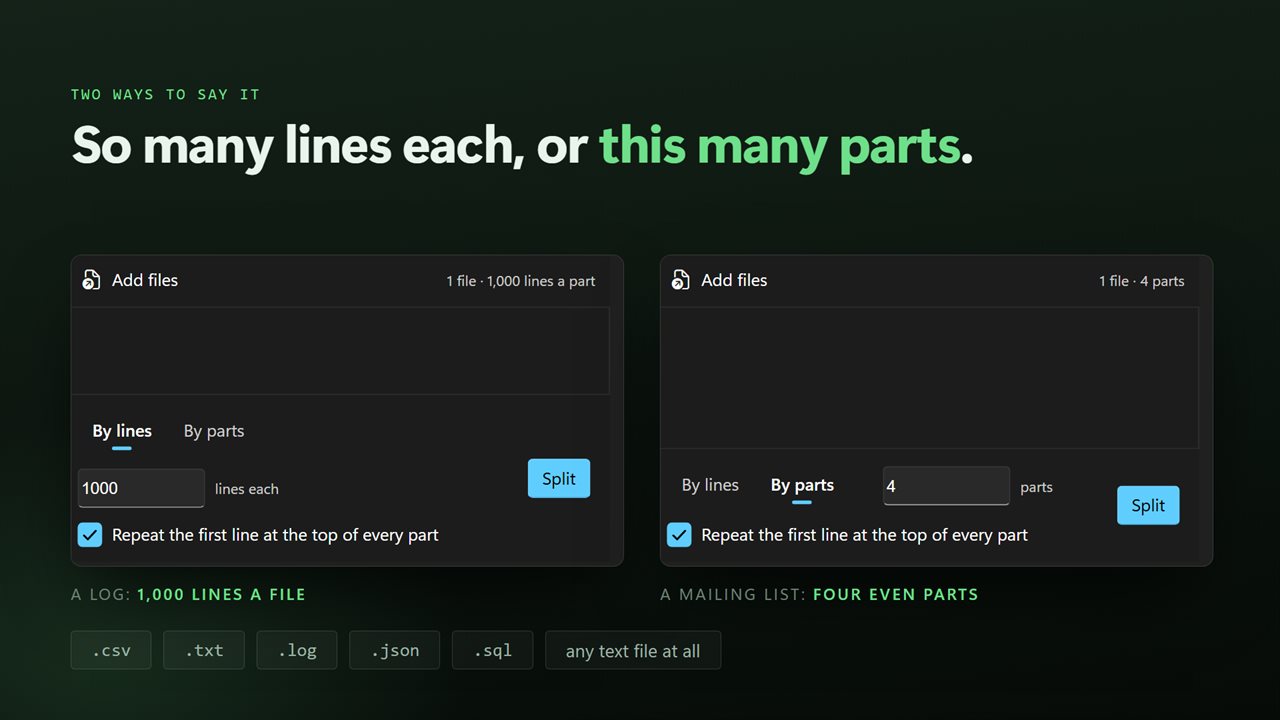
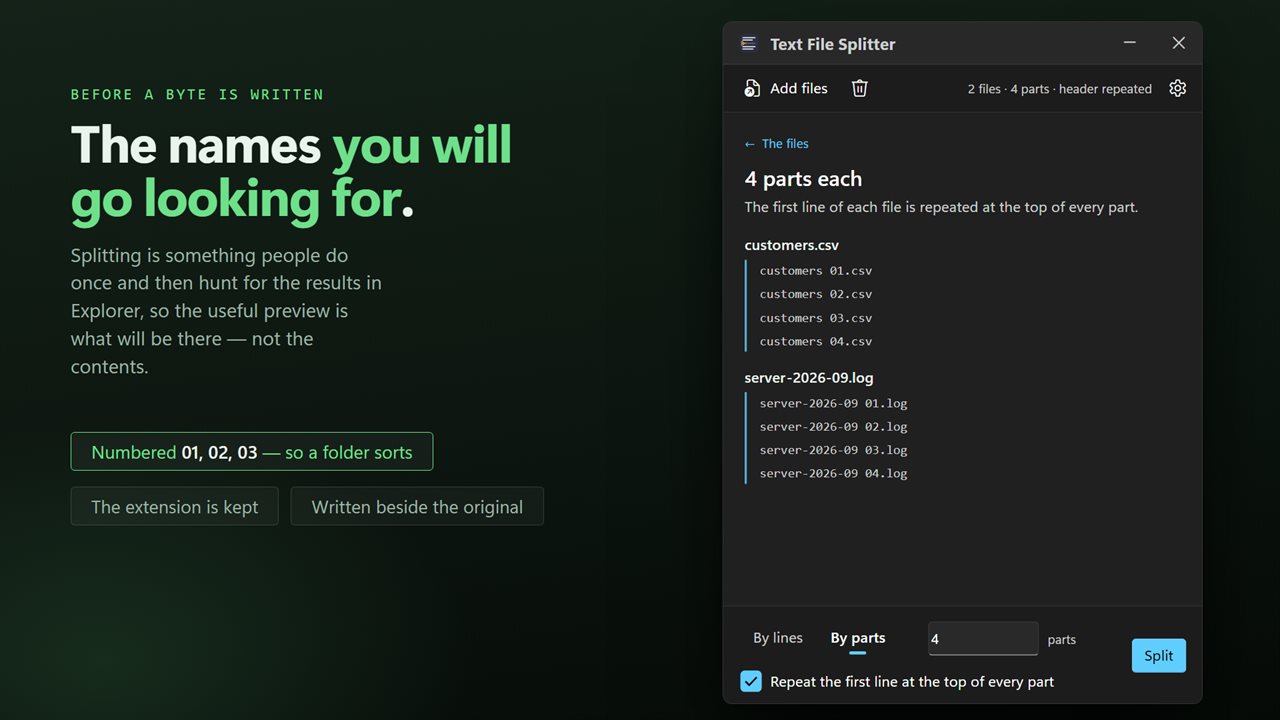
Say how many lines each part should hold, or say how many parts you want and let them come out evenly. Either way the part names are shown before anything is written, so you can see what you are about to get.
It keeps the file as it found it
Encoding and line endings are carried through unchanged, so accented characters and names with apostrophes survive the trip and a Windows file does not come back with Unix line endings.
Parts are numbered in sequence — report 01.csv, report 02.csv, report 03.csv — so they sort in the right order in any folder.
A whole batch
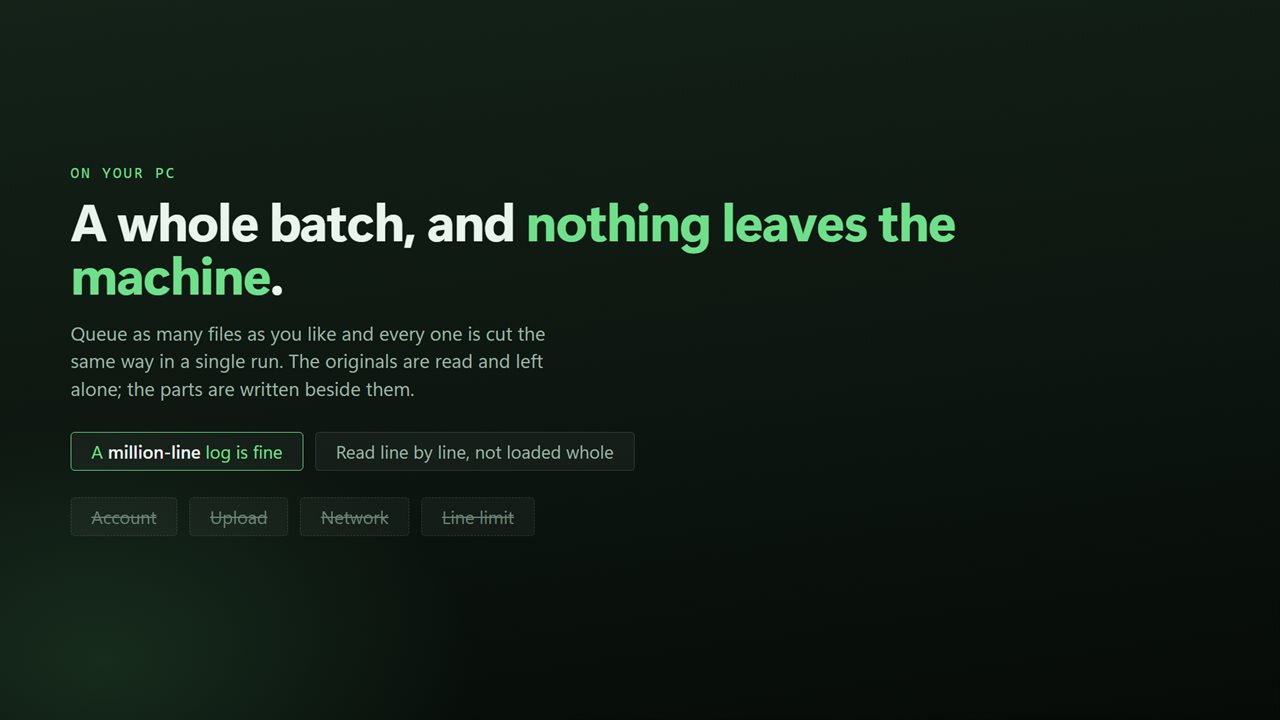
Drop in as many files as you like and they split in one pass. The original is never changed, moved or deleted.
On your PC, and nowhere else
There is no account, no sign-in, no upload and no telemetry. The app has no network code in it at all and works with the connection turned off.
Features
- Splits between lines, never through one — every part is a whole, readable file
- By lines per part, or into a set number of parts of even size
- Repeat the header row at the top of every part, so each piece is a valid spreadsheet on its own
- Opens a CSV too big for Excel by cutting it into pieces Excel will take
- Parts are named in sequence — report 01.csv, report 02.csv — and sort correctly
- Keeps the file's encoding and line endings, so accented characters survive
- A whole batch in one pass, not one file per run
- See the part names before anything is written
- The original file is never changed, moved or deleted
- No account, no upload and no server processing
Details
- Works on
- Windows 10 (1809 or later) and Windows 11
- Download
- About 16.1 MB
- Version
- 2.0.5, updated October 2026
- First released
- December 2022
- Price
- $2.99 once. No subscription.
- Category
- Utilities & tools
What's new in 2.0.5
- Now takes a whole batch. Earlier versions split one file per run; drop in a folder and every file in it splits in one pass
- The separate CSV mode is gone, and nothing is lost with it: repeating the header row is now a switch that works on any text file, which is all that mode ever was
- Split into a set number of even parts as well as by lines per part
- The part names are listed before anything is written, so you can see what you are about to get
- Encoding and line endings are carried through, so accented characters no longer come back mangled in a spreadsheet
- Part names are unchanged, so a folder half-split by the old version stays one sequence
- A redesigned interface, in light or dark, and it can follow Windows instead if you prefer
Questions
Anything else? Ask us
Which versions of Windows does it run on?
Windows 10 (version 1809 or later) and Windows 11.
Is it a subscription?
No. Text File Splitter is a one-time purchase of $2.99, and updates are included.
How do I get it?
EvlarSoft apps are moving to direct downloads from this site. Ask to be notified and we will email you as soon as Text File Splitter is ready to download.