File List Exporter
Turn a folder into a file list you can actually use. File List Exporter writes the export to a real file — CSV for Excel, HTML to send to someone, Markdown or JSON for a developer, or plain text — with the columns you want: name, size, dates, type, folder and full path. Click a heading to drop a column and the preview updates as you go. Everything happens on your PC.
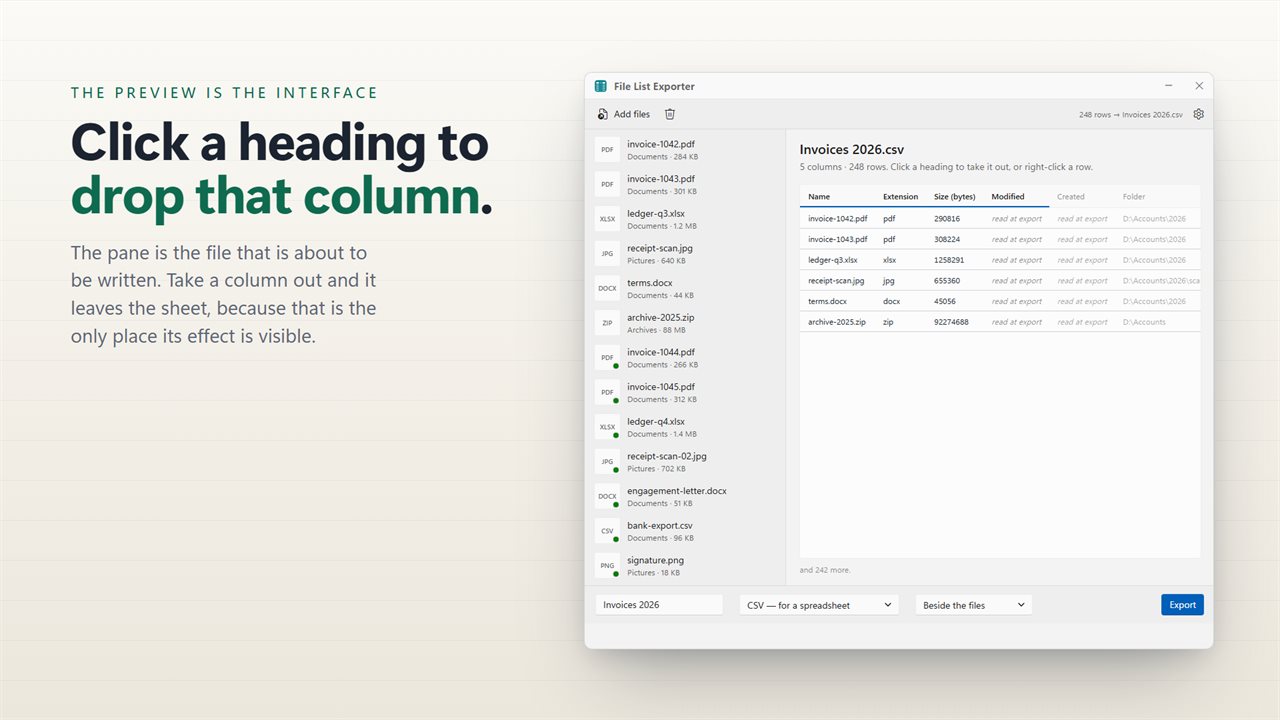
The export preview is the interface — click a heading to drop a column.
See it in action
About File List Exporter
Windows will show you a folder. What it will not do is hand you the contents as a spreadsheet, a document, or anything you can send to somebody else.
File List Exporter does exactly that.
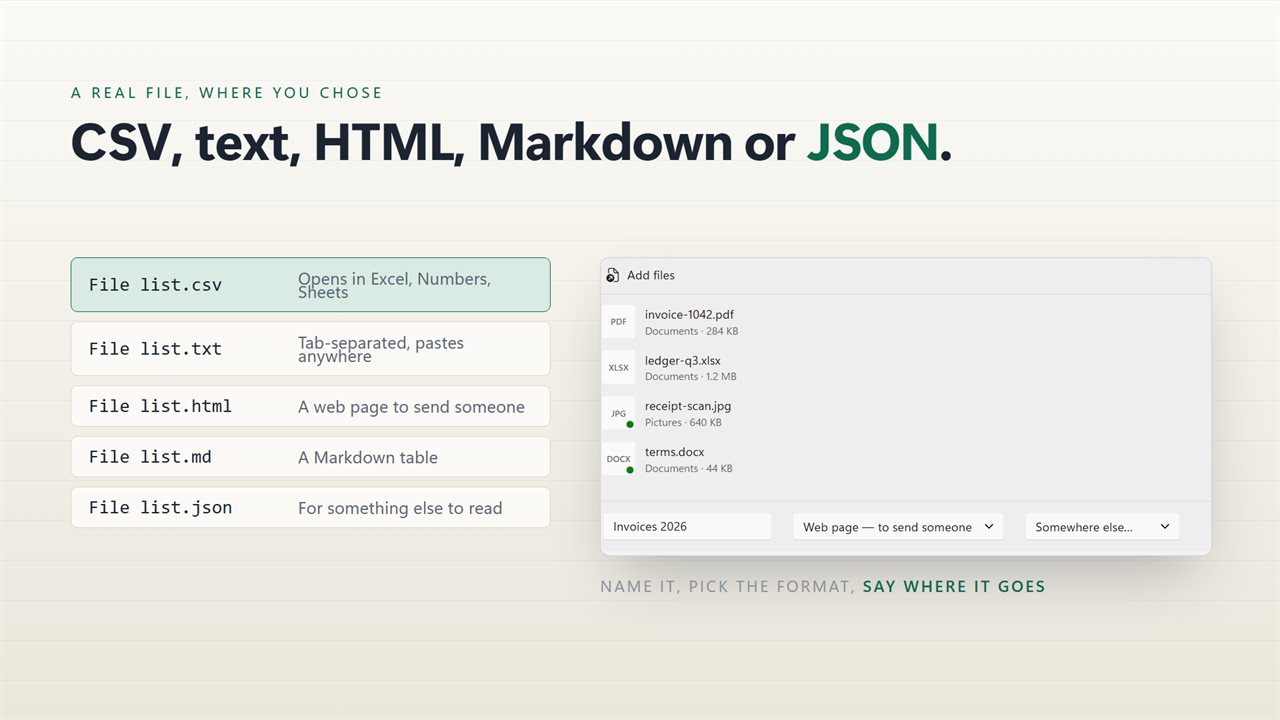
A real file, in five formats
CSV opens directly in Excel, Numbers or Google Sheets, and is written so that names with accents and apostrophes come through correctly rather than as mangled characters. HTML is a formatted page you can email or print. Markdown drops into a README or a wiki. JSON goes straight into a script. Plain text is plain text.
The columns are the controls
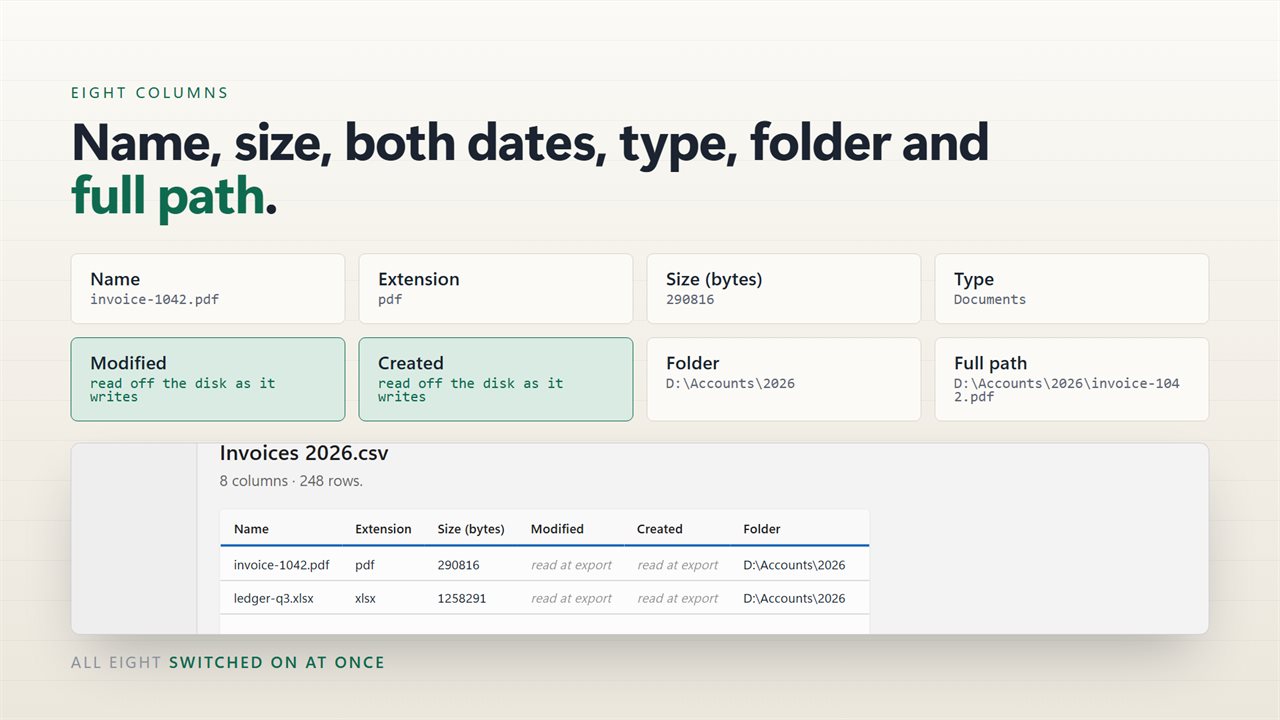
The preview of your export is the interface. Eight columns are available — file name, extension, size, date modified, date created, containing folder, full path and file type — and you turn one off by clicking its heading. What you are looking at is what the file will contain.
One export from the whole list
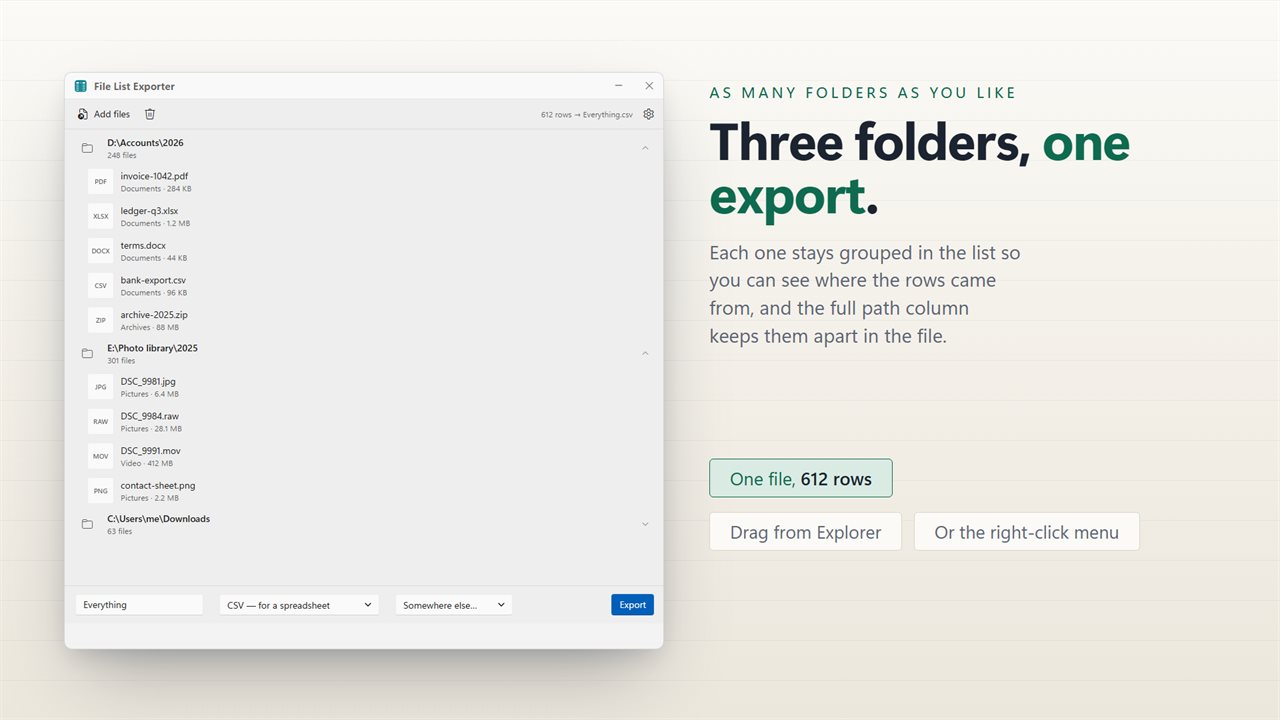
Drop in twenty files or two thousand, from as many different folders as you like, and they all become one export. Drag them from Explorer, pick them from a dialog, or select them in a folder and use the right-click menu.
Name the export and choose the folder it lands in, then open it straight from the app when it is written.
What gets recorded
Sizes are shown the way Explorer shows them. Dates are in your own local time and format, not a machine timestamp. A file that cannot be read still gets a row, so nothing silently vanishes between the folder and the list.
On your PC, and nowhere else
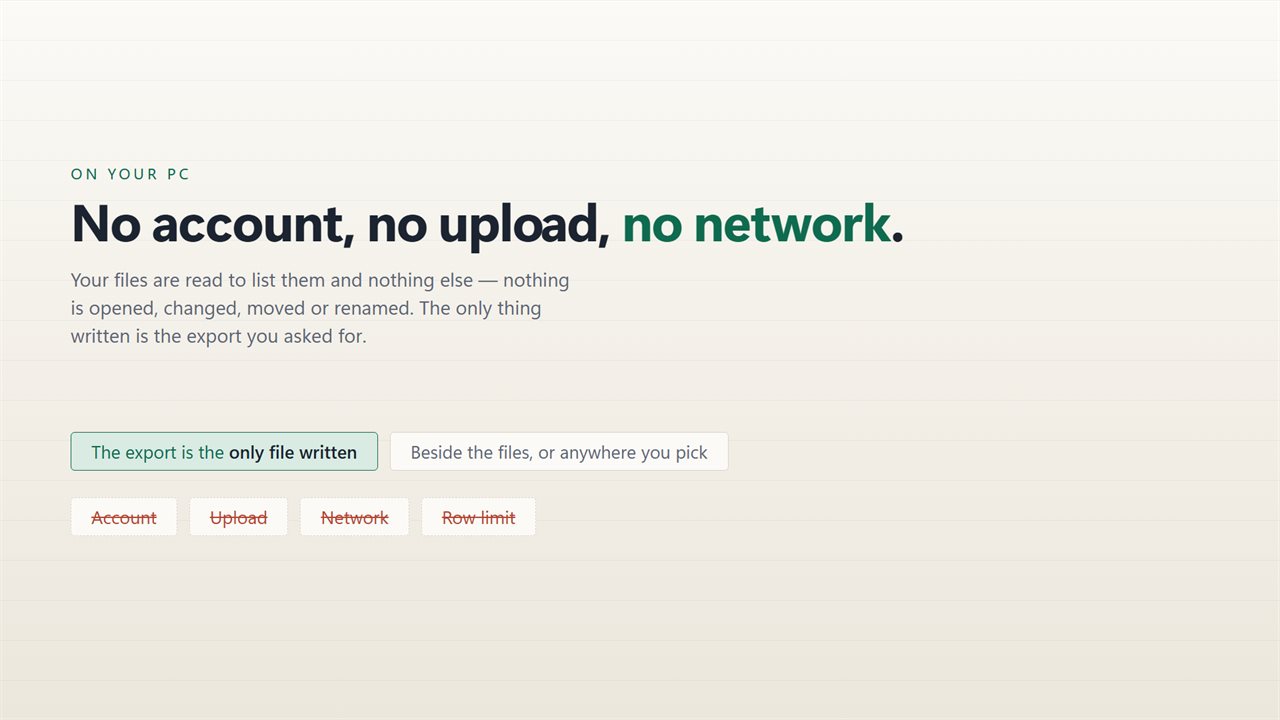
There is no account, no sign-in, no upload and no telemetry. The app has no network code in it at all and works with the connection turned off.
Features
- Exports a real file, not a list on screen: CSV, TXT, HTML, Markdown or JSON
- CSV opens straight in Excel, with accented names intact
- HTML is a page you can send to someone; Markdown and JSON are for a developer
- Eight columns: name, extension, size, modified, created, folder, full path and type
- Turn a column off by clicking its heading, and see the change immediately
- The whole queue becomes one export, however many files are in it
- Name the export and choose where it lands
- Drag files or folders straight in from Explorer
- Resizes properly — every control stays reachable at any window size
- No account, no upload and no server processing
Details
- Works on
- Windows 10 (1809 or later) and Windows 11
- Download
- About 16.1 MB
- Version
- 2.0.6, updated October 2026
- First released
- May 2023
- Price
- $2.99 once. No subscription.
- Category
- Utilities & tools
What's new in 2.0.6
- The export writes a real file. This was the main complaint about the old version, and it is the reason for this release: press the button and a CSV, TXT, HTML, Markdown or JSON file is written where you chose, ready to open
- The window resizes. Earlier versions could be left at a size where the controls at the bottom were unreachable; this one can be resized, maximized and moved, and every control stays available
- Four more formats. It used to export one; it now writes CSV, plain text, HTML, Markdown and JSON
- The columns are chosen on the export preview itself by clicking a heading, instead of on a separate page
- CSV is written so Excel reads accented names correctly
- Files from any number of different folders can go into one export
- A redesigned interface, in light or dark, and it can follow Windows instead if you prefer
Questions
Anything else? Ask us
Which versions of Windows does it run on?
Windows 10 (version 1809 or later) and Windows 11.
Is it a subscription?
No. File List Exporter is a one-time purchase of $2.99, and updates are included.
How do I get it?
EvlarSoft apps are moving to direct downloads from this site. Ask to be notified and we will email you as soon as File List Exporter is ready to download.