Folder Locker
Lock a private folder into one encrypted file that only your password opens. Double-click it, type the password, and the folder is back in File Explorer. Step away and it locks itself again. File names stay hidden inside, and originals are removed only after the locked copy is checked.
Lock private folders with a password and real encryption.
See it in action
About Folder Locker
Private folders on a shared PC, actually encrypted rather than just hidden.
One folder, one file
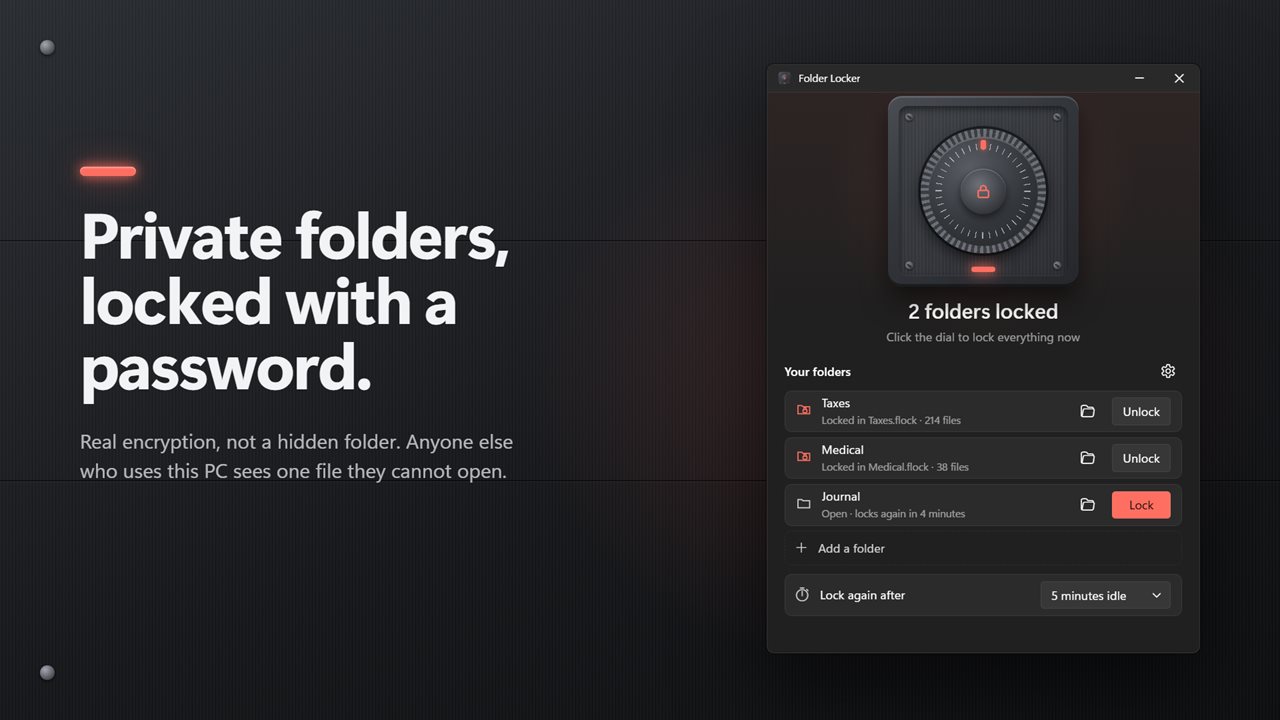
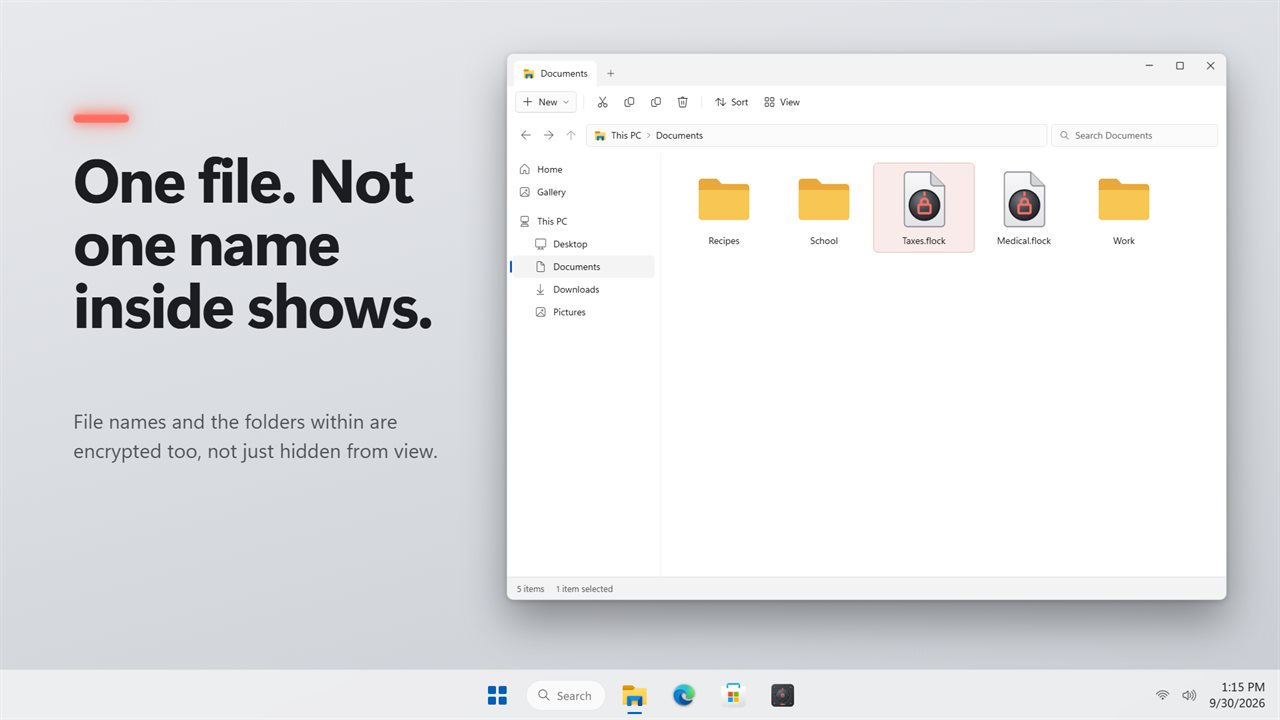
Add a folder and it becomes one locked file beside it: Taxes becomes Taxes.flock. The files, their names and the folders inside are all encrypted into it, so anyone browsing the PC sees one file and nothing about what is in it.
Double-click to open
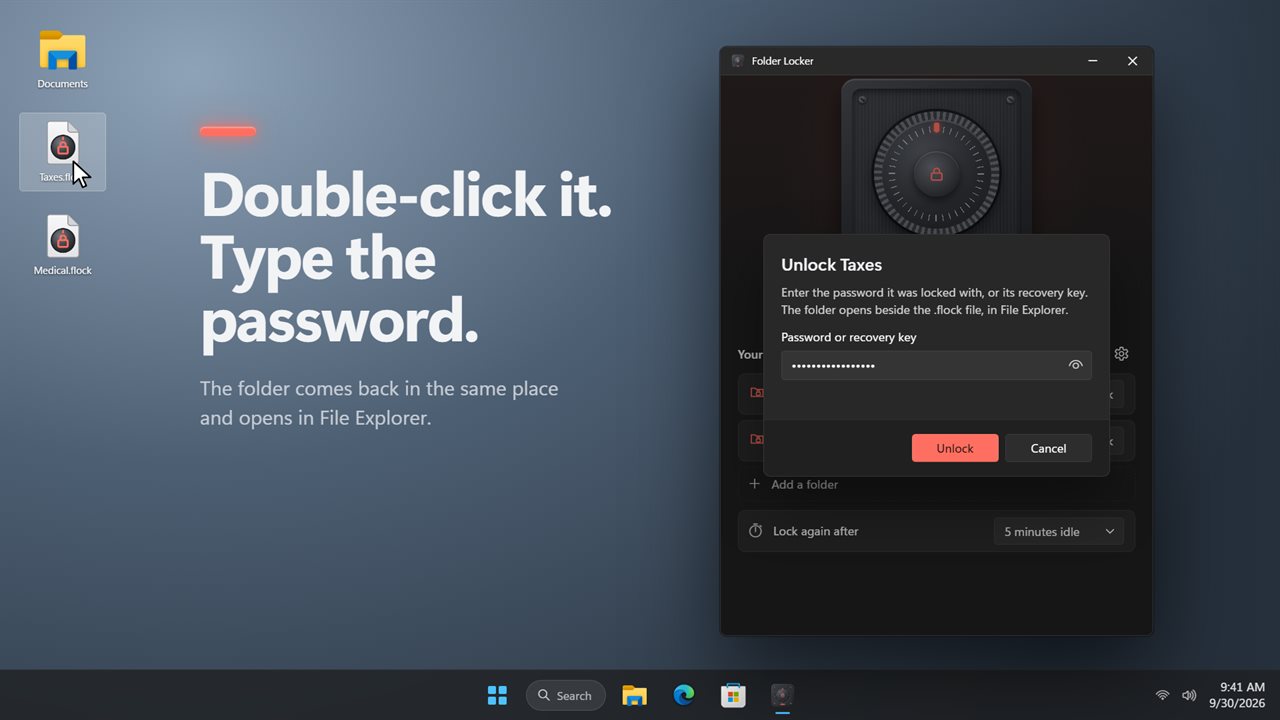
Double-click a .flock file, type the password, and the folder comes back in the same place and opens in File Explorer. Copy the .flock to a USB drive or another computer and it opens there too, on any PC with Folder Locker and the password.
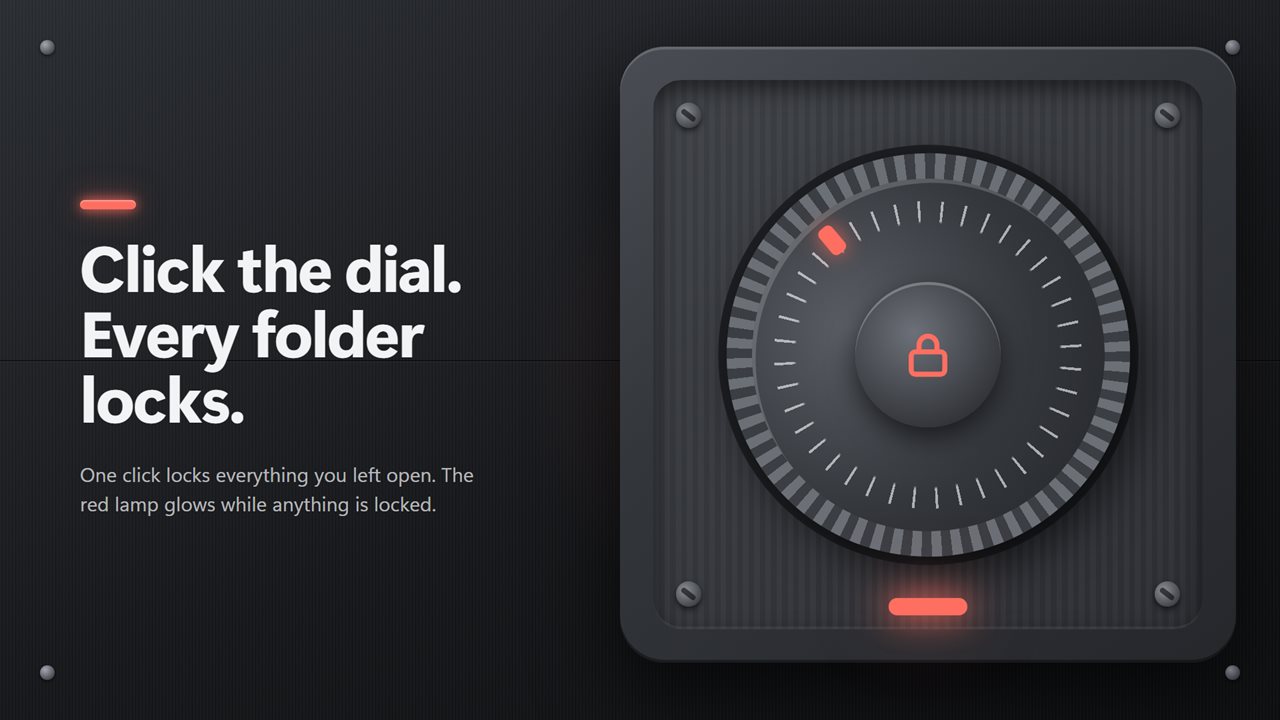
Click the dial
The app is a safe door. Click the dial and every open folder locks at once. The red lamp glows while anything is locked.
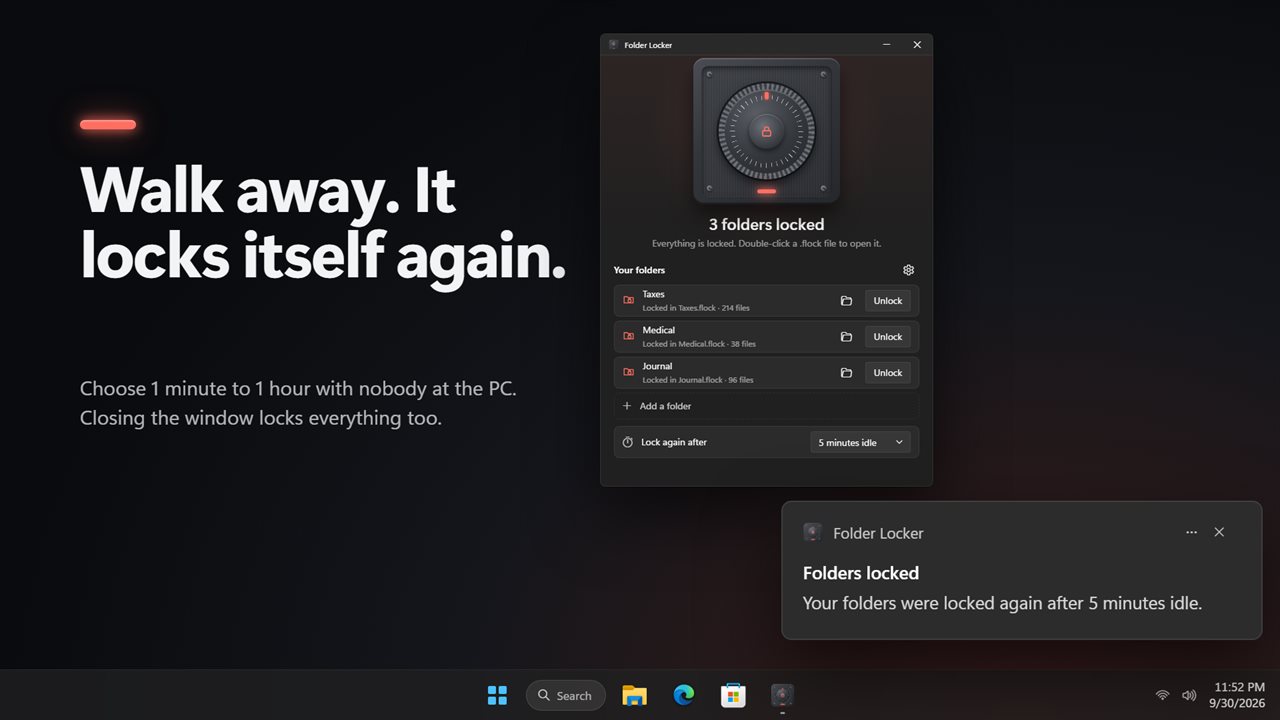
Locks itself again
Choose how long the PC can sit unused before open folders lock again: 1, 5, 15 or 30 minutes, 1 hour, or never. A notification tells you when it happens. Closing the window locks every open folder first, so nothing is left open behind you.
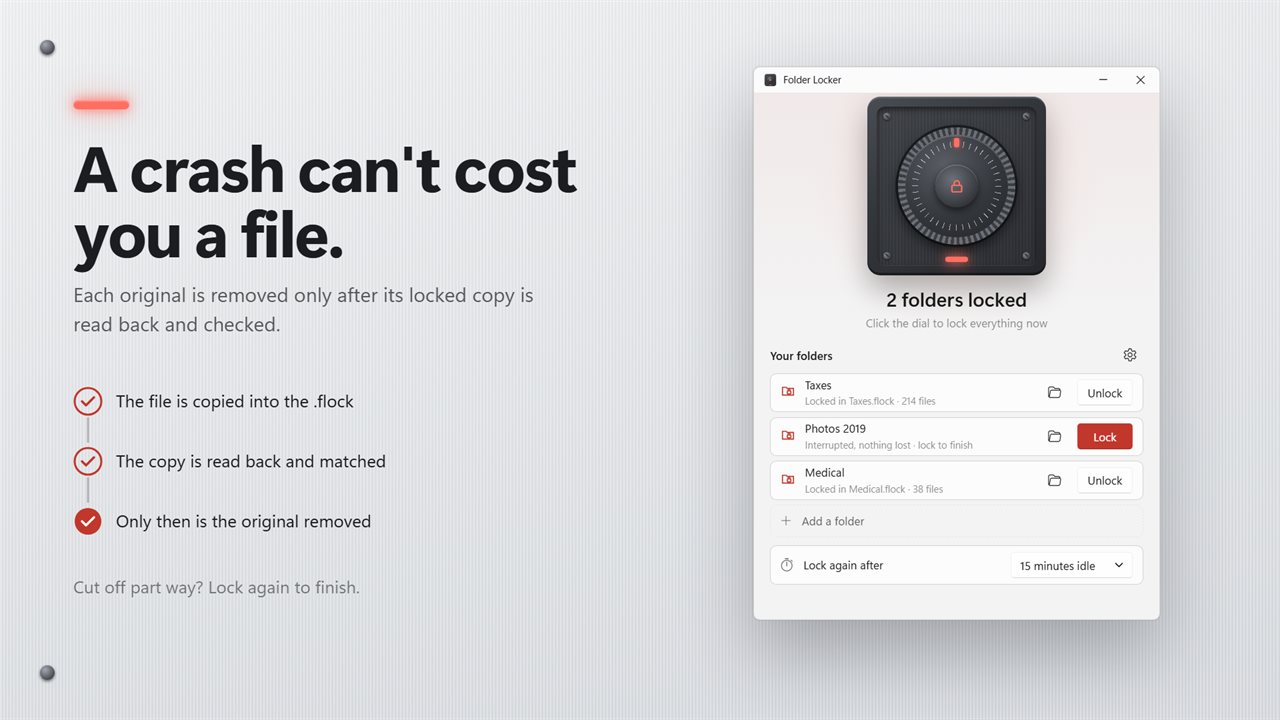
Nothing lost in a crash
Each original file is deleted only after its encrypted copy has been written, read back and checked. If the PC crashes or loses power part way, every file is still in the folder, in the .flock, or both, and locking again finishes the job.
One master password
One password, at least 8 characters, locks and unlocks every folder you add. Changing it takes seconds, because the files are not encrypted again. Stop protecting a folder and its files come back out of the .flock first.
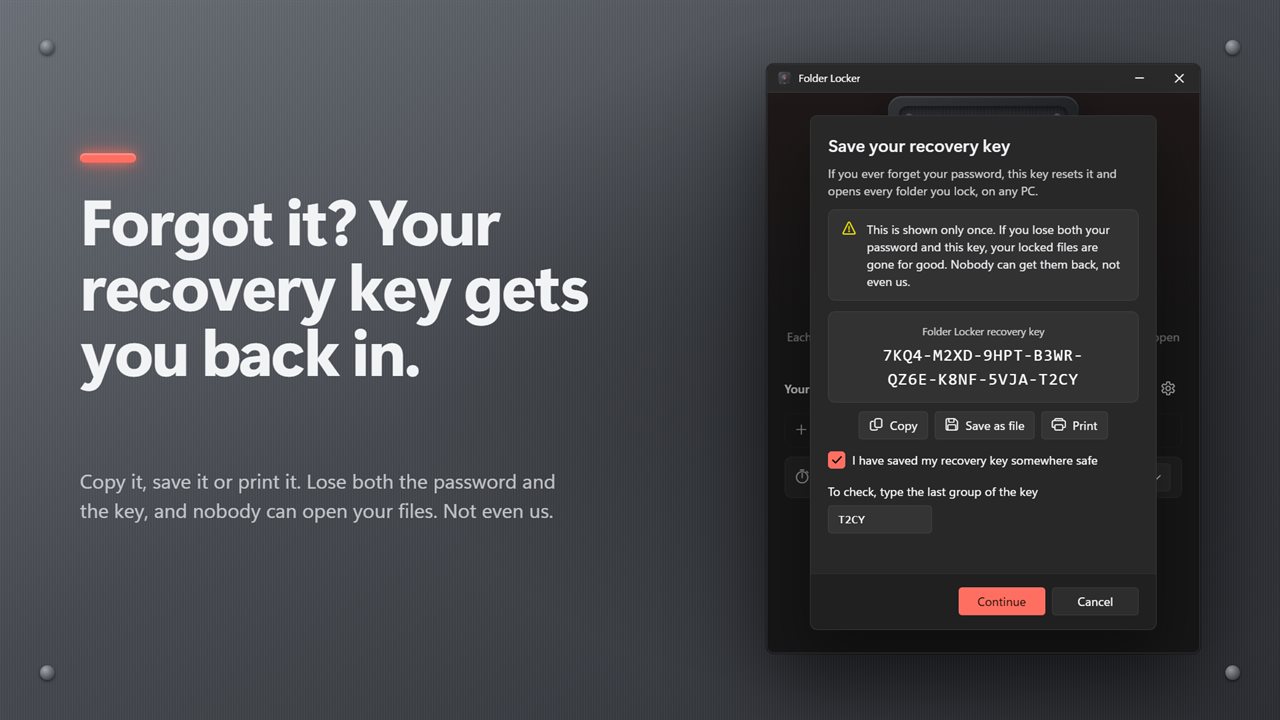
A recovery key, in case you forget
When you set your password you get a recovery key, 8 groups of 4 letters and digits. Copy it, save it as a file or print it, and keep it somewhere safe and private. If you forget the password, the key resets it and every locked folder switches to the new one. A .flock file also opens with the key alone. You can make a new key from Settings at any time, and the old one stops working.
There is no back door. If you lose both the password and the recovery key, your locked files cannot be recovered, not by you and not by us.
Safe choices only
Folder Locker refuses whole drives, Windows system folders and program folders, so locking can never stop Windows or your apps from working.
Light and dark themes, or match Windows.
Features
- Lock a folder into one encrypted .flock file, in the same place as the folder
- File names and the folders inside are encrypted too, not just hidden
- Double-click a .flock file, type the password, and the folder opens in File Explorer
- A .flock file opens on any PC with Folder Locker and the password or recovery key
- One master password locks and unlocks every folder you add
- A recovery key resets a forgotten password and opens every locked folder
- Copy the recovery key, save it as a file or print it when you set your password
- Make a new recovery key from Settings, and the old one stops working
- Click the dial to lock every open folder at once
- Open folders lock again after 1, 5, 15 or 30 minutes or 1 hour with nobody at the PC, or never
- A notification tells you when your folders were locked again
- Closing the window locks every open folder first
- Each original file is deleted only after its encrypted copy is read back and checked
- A lock cut short by a crash or power cut finishes the next time you lock, and nothing is lost
- Change the master password in seconds, without encrypting the files again
- Stop protecting a folder and its files come back out first
- Refuses system folders, whole drives and program folders, so Windows keeps working
- Light and dark themes, or match Windows
Details
- Works on
- Windows 10 (1809 or later) and Windows 11
- Download
- About 3.3 MB
- Version
- 1.0.3, updated October 2026
- First released
- October 2026
- Price
- $2.99 once. No subscription.
- Category
- Security
Questions
Anything else? Ask us
Which versions of Windows does it run on?
Windows 10 (version 1809 or later) and Windows 11.
Is it a subscription?
No. Folder Locker is a one-time purchase of $2.99, and updates are included.
How do I get it?
EvlarSoft apps are moving to direct downloads from this site. Ask to be notified and we will email you as soon as Folder Locker is ready to download.