HEIC Images Converter
Convert HEIC (High-Efficiency Image Format) images to widely supported formats like JPG, PNG, or WebP. With HEIC Images Converter, you can effortlessly convert your HEIC images to ensure compatibility with various devices, software, and online platforms
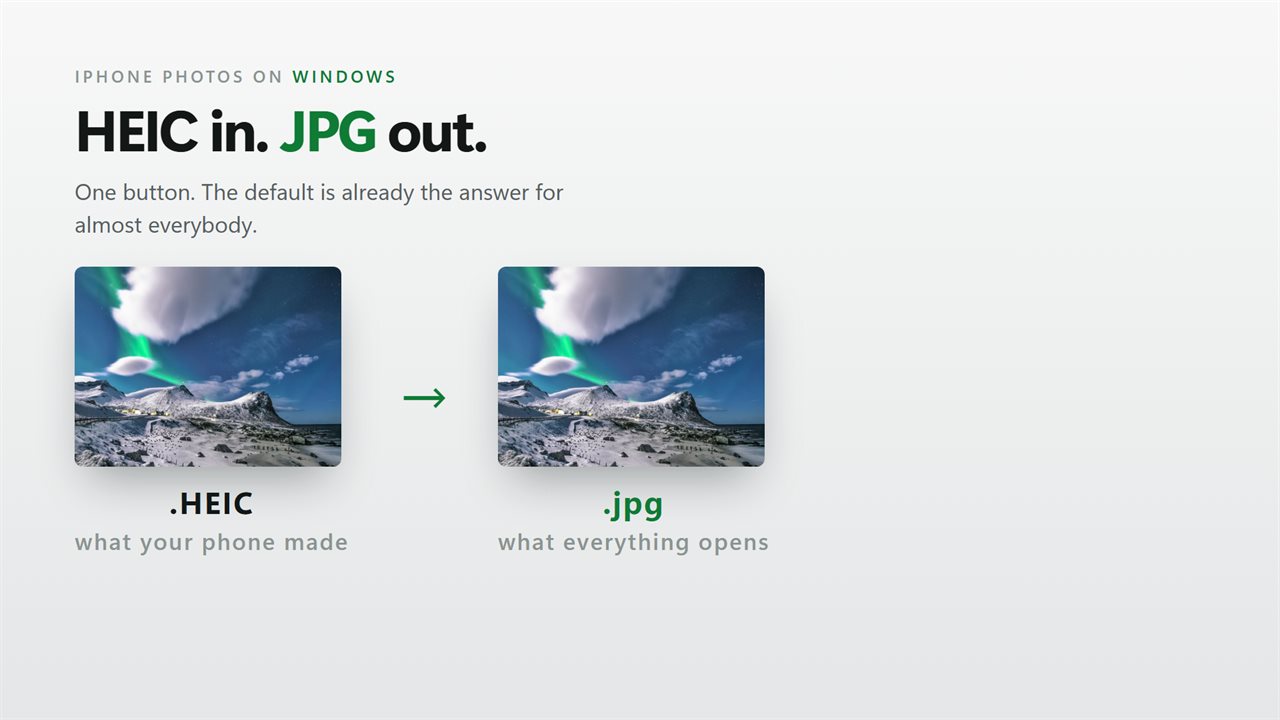
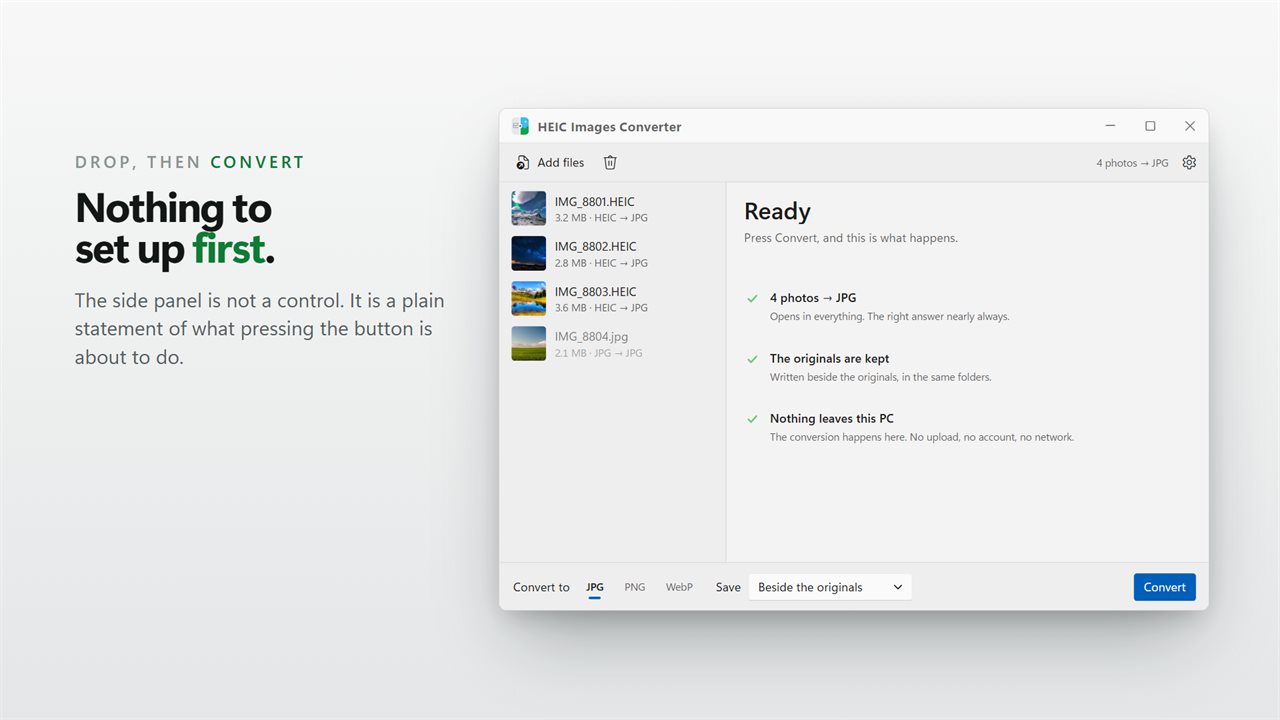
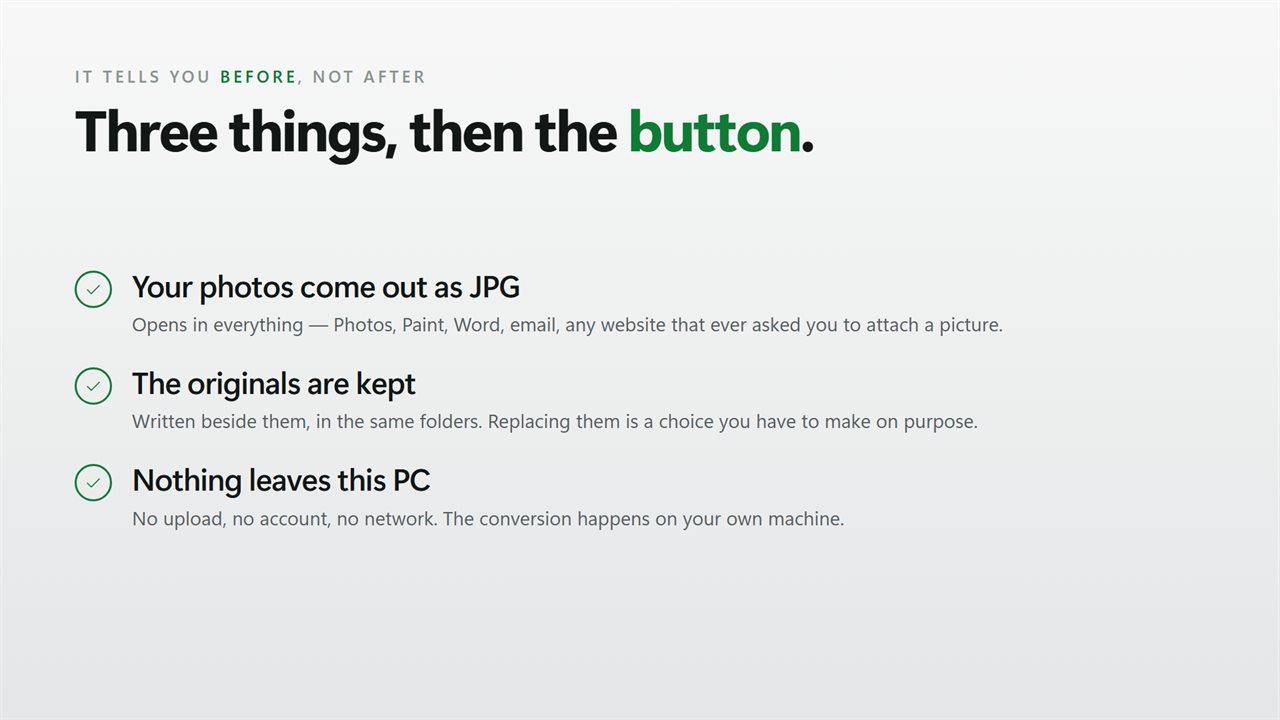
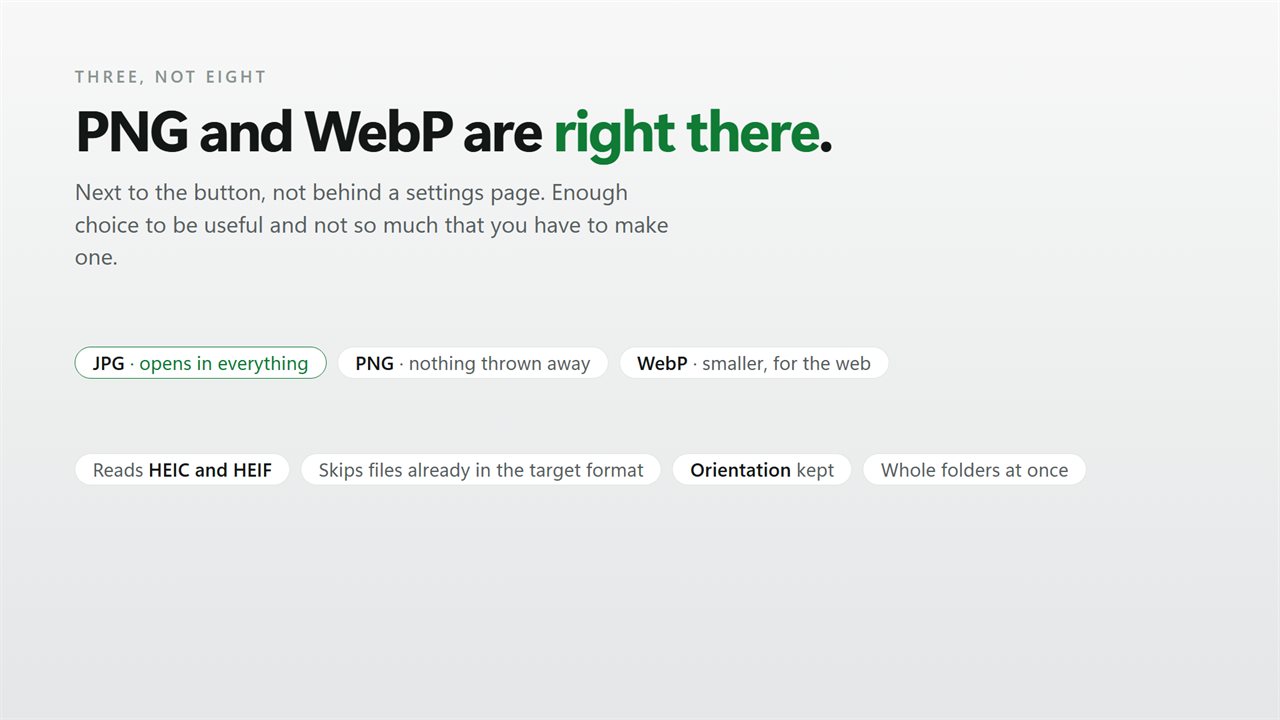
HEIC in, JPG out: iPhone photos on Windows.
See it in action
About HEIC Images Converter
HEIC Images Converter is a powerful Windows app designed to convert HEIC (High-Efficiency Image Format) images to widely supported formats like JPG, PNG, or WebP. With HEIC Images Converter, you can effortlessly convert your HEIC images to ensure compatibility with various devices, software, and online platforms. Whether you're looking to share photos, upload images to websites, or work with HEIC files in applications that don't support the format, HEIC Images Converter provides a user-friendly interface and efficient conversion capabilities. Simplify the process of converting HEIC images with HEIC Images Converter - the ultimate HEIC image converter.
Key Features:
🖼️ HEIC to JPG, PNG, or WebP: Convert HEIC images to JPG, PNG, or WebP, ensuring compatibility across a wide range of devices, applications, and platforms.
🔄 Batch Processing: Save time by converting multiple HEIC images simultaneously with the batch processing feature, allowing you to convert entire folders or select specific files.
⚙️ Straightforward Choices: Pick your output format and where converted photos go - beside the originals, into a folder you choose, or in place of the originals - and the app keeps each photo's color profile and orientation intact.
🔒 Privacy and Security: HEIC Images Converter respects your privacy and ensures the security of your images during the conversion process. Everything is processed locally, nothing is uploaded online
🚀 Fast and Efficient: HEIC Images Converter optimizes the conversion process, providing fast and efficient image conversion without compromising image quality.
Convert your HEIC images to widely supported formats with ease using HEIC Images Converter. Whether you're working with HEIC images from your smartphone, managing photo libraries, or sharing images online, HEIC Images Converter offers a comprehensive set of features to simplify your HEIC image conversion tasks.
Details
- Works on
- Windows 10 (1809 or later) and Windows 11
- Download
- About 16.2 MB
- Version
- 2.0.4, updated October 2026
- First released
- July 2023
- Price
- $1.99 once. No subscription.
- Category
- Utilities & tools
Questions
Anything else? Ask us
Which versions of Windows does it run on?
Windows 10 (version 1809 or later) and Windows 11.
Is it a subscription?
No. HEIC Images Converter is a one-time purchase of $1.99, and updates are included.
How do I get it?
EvlarSoft apps are moving to direct downloads from this site. Ask to be notified and we will email you as soon as HEIC Images Converter is ready to download.