Image Converter
Pick a format, press convert. Image Converter is built around one decision, made as large as it can be — the target format is the biggest thing on screen, not a dropdown you go looking for. Point it at a folder and it converts the lot in one pass. It reads 54 formats, including camera RAW from Canon, Nikon, Sony and Fujifilm, plus the HEIC and HEIF files phones produce. It writes 27, from JPG and PNG to WebP, AVIF, JPEG XL, PDF and Windows icons. Converted on your PC, never uploaded.
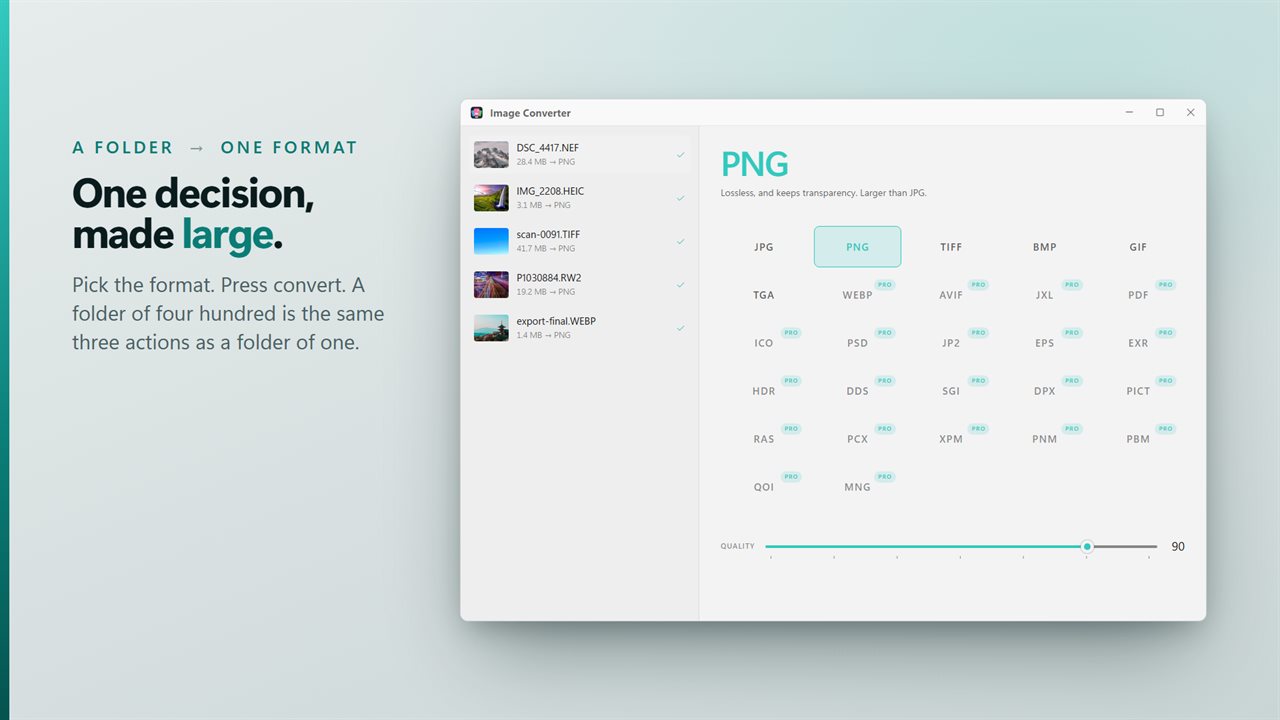
One decision. Pick the format, press convert — a folder of four hundred is the same three actions as one.
See it in action
About Image Converter
Most conversions are the same job: a folder of images, one format, get on with it. That is what this is built for.
Image Converter puts the target format in the middle of the window at the size of a headline, because it is the only real decision here. Pick it, press convert, done. A folder of four hundred is the same three actions as a folder of one.
Free version allows the conversion of JPG, BMP, GIF, PNG, TGA, and TIFF files. There is no limit on how many files you may convert.
What it reads
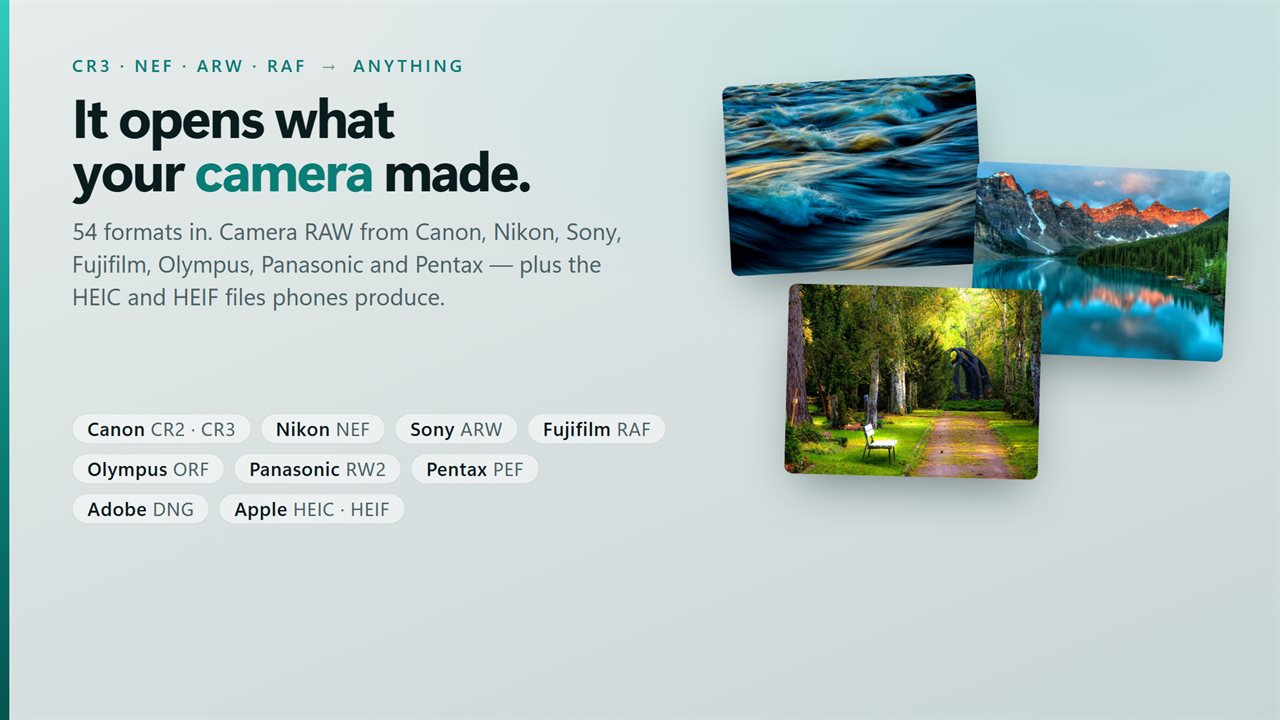
54 formats. The everyday ones — JPG, PNG, GIF, BMP, TIFF, WebP. The ones phones make — HEIC and HEIF. Camera RAW from Canon (CR2, CR3), Nikon (NEF), Sony (ARW), Fujifilm (RAF), Olympus (ORF), Panasonic (RW2), Pentax (PEF), Samsung (SRW), Adobe (DNG) and more. Design and imaging formats including PSD, EXR, DPX, JP2 and SVG.
What it writes
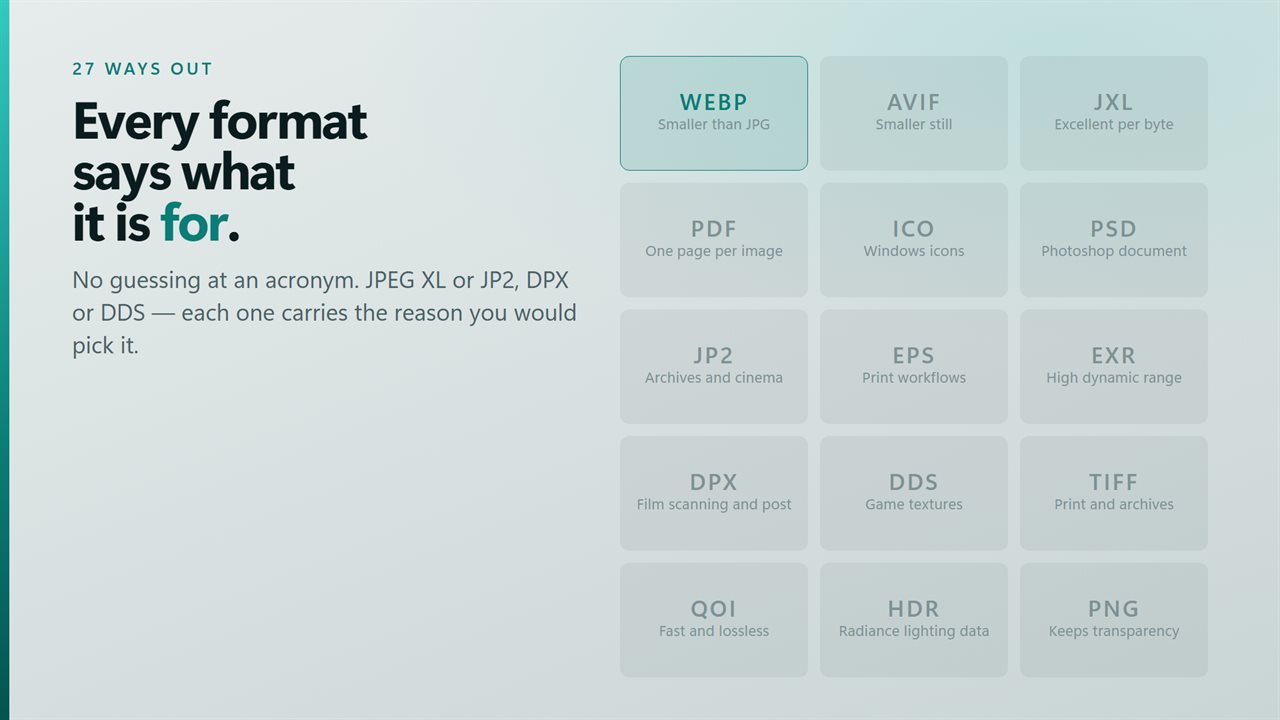
27 formats, each with a line saying what it is for:
Everyday — JPG for photographs, PNG when you need transparency, GIF, BMP, TIFF for print and archives, TGA.
Modern — WebP is smaller than JPG at the same quality. AVIF is smaller still. JPEG XL is excellent per byte if your tools have caught up.
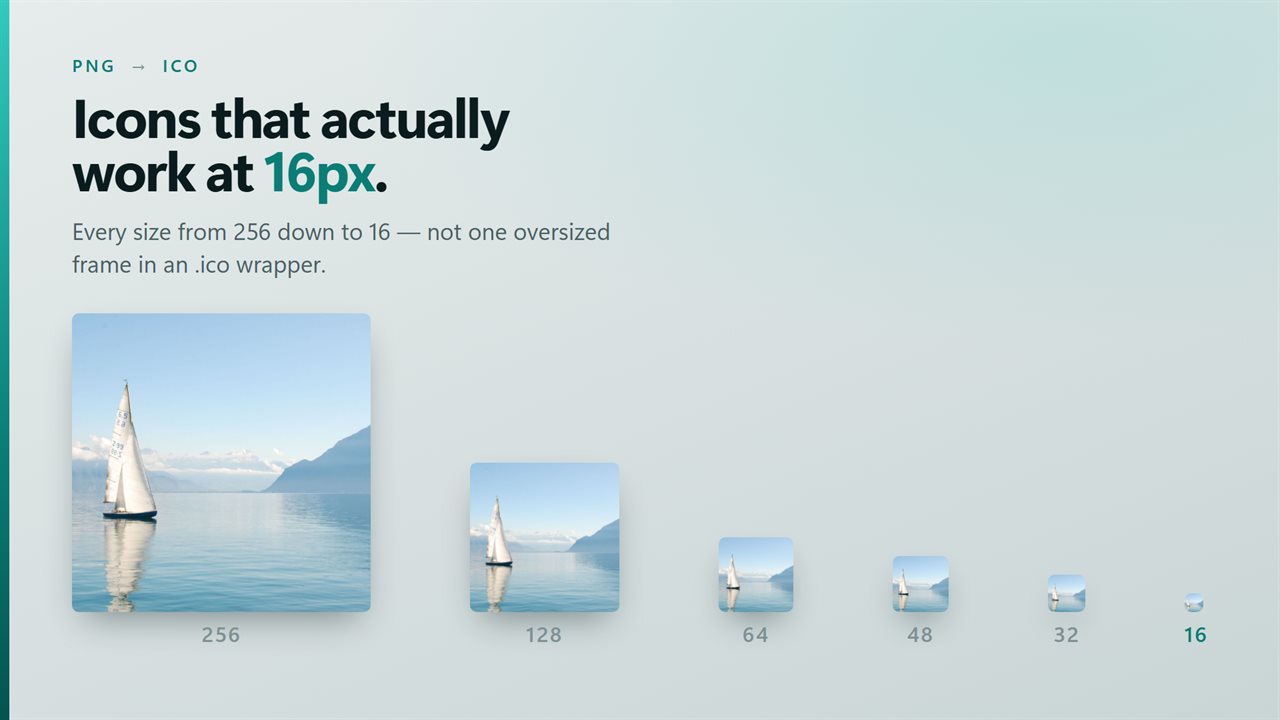
Documents and icons — PDF, one page per image. ICO, sized down to 256px and every size below it, so the result works as a real Windows shortcut icon rather than one oversized frame in an .ico wrapper.
Design and imaging — PSD, JP2, EPS, EXR, HDR, DDS, SGI, DPX, PICT, RAS, PCX, XPM, PNM, PBM, QOI and MNG.
The things that go wrong in other converters
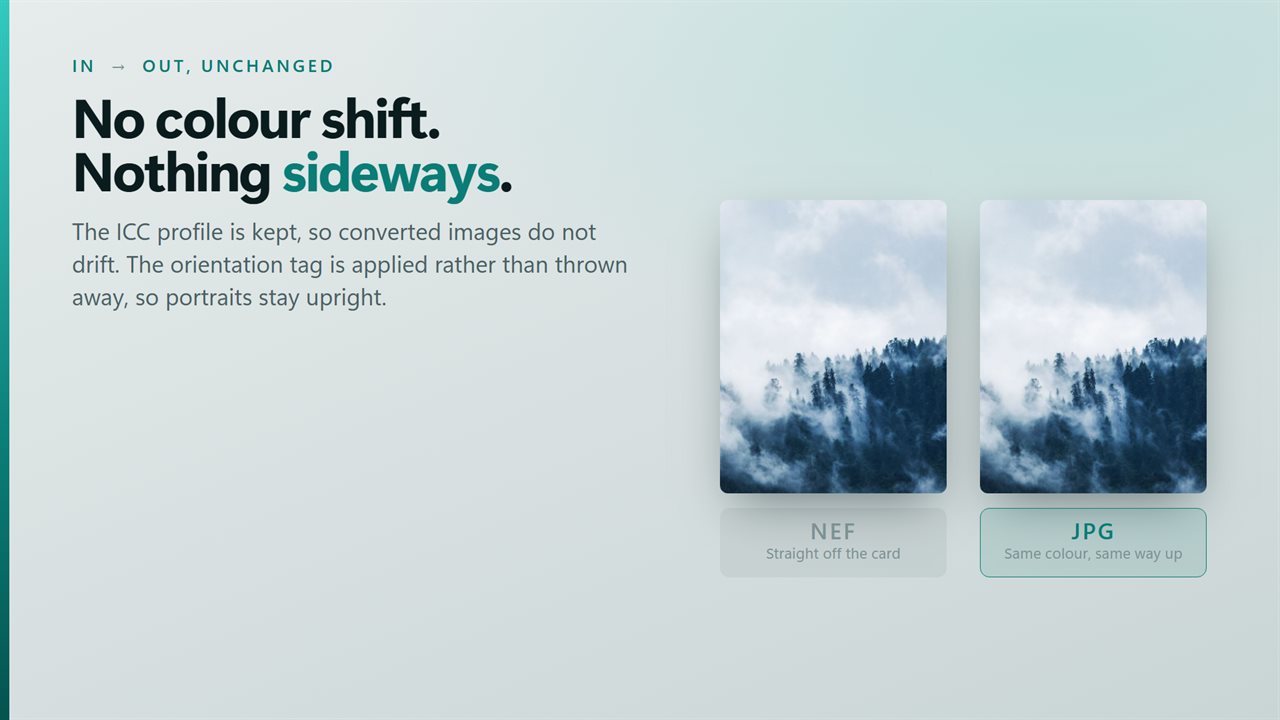
Colour shifts, because the ICC profile was dropped somewhere in the middle. It is kept here.
Photographs come out sideways, because the orientation tag was thrown away instead of applied. It is applied here.
And a batch that reports success while quietly skipping eleven files. Every file this cannot convert is named, with the reason, instead of vanishing from the count.
Where the files go
Beside the originals, into a folder you choose, or replacing the originals in place. Quality is adjustable for the formats where quality means anything.
On your PC
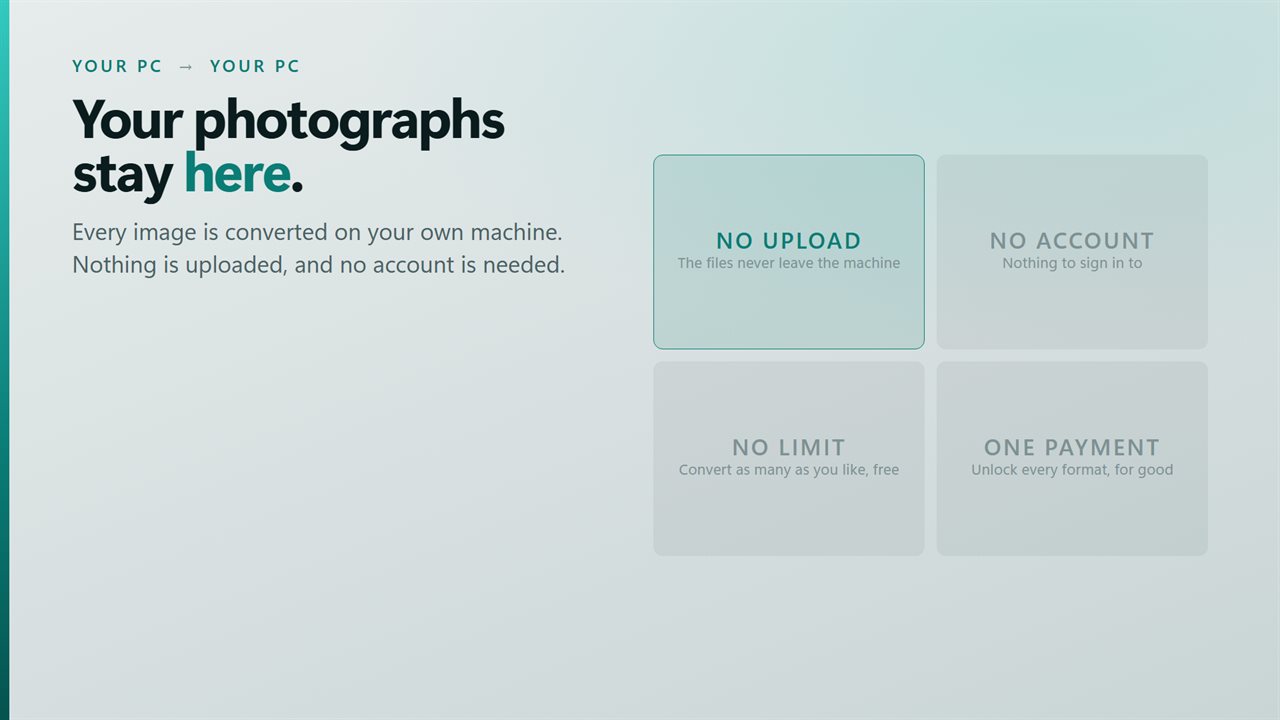
Your images are converted on your own machine. They are never uploaded, and no account is needed. The free version shows a small banner promoting our other apps, which unlocking removes.
Features
- One decision: pick the format, press convert
- Converts a whole folder in a single pass, not one file at a time
- Reads 54 formats in, writes 27 out
- Opens camera RAW — Canon, Nikon, Sony, Fujifilm, Olympus, Panasonic, Pentax
- Opens HEIC and HEIF, the formats phones actually produce
- Writes JPG, PNG, WebP, AVIF and JPEG XL
- Writes PDF, one page per image, for sending and printing
- Makes Windows icons at every size from 256px down to 16px
- Writes PSD, TIFF, EXR, DPX, JP2 and EPS for design and print work
- Says what each format is for, so you are not guessing at an acronym
- Quality control for the formats where it matters
- Keeps the colour profile, so converted images do not shift
- Keeps the orientation, so portraits stay upright
- Writes beside the originals, into a folder, or replaces them
- Names every file it could not convert, and why
- Your images are converted on your PC and are never uploaded
Details
- Works on
- Windows 10 (1809 or later) and Windows 11
- Download
- About 16.2 MB
- Version
- 3.1.5, updated October 2026
- First released
- May 2022
- Price
- Free
- Category
- Utilities & tools
What's new in 3.1.5
- The icon now appears on its own in the taskbar, in Alt+Tab and in the title bar, the way it was drawn
Questions
Anything else? Ask us
Which versions of Windows does it run on?
Windows 10 (version 1809 or later) and Windows 11.
Is it free?
Yes. Image Converter is free to download.
How do I get it?
EvlarSoft apps are moving to direct downloads from this site. Ask to be notified and we will email you as soon as Image Converter is ready to download.
More from EvlarSoft
 HEIC Images ConverterConvert HEIC (High-Efficiency Image Format) images to widely supported formats like JPG, PNG, or WebP.
 Image EXIF Data RemoverProtect your privacy and share images with confidence using the Image EXIF Data Remover.
 Bulk Image CompressorOptimize your image files efficiently with Bulk Image Compressor.