Mouse Click Holder
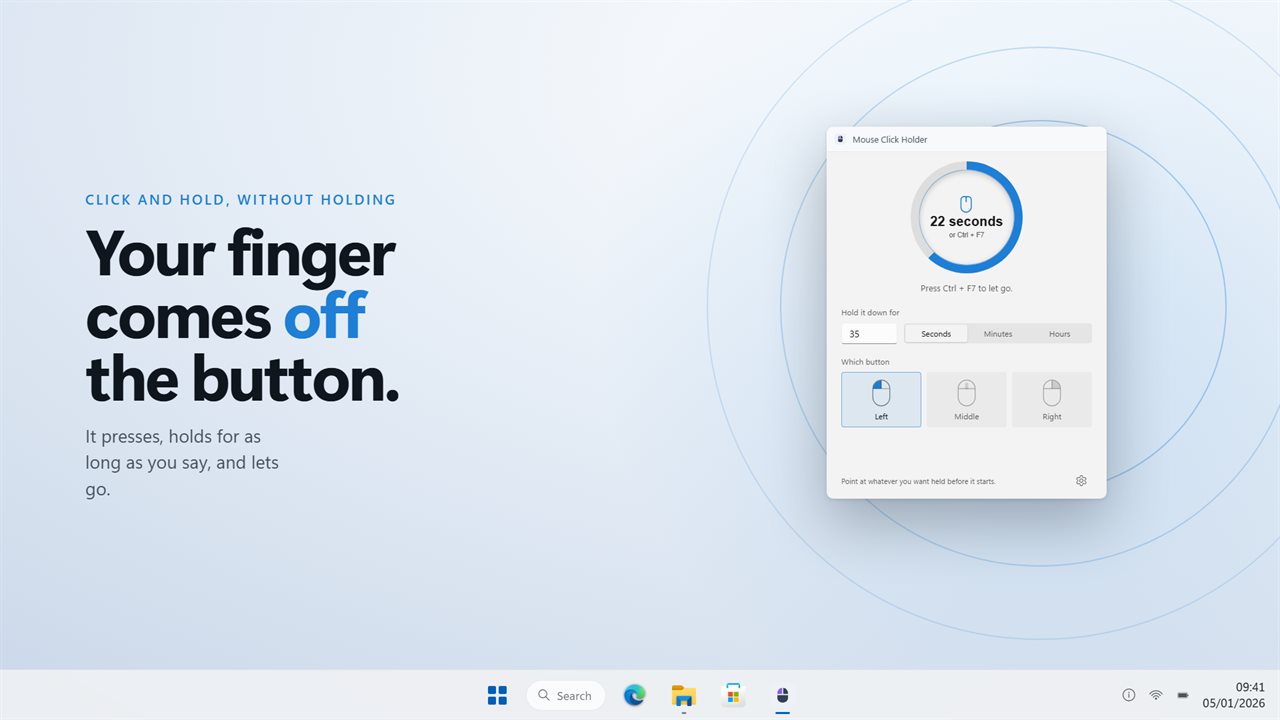
Presses a mouse button and keeps it pressed for a time you choose, then lets go, so a long drag or hold no longer depends on your finger.
From a moment to an afternoon
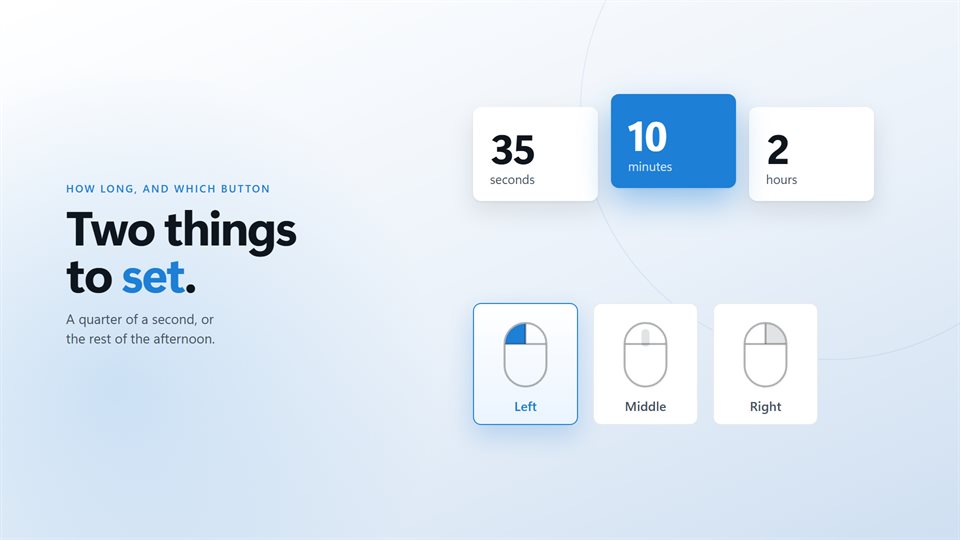
Type a number from 1 to 999 and pick the unit. The pad counts down the time left while it holds.
Any of the three buttons
Choose the button on a drawing of a mouse. Middle is the one that keeps a pan open in maps and CAD views.
A shortcut that always reaches it
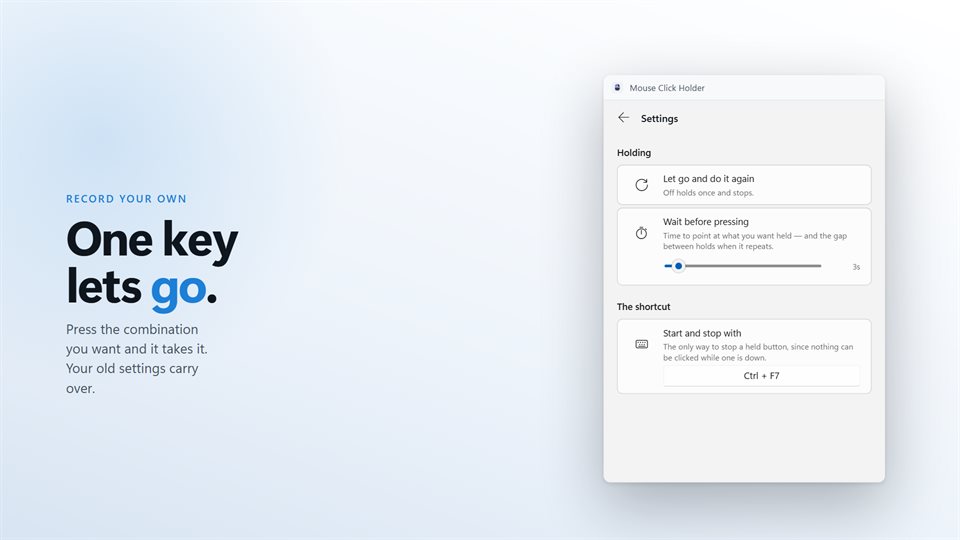
While a button is held you cannot click anything else, so the shortcut is how you start and stop. Record your own in Settings.
See it in action
Screenshots from the app on Windows 11.
Why hold a button rather than click it?
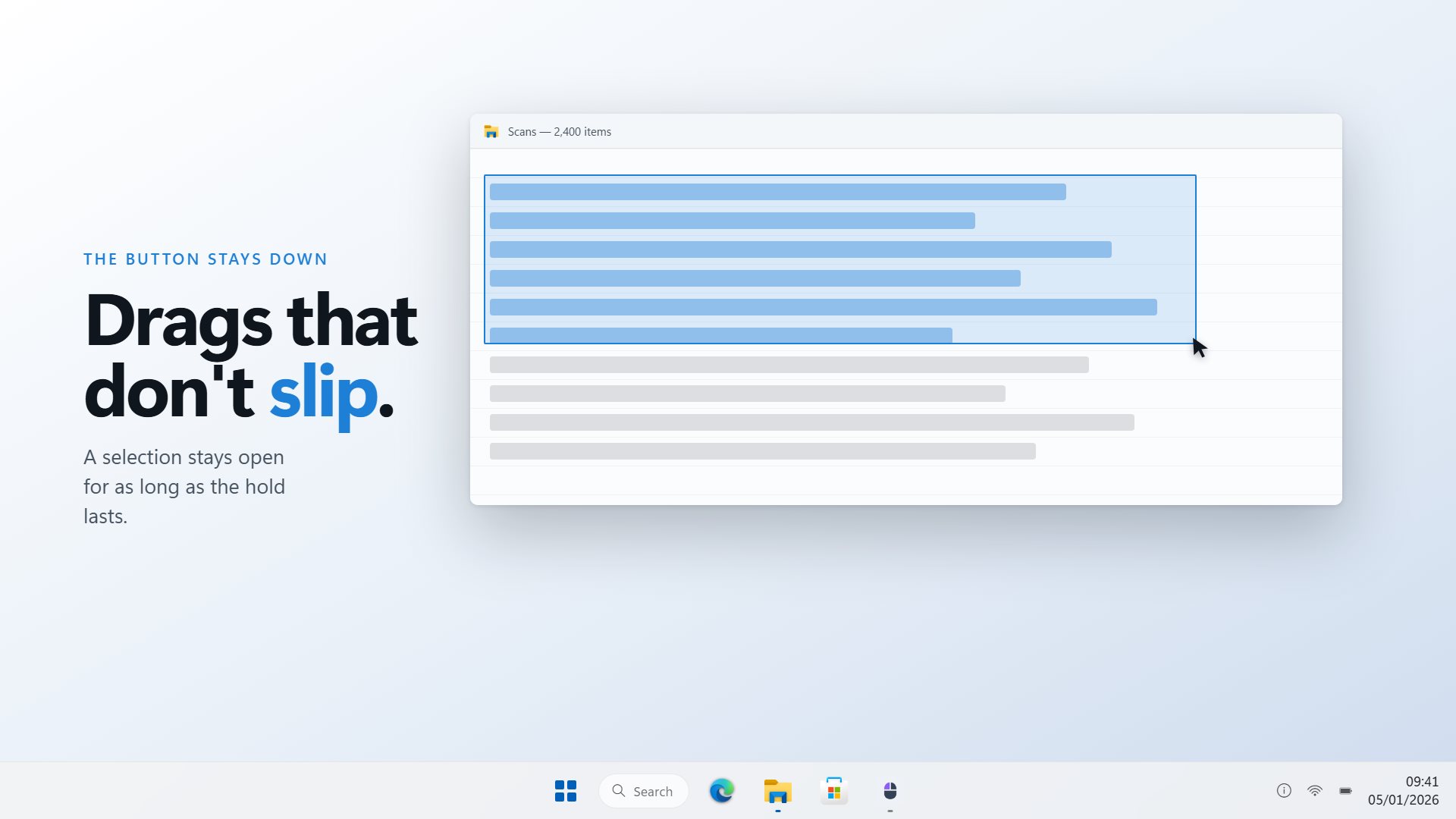
Plenty of things in Windows only work while a button stays down. A selection grows while you drag, a pan in a map or a 3D view lasts while the middle button is held, and some tools and game actions run only while you keep pressing.
Holding a button for a minute is tiring, and for ten minutes it is close to impossible without slipping. Mouse Click Holder sends a real button-down, waits out the time you set, and sends the button-up, so the app on the other end sees an ordinary long press.
It waits a few seconds before pressing, which gives you time to put the pointer where the hold should happen. With repeat on, it lets go, waits the same gap and presses again until you stop it.
What people use it for
Long selections and drags
Keeping a drag going across a long document, a big spreadsheet or a timeline.
Panning in maps and CAD
Holding the middle button so a view keeps panning without a cramped hand.
Hold-to-act controls
Anything in an app or game that only works while a button stays pressed.
Details
- Works on
- Windows 10 (1809 or later) and Windows 11
- Download
- About 2.5 MB
- Version
- 3.0.7, updated October 2026
- Price
- $2.99 once. No subscription, no in-app purchasesUS price; the Store shows yours.
- Privacy
- No account needed, no ads, nothing leaves your PC unless you turn on backup
- Category
- Utilities & tools
What's new in 3.0
- The shortcut stops a hold that is already running
- Hold for seconds, minutes or hours, and the hours setting now works
- Let go, wait and hold again on a cycle until you stop it
- Pick the button on a picture of a mouse
- A countdown on the pad while it holds
- Lives in the tray, and your old settings carry over on first launch
Questions
Anything else: [email protected]
How do I let go early?
Press the shortcut again. It works whatever window has focus, which matters because nothing can be clicked while a button is held.
Can it hold the right or middle button?
Yes. Left, middle and right are all available.
Can it keep holding and releasing?
Yes. Turn on repeat and it holds, lets go, waits and holds again until you stop it. The wait is set in seconds, up to a minute.
Can it start with Windows?
Yes, through Windows' own Startup settings, and it can start in the tray.
Does it need an account?
No. Signing in is optional and only backs up your settings.