Network Indicator Widget
See what your network is actually doing. A twin-needle meter shows upload and download as they happen, a five-minute ribbon shows where they have been, and every adapter is listed with its own address and rates. A small indicator sits on your desktop and fades in whenever traffic starts.
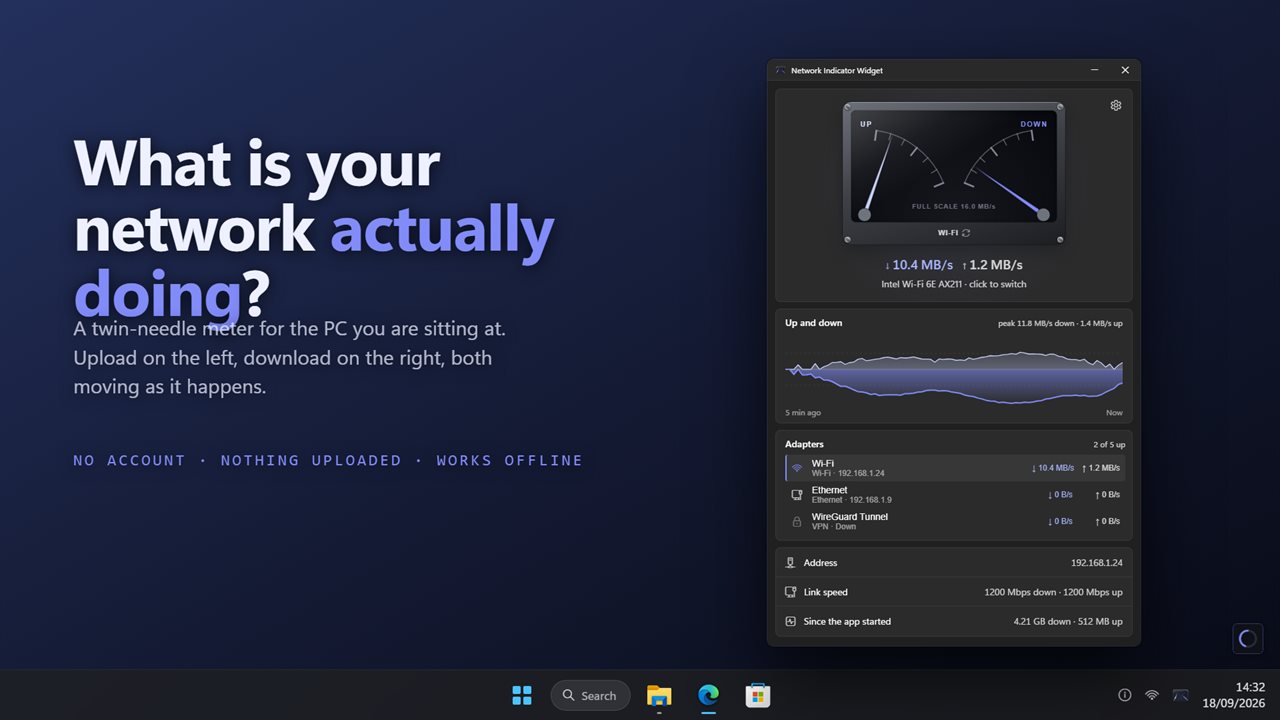
Upload and download as they happen, with every adapter listed.
See it in action
About Network Indicator Widget
The question is simple: is anything using my connection right now, and what? Network Indicator Widget answers it in one glance.
Two needles
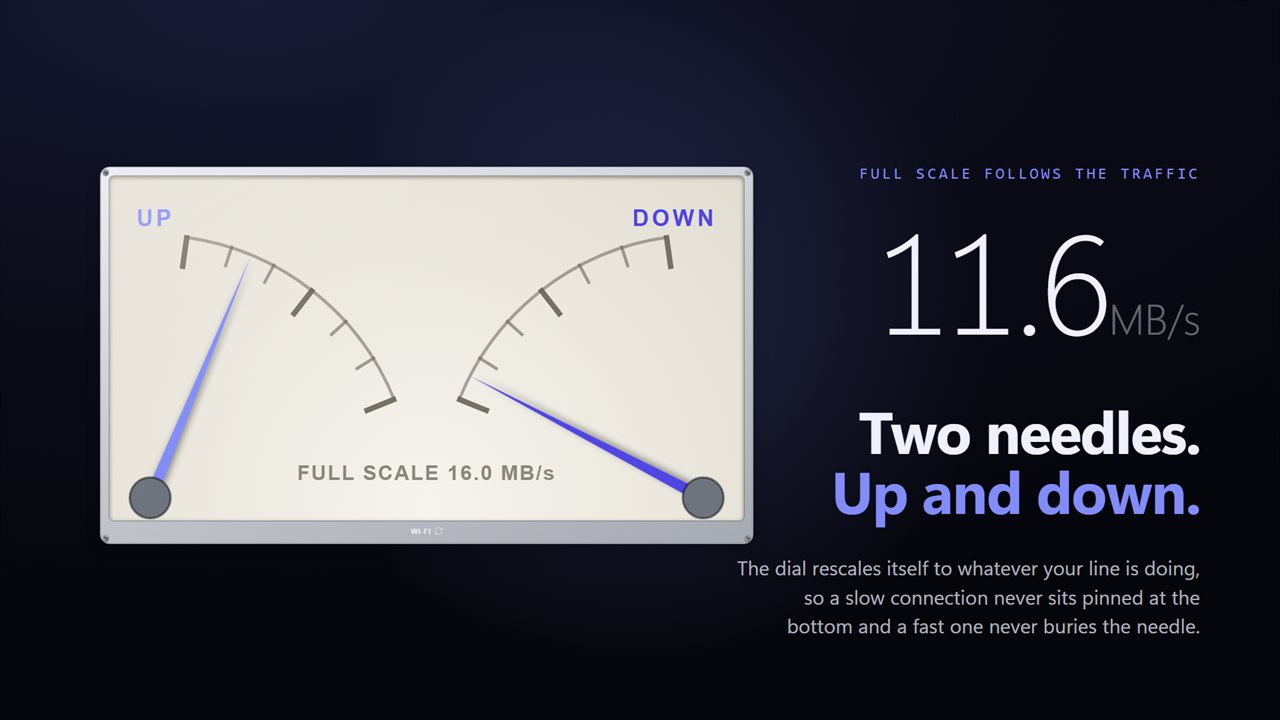
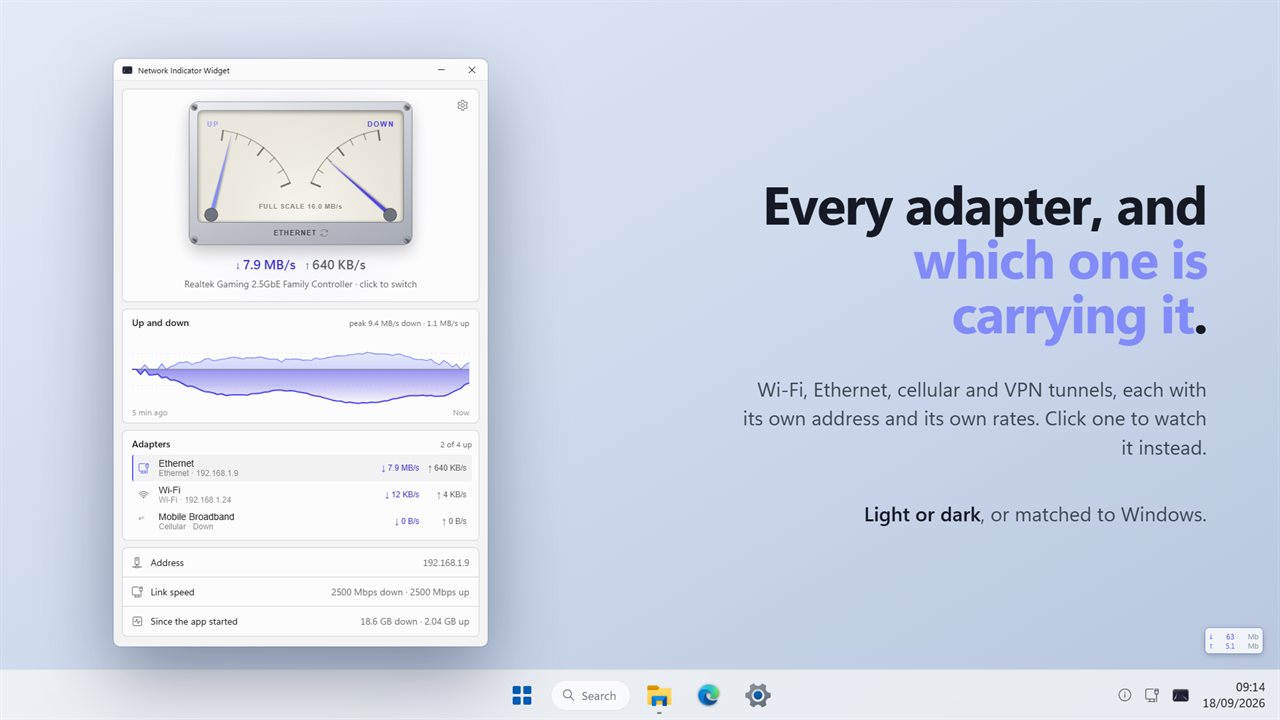
The app is built around a meter. The left needle is upload, the right is download, and both move as the traffic does. Full scale rescales itself to whatever your line is actually doing, so a slow connection never sits pinned at the bottom and a fast one never buries the needle — or pin it yourself to 1, 10, 100 or 1000 Mbps.
On your desktop
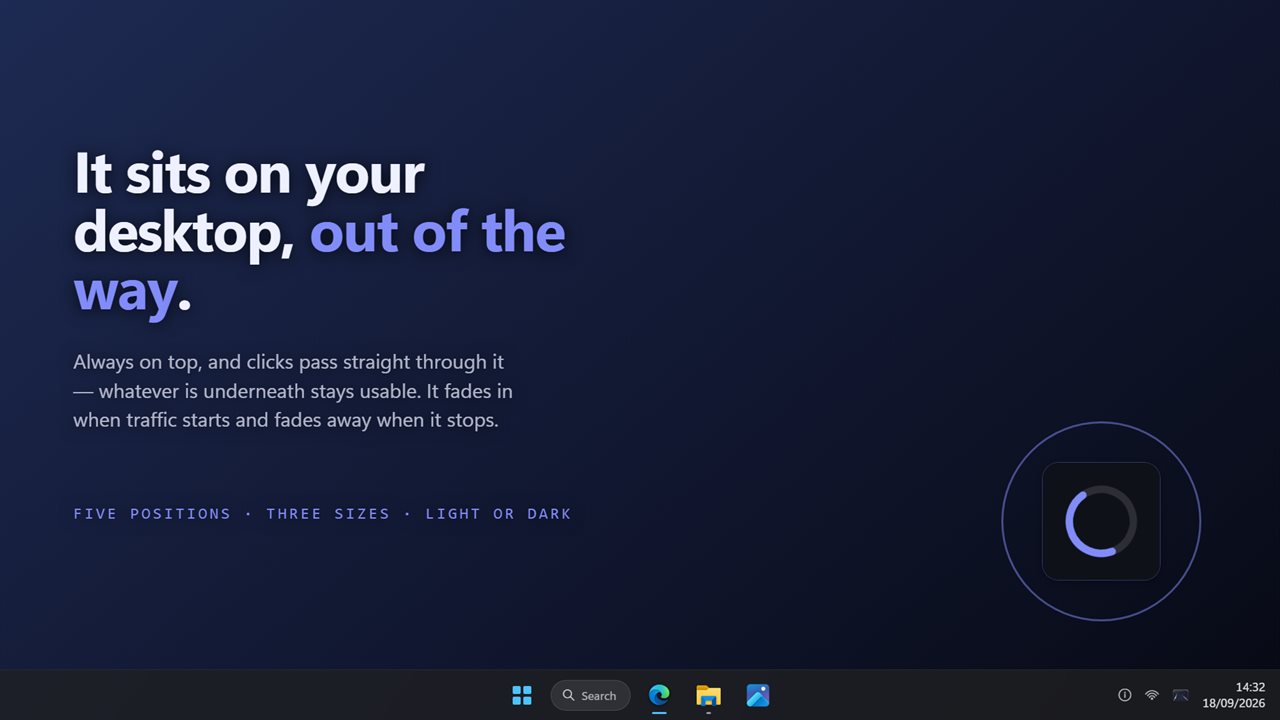
A small indicator sits on top of everything else, out of the way, and clicks pass straight through it — whatever is underneath stays usable. It fades in when traffic starts and fades away when it stops, the way the original did.
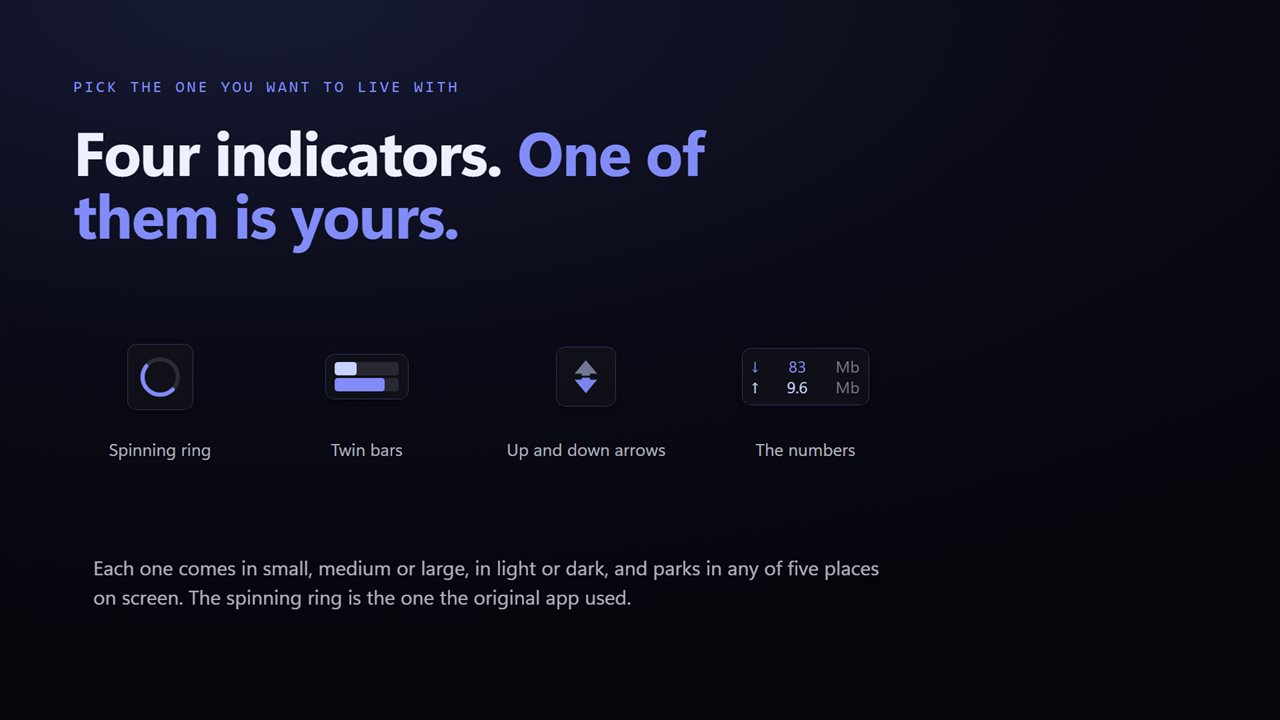
Choose the look you want to live with: a spinning ring, twin bars, up and down arrows, or the rate written out in numbers. Each comes in small, medium or large, in light or dark, and parks in any of five places on screen.
Every adapter
Wi-Fi, Ethernet, cellular and VPN tunnels are all listed, each with its own address and its own rates, and which ones are up. Click one to watch it instead, or let the app follow whichever is busiest. For whichever you are watching you also get its address, its link speed, and how much has moved since the app started. Click the address to copy it.
Where it has been
Under the meter, five minutes of history: upload above the line, download below, with the peak of each called out. Enough to tell a steady stream from a burst that has already finished.
In the notification area
The icon draws the current up and down rates, so the app tells you something even with its window closed. Pause it from there or from the window.
Nothing leaves this PC
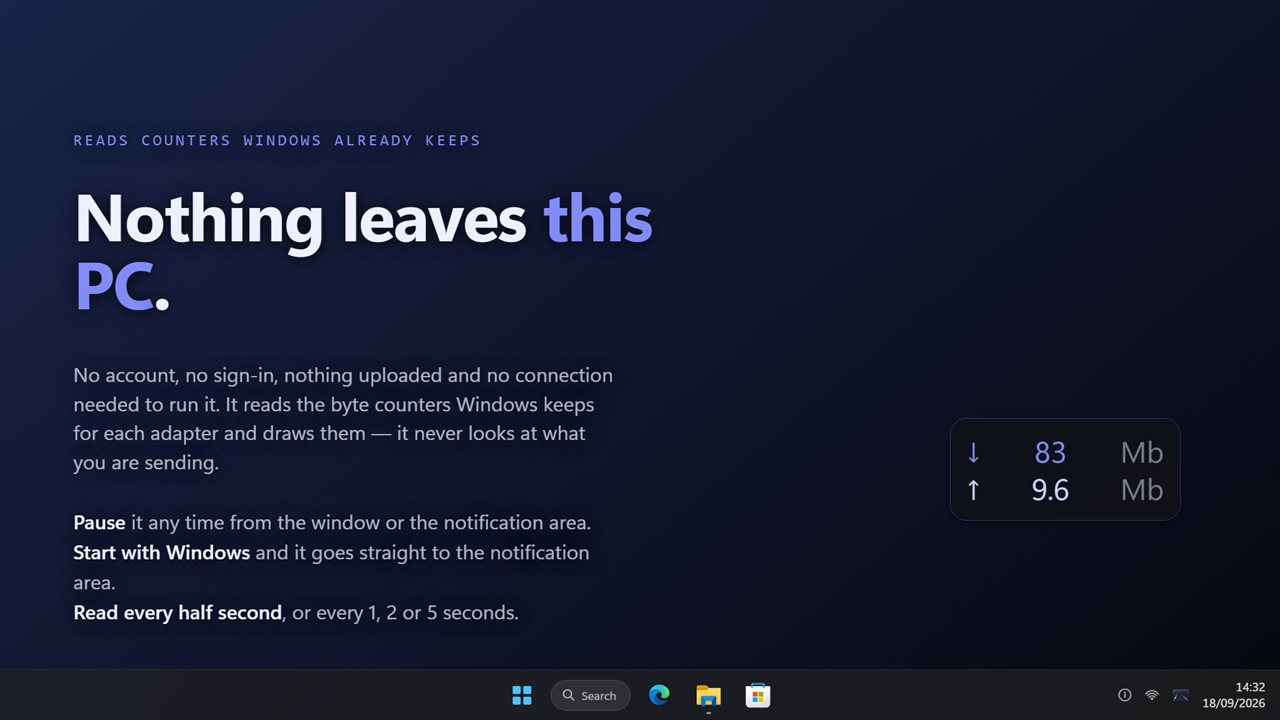
It reads the byte counters Windows already keeps for each adapter and draws them. It never looks at what you are sending. There is no account, no sign-in, nothing is uploaded, and it needs no connection to run.
Features
- A twin-needle meter: upload on the left, download on the right, both moving as it happens
- A small indicator that sits on your desktop, always on top, with clicks passing straight through it
- Four indicator looks: a spinning ring, twin bars, up and down arrows, or the rate in numbers
- Three indicator sizes, light or dark, and five places on screen to park it
- The indicator fades in when traffic starts and fades away when it stops, or stays on if you prefer
- Five minutes of up and down history, with the peak of each called out
- Every adapter listed — Wi-Fi, Ethernet, cellular and VPN tunnels — with its own address and rates
- Click any adapter to watch it instead, or let the app follow whichever is busiest
- Full scale follows your traffic, or pin it to 1, 10, 100 or 1000 Mbps
- Address, link speed, and how much has moved since the app started
- Click the address to copy it
- A notification-area icon that draws the current up and down rates
- Read the counters twice a second, or every 1, 2 or 5 seconds
- Pause it from the window or the notification area
- Start with Windows and it goes straight to the notification area
- Dark theme by default, with light and match-Windows options
- Works offline, with no account and nothing uploaded
Details
- Works on
- Windows 10 (1809 or later) and Windows 11
- Download
- About 2.7 MB
- Version
- 2.0.3, updated October 2026
- First released
- June 2022
- Price
- $2.49 once. No subscription.
- Category
- Utilities & tools
What's new in 2.0.3
- New: a twin-needle meter for upload and download, with a scale that follows your traffic
- New: four looks for the desktop indicator — spinning ring, twin bars, arrows, or the numbers
- New: three indicator sizes, light or dark, and five positions
- New: five minutes of up and down history with peaks
- New: every adapter listed, with its address and rates; click one to watch it
- New: address, link speed and totals since the app started
- New: a notification-area icon that draws the current rates
- New: pause, and start with Windows
- The indicator still fades in on traffic and away again when it stops
Questions
Anything else? Ask us
Which versions of Windows does it run on?
Windows 10 (version 1809 or later) and Windows 11.
Is it a subscription?
No. Network Indicator Widget is a one-time purchase of $2.49, and updates are included.
How do I get it?
EvlarSoft apps are moving to direct downloads from this site. Ask to be notified and we will email you as soon as Network Indicator Widget is ready to download.