Audio Levels Monitor
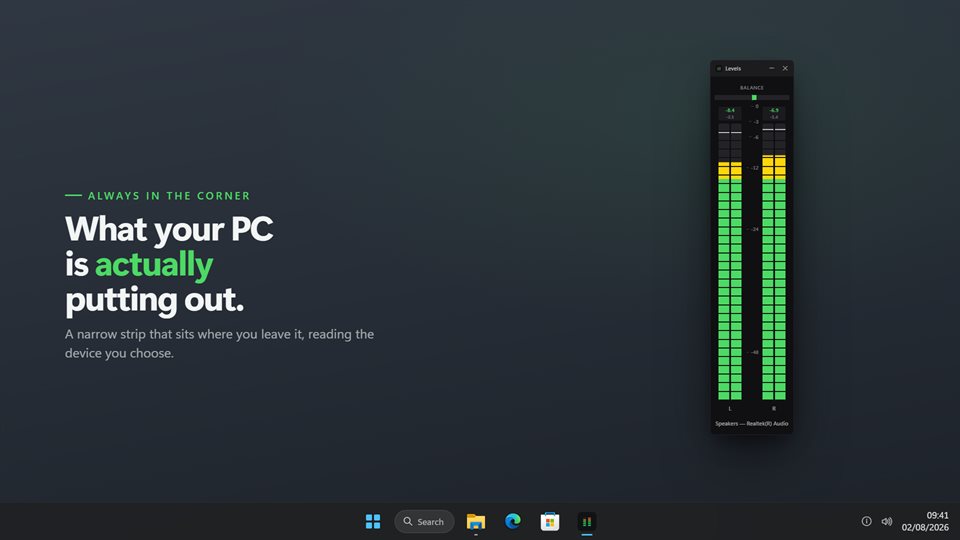
A sound level meter that sits on the edge of your screen and shows exactly how loud your PC is playing, or how loud your microphone is hearing, in real decibels.
Readings you can trust
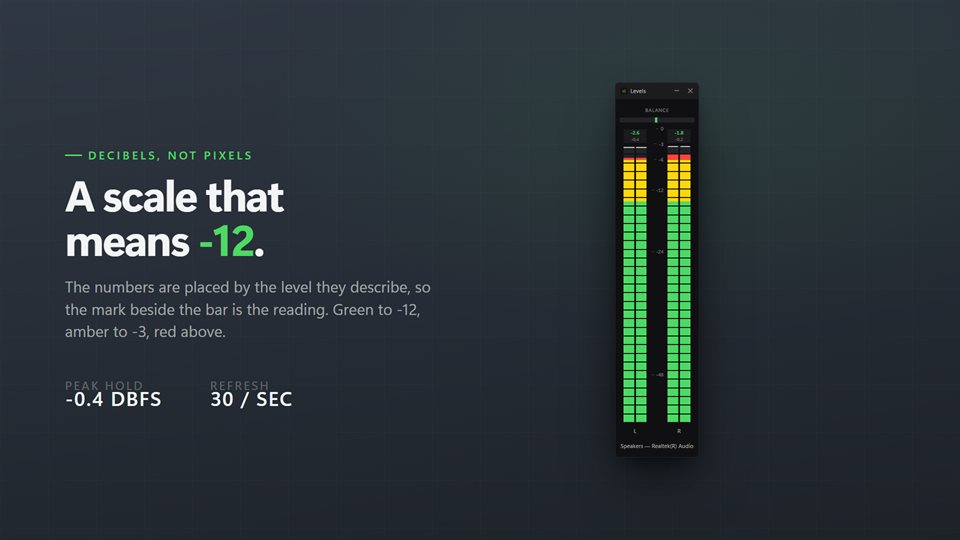
Marked in dBFS, the scale audio software uses, so -12 on the meter is -12 in your recorder or editor.
Every channel, separately
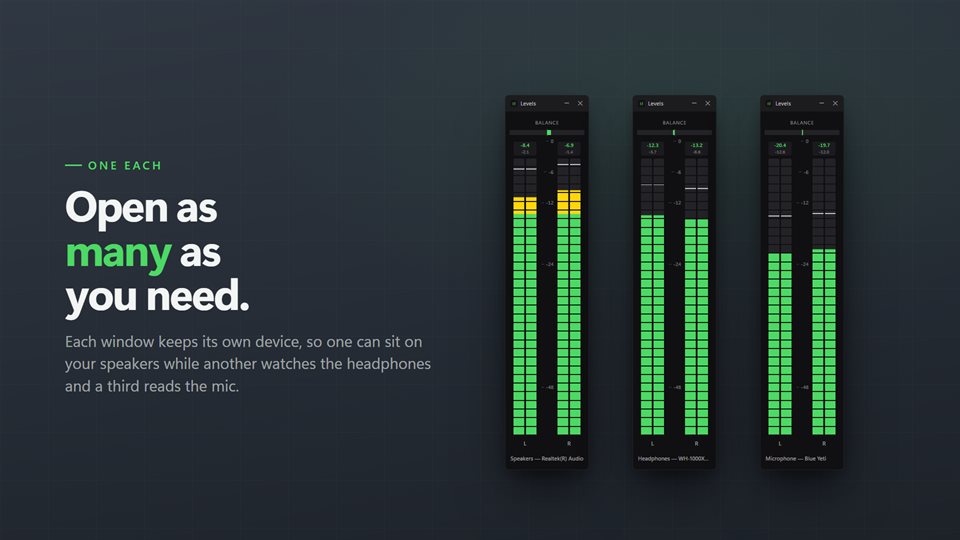
See a left channel that is quieter than the right, or a center channel that never moves, before your audience hears it.
Mic and speakers at once
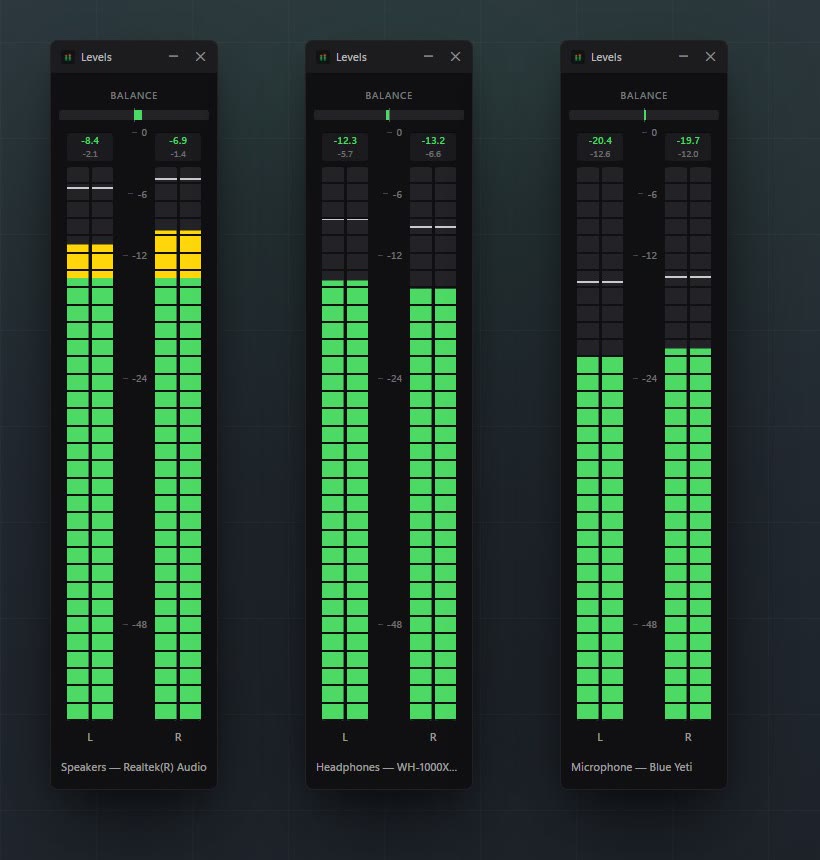
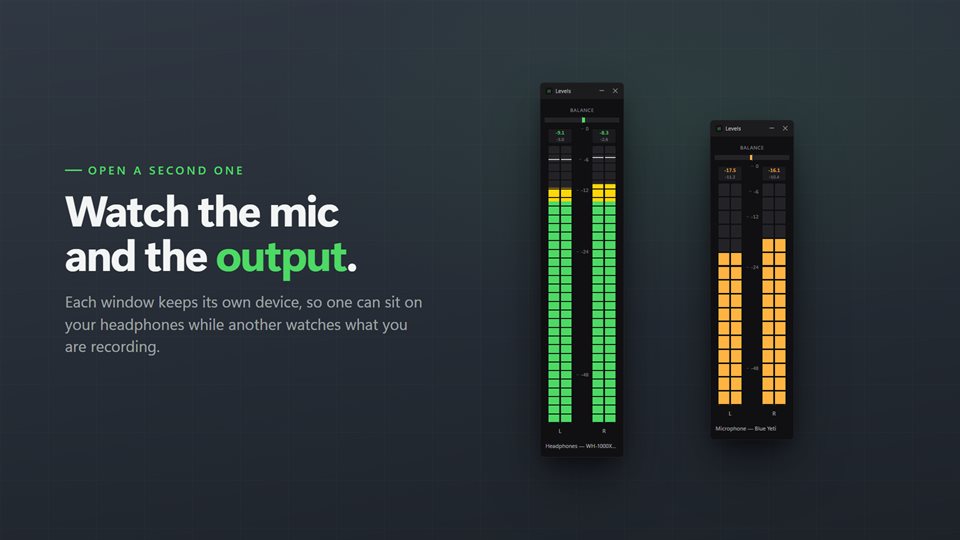
One meter per window, as many windows as you need: your voice in one, the game or call in another.
See it in action
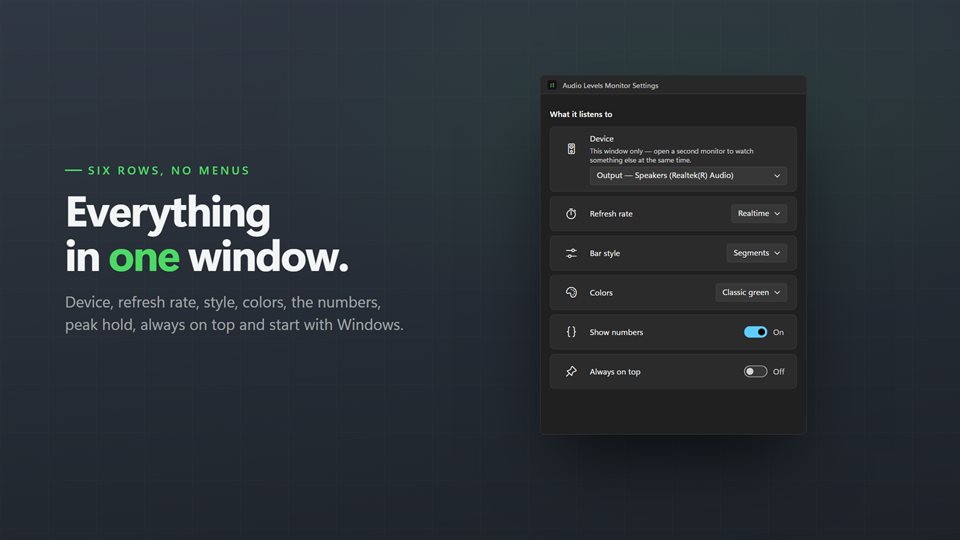
Straight from the app, at its real size on a Windows desktop.
How loud is too loud?
Digital audio has a hard ceiling, 0 dBFS. Anything that tries to go past it is cut off, and you hear that as crackle or distortion. Every other reading counts down from there, so -6 means comfortably under the ceiling and -48 is barely there.
Windows' own volume slider only tells you where the slider is, not how loud the sound actually is. A meter shows the signal itself, so you can see a recording peaking too close to 0, a quiet microphone sitting down near -40, or one side of a stereo track louder than the other.
A useful habit: keep speech and music peaking in the green and amber, and treat red as a warning to turn something down.
What people use it for
Evening out presentations
Matching the sound of videos inside PowerPoint so no clip blasts the room.
Setting a preamp or interface
Finding the gain where the signal is strong but never distorts.
Checking a microphone
Seeing that your voice is actually reaching the PC, and how loud, before a call or recording.
What people say
★★★★★“It is very accurate. And the best feature, you can select what source you would like to have as an output versus an input.”
★★★★★“Works well in Windows 11 for all audio sources, worth the purchase. Well designed.”
★★★★★“Good value level meter, looks good on my PC and easy to use interface.”
Details
- Works on
- Windows 10 (1809 or later) and Windows 11
- Download
- About 2.4 MB
- Version
- 2.0.9, updated October 2026
- Price
- $3.99 once. No subscription, no in-app purchasesUS price; the Store shows yours.
- Privacy
- No account, no ads, nothing leaves your PC
- Category
- Utilities & tools
What's new in 2.0
- True per-channel metering: two bars for stereo, six for 5.1
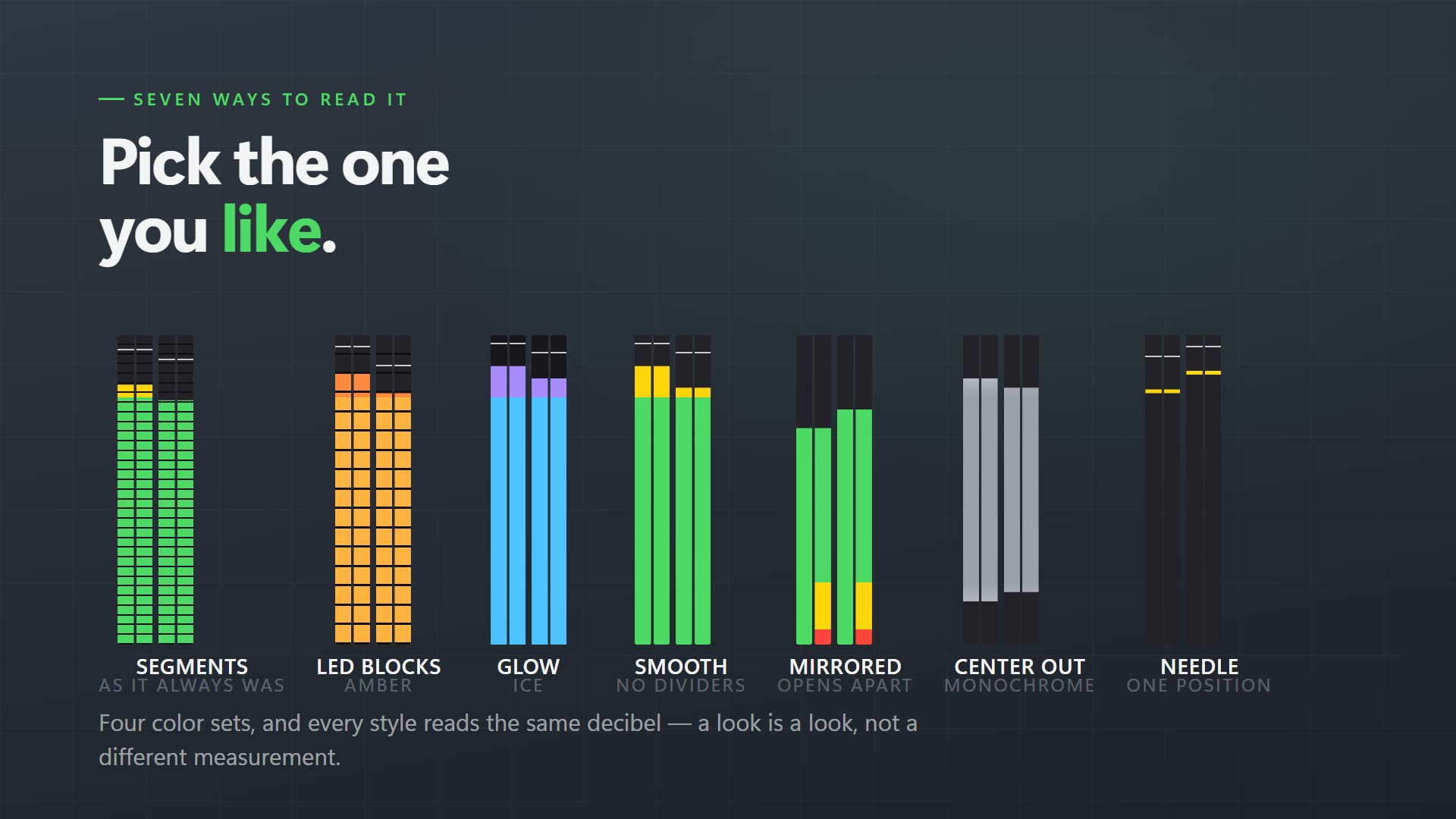
- A real dBFS scale, and seven styles in four color schemes
- Any recording device, and a second window on a different device
- A much narrower window that opens where you left it, even on a second monitor
- Peak hold that settles, a resettable maximum, a balance indicator and start with Windows
Questions
Anything else: [email protected]
Does it change my sound?
No. It is a meter, not a mixer. It reads the level and leaves the audio alone.
Can it show my microphone?
Yes. Any recording device works, and a second window can watch an output at the same time.
Does it work with 5.1 surround?
Yes. A 5.1 device shows six bars, one per channel.
Can it start with Windows?
Yes, through Windows' own Startup page, and it reopens where you left it.
Does it need the internet or an account?
No. Nothing leaves your PC.