Modern Audio Balancer
Shifts your PC's sound between left and right from a small panel by the clock, for the times one ear, one speaker or one headphone needs more.
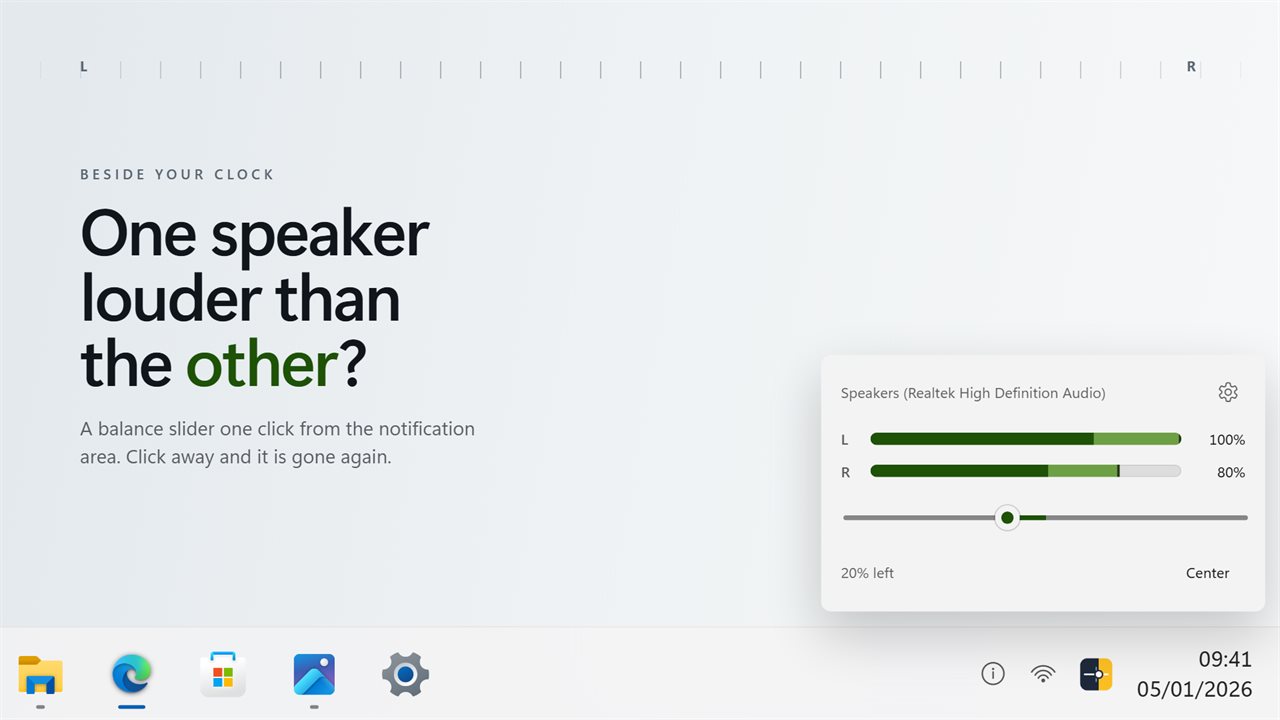
Fine steps, said in words
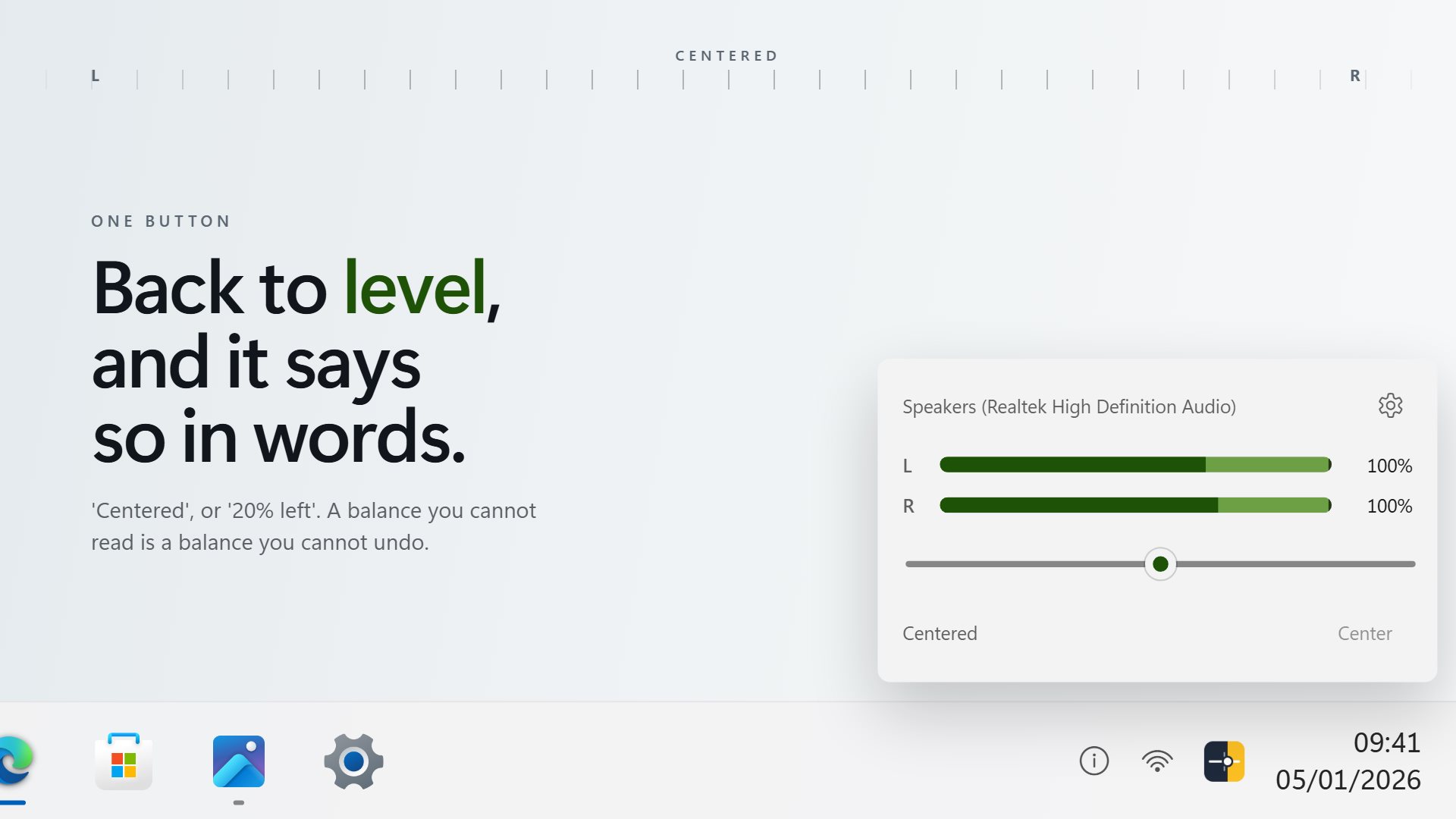
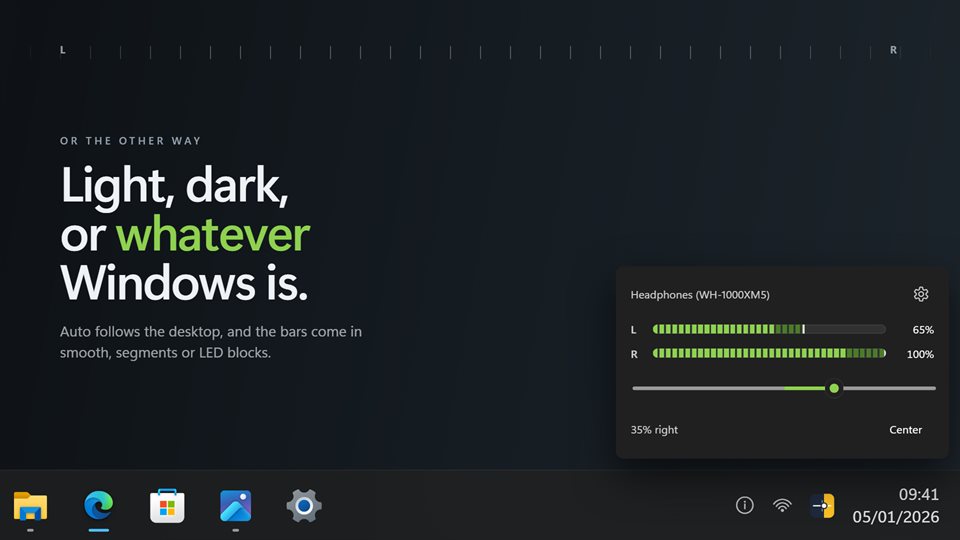
The slider moves one percent at a time, and the panel reads out where you are, such as "20% left".
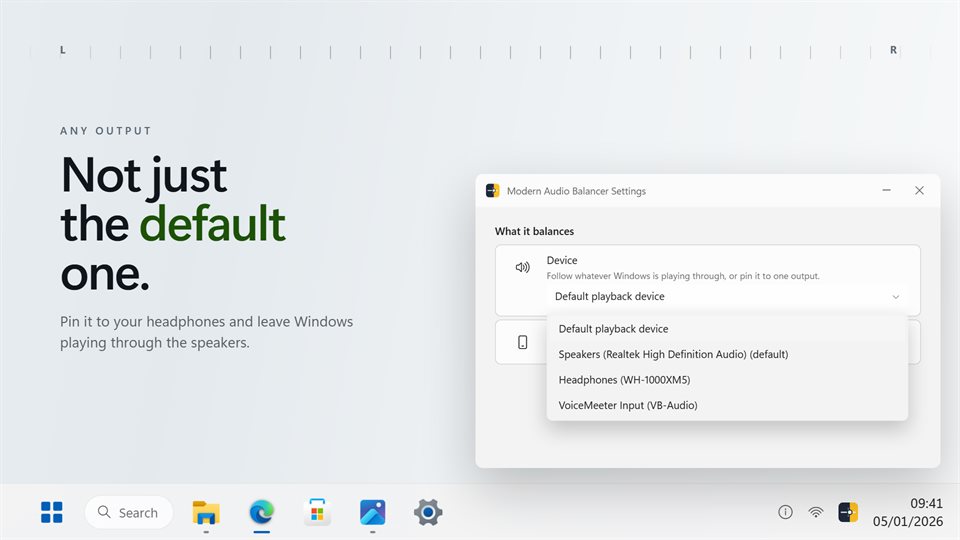
Not only the default device
Follow whatever Windows is playing through, or pin the balance to one pair of speakers or headphones.
Hear it and see it
Each channel carries a live level meter, so you can watch one side get quieter as you move the slider.
See it in action
Screenshots from the app on Windows 11.
What balance actually changes
Every stereo device in Windows has a volume for the left channel and one for the right. Balance is the difference between them. Windows does have a balance control, but it sits several pages deep in Sound settings and has to be found again every time.
Modern Audio Balancer turns the quieter side down and leaves the louder side where it is. Your overall volume does not change, and moving the slider back to the middle puts both sides exactly where they started.
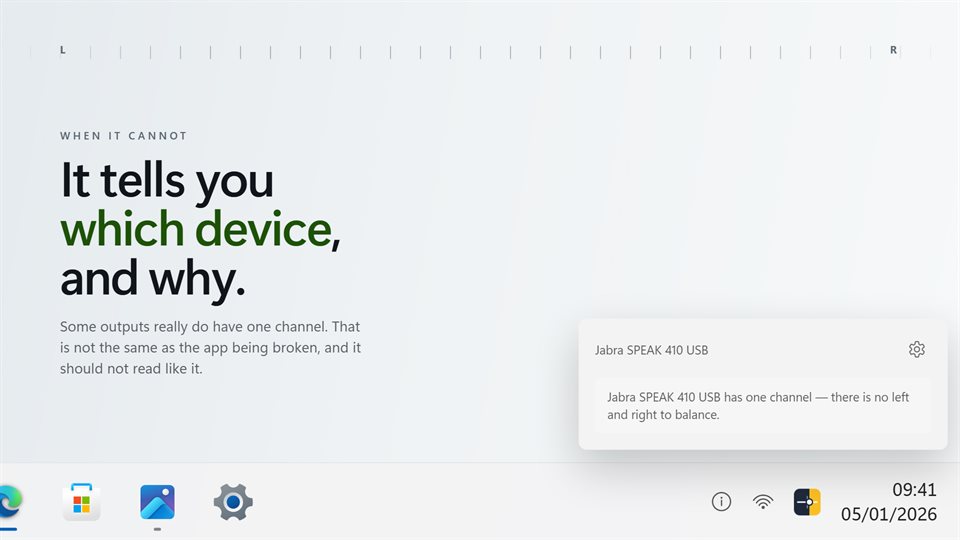
On a 5.1 or 7.1 device it balances the front left and right speakers and leaves the rest alone. A device with only one channel cannot be balanced, and the panel says so by name instead of quietly doing nothing.
What people use it for
Hearing better on one side
Moving sound toward the ear that hears less, and keeping it there.
Uneven headphones or speakers
Evening out a pair where one side has worn or one speaker sits further away.
Checking a stereo setup
Sending sound fully left or right to confirm which speaker is which.
Details
- Works on
- Windows 10 (1809 or later) and Windows 11
- Download
- About 2.4 MB
- Version
- 2.0.10, updated October 2026
- Price
- $2.99 once. No subscription, no in-app purchasesUS price; the Store shows yours.
- Privacy
- No account, no ads, nothing leaves your PC
- Category
- Utilities & tools
What's new in version 2
- Opens beside the tray icons, wherever the taskbar is
- Choose which output it balances, not only the default
- One-percent steps and a readout in words
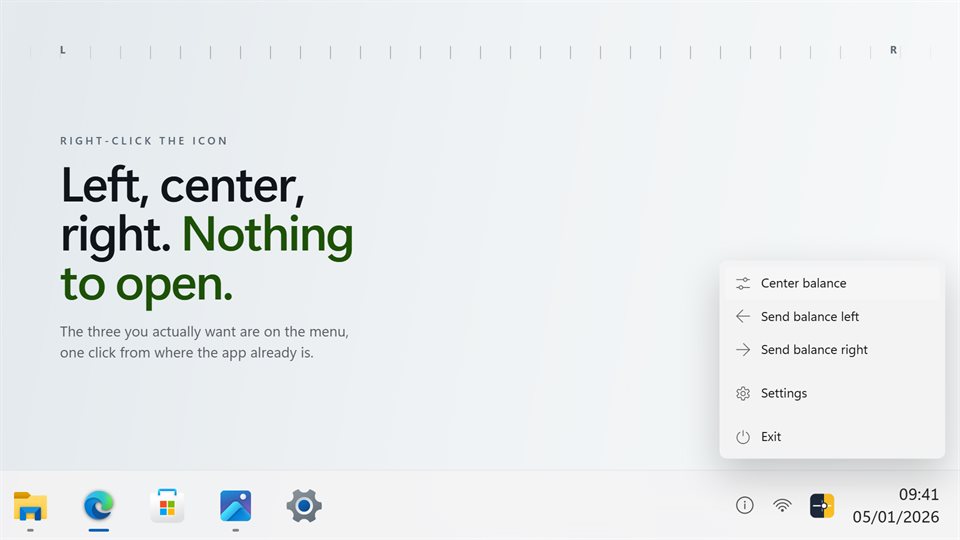
- Left, center and right on the tray menu
- Balance no longer lowers the volume, and centering returns exactly to where you started
- Idle while closed, with a light theme alongside dark
Questions
Anything else: [email protected]
Will it turn my volume down?
No. Only the quieter side changes. The louder side and the overall volume stay where they were.
Why does it say my device cannot be balanced?
That device reports a single channel, so there is no left and right to move between. The panel names the device so you know which one it means.
Does it work with surround sound?
Yes. It balances the front left and right channels and leaves the others alone.
Can it reset to center every time?
Yes. Turn on Center on launch in Settings.
Does it run in the background?
It waits in the notification area, and does no audio work while the panel is closed.