Countdown Reminder
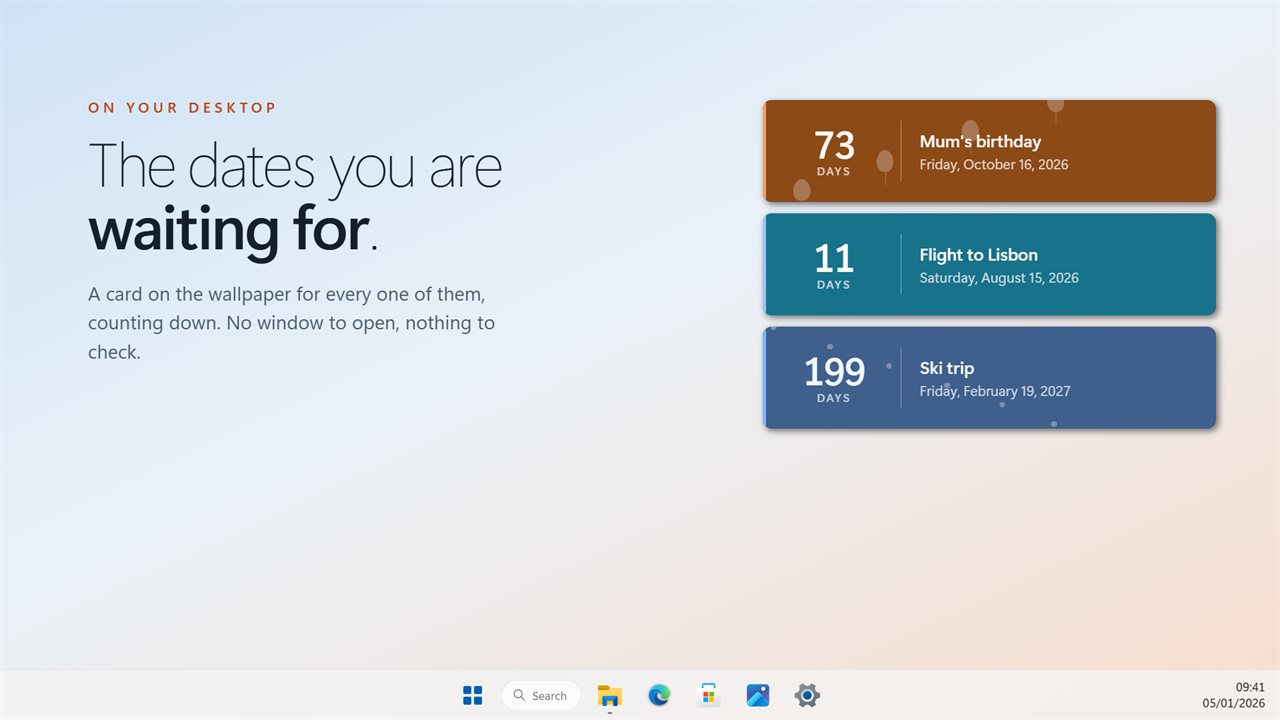
A card on your wallpaper for each date you are waiting on, showing how far away it is in the unit that makes sense right now.
The right unit, on its own
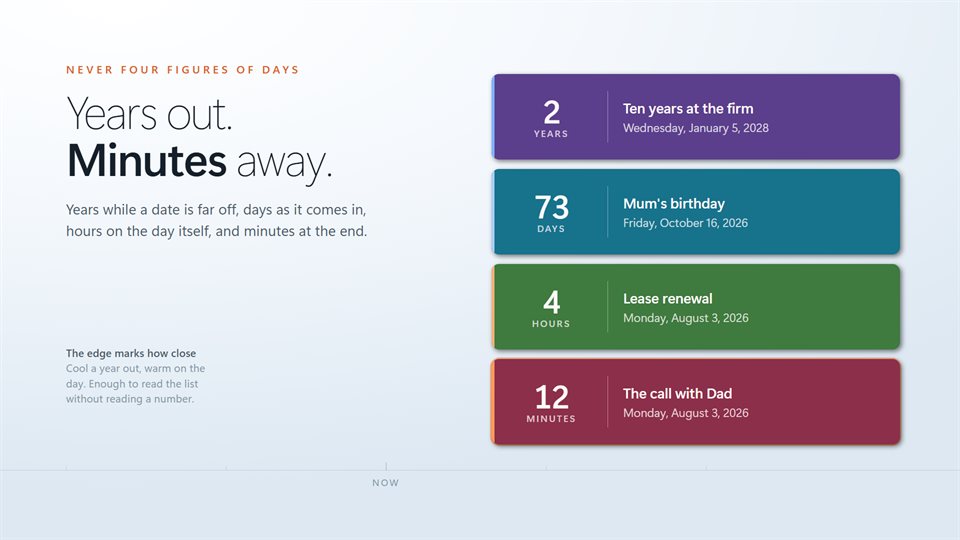
A date next year reads in years. The same date next week reads in days, and on the day itself it counts the hours down.
Two ways to lay it out
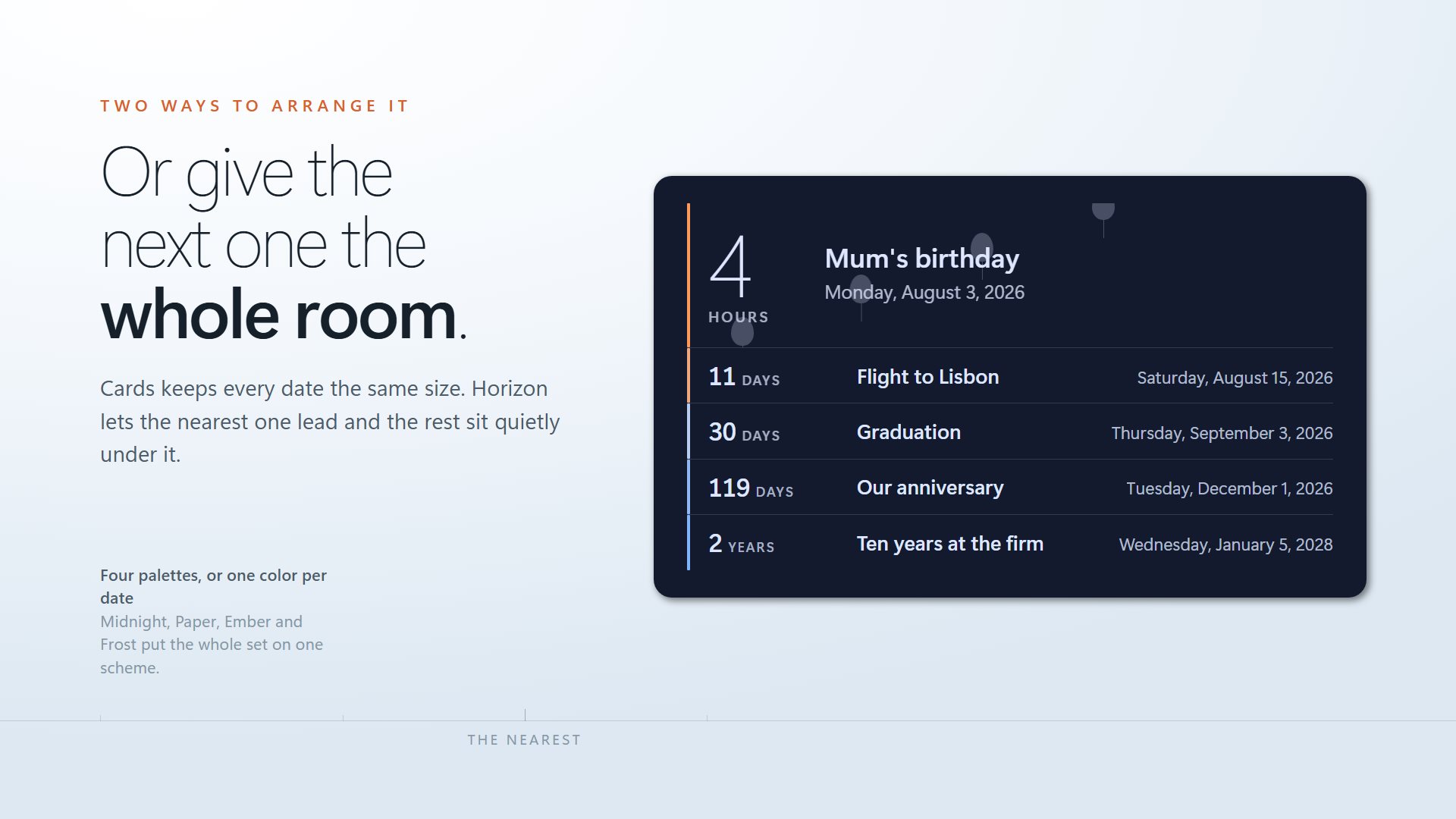
Every date at the same size, or the nearest one large with the others listed quietly underneath.
You decide what happens after
A date that has passed can show how long ago it was, stop at zero, or leave the desktop on its own.
See it in action
Straight from the app, on a Windows desktop.
Why a countdown, and not a calendar?
A calendar answers when. It does not answer how long, and that is usually the question: how many days until the trip, how many weeks until the deadline, how long until the kids are home.
A countdown on the desktop answers it every time you see your wallpaper. Nothing to open, no app to check. As the date gets near, the number switches from days to hours to minutes, so the last stretch is easy to read at a glance.
Turn on the highlight for a date and its card pulses in the final fifteen minutes, so a start time does not slip past while you are busy in another window.
What people count down to
Holidays and trips
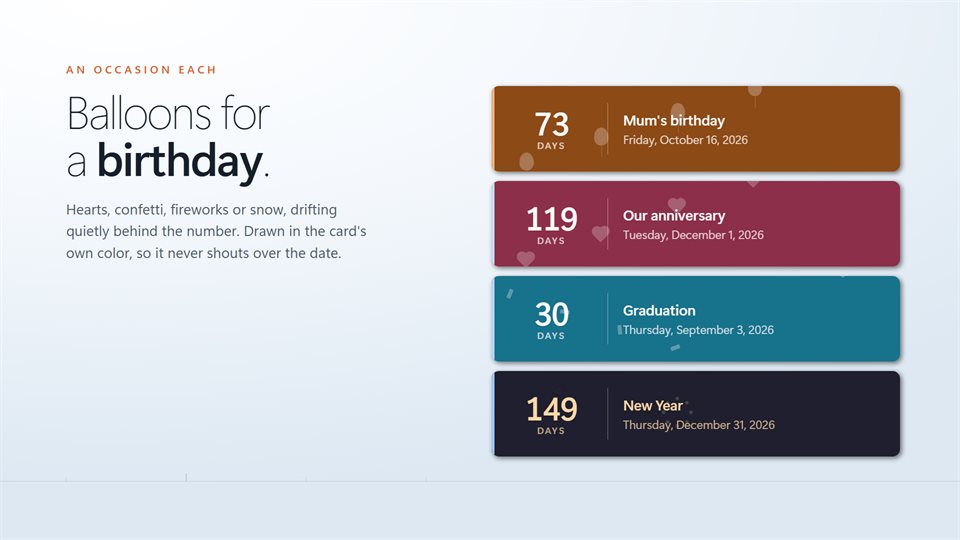
The flight, the first day off, the week away. Snow or confetti on the card if you like.
Birthdays and anniversaries
A card for each one, so a date that matters is never a surprise.
Deadlines and launches
Exams, filings, release days. Seeing the days drop keeps the work moving.
What people say
★★★★★“Works great for my needs! Have not found any issues so far. Thank you!”
Details
- Works on
- Windows 10 (1809 or later) and Windows 11
- Download
- About 2.5 MB
- Version
- 2.0.13, updated October 2026
- Price
- $3.99 once. No subscription. One optional add-on pack of extra looksUS price; the Store shows yours.
- Privacy
- Works offline. Sign-in is optional and only backs up your dates
- Category
- Personalization
What's new in 2.0
- The unit changes on its own as a date gets closer, down to seconds
- A Horizon layout that gives the nearest date the room
- Five occasion styles: balloons, hearts, confetti, fireworks and snow
- Four palettes for the whole set: Midnight, Paper, Ember and Frost
- A choice of what happens once a date has passed
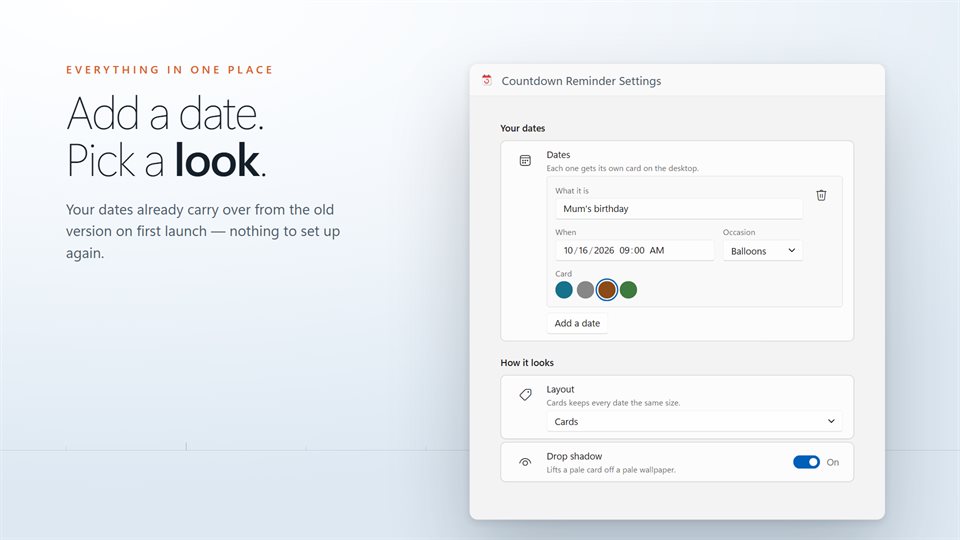
- Dates from the previous version carry over on first launch
Questions
Anything else: [email protected]
What is the Big Day Pack?
An optional add-on with five more looks: a tear-off calendar, an event ticket, advent doors, a progress ring and a T-minus board. Everything else comes with the app.
Can it sit above my other windows?
Yes. Keep it on the wallpaper, under everything, or set it to stay above other windows.
What happens when a date arrives?
Your choice: it can count up from that moment, stop at zero, or take itself off the desktop.
Can I make it bigger or smaller?
Yes. Width and size each have their own slider, from a small strip to something readable across the room.
Will my dates from the old version still be there?
Yes. They are brought across the first time the new version starts.
Do I need an account?
No. It works offline. An optional EvlarSoft ONE sign-in backs up your dates if you want them on another PC.