Worldwide Timezone Widgets
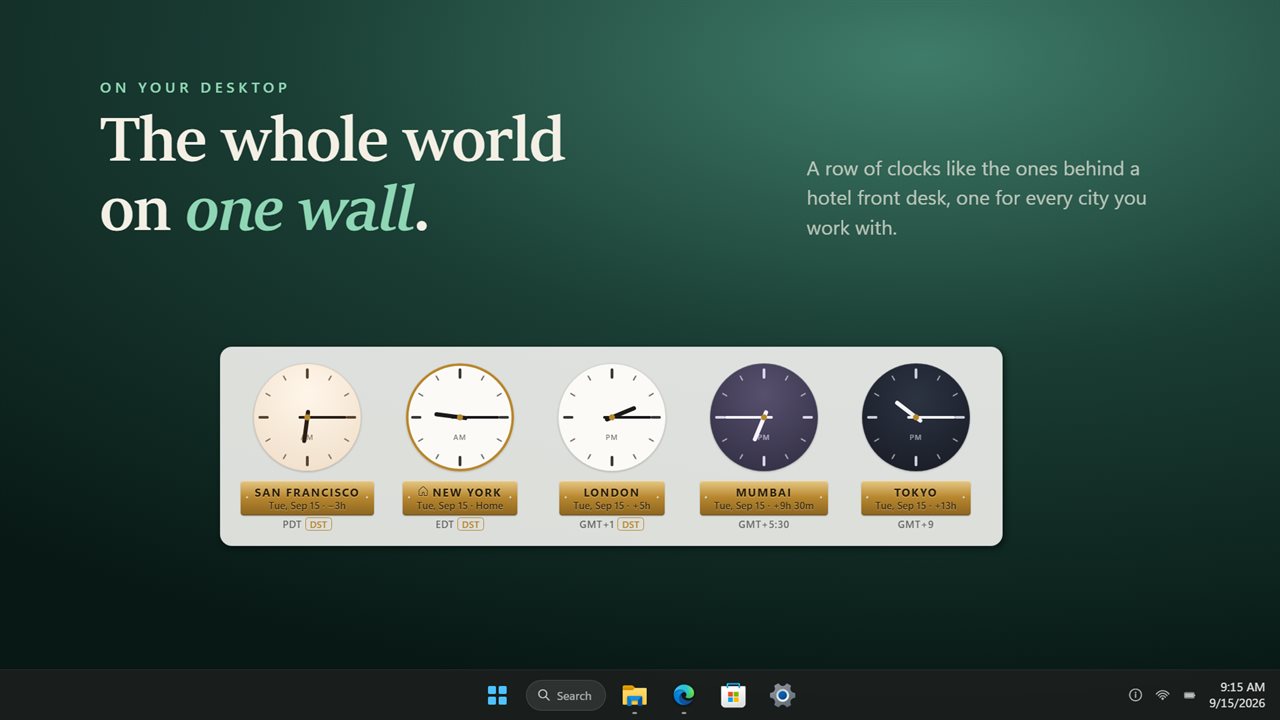
Clocks for the cities you deal with, hung in a row on your desktop. Each one keeps its own city's daylight saving and says how far it is from home.
Any place you need
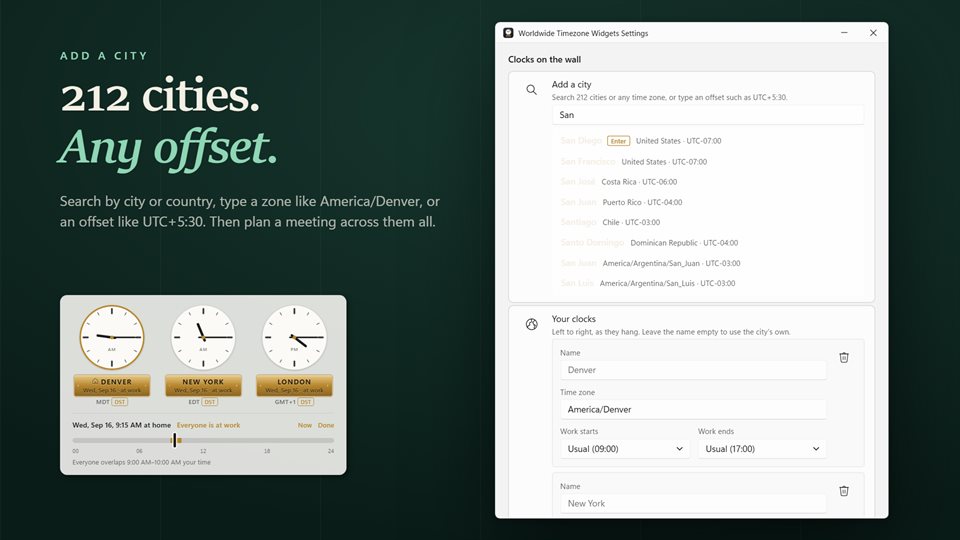
Pick a city by name or country, type a zone such as America/Denver, or enter a bare offset. Then give the clock your own label: a client, an office, a person.
Who is awake, at a glance
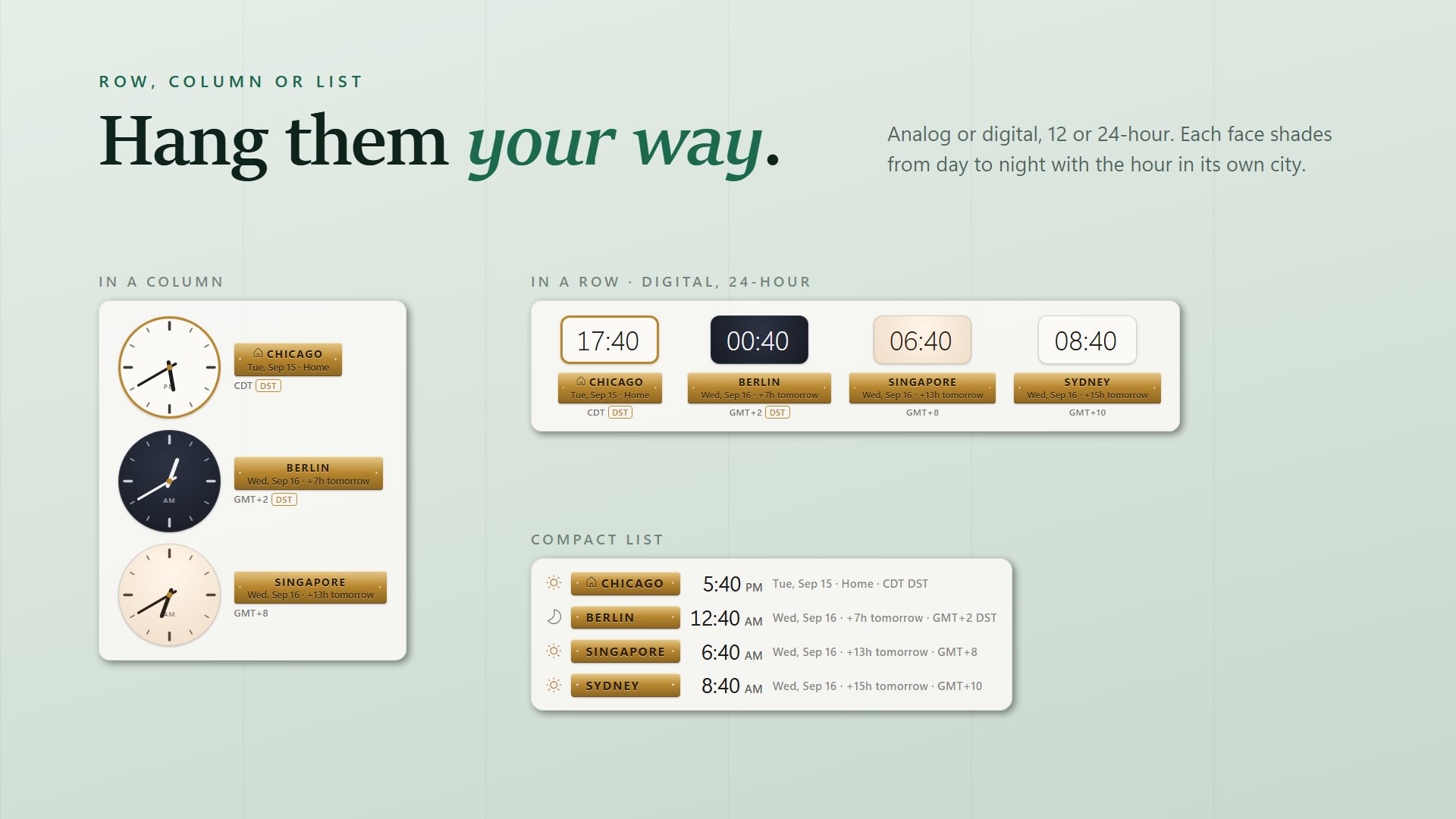
Each face shades with the hour in its own city, so a dark clock means people there are asleep before you read the time.
The gap stays right
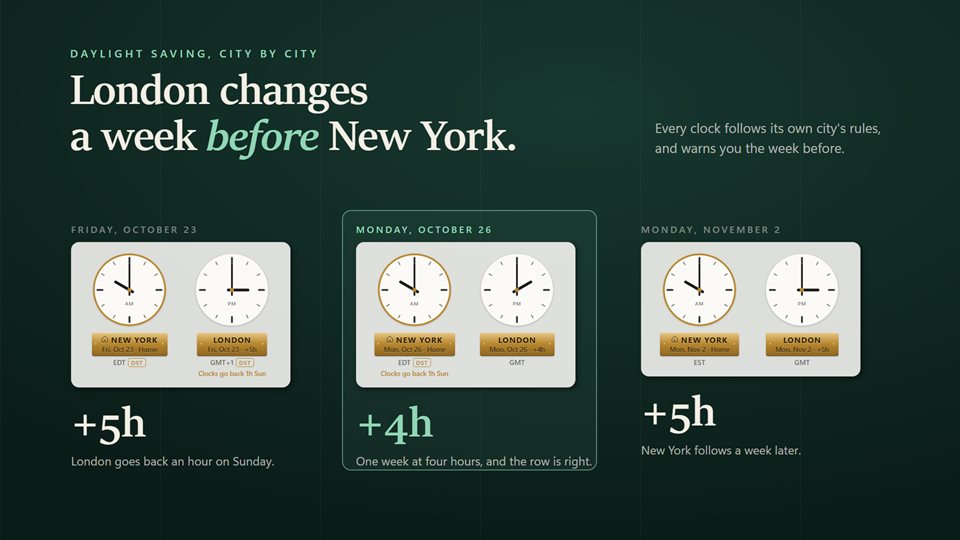
When two cities change their clocks on different weekends, the hours between them change too, and the plaque shows it. A note appears the week before.
See it in action
Straight from the widget, on a Windows desktop.
Why the gap between two cities moves
Not every country changes its clocks on the same day. The United States moves forward on the second Sunday in March and back on the first Sunday in November. Most of Europe moves on the last Sundays of March and October. Countries in the southern hemisphere go the other way, and places like India, Japan and most of Arizona never change at all.
So the difference between two cities is not a fixed number. London and New York are usually five hours apart, but for a few weeks each spring and fall it is four. A world clock that adds a fixed offset, or follows your own PC's daylight saving, is wrong for part of the year.
Each clock here follows the time zone rules for its own city, so it changes when that city changes, and the hours it shows from home are right on every date.
What people use it for
Working with a remote team
Seeing at a glance whether colleagues in another country are still at their desks before sending a message.
Booking calls across continents
Sliding through the day in the meeting planner to find the hours when every office is at work.
Keeping family close
A clock for each relative abroad, so you know when it is a sensible time to call.
Details
- Works on
- Windows 10 (1809 or later) and Windows 11
- Download
- About 2.6 MB
- Version
- 2.1.6, updated October 2026
- Price
- $2.99 once. No subscription, no in-app purchasesUS price; the Store shows yours.
- Privacy
- No account needed, no ads, works offline
- Category
- Personalization
What's new in 2.0
- Each clock follows its own city's daylight saving, not your PC's
- All the clocks in one widget, as a row, a column or a compact list
- Analog faces that shade from day to night in each city
- One clock is home, and the rest show how far ahead or behind it they are
- A warning in the week before a city's clocks change, and a meeting planner
- Search 212 cities, any time zone, or an offset; clocks from the old version carry over
Questions
Anything else: [email protected]
Does it handle daylight saving?
Yes, for each city separately. A clock changes when its own city changes, and you get a note the week before.
Can I add a place that is not in the list?
Yes. Type any named time zone, such as Asia/Kathmandu, or an offset like UTC+5:30, and give the clock whatever name you like.
Can it stay above my other windows?
Yes. It sits on the wallpaper by default, and one setting keeps it above other windows instead. It can also start with Windows.
Can teams in different cities keep different hours?
Yes. Set one working day for everyone, then change it for any city whose office keeps other hours. The meeting planner uses them.
Does it need the internet or an account?
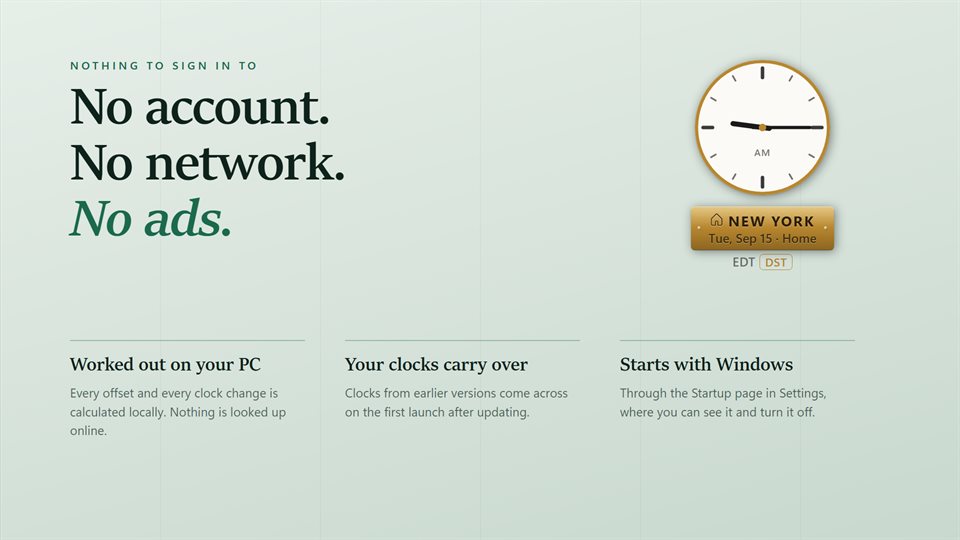
No. The time zone rules are built in. An optional EvlarSoft ONE sign-in backs up your clocks so you can move them to another PC.