Desk Clock
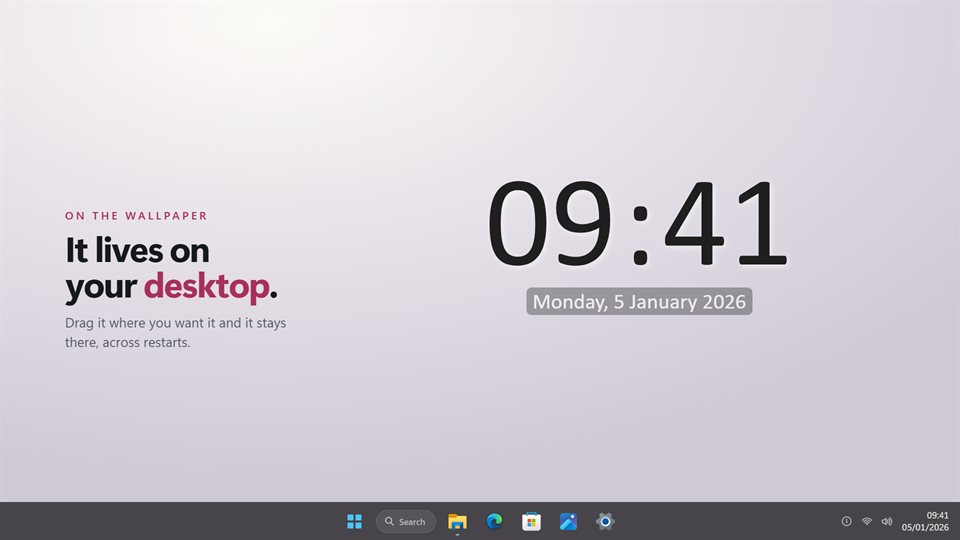
The time, drawn straight onto your wallpaper in any font you have installed. No window around it, no frame, nothing else on screen.
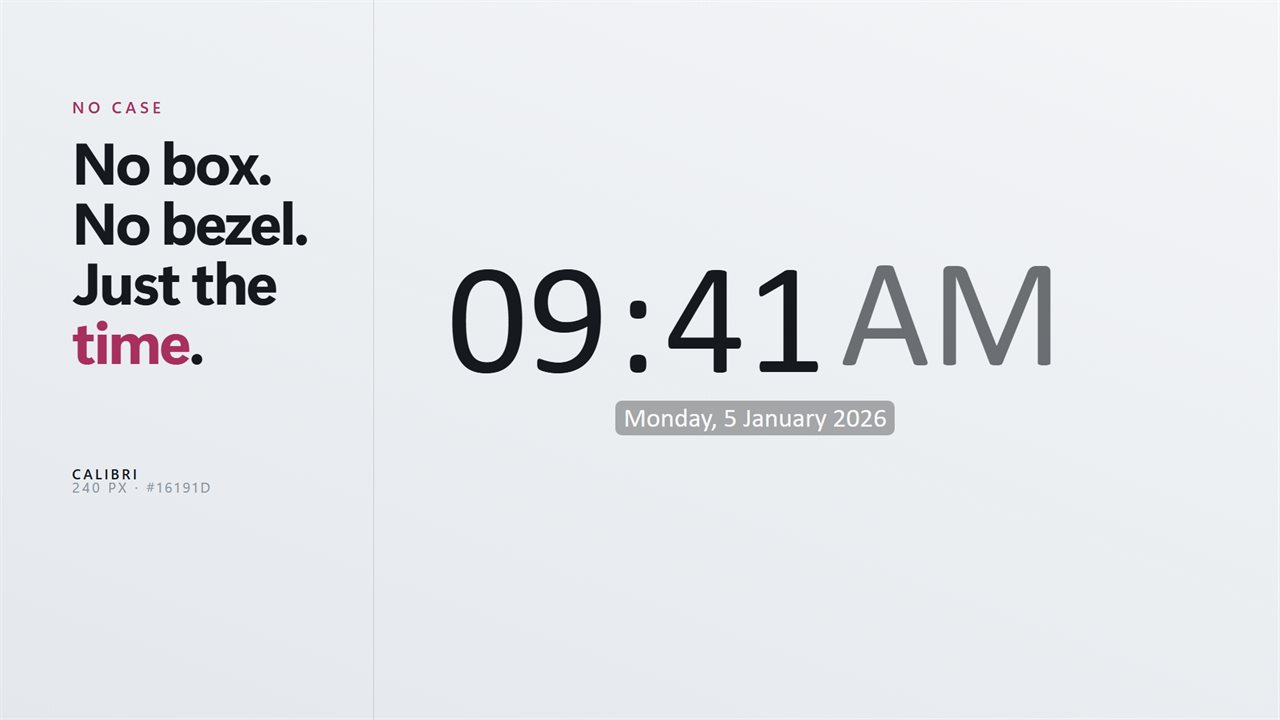
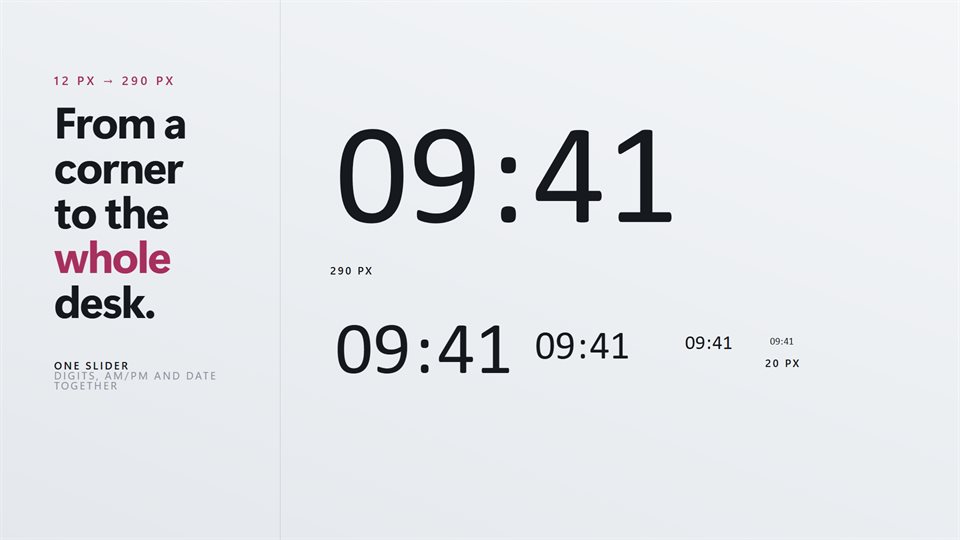
As small or as large as you like
One slider sets the time. The date has its own size and color, so it can be a quiet line or match the digits.
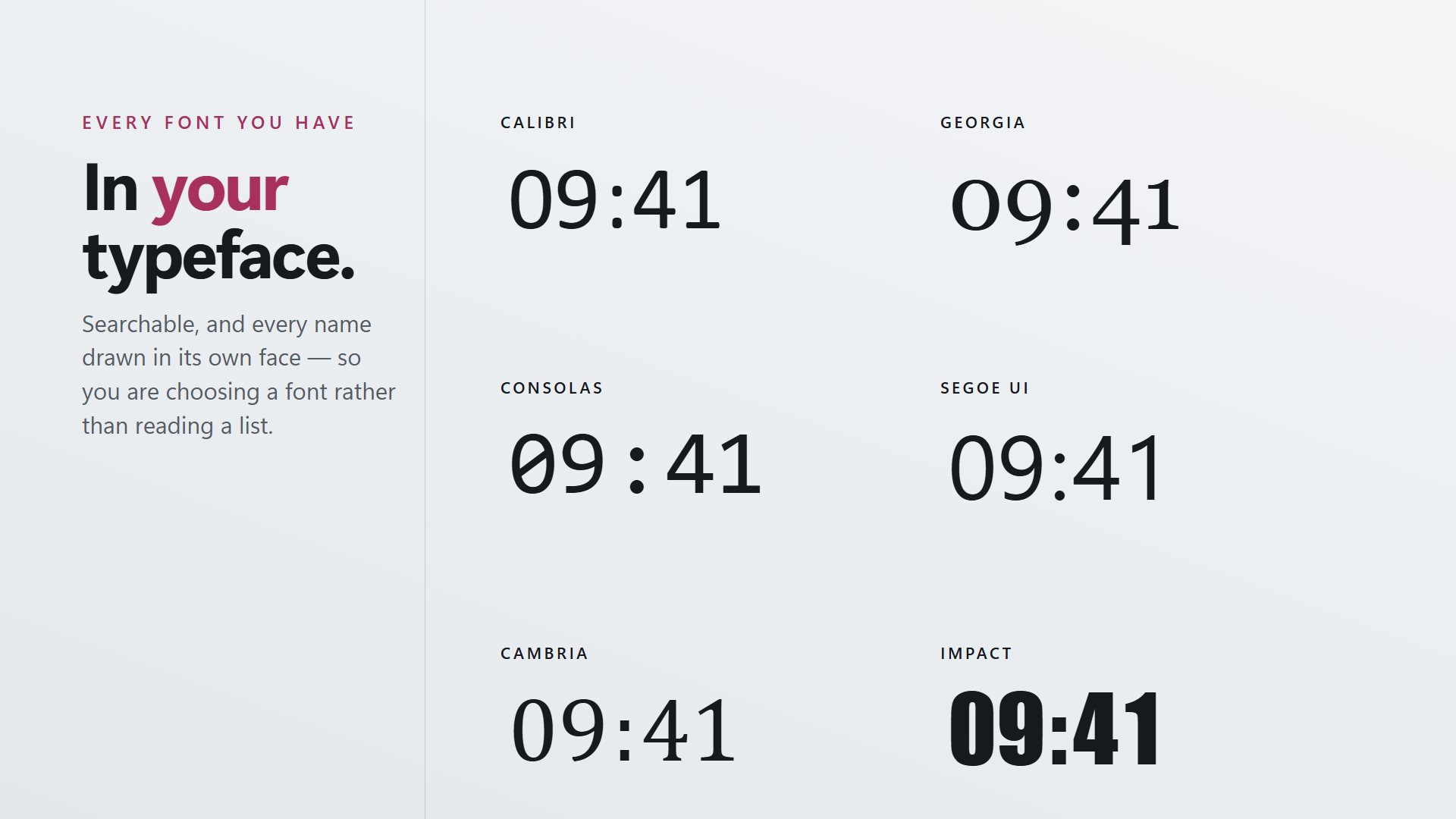
Your typeface, not ours
Search the fonts on your PC by name. Each one is shown in its own face, so you can see it before you pick it.
Under your work, or over it
Leave it on the desktop behind everything, or keep it above every window when you need the time in sight.
See it in action
Straight from the app, on a Windows desktop.
Why a clock on the wallpaper?
The clock in the taskbar is small, and on a second monitor it is often not there at all. A clock on the wallpaper is big enough to read from across a desk and is there on every screen you put it on.
Most clock widgets are a picture of a clock: a box, a face, a frame. Desk Clock draws only the numerals, so it looks like part of the wallpaper rather than one more window on top of it.
With seconds turned off it updates once a minute, so it costs almost nothing to leave running all day.
What people use it for
A wall clock for a second monitor
Large digits on the screen you glance at, without giving up any of the one you work on.
Matching a desk setup
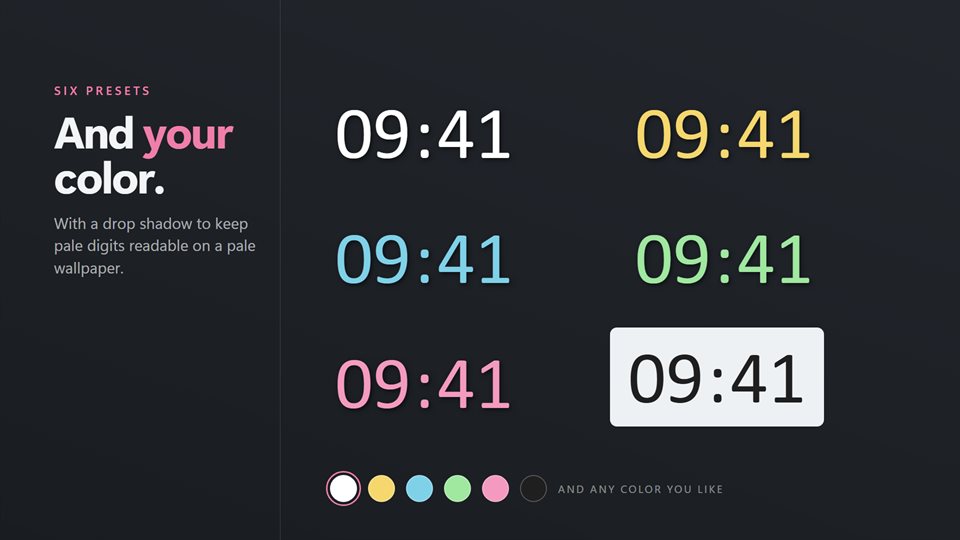
The same font and color as the rest of the desktop theme, at whatever size suits it.
A clock that runs a little fast
Set it up to an hour ahead or behind, for when the PC's own time is locked by work.
What people say
★★★★★“Great app with independently resizable time and date. Thank you for adding time offset, it works perfectly. Much appreciated :)”
★★★★★“Exactly what I was looking for in a desktop clock.”
★★★★★“This version now does all you need on a desktop clock.Font, colour and drop shadows all work well and day, date and year display correctly as well as all other options.”
Details
- Works on
- Windows 10 (1809 or later) and Windows 11
- Download
- About 3.3 MB
- Version
- 2.1.5, updated October 2026
- Price
- $2.99 once. No subscription. One optional add-on pack of extra designsUS price; the Store shows yours.
- Languages
- English, Spanish, German, French, Russian, Chinese
- Privacy
- Works offline. Sign-in is optional and only backs up your settings
- Category
- Utilities & tools
What's new in 2.1
- The Living Clocks Pack, an optional add-on with six new designs
- A time offset of up to an hour fast or slow
- The date sized and colored on its own, above, below or beside the time
- Six date formats, from the full date to just the weekday
- A much larger maximum size for big and high-resolution screens
Questions
Anything else: [email protected]
What is the Living Clocks Pack?
An optional add-on with six more designs in your own font and color: Waveform, Day Ring, Stacked, Word Clock, Progress and Orbit. The Classic clock and every setting come with the app.
Does it show up in Alt+Tab or take focus?
No. It sits on the desktop like part of the wallpaper and never takes focus.
Can I hide the date?
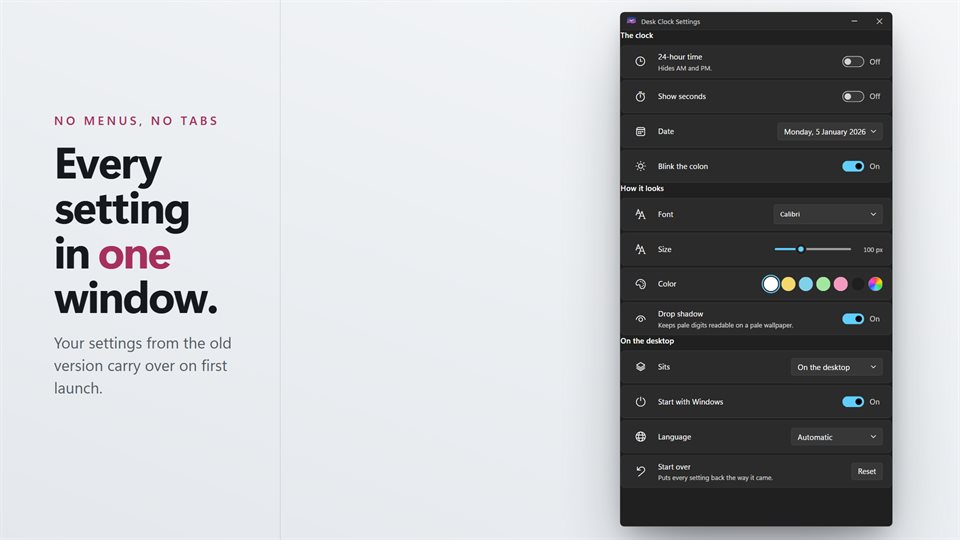
Yes. Choose one of six date formats, or turn the date off entirely.
Can it show seconds or 24-hour time?
Both. Seconds are a switch, and so is the 24-hour clock.
Will my old settings carry over?
Yes. Your font, size, color and position are brought across on the first launch.
Do I need an account?
No. It works offline. An optional EvlarSoft ONE sign-in backs up your settings for another PC.