Desktop Icon Hider
A clean desktop in one press. Desktop Icon Hider hides every icon on your desktop and brings them all back exactly where they were, from a keyboard shortcut you choose, a click on its tray icon, or a double-click on the desktop itself. It works on Windows 11, including the 24H2 update, and on Windows 10. It can clear the desktop on its own when you step away, and hide the taskbar along with it.
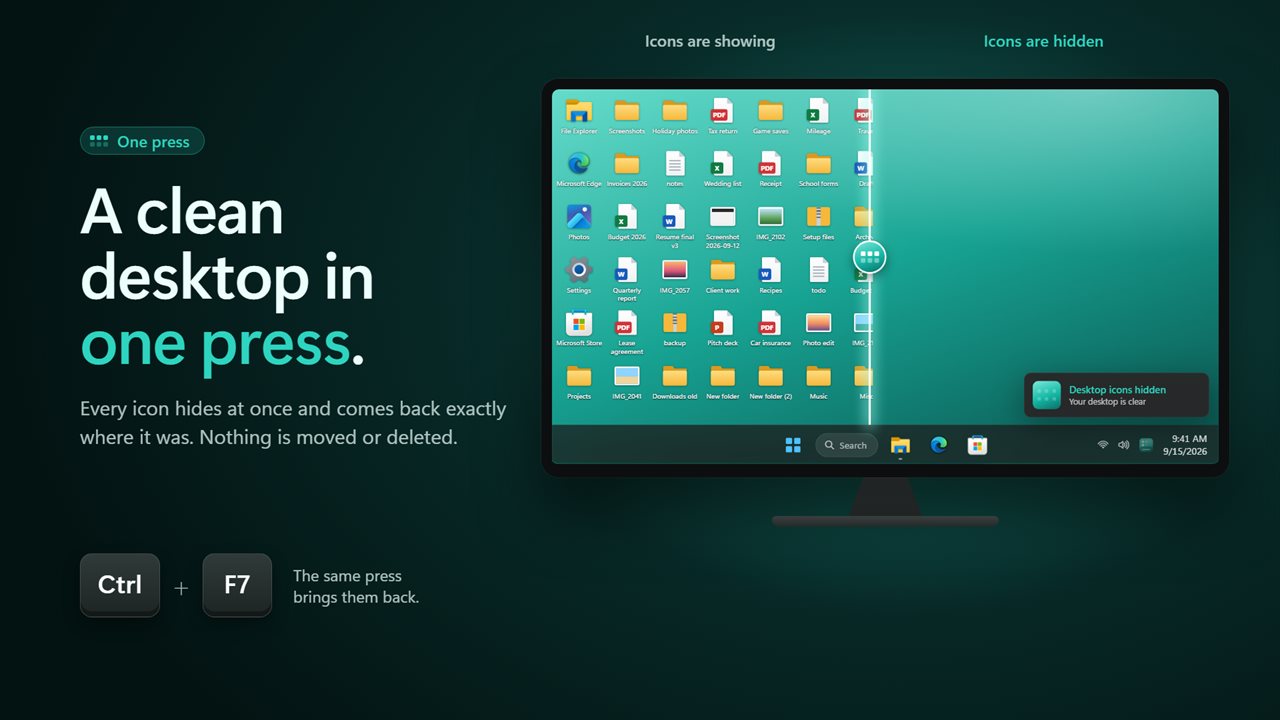
A clean desktop in one press, and every icon back where it was.
See it in action
About Desktop Icon Hider
Screen sharing, presenting, taking a screenshot, or just looking at your wallpaper: sometimes the icons are in the way.
Desktop Icon Hider clears them in one press and puts every one back exactly where it was. Nothing is moved or deleted. It uses the same Show desktop icons switch Windows has in its own right-click menu, without the three clicks.
Built for Windows 11
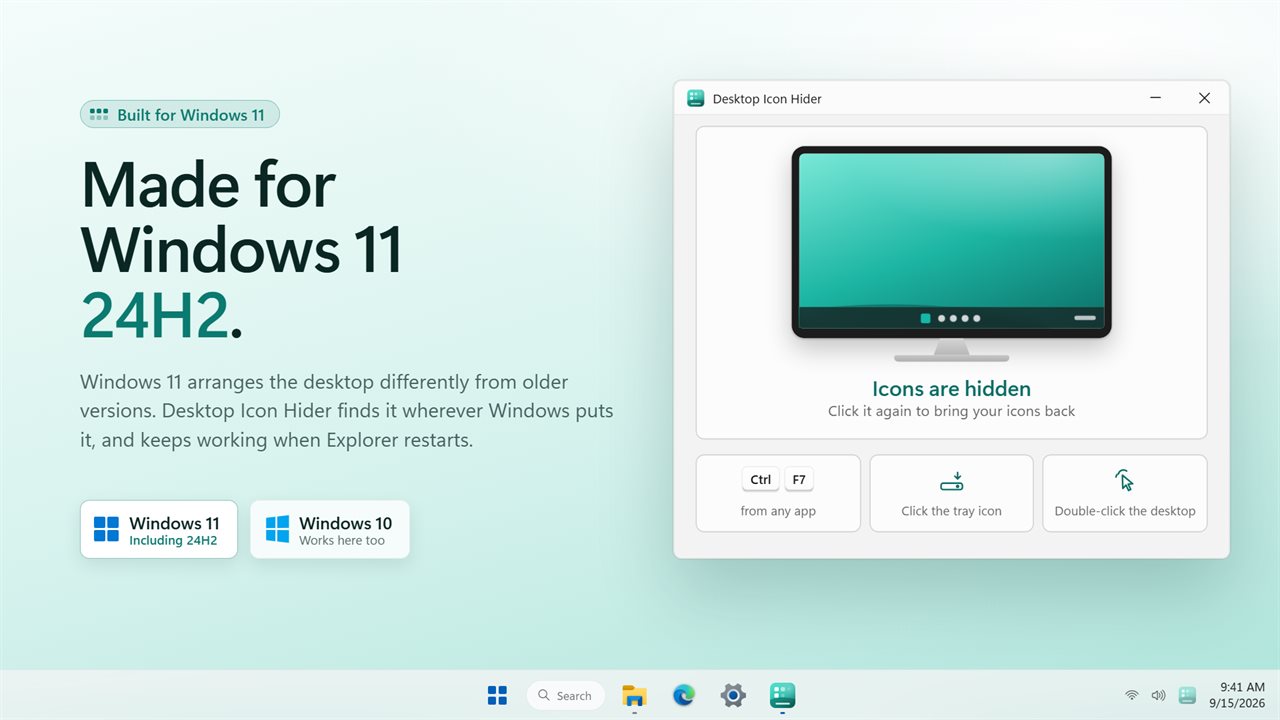
Windows 11, including the 24H2 update, arranges the desktop differently from older versions. Desktop Icon Hider finds it wherever Windows puts it, checks whether your icons are actually showing before it does anything, and keeps working when Explorer restarts. It works on Windows 10 as well.
One press, three ways
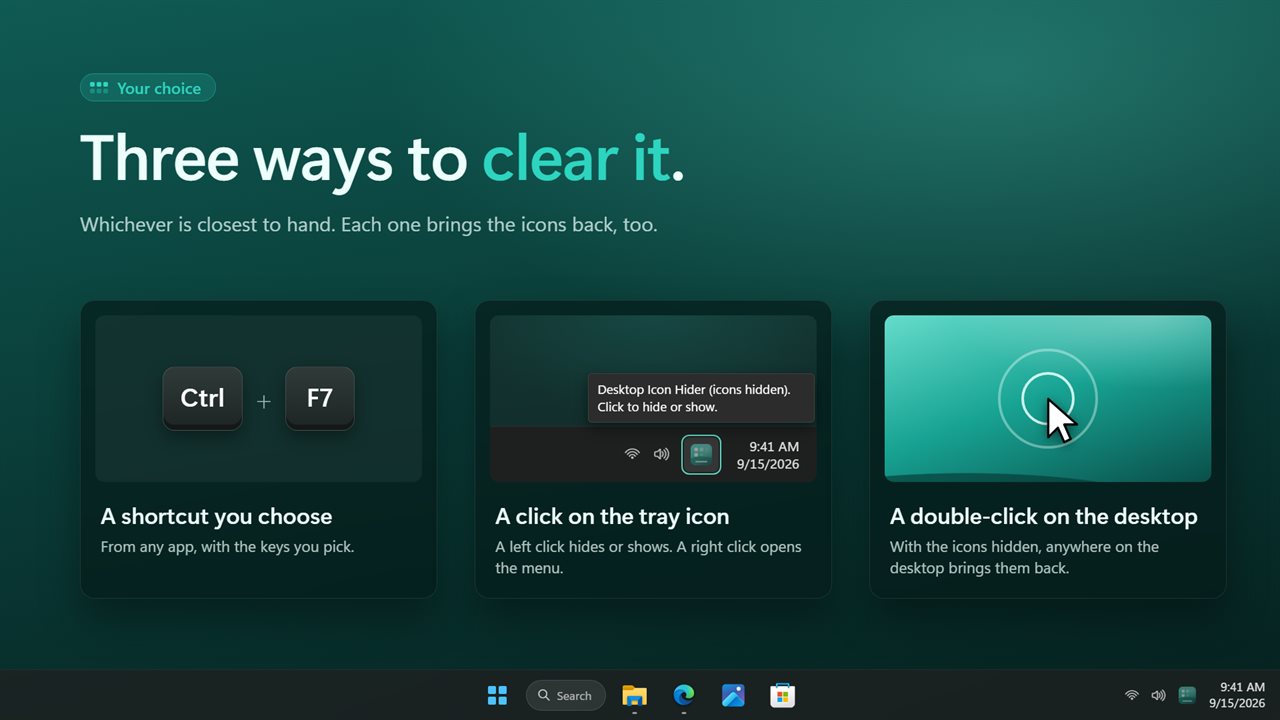
Press the shortcut from any app. Ctrl + F7 to start with, or any combination you like: click the shortcut in settings and press the one you want, which helps on laptops where the F keys do something else.
Click the tray icon. A left click hides or shows the icons; a right click opens the menu.
Double-click an empty spot on the desktop. With the icons hidden, a double-click anywhere on the desktop brings them back. Double-clicking an icon still opens it, as it always has.
When you step away
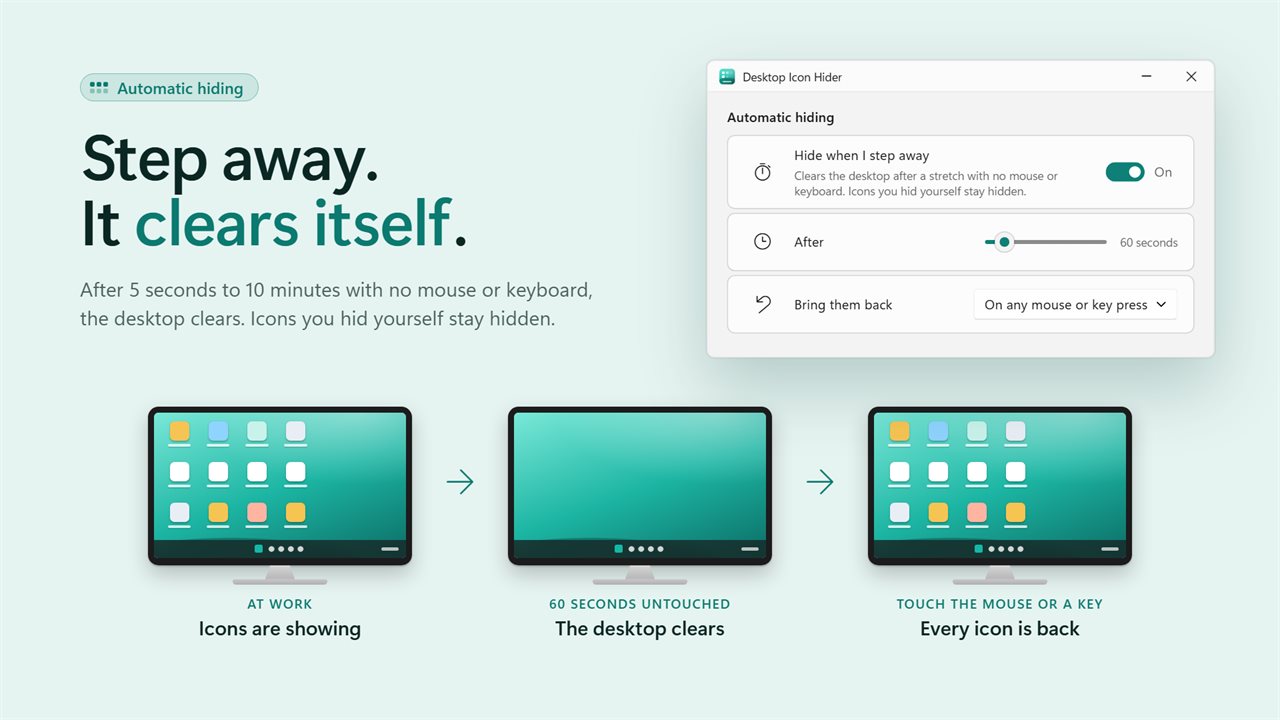
Turn on automatic hiding and the desktop clears itself after a stretch with no mouse or keyboard, anywhere from 5 seconds to 10 minutes. The icons come back the moment you touch the mouse or keyboard, or, if you prefer, only when you use the desktop itself. Icons you hid on purpose stay hidden.
The taskbar too
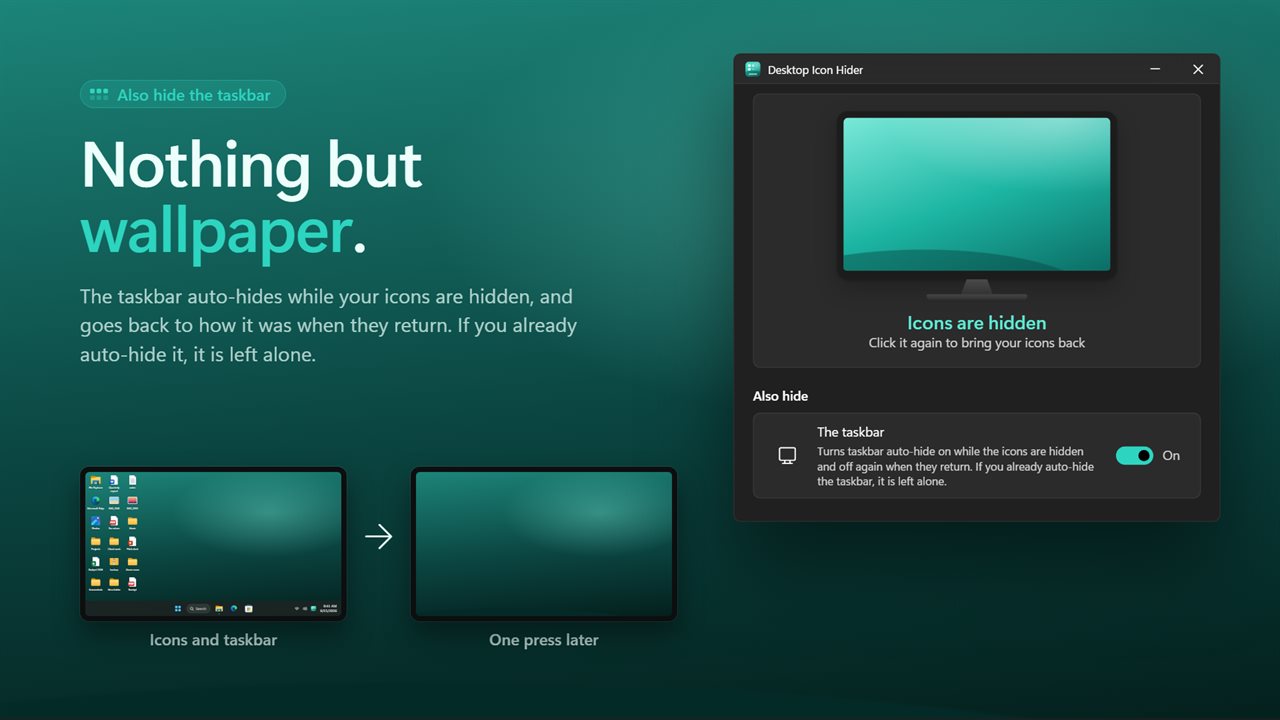
For a completely clear screen, have the taskbar auto-hide while the icons are hidden. It goes back to how it was when they return. If you already auto-hide your taskbar, it is left alone.
Never lost
Quit the app or restart the PC and your icons come back, so they are never left missing with no obvious way to find them. If you would rather they stayed hidden, one switch keeps them that way.
A real window
Open the app and there is a miniature desktop. Click it and its icons sweep away as yours do. Below it are the three ways to do the same thing without the window, and the settings.
A small note by the clock confirms each press, and can be turned off. The app can start with Windows and wait in the notification area, and it follows your light or dark theme.
No administrator rights are needed. Everything happens on this PC: there is no account, nothing is uploaded, and it works with no connection at all.
Features
- Hide and show every desktop icon with one press, on Windows 11 and Windows 10
- Works on today's Windows 11 desktop, including the 24H2 update
- Three one-press ways: a keyboard shortcut, a click on the tray icon, or a double-click on the desktop
- Choose your own shortcut by pressing it. Ctrl + F7 until you do
- Hide the icons automatically after 5 seconds to 10 minutes without the mouse or keyboard
- Bring them back on any press, or only when you use the desktop
- Optionally auto-hide the taskbar too, and put it back the way it was
- Your icons come back when you quit, so they are never left missing
- Or keep them hidden across restarts, if that is what you want
- A small note by the clock confirms each press
- A window with a miniature desktop you can click to hide or show
- Starts with Windows and waits in the notification area
- Follows the Windows light and dark themes
- No administrator rights. Works offline, with no account and nothing uploaded
Details
- Works on
- Windows 10 (1809 or later) and Windows 11
- Download
- About 3.0 MB
- Version
- 2.0.5, updated October 2026
- First released
- October 2022
- Price
- $2.49 once. No subscription.
- Category
- Utilities & tools
What's new in 2.0.5
- Fixed: hiding icons did nothing on Windows 11 and on many updated Windows 10 PCs
- Fixed: the shortcut stopped working after a restart or a Windows update
- Fixed: icons could be left hidden with no way back. They now return when you quit, unless you choose to keep them hidden
- New: choose your own shortcut
- New: click the tray icon, or double-click the desktop, to hide or show
- New: hide icons automatically when you step away
- New: optionally hide the taskbar too
- New: a window with a clickable miniature desktop, and settings
Questions
Anything else? Ask us
Which versions of Windows does it run on?
Windows 10 (version 1809 or later) and Windows 11.
Is it a subscription?
No. Desktop Icon Hider is a one-time purchase of $2.49, and updates are included.
How do I get it?
EvlarSoft apps are moving to direct downloads from this site. Ask to be notified and we will email you as soon as Desktop Icon Hider is ready to download.
More from EvlarSoft
 Quick Brightness AdjusterSet your screen brightness from the notification area, in one click.
 Night Vision Color FilterYour eyes take twenty minutes to adapt to the dark and one bright screen to lose it.
 Display Calibration HelperTest patterns that tell you what to look for and which monitor setting to change.