Night Vision Color Filter
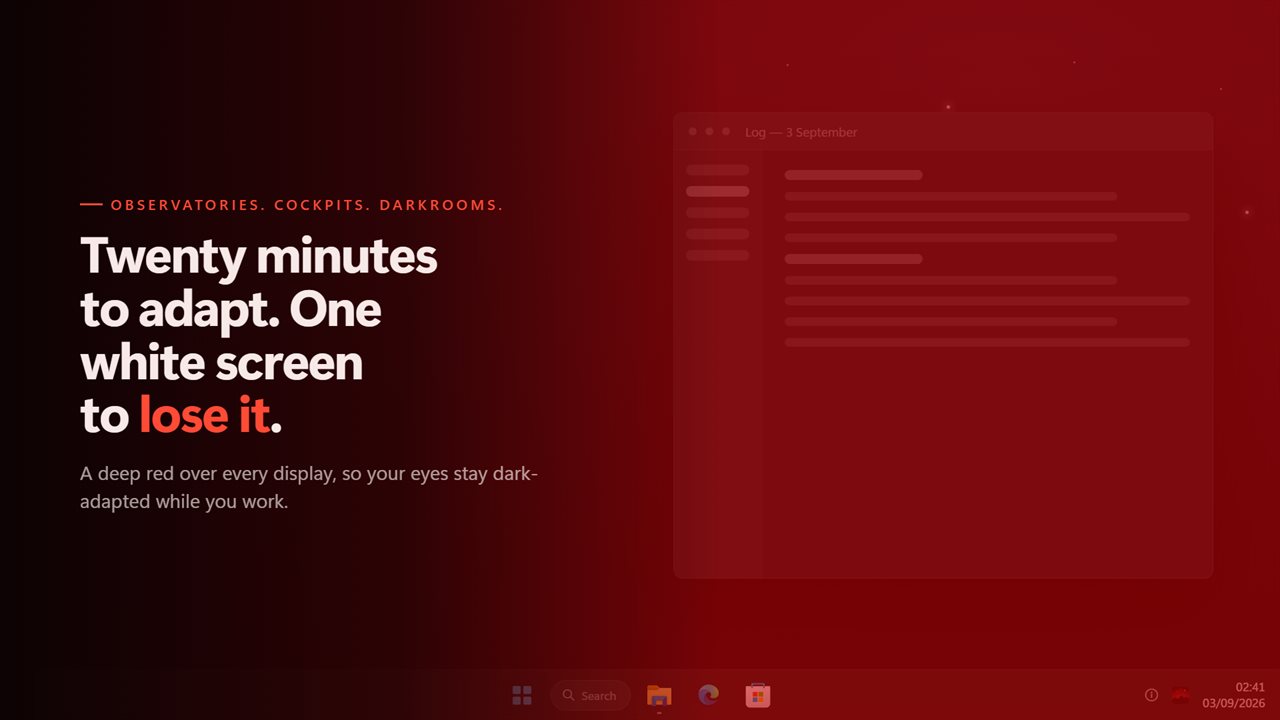
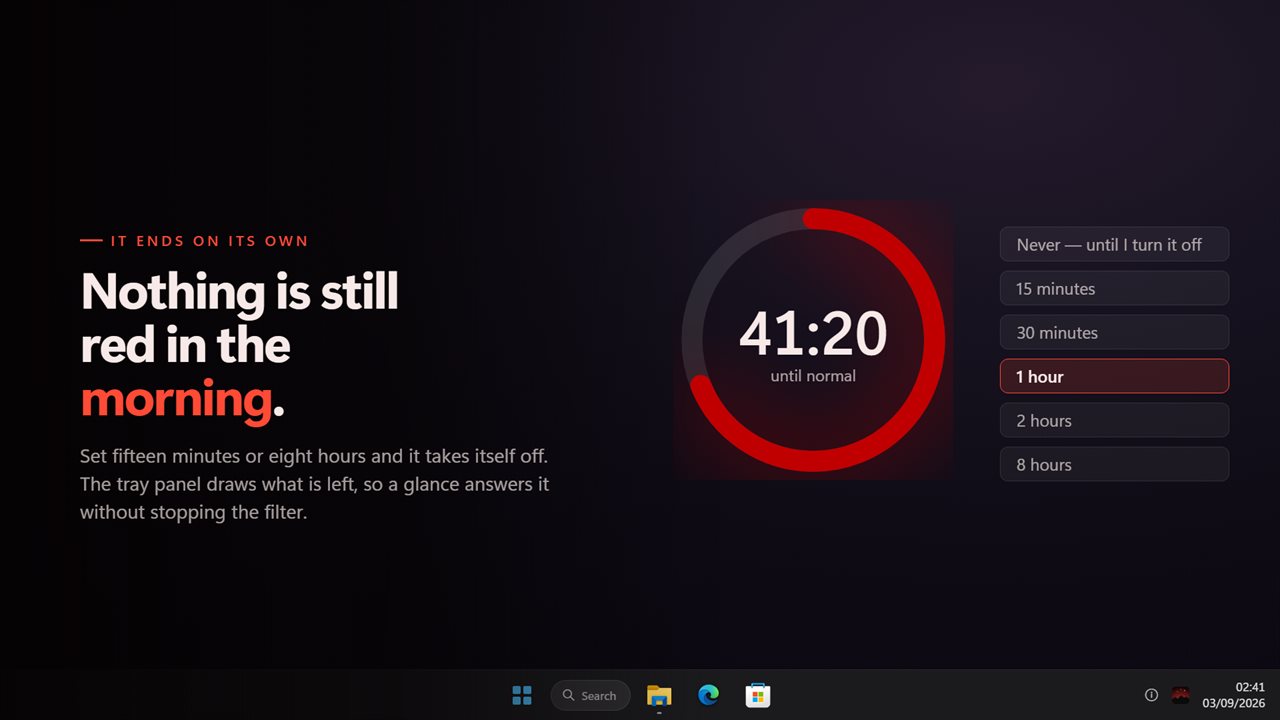
Your eyes take twenty minutes to adapt to the dark and one bright screen to lose it. Night Vision Color Filter puts a deep red over every display so they never do. Four levels in the notification area, five reds from near-black maroon to a warm orange, and a darkening slider on top — because red alone does not make a bright screen dim. Set a timer and it comes off on its own, so nothing is left red in the morning.
Deep red on every screen, so your eyes stay dark-adapted.
See it in action
About Night Vision Color Filter
Dark adaptation takes about twenty minutes to build and about one second of white screen to destroy. That is why an observatory, a cockpit and a darkroom are all lit in red: the eye keeps its night sight under red light and loses it under everything else.
This puts that red on your monitor.
Four levels, one click
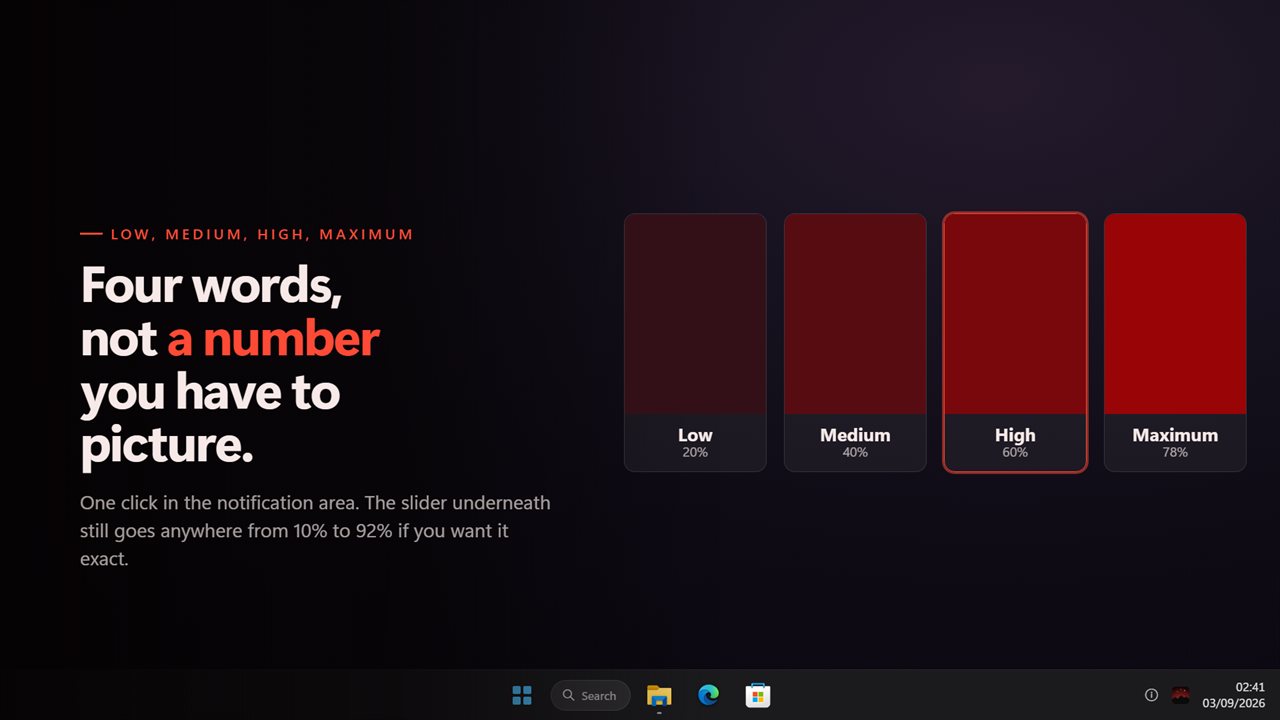
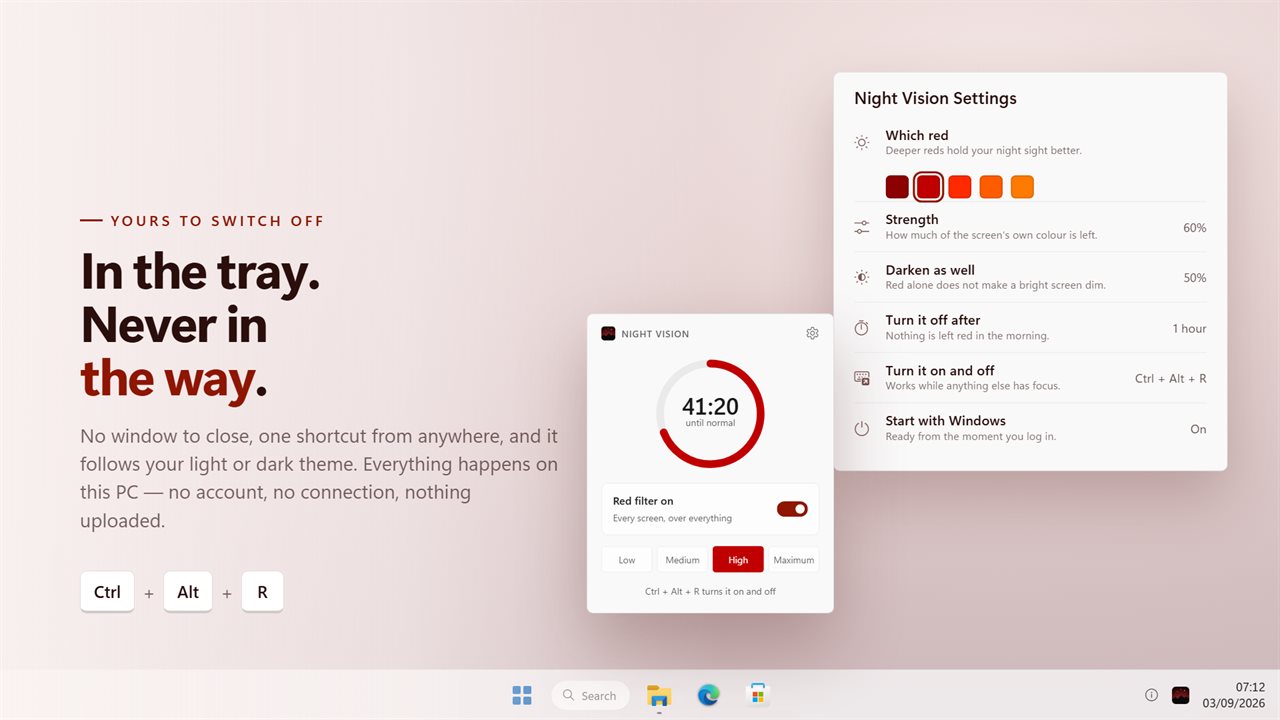
Low, Medium, High and Maximum — the tray panel's own words, not a percentage nobody can picture. Click the icon in the notification area, pick one, and every screen turns. There is no window to close afterwards.
Underneath, the strength is a real slider: anywhere from 10% to 92% if you want to set it exactly.
Red, and how dark
Five reds ship with it, from a near-black maroon through the classic instrument red to a warm orange, and you can name any colour instead. Deeper reds hold your night sight better; the warmer ones are easier to read text through.
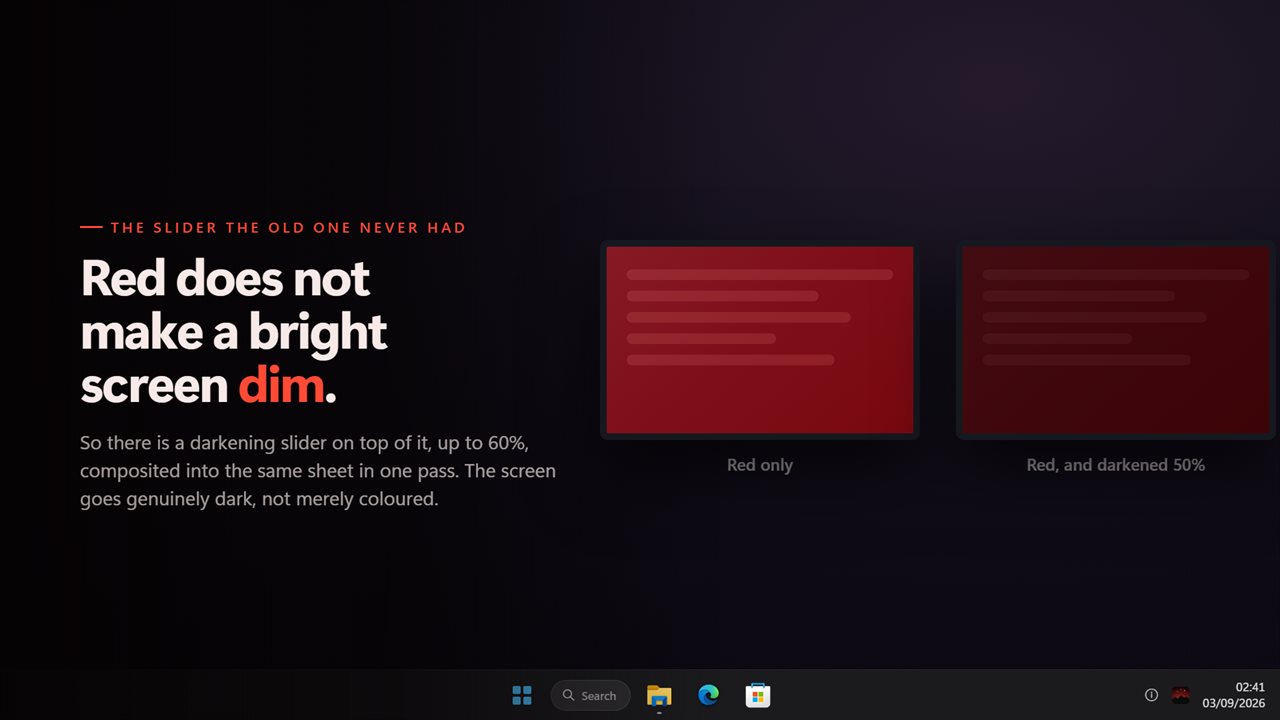
Red on its own is still bright, so there is a separate darkening slider on top of it — up to 60% black composited into the same sheet, in one pass, so the screen goes genuinely dim rather than merely coloured.
A timer, so it ends
Set it for 15 minutes, half an hour, an hour, two, or eight, and the filter takes itself off. The tray panel draws the time remaining as a ring in the filter's own colour, so a glance tells you how long you have got. Or leave it on Never and it stays until you say otherwise.
It fades
On and off over about half a second, rather than snapping. A dark-adapted eye notices a step change and does not notice a fade, which is the whole point of using this instead of turning the brightness down.
Everywhere at once
Every monitor, including the taskbar, and a screen connected later is covered without a restart. The filter is drawn straight through, so it never takes a click away from the window underneath and never steals focus.
Where it lives
In the notification area, with no window anywhere. One keyboard shortcut turns it on and off while anything else has focus. It can start with Windows, remembers the level and the colour, and works with no connection at all — there is no account and nothing is uploaded.
Features
- Turns every screen deep red, so your eyes stay dark-adapted
- Four levels in the notification area — Low, Medium, High and Maximum
- Five reds to choose from, from near-black maroon to a warm orange-red, or any colour you name
- Darkens as well as reddens, because red alone does not make a bright screen dim
- A timer that takes the filter off on its own, from 15 minutes to 8 hours
- The countdown is on the tray panel, so you can see how long is left without stopping
- Covers every monitor at once, taskbar included, and a screen plugged in later too
- Fades in and out over half a second instead of snapping, which is what a dark-adapted eye needs
- Drawn through — it never takes a click away from the app underneath
- One keyboard shortcut turns it on and off from anywhere
- Starts with Windows and remembers the level you were on
- Works offline. No account, and nothing is uploaded
Details
- Works on
- Windows 10 (1809 or later) and Windows 11
- Download
- About 2.7 MB
- Version
- 2.0.8, updated October 2026
- First released
- January 2023
- Price
- $1.99 once. No subscription.
- Category
- Health & fitness
What's new in 2.0.8
- New: a darkening slider on top of the red, because red alone does not make a bright screen dim
- New: the tray panel draws the time remaining, so you can see how long is left without stopping the filter
- New: five reds to choose from, or any colour you name. The old version had one
- New: the filter fades on and off instead of snapping
- A monitor plugged in while the app is running is covered too, without a restart
- The four levels keep the strengths the old version actually drew at, so an upgrade looks the same as it did
- One keyboard shortcut for the whole app, working from anywhere
- Redesigned settings and tray panel that match Windows 11 and follow the light and dark themes
Questions
Anything else? Ask us
Which versions of Windows does it run on?
Windows 10 (version 1809 or later) and Windows 11.
Is it a subscription?
No. Night Vision Color Filter is a one-time purchase of $1.99, and updates are included.
How do I get it?
EvlarSoft apps are moving to direct downloads from this site. Ask to be notified and we will email you as soon as Night Vision Color Filter is ready to download.