Evlar 3D Studio
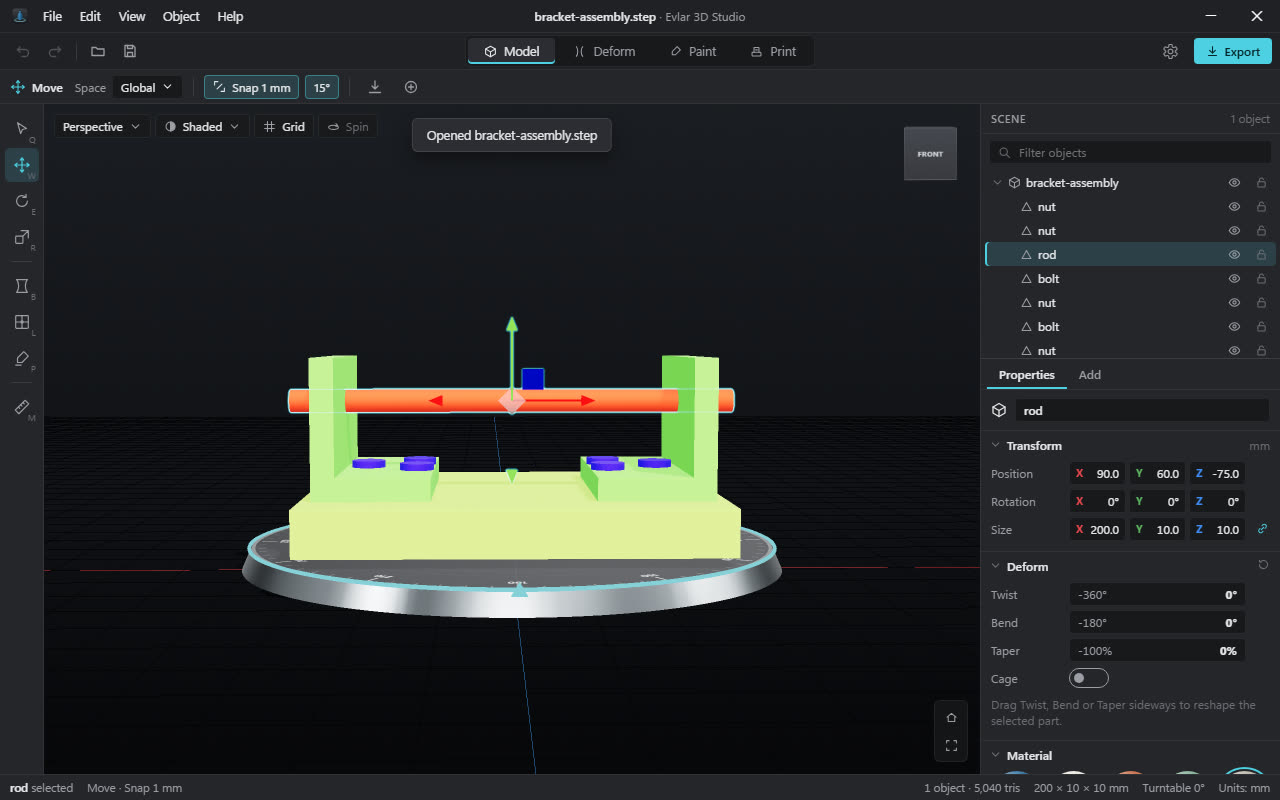
Make simple 3D models, reshape and paint them, and get them ready for a 3D printer. The everyday 3D app Windows no longer comes with.
What happened to Paint 3D?
Microsoft stopped offering Paint 3D in the Microsoft Store in November 2024. If you used it to make simple models, put text in 3D, or get a shape ready for a 3D printer, there was nothing built into Windows to take its place.
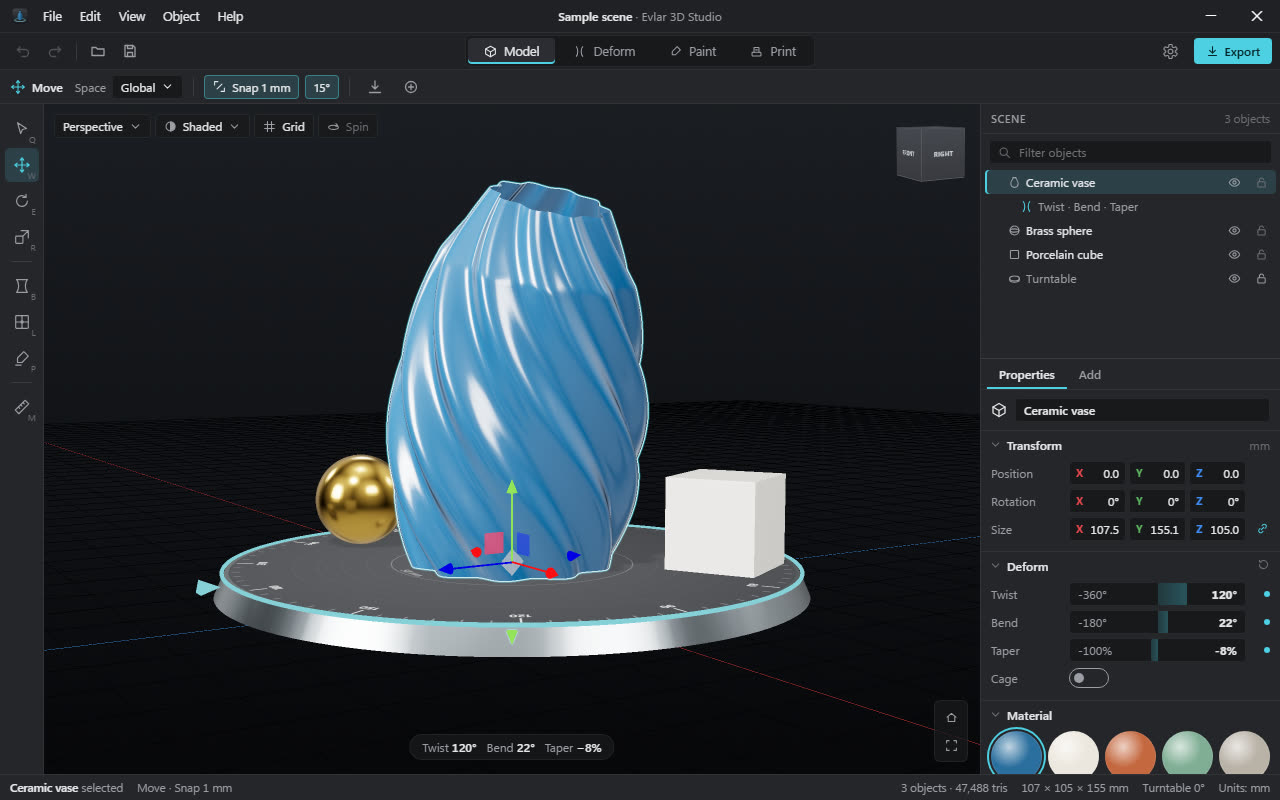
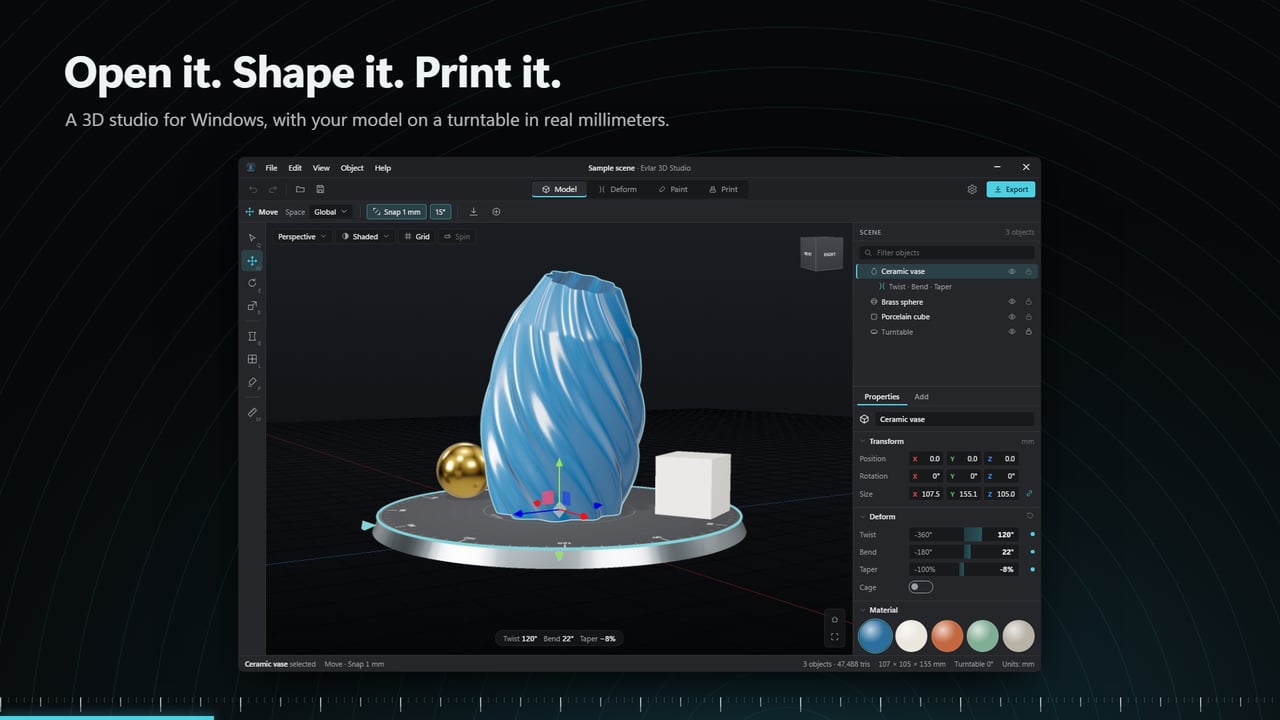
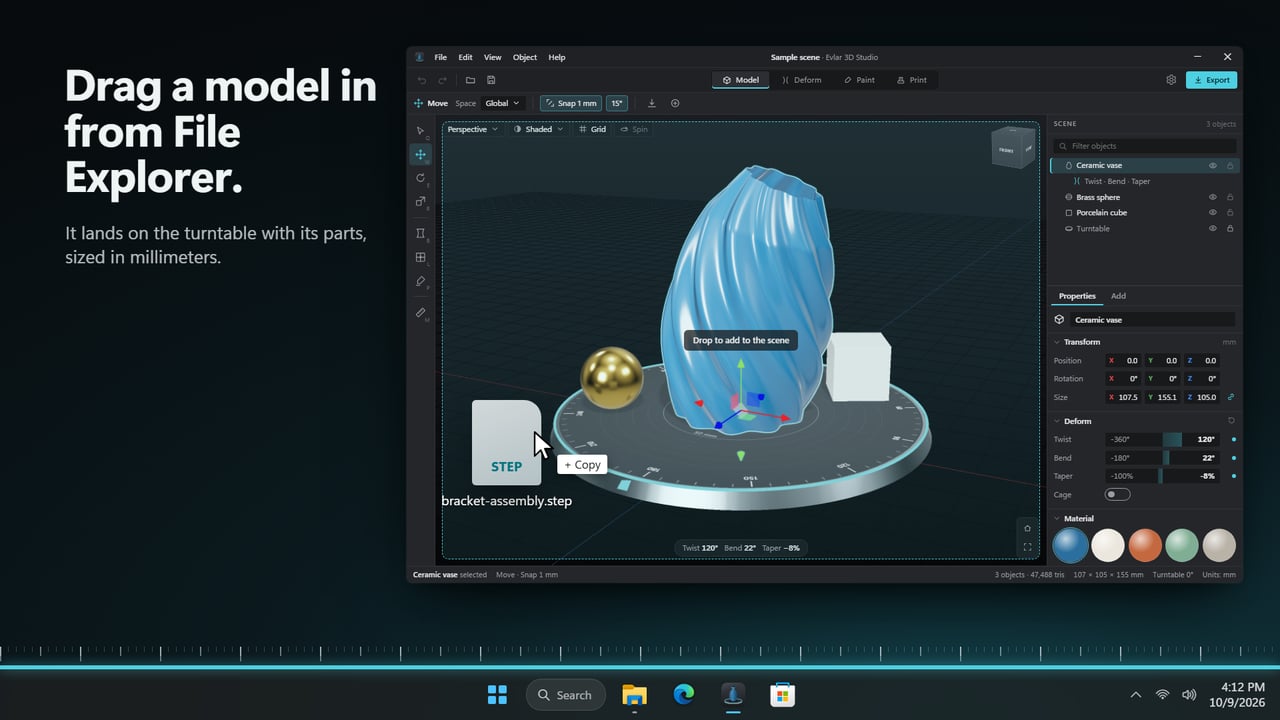
Evlar 3D Studio does those jobs. Open a model or start from a shape, twist and paint it, check it will print, and export a file your slicer understands. Models you exported from Paint 3D as GLB, 3MF or FBX open directly.
From a shape to a print, in four tabs
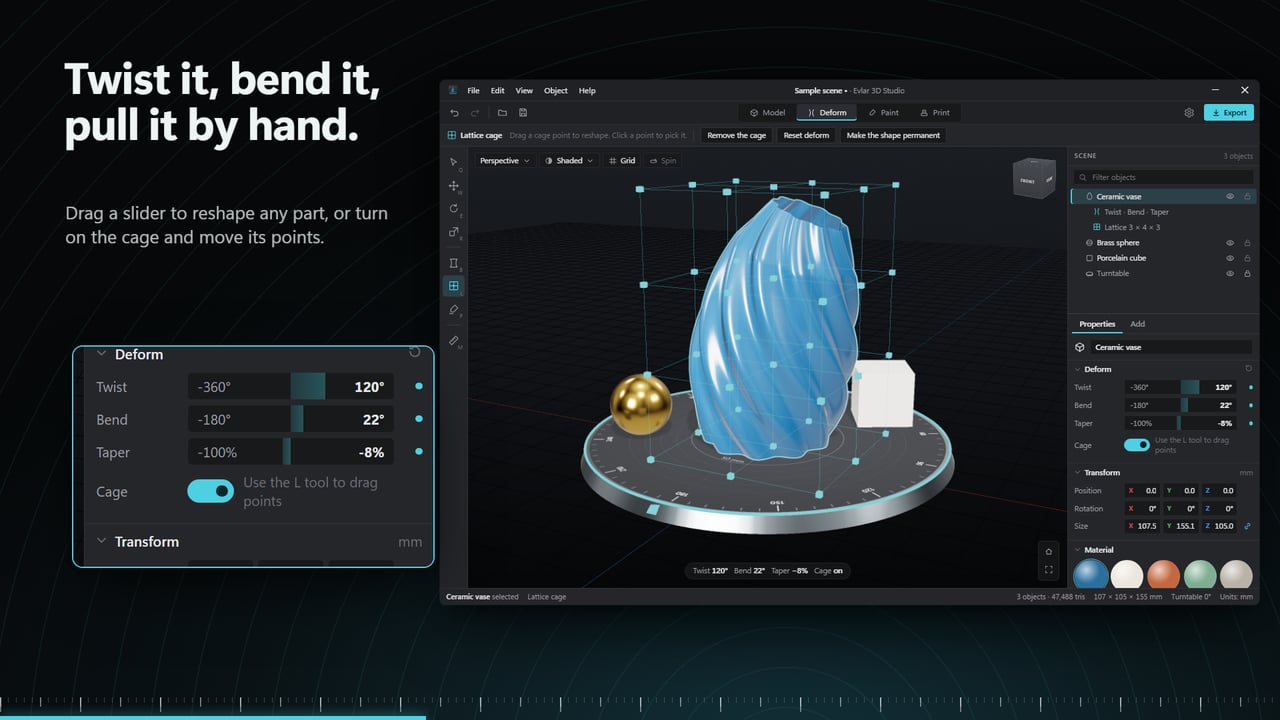
Twist it, bend it, or push it by hand
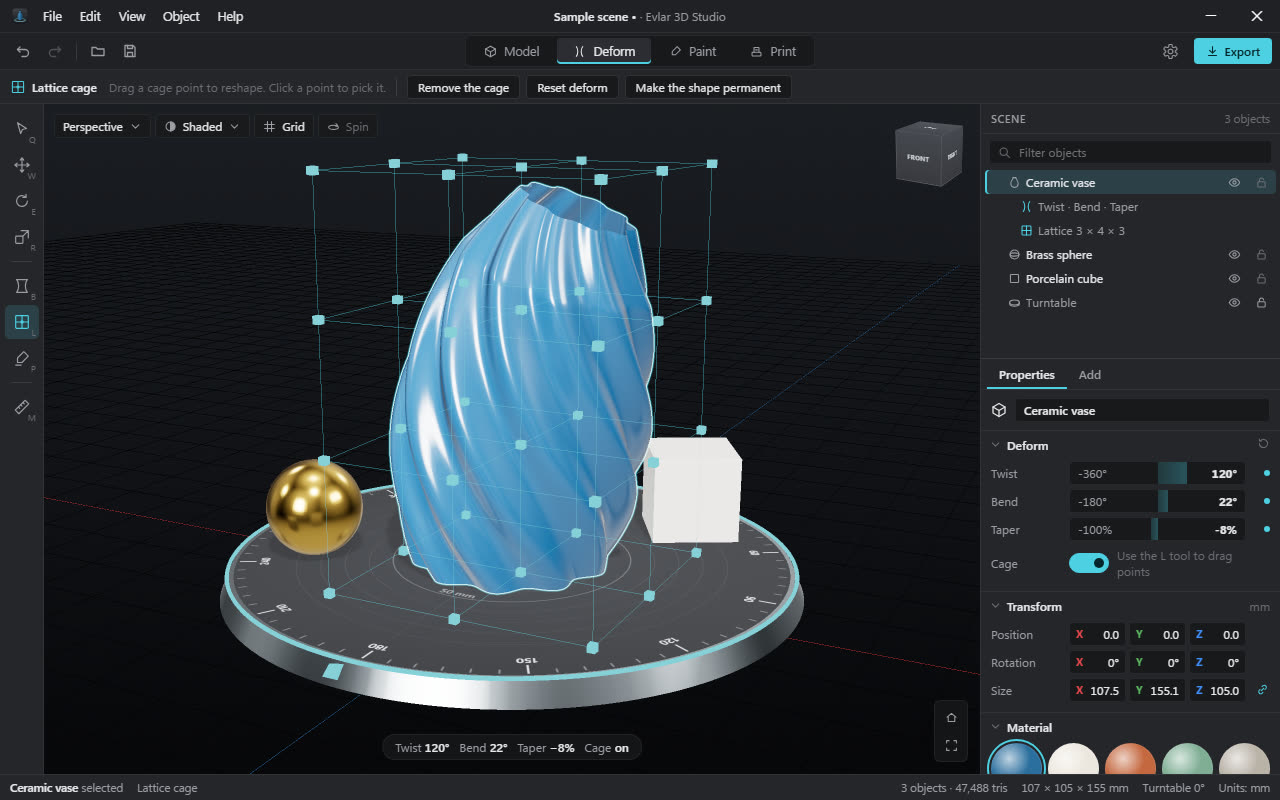
Drag a slider to twist, bend or taper any part. For shapes a slider can't make, switch on the lattice cage and pull its points to reshape the model directly.
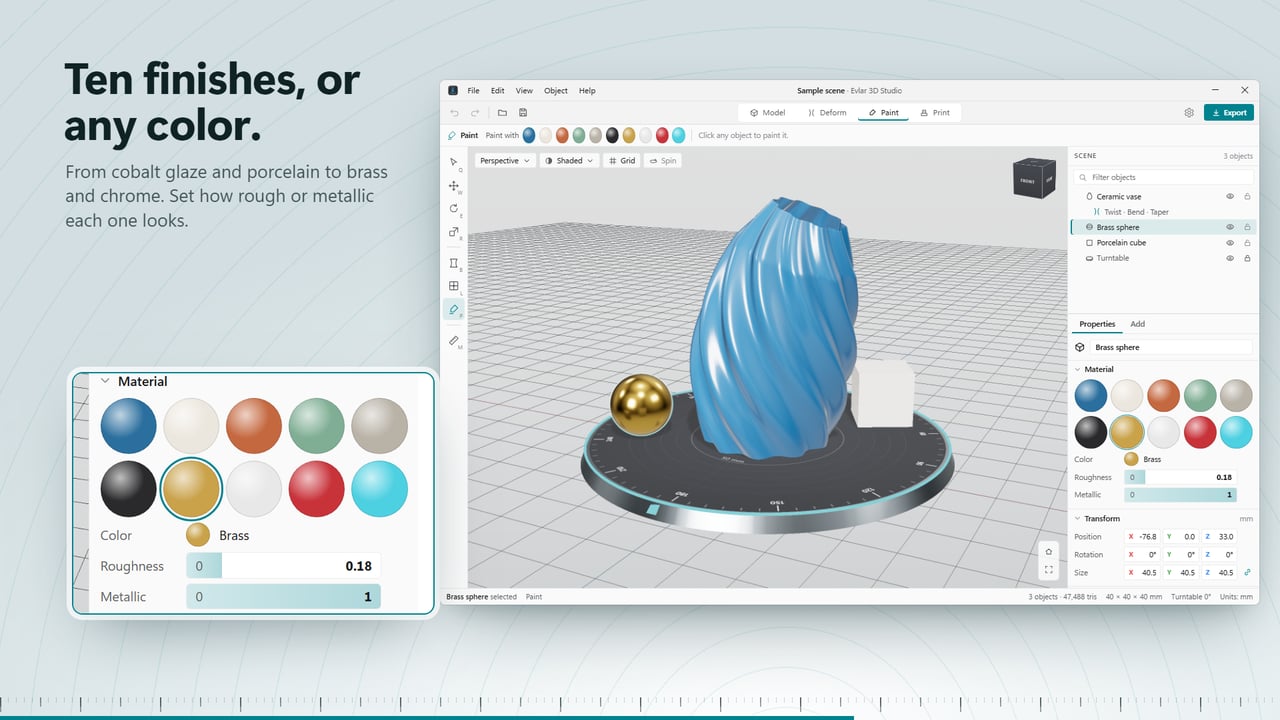
Ten finishes, or any color
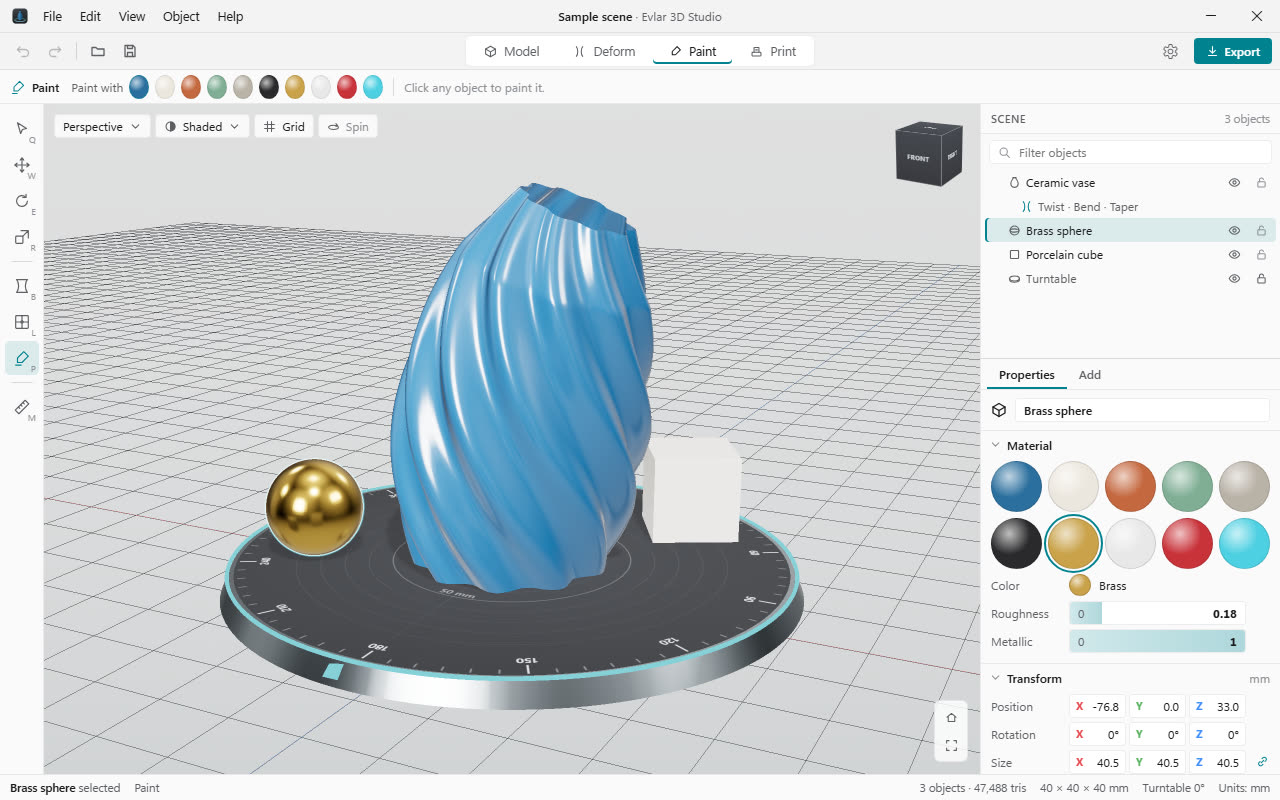
Cobalt glaze, porcelain, brass, chrome and more, each with how rough or metallic it looks. Click a part and it's painted.
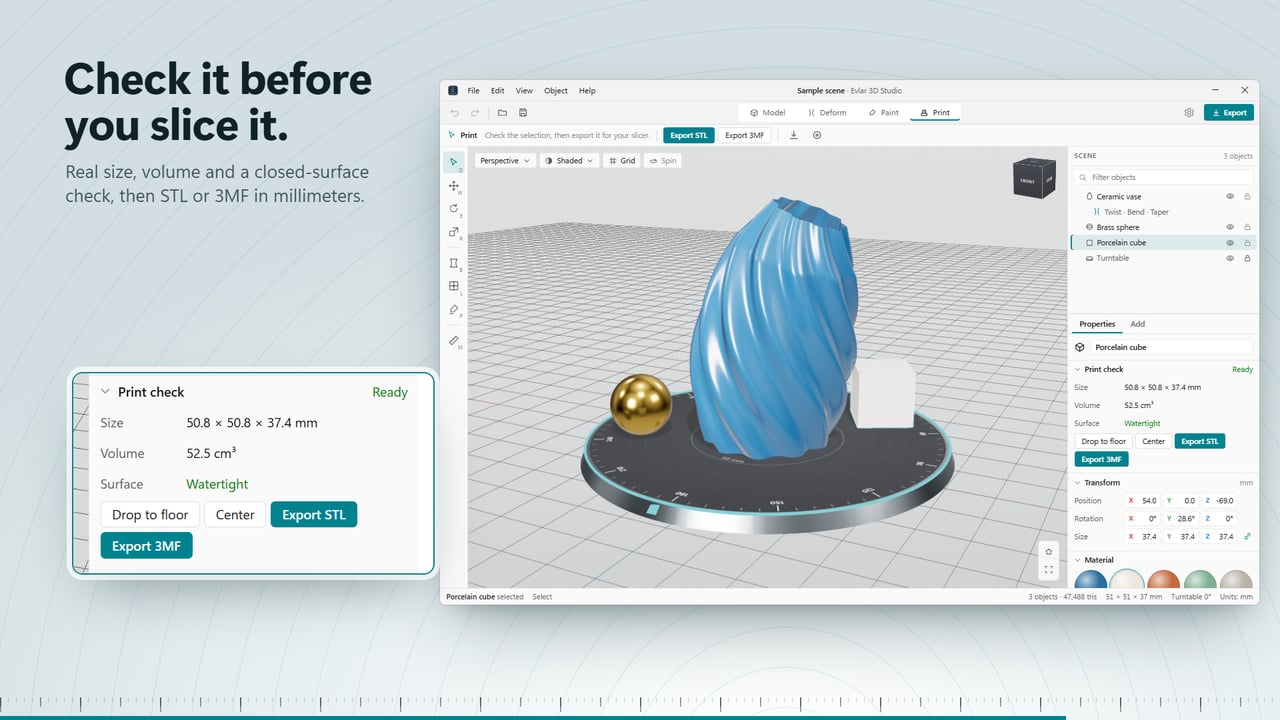
Know it will print before you slice it
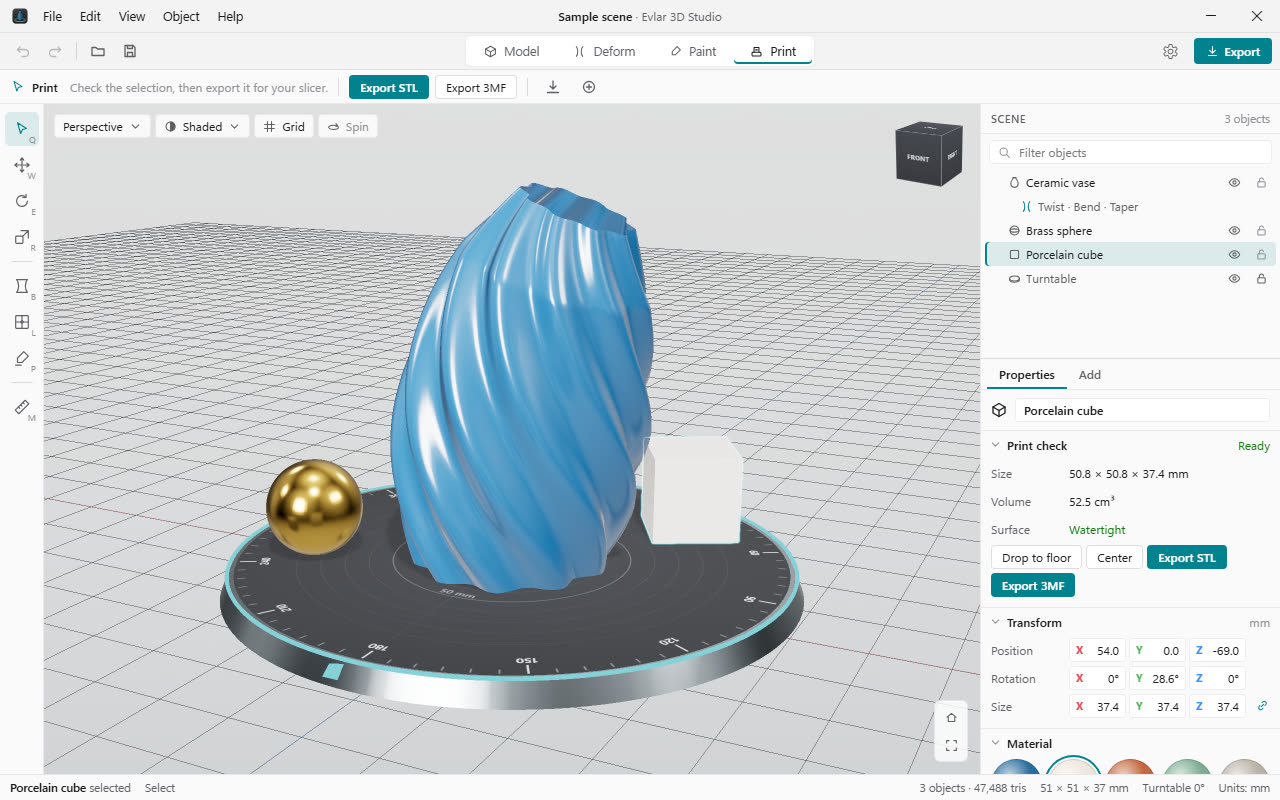
The print check shows the real size in millimeters, the volume, and whether the surface is closed. STL and 3MF export standing up, the way slicers expect.
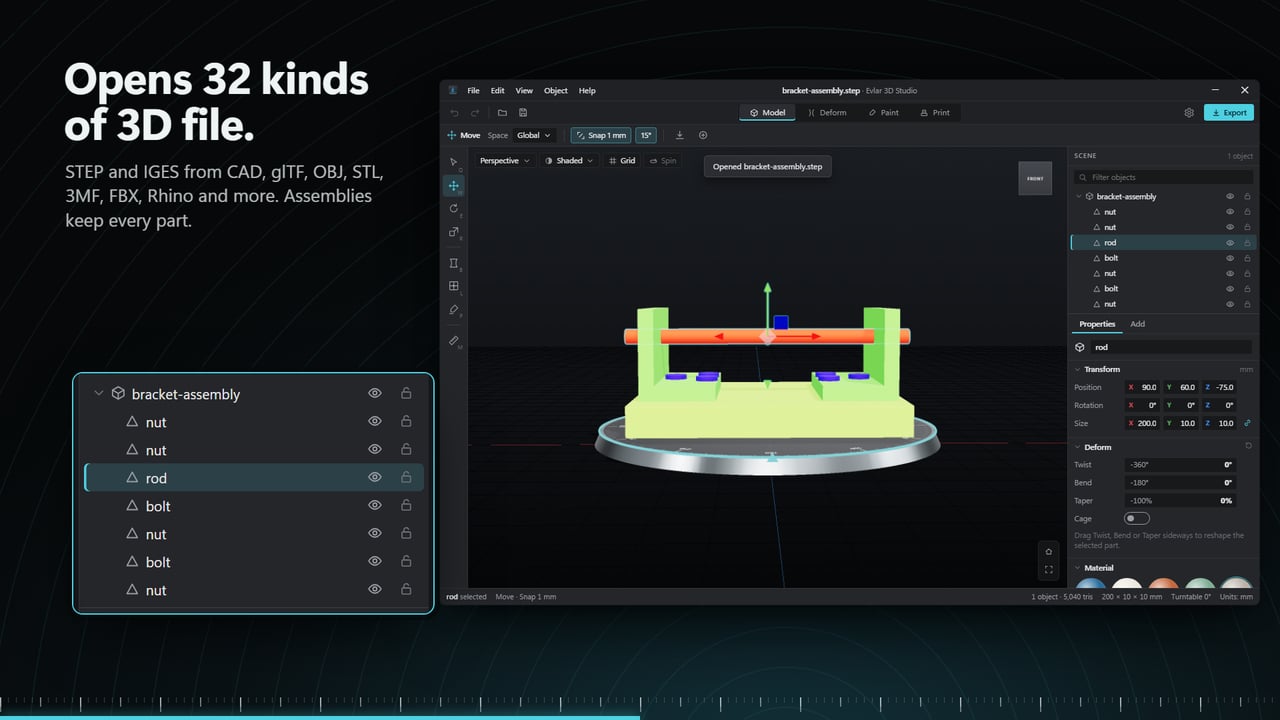
Opens more than 30 kinds of 3D file
CAD parts, game assets, scans and building models. Drop a file on the window to add it to the scene; textures beside it come along, and models made of parts keep them.
Saves as GLB, glTF, OBJ, STL, 3MF, PLY, Rhino 3DM and USDZ.
Who it's for
Former Paint 3D users
Shapes, 3D text and color, without learning a professional 3D package.
Home 3D printing
Open a download, check its size and that it's closed, fix the orientation, export STL or 3MF.
Opening a file someone sent you
A STEP part from an engineer or an IFC building model, viewed and measured without CAD software.
Details
- Works on
- Windows 10 (1809 or later) and Windows 11
- Version
- 1.0, new on the Microsoft Store
- Price
- $9.99 once. No subscription, no in-app purchases
- Privacy
- Works offline. Your models stay on your PC
- Units
- Millimeters or inches
Also in the box
- Measure between any two points on a model
- Move, rotate and scale with X, Y and Z arrows, snapped to the millimeter
- Group, ungroup, split into loose parts, or merge into one
- Undo for everything, and a dark or light theme
Questions
Anything else? Ask us
Is this Paint 3D?
No. Evlar 3D Studio is an independent app by EvlarSoft that covers the same everyday jobs: shapes, 3D text, color, and printing.
Will my old models open?
Anything you exported as GLB, 3MF, FBX, OBJ or STL opens, along with more than 20 other formats.
Does it work with my 3D printer?
It exports STL and 3MF in millimeters, standing up the way slicers expect, so any printer's slicer can take it from there.
Do I need an account or the internet?
No. It works offline, and your models stay on your PC.