Favicon Downloader & Generator
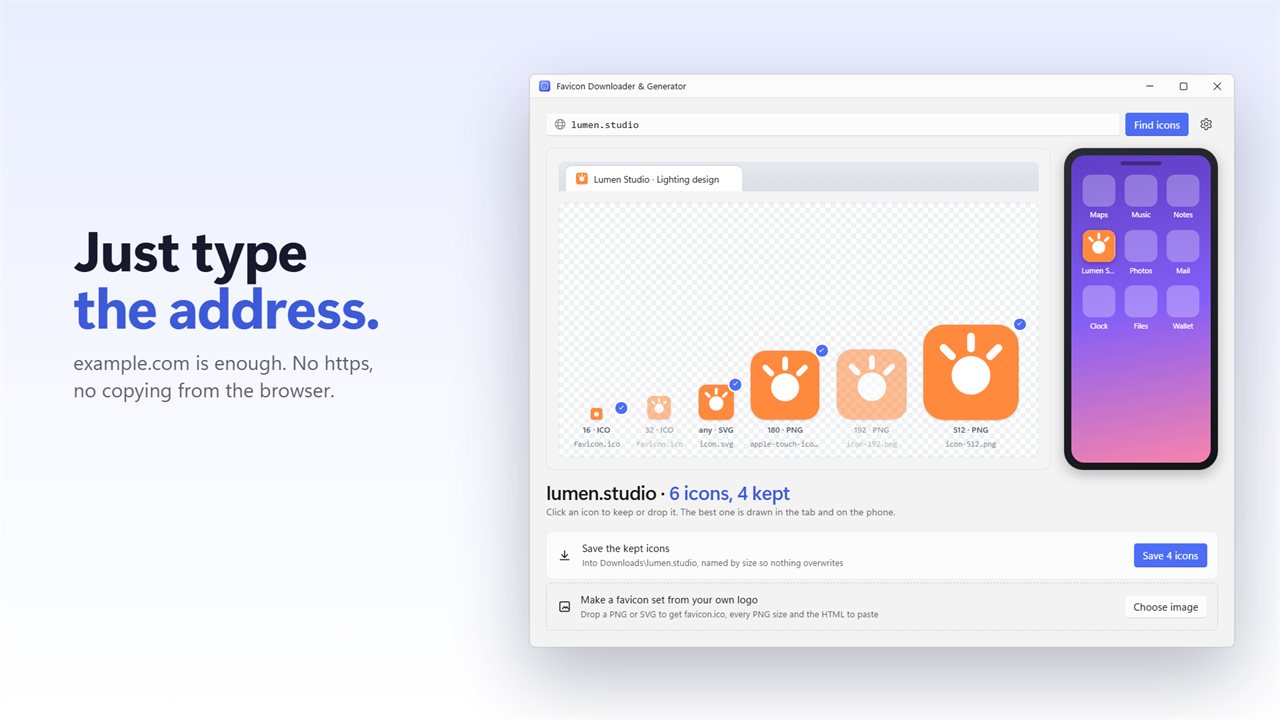
Type a website and see every icon it has, drawn in a browser tab, on a phone home screen and at every size. Keep the ones you want and save them with clear names. Or make a complete favicon set from your own logo.
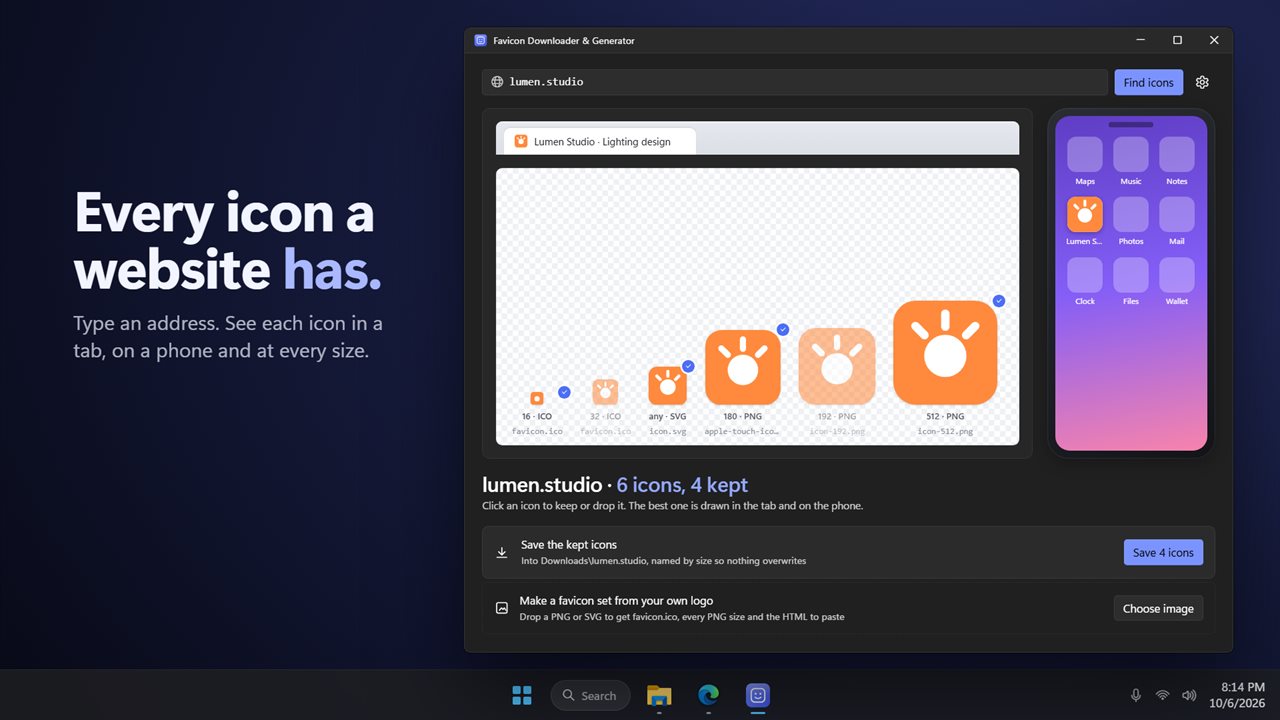
Every icon a website has, drawn where it will be used.
See it in action
About Favicon Downloader & Generator
Favicon Downloader & Generator finds every icon a website offers and shows you where each one will be used.
Type a plain address
example.com is enough. The app tries a secure connection first and falls back if the site has none.
Every icon, not just one
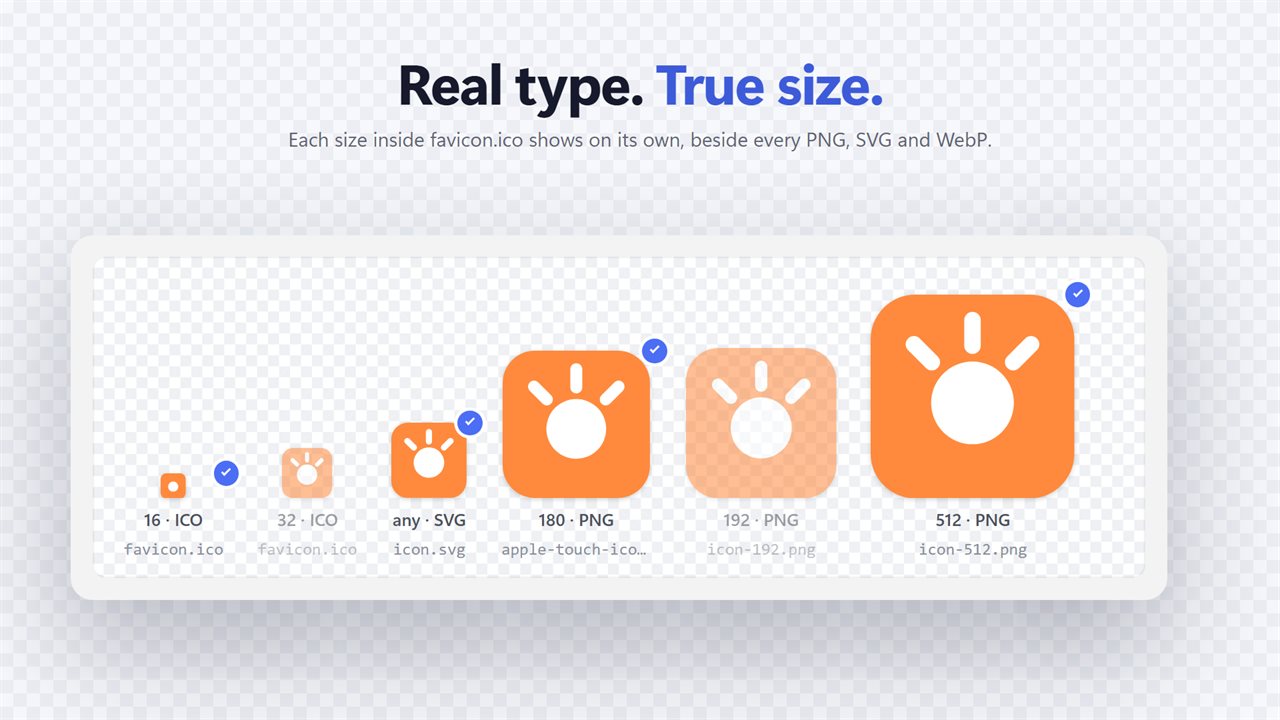
It reads the page's icons, shortcut icons, Apple touch icons and Safari pinned tab icons, the web manifest's icons and /favicon.ico. Each size packed inside a favicon.ico is shown on its own.
The real type and size
Each icon shows what it really is, ICO, PNG, SVG, WebP, GIF, JPEG or BMP, and its true size in pixels, sorted largest first.
See it in the wild
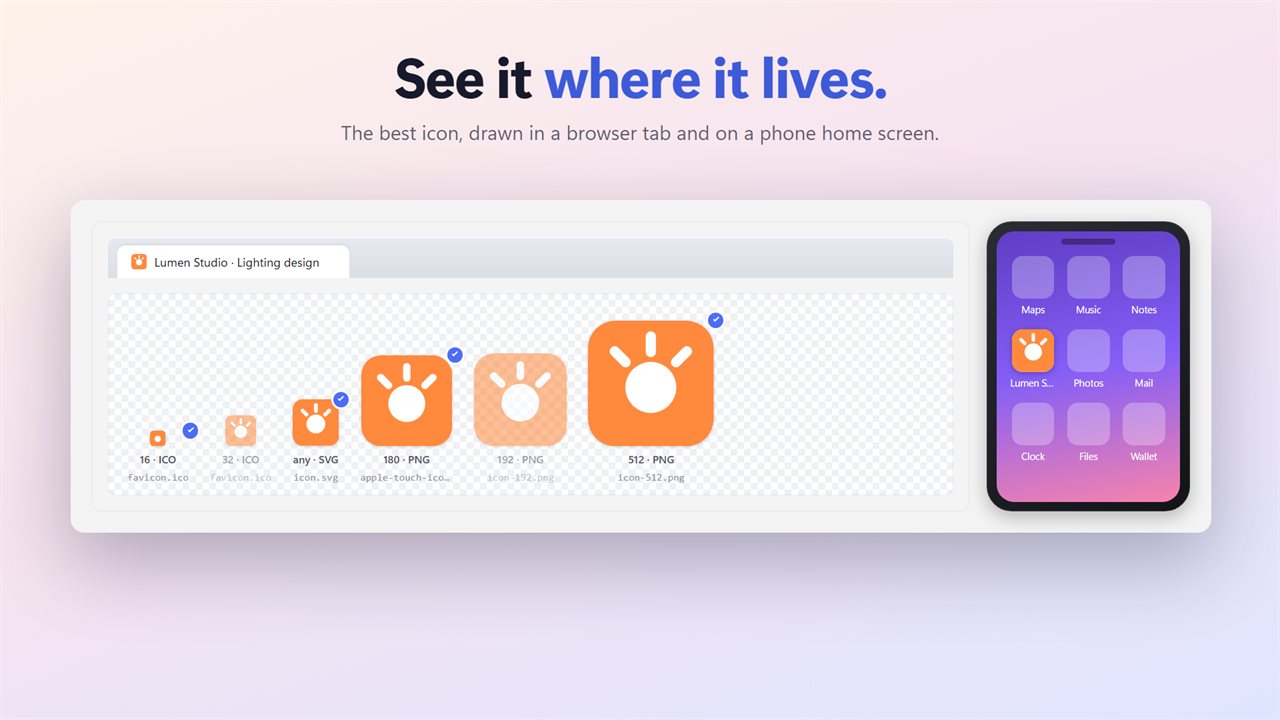
The best icon is drawn in a browser tab and as a phone home screen tile, and every icon sits at its size on a transparency grid.
Keep what you want
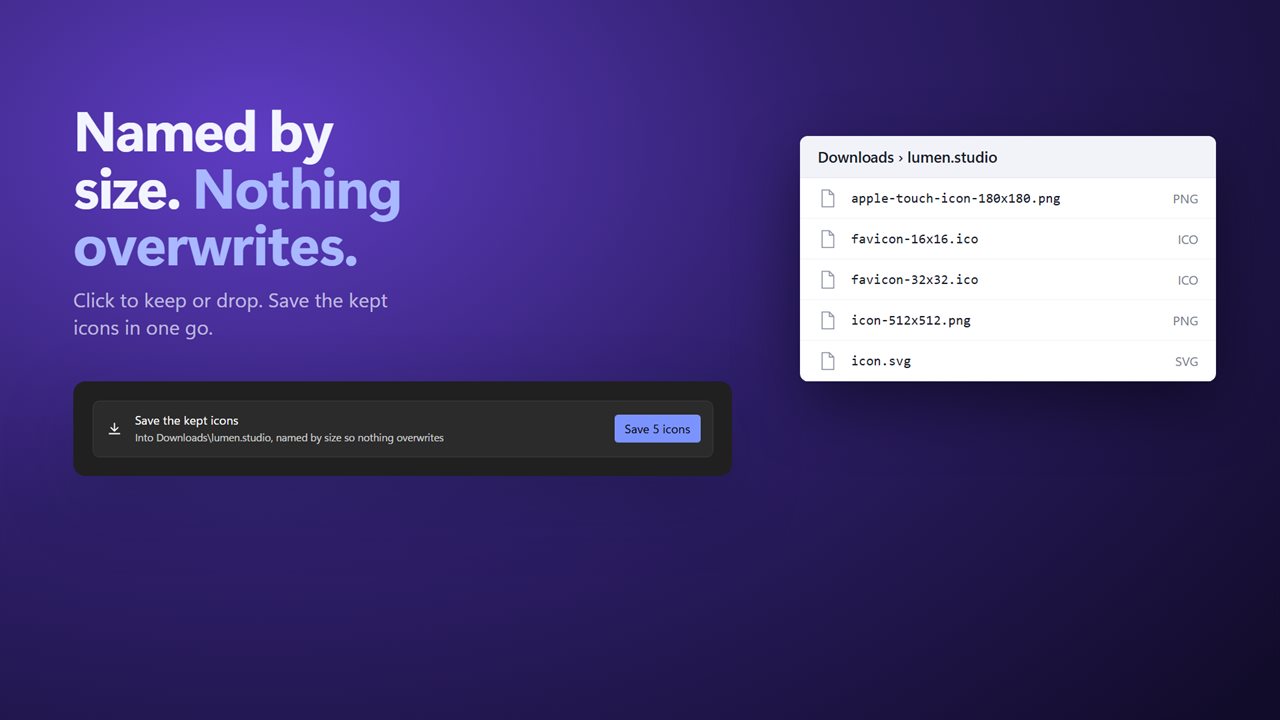
Click an icon to keep or drop it, then save the kept ones in one go. Files are named by size, like apple-touch-icon-180x180.png, so nothing overwrites anything. They go to a folder named after the website in Downloads, or anywhere you pick.
Make your own set
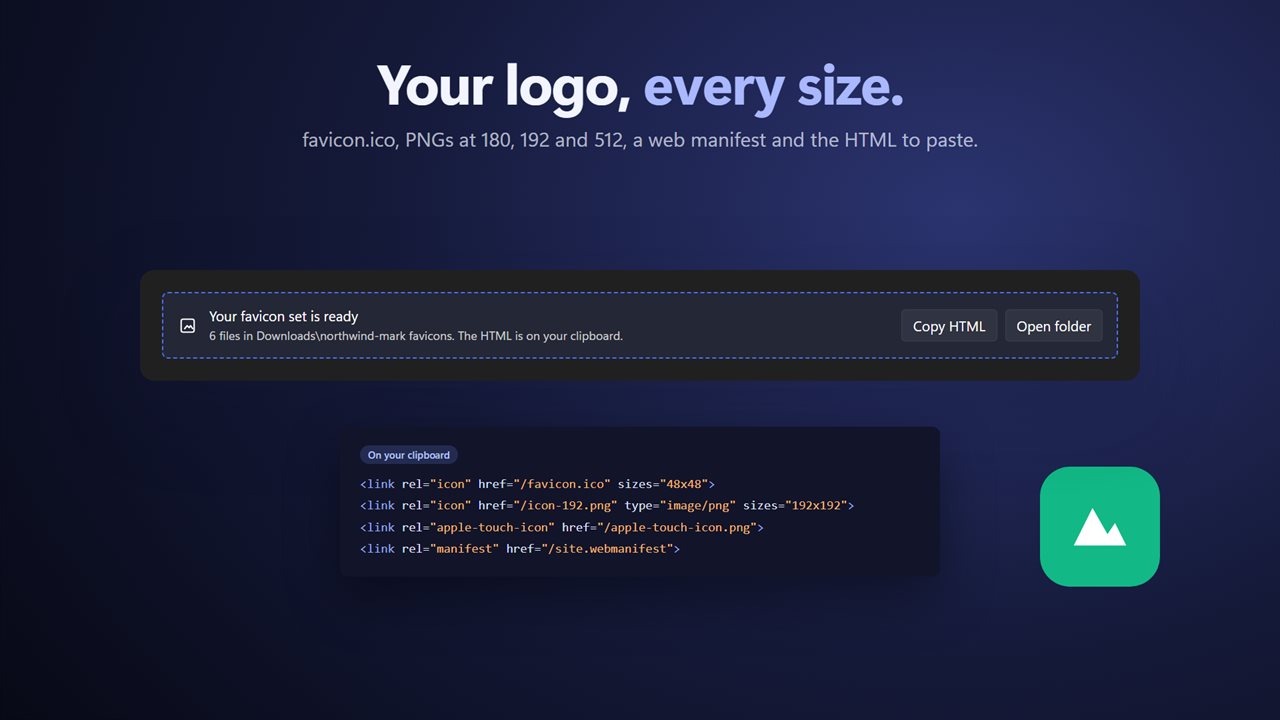
Drop in your own PNG or SVG logo and get favicon.ico with 16, 32 and 48 pixel sizes, PNGs at 180, 192 and 512, a web manifest and the HTML to paste into your page. The HTML is copied to your clipboard.
Features
- Type a plain address like example.com. No need to add https
- Finds every icon a site offers: page icons, shortcut icons, Apple touch icons, Safari pinned tab icons, the web manifest's icons and /favicon.ico
- Every size inside a favicon.ico is shown on its own
- The real type of each icon, ICO, PNG, SVG, WebP, GIF, JPEG or BMP, and its true size in pixels
- Largest first, each drawn at its size on a transparency grid
- See the best icon in a browser tab and on a phone home screen
- Click an icon to keep or drop it, then save the kept ones in one go
- Files are named by size, so nothing overwrites anything
- Saves to a folder named after the website in Downloads, or to a folder you pick
- The search runs in the background, so the window never freezes
- Make a favicon set from your own PNG or SVG logo
- The set holds favicon.ico with 16, 32 and 48 pixel sizes, PNGs at 180, 192 and 512, a web manifest and the HTML to paste
- The HTML is copied to your clipboard for you
- Light and dark themes, or match Windows
Details
- Works on
- Windows 10 (1809 or later) and Windows 11
- Download
- About 2.8 MB
- Version
- 2.0.2, updated October 2026
- First released
- April 2023
- Price
- $2.99 once. No subscription.
- Category
- Utilities & tools
What's new in 2.0.2
- Plain addresses like example.com now work
- Finds every icon: Apple touch icons, pinned tab icons, the web manifest and every size inside favicon.ico
- Shows each icon's real type and true size
- See the best icon in a browser tab and on a phone home screen
- Saved files get unique names, so nothing overwrites
- The window no longer freezes while it searches
- New: make a favicon set from your own logo
Questions
Anything else? Ask us
Which versions of Windows does it run on?
Windows 10 (version 1809 or later) and Windows 11.
Is it a subscription?
No. Favicon Downloader & Generator is a one-time purchase of $2.99, and updates are included.
How do I get it?
EvlarSoft apps are moving to direct downloads from this site. Ask to be notified and we will email you as soon as Favicon Downloader & Generator is ready to download.