File Hash Validator
Paste the checksum a download page gave you and find out whether the file you got is the file they published. You never have to know which kind it is — the app works that out from what you pasted, and it takes MD5, SHA-1, SHA-256, SHA-512 or CRC32 in any spacing or capitalization. A mismatch shows what your file actually hashes to. Whole batches, entirely on your PC.
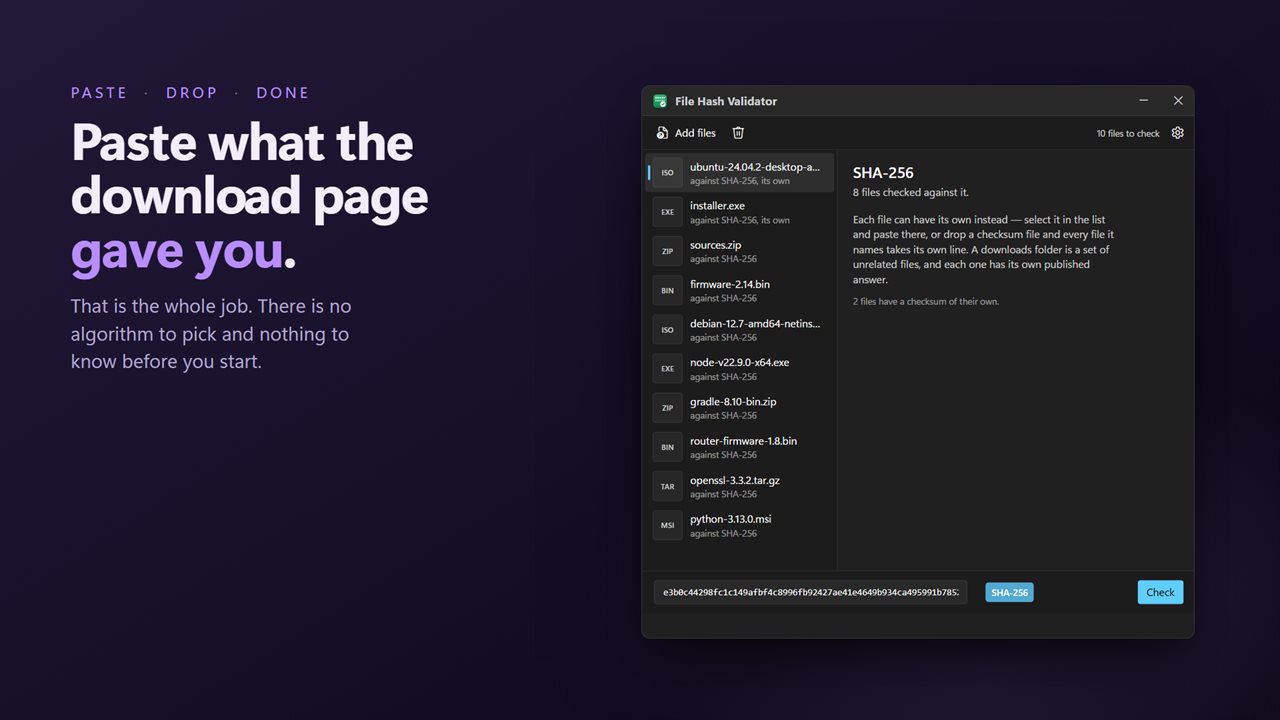
Paste what the download page gave you. That is the whole job.
See it in action
About File Hash Validator
You have downloaded an installer, and the page it came from printed a long string of letters and numbers underneath it. That string is how you find out whether the file that arrived is the file they meant to send.
Paste it in. That is the whole app.
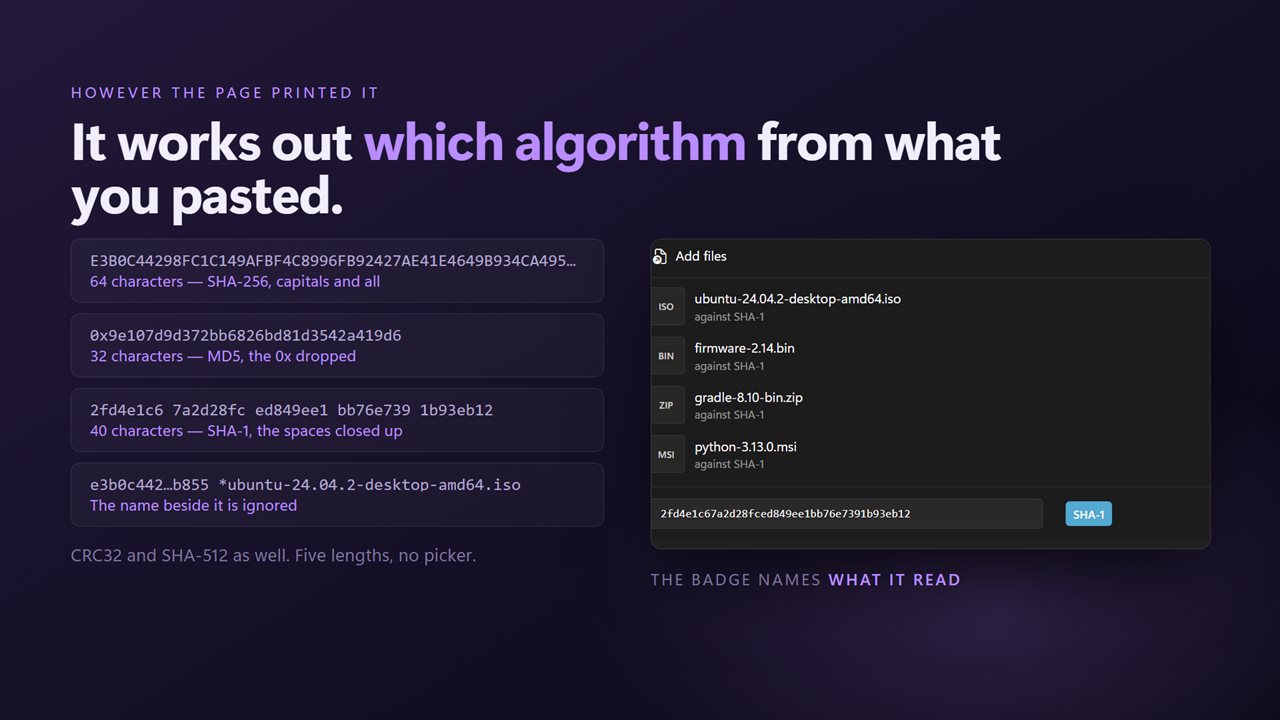
You do not have to know which kind it is
Download pages publish MD5, SHA-1, SHA-256 and SHA-512 more or less at random, and half of them never say which. This app works it out from the checksum itself — the length settles it — so there is no menu to get wrong and no wrong answer caused by picking the wrong one.
Paste it however you found it
Capitals or lower case, with spaces, in groups, with a 0x on the front: it is all read the same way. A checksum copied out of a web page, a README, a terminal or an email works without being cleaned up first.
A mismatch tells you something
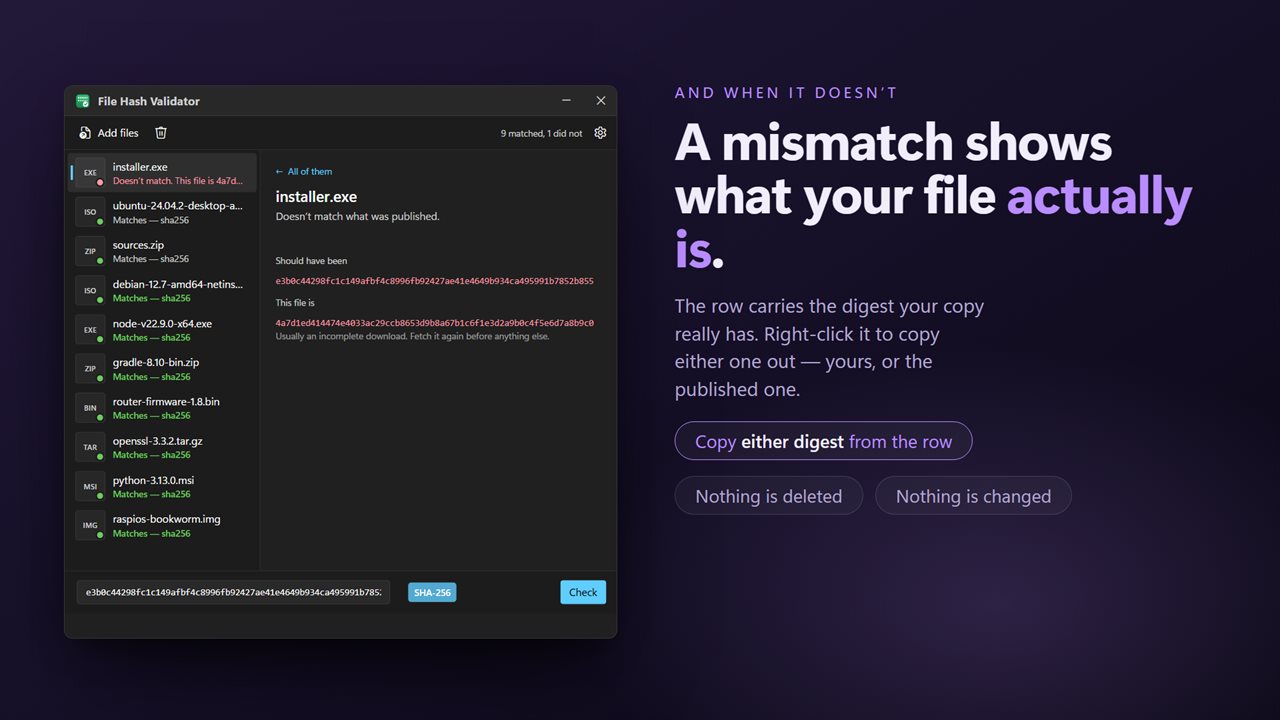
If the file does not match, it is marked clearly and shown alongside what it actually hashes to — so you can tell a truncated download from a file that is simply a different version.
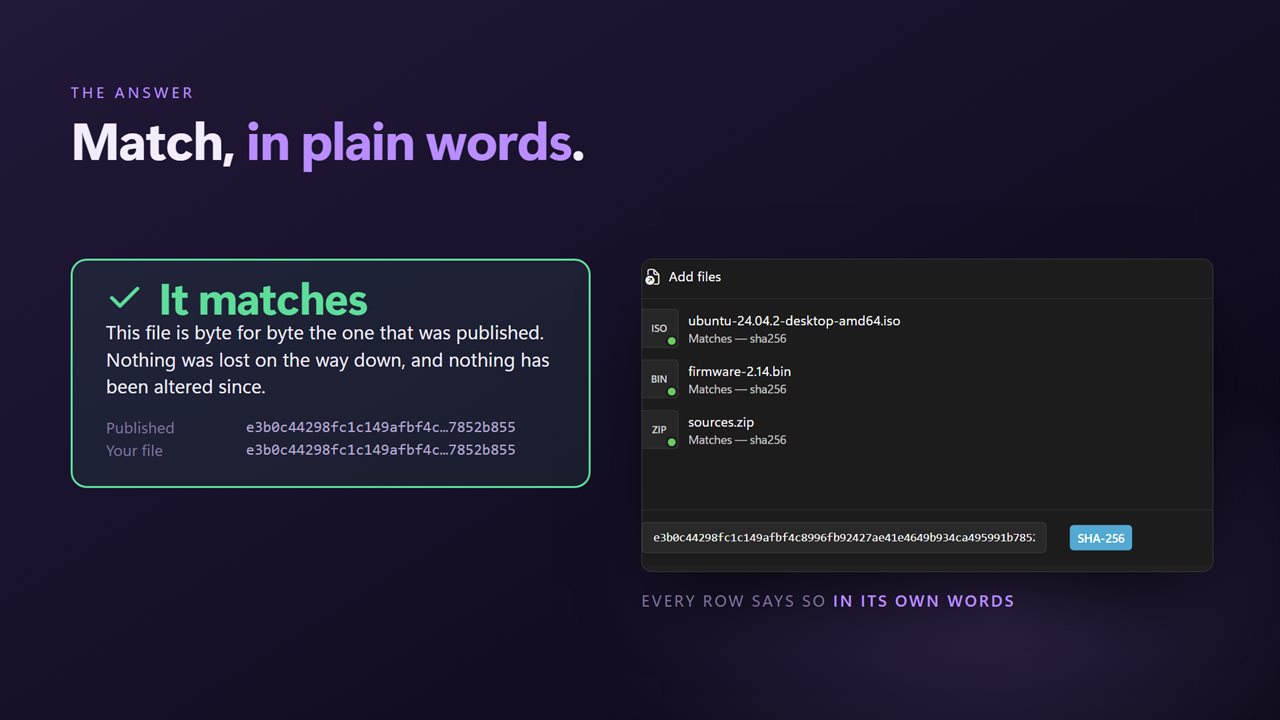
A match means the file is byte for byte what was published. It does not mean the publisher is trustworthy; it means nothing happened to the file on the way to you.
More than one file
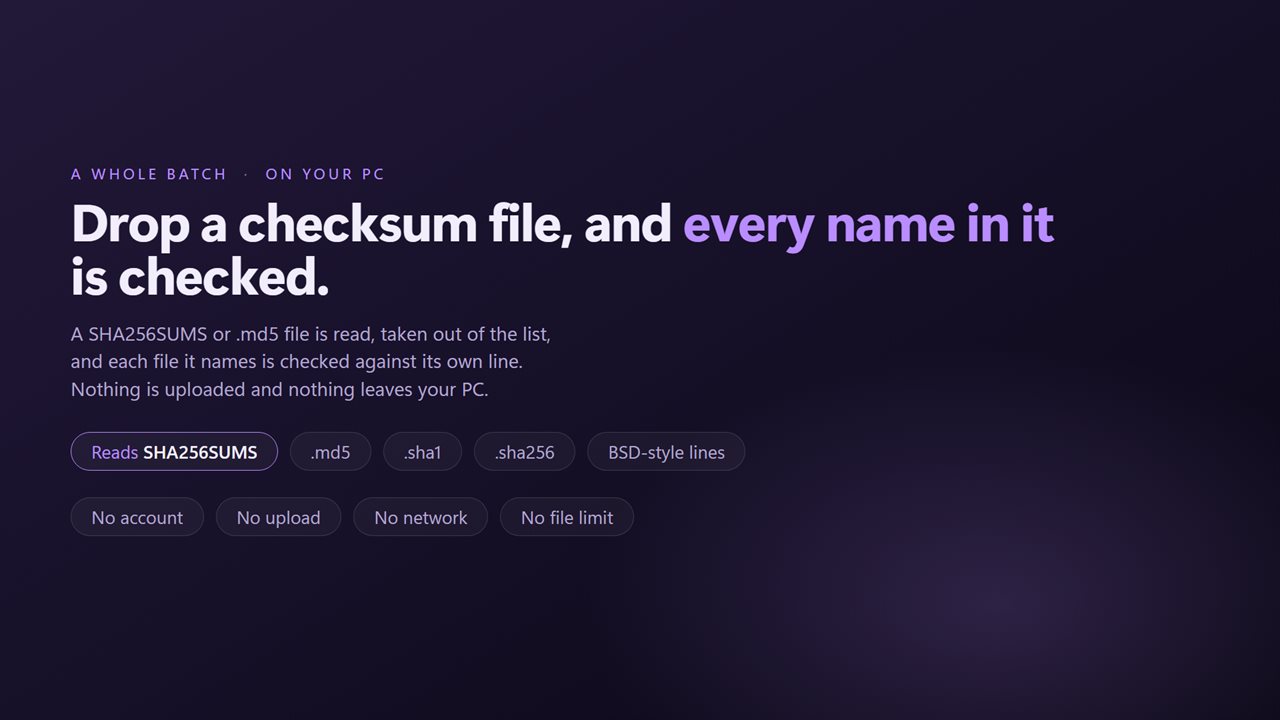
Check a whole set, each file against its own pasted checksum, in one run. Large files are read in a stream, so an ISO or a disc image is checked without the app growing to the size of the file, and a long run can be cancelled.
The file itself is only ever read — never opened, changed, renamed or moved.
On your PC, and nowhere else
There is no account, no sign-in, no upload and no telemetry. The app has no network code in it at all and works with the connection turned off.
Features
- Paste the checksum from the download page and it says match or no match
- Works out which algorithm it is from what you pasted — you never have to know
- Understands MD5, SHA-1, SHA-256, SHA-512 and CRC32
- Ignores spacing, capitals and a leading 0x, so a copy-paste from anywhere works
- Check a whole batch, each file against its own checksum
- A file that does not match is shown in red with what it actually hashes to
- Reads files in a stream, so an ISO or an installer is no problem
- Nothing about the file is opened, changed or moved
- Light or dark, and it can follow Windows instead
- No account, no upload and no server processing
Details
- Works on
- Windows 10 (1809 or later) and Windows 11
- Download
- About 16.2 MB
- Version
- 2.0.4, updated October 2026
- First released
- May 2023
- Price
- $1.99 once. No subscription.
- Category
- Utilities & tools
What's new in 2.0.4
- You no longer have to say which algorithm the checksum is. The app works it out from what you pasted, across MD5, SHA-1, SHA-256, SHA-512 and CRC32
- Spacing, capitals and a leading 0x are all accepted, so a checksum copied from anywhere works without being tidied up first
- Now checks a whole batch, each file against its own checksum, instead of one file per run
- A mismatch now shows what the file actually hashes to, rather than only that it failed
- Files are read in a stream, so an ISO or an installer no longer depends on how much memory is free
- Drag and drop from Explorer, and a right-click selection of many files opens one window instead of one each
- A redesigned interface, in light or dark, and it can follow Windows instead if you prefer
Questions
Anything else? Ask us
Which versions of Windows does it run on?
Windows 10 (version 1809 or later) and Windows 11.
Is it a subscription?
No. File Hash Validator is a one-time purchase of $1.99, and updates are included.
How do I get it?
EvlarSoft apps are moving to direct downloads from this site. Ask to be notified and we will email you as soon as File Hash Validator is ready to download.