File Shredder
Delete a file properly. An ordinary delete only forgets where the file was — the contents sit on the disk until something else happens to need the space, which is why recovery tools work. This writes over the contents first, then strips the name, then deletes it. One button and nothing to decide: drop files or a whole folder in, confirm once, and it is done. Entirely on your PC.
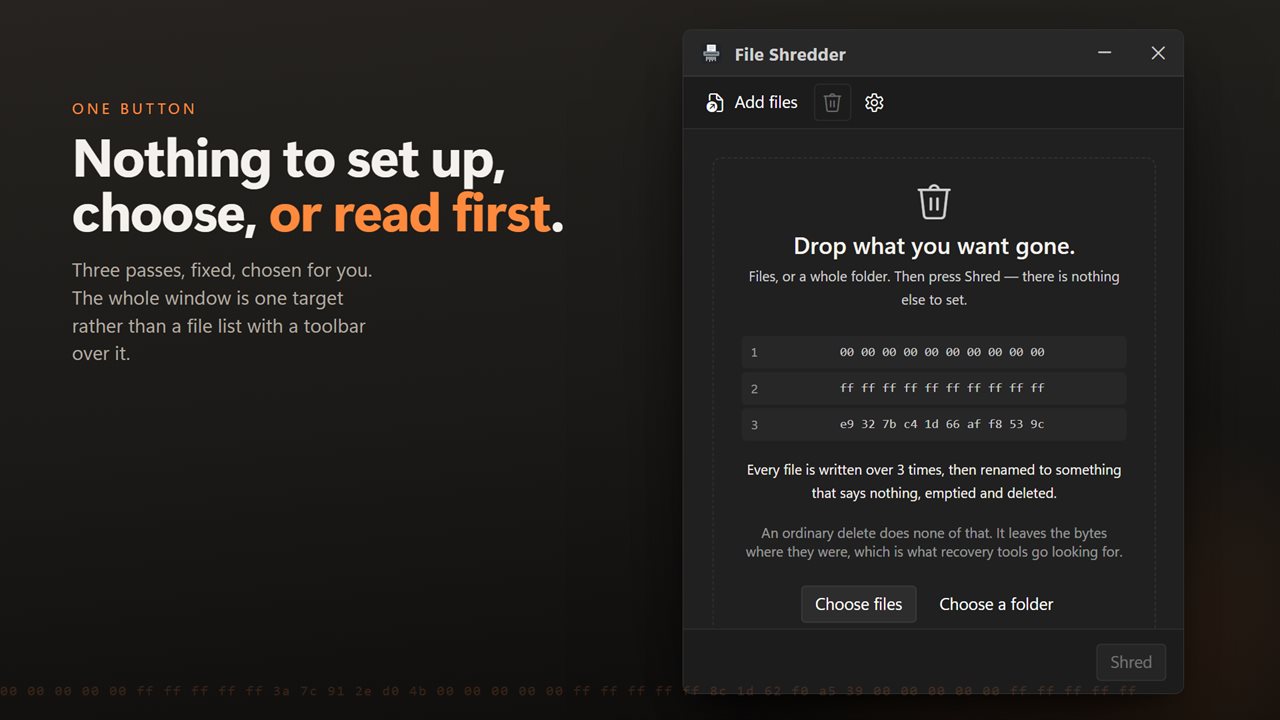
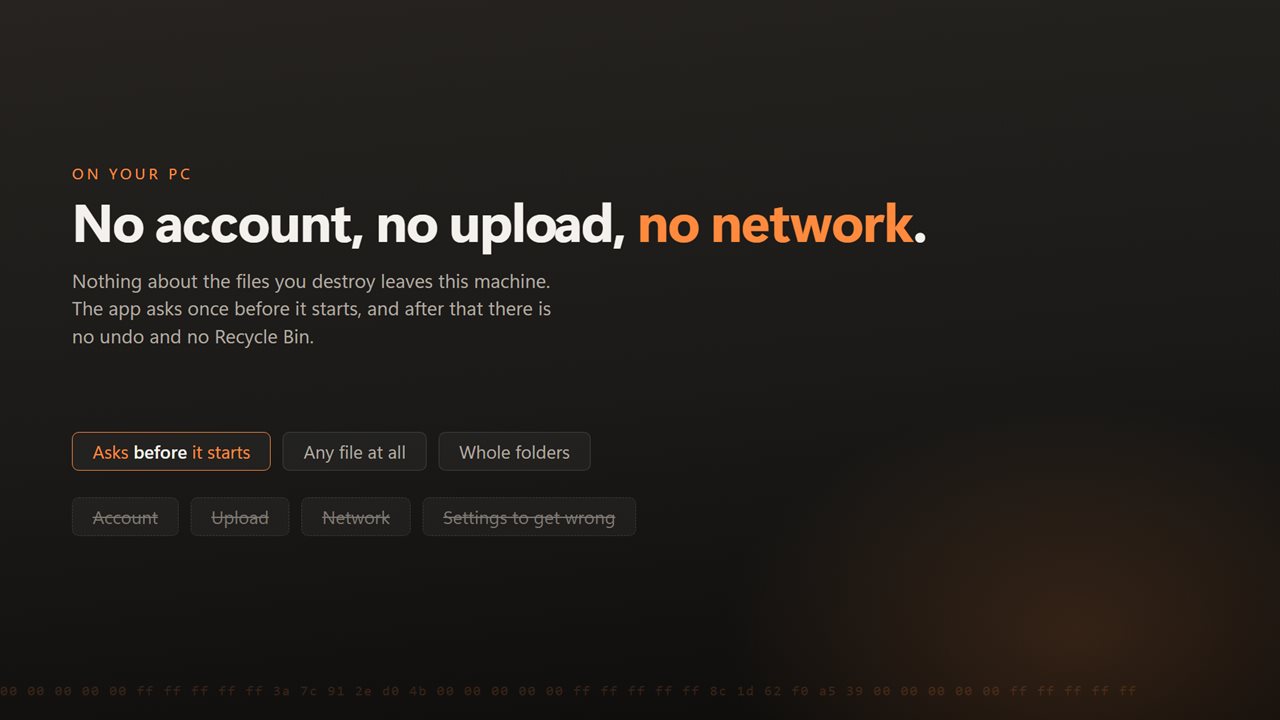
One button. Nothing to set up, choose, or read first.
See it in action
About File Shredder
Deleting a file does not remove it. Windows marks the space as available and forgets where the file was; the contents stay on the disk until something else needs that room. That is exactly why undelete tools work, and why they work months later.
This app writes over the contents first.
One button
There is no pass count to choose and nothing to read before you start. Drop the files in and press it. That is the app — and it is deliberately the app, because a tool you reach for when you are in a hurry should not begin with a decision.
What it actually does
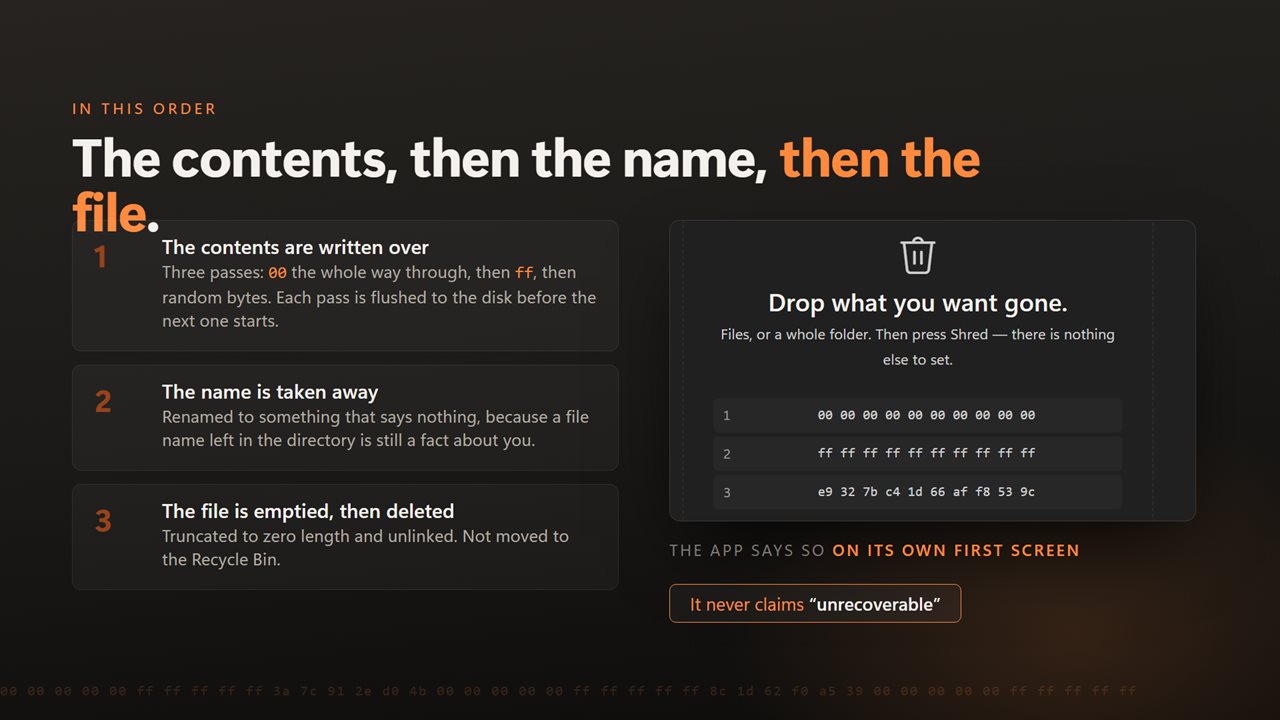
The file's contents are overwritten, its name is replaced so the leftover directory entry gives nothing away, its length is set to nothing, and then it is deleted. What is left behind tells you neither what the file held nor what it was called.
Files or a whole folder
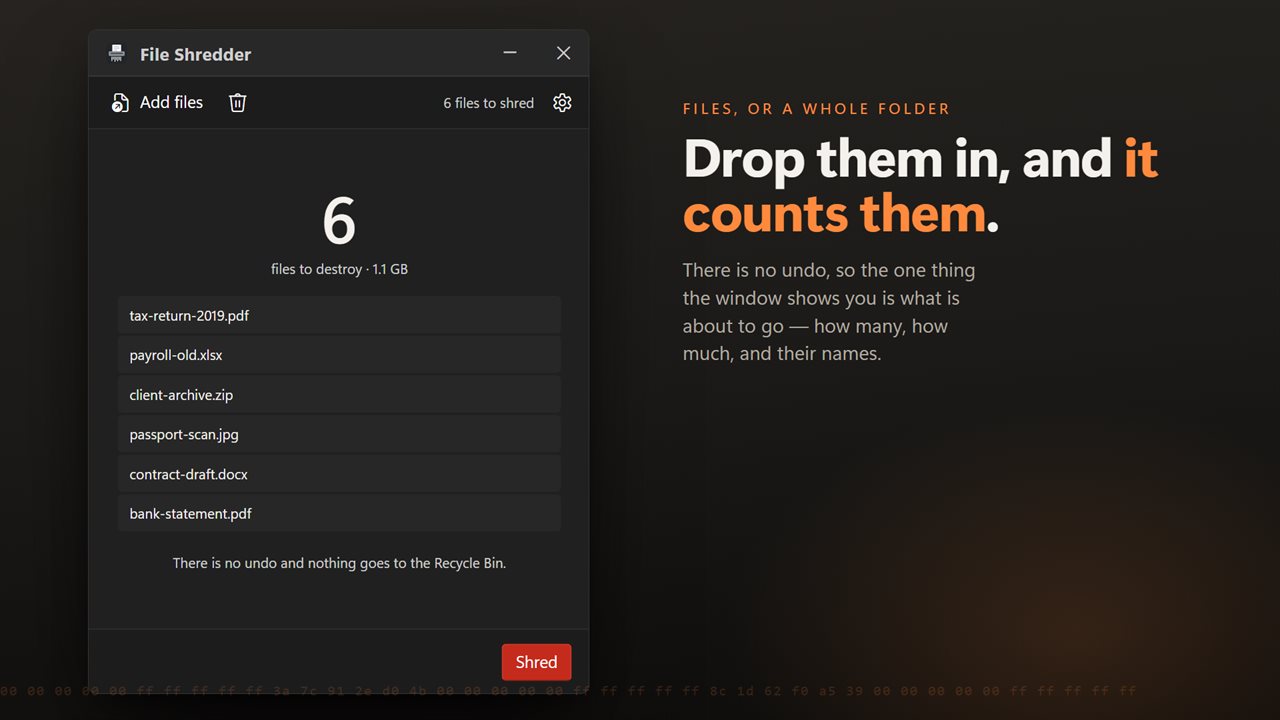
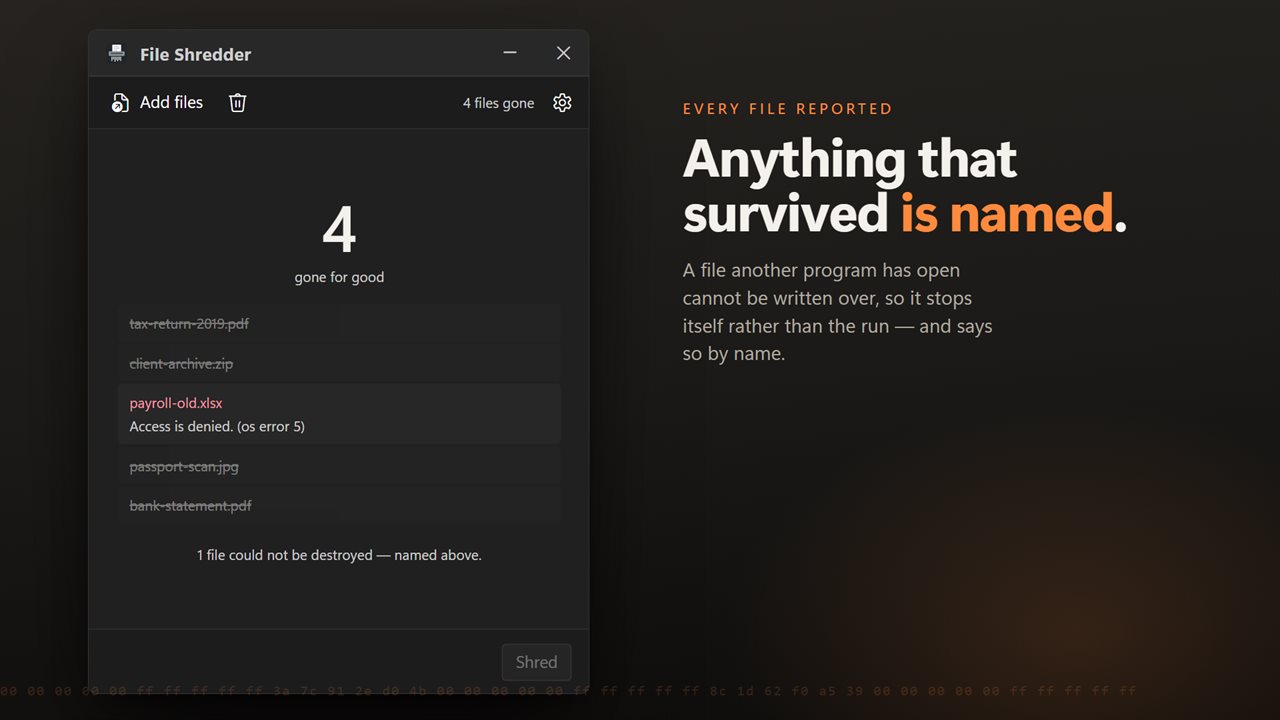
Drop in as many files as you like, or a folder and everything inside it. Each one is reported as it goes, and anything that could not be destroyed — a file another program still has open, one you do not have permission to touch — is named with the reason rather than skipped quietly.
It asks first
There is no undo and no Recycle Bin to fish anything back out of, so it confirms before it starts. Once.
What nobody can promise
On a solid-state drive, the controller decides where data physically lives and may have moved a copy somewhere the operating system cannot reach. This app overwrites the file as the system presents it, which is everything software is able to do. Any tool claiming more than that on an SSD is guessing.
On your PC, and nowhere else
There is no account, no sign-in, no upload and no telemetry. The app has no network code in it at all and works with the connection turned off.
Features
- One button. There is nothing to set up, choose or read first
- Overwrites the file's contents, then removes its name, then deletes it
- Deleting normally only forgets where a file was — this writes over it
- Takes a folder and everything in it, or as many files as you drop in
- Says clearly which files were destroyed and which could not be
- Asks once before it starts, because there is no undo
- Drag straight in from Explorer, or send a selection from the right-click menu
- Cancel a long run at any point
- Light or dark, and it can follow Windows instead
- No account, no upload and no server processing
Details
- Works on
- Windows 10 (1809 or later) and Windows 11
- Download
- About 16.1 MB
- Version
- 2.0.4, updated October 2026
- First released
- July 2022
- Price
- $1.99 once. No subscription.
- Category
- Utilities & tools
What's new in 2.0.4
- Now takes a batch. Drop in as many files as you like, or a folder and everything in it, and they all go in one pass
- Drag and drop from Explorer, and a right-click selection of many files opens one window instead of one each
- Files are overwritten in place rather than through a temporary copy, so nothing readable is left behind if the run is interrupted
- Anything that could not be destroyed is now named with the reason instead of being skipped silently
- Progress for each file and for the batch, and a long run can be cancelled
- Still one button and no pass count to choose, which was the point of it
- A redesigned interface, in light or dark, and it can follow Windows instead if you prefer
Questions
Anything else? Ask us
Which versions of Windows does it run on?
Windows 10 (version 1809 or later) and Windows 11.
Is it a subscription?
No. File Shredder is a one-time purchase of $1.99, and updates are included.
How do I get it?
EvlarSoft apps are moving to direct downloads from this site. Ask to be notified and we will email you as soon as File Shredder is ready to download.
More from EvlarSoft
 Fast File Splitter and JoinerSplit a file, or join the parts back up, without reading anything first.
 Batch Smart File RenamerRename a whole folder with six rules that work together: add text, remove text, replace, change case, number in sequence, and add a date.
 Find Any FileSearch your PC the way you'd ask a person.