Key Bot
Presses one key for you — or holds it down until its time is up. Rebuilt in 2.0 so games see every press.
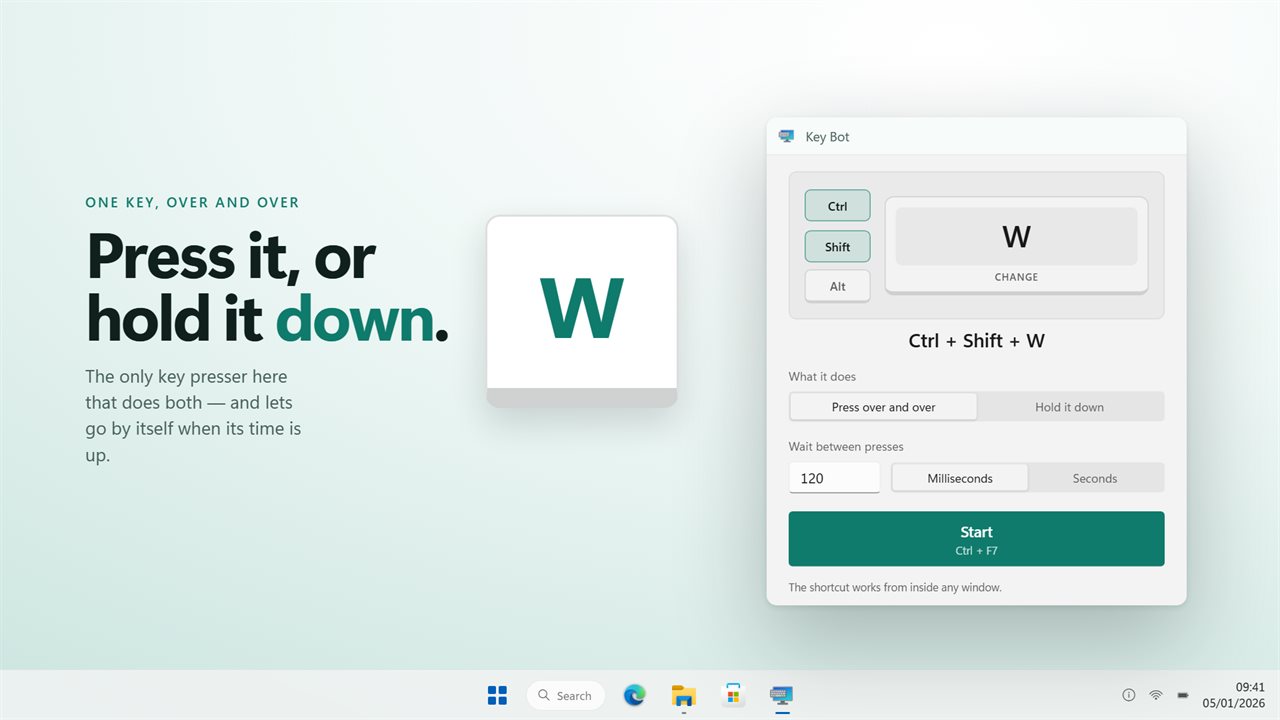
Press one key over and over, or hold it down.
See it in action
About Key Bot
Some jobs need a key pressed a few hundred times. Others need one key held for twenty minutes. Most auto pressers only do the first. Key Bot 2.0 is rebuilt from scratch and does both.
Press it, or hold it
Repeat mode presses on the gap you set, in milliseconds or in seconds. Hold mode presses the key and keeps it pressed. Both are one switch apart in the same window.
A hold that ends on its own
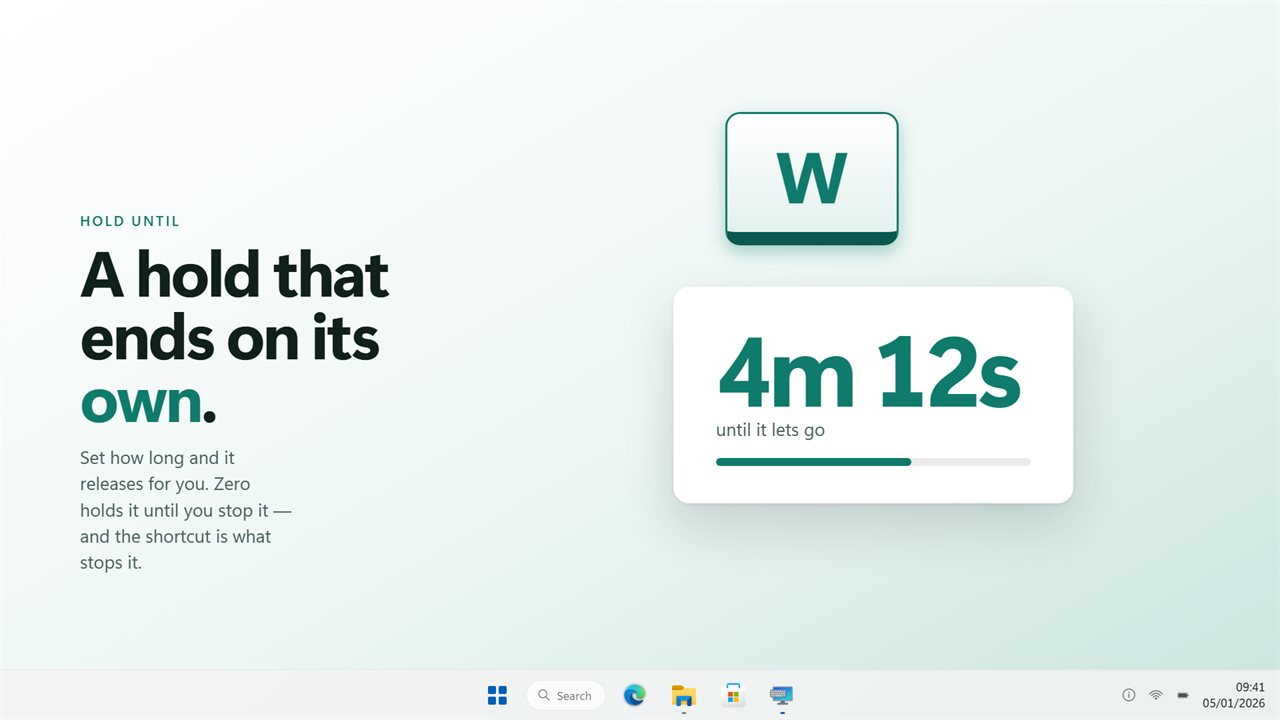
Set how long it holds and it releases for you. This matters more than it sounds: a held key repeats into whatever has focus, so while it is down nothing can be clicked — including this window. A hold with no end is one you have to fight your way out of. Set it to zero if you want exactly that, and use the shortcut to stop it.
The combination, not just the key
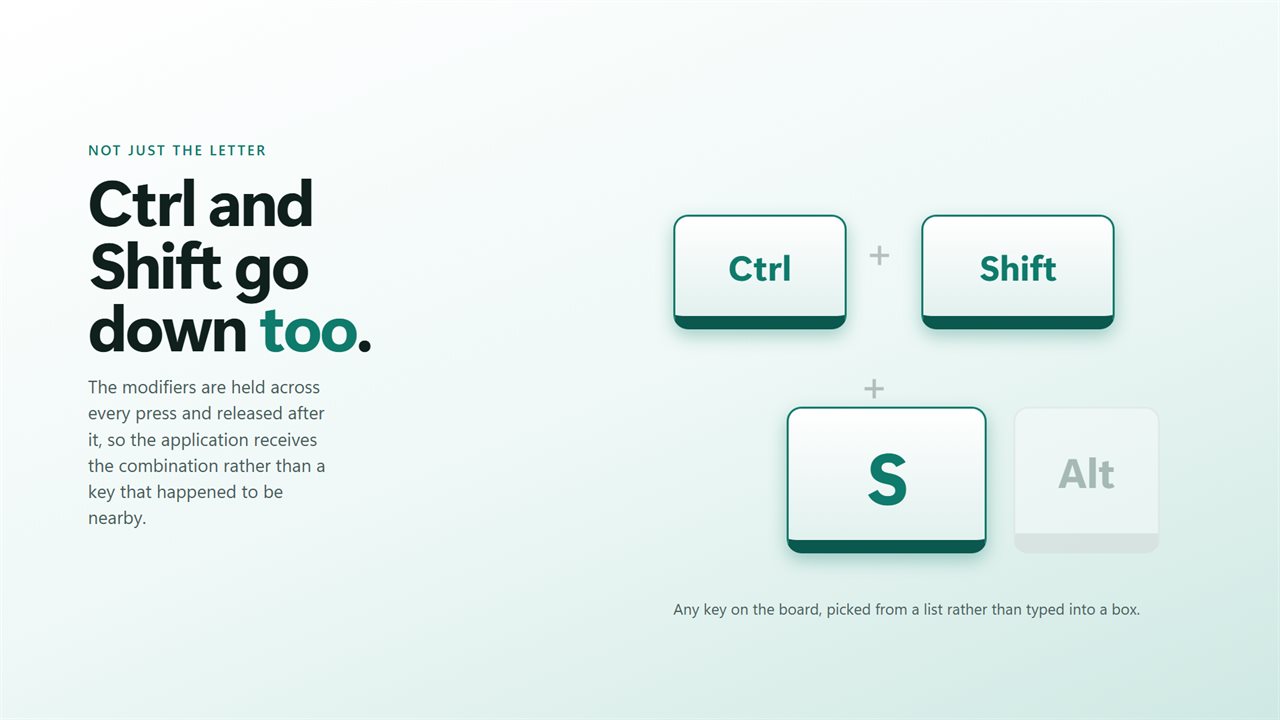
Ctrl, Shift and Alt go down with every press and come back up after it, so what reaches the application is a real Ctrl+Shift+S rather than an S that happened to be near one.
Games see it
Every press is sent as a scancode with the extended-key flag set where it belongs, which is what DirectInput and Raw Input actually read. A presser built on virtual keys is invisible to most games — this one is not, and arrows and the numpad land where they should. Games that run kernel-level anti-cheat reject simulated input of any kind, and no auto presser gets past that one.
A shortcut that reaches you
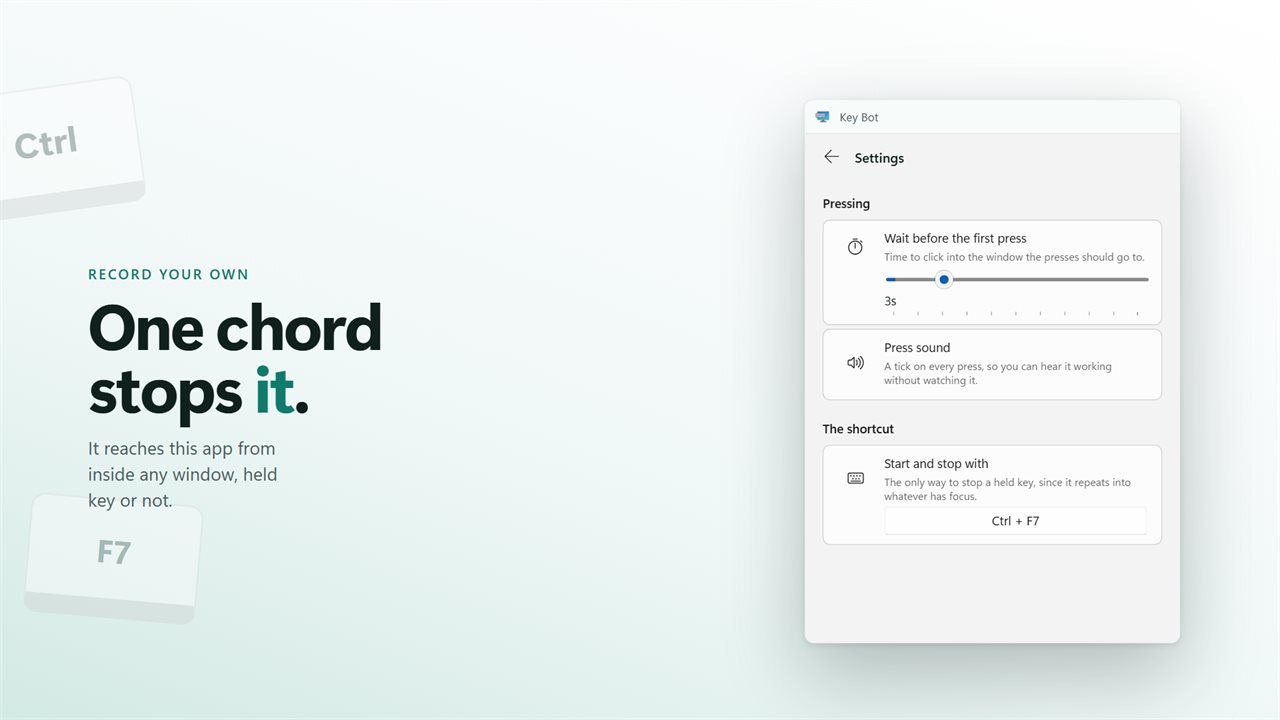
Start and stop from inside any application, and record your own combination in Settings. While a key is held it is the only control that still answers.
It works fully offline and needs no account. No ads, and nothing held back behind an unlock. An optional EvlarSoft ONE sign-in backs up your settings to carry them to another PC, and feedback is sent only when you press Send.
Built for Windows 11, and at home on Windows 10.
Features
- Presses one key over and over, on a gap you set in milliseconds or seconds
- Or holds the key down, and lets go by itself after a time you set
- Ctrl, Shift and Alt held across every press, so a real combination arrives
- Any key on the board, chosen from a list rather than typed into a box
- Presses are sent as scancodes, so games and emulators see them
- A shortcut that works while another window has focus
- Waits a few seconds before the first press, so you can click into the right window
- Shows the combination it is sending, spelled out, and counts what it has sent
- An optional tick on every press, so you can hear it working
- Sits in the tray and stays out of the way while it works
- Starts with Windows through the Startup page rather than a shortcut
- Works fully offline and needs no account. No ads
- Optional EvlarSoft ONE sign-in backs up your key, timing and hotkey for another PC
Details
- Works on
- Windows 10 (1809 or later) and Windows 11
- Download
- About 2.8 MB
- Version
- 2.0.5, updated October 2026
- First released
- May 2023
- Price
- $3.99 once. No subscription.
- Category
- Utilities & tools
What's new in 2.0.5
- Presses arrive as scancodes, which is what games and emulators actually read. The old build sent virtual keys and most games ignored them
- Hold mode: press a key and keep it pressed, with an end time so it lets go by itself
- Ctrl, Shift and Alt are held across every press, so a real combination arrives
- Pick the key from a list instead of typing a code
- New window, and it sits in the tray while it works
Questions
Anything else? Ask us
Which versions of Windows does it run on?
Windows 10 (version 1809 or later) and Windows 11.
Is it a subscription?
No. Key Bot is a one-time purchase of $3.99, and updates are included.
How do I get it?
EvlarSoft apps are moving to direct downloads from this site. Ask to be notified and we will email you as soon as Key Bot is ready to download.
More from EvlarSoft
 Mouse and Keyboard RecorderDo a job once and let your PC repeat it.
 Input LoggerRecords every key and mouse click on your PC in a live list, newest at the top, and shows the character each key actually typed, read from your keyboard layout so accents and AltGr come through as themselves.
 Automatic Mouse ClickerClicks for you, with Ctrl, Shift or Alt held if you need them.