Keyboard Disabler
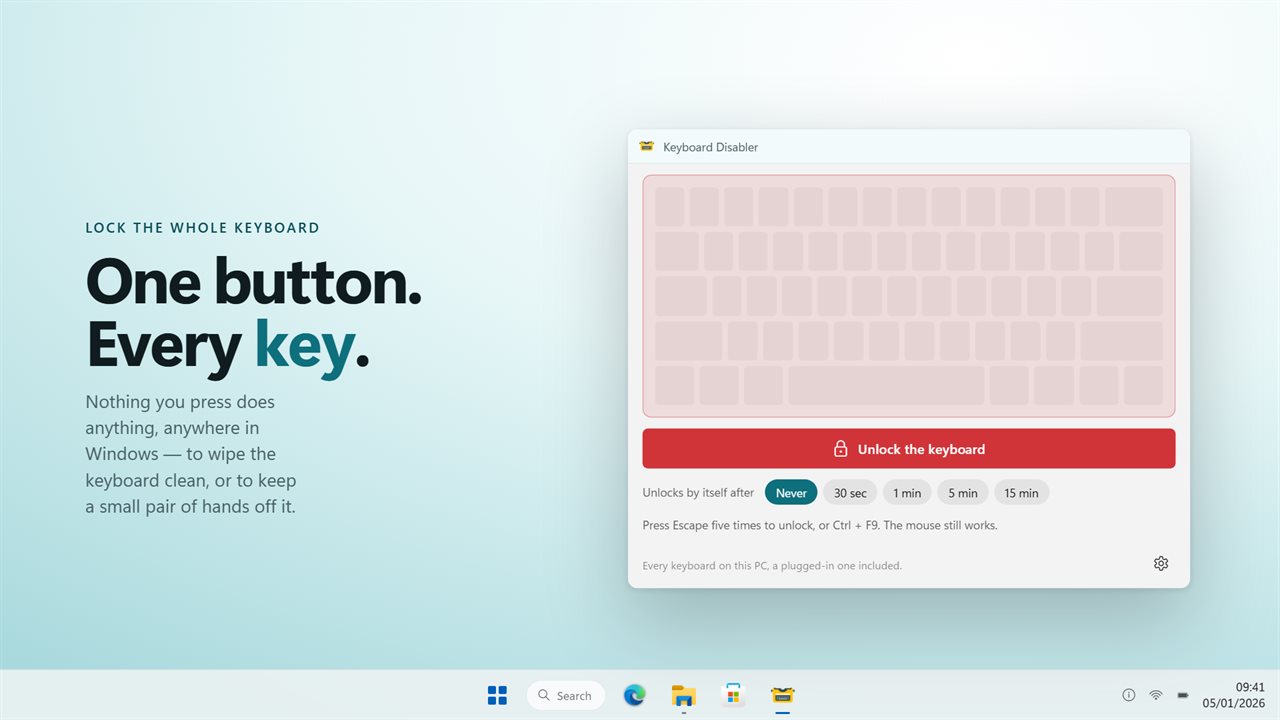
Lock the whole keyboard so nothing you press does anything — to wipe it clean, or to keep a toddler off it. Escape five times always unlocks it, from any window.
One button. Every key stops working, everywhere in Windows.
See it in action
About Keyboard Disabler
Sometimes the keyboard needs to stop. Wiping it down without opening forty windows. A small child at the desk with a film on. A cat that sits on it. A machine left running where anyone can walk past.
Keyboard Disabler locks it.
One button
Press Lock the keyboard and every key stops doing anything — in the browser, the editor, the game, the sign-in box. The board drawn in the window goes dark, so there is never any doubt whether it worked. Press it again and the keyboard is exactly as it was.
Three ways back
This is the part that matters, and it is why this version exists.
All three are live at the same time. There is no state this app can leave your keyboard in that you cannot get out of.
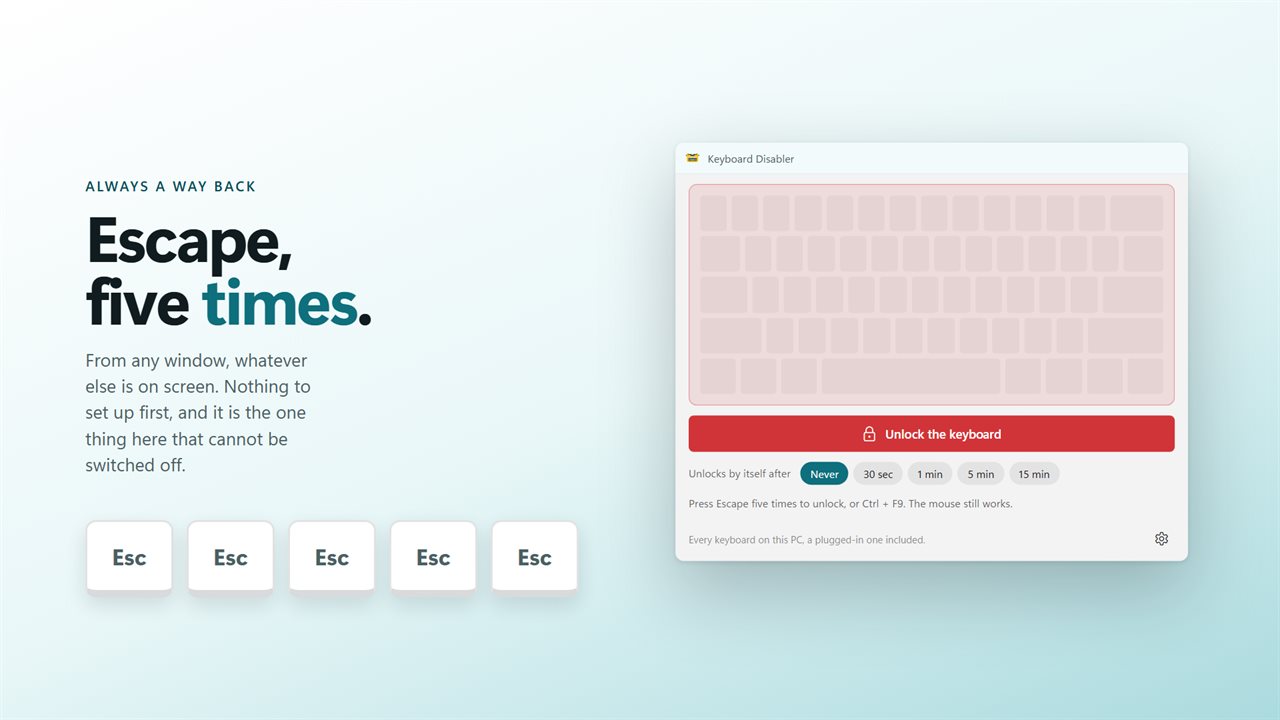
- Press Escape five times and the keyboard unlocks, from any window. This cannot be switched off or changed.
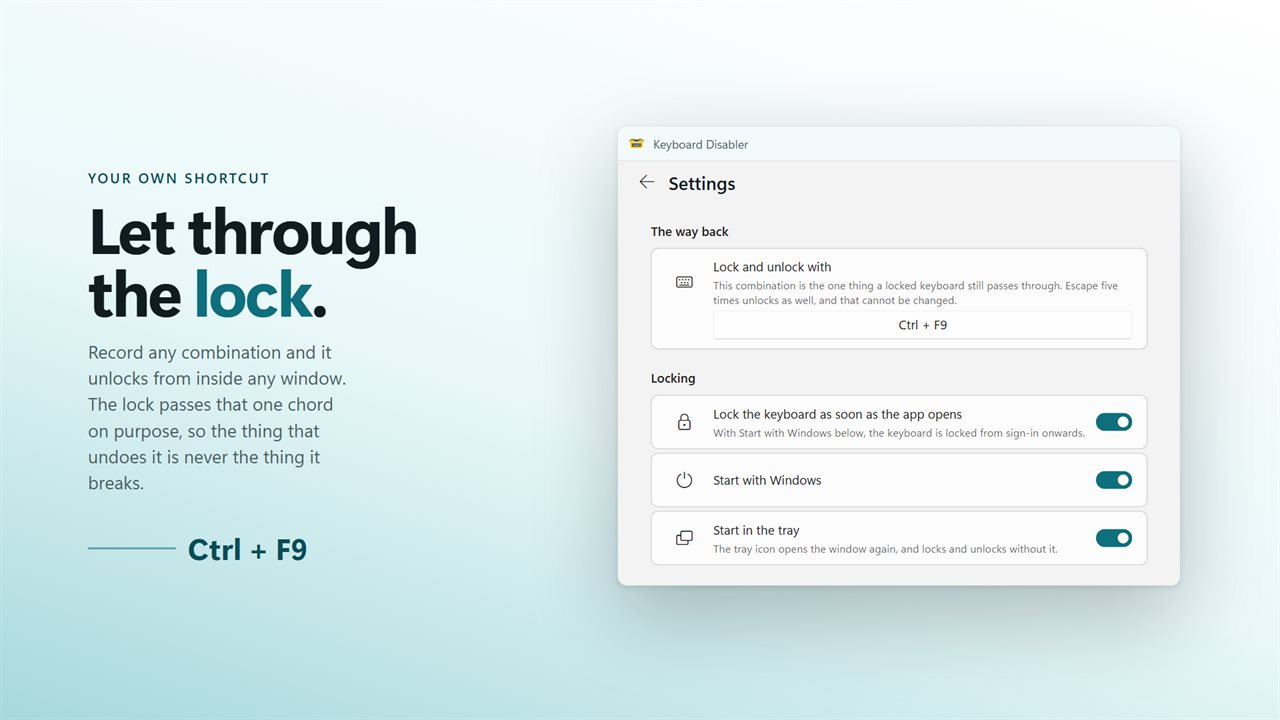
- A shortcut of your own — Ctrl and F9 to begin with — unlocks it too. The lock is built to let that one combination through, so the thing that undoes the lock is never the thing the lock breaks.
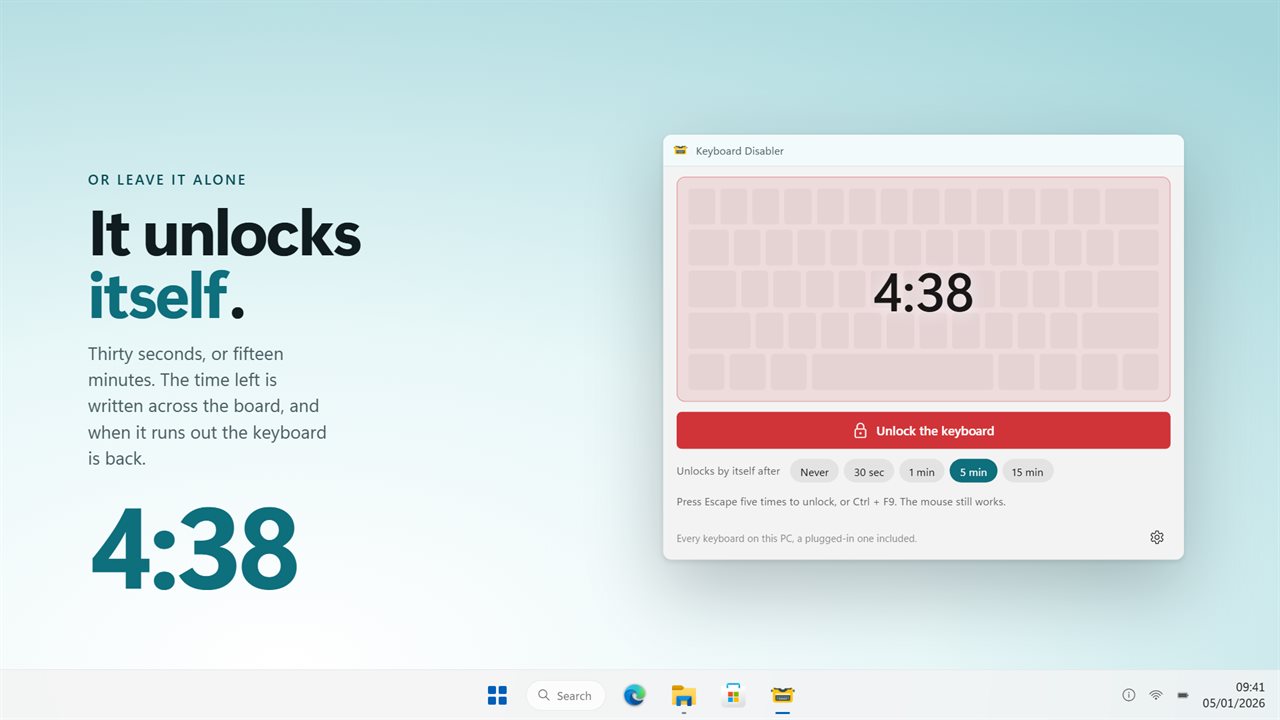
- Set a countdown of 30 seconds, 1 minute, 5 minutes or 15 minutes and the keyboard unlocks by itself when it runs out. The time left is shown across the board.
The mouse still works
Only the keyboard is locked. The pointer keeps moving and keeps clicking, so the window with the unlock button in it is always reachable.
Every keyboard on the PC
Worth knowing before you buy: this locks the keyboard, not one keyboard. On a laptop with a keyboard plugged into it, both stop. Windows delivers every key from every keyboard down a single path and does not say which one it came from, so no app of this kind can lock one and leave the other working.
On from sign-in
Turn on Start with Windows and Lock the keyboard as soon as the app opens, and the keyboard is locked from the moment you sign in. Start with Windows goes through the Startup page in Windows Settings, so you can see it there and switch it off there.
Nothing to undo
No driver is disabled, nothing is written to the registry, and no device is removed. Close the app and the keyboard is back. There is nothing left behind to repair.
No account. No sign-in. No ads, and nothing held back behind an unlock.
Built for Windows 11, and at home on Windows 10.
Features
- Locks every key at once, everywhere in Windows, not just in one application
- Escape five times unlocks, from any window, and cannot be turned off
- A shortcut of your own unlocks too — the lock deliberately lets that one combination through
- Unlocks by itself after 30 seconds, 1 minute, 5 minutes or 15 minutes
- The mouse is never touched, so the window is still there to click
- The board on screen goes dark while the keyboard is locked, with the time left across it
- Locks every keyboard on the PC — a laptop's own and a plugged-in one alike
- Lock the keyboard the moment the app opens
- Starts with Windows through the Startup page, so it is locked from sign-in
- Sits in the tray, and the tray icon locks and unlocks without opening the window
- Nothing is disabled at the driver level and nothing needs a reboot to undo
- No account, no ads, and nothing that leaves your PC
Details
- Works on
- Windows 10 (1809 or later) and Windows 11
- Download
- About 2.5 MB
- Version
- 2.0.1, updated October 2026
- First released
- April 2023
- Price
- $1.99 once. No subscription.
- Category
- Utilities & tools
What's new in 2.0.1
- Three ways to unlock, all live at once: Escape five times from any window, a shortcut of your own, and a countdown that unlocks on its own after up to 15 minutes
- The unlock shortcut is deliberately let through the lock. This is what the review saying the keyboard could not be re-enabled ran into
- The board on screen goes dark while the keyboard is locked, so you can see the app is doing something
- It sits in the tray, starts with Windows, and can lock the moment it opens
- To be clear about what it locks: every keyboard attached to the PC, including an external one on a laptop. A Windows keyboard hook sees one keyboard, not several, and cannot tell them apart
Questions
Anything else? Ask us
Which versions of Windows does it run on?
Windows 10 (version 1809 or later) and Windows 11.
Is it a subscription?
No. Keyboard Disabler is a one-time purchase of $1.99, and updates are included.
How do I get it?
EvlarSoft apps are moving to direct downloads from this site. Ask to be notified and we will email you as soon as Keyboard Disabler is ready to download.