Page Studio
Open Publisher .pub files, or make flyers, greeting cards, brochures, business cards and one-page newsletters. See the paper folded before you print, and print every side the right way round.
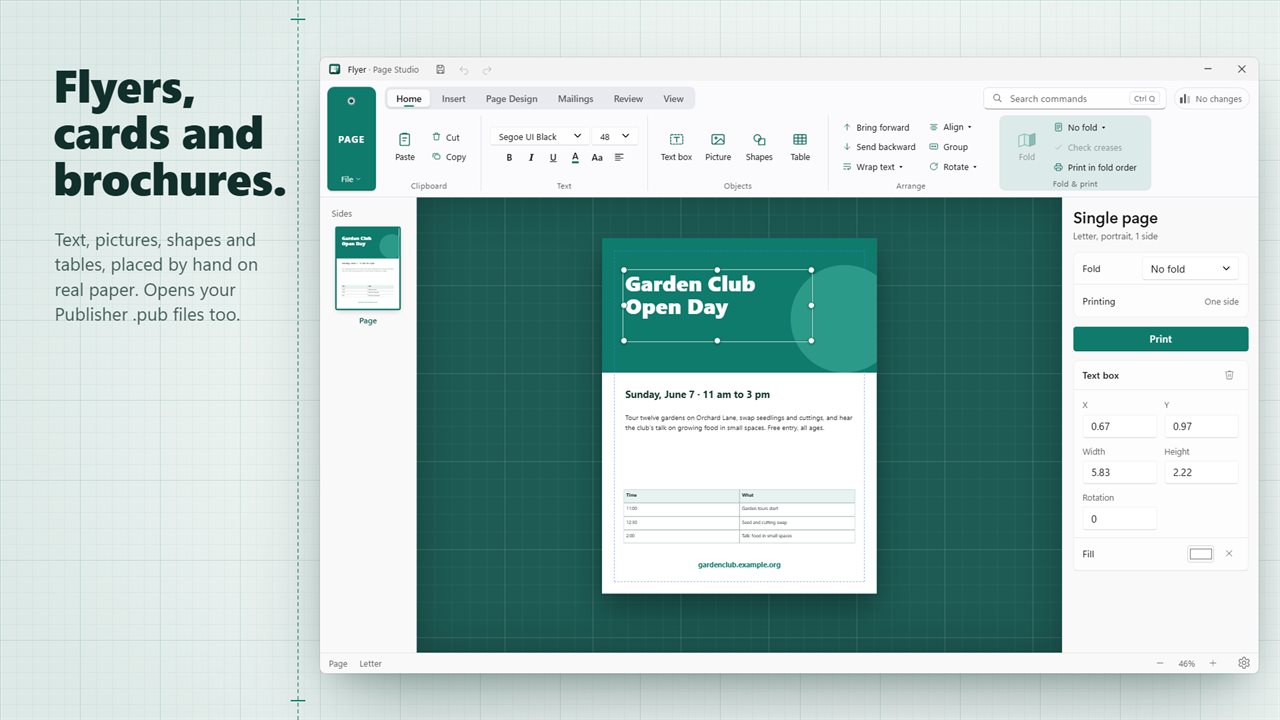
Lay out flyers, cards and brochures with text, pictures, shapes and tables.
See it in action
About Page Studio
A page layout app for Windows, for the flyer on the noticeboard, the card for a birthday, the church bulletin and the school newsletter.
Microsoft Publisher is being retired in October 2026.
Open your .pub files
Open a Publisher file and its text boxes, pictures and shapes come across onto the page. A notice says what was brought over, and the Changes list names anything that had to change: a font shown in its nearest match, a gradient shown as a solid color, a picture in a format that can't be shown, or pages past the front and back. The original .pub is never written over; save your copy as a Page Studio file or a PDF.
Lay out a page
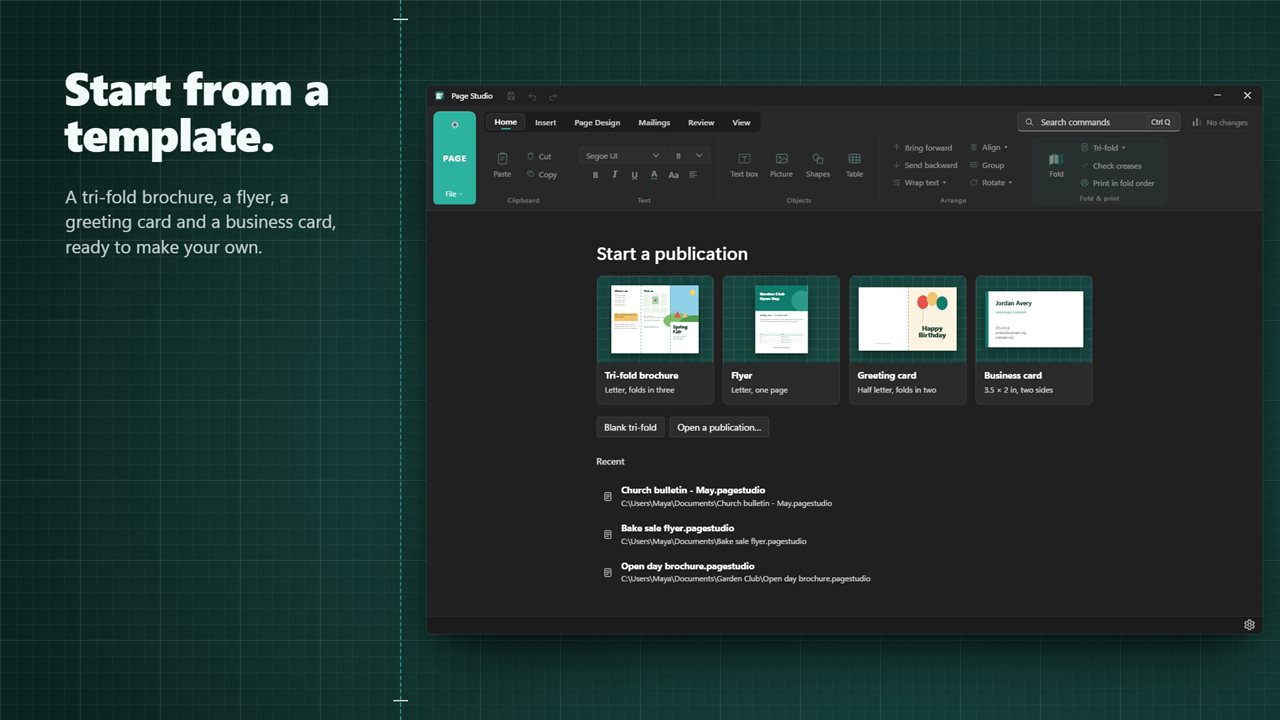
Start from a tri-fold brochure, a flyer, a greeting card or a business card, or from a blank page. Place text boxes, pictures, shapes and tables anywhere on the paper, and drag them into line against margins, guides and each other. Text wraps around a picture or runs above and below it. Choose from eight paper sizes, portrait or landscape, with a front and a back.
See it folded
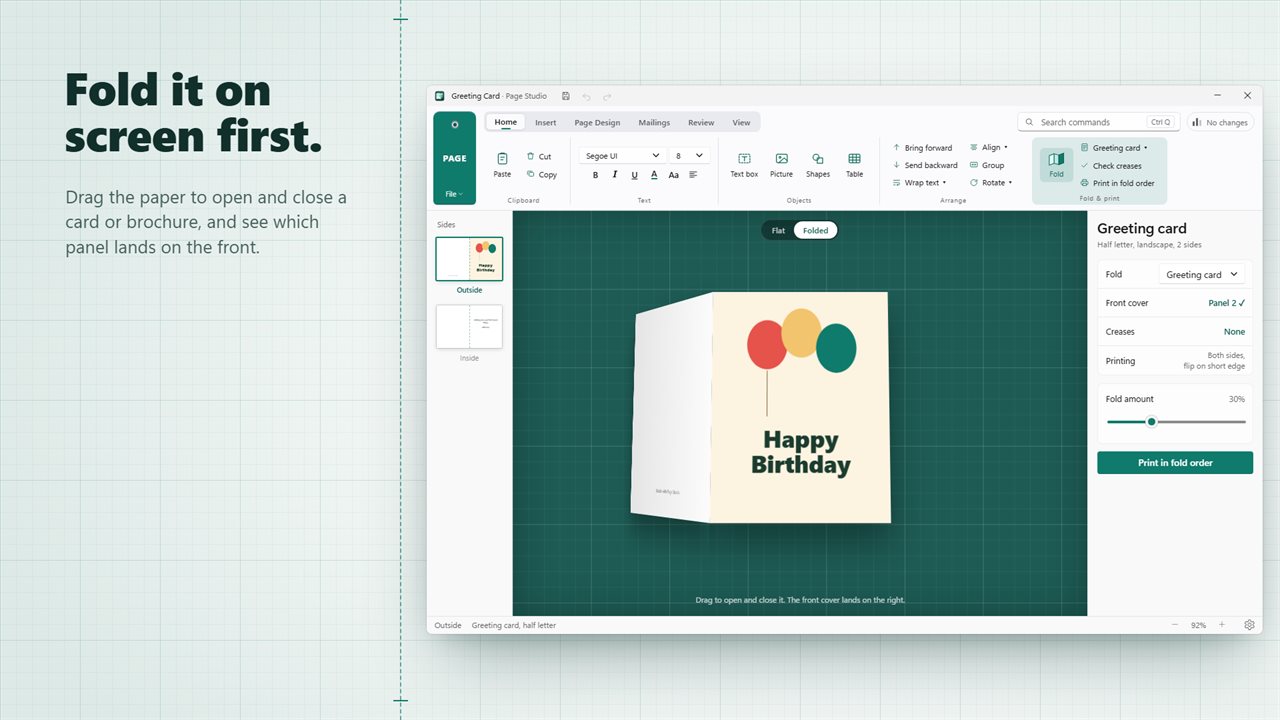
Pick a tri-fold, bi-fold, Z-fold or greeting card fold and switch to Folded. The paper folds in 3D on screen, and you drag it open and closed to see which panel ends up on the front.
Catch what runs over a fold
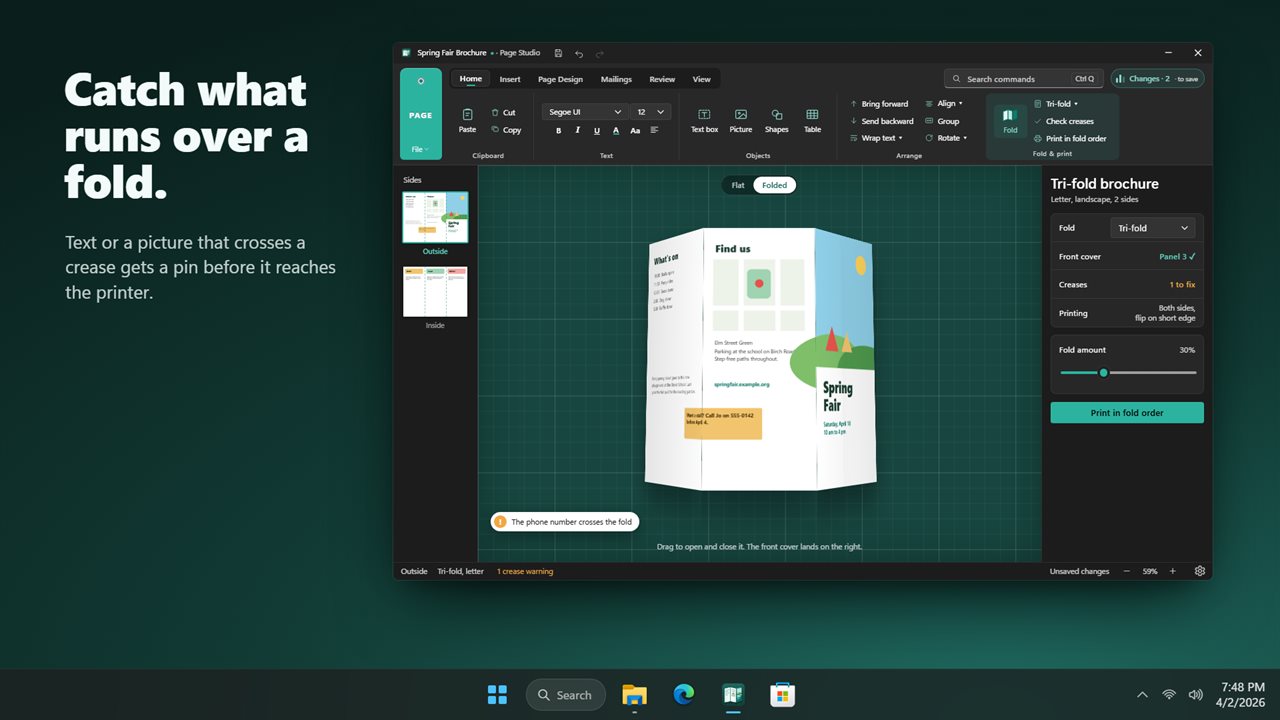
Check creases finds any text or picture that crosses a fold line and pins it, so a phone number never ends up split down the middle of a brochure.
Print it right
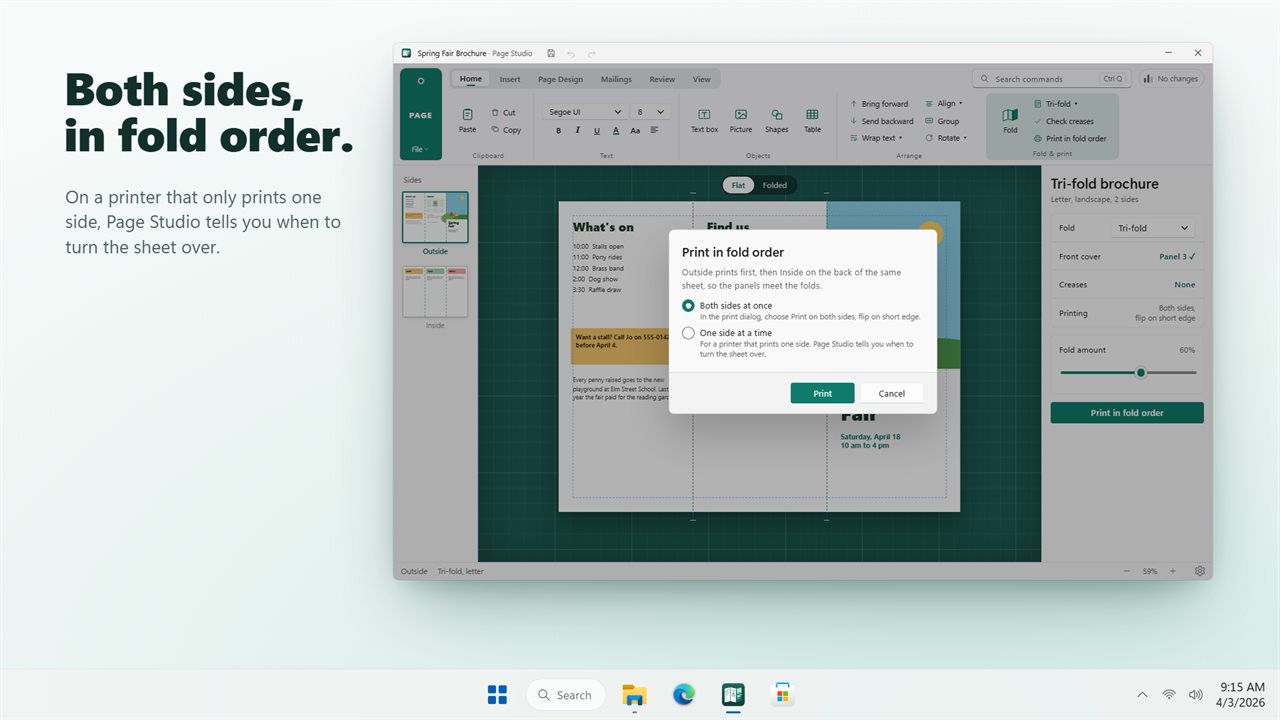
Print in fold order puts the inside on the back of the outside, so every panel meets its fold. Print both sides at once on a duplex printer, or one side at a time, and Page Studio tells you how to turn the sheet over. Or save a PDF with your fonts embedded and take it to a print shop.
Mail merge
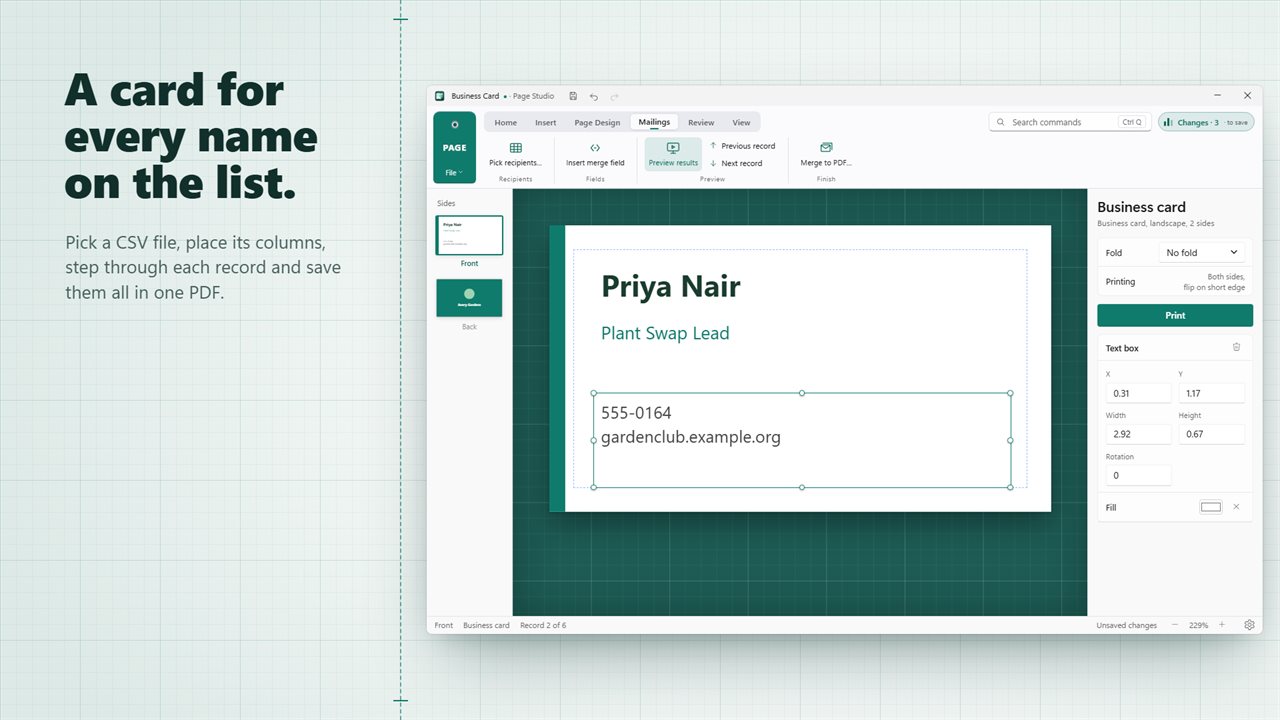
Pick a CSV list, put its columns into your text boxes, and step through each record. Merge to PDF makes one card or letter for every row.
Private by design
Everything happens on your PC. No account, no upload, and it works offline.
Features
- Open Publisher .pub files: text, pictures and shapes come across, and a report lists anything that changed
- Start from four templates: a tri-fold brochure, a flyer, a greeting card and a business card
- Eight paper sizes, from Letter, Legal, Tabloid, A4 and A5 to half letter, postcard and business card
- Tri-fold, bi-fold, Z-fold and greeting card folds, or a flat page with a front and back
- See the paper folded in 3D and drag it open and closed before you print
- Check creases: any text or picture that runs over a fold gets flagged
- Print in fold order, on both sides at once or one side at a time
- Text boxes in 19 fonts, with bold, italic, underline, color, alignment and spell check
- Pictures from PNG, JPEG, GIF, BMP, WebP and AVIF files, with text that wraps around them
- Seven shapes and tables, plus guides, margins, snapping, grouping, rotating and alignment
- Mail merge from a CSV list: preview each record and save them all in one PDF
- Save as PDF with your fonts embedded
- A Changes list of every edit since the last save, and Ctrl+Q to find any command
- Brings back unsaved work if the app closes unexpectedly
- Works offline. Light and dark themes that follow Windows
Details
- Works on
- Windows 10 (1809 or later) and Windows 11
- Download
- About 3.8 MB
- Version
- 1.0.2, updated October 2026
- First released
- October 2026
- Price
- $9.99 once. No subscription.
- Category
- Productivity
Questions
Anything else? Ask us
Which versions of Windows does it run on?
Windows 10 (version 1809 or later) and Windows 11.
Is it a subscription?
No. Page Studio is a one-time purchase of $9.99, and updates are included.
How do I get it?
EvlarSoft apps are moving to direct downloads from this site. Ask to be notified and we will email you as soon as Page Studio is ready to download.