PSB Image Viewer and Converter
Open PSB files without the app that made them. Photoshop Large Document images open on a double-click, convert singly or a whole folder at a time to PNG, JPG, TIFF, BMP, ICO or PDF, and nothing is ever uploaded — the file never leaves your PC.
PSB Image Viewer and Converter in 25 seconds
See it in action
About PSB Image Viewer and Converter
Open PSB files without the program that made them.
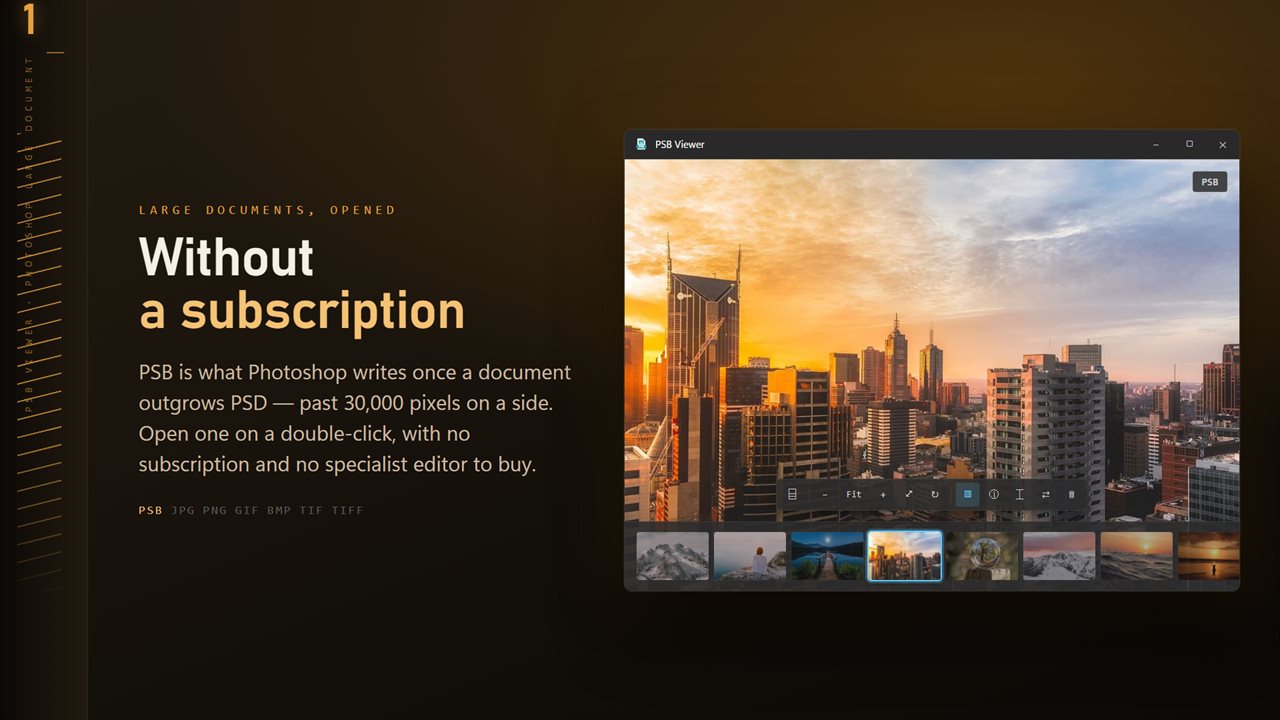
Photoshop Large Document (PSB) images open the moment you double-click them. No specialist editor to buy, no subscription, and no converting them to something else first. Point it at a file and the picture is on screen.
What it opens
Set it as the default app for PSB and your files open on a double-click, the same as any photo.
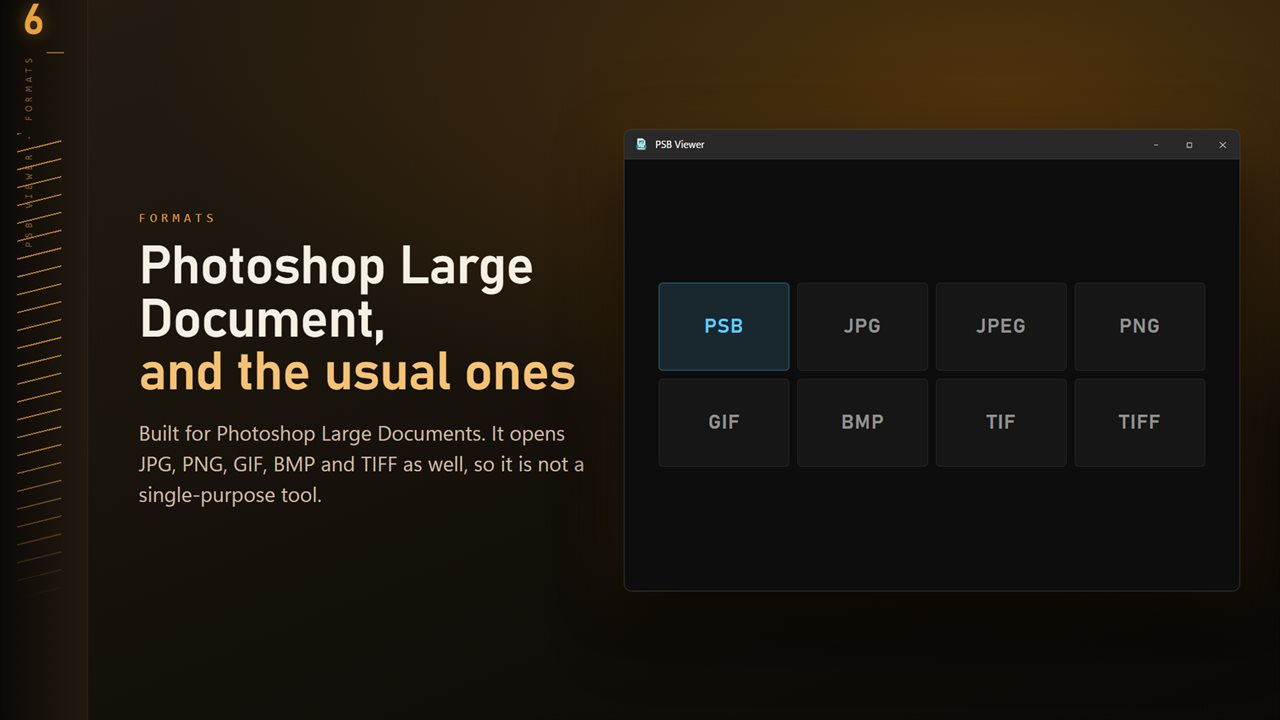
- PSB (Photoshop Large Document)
- JPG and JPEG
- PNG
- GIF
- BMP
- TIF and TIFF
The whole folder, along the bottom
Turn on the folder ribbon and every image beside the one you are looking at appears as a thumbnail across the foot of the window. Click any of them to open it. The one on screen is marked, so you always know where you are in a shoot.
Convert one file, or an entire folder
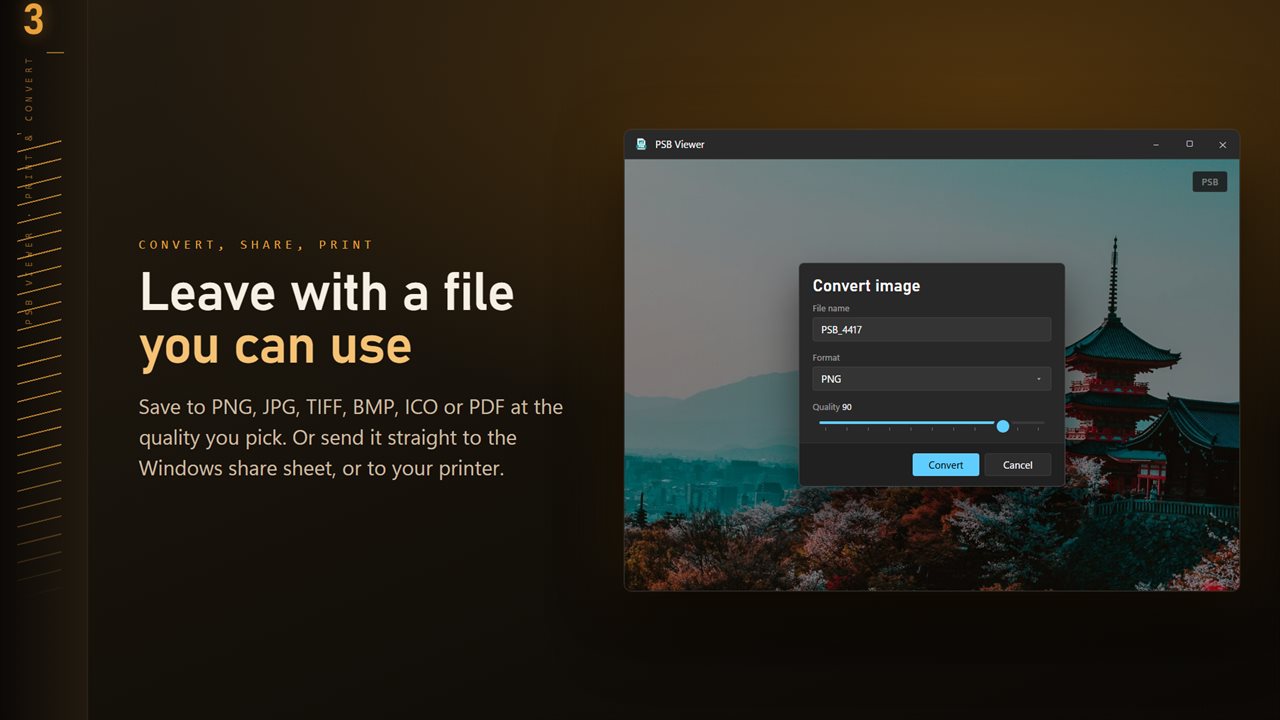
Save anything you can open as PNG, JPG, TIFF, BMP, ICO or PDF. Pick the quality before you convert, so a JPG meant for email and a TIFF meant for print are each exactly what you need.
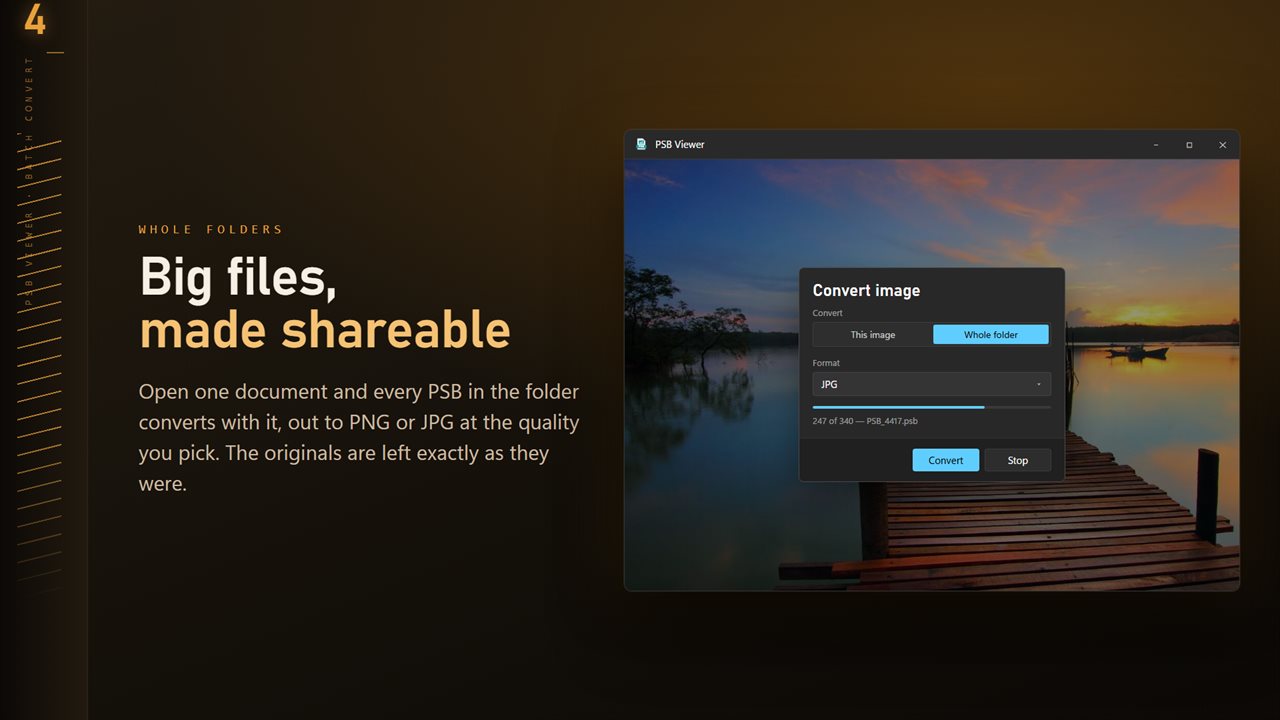
Batch mode takes a whole folder and converts it in one pass. If a file turns out to be unreadable, the run keeps going and tells you about it at the end, rather than stopping halfway and leaving you to work out how far it got. You can cancel mid-run, and choose what happens when a converted file would overwrite an existing one.
Read the text inside an image
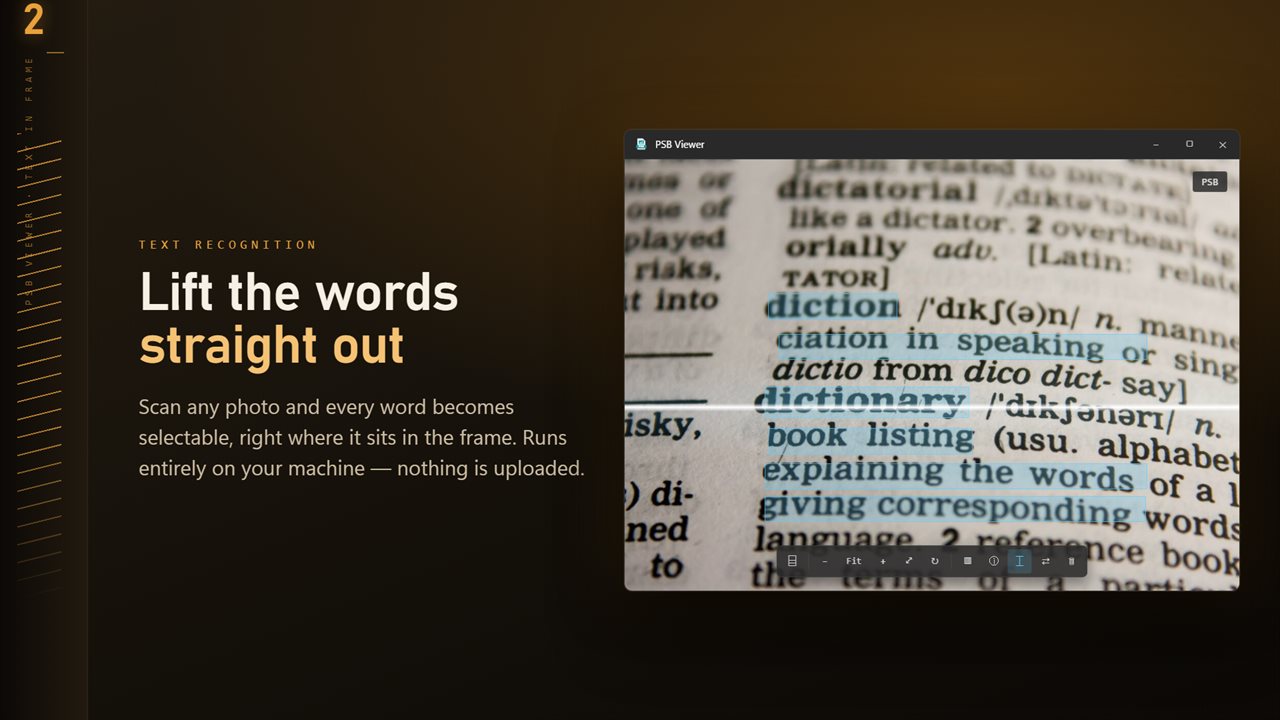
Scan any open image and the words in it become selectable text you can copy. A screenshot, a scanned receipt, a photo of a whiteboard, a page of a book. Text recognition runs entirely on your PC using the engine built into Windows, so nothing is uploaded and it works with no connection at all.
Looks, one click each
Give any image a new mood: Vivid, Warm, Cool, Faded, Matte, Golden hour, Teal & amber, Cross process, Noir, Silver and Sepia. Each one shows on the image the moment you pick it, a slider sets how strong it is, and Save a copy writes a new JPG wherever you choose. Your original file is never changed.
A viewer that gets out of the way
Zoom with the wheel or the keyboard, pan by dragging, rotate and flip, and snap back to fit-the-window in one keystroke. The arrow keys step through every image in the folder. The interface follows your Windows theme, or stays light or dark if you prefer, and gets fully out of the way while you are looking at a picture.
Settings let you choose what sits behind the image (near black, mid gray or white), whether images open fitted to the window or at actual size, whether the arrow keys go round at the end of the folder, and whether deleting asks first.
The details, beside the picture
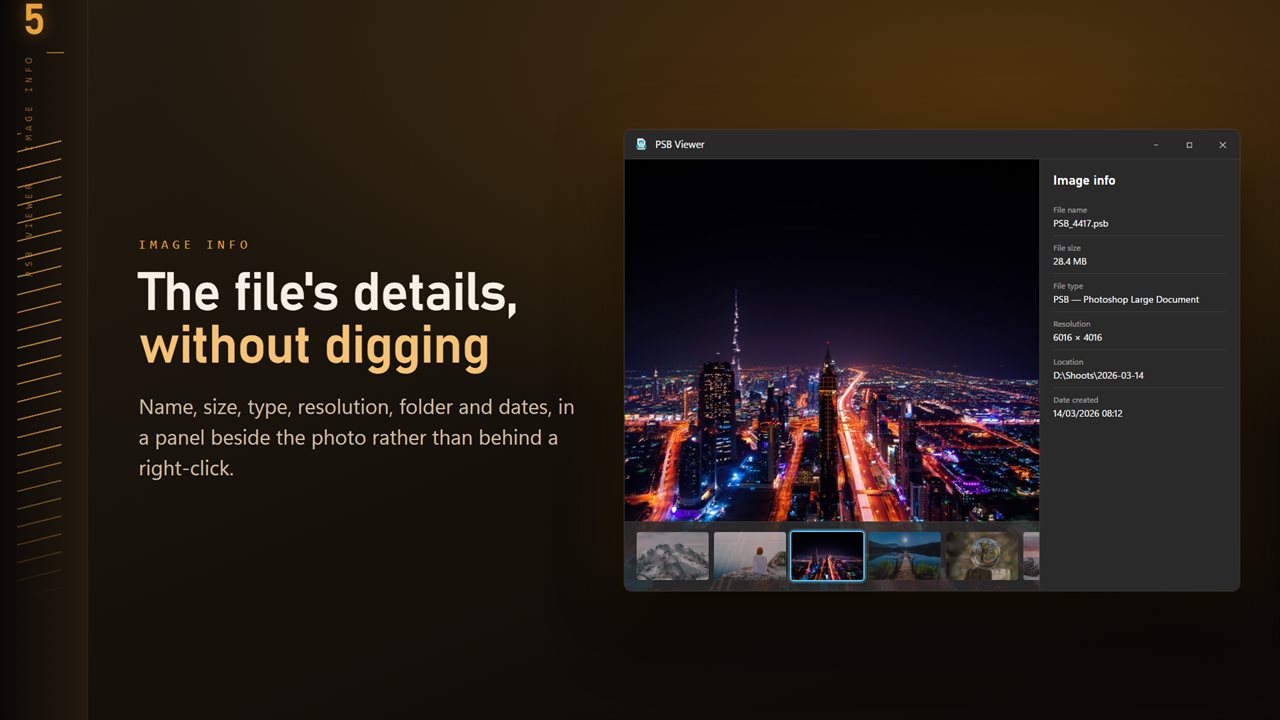
File name, size and type, pixel dimensions, the folder it lives in, and when it was created and last modified, in a panel next to the image instead of behind a right-click and a properties dialog.
Share and print
Send the image straight to the Windows share sheet, or to any printer, without converting or saving a copy first.
Your files stay on your PC
There is no account, no sign-in and no upload. Viewing, converting, text recognition and metadata all happen locally on your machine. The app works entirely offline.
Features
- Opens PSB files (Photoshop Large Document)
- Also opens JPG, PNG, GIF, BMP and TIFF
- Folder ribbon: every image in the folder along the bottom, one click away
- 11 Looks: one-click color styles with a strength slider, saved as a new JPG
- Settings: light or dark, what sits behind the image, and how images open
- Batch convert a whole folder in one pass
- Convert to PNG, JPG, TIFF, BMP, ICO or PDF at the quality you choose
- Extract text from any image, entirely on your PC
- Zoom, pan, rotate and flip with the keyboard or mouse
- Step through a folder with the arrow keys
- File details beside the image: size, type, resolution and dates
- Share and print straight from the app
Details
- Works on
- Windows 10 (1809 or later) and Windows 11
- Download
- About 18.7 MB
- Version
- 1.0.4, updated October 2026
- First released
- September 2026
- Price
- $2.99 once. No subscription.
- Category
- Photo & video
What's new in 1.0.4
- 11 Looks: one-click color styles with a strength slider. Save a copy as a new JPG; the original is never changed
- New Settings page: light or dark, what sits behind the image, how images open, and more
- The title bar shows the name of the image you are looking at
- The Open dialog starts on all images
Questions
Anything else? Ask us
Which versions of Windows does it run on?
Windows 10 (version 1809 or later) and Windows 11.
Is it a subscription?
No. PSB Image Viewer and Converter is a one-time purchase of $2.99, and updates are included.
How do I get it?
EvlarSoft apps are moving to direct downloads from this site. Ask to be notified and we will email you as soon as PSB Image Viewer and Converter is ready to download.