Quick Audio to WAV Converter
Drop a file on the pad and click Convert to WAV. Quick Audio to WAV Converter turns MP3, M4A, FLAC, WMA and more into WAV files, one or a whole row at a time. Click the pad to hear a file first, pick CD quality or 24-bit, and find the WAV right next to the original.
Drop it on the pad. Get a WAV.
See it in action
About Quick Audio to WAV Converter
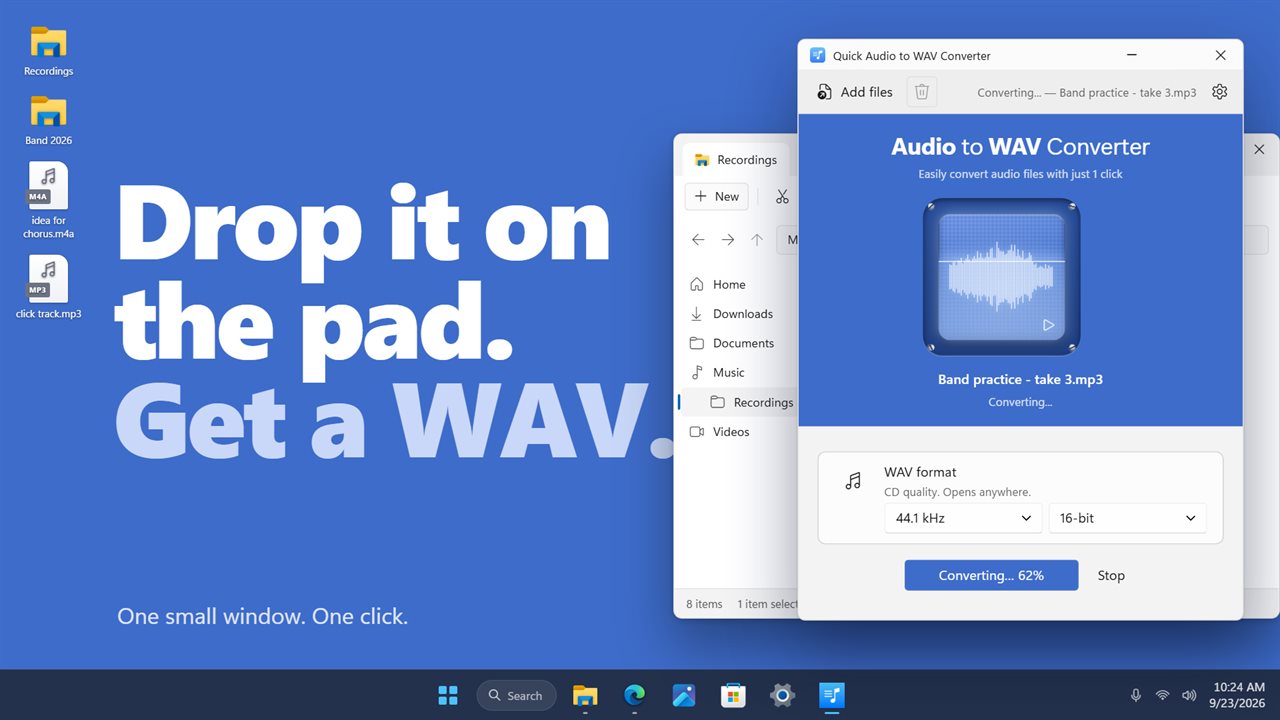
Drop it on the pad. Get a WAV. Quick Audio to WAV Converter turns your audio files into WAV with one click.
One pad, one click
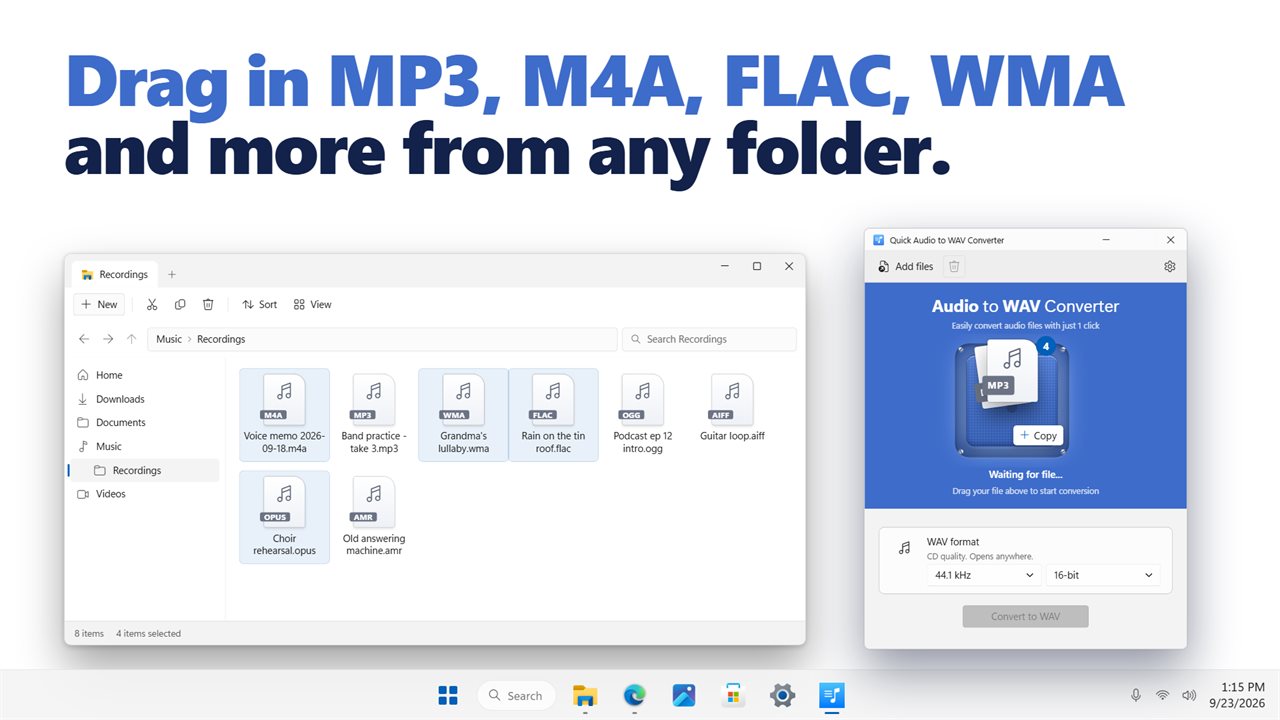
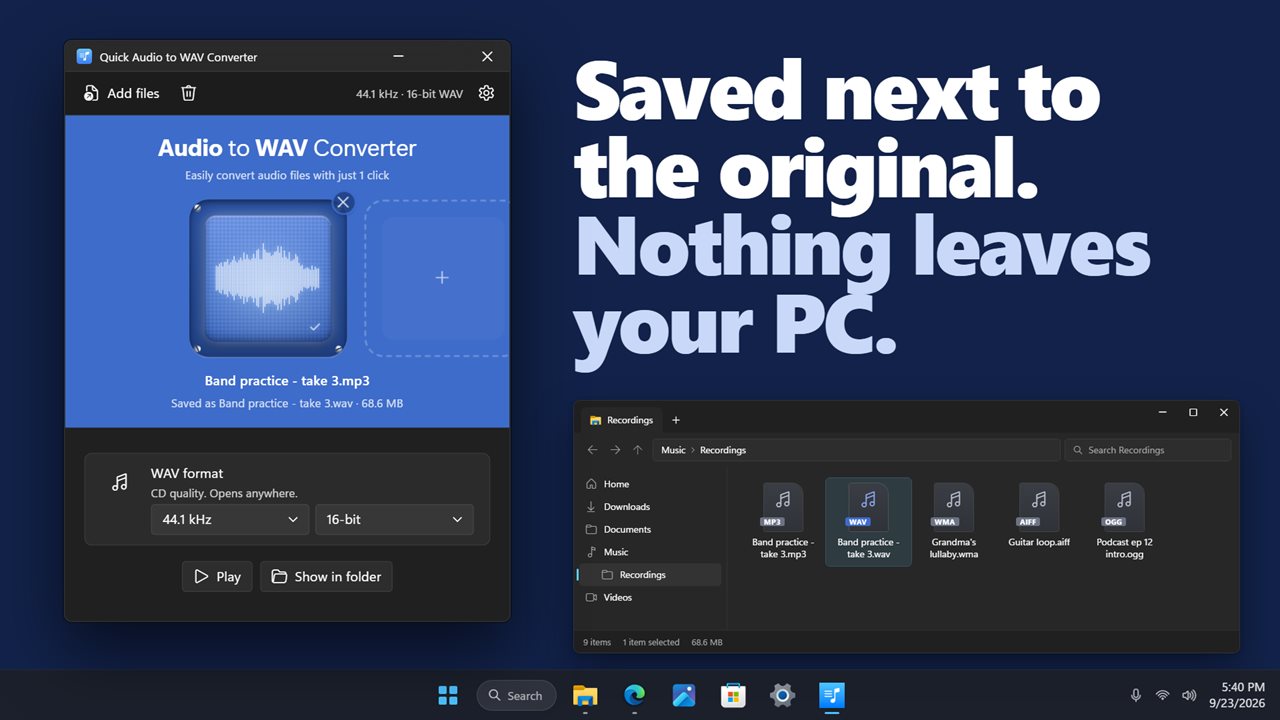
The window is built around a single blue pad. Drop an audio file on it, or click it to choose one. The pad lights up with the file's waveform, and the name, length and format appear underneath. Click Convert to WAV and you're done.
Hear it first
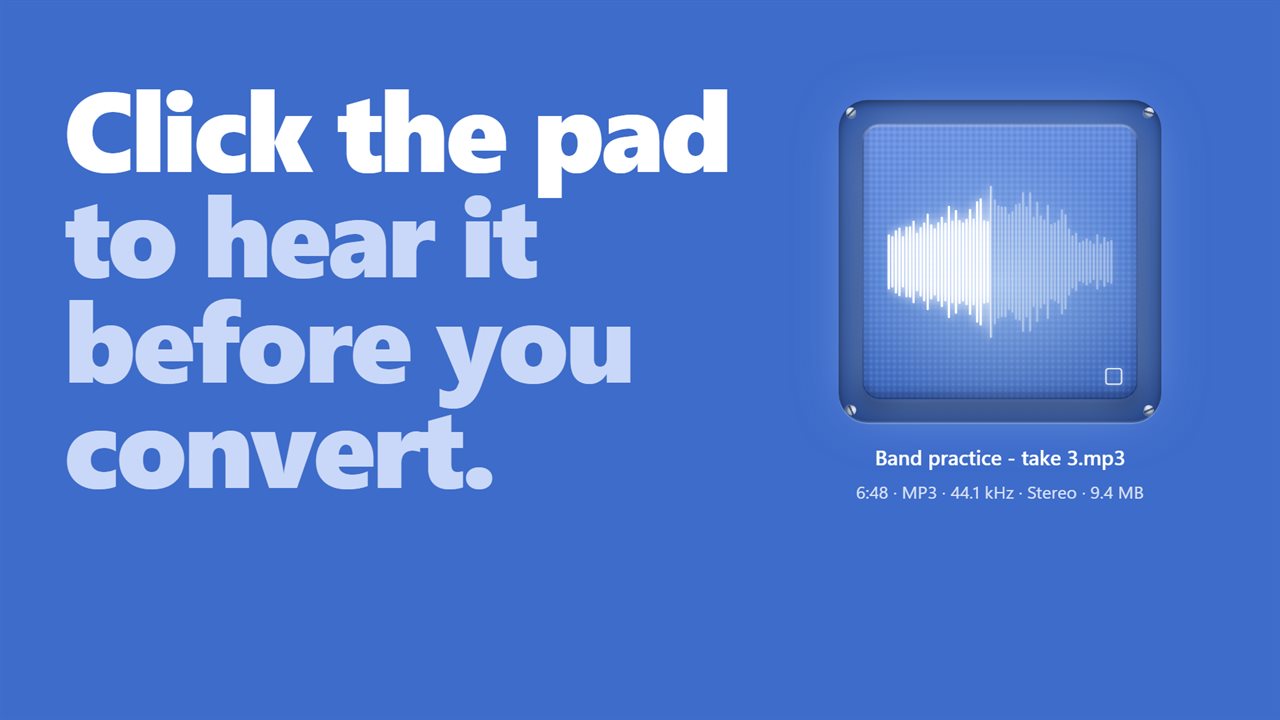
Click the pad to play the file, and click again to stop. The waveform lights up as it plays, so you know you have the right one before you convert it.
A pad for every file
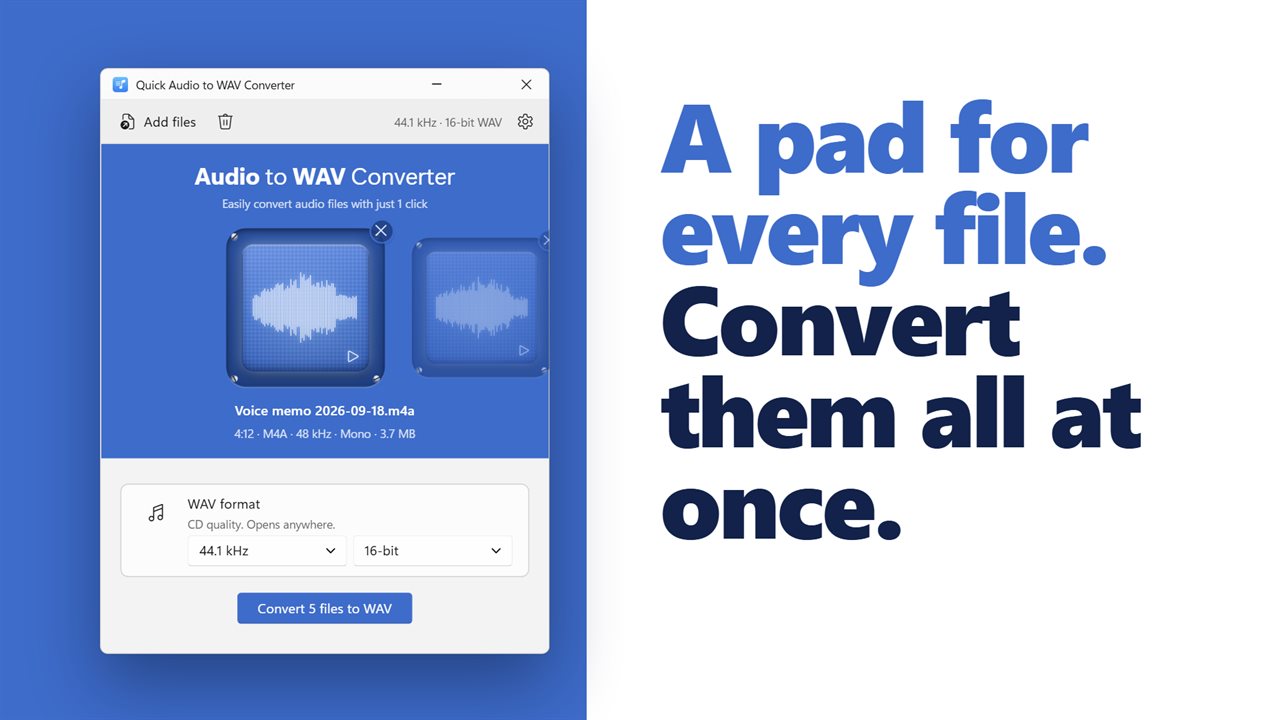
Add as many files as you like. Each one gets its own pad in a row, and you swipe between them. One click converts them all, and each pad fills up as its file is converted.
Almost any audio
MP3, M4A, AAC, FLAC, OGG, Opus, WMA, AIFF, AMR, AC3 and MKA all convert. So do videos, including MP4, MOV, MKV, WebM, AVI and WMV: the app keeps the sound and leaves the picture behind.
Cd quality or studio
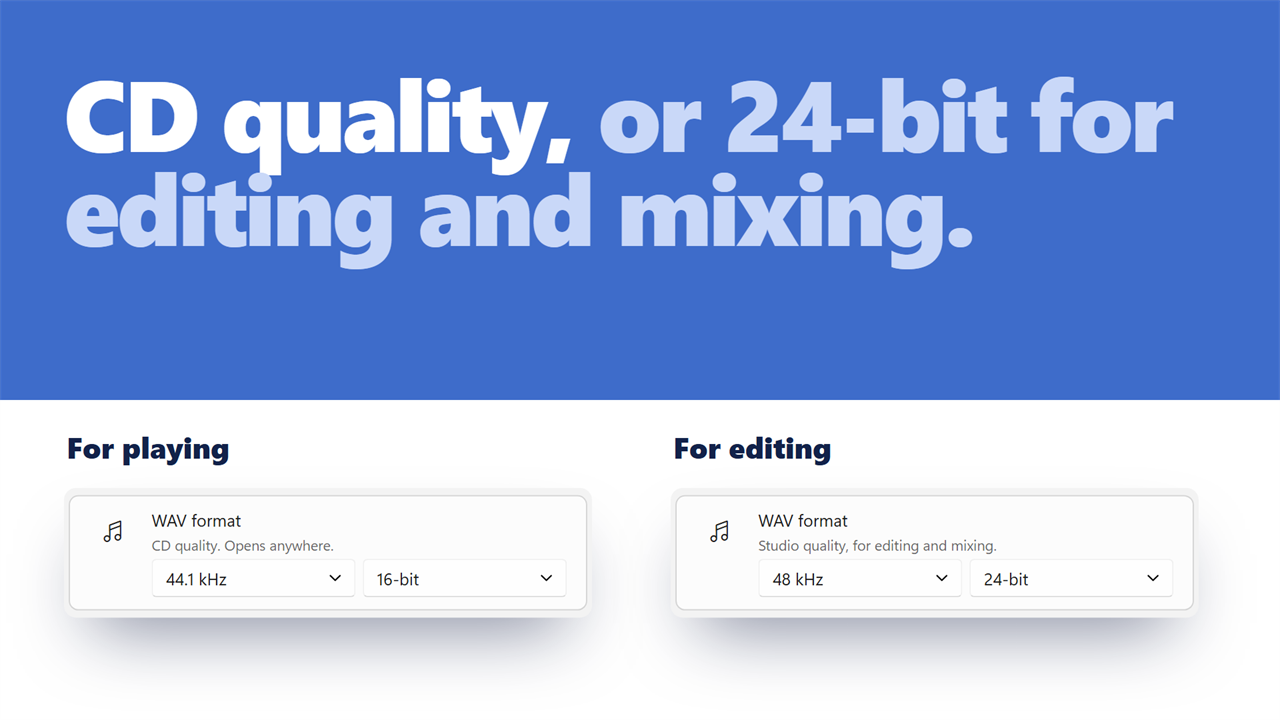
Choose 44.1 kHz or 48 kHz, and 16-bit or 24-bit. 44.1 kHz at 16-bit is CD quality and opens anywhere. 24-bit is for editing and mixing, and 48 kHz is the video standard.
Right next to the original
Each WAV is saved in the same folder as the file it came from, with the same name. Your originals are never changed, and nothing is ever written over. When it's done, play the new WAV or show it in its folder. The app can also open the folder and play a sound for you when a conversion finishes.
Private by design
Everything happens on your PC. Your files are never uploaded, and there is no account.
Features
- Drop an audio file on the big blue pad, or click the pad to choose one
- Click the pad to play the file before you convert it. Its waveform lights up as it plays
- Converts MP3, M4A, AAC, FLAC, OGG, Opus, WMA, AIFF, AMR, AC3 and MKA files to WAV
- Takes the sound out of videos too, including MP4, MOV, MKV, WebM, AVI and WMV
- Add as many files as you like. Each one gets its own pad, and you swipe between them
- Convert every file in the row with one click
- Choose 44.1 kHz or 48 kHz
- Choose 16-bit for CD quality, or 24-bit for editing and mixing
- Already have a WAV? Save a copy at a different sample rate or bit depth
- The pad fills up as the file converts, and the button counts the percent
- Each new WAV is saved next to the original, with the same name
- Your original files are never changed, and nothing is ever written over
- Play the new WAV, or show it in its folder, as soon as it is done
- Can open the folder and play a sound when a conversion finishes
- Tells you plainly when a file has no sound in it
- Everything happens on your PC. Your files are never uploaded
- Light and dark themes, or match Windows
Details
- Works on
- Windows 10 (1809 or later) and Windows 11
- Download
- About 74.3 MB
- Version
- 2.0.4, updated October 2026
- First released
- June 2022
- Price
- $2.99 once. No subscription.
- Category
- Utilities & tools
What's new in 2.0.4
- New: drop a file on the pad, and click the pad to play it before you convert
- New: add as many files as you like and convert them all with one click
- New: choose 44.1 or 48 kHz, and 16-bit or 24-bit
- New: many more formats, including FLAC, Opus, AIFF and the sound from videos
- New: play the new WAV or show it in its folder when it's done
- New: light and dark themes
Questions
Anything else? Ask us
Which versions of Windows does it run on?
Windows 10 (version 1809 or later) and Windows 11.
Is it a subscription?
No. Quick Audio to WAV Converter is a one-time purchase of $2.99, and updates are included.
How do I get it?
EvlarSoft apps are moving to direct downloads from this site. Ask to be notified and we will email you as soon as Quick Audio to WAV Converter is ready to download.