Quick Image to Icon Converter
Create custom icons with ease using Quick Image to Icon Converter. Whether you're customizing your application icons, organizing folders, or enhancing your website's visual appeal, this application offers a fast and user-friendly solution for transforming images into icons, ensuring a seamless and efficient icon customization process.
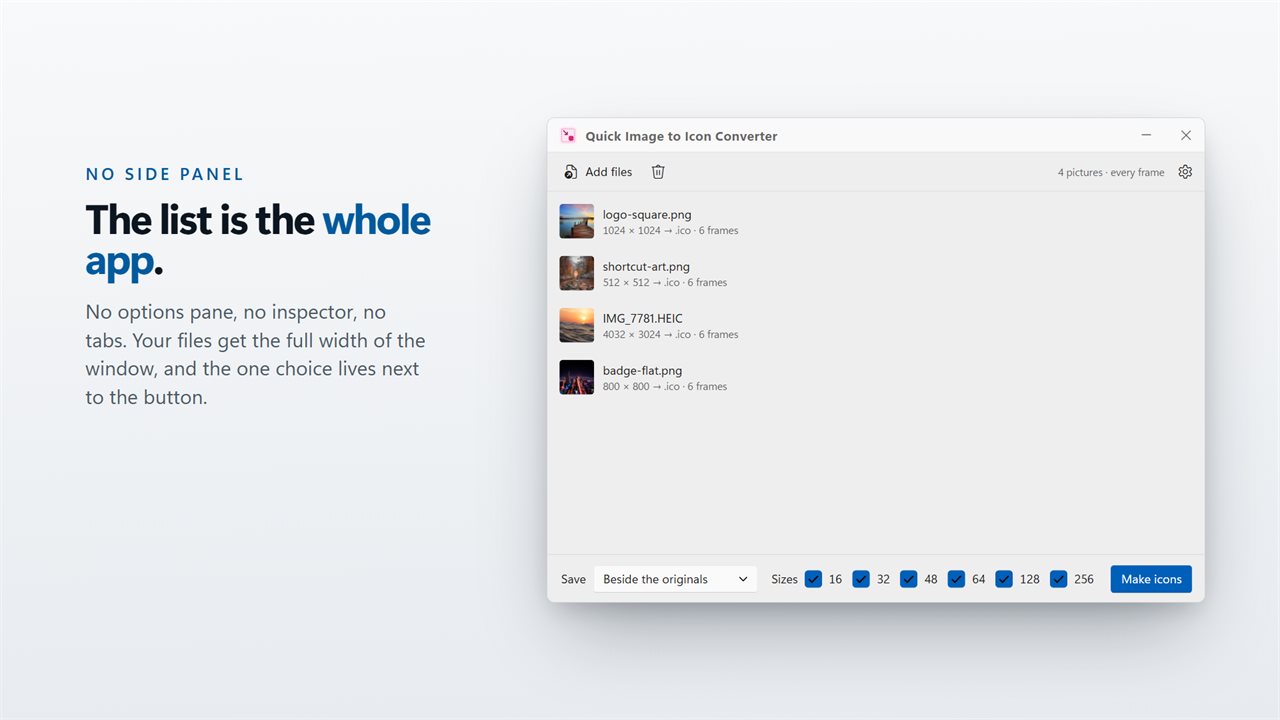
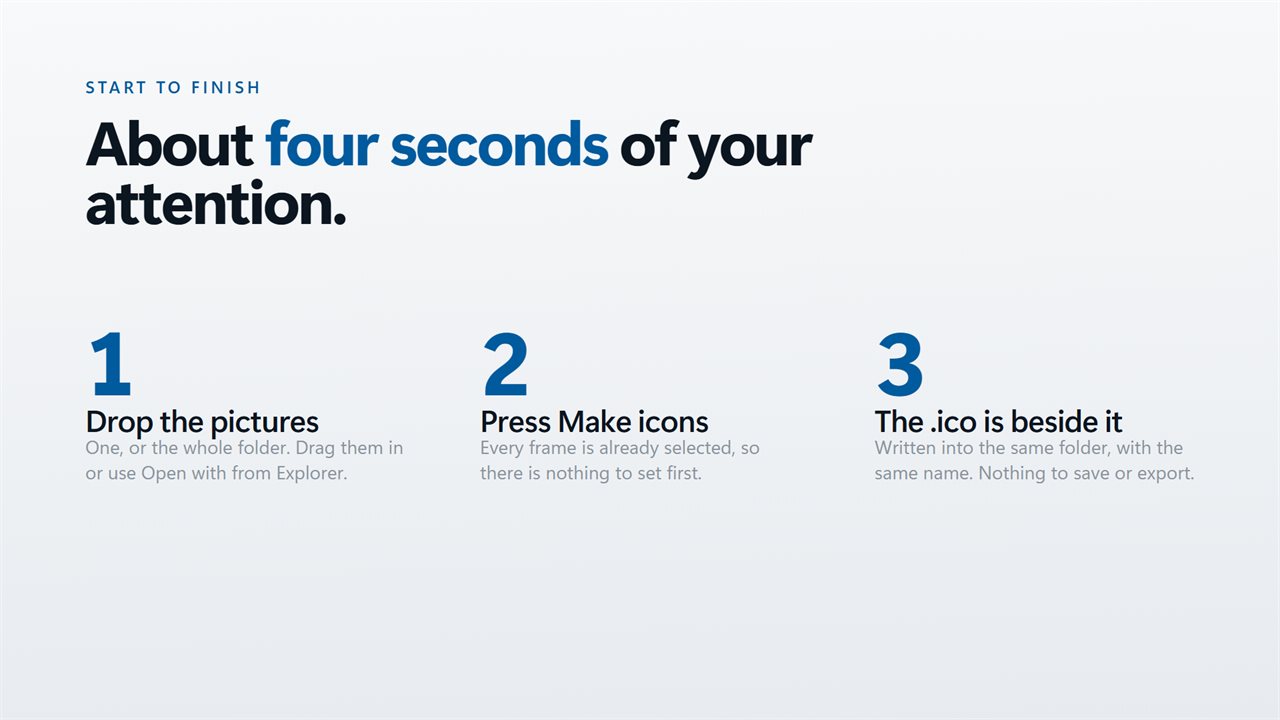
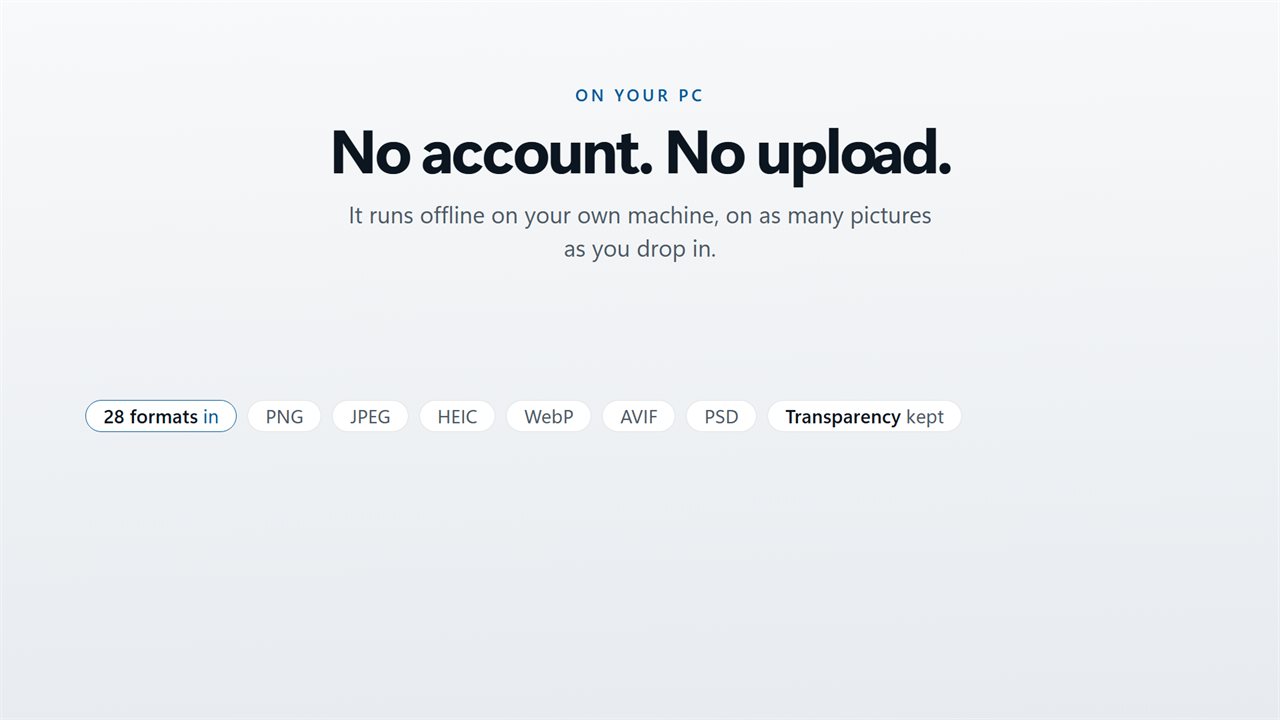
Drop, press, done — there is nothing to configure.
See it in action
About Quick Image to Icon Converter
Transform your images into icons effortlessly with Quick Image to Icon Converter, a user-friendly application designed to provide quick and seamless image-to-icon conversion. This versatile tool allows you to convert images into standard icon formats with just a few clicks, making it convenient for customizing icons for applications, folders, or websites. Whether you're a designer, developer, or anyone looking to create personalized icons, Quick Image to Icon Converter offers a fast and efficient solution.
Key Features:
🔄 Rapid Image-to-Icon Conversion: Convert images to standard icon formats quickly and easily, streamlining the process for creating custom icons.
📸 Supported Image Formats: Support for various image formats, allowing you to convert JPEG, PNG, GIF, and other popular formats into icons.
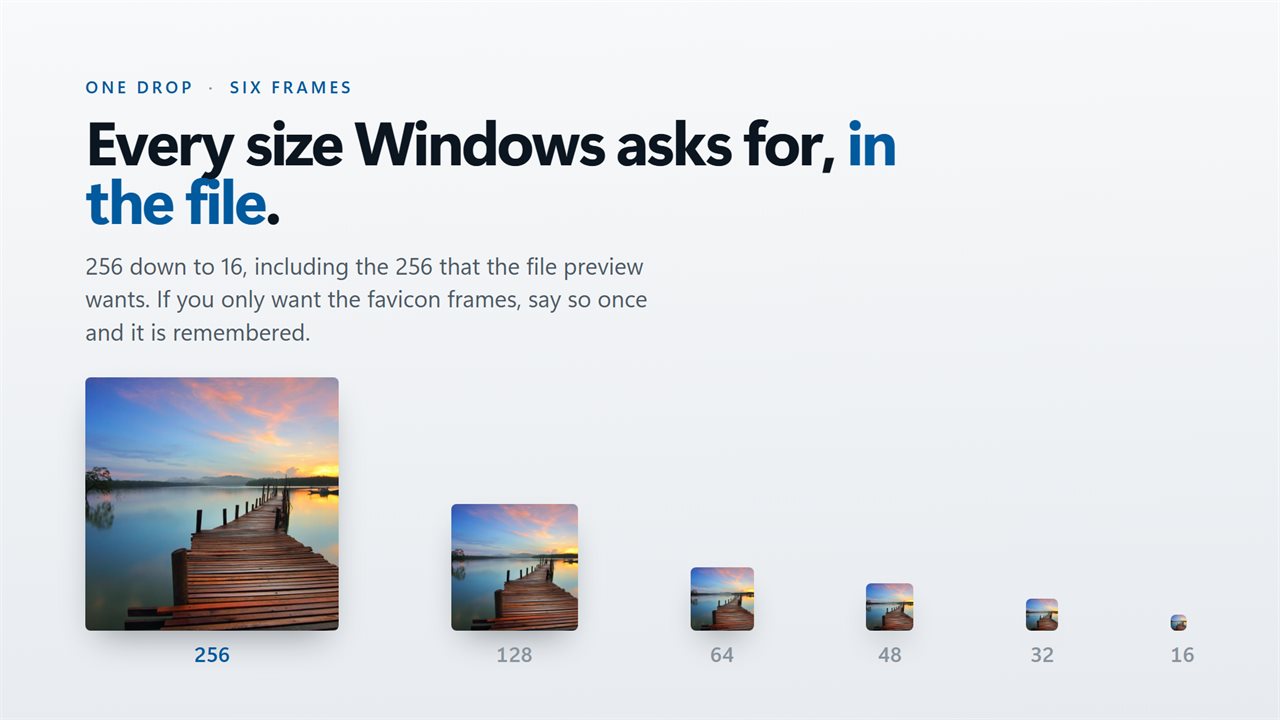
🎨 Icon Customization: Choose the size and resolution of the resulting icon, providing flexibility for different icon requirements.
🚀 Minimal Resource Impact: Run Quick Image to Icon Converter with minimal impact on system resources, ensuring optimal performance.
🔒 Privacy Assurance: Your images and conversion settings remain private – Quick Image to Icon Converter operates offline, prioritizing your data privacy.
Create custom icons with ease using Quick Image to Icon Converter. Whether you're customizing your application icons, organizing folders, or enhancing your website's visual appeal, this application offers a fast and user-friendly solution for transforming images into icons, ensuring a seamless and efficient icon customization process.
Details
- Works on
- Windows 10 (1809 or later) and Windows 11
- Download
- About 16.2 MB
- Version
- 2.0.4, updated October 2026
- First released
- June 2022
- Price
- $1.99 once. No subscription.
- Category
- Utilities & tools
What's new in 2.0.4
- Added support for .TIFF files
- Performance fixes
- Bug fixes
Questions
Anything else? Ask us
Which versions of Windows does it run on?
Windows 10 (version 1809 or later) and Windows 11.
Is it a subscription?
No. Quick Image to Icon Converter is a one-time purchase of $1.99, and updates are included.
How do I get it?
EvlarSoft apps are moving to direct downloads from this site. Ask to be notified and we will email you as soon as Quick Image to Icon Converter is ready to download.