Quick PDF File Compressor
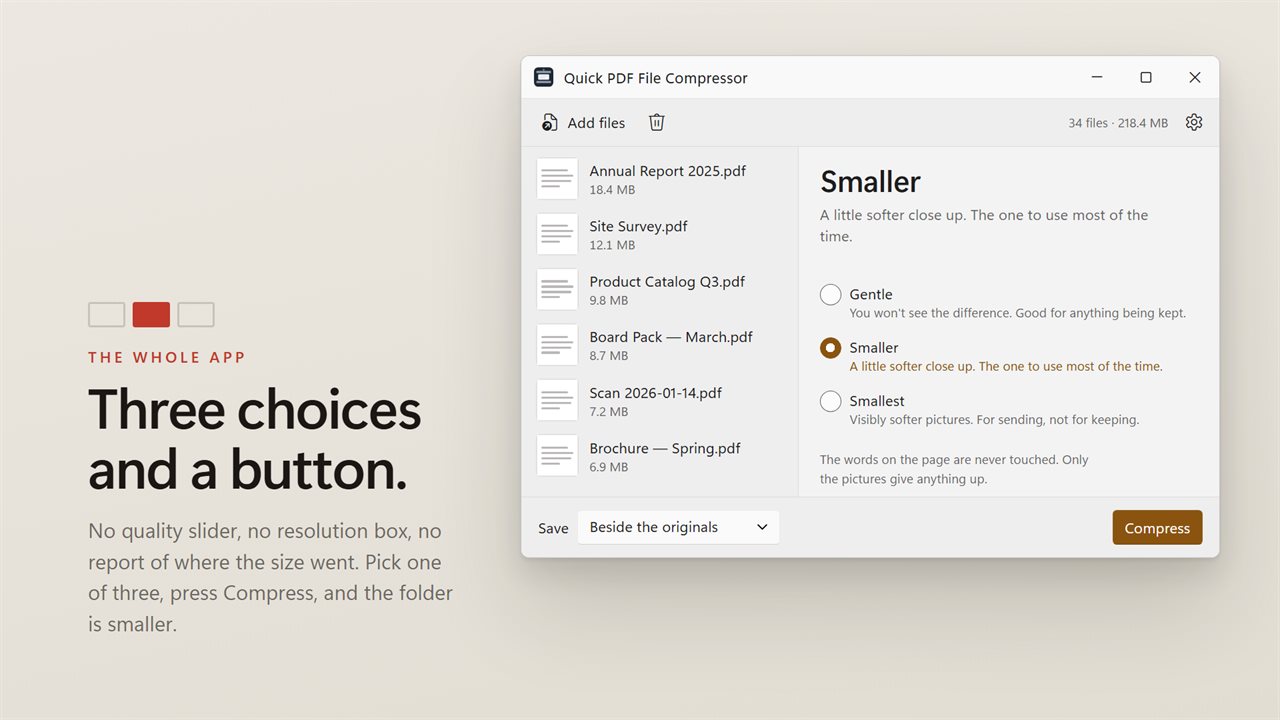
Three choices and a button. Gentle, if you will not accept a visible difference. Smaller, which is the one to use most of the time. Smallest, for something you are sending rather than keeping. Each is described by what it costs you instead of by a number, so there is no quality slider to interpret and nothing to learn before you start. Point it at a folder and press the button. Nothing is uploaded.
Three choices and a button. That is the whole app.
See it in action
About Quick PDF File Compressor
Three choices and a button.
Quick PDF File Compressor is deliberately the simplest thing in this range. There is no quality percentage, no resolution setting, no breakdown of where the size went, and no vocabulary you have to learn before you can make a file smaller. There is a folder, three options, and a button.
Described by what it costs, not by a number
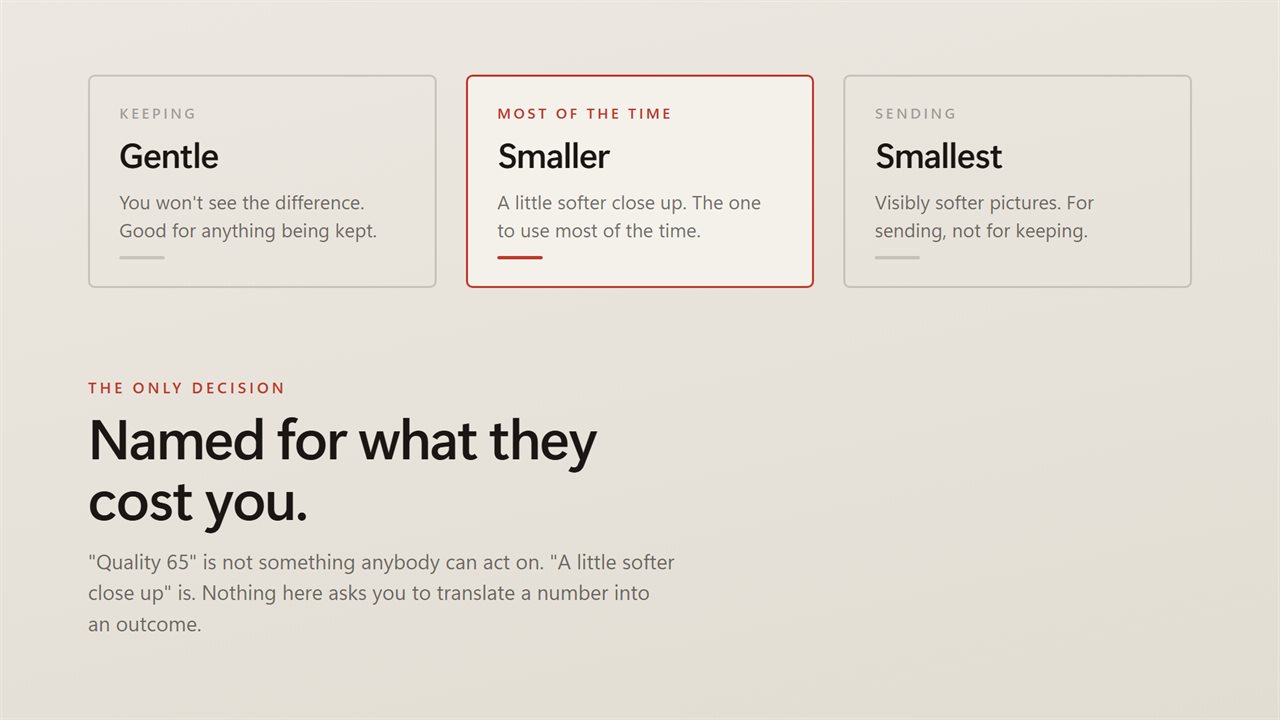
That is the entire decision. "Quality 65" is not information anybody can act on; "a little softer close up" is.
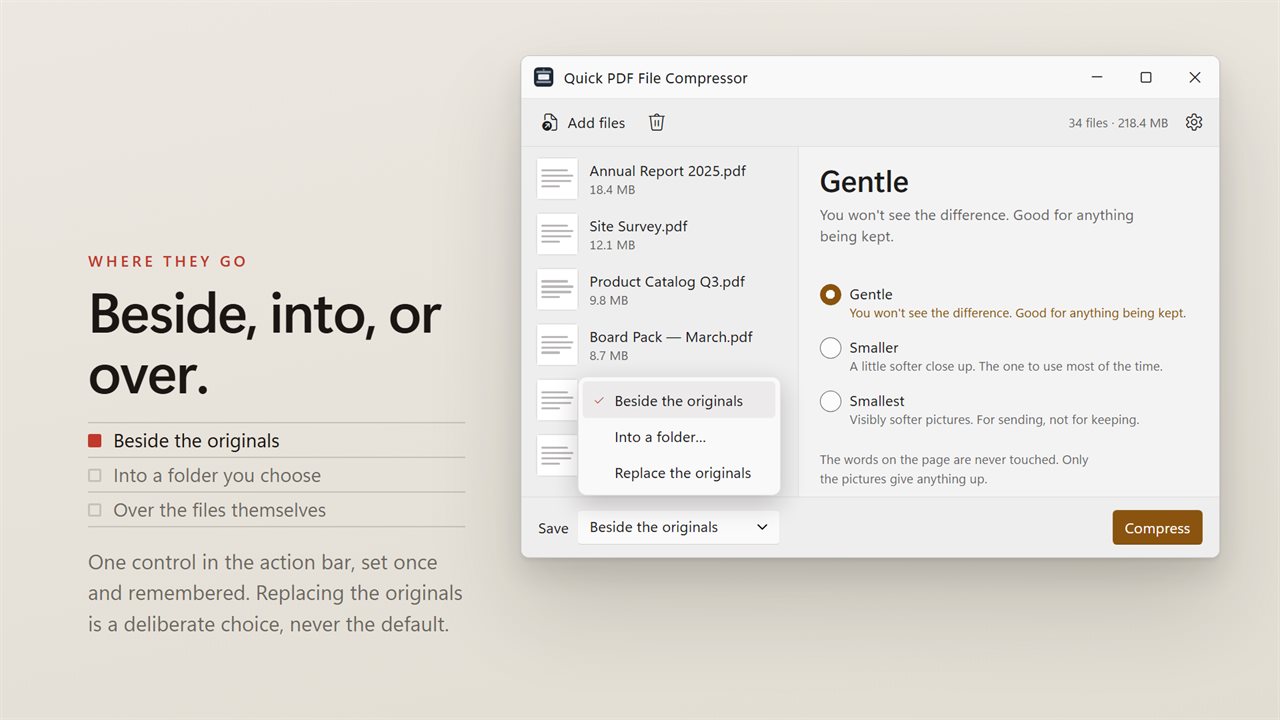
- Gentle — you will not see the difference. Good for anything being kept.
- Smaller — a little softer close up. The one to use most of the time.
- Smallest — visibly softer pictures. For sending, not for keeping.
A whole folder at once
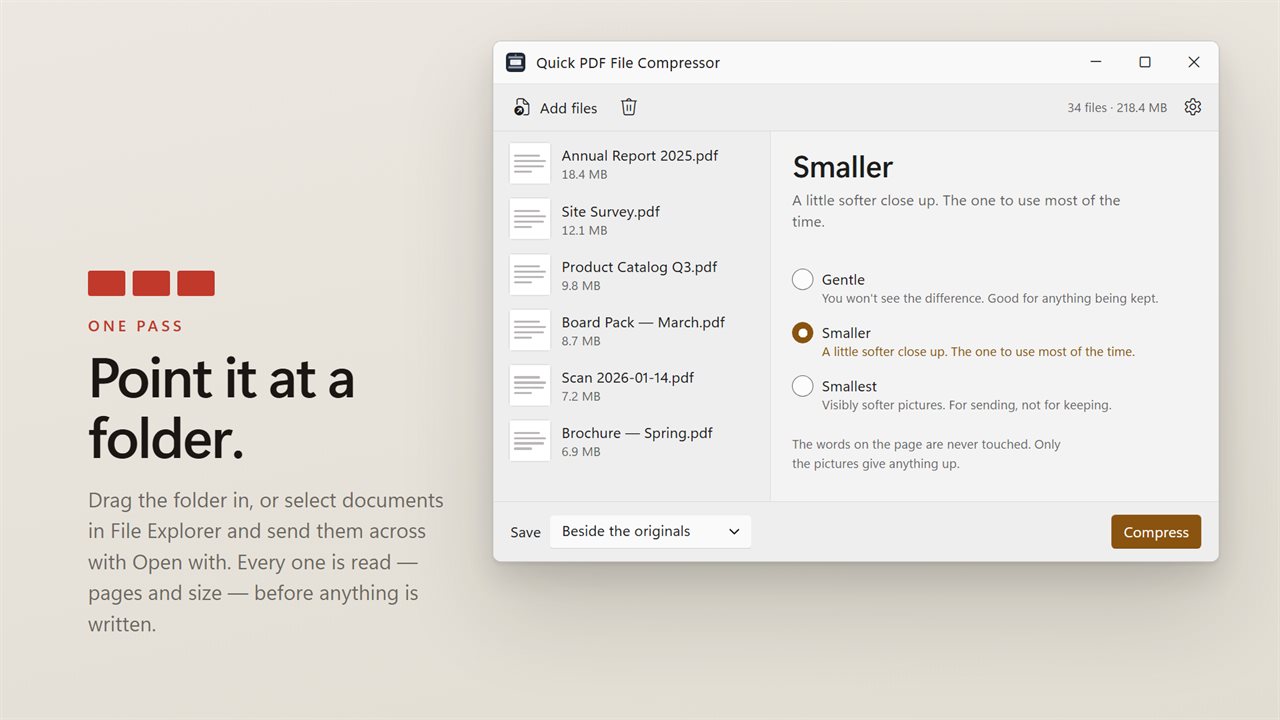
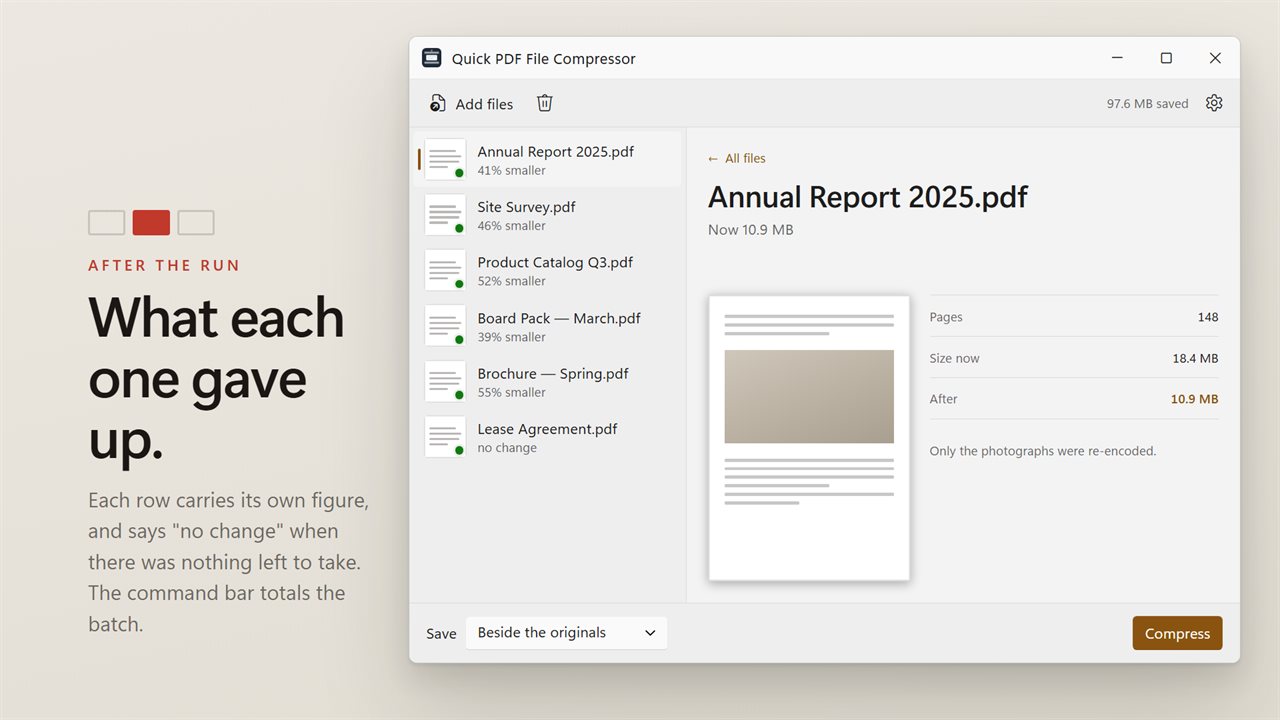
Drag a folder in, or select documents in File Explorer and send them across with Open with. Each row carries its page count, its size and a preview of the first page, and shows what it weighed before and after once the run is done. The command bar totals the batch.
Anything that could not be processed is named individually with the reason, and one unreadable document never stops the run.
Where the results go
Write compressed copies beside the originals, send them into a folder of their own, or replace the originals in place.
If you want more control
You will not find it here, and that is on purpose. If you need to know why a document is large before you compress it, or to hit a specific size limit, those are different apps — this one is for when you simply want the file smaller and would rather not think about it.
On your PC, only
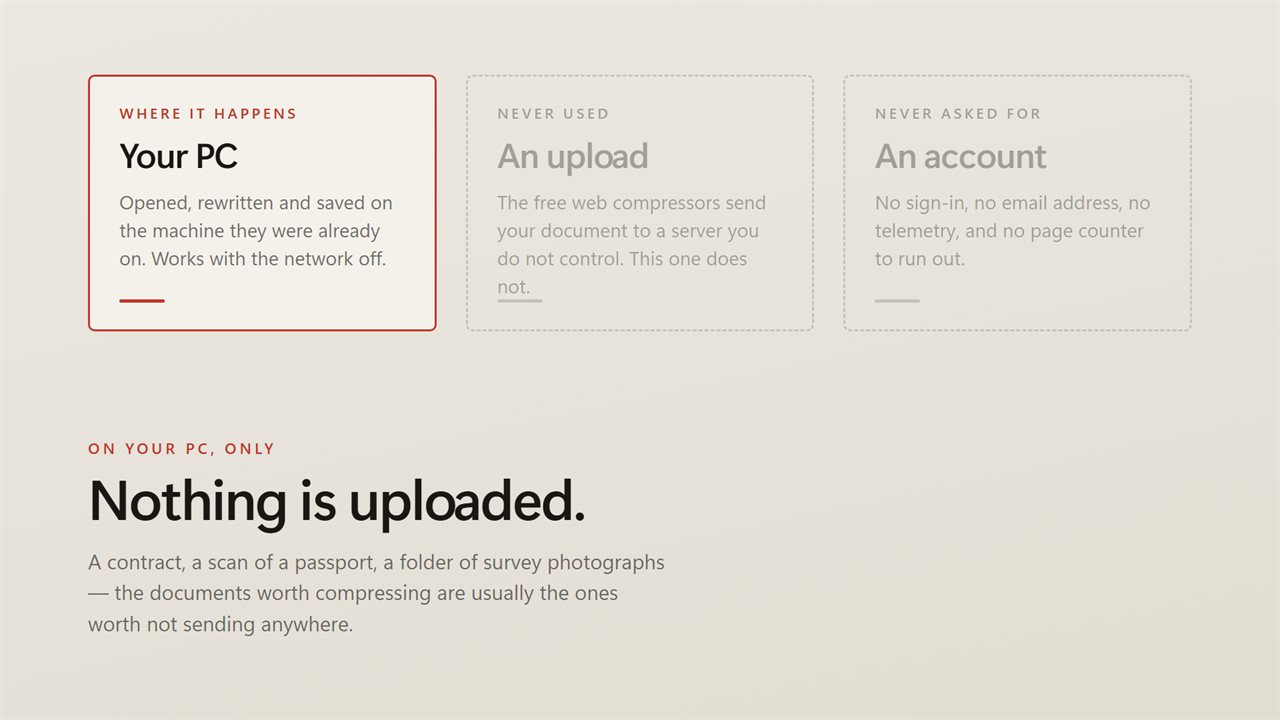
The free web compressors do this by uploading your document to their servers. This does not. No account, no sign-in, no upload, no telemetry, and it works with the network off.
Features
- Three choices and a button. Gentle, Smaller, or Smallest
- Each one described by what it costs you, never by a number
- No quality slider, no resolution setting, no vocabulary to learn first
- Before and after sizes per document, and across the whole batch
- Takes a whole folder at once — drag them in, or right-click a selection in File Explorer
- Write the results beside the originals, into a folder you choose, or over the files themselves
- Names every document it could not process, and why, instead of quietly skipping it
- Cancel mid-run; everything already finished stays finished
- Runs entirely on your PC — no account, no upload, no server processing
Details
- Works on
- Windows 10 (1809 or later) and Windows 11
- Download
- About 16.4 MB
- Version
- 2.0.5, updated October 2026
- First released
- June 2022
- Price
- $2.49 once. No subscription.
- Category
- Utilities & tools
What's new in 2.0.5
- Simplified to three choices — Gentle, Smaller, Smallest — each described by what it costs rather than by a quality number
- Now takes a whole folder in one pass instead of one document at a time
- Shows what each document weighed before and after, and totals the batch
- Anything that could not be compressed is now named with the reason instead of being skipped silently
- A redesigned interface that follows your Windows light or dark theme
Questions
Anything else? Ask us
Which versions of Windows does it run on?
Windows 10 (version 1809 or later) and Windows 11.
Is it a subscription?
No. Quick PDF File Compressor is a one-time purchase of $2.49, and updates are included.
How do I get it?
EvlarSoft apps are moving to direct downloads from this site. Ask to be notified and we will email you as soon as Quick PDF File Compressor is ready to download.
More from EvlarSoft
 PDF/A Compliance ConverterPDF/A conformance is a checklist, and a tool that hides it behind one Convert button is a tool that will tell you it succeeded when it did not.
 PDF Images ExtractorTwo directions on one screen: take the pictures out of a document, or take them away.
 PDF Password LockerOne password, many documents.