Screen Privacy Blackout
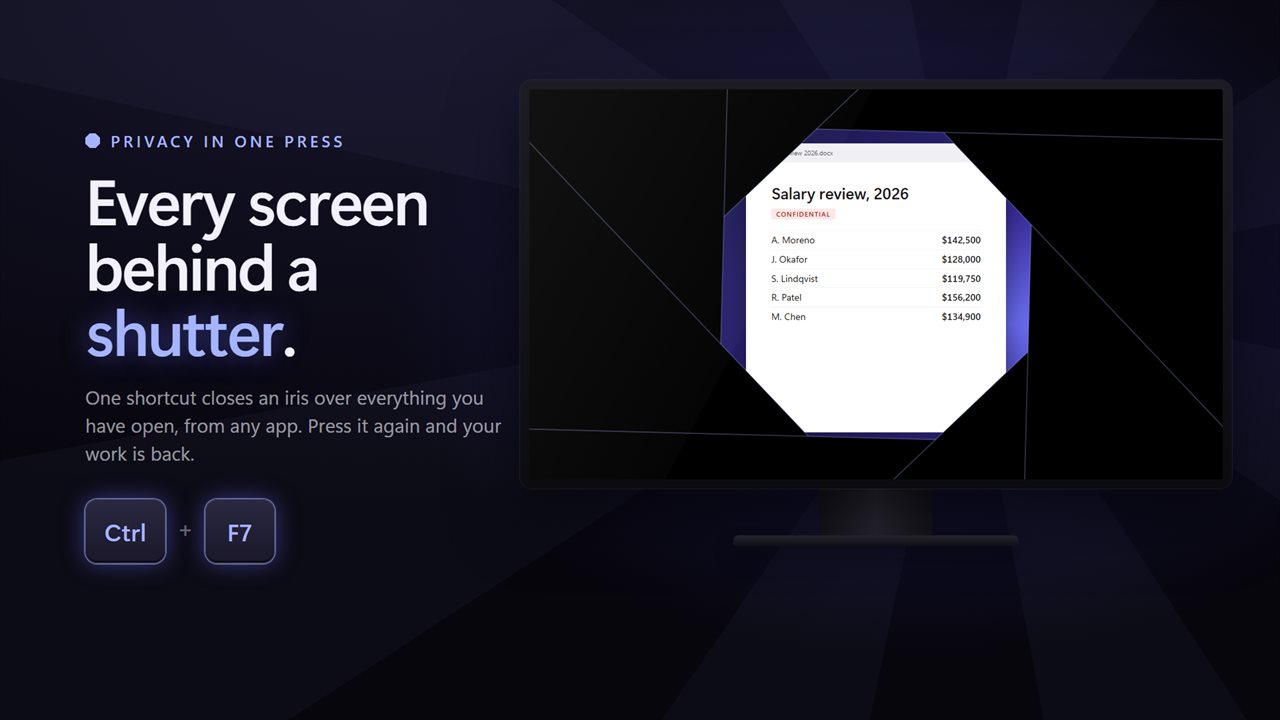
Someone walks up behind you, and one shortcut puts every screen behind a shutter. Quick Screen Privacy Blackout covers your screens in black, a dimmed view, a big clock, a Working on updates screen or a picture of your own, mutes the sound if you want it to, and brings everything back the moment you press the shortcut again.
One shortcut puts every screen behind a shutter.
See it in action
About Screen Privacy Blackout
Some things on your screen are nobody else's business.
Quick Screen Privacy Blackout closes a shutter over them in a fraction of a second, and opens it again just as fast.
One shortcut
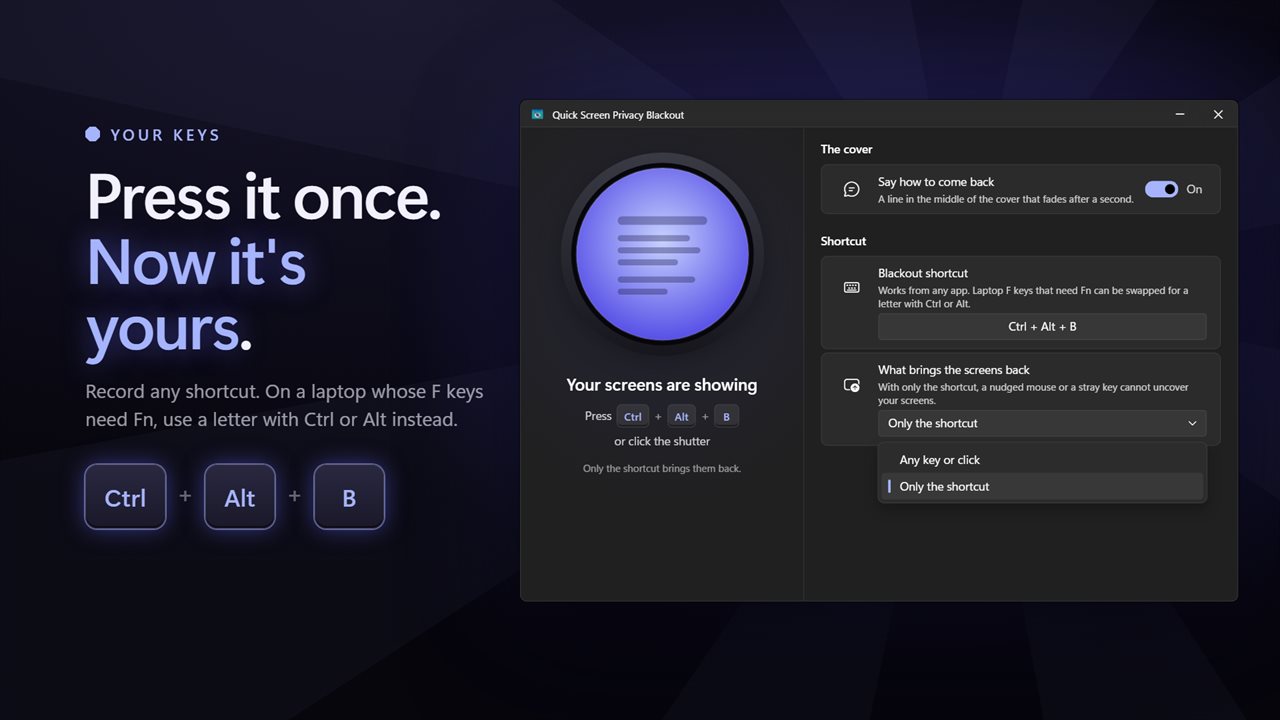
Press Ctrl + F7 from any app and every screen goes dark. Not the keys you want? Record your own. On a laptop whose F keys need Fn, pick a letter with Ctrl or Alt instead.
Or click the shutter in the window, or the icon in the notification area.
What they see
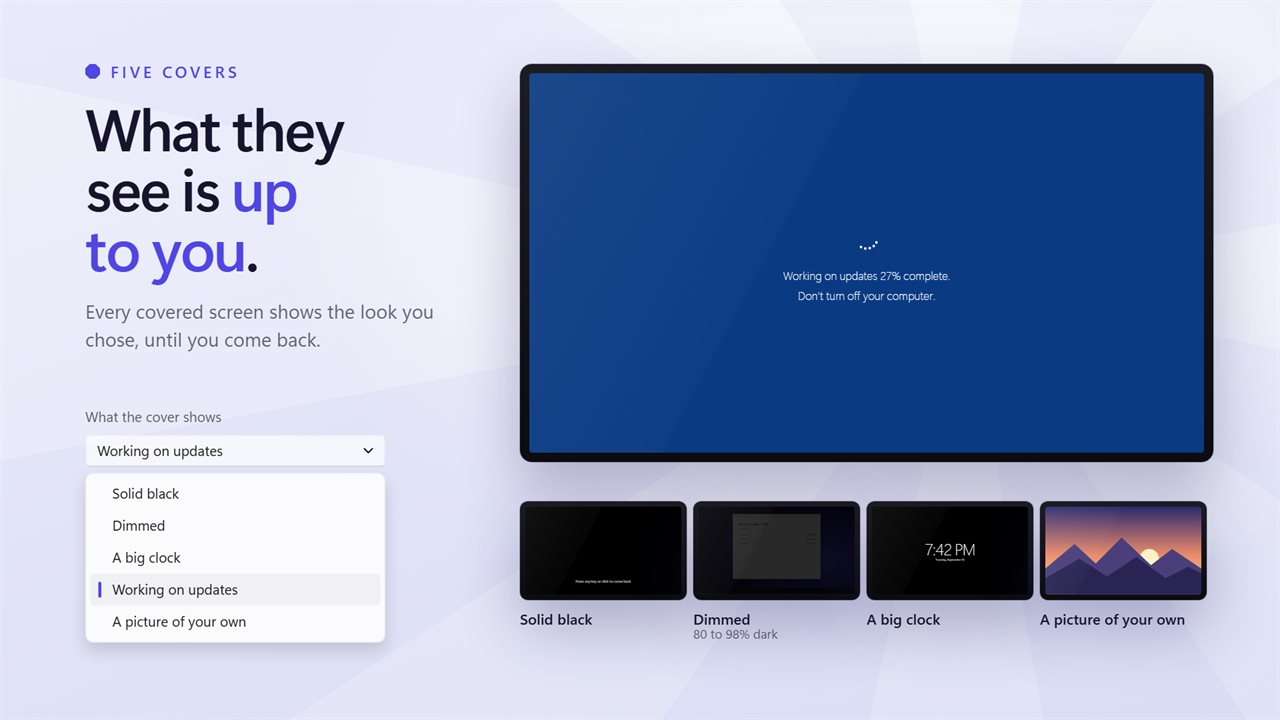
Solid black is the default. You can also choose a dimmed screen, a big clock, a Working on updates screen, or a picture of your own. The dimmed cover keeps your windows faintly visible behind it, at 80 to 98 percent dark.
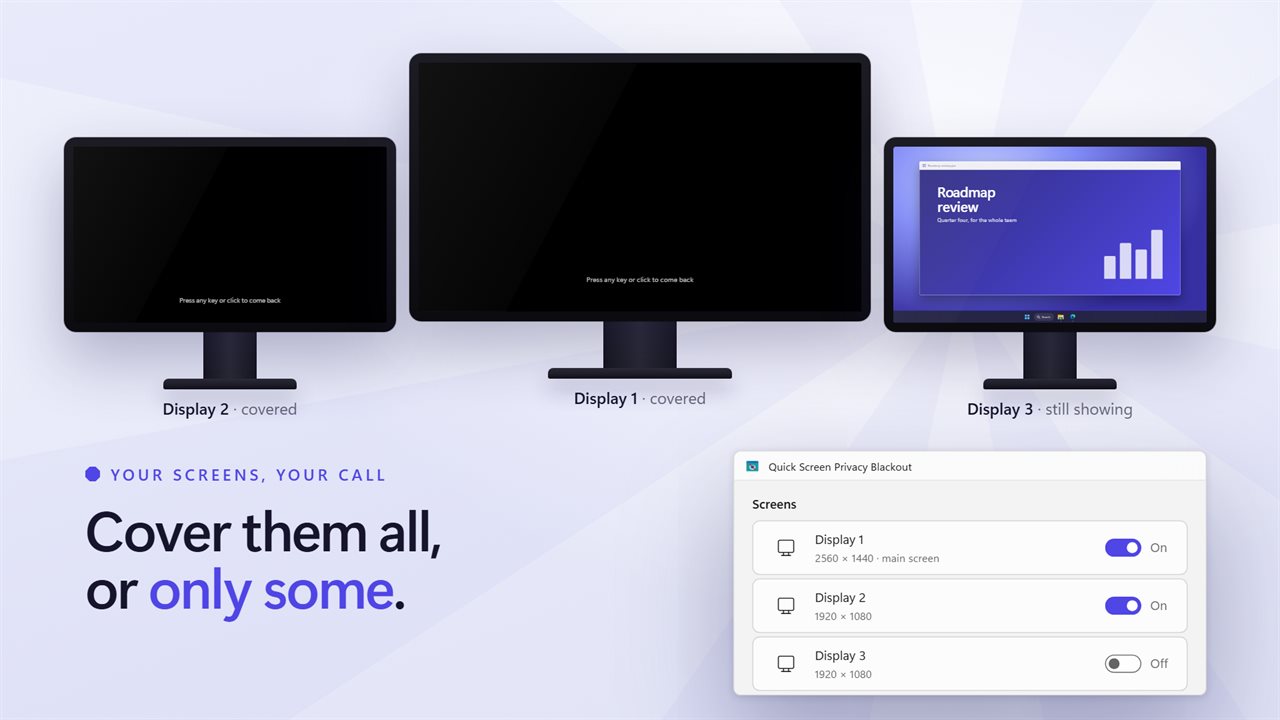
Cover every screen, or only the ones you pick.
Getting back
Any key or click brings the screens back. If you would rather a bumped mouse or a cat on the keyboard could not do that, set it so only the shortcut works. Either way, a line on the cover can remind you how, and fades after a second.
While the screens are covered, nothing you type reaches the windows underneath.
More than a black screen
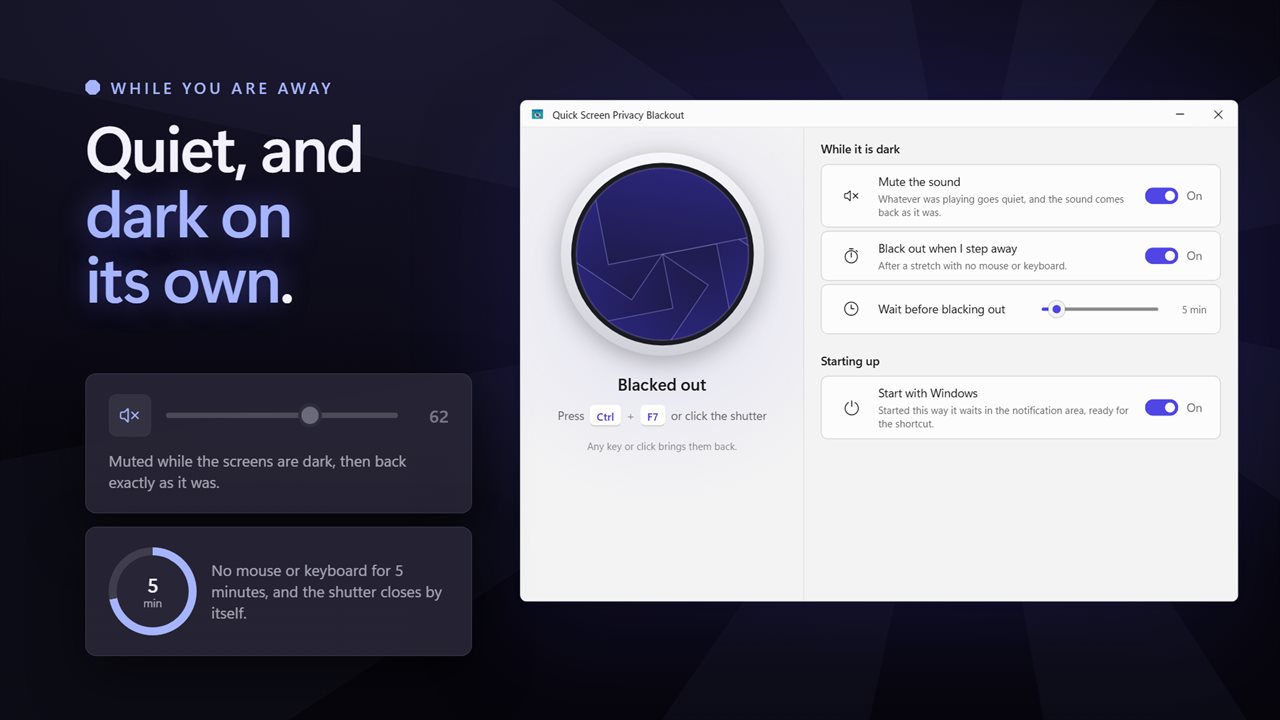
Mute the sound for as long as the screens are dark, and get it back exactly as it was. Black out automatically after 1 to 60 minutes away from the PC. Start with Windows and wait in the notification area, ready for the shortcut.
A proper window holds every option, in light or dark to match Windows.
Everything happens on this PC. There is no account, nothing is uploaded, and it works with no connection at all.
Features
- Black out every screen with one shortcut, Ctrl + F7 unless you choose another
- Record any shortcut you like, including one that needs no Fn key on a laptop
- Choose what the cover shows: solid black, a dimmed screen, a big clock, a Working on updates screen, or a picture of your own
- Cover every screen, or only the ones you pick
- Come back with any key or click, or only with the shortcut so a nudged mouse cannot uncover anything
- Nothing you type while it is dark reaches the windows underneath
- Mute the sound while the screens are covered, and get it back exactly as it was
- Black out on its own after 1 to 60 minutes away from the PC
- A real window with every option, and a notification area icon that blacks out in one click
- Starts with Windows and waits in the notification area
- Follows the Windows light and dark themes
- Works offline. No account, and nothing is uploaded
Details
- Works on
- Windows 10 (1809 or later) and Windows 11
- Download
- About 2.6 MB
- Version
- 2.0.3, updated October 2026
- First released
- February 2023
- Price
- $2.49 once. No subscription.
- Category
- Utilities & tools
What's new in 2.0.3
- Fixed: opening the app from Start now opens a window. It used to start silently in the notification area and looked like it had done nothing
- Fixed: letting go of Ctrl after the shortcut no longer uncovers the screen straight away
- New: a window with every option in it
- New: record your own shortcut. Ctrl + F7 is still the default
- New: choose what the cover shows: black, dimmed, a clock, a Working on updates screen or your own picture
- New: choose which screens are covered
- New: come back only with the shortcut, if you prefer
- New: mute the sound while the screens are dark
- New: black out automatically when you step away
- Your Show Blackout Hint setting and Start With Windows choice are carried over
Questions
Anything else? Ask us
Which versions of Windows does it run on?
Windows 10 (version 1809 or later) and Windows 11.
Is it a subscription?
No. Screen Privacy Blackout is a one-time purchase of $2.49, and updates are included.
How do I get it?
EvlarSoft apps are moving to direct downloads from this site. Ask to be notified and we will email you as soon as Screen Privacy Blackout is ready to download.
More from EvlarSoft
 Smart Screen DimmerOn a three-monitor desk your eyes go wherever the light is, which is rarely where you are working.
 Night Light FilterWindows' night light gives you one warmth slider and stops well short.
 Monitor InfoSee every display you have drawn to its true size, with its real name, resolution, refresh rate, screen size, color range, brightness and connection.