Routing Table Manager
Type any address or host name and see which route Windows sends it down, and why. Add routes that survive a restart, delete them, ping a gateway, and get a warning when a VPN takes over your internet. IPv4 and IPv6.
See it in action
About Routing Table Manager
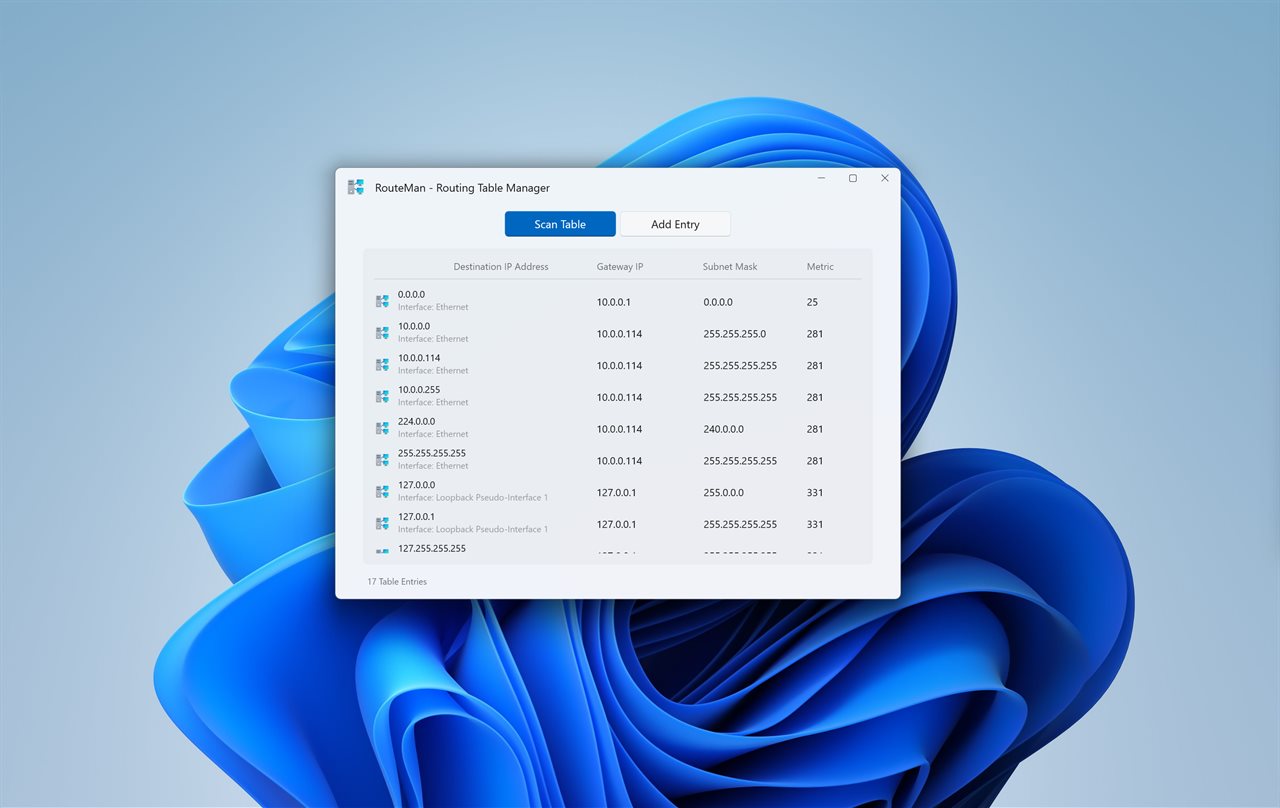
Routing Table Manager shows the routes on your PC, lets you add and delete them, and answers the question the table alone can't: which way does this address go?
Test any address
Type an address or a host name. The app lays it out bit by bit and draws each candidate route against it. The winner lights up, a route that misses shows the exact bit where it parts ways, and one line says why: "Longest match wins: /8 beats the default route", or "Two /24 routes match; metric 281 is the lower". The winning route is marked in the table below.
Know when a VPN takes over
When a VPN sets itself as the default route, a warning names it, so you know why sites and local devices behave differently.
Add and delete routes
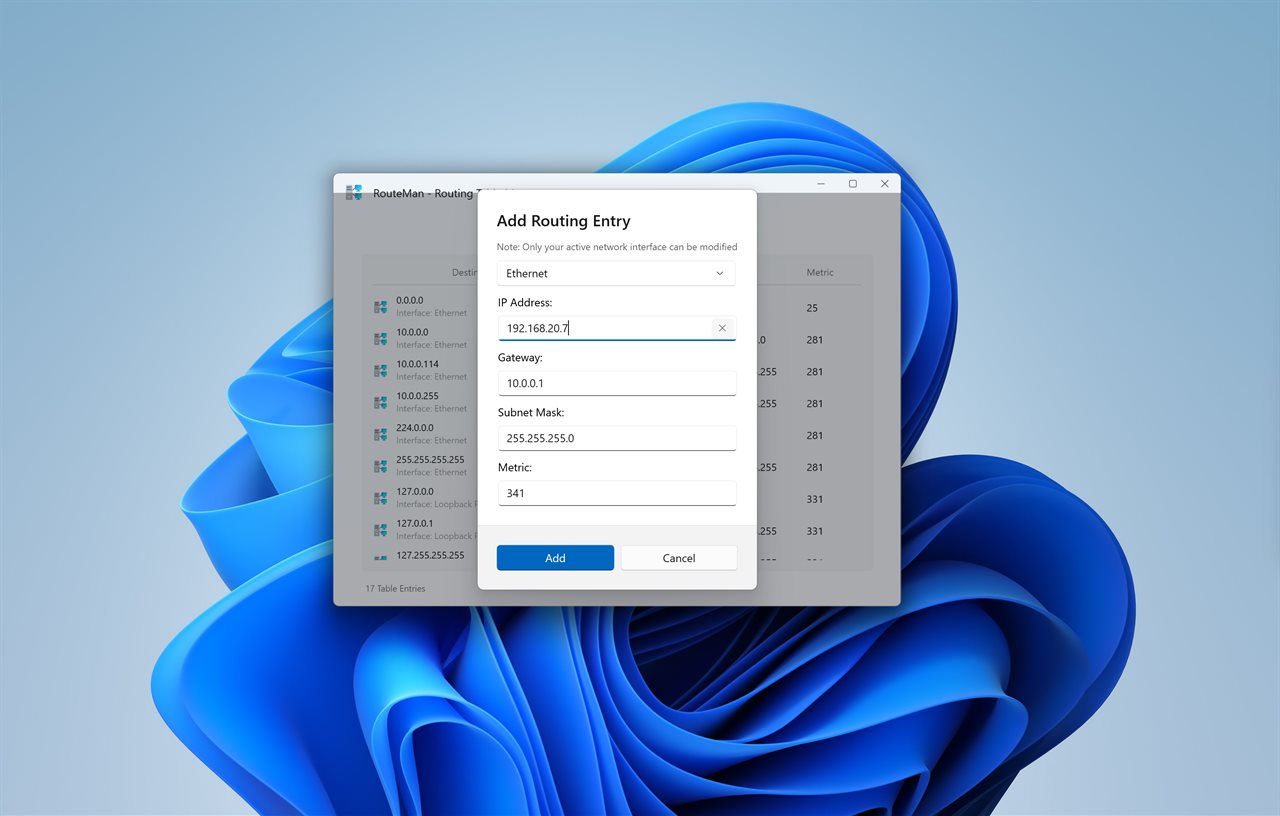
Pick the interface, type the destination, a mask or prefix length, a gateway or none for on-link, and a metric. Tick Keep after restart and the route is still there tomorrow. A pin in the table shows every route that is kept. You don't run the app as administrator: Windows asks only when you add or delete a route.
IPV4 and IPV6
Switch tables with one click, or type an IPv6 address and the app switches for you.
Handy extras
Ping a route's gateway, copy a destination or gateway, or hide a route until the next refresh. The table is read again every 10 seconds, or as often as you choose, and reading it sends nothing on the network. The routes Windows keeps for itself stay out of the way unless you ask for them.
Features
- Type an address or host name and see which route Windows sends it down
- See why it wins: the longest match first, then the lowest metric, laid out bit by bit
- A warning when a VPN sets itself as the default route
- Add a route through any interface, with a gateway or on-link
- Keep a route after restart, and see which routes are kept
- Delete a route, or ping its gateway
- IPv4 and IPv6 tables
- Right-click to copy a destination or gateway, or hide a route until the next refresh
- Type a mask like 255.255.255.0 or a length like 24. A mistake is pointed out on its field
- No need to run as administrator. Windows asks only when you add or delete a route
- Routes Windows keeps for itself stay hidden unless you want them
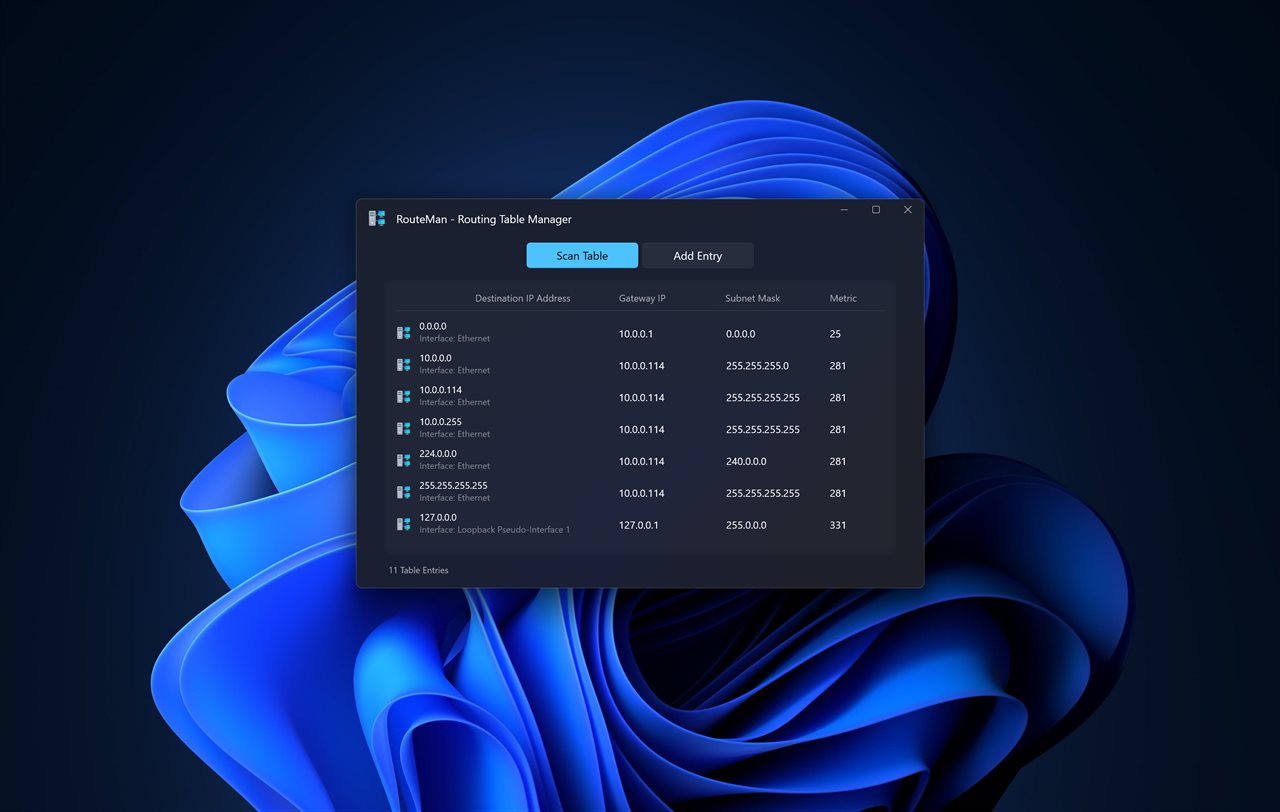
- Light and dark themes, or match Windows
Details
- Works on
- Windows 10 (1809 or later) and Windows 11
- Download
- About 89.2 MB
- Version
- 2.0.0, updated January 2024
- First released
- May 2023
- Price
- $1.99 once. No subscription.
- Category
- Utilities & tools
What's new in 2.0.0
- New: type an address or host name and see which route it takes, and why
- New: a warning when a VPN sets itself as the default route
- New: IPv6 routes
- New: keep a route after restart, and see which routes are kept
- New: add on-link routes, with no gateway
- New: ping a route's gateway, copy it, or hide it
- Fixed: you no longer run the app as administrator. Windows asks only when you add or delete a route
- Fixed: a mistyped address or mask is pointed out on its field instead of the form starting over
Questions
Anything else? Ask us
Which versions of Windows does it run on?
Windows 10 (version 1809 or later) and Windows 11.
Is it a subscription?
No. Routing Table Manager is a one-time purchase of $1.99, and updates are included.
How do I get it?
EvlarSoft apps are moving to direct downloads from this site. Ask to be notified and we will email you as soon as Routing Table Manager is ready to download.