Network Adapter Statistics
See every network adapter on your PC as a port on a switch panel, with live link and activity lights. Watch true download and upload speed every second, copy any address with one click, and see how much data each adapter used each day.
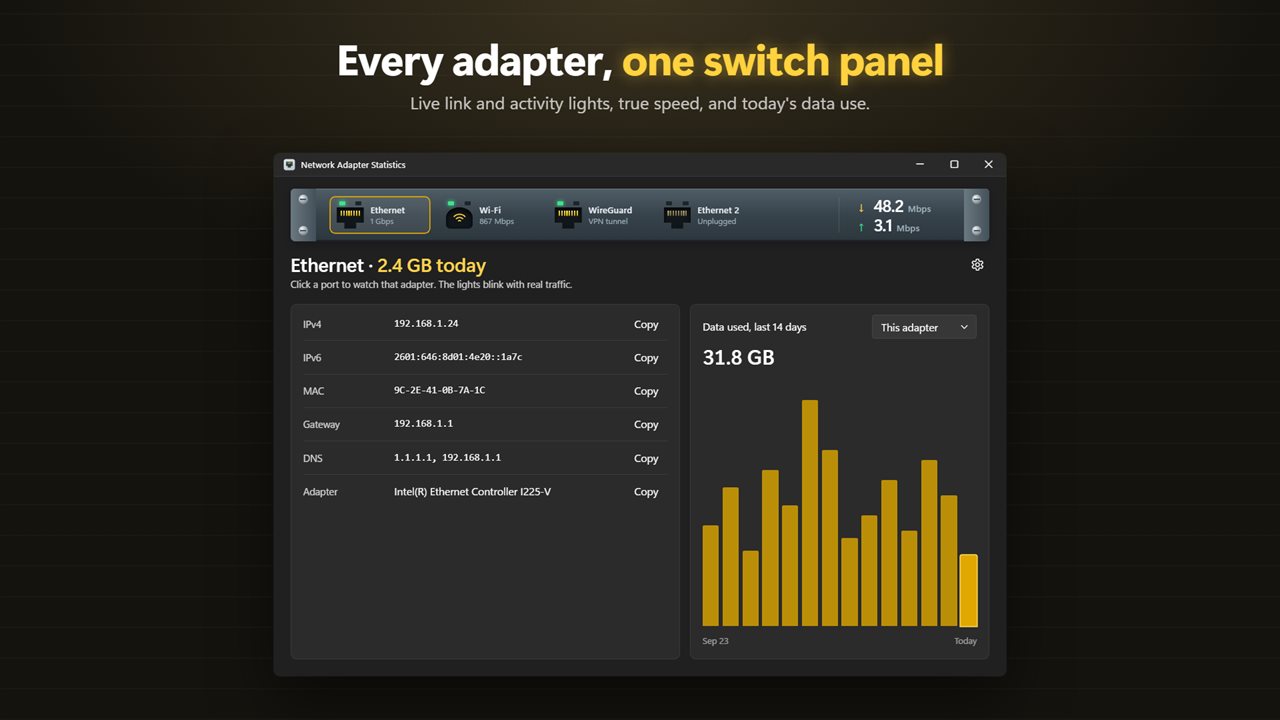
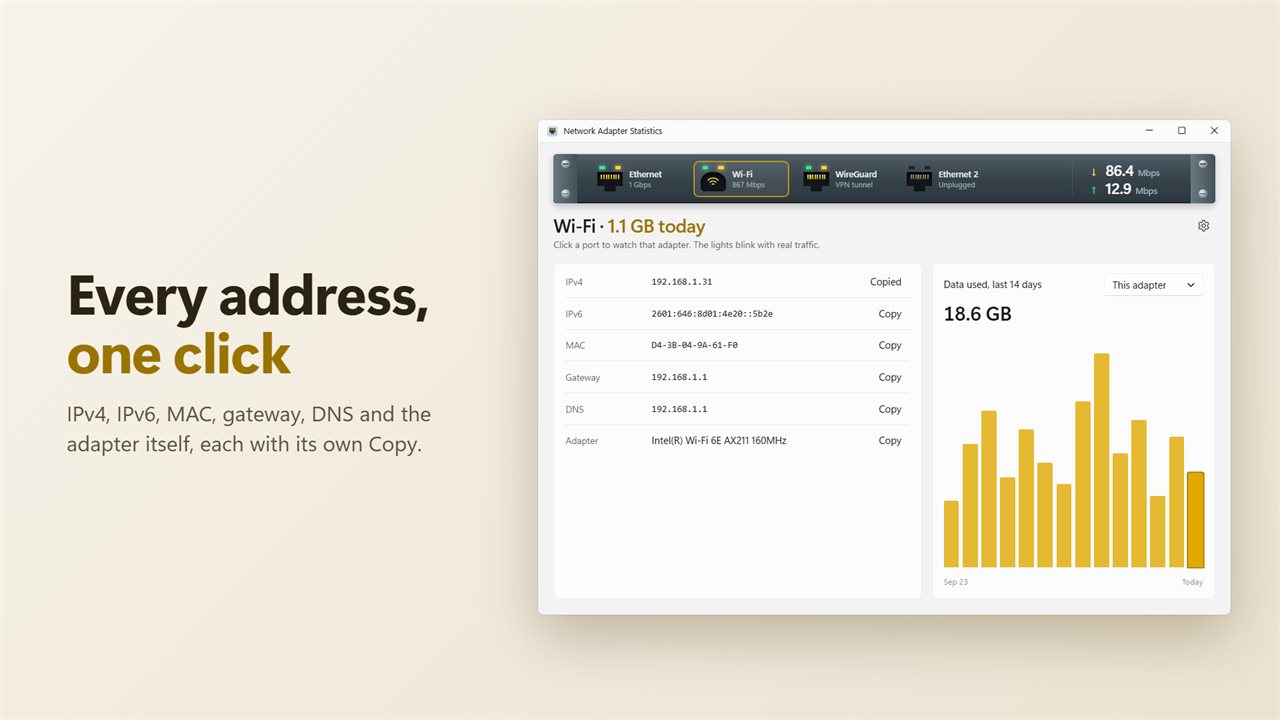
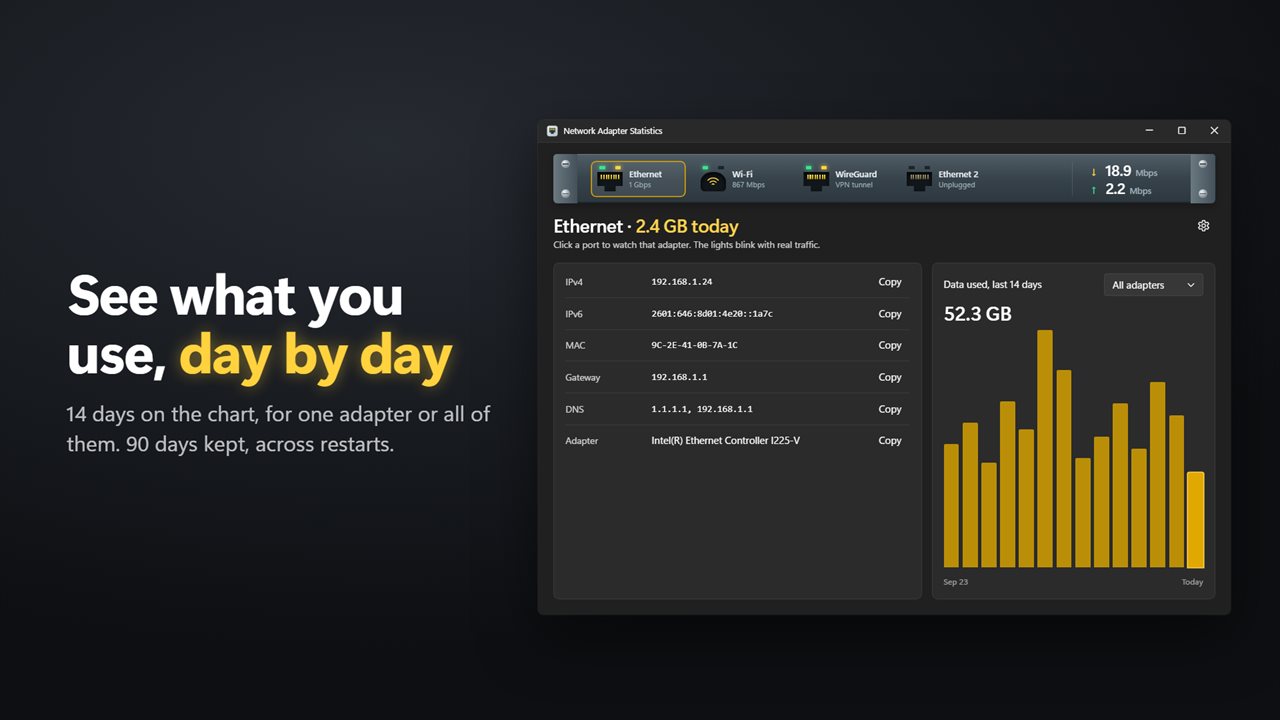
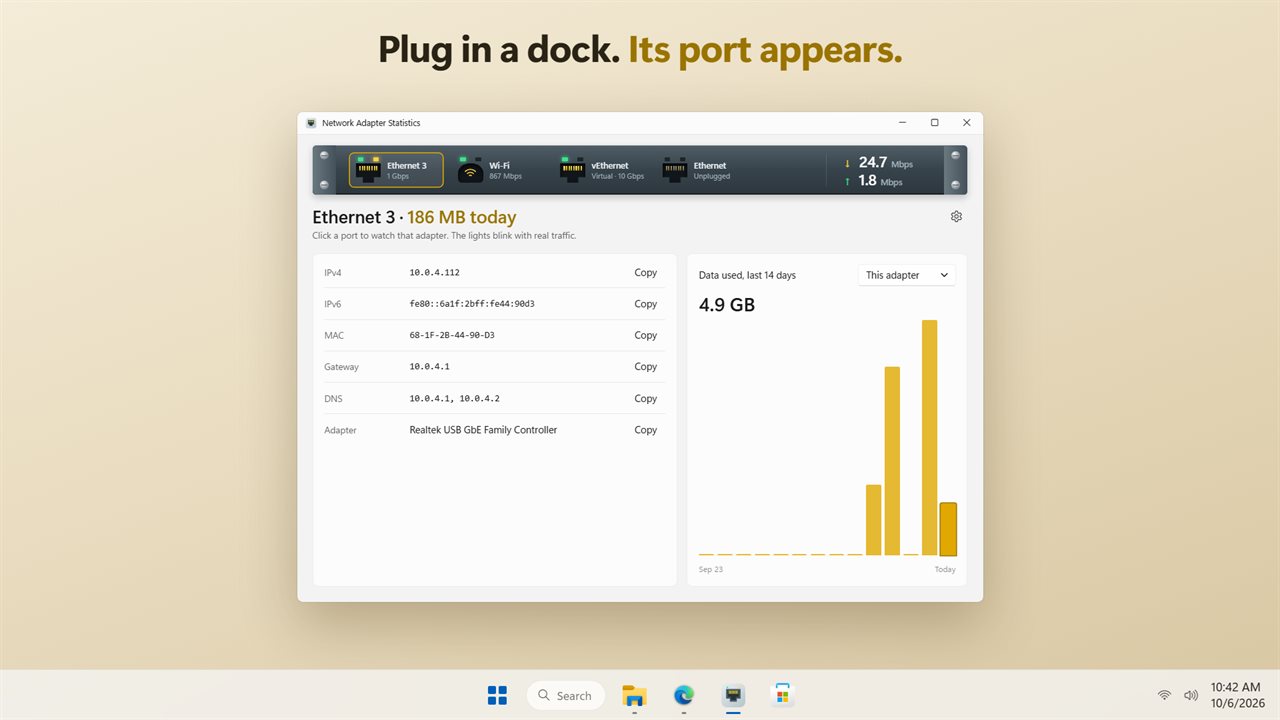
Every adapter is a port, with live link and activity lights.
See it in action
About Network Adapter Statistics
Network Adapter Statistics shows every network adapter on your PC as a port on a switch panel, the kind you would find in a network closet.
Lights that mean something
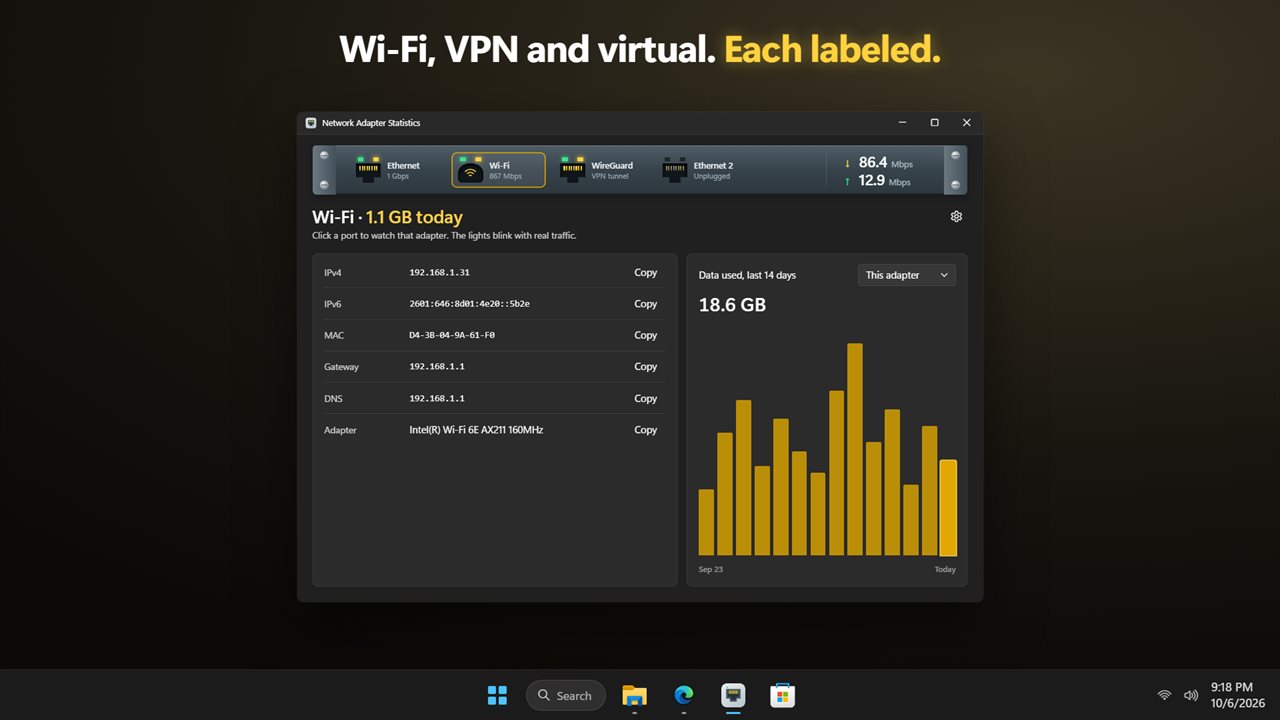
Each port has two lights. The green link light is on while the adapter is connected. The amber activity light blinks with real traffic, faster as more data flows. Wi-Fi gets its own round jack, and VPN tunnels and virtual adapters are labeled so you know what you are looking at.
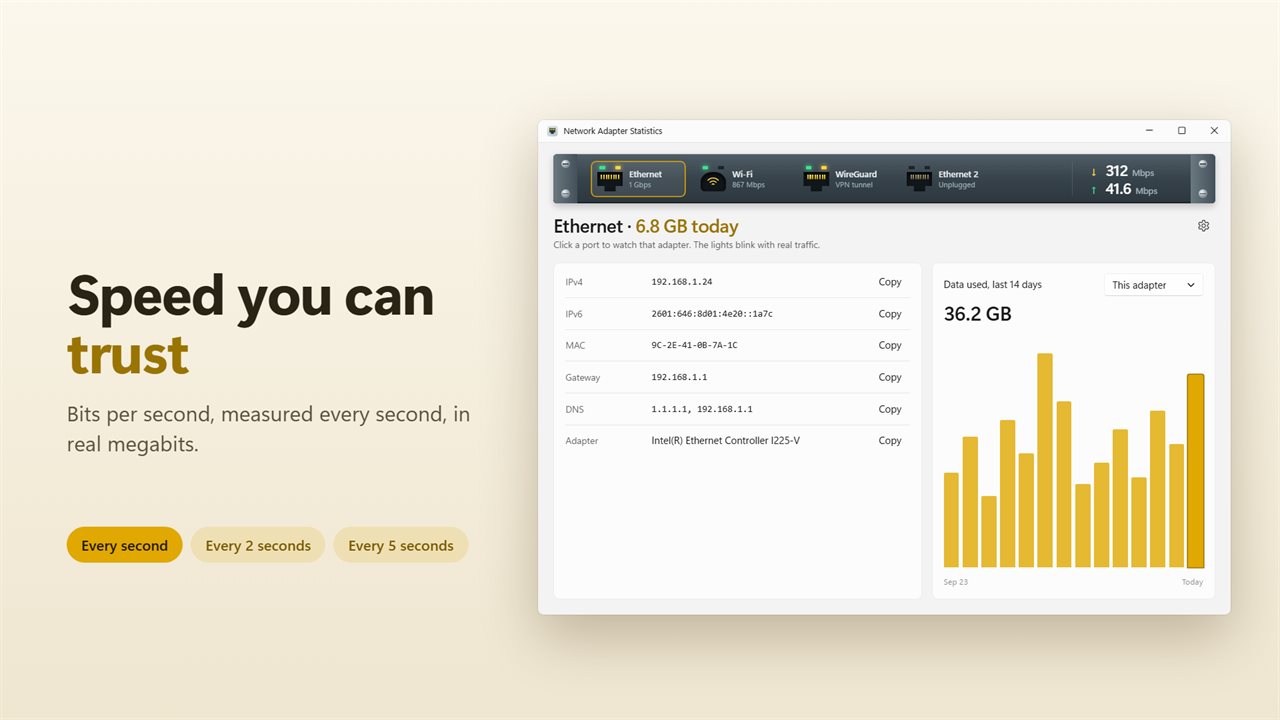
Speed you can trust
Click a port to watch it. Download and upload speed are shown in true megabits per second, measured every second. Prefer a calmer display? Choose every 2 or 5 seconds instead.
Always up to date
Plug in a dock, connect a VPN or turn off Wi-Fi, and the panel changes by itself. No refresh button needed.
Every address, one click
The details card lists the IPv4 and IPv6 addresses, MAC address, gateway, DNS servers and the adapter's full name. Each has a Copy button.
Data use, day by day
See how much data the adapter you are watching used today. The chart shows the last 14 days, for one adapter or all of them together. Daily use is kept for 90 days and carries on across restarts.
Light and dark themes, or match Windows.
Features
- Every network adapter on your PC is a port on one switch panel
- A link light shows which adapters are connected, and an activity light blinks faster the more traffic flows
- Live download and upload speed in true megabits per second
- Updates every second, or every 2 or 5 seconds if you prefer
- Click a port to watch that adapter
- Wi-Fi gets its own round jack, and VPN and virtual adapters are labeled
- The panel updates by itself when an adapter is plugged in, unplugged or turned off
- IPv4, IPv6, MAC address, gateway, DNS servers and the adapter's name, each with a Copy button
- Data used today for the adapter you are watching
- A 14-day chart of daily data use, for one adapter or all of them together
- Daily use is kept for 90 days and carries on across restarts
- Light and dark themes, or match Windows
Details
- Works on
- Windows 10 (1809 or later) and Windows 11
- Download
- About 2.5 MB
- Version
- 2.0.2, updated October 2026
- First released
- April 2023
- Price
- $1.99 once. No subscription.
- Category
- Utilities & tools
What's new in 2.0.2
- New: every adapter is a port with live link and activity lights
- New: daily data use with a 14-day chart
- New: gateway and DNS servers, and a Copy button on every address
- Fixed: speeds are now true megabits per second
- Fixed: the adapter list updates when adapters come and go
Questions
Anything else? Ask us
Which versions of Windows does it run on?
Windows 10 (version 1809 or later) and Windows 11.
Is it a subscription?
No. Network Adapter Statistics is a one-time purchase of $1.99, and updates are included.
How do I get it?
EvlarSoft apps are moving to direct downloads from this site. Ask to be notified and we will email you as soon as Network Adapter Statistics is ready to download.