Tracert Route Tracer
Type an address or a domain and watch the route to it build one hop at a time. Every router in between is listed with its name and how long each probe took, and a bar over each hop shows where the time actually goes. Stop it whenever you like, probe a single hop again, or ping one.
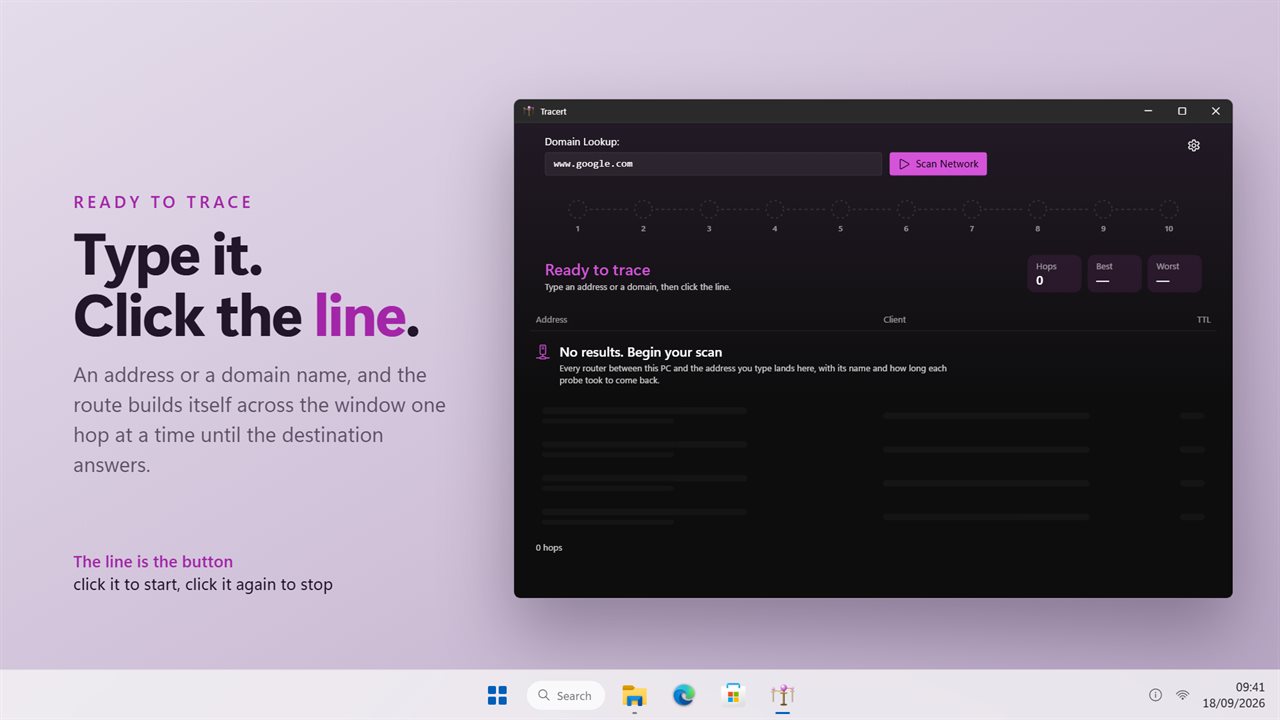
Type an address or a domain, then click the line to start the trace.
See it in action
About Tracert Route Tracer
A slow connection is not slow everywhere. It is slow at one hop, and this is how you find out which one.
Type an address or a domain name and click the line. Tracert sends probes with a short life on them, so each router on the way answers by name as the probe expires in its hands. They arrive one at a time, in order, until the destination replies.
Where the time goes
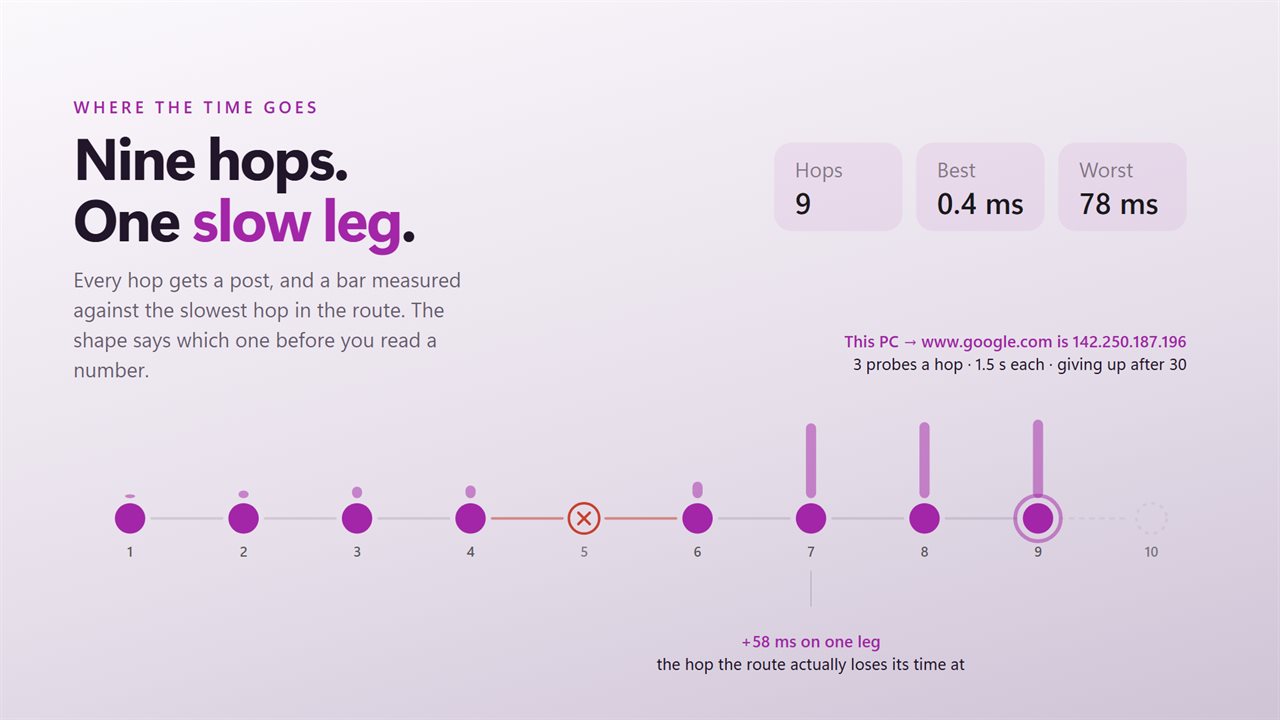
Every hop gets a post on the line, and a bar above it measured against the slowest hop in the route. A route with one tall bar in the middle has one slow hop, and you can see that before you have read a single number. Underneath, Hops, Best and Worst are counted as the trace runs.
The rows
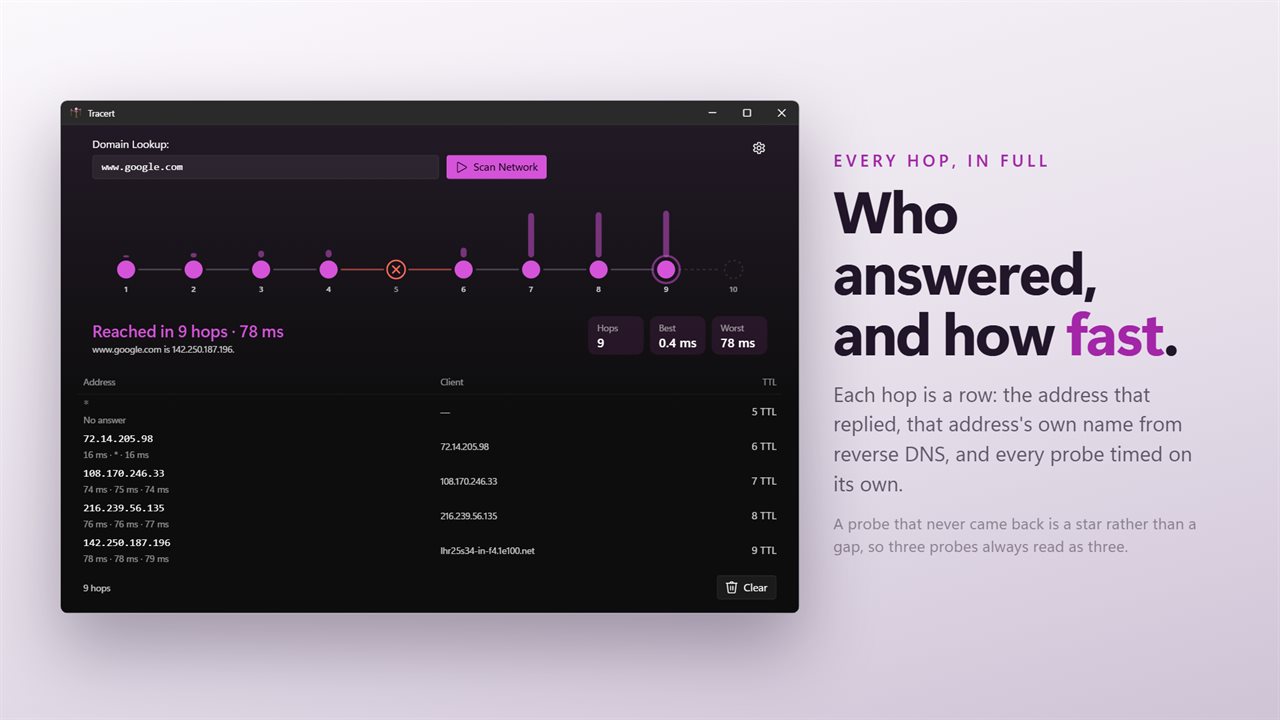
Each hop is a row: who answered, that address's own name from reverse DNS, and the time of every probe listed separately. A probe that never came back is a star rather than a gap, so three probes always read as three.
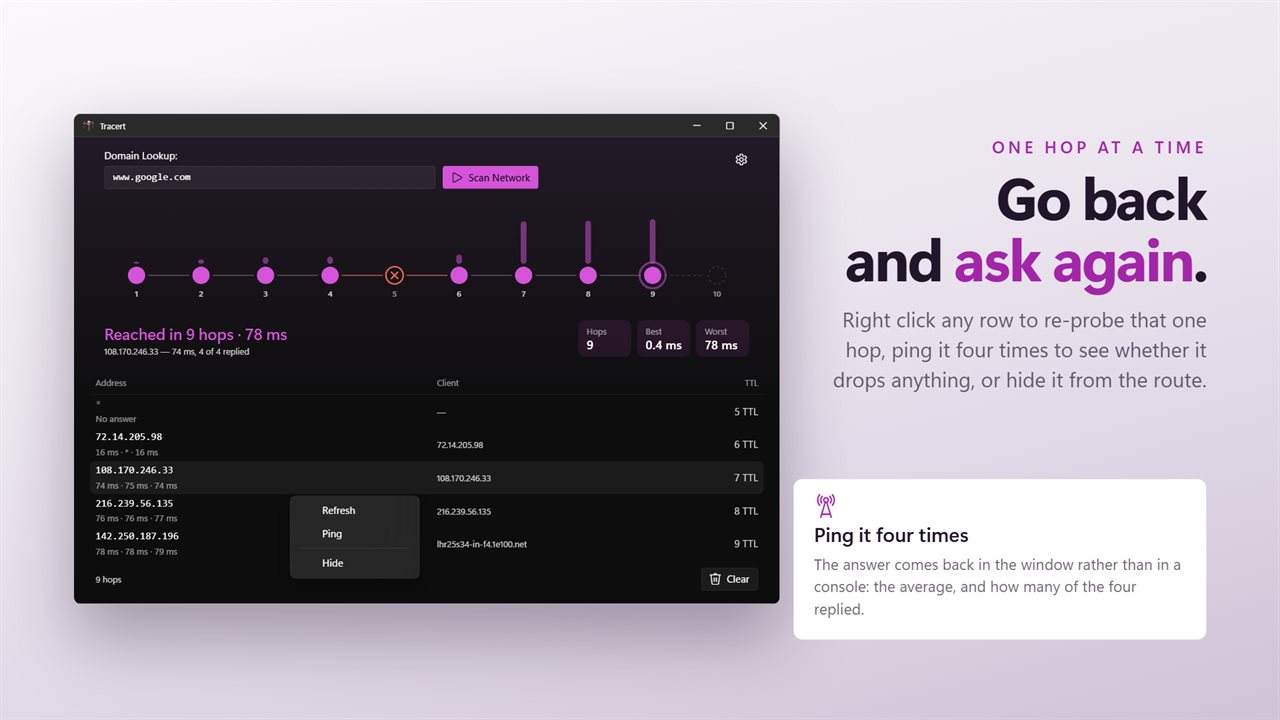
Right click any row to probe that hop again, ping it four times to see whether it drops anything, or hide it.
It stops when you say so
The trace checks between probes, so Stop means now rather than at the end of the route. Nothing is left running behind the window.
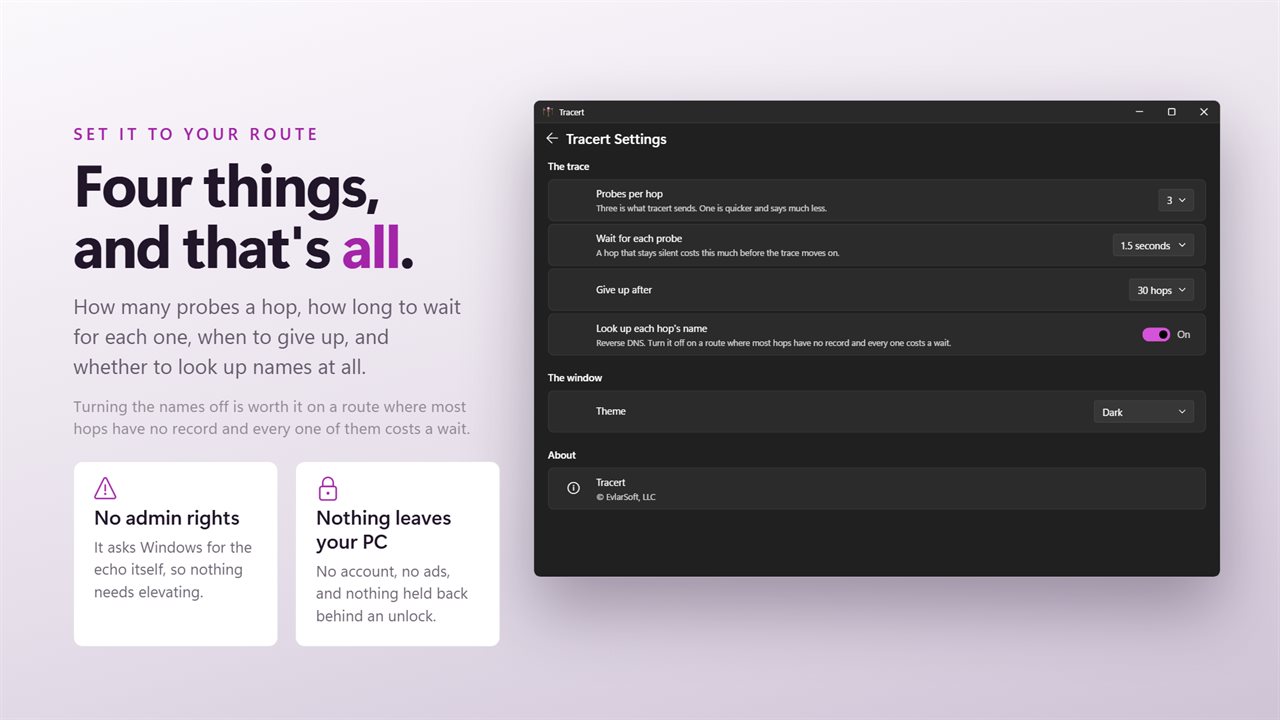
Set it to your route
Probes per hop, how long to wait for each one, how many hops before giving up, and whether to look up hop names at all. Turning the names off is worth it on a route where most hops have no record and every one of them costs a wait.
No account. No sign-in. No ads, and nothing held back behind an unlock. It asks the network in front of it and reports what came back.
Built for Windows 11, and at home on Windows 10.
Features
- Every router between this PC and the address you type, with the time each probe took to come back
- Three probes a hop, the same as tracert sends, or one, two or four
- Stops when you ask it to, between probes rather than at the end of the route
- A bar for every hop, so the place the route loses its time is the shape of the line
- Each hop's own reverse-DNS name, or the lookups turned off on a route where nothing has one
- Right click a hop to probe it again, ping it four times, or hide the row
- Give up after 15, 20, 30 or 40 hops, with half a second to three seconds allowed for each probe
- Asks Windows for the echo itself, so it needs no administrator rights
- Light and dark, following Windows or pinned to one
- No account, no ads, and nothing that leaves your PC
Details
- Works on
- Windows 10 (1809 or later) and Windows 11
- Download
- About 2.6 MB
- Version
- 2.0.3, updated October 2026
- First released
- May 2023
- Price
- $3.49 once. No subscription.
- Category
- Utilities & tools
Questions
Anything else? Ask us
Which versions of Windows does it run on?
Windows 10 (version 1809 or later) and Windows 11.
Is it a subscription?
No. Tracert Route Tracer is a one-time purchase of $3.49, and updates are included.
How do I get it?
EvlarSoft apps are moving to direct downloads from this site. Ask to be notified and we will email you as soon as Tracert Route Tracer is ready to download.
More from EvlarSoft
 Bluetooth Device ScannerEvery phone, watch, earbud, TV and tag broadcasting over Bluetooth near you — what it is, who made it, and how far away.
 Network Indicator WidgetSee what your network is actually doing.
 DNS SwitcherEvery address you type is looked up by a DNS server, and by default that is whoever your provider picked.