Secure File Shredder
Delete files so that what was in them is actually gone. An ordinary delete only forgets where the file was, which is why recovery tools work months later; this overwrites the contents first, then the name, then deletes it. One pass, three or seven — you choose how thorough. Drag files in from Explorer, do a whole folder at once, and pay once. Everything happens on your PC.
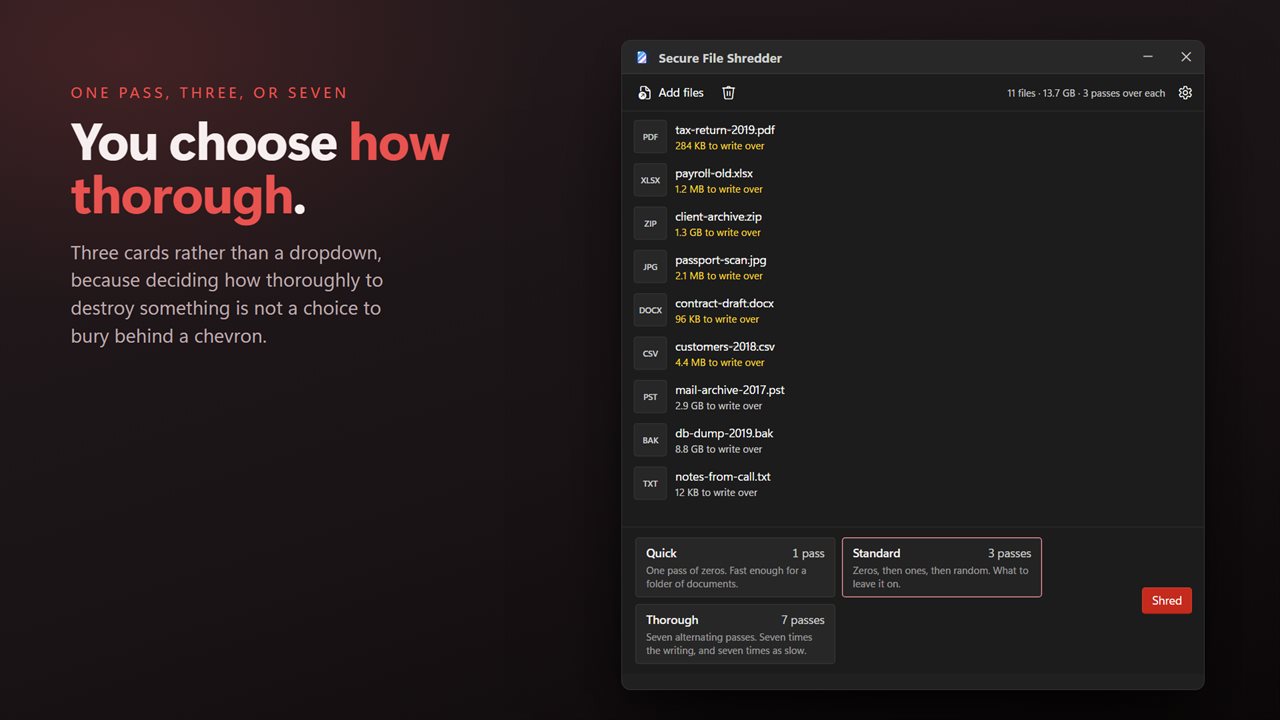
One pass, three or seven — you choose how thorough.
See it in action
About Secure File Shredder
Deleting a file does not erase it. Windows marks the space as free and forgets where the file was, and the contents stay on the disk until something else happens to need that room. Recovery tools rely on exactly this, and they work long after the Recycle Bin has been emptied.
Secure File Shredder writes over the contents first.
How thorough, your choice
Quick is a single pass and is enough for most things. Standard is three. Thorough is seven, alternating patterns and random data. More passes take longer and there is no prize for choosing the biggest number — one full overwrite already leaves nothing for a file recovery tool to find.
What it actually does
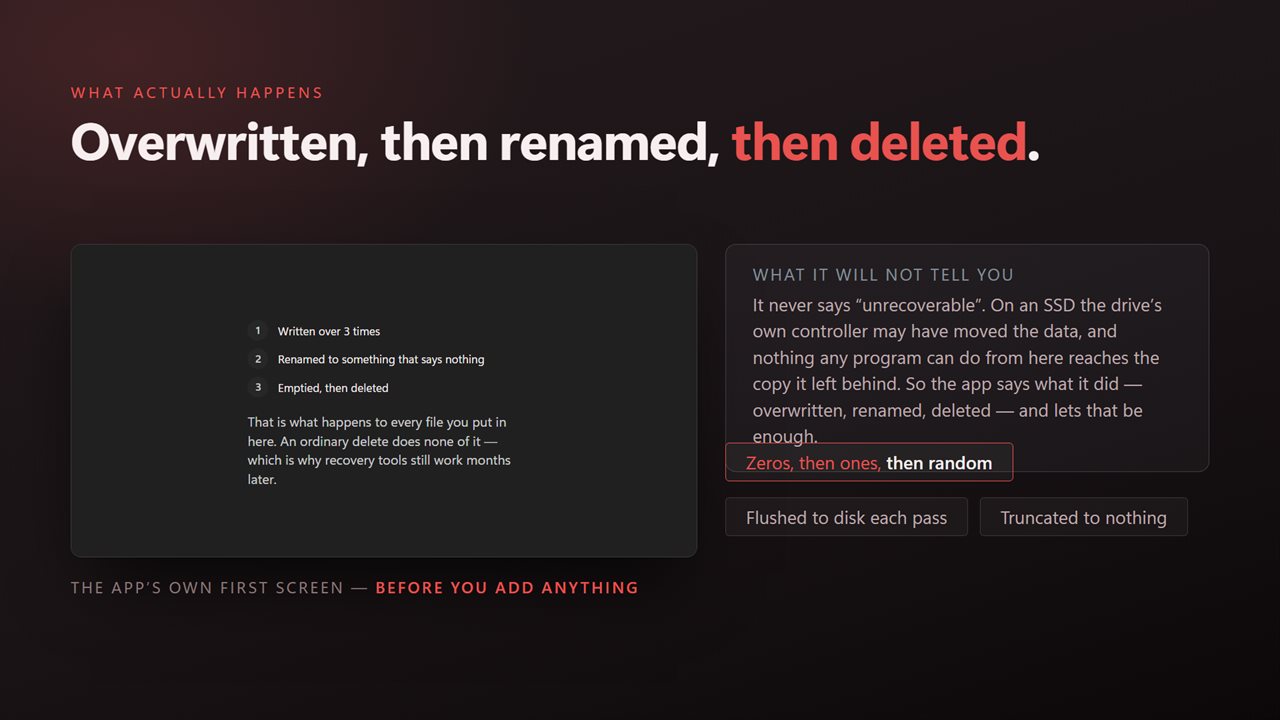
Each pass writes over the whole file and is flushed to the disk before the next one starts. Then the file's name is replaced, so the directory entry left behind does not say what it was called, its length is set to nothing, and it is deleted.
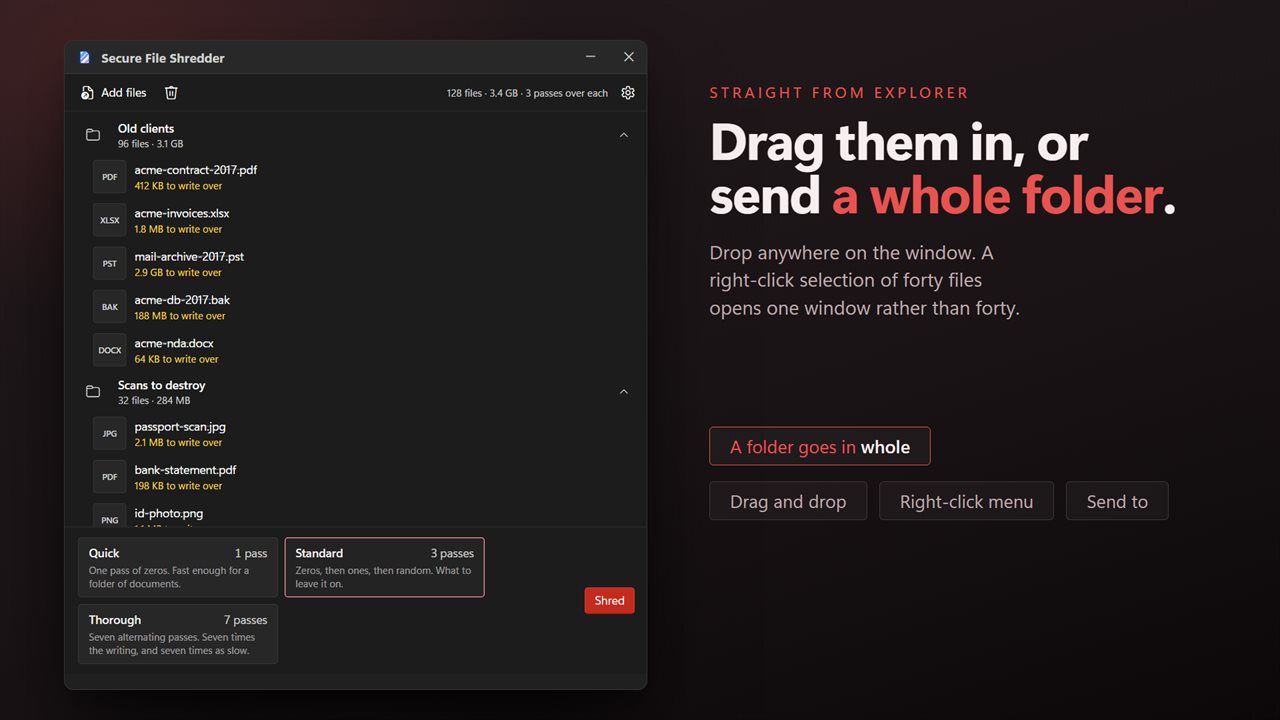
Drag them in
Files come in the way you would expect: dragged from an Explorer window, picked from a dialog, or selected in a folder and sent from the right-click menu. A selection of thirty opens one window with thirty files in it.
A whole batch, reported honestly
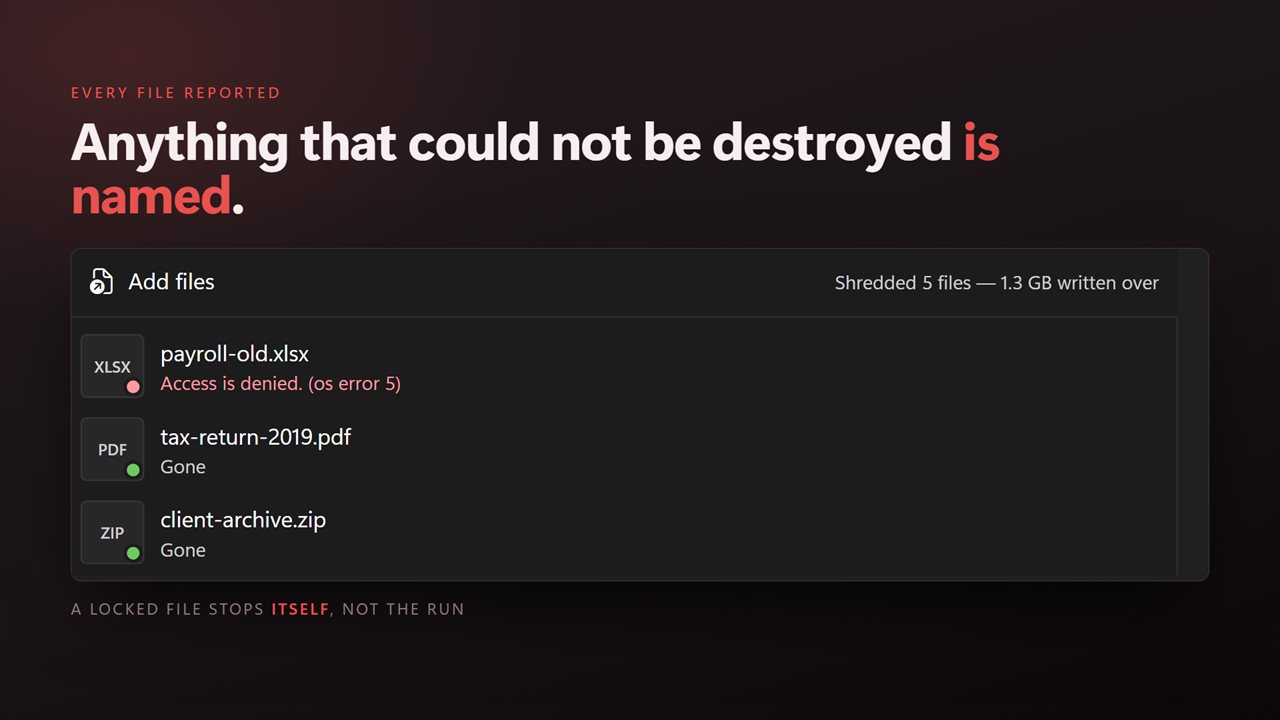
Drop in a folder and everything inside it goes. Anything that could not be destroyed — a file another program has open, one you do not have permission to touch — is named with the reason rather than skipped quietly.
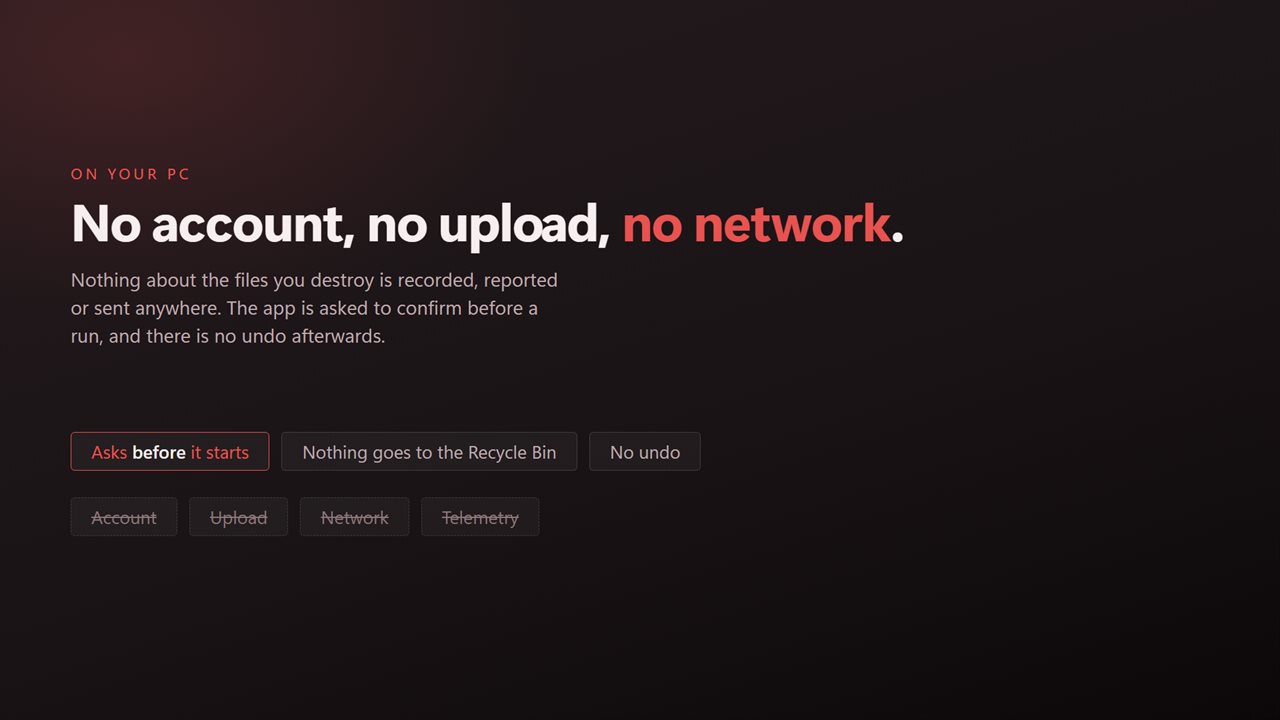
It asks once before it starts, because there is no undo and nothing lands in the Recycle Bin.
What nobody can promise
On a solid-state drive the controller decides where data physically sits and may have moved a copy somewhere the operating system cannot address. This app overwrites the file as the system presents it, which is everything software is able to do. Any tool claiming more than that on an SSD is guessing.
Bought once. It is not a subscription and it does not expire.
On your PC, and nowhere else
There is no account, no sign-in, no upload and no telemetry. The app has no network code in it at all and works with the connection turned off.
Features
- Three levels of thoroughness: one pass, three passes or seven
- Overwrites the file's contents, then its name, then deletes it
- Deleting normally only forgets where a file was — this writes over it
- Drag and drop straight from Explorer, which the app could not do before
- Takes a whole batch, or a folder and everything in it
- Anything that could not be destroyed is named with the reason
- Asks once before it starts, because there is no undo
- Cancel a long run at any point, with every file done so far already gone
- Bought once. Not a subscription, and it does not expire
- No account, no upload and no server processing
Details
- Works on
- Windows 10 (1809 or later) and Windows 11
- Download
- About 16.2 MB
- Version
- 2.0.4, updated October 2026
- First released
- October 2022
- Price
- $2.99 once. No subscription.
- Category
- Security
What's new in 2.0.4
- Drag and drop now works. Files can be dragged straight in from Explorer, which is the thing reviewers asked for most
- Now takes a whole batch, or a folder and everything in it, instead of one file per run
- A right-click selection of many files opens one window rather than one window per file
- Shredding writes over the file in place. Earlier versions worked through a temporary copy, which meant a second copy of your data existed while it ran and could be left behind if the app was interrupted
- Anything that could not be destroyed is named with the reason instead of being skipped silently
- Progress is real rather than paced, so a run takes as long as the work takes and no longer
- A redesigned interface, in light or dark, and it can follow Windows instead if you prefer
Questions
Anything else? Ask us
Which versions of Windows does it run on?
Windows 10 (version 1809 or later) and Windows 11.
Is it a subscription?
No. Secure File Shredder is a one-time purchase of $2.99, and updates are included.
How do I get it?
EvlarSoft apps are moving to direct downloads from this site. Ask to be notified and we will email you as soon as Secure File Shredder is ready to download.