Swift Auto Clicker
Clicks as many times a second, minute or hour as you ask for.
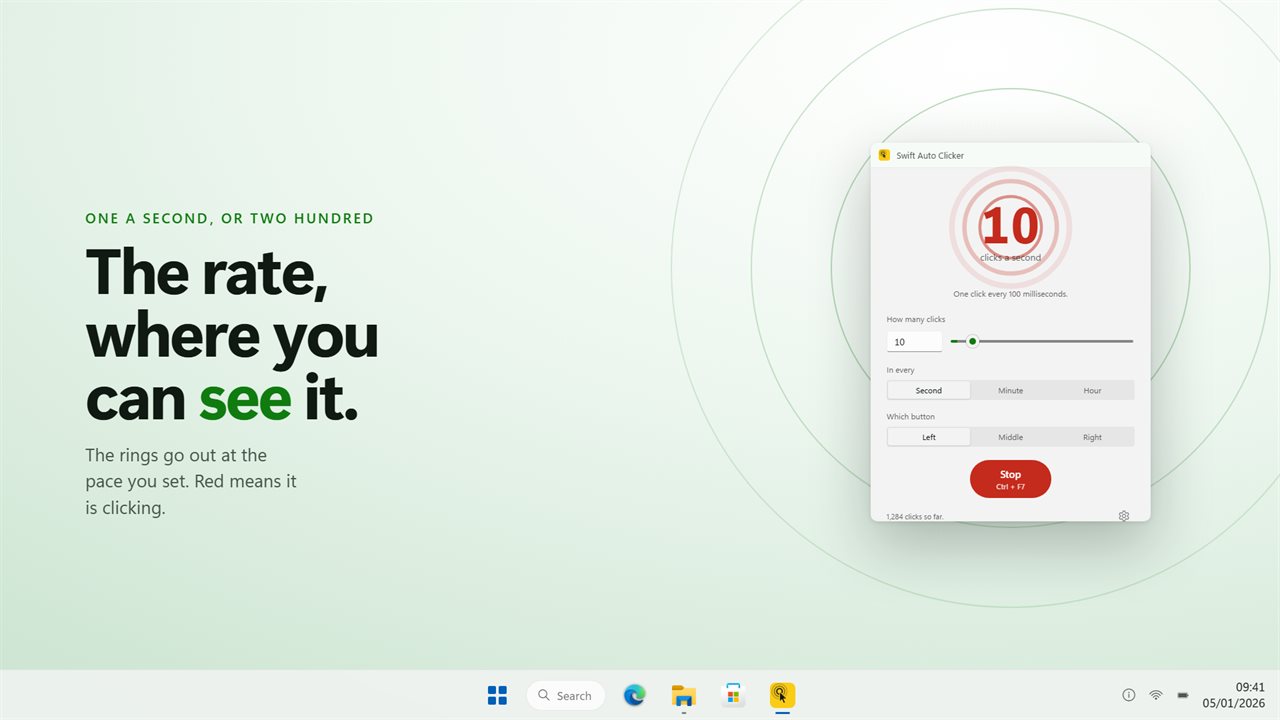
The rings go out at the pace you set. Red means it is clicking.
See it in action
About Swift Auto Clicker
The plain one. Three things to set — how many, how often, which button — and a window that shows you the rate rather than making you work it out.
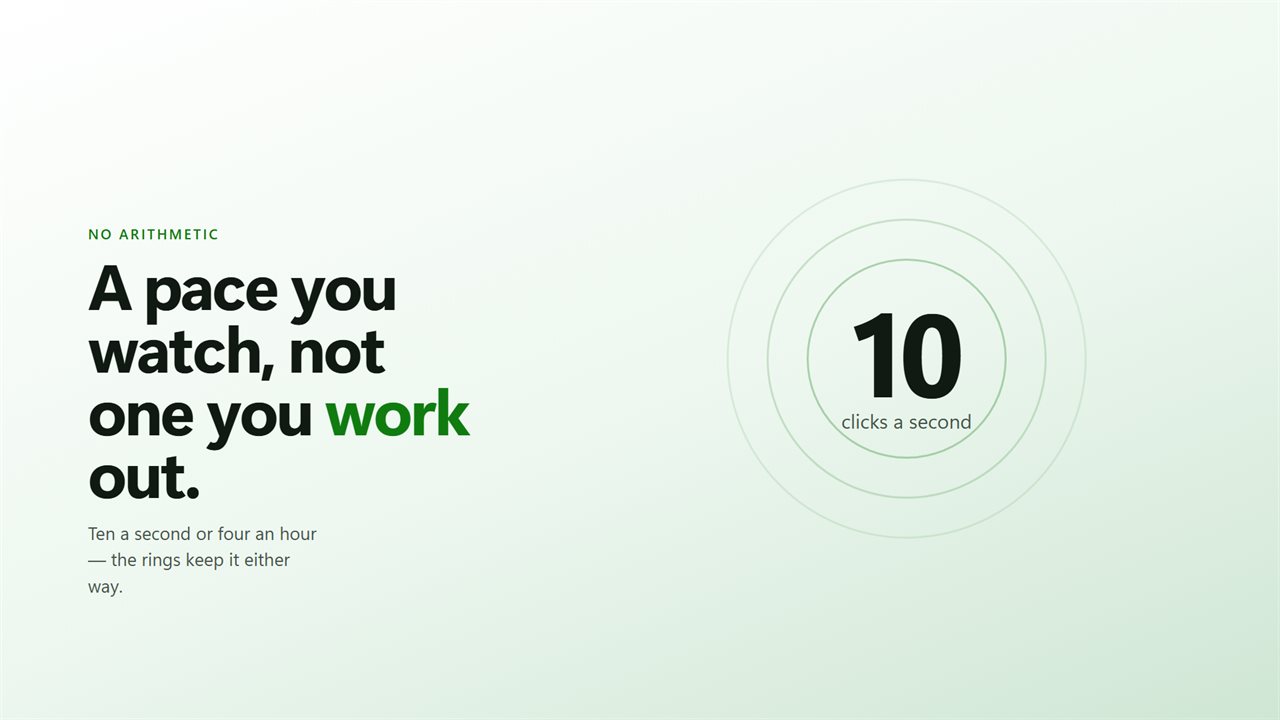
A pace you watch
The rings go out at exactly the rate you have chosen. One a second is one ring a second. Thirty a minute is one every two seconds. They turn red while it is actually clicking, so at a glance you know whether it is running without reading anything.
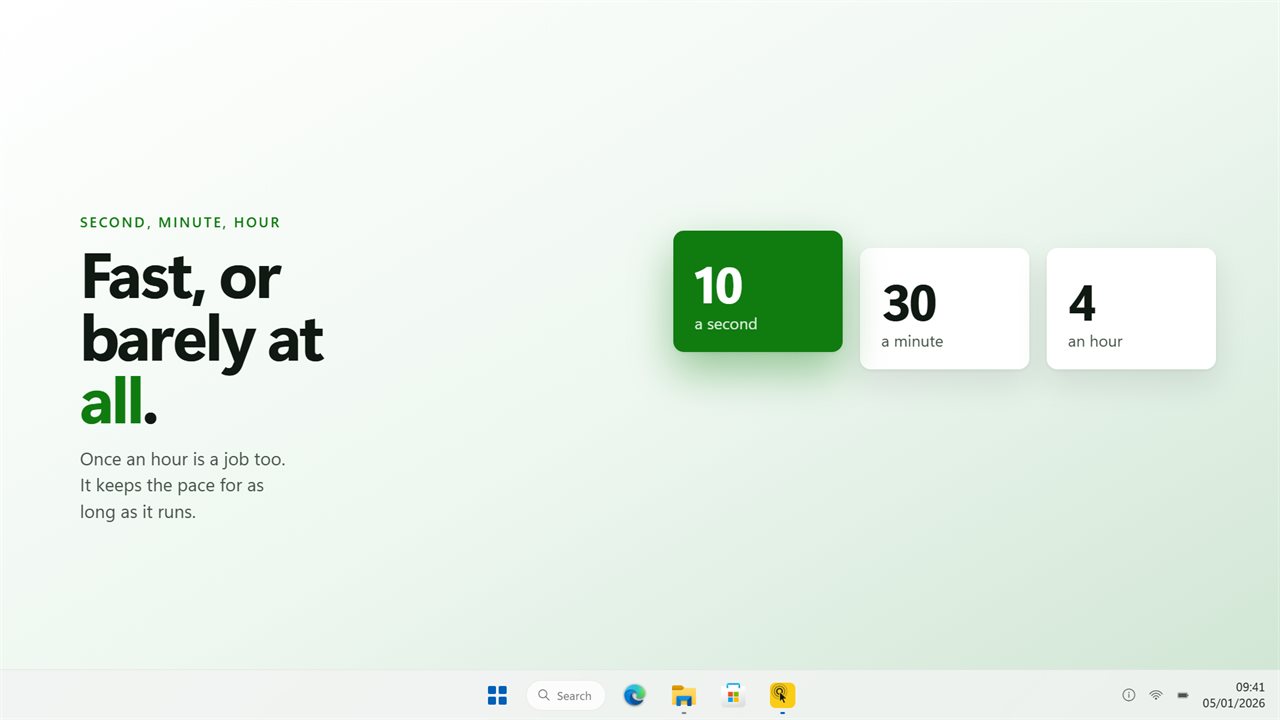
Second, minute or hour
All three, and all three are real. Once an hour is a job too — a keep-alive, a slow refresh, something that needs a nudge now and then rather than constantly.
As few as one
It opens on one click a second, which is the rate most people want and no auto clicker offers first. Take it up to a hundred if you need to.
Start it from where you are
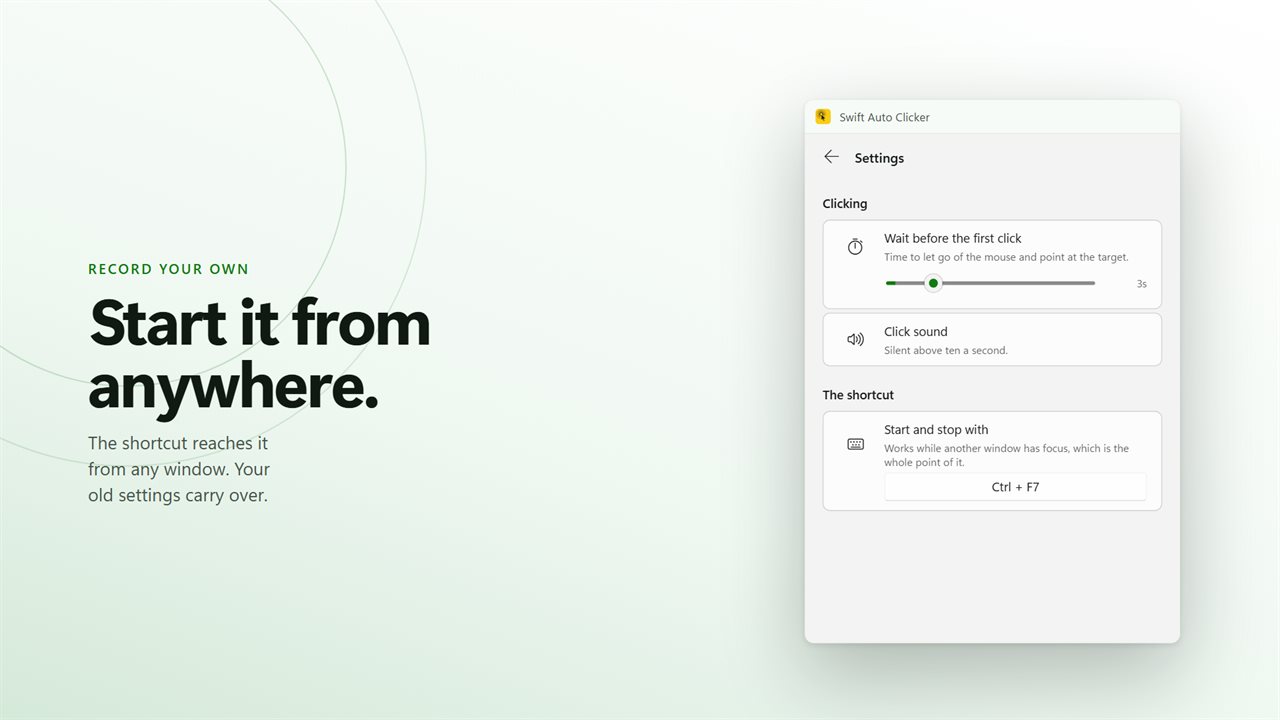
The window spends its life behind whatever is being clicked, so the shortcut is the real control. Press it to start, press it again to stop, from inside any application. Record your own combination in Settings.
Point first
It waits a few seconds before the first click, which is enough to let go of the mouse and put the pointer on the target.
No account needed. No sign-in needed. No ads, and nothing held back behind an unlock.
Built for Windows 11, and at home on Windows 10.
Features
- Clicks as many times a second, minute or hour as you ask for
- All three units work — per hour really is per hour
- The rings in the window go out at the rate you set, and turn red while it clicks
- Left, middle or right button
- A shortcut that works while another window has focus
- Waits a few seconds before the first click, so you can point at the target
- An optional tick on every click, silent above ten a second
- Sits in the tray and stays out of the way while it works
- Starts with Windows through the Startup page rather than a shortcut
- Your settings from the old version carry over on first launch
- No account needed, no ads, and nothing leaves your PC unless you turn on backup
Details
- Works on
- Windows 10 (1809 or later) and Windows 11
- Download
- About 2.8 MB
- Version
- 3.0.6, updated October 2026
- First released
- May 2022
- Price
- $2.89 once. No subscription.
- Category
- Utilities & tools
What's new in 3.0.6
- All three units work. In the old build two of them behaved the same, so an hourly rate clicked every minute
- Rates above a thousand a second no longer collapse into clicking flat out
- The rings in the window go out at the rate you set, so the number means something before you start
- New window, and it sits in the tray while it works
Questions
Anything else? Ask us
Which versions of Windows does it run on?
Windows 10 (version 1809 or later) and Windows 11.
Is it a subscription?
No. Swift Auto Clicker is a one-time purchase of $2.89, and updates are included.
How do I get it?
EvlarSoft apps are moving to direct downloads from this site. Ask to be notified and we will email you as soon as Swift Auto Clicker is ready to download.
More from EvlarSoft
 MouseScriptRecord what your mouse does and play it back, as often as you need.
 Turbo Key Auto PresserThe fastest key pressing Windows will deliver, set in milliseconds.
 Key DataKey Data shows the codes behind every key press: the virtual-key code, the scan code, the Unicode code point, the character it typed and the modifiers held at the time.