Turbo Key Auto Presser
The fastest key pressing Windows will deliver, set in milliseconds.
Milliseconds in, presses a second out. No arithmetic.
See it in action
About Turbo Key Auto Presser
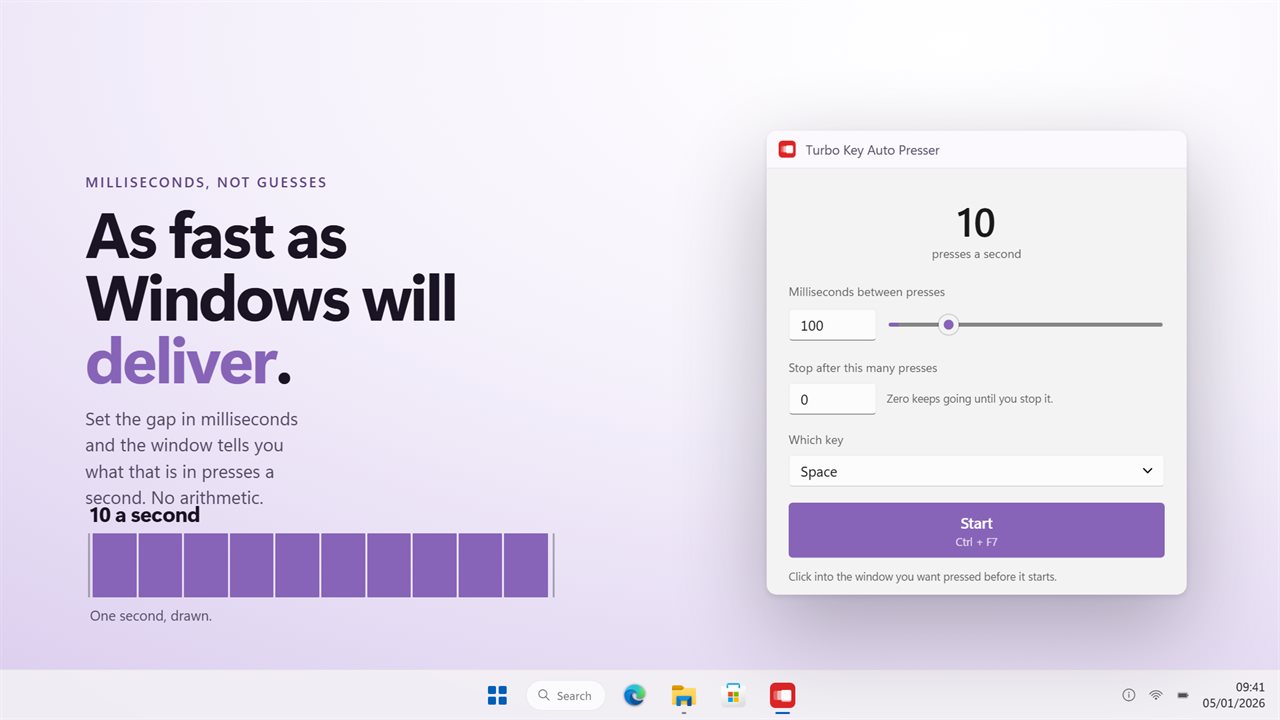
Set the gap in milliseconds. The window tells you what that means in presses a second, live, as you change it. That is the whole product, and it is the part every other presser leaves you to work out on paper.
As fast as Windows will deliver
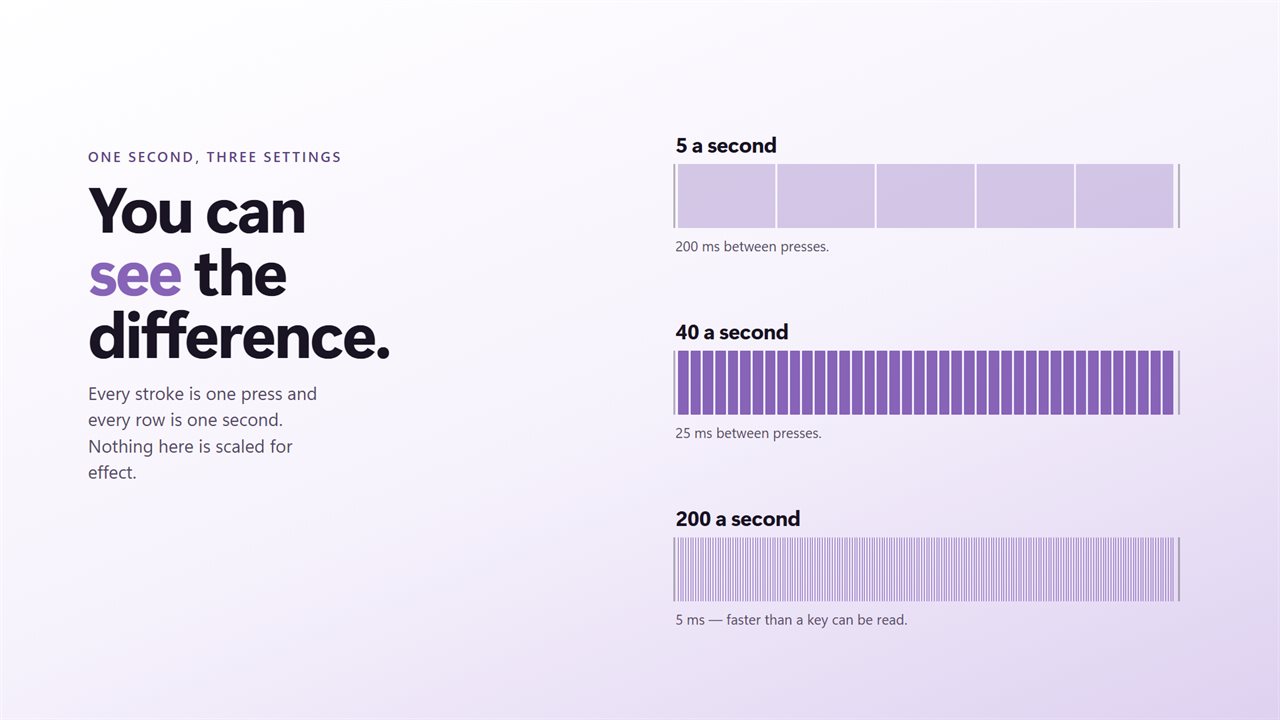
One millisecond is the floor, because nothing below it is a rate the operating system can actually deliver — a timer asked for zero does not go faster, it burns a core and starves the thing being pressed. Above about fifty a second nothing on the machine can keep up, and the window says so rather than pretending otherwise.
Games see it
Every press is sent as a scancode with the extended-key flag set where it belongs, which is what DirectInput and Raw Input actually read. A presser built on virtual keys is invisible to most games — this one is not. Games that run kernel-level anti-cheat reject simulated input of any kind, and no auto presser gets past that one.
Give it a number and walk away
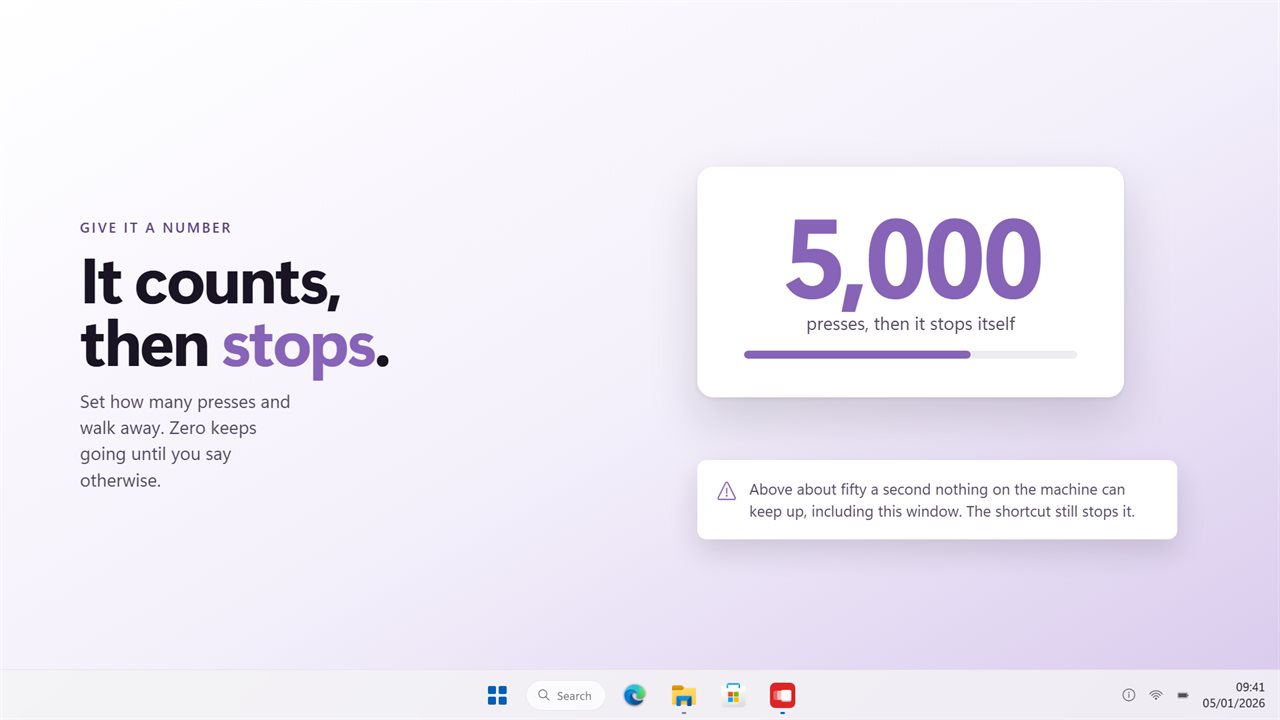
Stop after five thousand presses, or fifty, or leave it at zero and it runs until you stop it. At these rates a count is the only way to end a job precisely.
A shortcut that reaches you
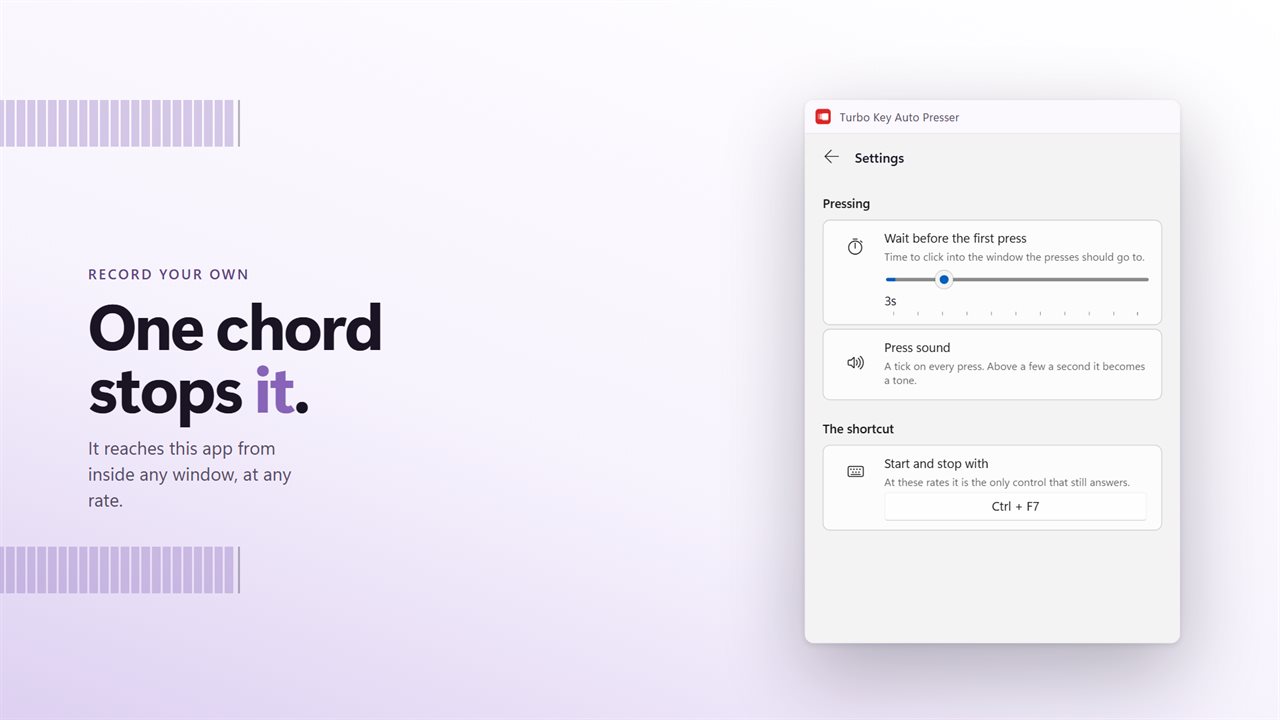
Start and stop from inside any application, and record your own combination in Settings. When a key is going hundreds of times a second it is the only control that still answers.
Point first
It waits a few seconds before the first press, which is enough to click into the window the presses should go to.
It works fully offline and needs no account. No ads, and nothing held back behind an unlock. An optional EvlarSoft ONE sign-in backs up your settings to carry them to another PC, and feedback is sent only when you press Send.
Built for Windows 11, and at home on Windows 10.
Features
- The gap between presses set in milliseconds, down to one
- Reads back what that gap is in presses a second, so you never do the arithmetic
- Presses are sent as scancodes, so games and emulators see them
- Stop after a count you set, or run until you stop it
- Any key on the board, chosen from a list
- A shortcut that works while another window has focus, at any rate
- Says plainly when a rate is faster than the machine can be used
- Waits a few seconds before the first press, so you can click into the right window
- An optional tick on every press
- Sits in the tray and stays out of the way while it works
- Starts with Windows through the Startup page rather than a shortcut
- Works fully offline and needs no account. No ads
- Optional EvlarSoft ONE sign-in backs up your speed, key and hotkey for another PC
Details
- Works on
- Windows 10 (1809 or later) and Windows 11
- Download
- About 2.6 MB
- Version
- 2.0.8, updated October 2026
- First released
- October 2022
- Price
- $2.99 once. No subscription.
- Category
- Productivity
What's new in 2.0.8
- Presses arrive as scancodes, which is what games and emulators actually read. The old build sent virtual keys and most games ignored them
- The gap you set in milliseconds is read back as presses a second, live, so there is no arithmetic
- Stop after a count you set, and walk away
- Says plainly when a rate is faster than the machine can be used
- New window, and it sits in the tray while it works
Questions
Anything else? Ask us
Which versions of Windows does it run on?
Windows 10 (version 1809 or later) and Windows 11.
Is it a subscription?
No. Turbo Key Auto Presser is a one-time purchase of $2.99, and updates are included.
How do I get it?
EvlarSoft apps are moving to direct downloads from this site. Ask to be notified and we will email you as soon as Turbo Key Auto Presser is ready to download.
More from EvlarSoft
 Mouse and Keyboard RecorderDo a job once and let your PC repeat it.
 Input LoggerRecords every key and mouse click on your PC in a live list, newest at the top, and shows the character each key actually typed, read from your keyboard layout so accents and AltGr come through as themselves.
 Automatic Mouse ClickerClicks for you, with Ctrl, Shift or Alt held if you need them.