Ambient Noise Player
Rain, waves, a crackling fire, brown noise and 13 more ambient sounds. Play one, or layer as many as you like, each at its own volume. Start one of 8 ready-made mixes with a click, and set a sleep timer that fades the sound out gently when it ends.
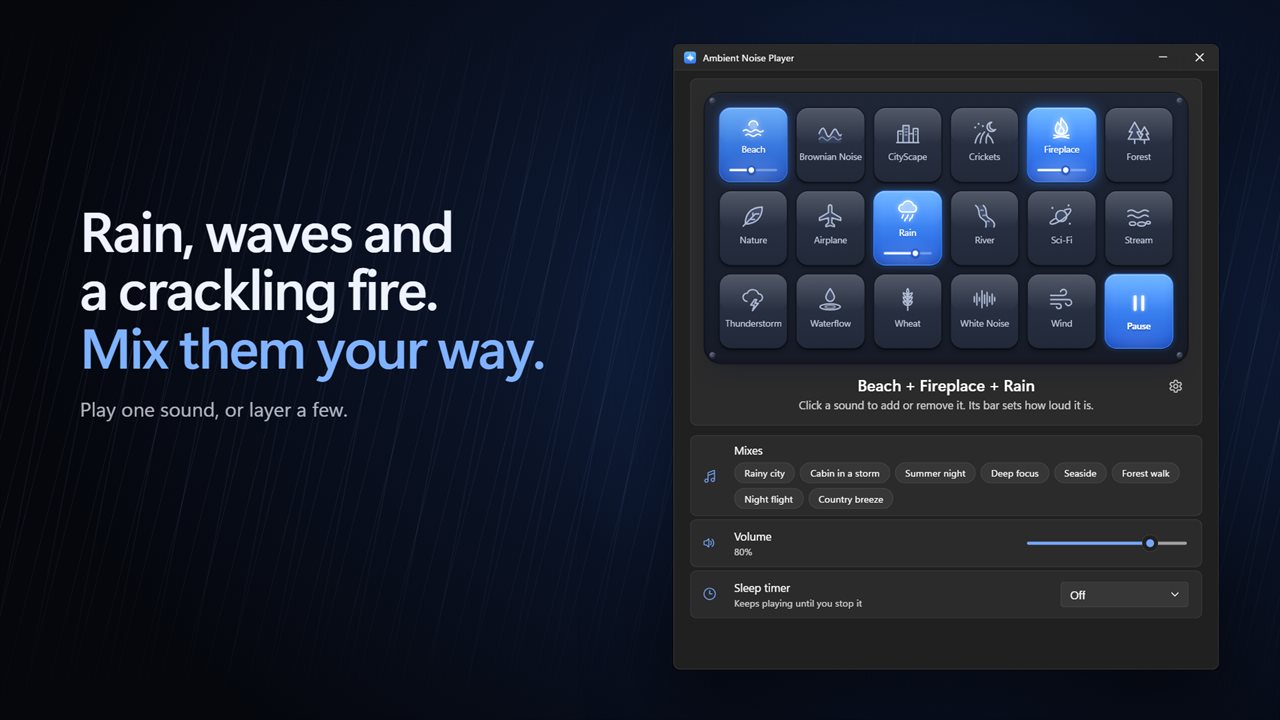
Rain, waves and a crackling fire. Mix them your way.
See it in action
About Ambient Noise Player
Some noise helps. Rain on the window, waves on a beach, a fire crackling in the grate. Ambient Noise Player plays them for you, to help you focus, fall asleep or block out the world.
Mix your own
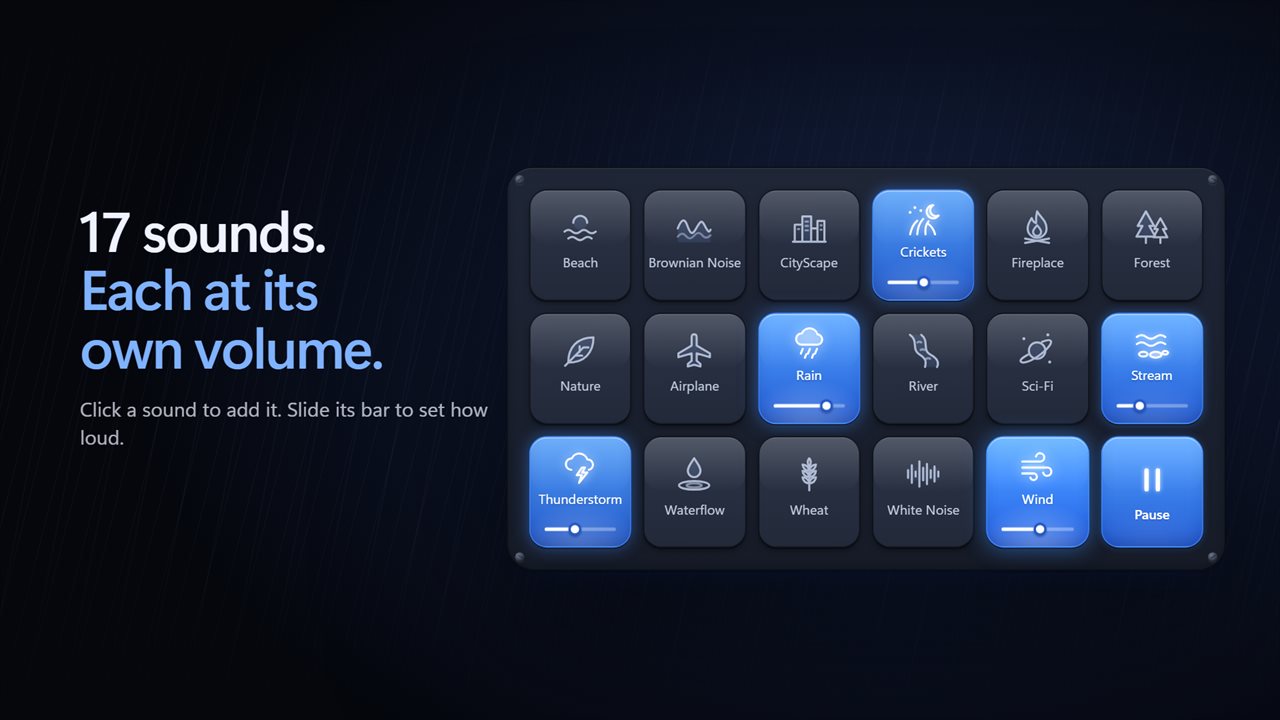
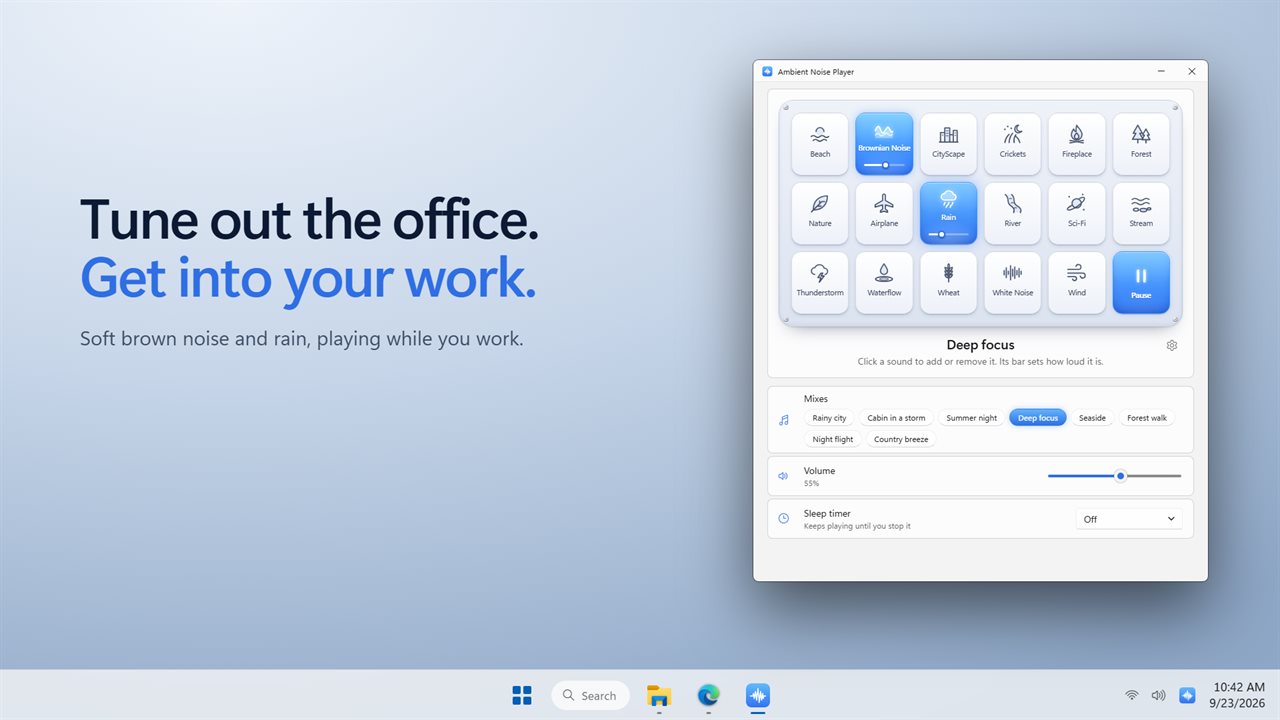
There are 17 sounds: Beach, Brownian Noise, CityScape, Crickets, Fireplace, Forest, Nature, Airplane, Rain, River, Sci-Fi, Stream, Thunderstorm, Waterflow, Wheat, White Noise and Wind. Click a sound to add it to the mix and it lights up. Play as many at once as you like. Each one has its own volume bar, so the rain can sit under the fire, and one more volume sets the whole mix.
Or pick a mix
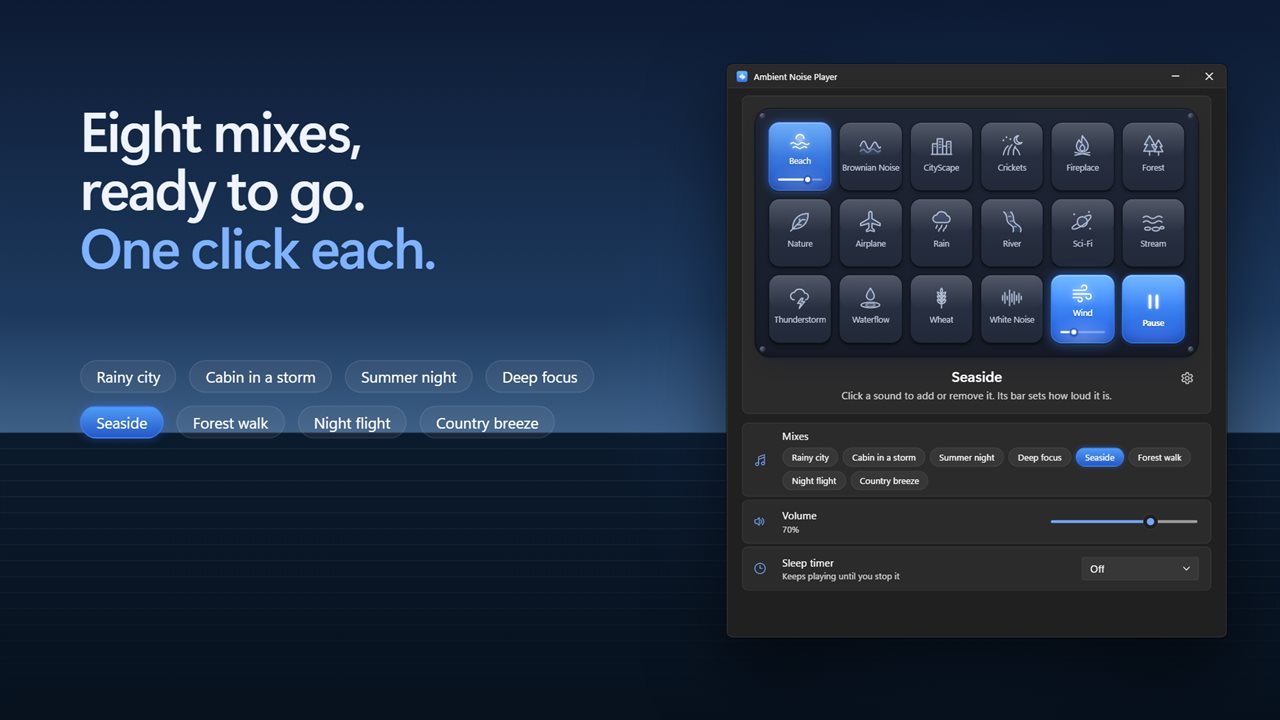
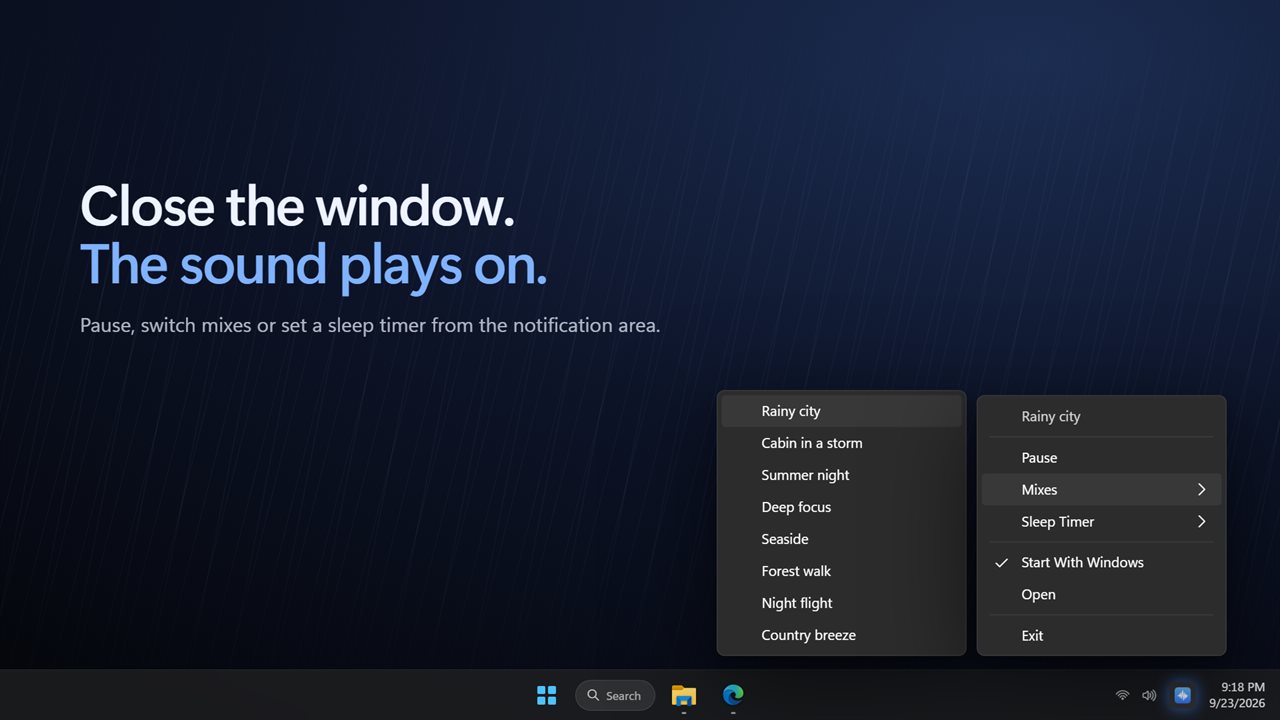
Eight mixes are ready to go: Rainy city, Cabin in a storm, Summer night, Deep focus, Seaside, Forest walk, Night flight and Country breeze. One click starts a mix, and a second click pauses it.
Fall asleep to it
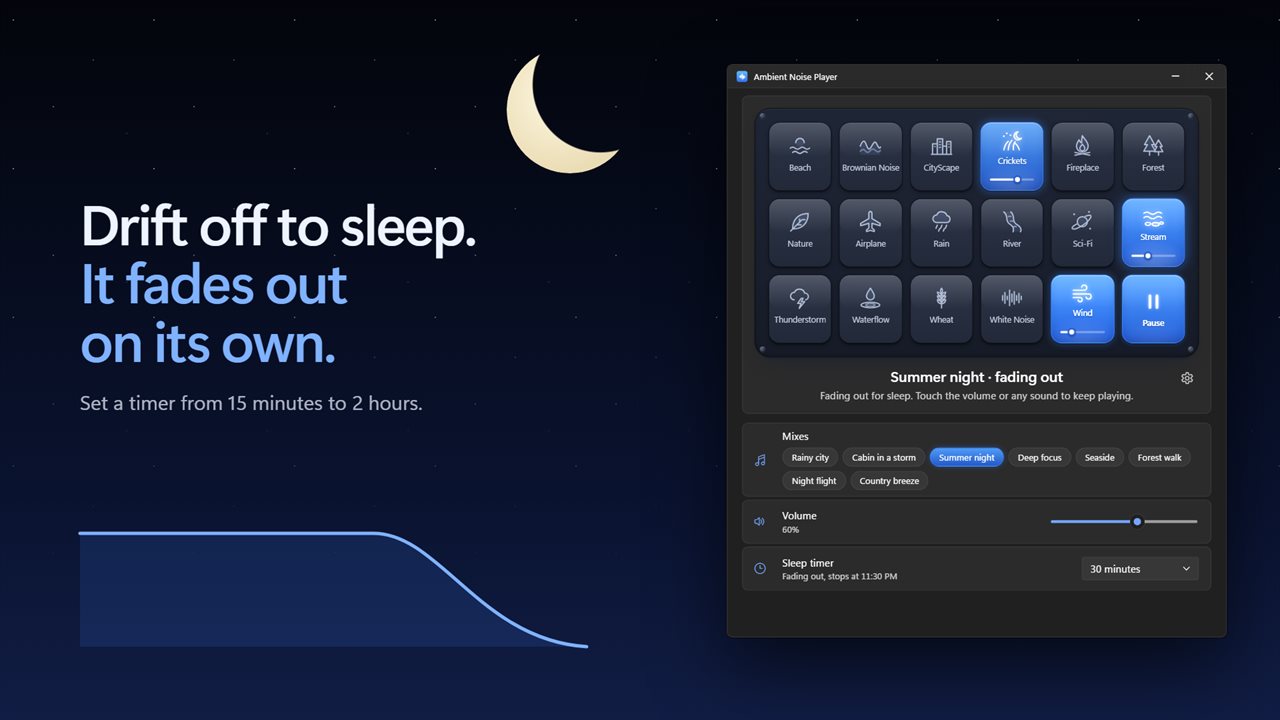
Set the sleep timer for 15, 30 or 45 minutes, 1 hour, 90 minutes or 2 hours. As the time runs out, the sound fades away gently rather than stopping dead. Choose a fade of 30 seconds, 1 minute or 5 minutes, or turn it off. Still awake? Touch the volume or any sound and it keeps playing.
Always there
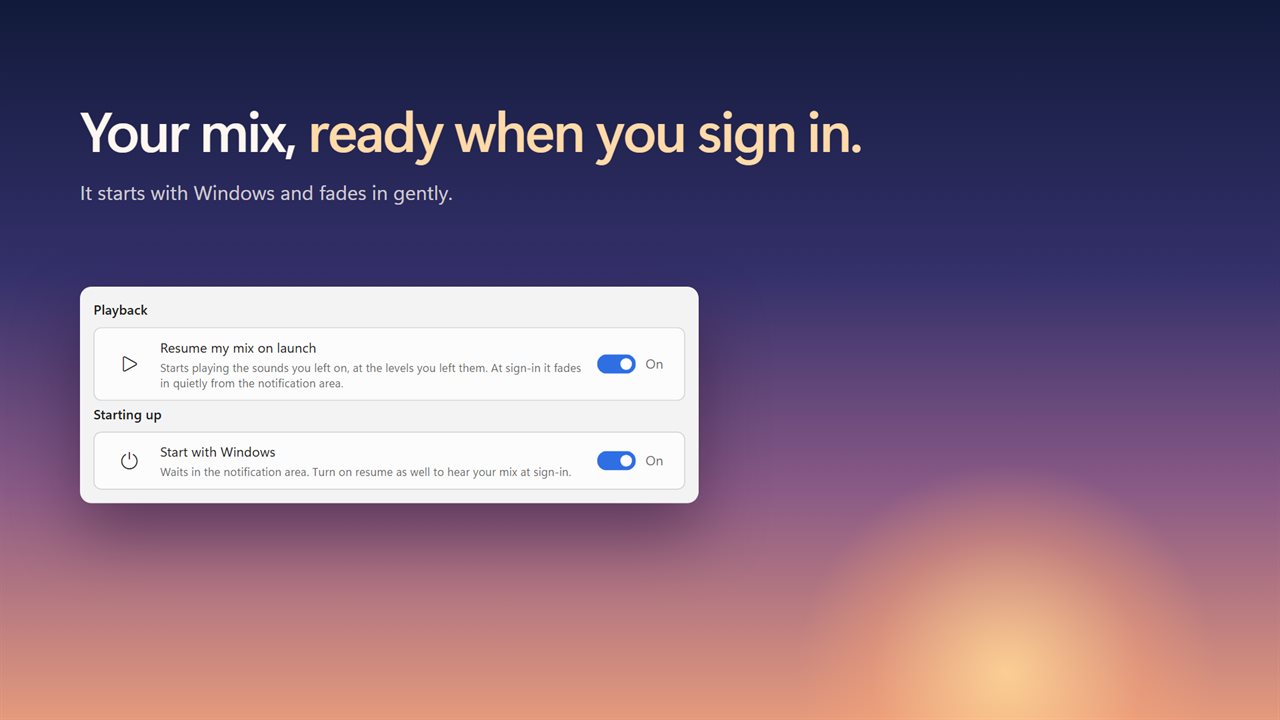
Close the window and the sound plays on from the notification area. Right-click the icon there to pause, switch mixes or set the sleep timer. Turn on Start with Windows and it waits there when you sign in. Turn on Resume my mix and your sounds fade back in, at the levels you left them.
A remote by the bed
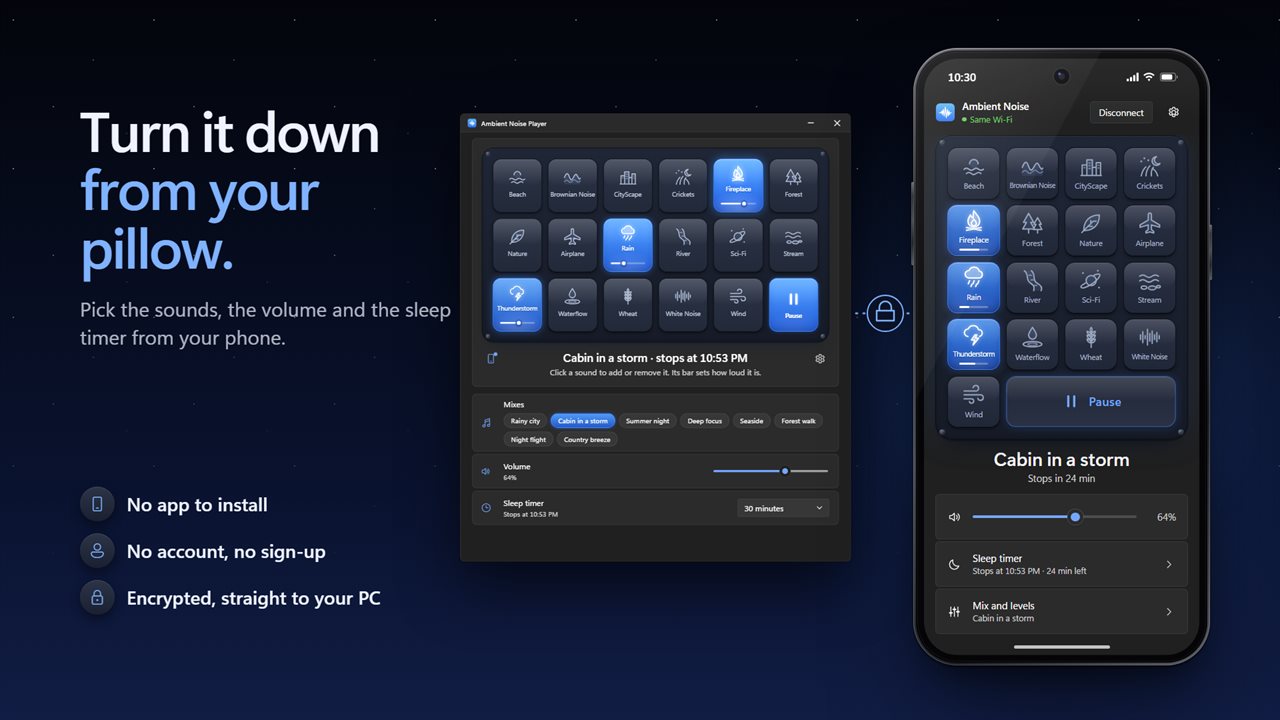
Scan the code in the app with your phone's camera, and your phone becomes a remote for the sound plate. Turn sounds on and off, set each one's level, pick a mix, change the volume and set the sleep timer without getting up. There is no app to install, no account and no sign-up. Your phone talks straight to your PC over an encrypted connection.
Choose a light or dark theme, or match Windows. Every sound is built in, so it works with no connection. Only the phone remote needs a network. No account is needed, and nothing is uploaded unless you turn on backup.
Features
- 17 ambient sounds: Beach, Brownian Noise, CityScape, Crickets, Fireplace, Forest, Nature, Airplane, Rain, River, Sci-Fi, Stream, Thunderstorm, Waterflow, Wheat, White Noise and Wind
- Play as many sounds at once as you like
- Every sound has its own volume bar, plus one volume for the whole mix
- 8 ready-made mixes: Rainy city, Cabin in a storm, Summer night, Deep focus, Seaside, Forest walk, Night flight and Country breeze
- Start a mix with one click, and click it again to pause
- Sleep timer: 15, 30 or 45 minutes, 1 hour, 90 minutes or 2 hours
- The sound fades out gently at the end of the timer, over 30 seconds, 1 minute or 5 minutes
- Touch the volume or any sound during the fade to keep playing
- Every sound loops until you stop it or the timer ends
- Close the window and the sound keeps playing from the notification area
- Right-click the notification area icon to pause, pick a mix or set the sleep timer
- Start with Windows, waiting quietly in the notification area
- Resume your mix on launch, fading in gently when you sign in
- Remembers the sounds you left on and the level of each
- Light and dark themes, or match Windows
- Use your phone as a bedside remote for sounds, mixes, volume and the sleep timer. No app to install and no account
- Works offline, with no account needed and nothing uploaded unless you turn on backup
Details
- Works on
- Windows 10 (1809 or later) and Windows 11
- Download
- About 40.2 MB
- Version
- 2.1.3, updated October 2026
- First released
- November 2022
- Price
- $2.99 once. No subscription.
- Category
- Health & fitness
What's new in 2.1.3
- New: play as many sounds at once as you like, each with its own volume
- New: 8 ready-made mixes, one click each
- New: a sleep timer that fades the sound out gently
- New: keeps playing from the notification area when you close the window
- New: start with Windows and resume your mix when you sign in
- New: light and dark themes
- The sound you had picked in the previous version carries over as your first mix
Questions
Anything else? Ask us
Which versions of Windows does it run on?
Windows 10 (version 1809 or later) and Windows 11.
Is it a subscription?
No. Ambient Noise Player is a one-time purchase of $2.99, and updates are included.
How do I get it?
EvlarSoft apps are moving to direct downloads from this site. Ask to be notified and we will email you as soon as Ambient Noise Player is ready to download.