Speaker Auto Muter
Pull the headphones out and the sound follows them to the speakers, at whatever volume you had them. Speaker Auto Muter watches the playback devices and mutes the moment one is unplugged, so nothing is broadcast to the room. It can also start you quiet after a restart or a wake from sleep. It sits in the notification area, and there is now a window for the three switches and the state.
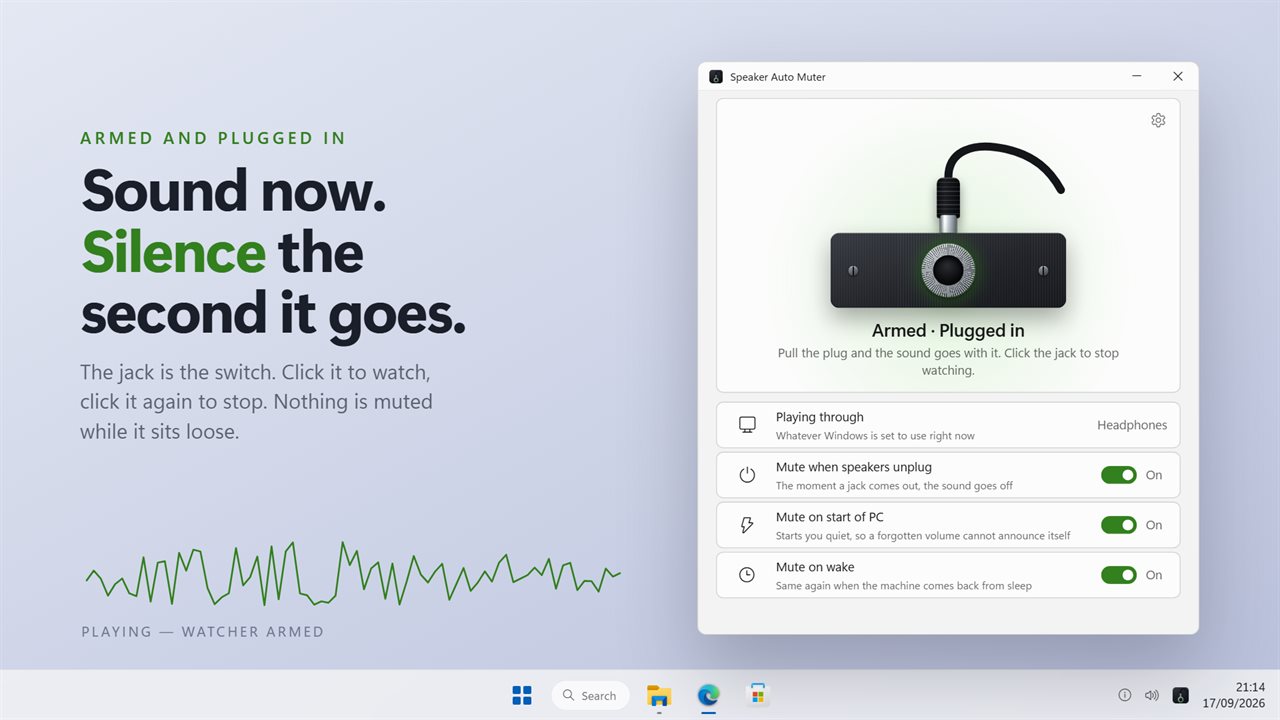
Armed and plugged in. Pull the plug and the sound goes with it.
See it in action
About Speaker Auto Muter
Headphones come out, and Windows hands the sound to the speakers at whatever level you were listening at. The first thing anyone else hears is what you were listening to.
Speaker Auto Muter watches the playback devices and cuts the sound when one is unplugged.
It follows the sound
Windows announces the device leaving and moves the default off it as two separate things, in no fixed order. Muting the default the instant the first arrives can mute the device that just went silent and leave the speakers playing. So it waits up to a second and a half for the default to move, and mutes where the sound actually went. If the default never moves, it silences every other playback device that could still be heard.
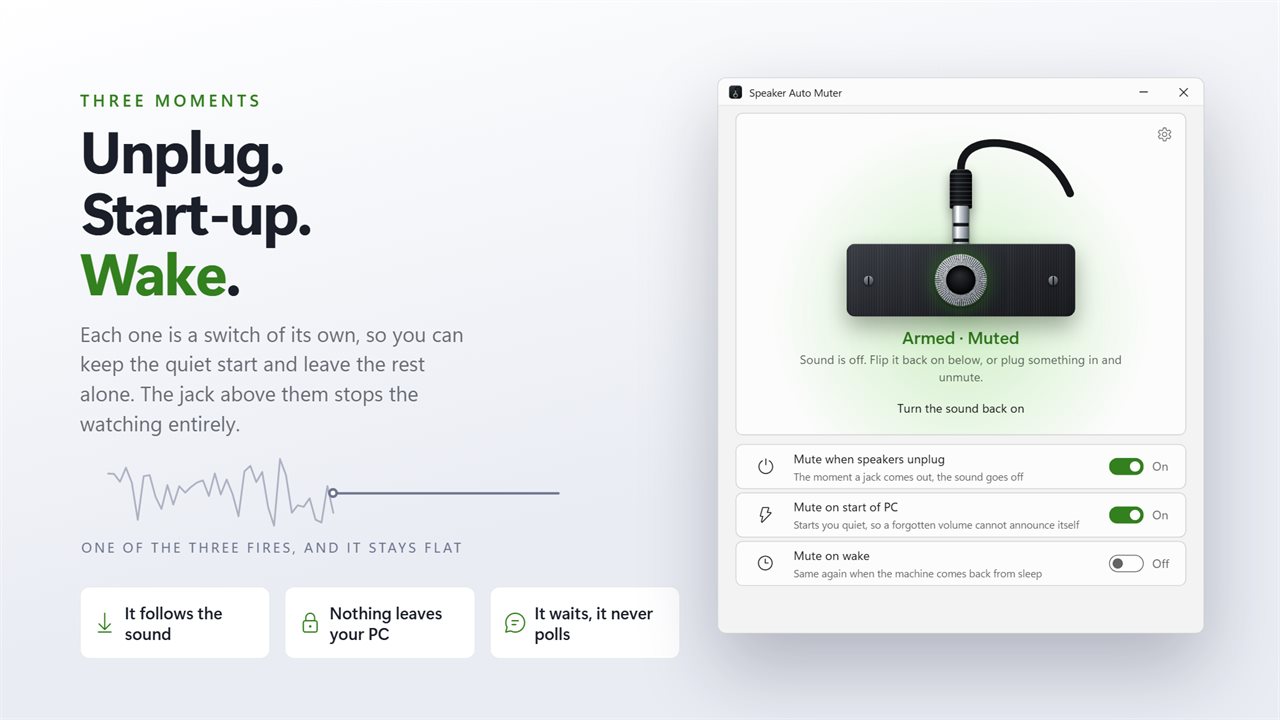
Three moments, each its own switch
When a device is unplugged. When the PC starts. When it wakes from sleep. Each is a switch of its own, and the one switch above them stops the watching entirely.
It tells you why it went quiet
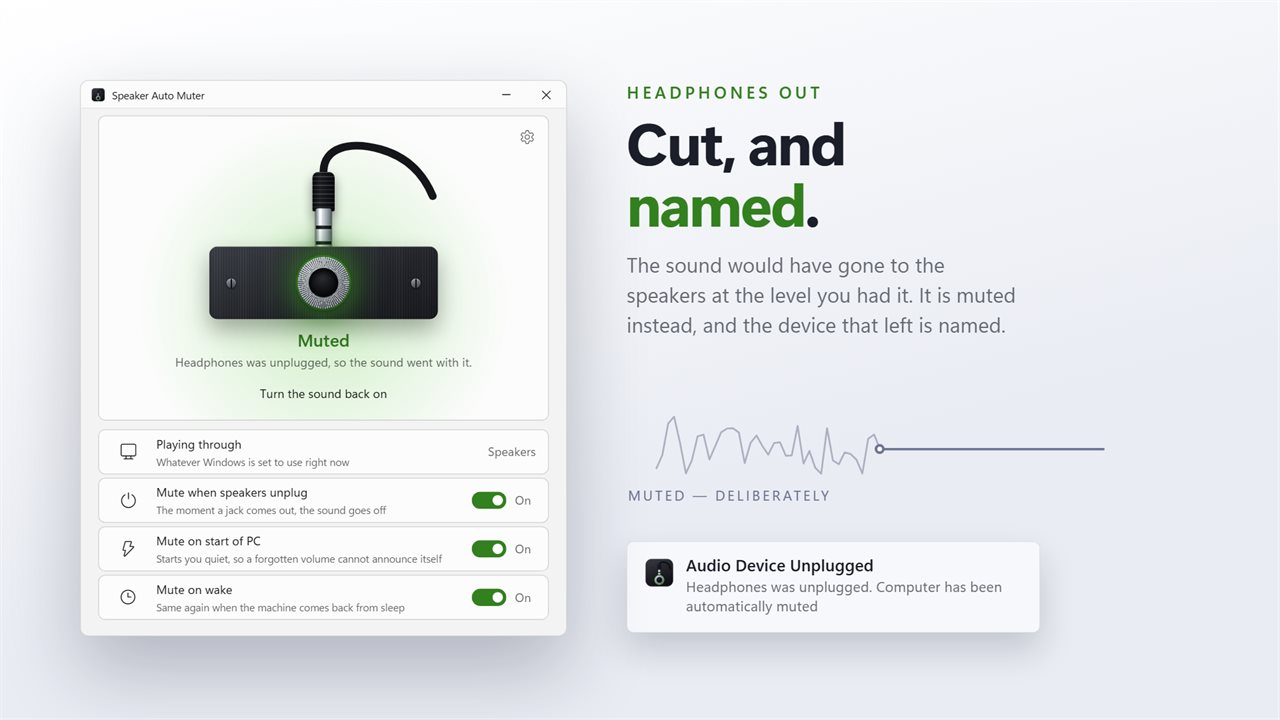
When it mutes, it says so and names the device that was unplugged. Sound that stops with no explanation reads as something broken. You can turn the notification off if you would rather it worked in silence.
A window, which it never had
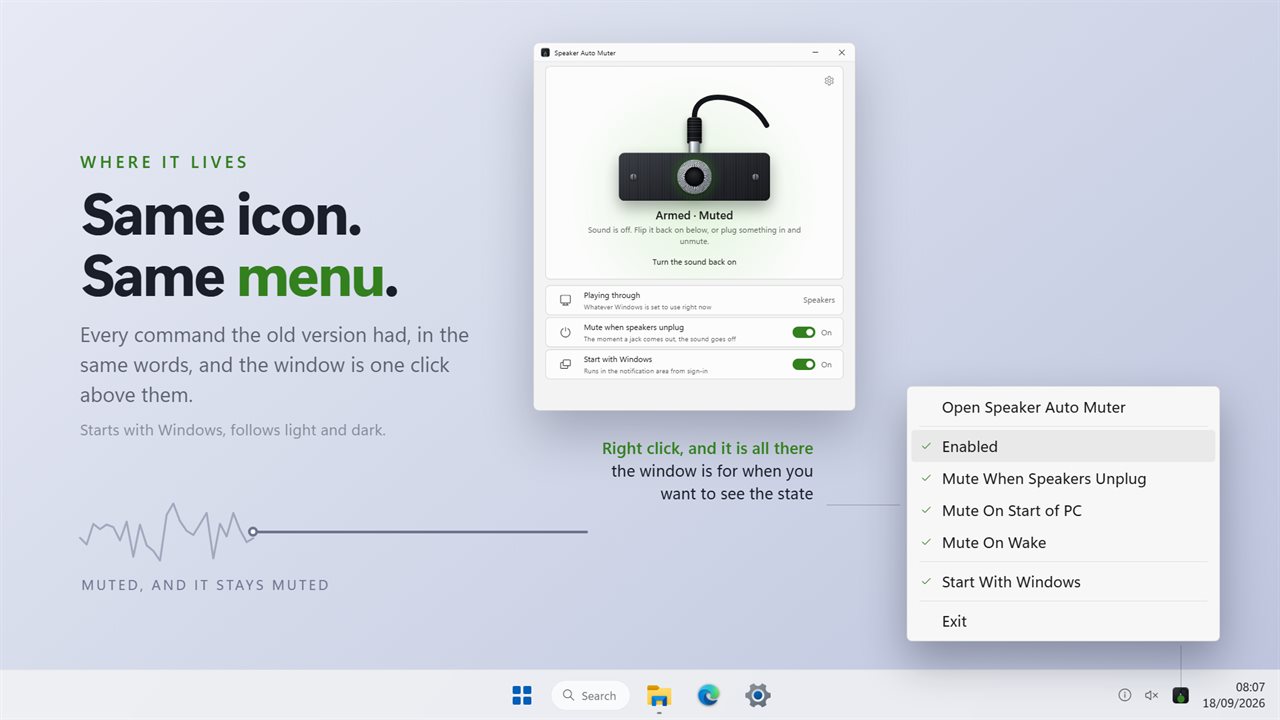
The old version was a notification-area icon and nothing else. This one keeps the icon and the same menu, and adds a window built around a socket and a plug: click the jack to arm the watcher or stop it, read the state under it, and turn the sound back on from there. The device you are playing through is named on the row below.
It waits on Windows to report a device change instead of asking several times a second, which is what the old version did, so it costs nothing while nothing is happening.
No account. No sign-in. Nothing leaves your PC unless you choose to send feedback. Nothing leaves your PC unless you choose to send feedback.
Built for Windows 11, and at home on Windows 10.
Features
- Cuts the sound when a playback device is unplugged, so the room does not hear what the headphones were
- Waits up to a second and a half for Windows to move the default, then mutes where the sound actually went
- If the default never moves, it silences every other playback device still active
- Mutes on start of the PC, so a volume left up overnight cannot announce itself at sign-in
- Mutes again when the machine comes back from sleep
- Names the device that was unplugged, rather than leaving the silence unexplained
- A window with the jack as the switch: click it to arm or stop the watcher
- One button turns the sound back on, and shows what you are playing through
- Waits on Windows for notice of a device change instead of asking several times a second
- Lives in the notification area, starts with Windows, follows light and dark, and works offline
Details
- Works on
- Windows 10 (1809 or later) and Windows 11
- Download
- About 2.8 MB
- Version
- 2.0.3, updated October 2026
- First released
- June 2022
- Price
- $2.99 once. No subscription.
- Category
- Utilities & tools
Questions
Anything else? Ask us
Which versions of Windows does it run on?
Windows 10 (version 1809 or later) and Windows 11.
Is it a subscription?
No. Speaker Auto Muter is a one-time purchase of $2.99, and updates are included.
How do I get it?
EvlarSoft apps are moving to direct downloads from this site. Ask to be notified and we will email you as soon as Speaker Auto Muter is ready to download.