Anti PC Sleep
Keeps your PC awake from one icon beside the clock. Right click, pick how long, and get on with what you were doing.
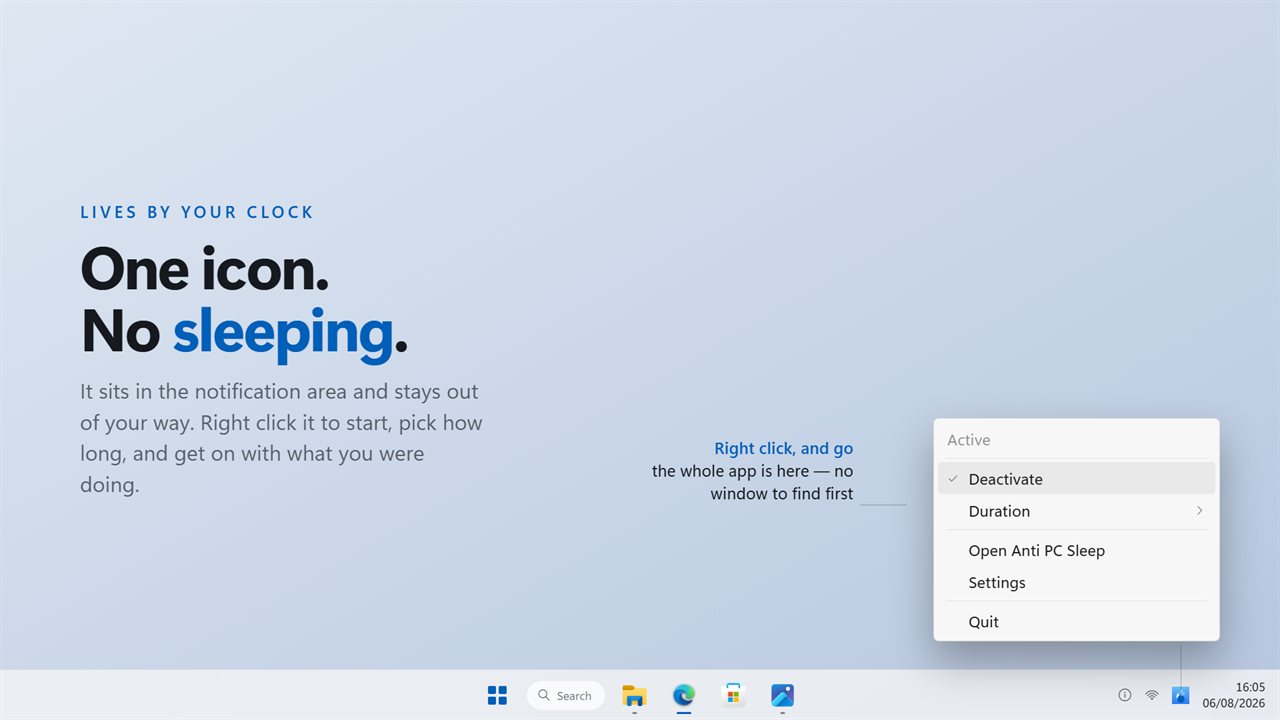
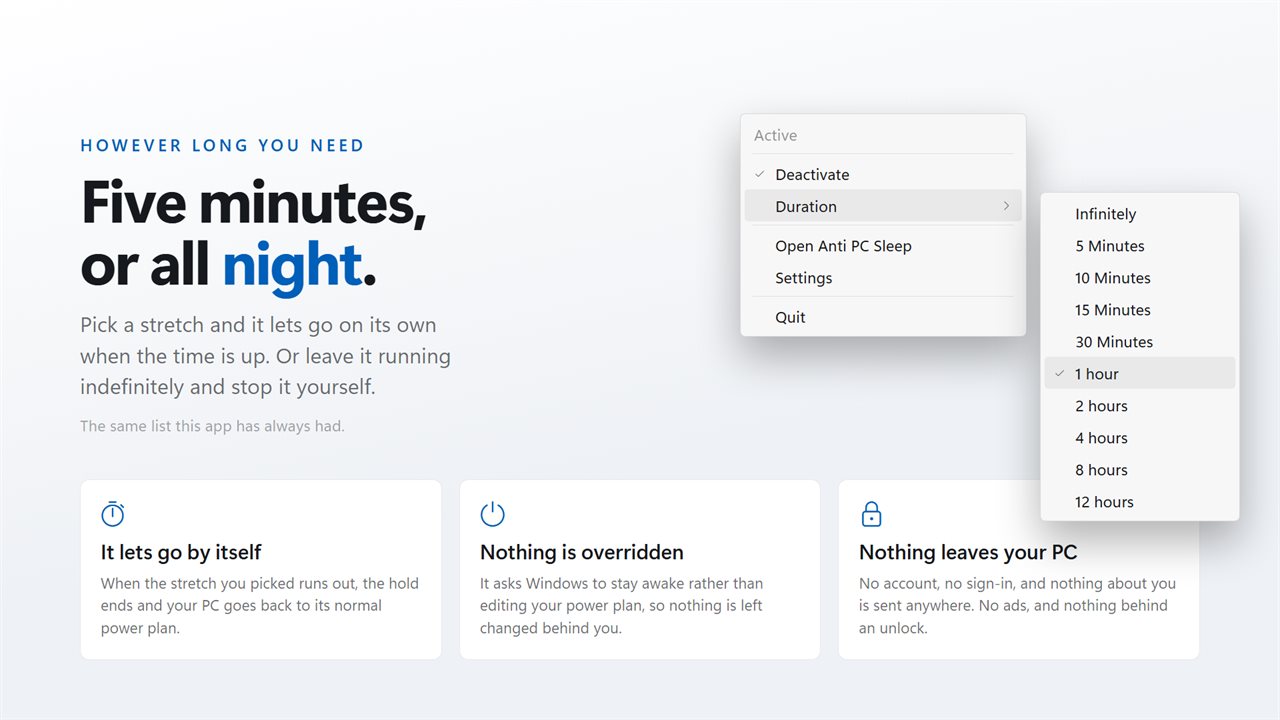
The whole app lives in one notification-area icon, a right click away.
See it in action
About Anti PC Sleep
Some apps want a window. This one wants to stay out of your way.
Anti PC Sleep sits in the notification area. Right click the icon, choose how long you need the machine awake for, and that is the whole interaction. Five minutes while a file copies, or twelve hours overnight.
It lets go by itself
When the stretch you picked runs out, the hold ends and your normal power plan comes back. Nothing is overridden and nothing is left changed behind you: it asks Windows to stay awake rather than rewriting your settings.
The screen is separate
Keep the display on with it, or let the screen blank while the machine keeps working. Overnight, the second one is usually what you want.
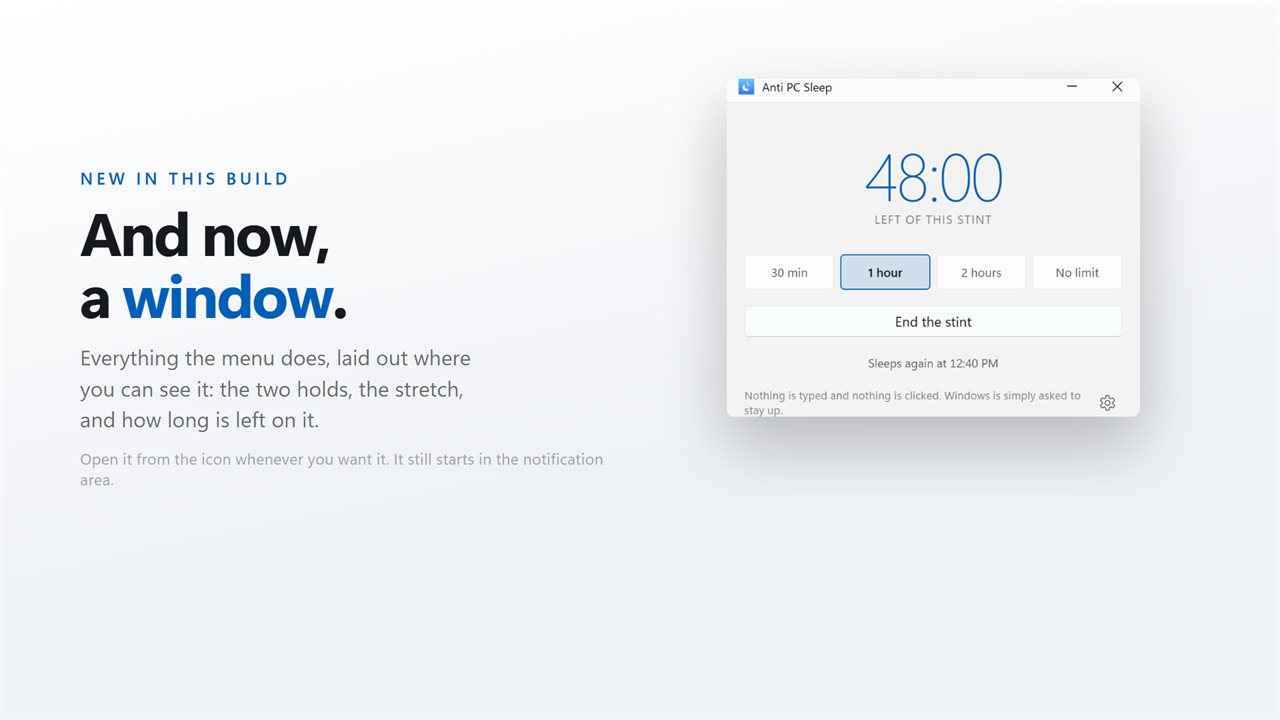
And now a window
This build adds one, for the settings the menu does not carry. It still starts in the notification area, as it always has. The window is there when you want it, and not in the way when you do not.
No account. No sign-in. Nothing leaves your PC unless you choose to send feedback. No ads, and nothing held back behind an unlock.
Built for Windows 11, and at home on Windows 10.
Features
- Lives in the notification area, a right click from start and stop
- Duration list from five minutes to twelve hours, or run indefinitely
- Lets go on its own when the stretch you picked runs out
- Keeps the screen on as well, or lets it blank while the PC stays up
- A window now too, for anyone who wants one
- Asks Windows to stay awake rather than editing your power plan
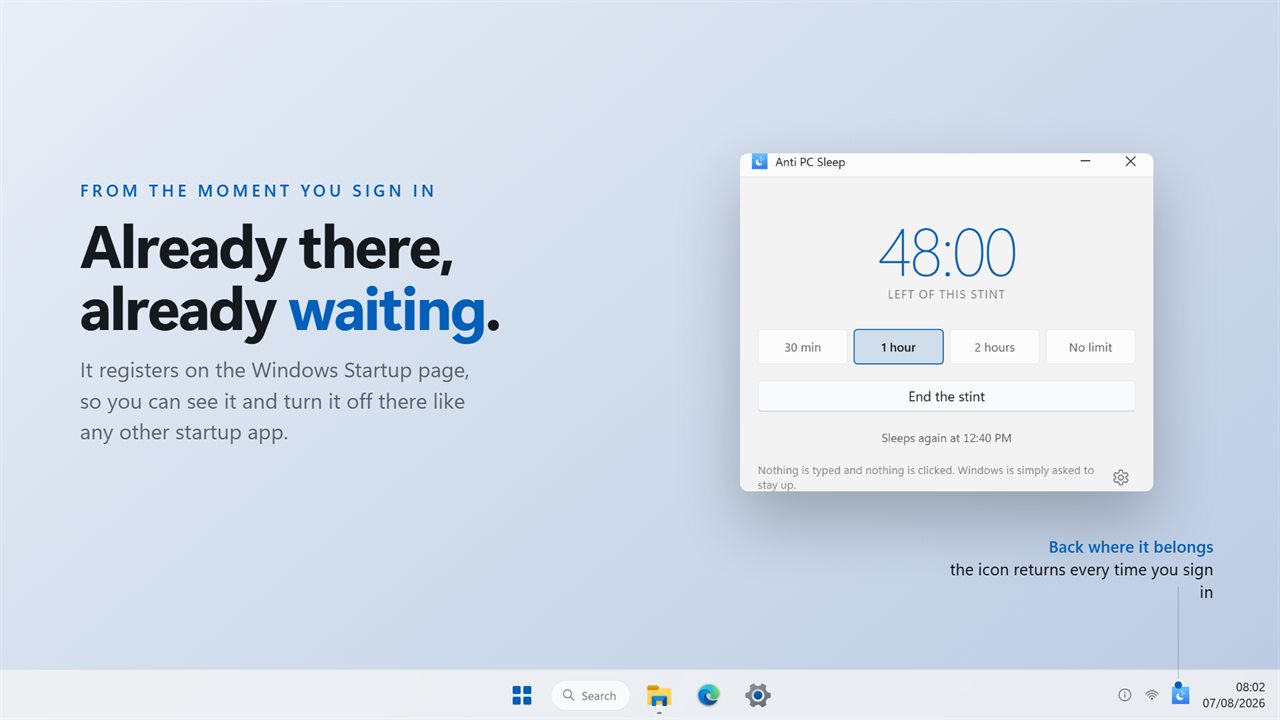
- Starts with Windows through the Startup page rather than a shortcut
- Light and dark, following Windows or pinned to one
- No account, no ads, and nothing that leaves your PC
Details
- Works on
- Windows 10 (1809 or later) and Windows 11
- Download
- About 2.5 MB
- Version
- 2.0.5, updated October 2026
- First released
- July 2022
- Price
- One-time purchase. No subscription.
- Category
- Utilities & tools
Questions
Anything else? Ask us
Which versions of Windows does it run on?
Windows 10 (version 1809 or later) and Windows 11.
Is it a subscription?
No. Anti PC Sleep is a one-time purchase, and updates are included.
How do I get it?
EvlarSoft apps are moving to direct downloads from this site. Ask to be notified and we will email you as soon as Anti PC Sleep is ready to download.
More from EvlarSoft
 Modern Battery WidgetEvery battery reading Windows knows, on one clean panel on your desktop.
 Quick Ram CleanerClean RAM in one click, see which apps were holding it, and get a straight answer about how much came back.
 PC BenchmarkClick the gauge and PC Benchmark tests your processor and memory: math, sorting, compression, encryption and RAM speed.