Modern Battery Widget
Every battery reading Windows knows, on one clean panel on your desktop.
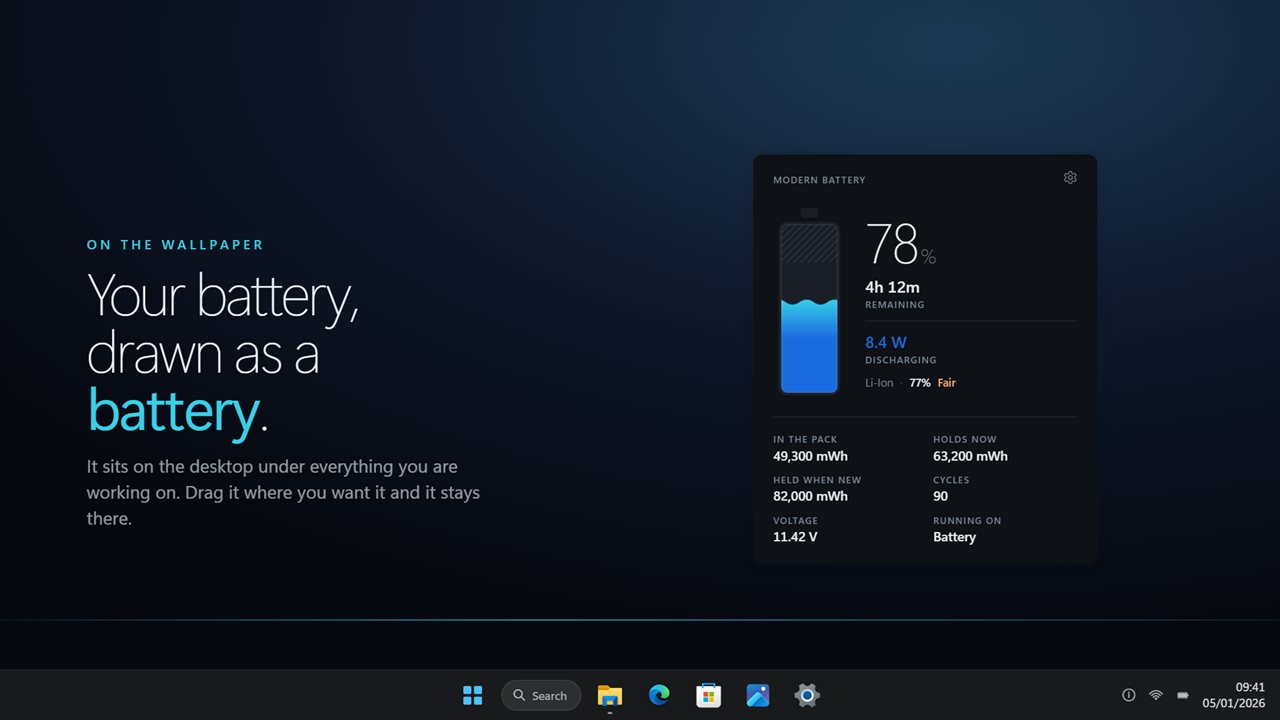
Sits on the desktop under your windows, drawn as the thing it is: a cell filled to the charge.
See it in action
About Modern Battery Widget
Windows will tell you a percentage. Everything else about the battery is buried in a command-line report you have to generate by hand.
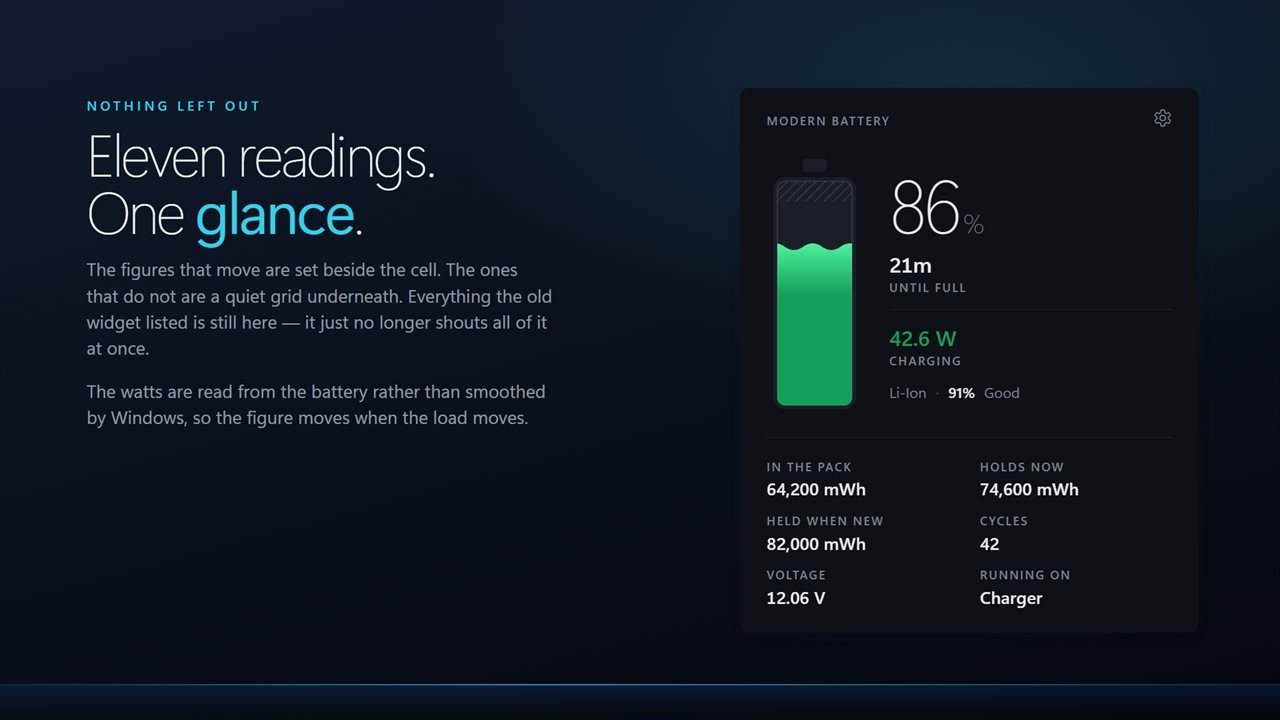
Modern Battery Widget puts all of it on the desktop, on one panel, updating as you work.
The whole readout
Status, time remaining, percentage, charge remaining, live draw, design capacity, capacity remaining, voltage, condition and power source. Nothing hidden behind a click.
What is actually measured
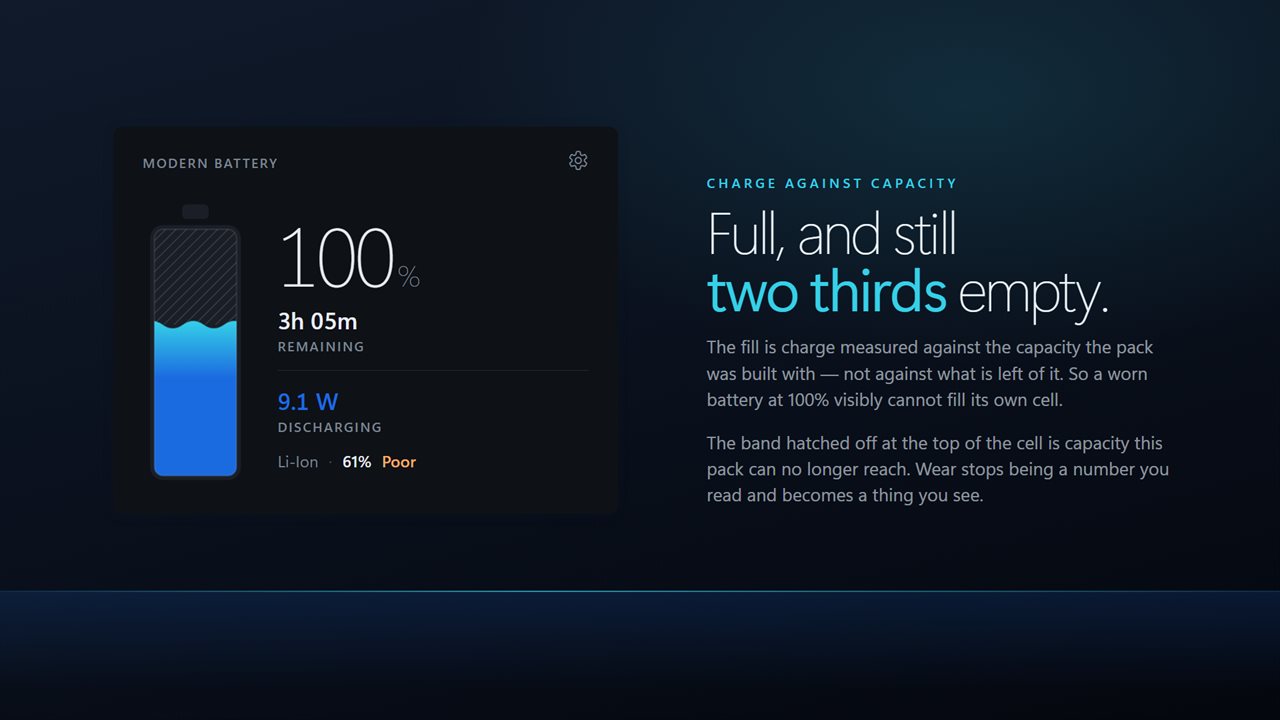
Capacity remaining is real: what the pack holds when full, against what it was built to hold. Draw is what the machine is pulling right now, in watts, straight from the battery rather than from an average that lags behind the load.
Compact when you want it
Half of those lines never change. Compact keeps the ones that move — status, time, percentage, draw, capacity and condition — and puts the rest away.
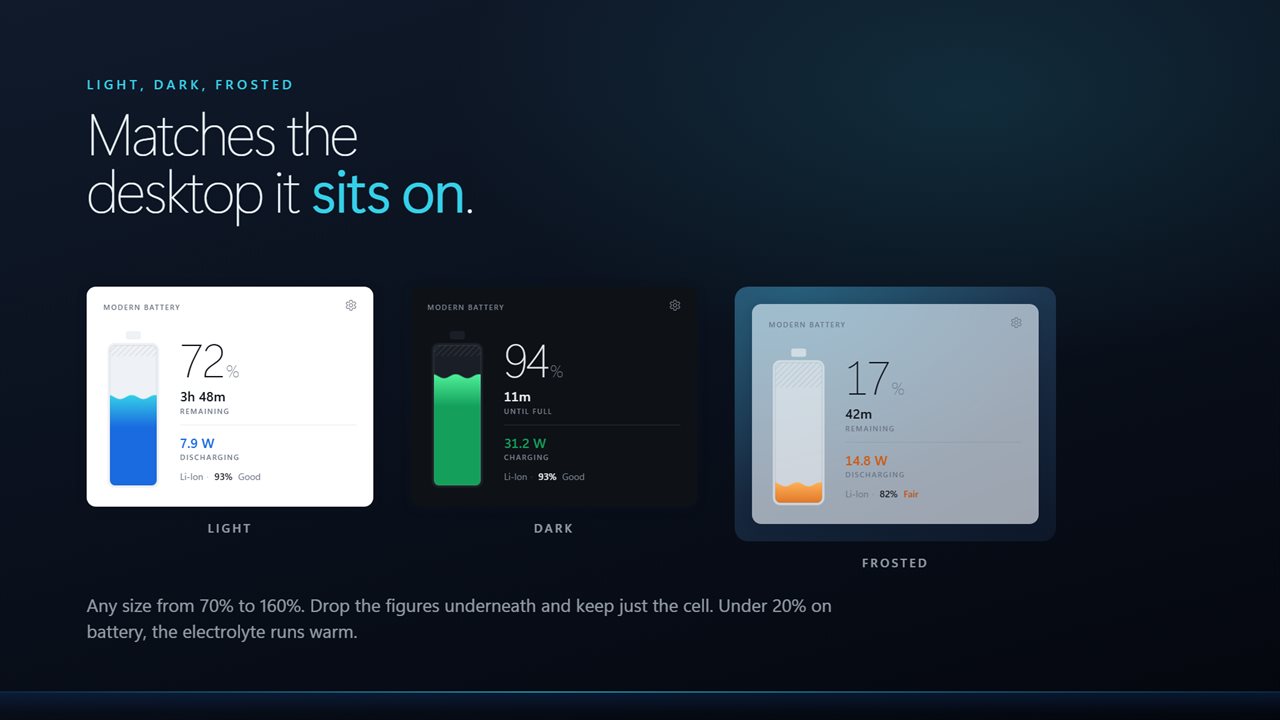
Light, dark, or frosted so the desktop shows through. Any size. Sits on the wallpaper or above your windows.
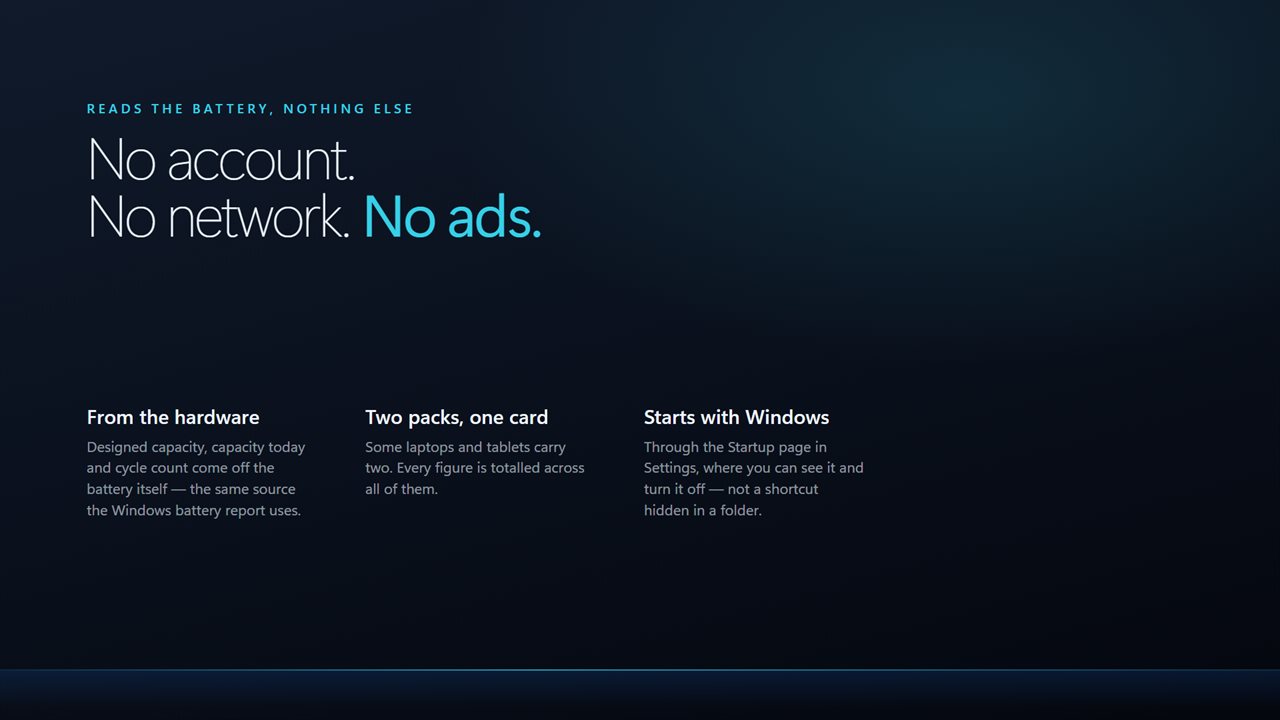
No account needed. No sign-in needed. Nothing leaves your PC unless you send feedback or turn on backup. No ads.
Built for Windows 11, and at home on Windows 10.
Features
- Every battery reading on one panel, in one place
- Live draw in watts
- Real capacity remaining, measured against the original
- Cycle-aware condition, chemistry and voltage
- Compact mode keeps the lines that change and drops the rest
- Light, dark or frosted, at any size from 70% to 160%
- Sits on the wallpaper or above your windows
- Starts with Windows through the Startup page rather than a shortcut
- No account needed, no ads, and nothing leaves your PC unless you turn on backup
Details
- Works on
- Windows 10 (1809 or later) and Windows 11
- Download
- About 2.4 MB
- Version
- 2.0.9, updated October 2026
- First released
- June 2022
- Price
- $2.99 once. No subscription.
- Category
- Utilities & tools
What's new in 2.0.9
- Rebuilt for Windows 11
- New: live draw in watts
- Capacity remaining is now measured wear rather than charge repeated
- New: compact mode
- Light, dark and frosted themes, and any size from 70% to 160%
- Lower memory use and a faster start
Questions
Anything else? Ask us
Which versions of Windows does it run on?
Windows 10 (version 1809 or later) and Windows 11.
Is it a subscription?
No. Modern Battery Widget is a one-time purchase of $2.99, and updates are included.
How do I get it?
EvlarSoft apps are moving to direct downloads from this site. Ask to be notified and we will email you as soon as Modern Battery Widget is ready to download.