Automatic Mouse Jiggler
Moves your pointer a single pixel on a schedule you set, so nothing on your PC decides you have gone.
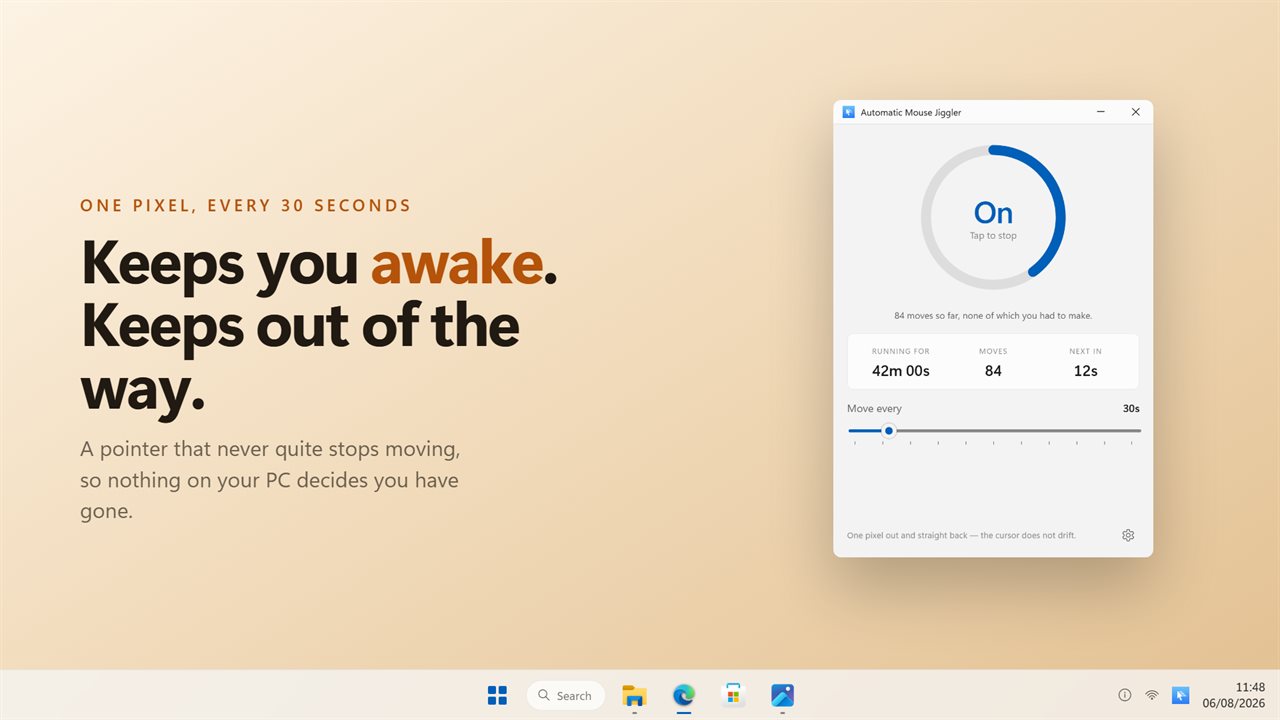
One dial: the switch, the state, and the countdown to the next move.
See it in action
About Automatic Mouse Jiggler
A pointer that never quite stops moving, so nothing on your PC decides you have gone: not the screensaver, not the lock screen, not the app that marks you away.
The cursor stays where you left it
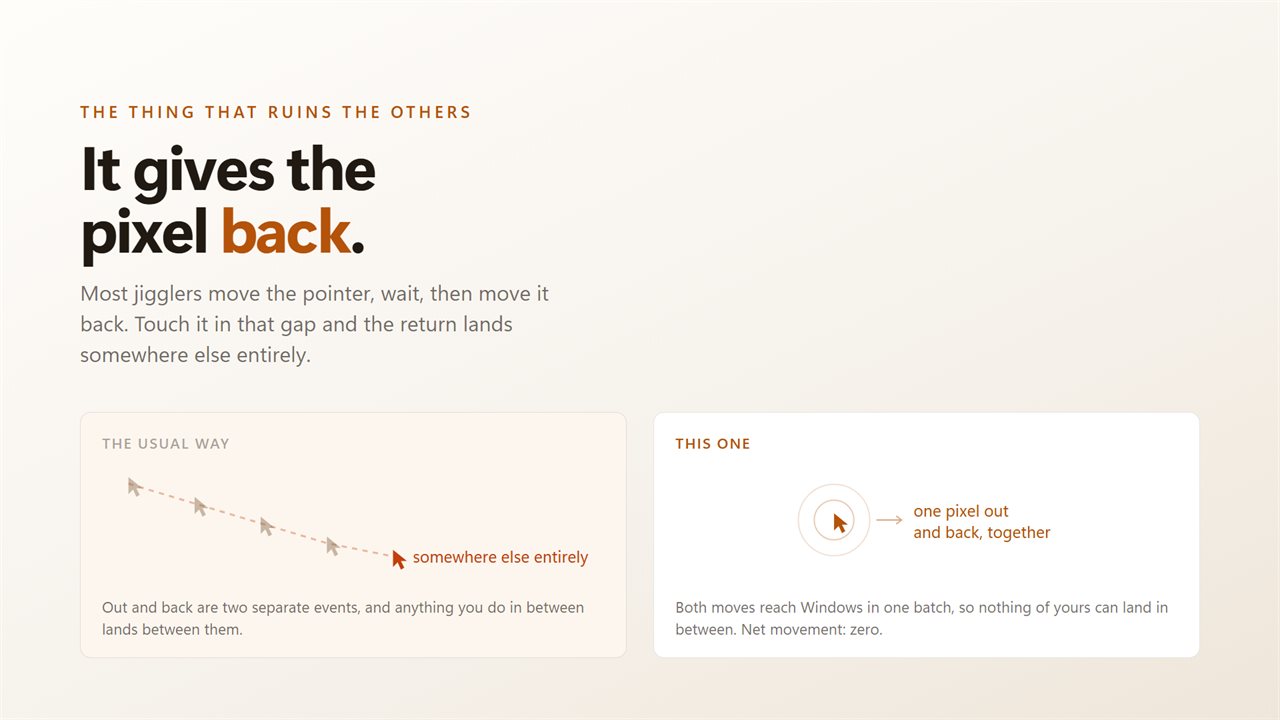
Most jigglers move the pointer, wait, and move it back a moment later. Touch your mouse in that gap and the return lands somewhere else entirely, so the cursor walks across the screen all day. This one checks first: it moves the pointer a real pixel, the kind every app watching for movement can see, and puts it back only if you have not touched the mouse in between. The cursor stays where you left it, every time.
One dial
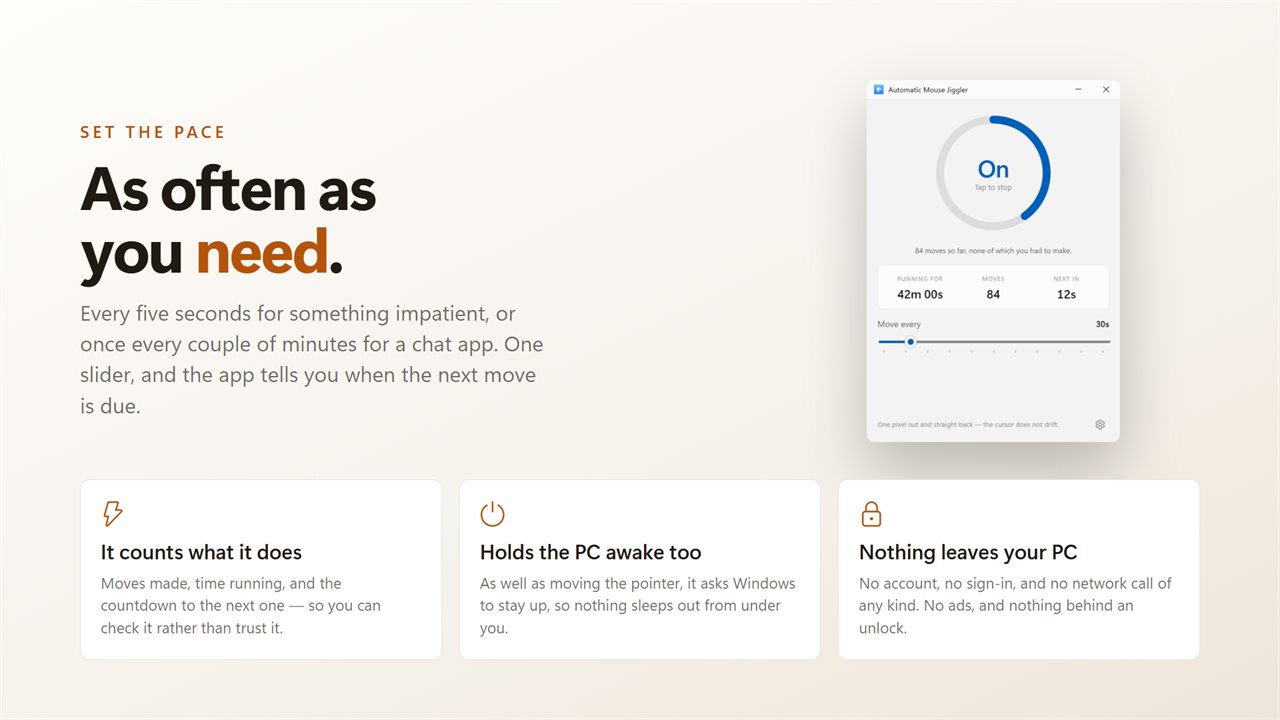
The dial is the switch, and its sweep is the countdown to the next move. Under it: how long it has been running, how many moves it has made, and when the next one is due. Counted, not claimed.
Set the pace
Every five seconds for something impatient, or once every couple of minutes for a chat app. One slider, and it holds the machine awake at the same time so nothing sleeps out from under you.
No account. No sign-in. Nothing leaves your PC unless you choose to send feedback. No ads, and nothing held back behind an unlock.
Built for Windows 11, and at home on Windows 10.
Features
- One dial carrying the switch, the state and the countdown to the next move
- Moves the pointer a real pixel, one every app can see, then puts it back, with no drift
- Counts every move it makes, so you can check it rather than trust it
- Set the interval anywhere from five seconds to two minutes
- Holds the PC awake at the same time, so nothing sleeps under you
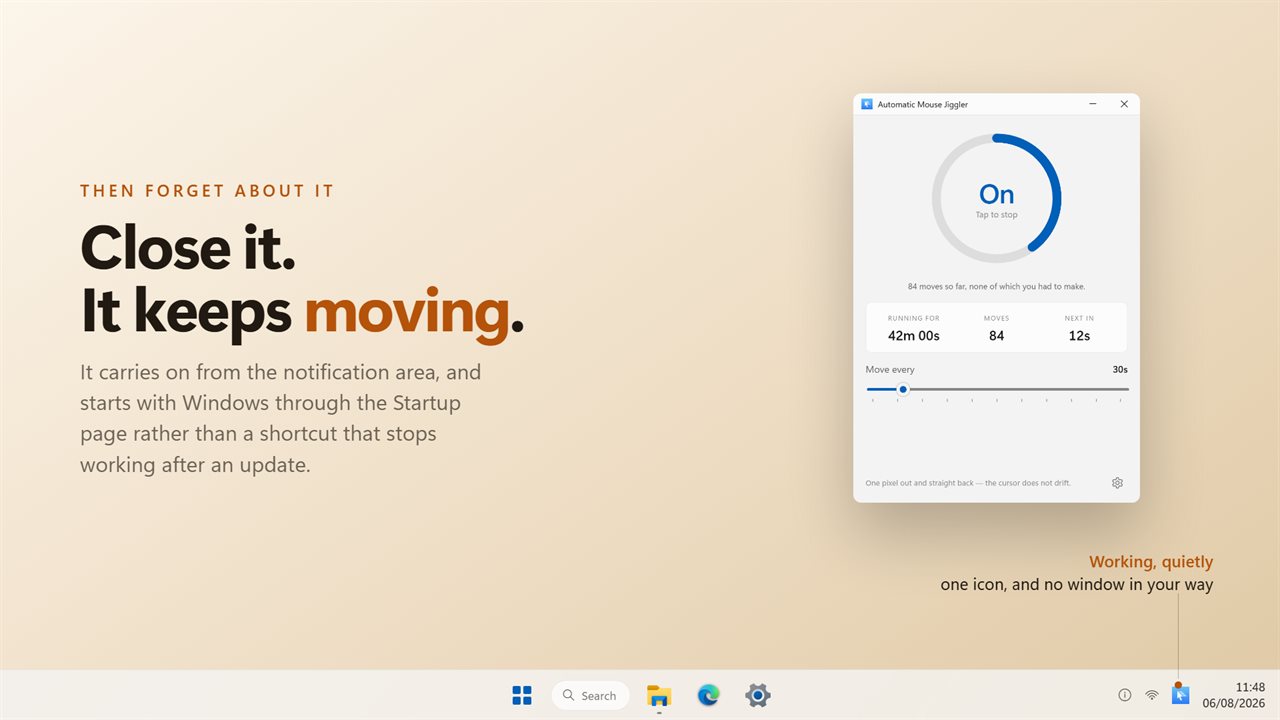
- Lives in the tray and keeps working with the window closed
- Starts with Windows through the Startup page rather than a shortcut
- Light and dark, following Windows or pinned to one
- No account, no ads, and nothing that leaves your PC
Details
- Works on
- Windows 10 (1809 or later) and Windows 11
- Download
- About 2.5 MB
- Version
- 2.0.3, updated October 2026
- First released
- October 2022
- Price
- $1.99 once. No subscription.
- Category
- Utilities & tools
Questions
Anything else? Ask us
Which versions of Windows does it run on?
Windows 10 (version 1809 or later) and Windows 11.
Is it a subscription?
No. Automatic Mouse Jiggler is a one-time purchase of $1.99, and updates are included.
How do I get it?
EvlarSoft apps are moving to direct downloads from this site. Ask to be notified and we will email you as soon as Automatic Mouse Jiggler is ready to download.
More from EvlarSoft
 Modern Battery WidgetEvery battery reading Windows knows, on one clean panel on your desktop.
 Quick Ram CleanerClean RAM in one click, see which apps were holding it, and get a straight answer about how much came back.
 PC BenchmarkClick the gauge and PC Benchmark tests your processor and memory: math, sorting, compression, encryption and RAM speed.