Battery Monitor Widget
Watches the battery and tells you before it matters, at the levels you choose.
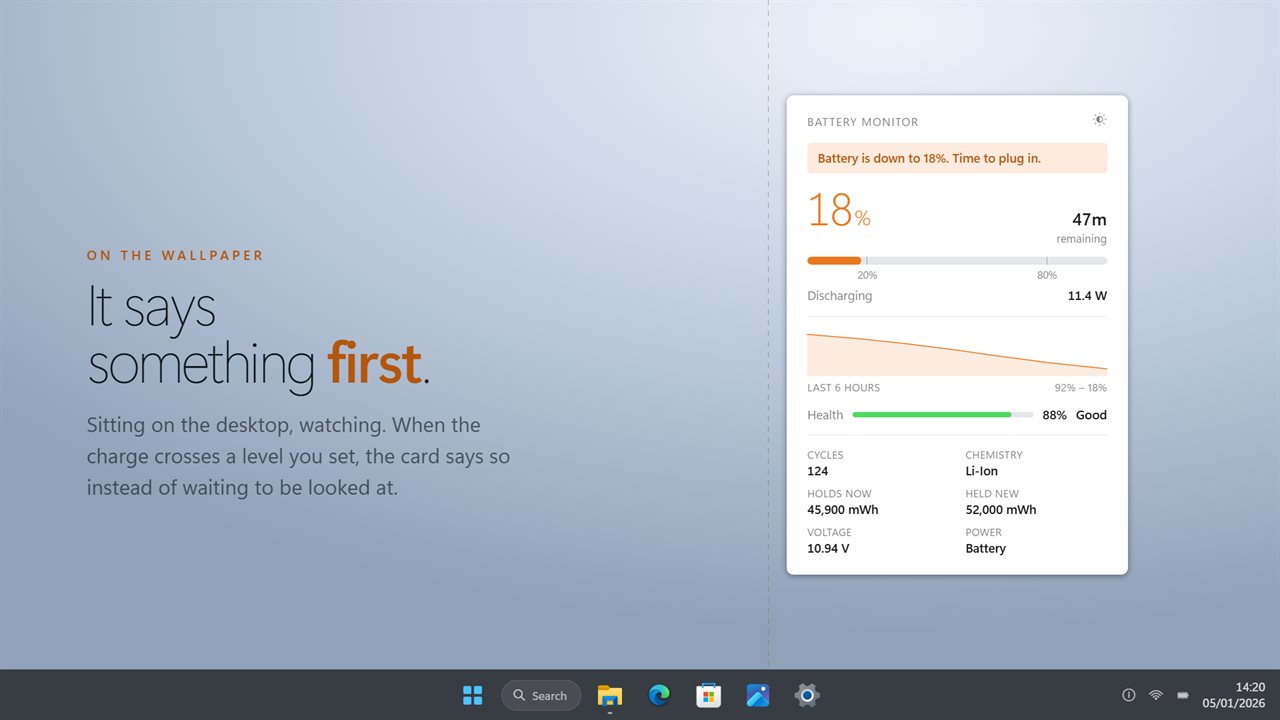
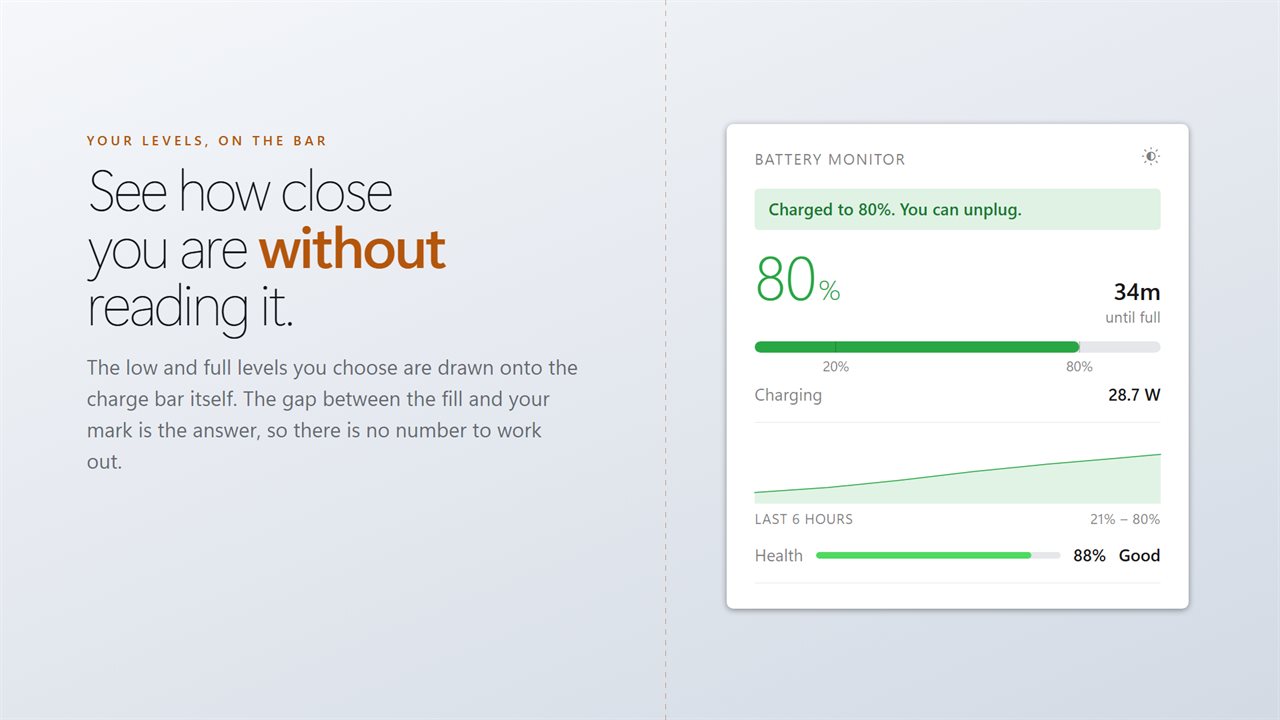
Watches the charge on the desktop and says something when it crosses a level you set.
See it in action
About Battery Monitor Widget
A battery reading you have to go and look at is a battery reading you will forget to look at.
Battery Monitor Widget watches instead. It sits on the desktop showing charge, draw and health, and it says something when either level you care about is reached.
Two levels, both yours
Tell it when the charge counts as low, and a band appears across the widget before you are caught out. Tell it what counts as charged enough, and it says so when you get there, so you are not holding the battery at 100% all day. Lithium packs age slower when you do not.
Live draw
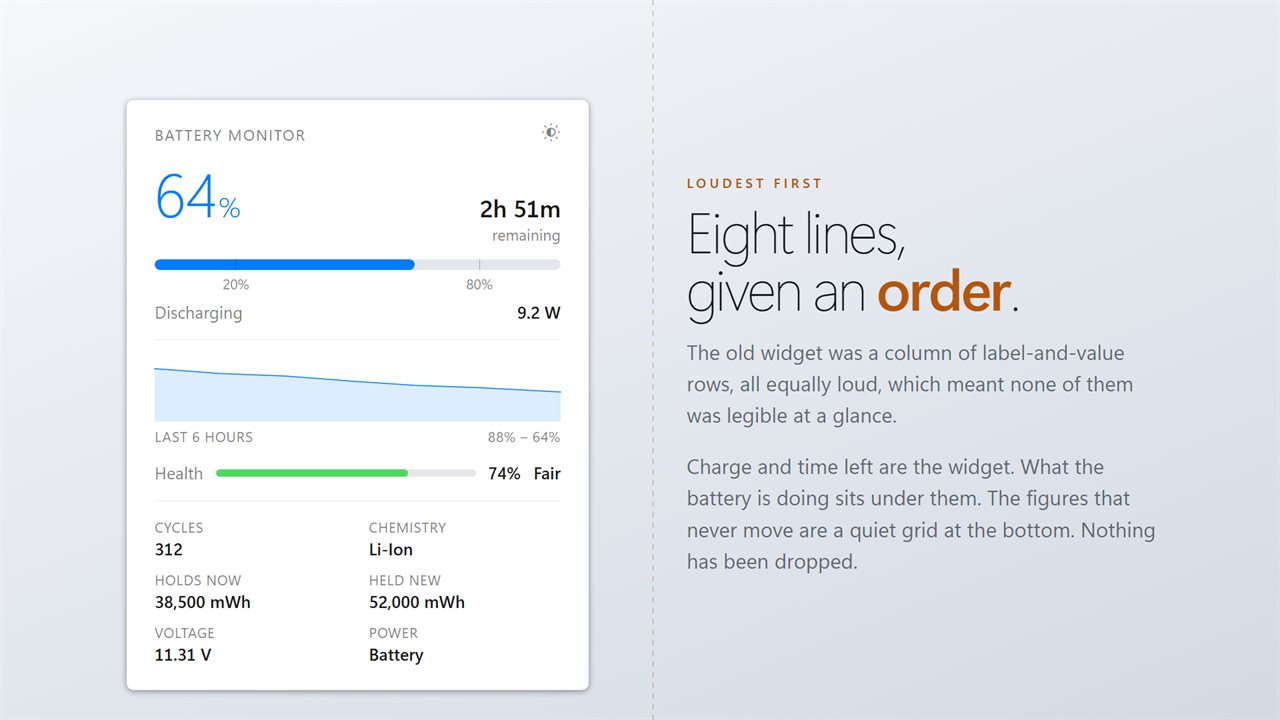
The widget shows what the machine is actually pulling, in watts, moving as the load moves. Windows' own time estimate is a long average and still promises two hours a minute after a game starts. This one moves when the draw moves.
Real health
Battery health here is measured: what the pack holds when full, against what it was built to hold. Alongside it, the cycle count, chemistry, current and original capacity, and voltage.
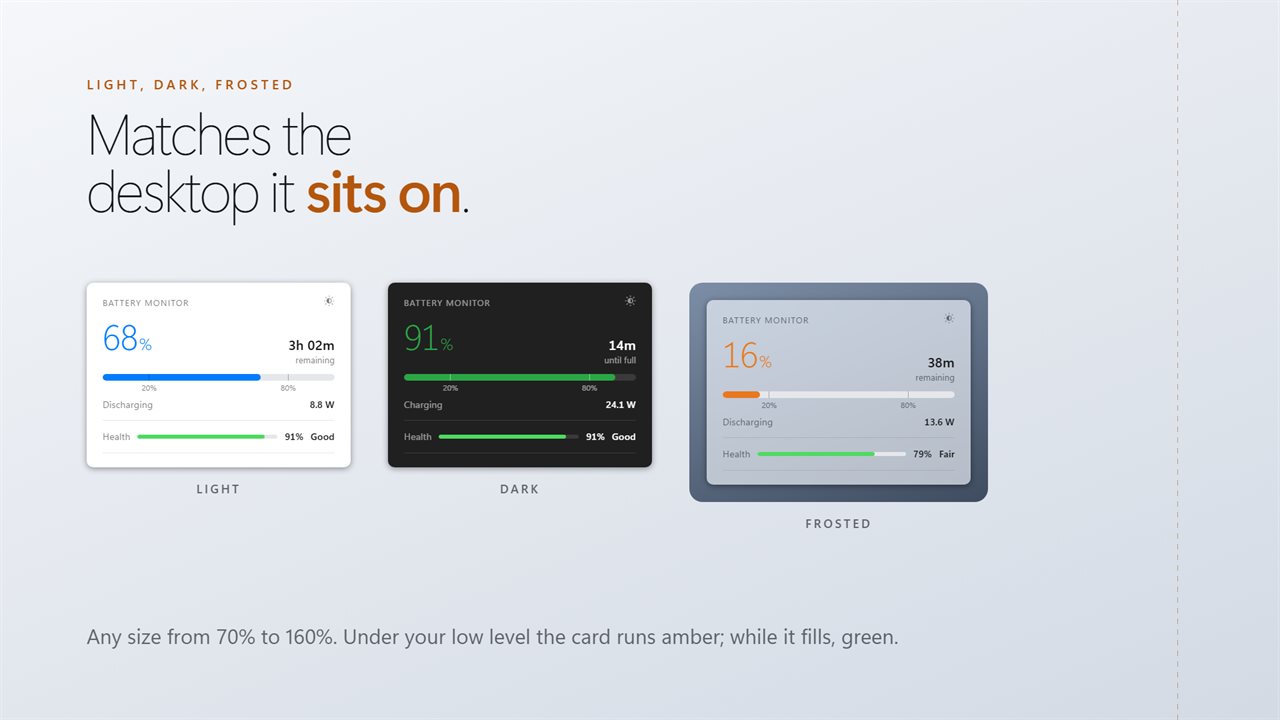
Light, dark, or frosted so the desktop shows through. Any size. Sits on the wallpaper or above your windows.
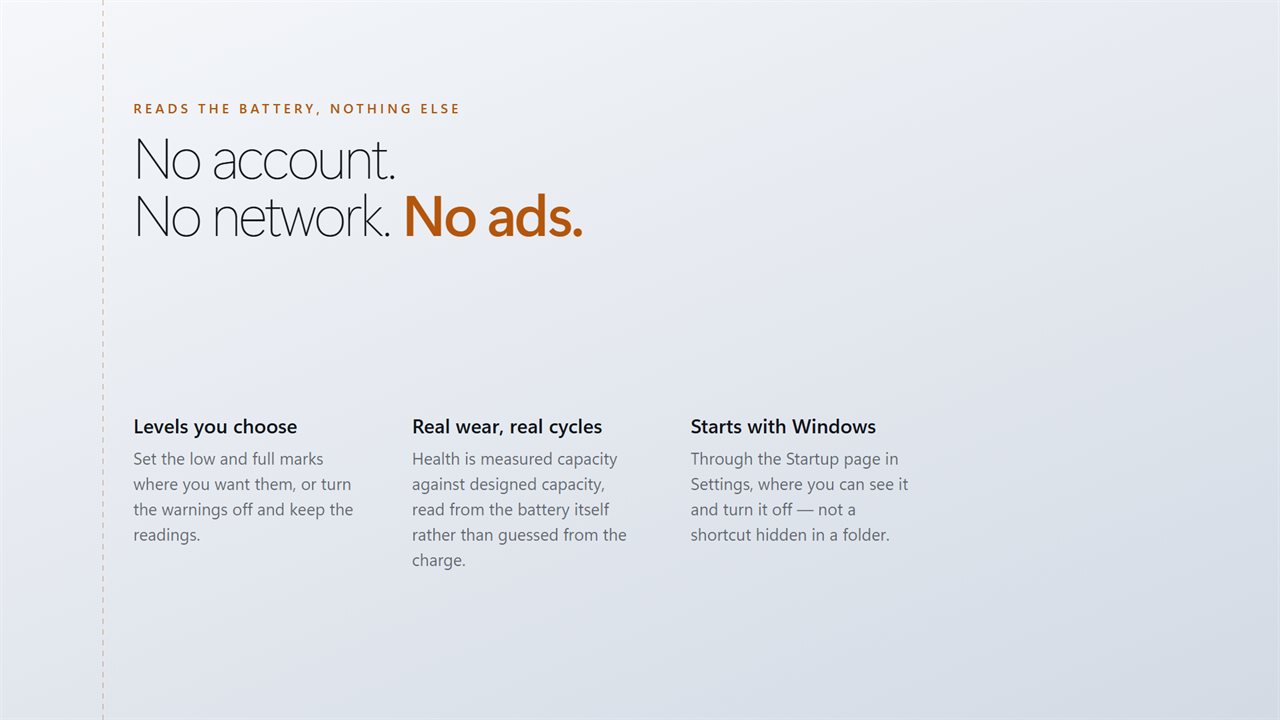
No account needed. No sign-in needed. Nothing leaves your PC unless you send feedback or turn on backup. No ads.
Built for Windows 11, and at home on Windows 10.
Features
- Warns you on the widget when the charge gets low
- Tells you when it is charged enough to unplug
- Both levels are yours to set
- Live draw in watts, so you can see what is costing you
- Real battery health, measured against the original capacity
- Cycle count, chemistry, capacity and voltage
- Light, dark or frosted, at any size from 70% to 160%
- Sits on the wallpaper or above your windows
- No account needed, no ads, and nothing leaves your PC unless you turn on backup
Details
- Works on
- Windows 10 (1809 or later) and Windows 11
- Download
- About 2.4 MB
- Version
- 2.0.10, updated October 2026
- First released
- November 2022
- Price
- $2.99 once. No subscription.
- Category
- Productivity
What's new in 2.0.10
- Rebuilt for Windows 11
- New: warnings at a low level and a charged-enough level, both configurable
- New: live draw in watts
- Battery health is now measured wear rather than charge repeated
- Real cycle count, read from the battery hardware
- Light, dark and frosted themes, and any size from 70% to 160%
- Lower memory use and a faster start
Questions
Anything else? Ask us
Which versions of Windows does it run on?
Windows 10 (version 1809 or later) and Windows 11.
Is it a subscription?
No. Battery Monitor Widget is a one-time purchase of $2.99, and updates are included.
How do I get it?
EvlarSoft apps are moving to direct downloads from this site. Ask to be notified and we will email you as soon as Battery Monitor Widget is ready to download.